image_generator
A completely free, web-based AI image generator that creates unique images from text prompts. Powered by Stable Diffusion, …
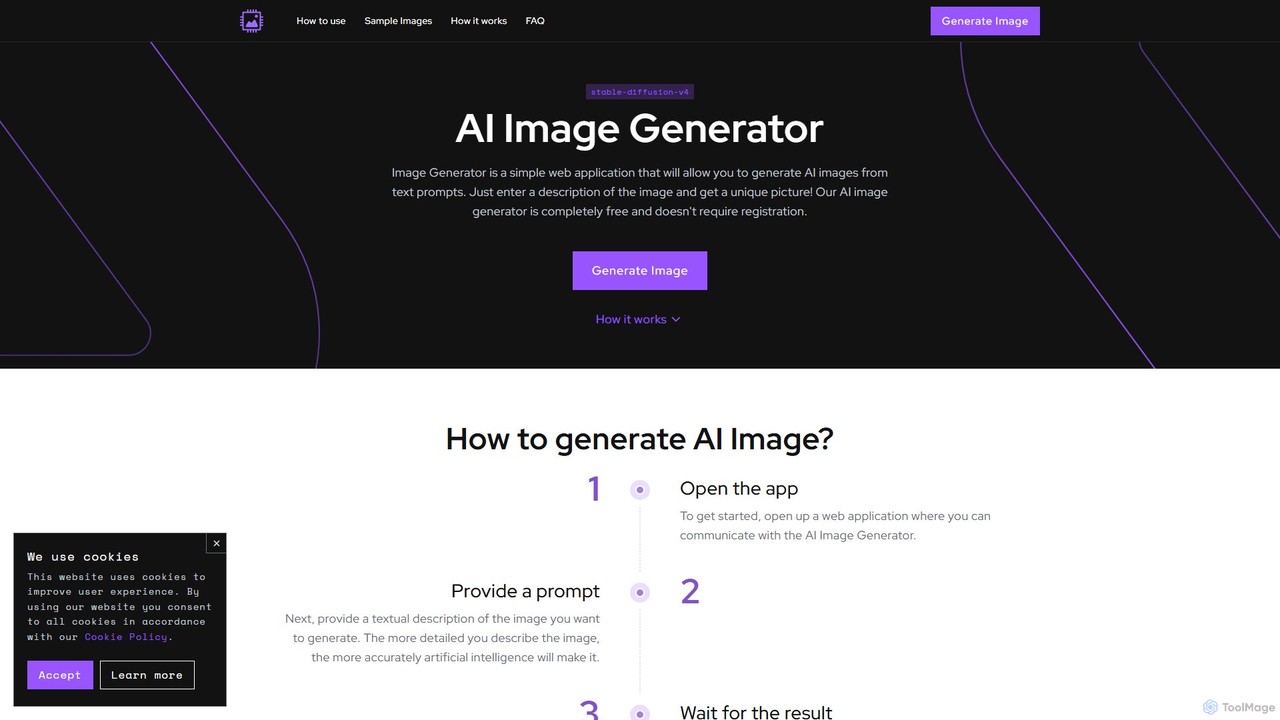
A completely free, web-based AI image generator that creates unique images from text prompts. Powered by Stable Diffusion, it requires no registration and offers customization options like negative prompts and image dimensions. Ideal for artists, designers, and hobbyists for personal projects.
About Visual Content
AI Visual Content tools are a category of software that automates the creation of diverse visual materials like presentations, infographics, videos, and social media graphics. Leveraging generative AI models, these tools transform text prompts, data, or existing documents into polished, ready-to-use visual assets. They enable users without professional design skills to quickly produce high-quality, on-brand content for marketing, communication, and education. Unlike specialized image or video generators, these tools excel at producing structured content and complete visual narratives.
Core Features
- Text-to-Visual Generation: Create multi-page presentations, short videos, or infographics from simple text prompts or documents.
- Data Visualization: Automatically generate charts, graphs, and maps from raw data sets or spreadsheets.
- AI-Powered Templating: Intelligently populate and customize professional templates for various content formats.
- Brand Consistency Control: Automatically apply predefined brand colors, fonts, and logos across all generated visuals.
- Multi-Format Export: Output creations in various standard formats, such as PPTX, MP4, PDF, and PNG.
Use Cases
These tools are widely used by marketing teams for creating campaign assets, sales professionals for developing pitch decks, and educators for designing instructional materials. They are also valuable for consultants and analysts who need to translate complex data into clear, compelling visual reports for stakeholders.
How to Choose
When selecting an AI Visual Content tool, consider the specific content types you need to create (e.g., presentations vs. videos). Evaluate its input flexibility—can it work from text, URLs, or data files? Assess the level of customization and brand control offered. Also, consider collaboration features and integration capabilities with your existing workflow.

Visual ContentUse Cases
Automated Marketing Report Presentation
A marketing analyst needs to create a weekly performance report for stakeholders, a task that typically consumes hours. By using an AI visual content tool, they upload a spreadsheet with the latest KPIs. The AI automatically interprets the data, selects appropriate chart types, and generates a 15-slide presentation with key insights summarized in text. This process reduces creation time from hours to minutes, ensuring timely and consistent reporting while freeing up the analyst to focus on strategy rather than slide design.
Rapid Social Media Video Creation
A social media manager is tasked with producing daily short-form videos to boost engagement. Lacking advanced video editing skills, they use an AI tool. They simply paste the URL of a recent blog post. The AI extracts key points, finds relevant stock footage and images, generates a synthetic voiceover, and adds animated captions. Within minutes, a professional-looking video is ready to be published. This allows for a consistent and high-volume content strategy without the need for a dedicated video editor, increasing reach and audience interaction.
Generating Infographics from Research Data
A content creator needs to visualize complex survey data for a blog post to make it more engaging. They input key statistics and short text summaries into an AI visual content tool. The tool suggests several infographic layouts and color schemes. The creator selects a template, and the AI automatically arranges the data points into charts and icons, creating a polished and easy-to-understand infographic. This transforms dense, numerical data into a highly shareable visual asset, significantly improving reader comprehension and content virality.
Corporate Training Module Development
An HR specialist is tasked with creating training materials for a new company-wide software rollout. Instead of building a presentation from scratch, they upload the software's technical documentation (a PDF file) to an AI tool. The AI parses the document, identifies key features and processes, and structures the information into a series of digestible slides with screenshots and bullet points. The specialist can then quickly review and refine the content. This approach accelerates the development of training materials from days to hours, ensuring employees receive timely and standardized instruction.
Personalized Sales Pitch Deck Creation
A sales representative needs to tailor a standard pitch deck for a high-value prospect in the healthcare industry. They use an AI tool and provide a prompt like, 'Adapt our standard sales deck for a hospital, focusing on data security and patient management benefits.' The AI rewrites key slides, swaps generic images for healthcare-related ones, and adds relevant industry statistics. The result is a highly personalized deck created in under 10 minutes, significantly increasing the pitch's relevance and impact compared to a generic presentation.
Academic Lecture Slide Generation
An educator preparing for a new course pastes their detailed lecture notes into an AI presentation tool. The AI analyzes the text, identifies the main topics and sub-topics, and automatically structures the content into a logical slide sequence. It creates title slides, bulleted lists for key concepts, and even suggests placeholders for images or diagrams. This transforms a dense text document into a structured presentation framework instantly, allowing the educator to save significant time on formatting and focus more on refining the educational content and delivery.