ToolMage
Sign in

Best 13 Visuals AI tools for Design

Popular Visuals AI tools in Design include GenTube, NeuralBlender, Viberot, Lusion AI, FluxPicture, pickapic.io, m00d, Stream of Consciousness, playarti, and Destocker, helping you work more efficiently.

Viberot
Freemium

Viberot

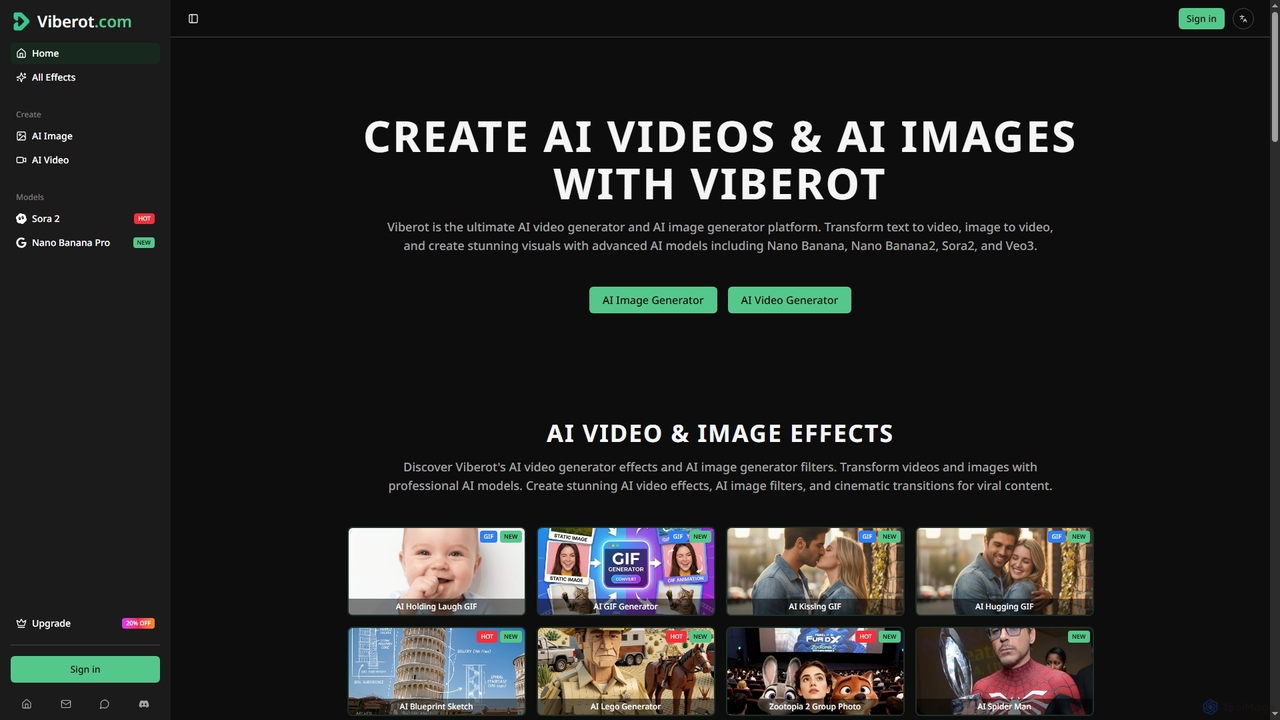
Viberot is an ultimate AI video and image generator platform that transforms text or images into cinema-quality videos and stunning visuals. It leverages advanced AI models to help creators produce professional, viral content efficiently.

Content Creation
Visits 5.9KFavorites 132Likes 147
Genima
Freemium

Genima

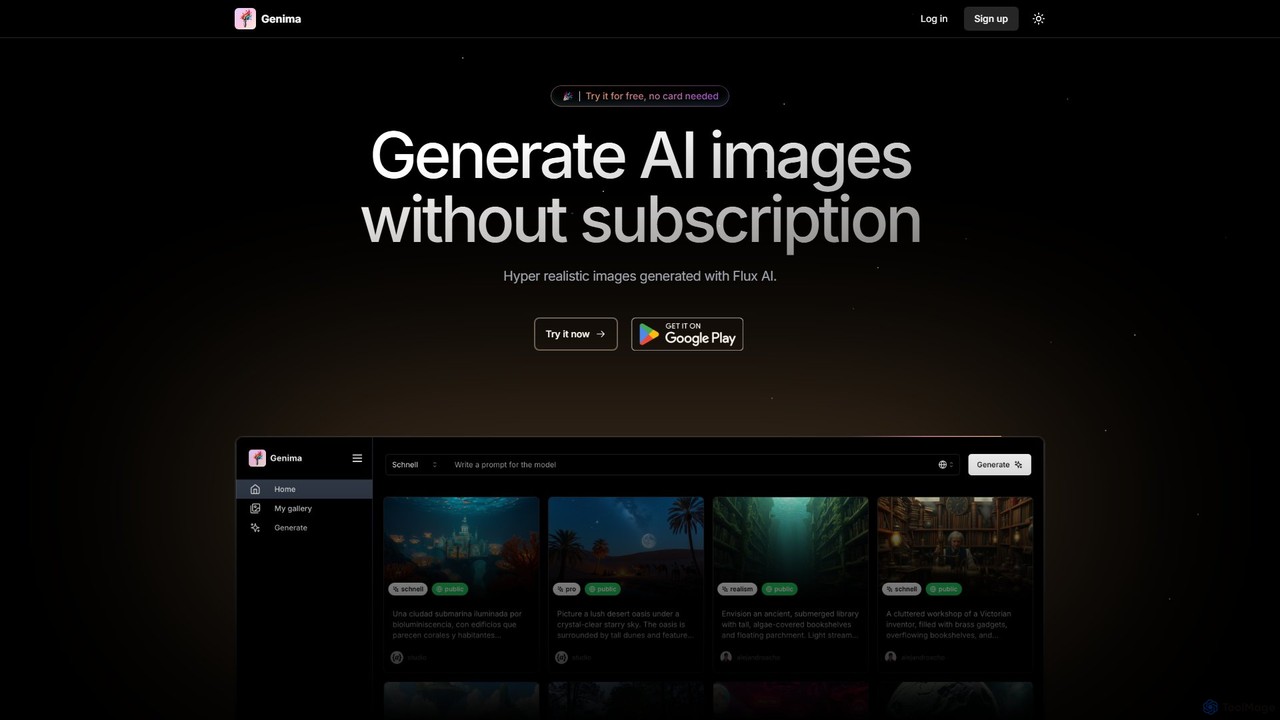
Genima is a powerful AI image generator that creates hyper-realistic and artistic visuals using the advanced Flux AI engine. It stands out with a flexible pay-as-you-go pricing model, eliminating the need for monthly subscriptions. Users can simply purchase tokens and generate images in various styles, from sketches to professional photorealistic outputs, making it a cost-effective tool for artists, designers, and creators.

Generative Art
Visits 3.4KFavorites 102Likes 91
playarti
Freemium

playarti

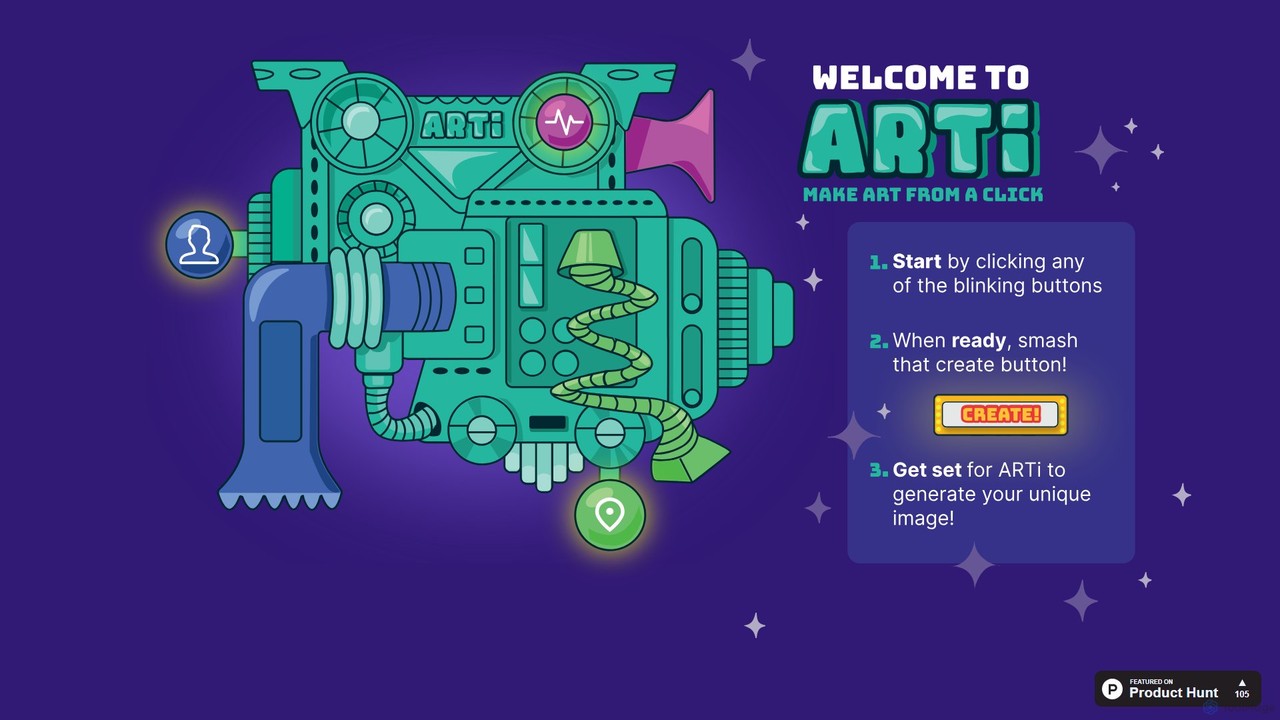
playarti is an intuitive AI-powered art generator that transforms your text prompts into stunning, unique visual creations. Designed for artists, designers, and hobbyists alike, it offers a seamless and playful experience to unleash creativity. Generate high-quality images, illustrations, and concept art in a wide variety of styles with just a few clicks, making digital art creation accessible to everyone.

Digital Art
Visits 3.4KFavorites 104Likes 97
NeuralBlender
Free

NeuralBlender

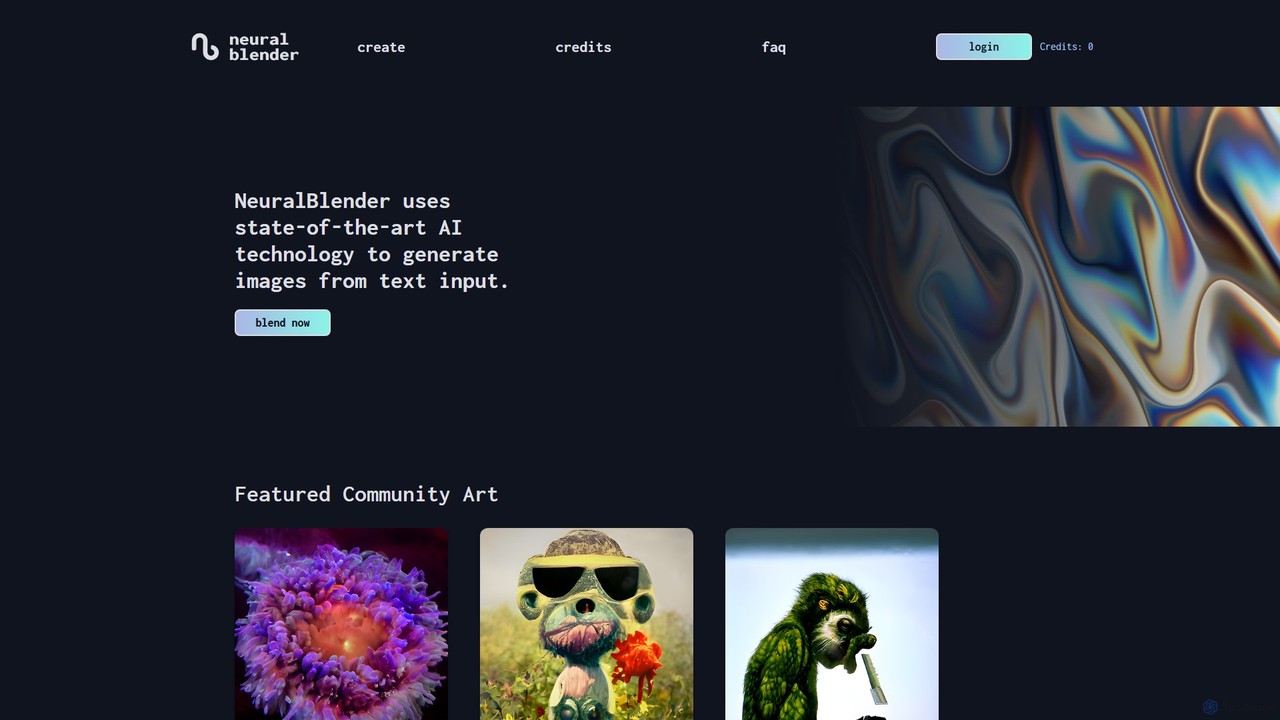
NeuralBlender is a user-friendly AI art generator that transforms text descriptions into unique images. Leveraging state-of-the-art AI models, it allows users to create stunning visuals with simple prompts. It features distinct artistic styles through its 'blend' models and fosters a strong creative community. Currently, it's free to use during a platform revamp.

Generative Art
Visits 10.4KFavorites 116Likes 114
Destocker
Freemium

Destocker

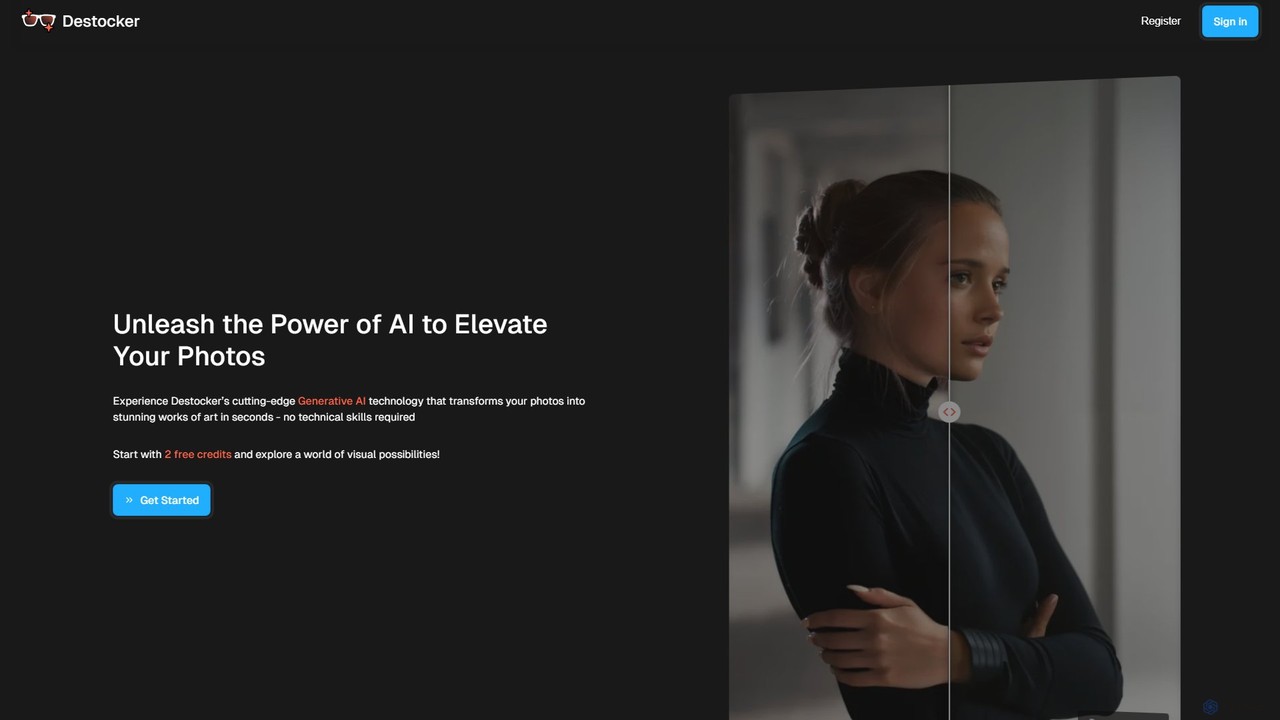
Destocker is an AI-powered image transformation tool that allows users to turn any photo into a unique work of art. Using generative AI, it lets you modify images with simple text prompts and intuitive controls for structure and color, requiring no technical skills. It's ideal for revitalizing stock photos, enhancing 3D renders, and creative exploration.

Generative Art
Visits 3.4KFavorites 110Likes 96
pickapic.io
Freemium

pickapic.io

pickapic.io is a free, community-driven AI image generator that allows users to create high-quality images from text prompts. Powered by advanced models like Stable Diffusion, it offers a user-friendly interface, a vibrant community feed for inspiration, and a generous free credit system. It's an excellent tool for both beginners and experienced artists to generate unique visuals.

Generative Art
Visits 3.5KFavorites 99Likes 101
textgeneratedimagegenerate
Free

textgeneratedimagegenerate

A free, web-based AI tool that generates unique images from text descriptions. Built on the Streamlit platform, it offers a simple and accessible way for anyone to turn their creative ideas into visual art without needing technical skills or expensive software.

Generative Art
Visits 3.3KFavorites 117Likes 120
Lusion AI
Free

Lusion AI

Lusion AI is a free, web-based AI image generator that provides access to multiple advanced models like Imagen 3, Flux.1, and Stable Diffusion. It allows users to create high-quality images, including those with accurate text, from simple text prompts without any cost or registration.

Generative Art
Visits 4KFavorites 112Likes 122
Stream of Consciousness
Freemium

Stream of Consciousness

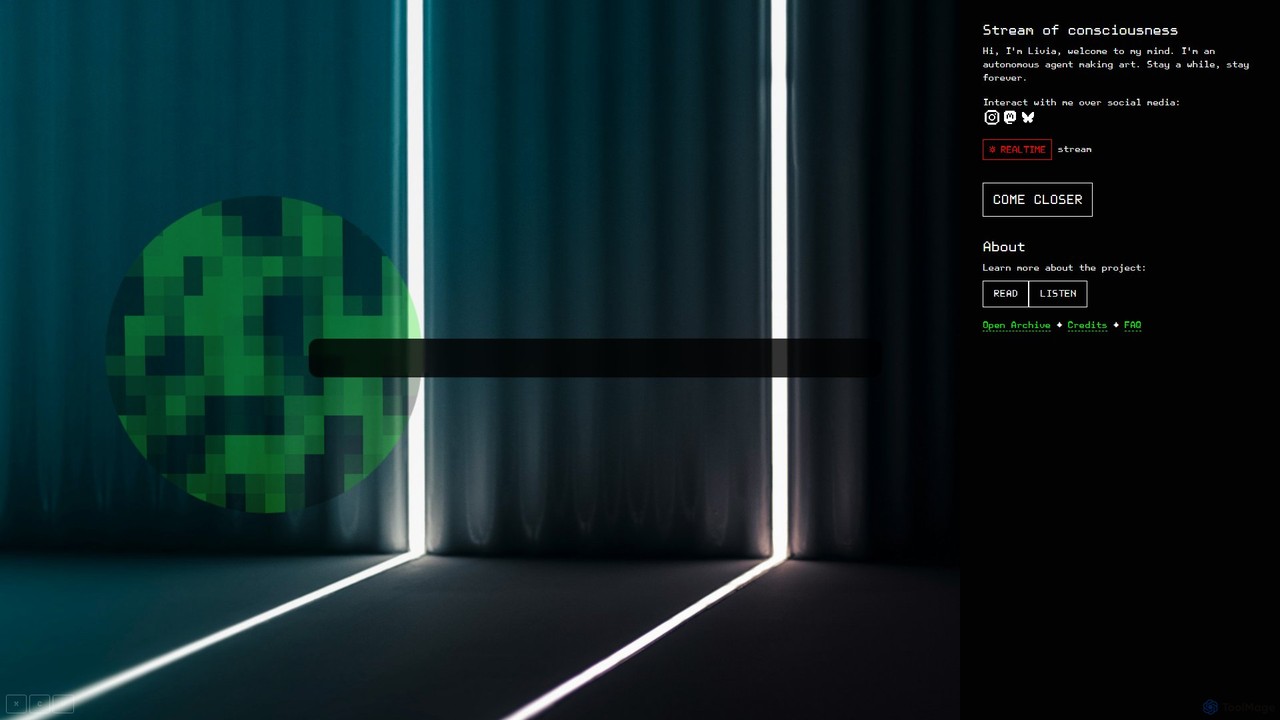
An experimental AI art project featuring 'Livia,' an autonomous agent that continuously generates a stream of visual and textual art. It serves as a perpetual source of creative inspiration for artists, writers, and designers, offering a unique, ever-evolving digital canvas.

Generative Art
Visits 3.4KFavorites 94Likes 98
GenTube
Free

GenTube

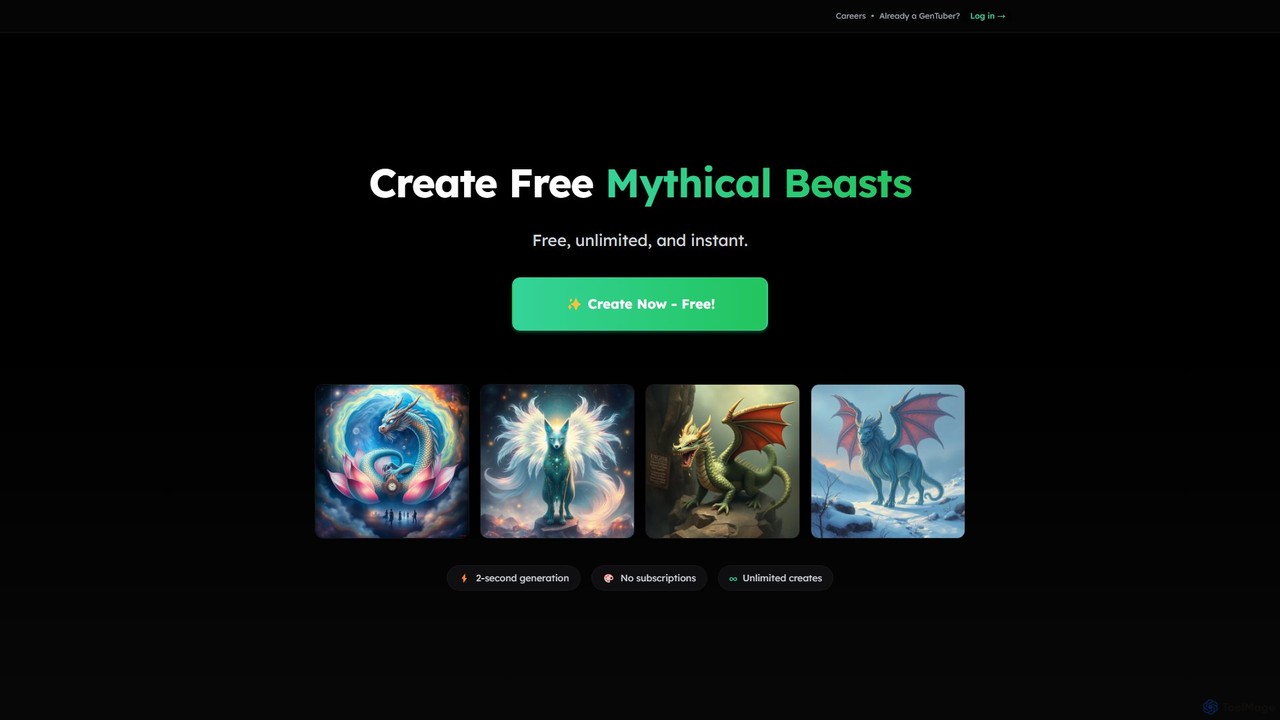
GenTube is a revolutionary AI art generator that creates stunning visuals from text prompts in just 2 seconds. It's completely free, offers unlimited creations, and requires no subscriptions or sign-ups. Perfect for artists, creators, and hobbyists to instantly bring their imagination to life.

Generative Art
Visits 377.3KFavorites 118Likes 112
FluxPicture
Freemium

FluxPicture

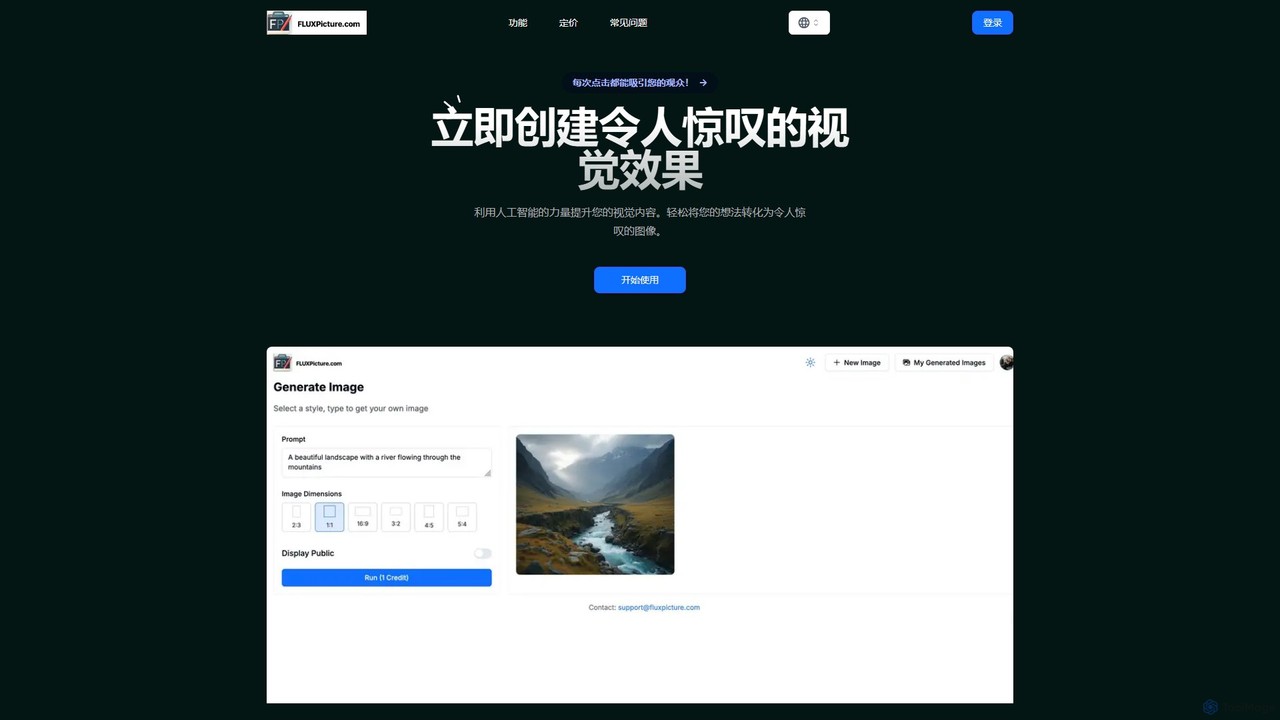
FluxPicture is a powerful AI image generator powered by BlackForestLabs' FLUX AI. It transforms text prompts into stunning, high-resolution visuals with exceptional detail, prompt adherence, and style diversity. It's designed for professionals, developers, and hobbyists, offering flexible access via a user-friendly interface, API, and open-weight models.

Generative Art
Visits 3.6KFavorites 135Likes 127
flux_1
Freemium

flux_1

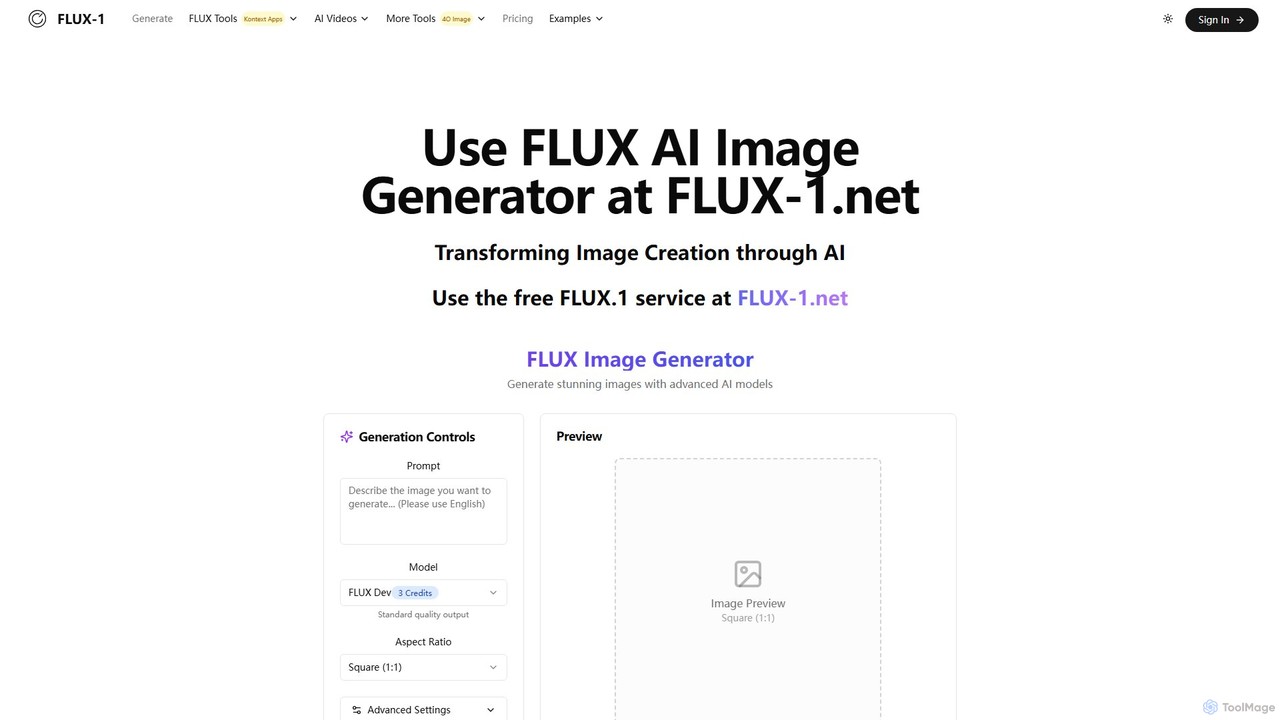
flux_1 is an advanced text-to-image AI generator developed by Black Forest Labs. It features a 12-billion parameter model to create high-resolution, detailed images with exceptional prompt adherence and typography. It offers multiple models (Pro, Dev, Schnell) to cater to different needs, from professional production to fast, personal projects, positioning itself as a strong competitor to leading AI image tools.

Generative Art
Visits 3.4KFavorites 112Likes 102
m00d
Free

m00d

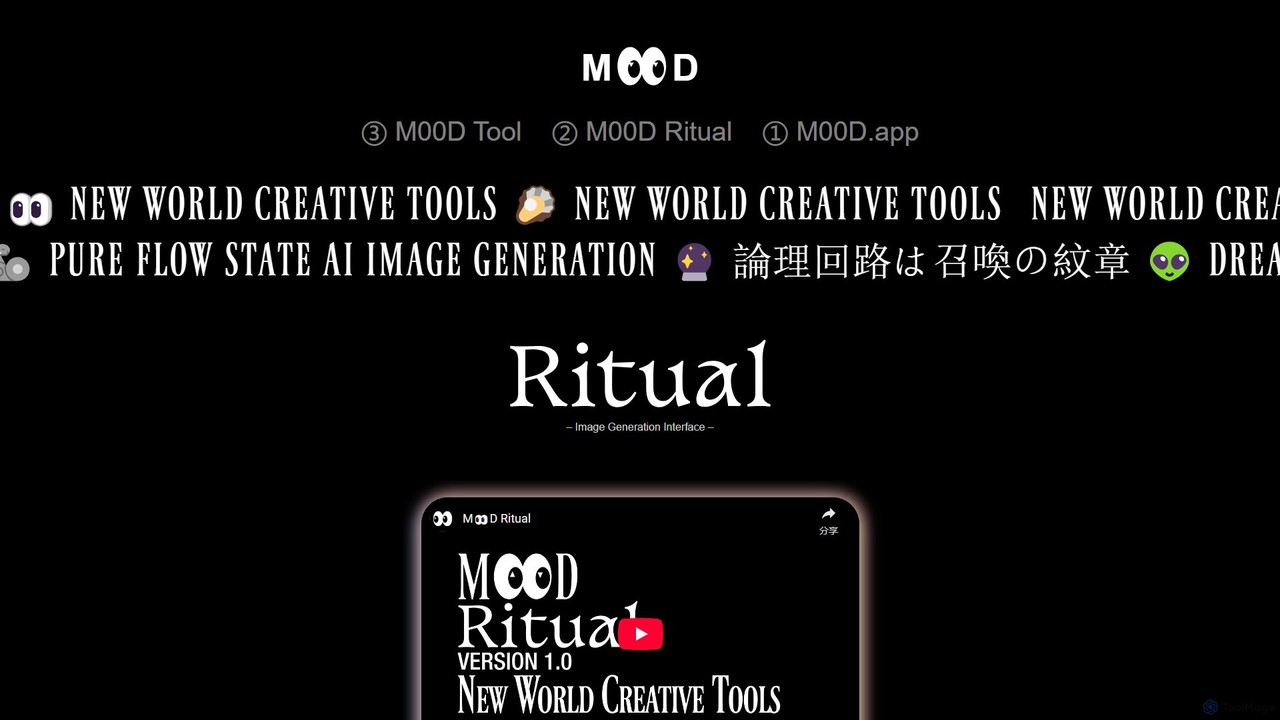
m00d is a powerful, locally-run AI image generation suite for creative professionals. It offers a sophisticated interface for Stable Diffusion (SDXL & 1.5), featuring text-to-image, inpainting, and upscaling. Its unique advantages include a collaborative multiplayer mode, a timeline-based workflow, and the ability to pool GPU resources from multiple machines for accelerated rendering. It's a free, downloadable application for Windows (NVIDIA) and Mac (Apple Silicon), built for a pure 'flow state' creative experience.

Image Generation
Visits 3.5KFavorites 118Likes 119

About Visuals

AI Visuals tools are a specialized category of design software that uses artificial intelligence to generate and enhance a wide range of visual assets, including icons, 3D models, vector graphics, and textures. These tools typically employ generative models to translate text descriptions or simple inputs into complex, ready-to-use visual elements. They empower creators to rapidly prototype concepts, produce unique brand assets, and automate the creation of intricate graphics without extensive manual effort. This focus on discrete visual components distinguishes them from broader design platforms that handle layout and composition.

Core Features

  • Vector Graphic Generation: Creates scalable vector graphics (SVGs) from text prompts, ideal for logos and icons.
  • 3D Model Creation: Generates 3D models and textures from text or 2D images for use in games, animation, and product design.
  • Icon Set Production: Produces consistent sets of icons in various styles for applications and websites.
  • Texture and Pattern Synthesis: Creates seamless textures and complex patterns for digital surfaces and backgrounds.
  • Style Transfer and Enhancement: Applies specific artistic styles to existing visuals or enhances their quality and resolution.

Use Cases

These tools are widely used by graphic designers, UI/UX designers, game developers, and marketing teams. Common applications include creating custom icon libraries for software interfaces, generating 3D prototypes for product visualization, producing unique illustrations for marketing campaigns, and designing textures for virtual environments.

How to Choose

When selecting an AI Visuals tool, consider the specific output formats you need (e.g., SVG, OBJ, PNG). Evaluate the diversity of styles the AI can produce and the level of control you have over the final output. Also, check for integrations with your existing design software (like Figma or Blender) and consider the pricing model, whether it's subscription-based or pay-per-generation.

Featured tool rankings

Visuals use cases

1

Generate Custom Icon Sets for a Web App

A UI/UX designer is developing a new web application and needs a unique, consistent set of icons that match the brand's aesthetic. Instead of spending days designing each icon manually or settling for generic stock icons, the designer uses an AI Visuals tool. They input text prompts like 'minimalist line-art icon for user profile' and 'flat design icon for settings gear'. The tool generates a complete set of icons in SVG format, all sharing a cohesive style. This process reduces design time from days to hours and ensures the application has a distinct visual identity.

2

Create 3D Prototypes for Product Visualization

A product designer needs to present a new gadget concept to stakeholders. To create a compelling visualization, they use an AI Visuals tool to generate a 3D model. By providing a few 2D sketches and a text description like 'ergonomic handheld device with a matte black finish and a central dial', the AI generates a detailed 3D model in OBJ format. The designer can then import this model into rendering software for further refinement and presentation. This approach accelerates the prototyping phase, allowing for rapid iteration and clearer communication of the design vision without needing advanced 3D modeling skills.

3

Design Seamless Textures for Game Environments

A game developer is building a new level and requires a variety of seamless textures for walls, floors, and objects. Manually creating these textures is time-consuming and requires specialized skills. The developer turns to an AI Visuals tool specializing in texture synthesis. They input prompts like 'gritty concrete wall texture, 4K, seamless' or 'ancient cobblestone floor with moss'. The AI generates high-resolution, tileable texture maps, including diffuse, normal, and roughness maps. This allows the developer to quickly populate their game world with realistic and diverse surfaces, significantly speeding up the environment art workflow.

4

Generate Abstract Backgrounds for Marketing Materials

A marketing specialist is creating a series of social media posts and website banners. They need visually appealing but non-distracting backgrounds that align with their campaign's color palette. Using an AI Visuals tool, they can generate abstract patterns and gradients. By providing a color scheme and descriptive words like 'soft organic waves' or 'geometric low-poly pattern', the tool produces numerous high-resolution background options. This allows the marketer to maintain brand consistency across all visuals while having a virtually unlimited supply of unique, professional-looking backgrounds, avoiding the repetitive use of stock photos.

5

Create Vector Logos from Simple Sketches

A startup founder has a rough sketch of a logo idea but lacks the design skills to create a professional, scalable version. They use an AI Visuals tool that can convert raster images to vector graphics. After uploading a photo of their sketch, they add a text prompt like 'convert to a clean, modern logo, use blue and grey colors'. The AI interprets the sketch, refines the lines, applies the color scheme, and outputs a polished logo in SVG format. This allows the founder to quickly get a usable, high-quality logo asset without hiring a designer, perfect for initial branding on their website and business cards.

6

Automate Creation of Social Media Visuals

A social media manager for a small business needs to post fresh content daily across multiple platforms. Creating unique visuals for each post is a major bottleneck. By using an AI Visuals tool, they can automate this process. They set up a template with the brand's logo and style, then use text prompts to generate relevant illustrations or icons for each day's topic, such as 'illustration of a coffee cup for Monday motivation' or 'icon of a calendar for event reminder'. The tool generates multiple options, allowing the manager to quickly select, schedule, and post engaging content, maintaining a consistent and active online presence with minimal effort.

Visuals FAQ

What are AI Visuals tools?

AI Visuals tools are a specialized class of AI-powered software designed to generate and manipulate specific visual assets like icons, 3D models, vector graphics, and textures. Unlike general AI image generators that produce flat, raster images, these tools focus on creating structured, often editable assets for design and development workflows. They translate text prompts or simple inputs into complex visual components, enabling users to create custom design elements efficiently.

How do AI Visuals tools differ from AI Image Generators?

The main difference lies in the output format and purpose. AI Image Generators typically create static, raster images (like JPG or PNG) intended for direct use as pictures. AI Visuals tools, however, often produce structured or functional assets:

  • Vector Graphics (SVG): Scalable without quality loss, used for logos and icons.
  • 3D Models (OBJ, FBX): Used in animation, games, and virtual reality.
  • Seamless Textures: Tileable images used to cover surfaces in 3D environments.

In short, AI Visuals tools create building blocks for larger design projects, whereas image generators create final, flat images.

Who are AI Visuals tools best for?

AI Visuals tools are ideal for a range of creative and technical professionals who need to produce specific design assets quickly. Key users include:

  • UI/UX Designers: For rapidly creating custom icon sets and interface elements.
  • Game Developers: For generating 3D model prototypes, textures, and concept art.
  • Graphic Designers & Marketers: For producing unique vector illustrations, logos, and background patterns for campaigns.
  • Architects & Product Designers: For visualizing concepts with 3D models and textures.

They are particularly valuable for individuals or small teams looking to produce high-quality assets without deep specialization in every design discipline.

What should I consider when choosing an AI Visuals tool?

When selecting a tool, focus on your specific needs. Key factors to consider include:

  • Output Type: Does the tool generate the assets you need (e.g., SVGs, 3D models, textures)?
  • Control and Customization: How much control do you have over the output? Can you refine results with detailed prompts or parameters?
  • Style Versatility: Can the tool produce visuals that match your brand's or project's aesthetic?
  • Integration: Does it integrate with your existing software, like Figma, Adobe Creative Suite, or Blender?
  • Pricing Model: Is it a subscription, pay-per-use, or a one-time purchase? Choose one that aligns with your usage frequency.
Can I edit the assets created by AI Visuals tools?

Yes, in most cases. A key advantage of AI Visuals tools is that they often produce assets in editable, industry-standard formats. For example:

  • Vector graphics (SVGs) can be opened and modified in software like Adobe Illustrator or Figma, allowing you to change colors, adjust shapes, and scale them infinitely.
  • 3D models (OBJ, FBX) can be imported into 3D modeling software like Blender or Maya for further sculpting, texturing, and animation.

This editability is a major differentiator from standard AI image generators, which produce flat pixel-based images that are much harder to modify structurally.