Design Best in category 1 results Web Design AI Tool

Popular AI tools in the Web Design field of Design include Blocs, etc., helping you quickly improve efficiency.

Blocs

Blocs

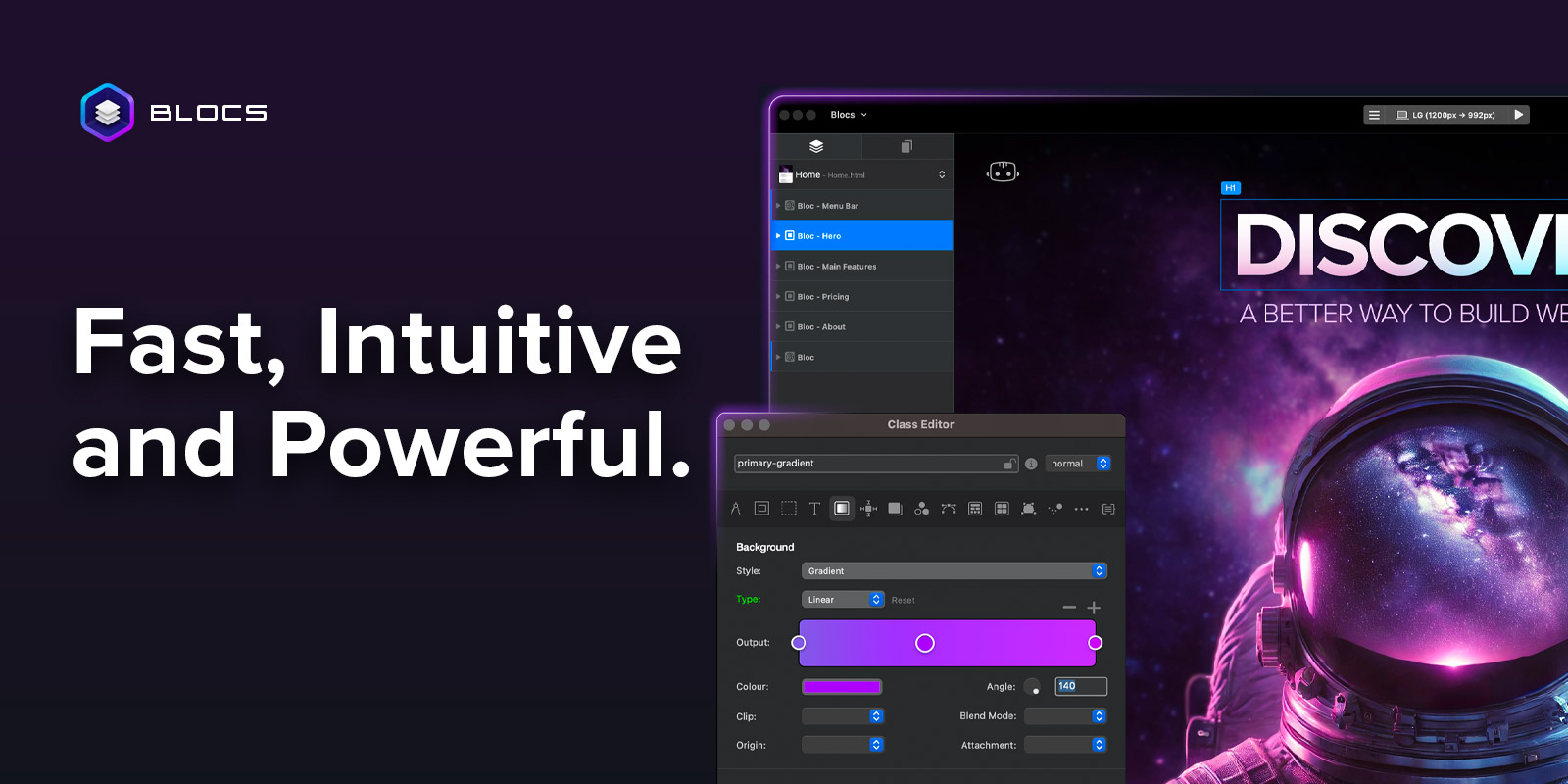
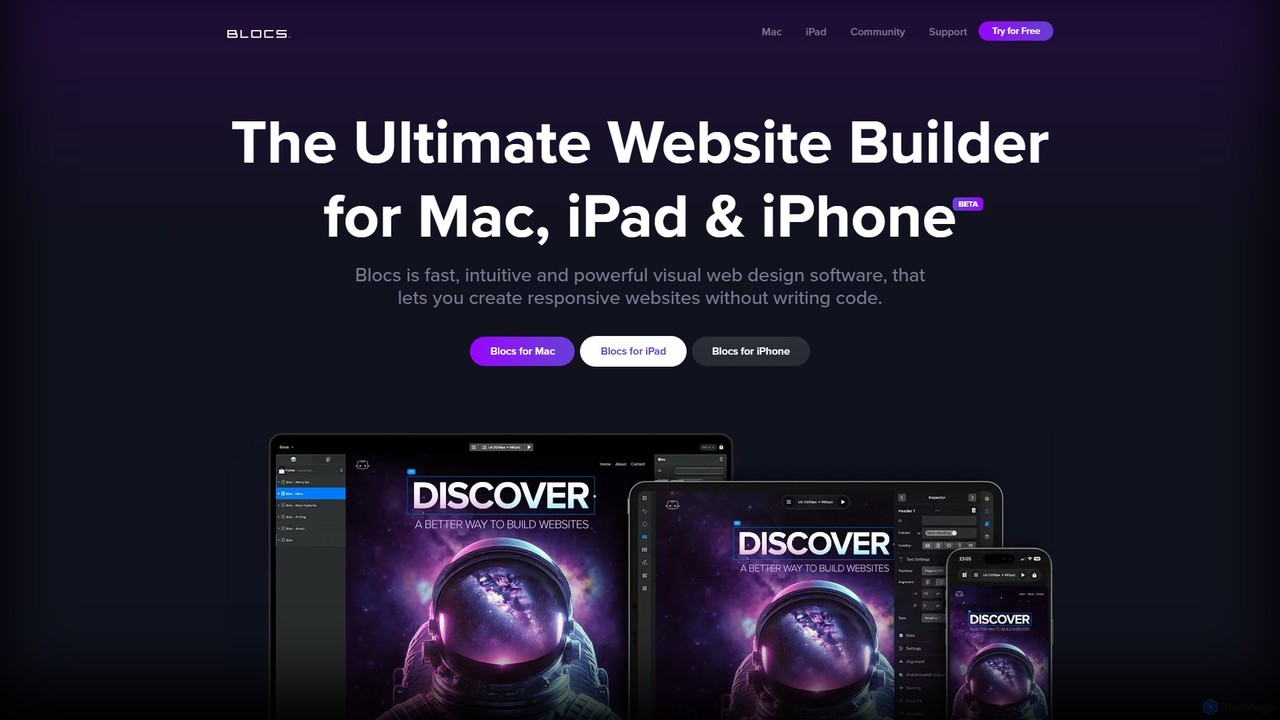
Blocs is a fast, intuitive, and powerful visual web design application for Mac, iPad, and iPhone. It enables …

52.7K

About Web Design

AI Web Design tools are a specialized category of software that automates and accelerates the creation of websites, from initial layout to final code. They leverage machine learning models to generate design elements, user interfaces, and even functional code based on user prompts or existing content. This enables designers and non-designers alike to build professional, responsive websites in a fraction of the time required by traditional methods. These tools often integrate content generation, style customization, and deployment assistance into a single streamlined workflow.

Core Features

  • AI-Powered Layout Generation: Automatically creates responsive website layouts and wireframes from text descriptions or content analysis.
  • Component & UI Kit Creation: Generates cohesive sets of UI components like buttons, forms, and navigation bars based on a defined style guide.
  • Design-to-Code Conversion: Converts visual designs directly into clean, standards-compliant HTML, CSS, and sometimes JavaScript code.
  • Content-Aware Design: Intelligently adapts layouts and styles based on the actual text and images provided, ensuring a harmonious design.
  • Style & Branding Adaptation: Applies brand colors, fonts, and logos consistently across an entire website with a single command.

Use Cases

These tools are ideal for startups needing a quick online presence, marketing teams launching campaign landing pages, and freelance designers managing multiple client projects. They are also valuable for developers who want to quickly prototype front-end interfaces without extensive design work, and for businesses looking to modernize their existing websites efficiently.

How to Choose

Evaluate tools based on their design flexibility—can you override AI suggestions? Consider the quality and customizability of the generated code. Check for integration capabilities with existing CMS platforms (like WordPress) or design tools (like Figma). Finally, assess the learning curve and whether it suits users with or without technical skills.

Web DesignUse Cases

1

Rapid Prototyping for Startups

A startup founder, lacking a dedicated design team, uses an AI web design tool to generate three distinct homepage concepts in under an hour. By simply providing a business description, target audience, and brand colors, the tool produces fully-realized, responsive layouts. This process allows them to quickly visualize different approaches and gather feedback from potential investors and early users without incurring the cost and time of hiring a designer, significantly accelerating the validation phase of their product.

2

Creating High-Converting Landing Pages

A marketing manager needs to launch a new campaign quickly. They input the campaign copy, key value propositions, and desired call-to-action into an AI web design tool. The AI generates a responsive landing page optimized for conversions, including logical content hierarchy, trust signals, and prominent CTA buttons. It can also produce several A/B test variations for headlines and button placements, allowing the team to deploy and test data-driven designs without needing a developer's intervention, improving campaign agility and performance.

3

Accelerating Freelance Design Workflows

A freelance web designer manages multiple small business clients simultaneously. To increase efficiency, they use an AI tool to generate initial drafts and wireframes based on client briefs. This saves hours on each project that would otherwise be spent on basic layout and structure. The designer can then focus their expertise on custom refinements, user experience enhancements, and client communication. This workflow allows them to take on more projects, deliver faster results, and offer more competitive pricing while maintaining high-quality, bespoke outcomes.

4

Building a Personal Portfolio Website

A photographer or writer with no coding skills wants a professional online portfolio. They use an AI web design tool by uploading their best work (images or text samples) and a short biography. The AI analyzes the content's nature and aesthetic, then generates a visually appealing, mobile-friendly portfolio site. It automatically creates galleries for the photographer or well-formatted article pages for the writer, complete with a contact form and social media links. This empowers creatives to establish a polished web presence independently in just a few hours.

5

Converting Figma Designs to Live Code

A UI/UX design team has finalized a website design in Figma. Instead of a manual handoff process where developers rewrite the design in code, they use an AI tool with a Figma plugin. With one click, the tool analyzes the design components, layout, and styles, then automatically converts the static design into functional, responsive HTML and CSS. This drastically reduces the time from design to deployment, minimizes human error in translation, and frees up developer resources to focus on back-end logic and complex functionalities rather than tedious front-end coding.

6

Website Redesign and Modernization

A small business has an outdated, non-responsive website. They input their existing website's URL into an AI web design tool. The tool crawls and analyzes the site's content, structure, and branding. It then proposes several modern, responsive redesign options that preserve the original content and brand identity while updating the visual style, user experience, and technology stack. This allows the business to achieve a complete website overhaul with minimal manual effort, ensuring their online presence is professional and accessible on all devices.

Web DesignFrequently Asked Questions