GitusAI
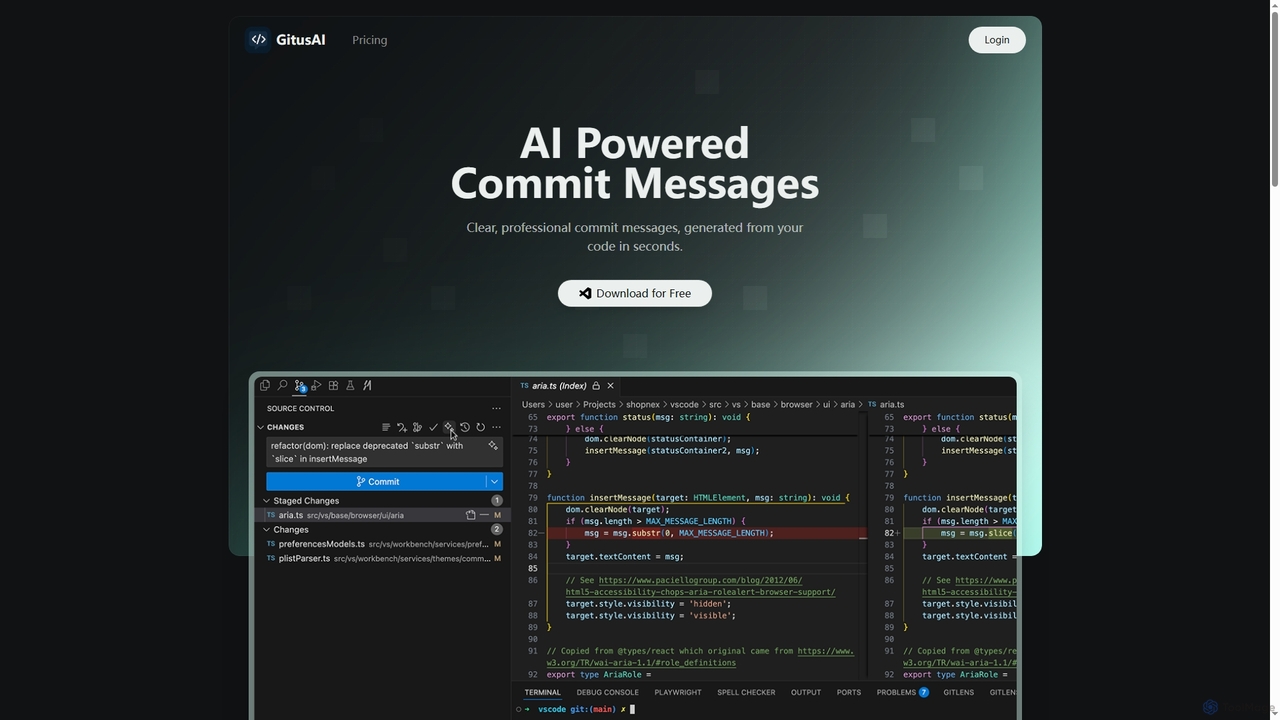
GitusAI is an AI-powered VS Code extension that automates the generation of clear, professional commit messages from your …
GitusAI is an AI-powered VS Code extension that automates the generation of clear, professional commit messages from your code changes. It helps developers save time, maintain a clean Git history, and ensure consistent commit practices across projects and teams. Ideal for individual developers, freelancers, and large organizations seeking to streamline their development workflow.
Prompt Storm
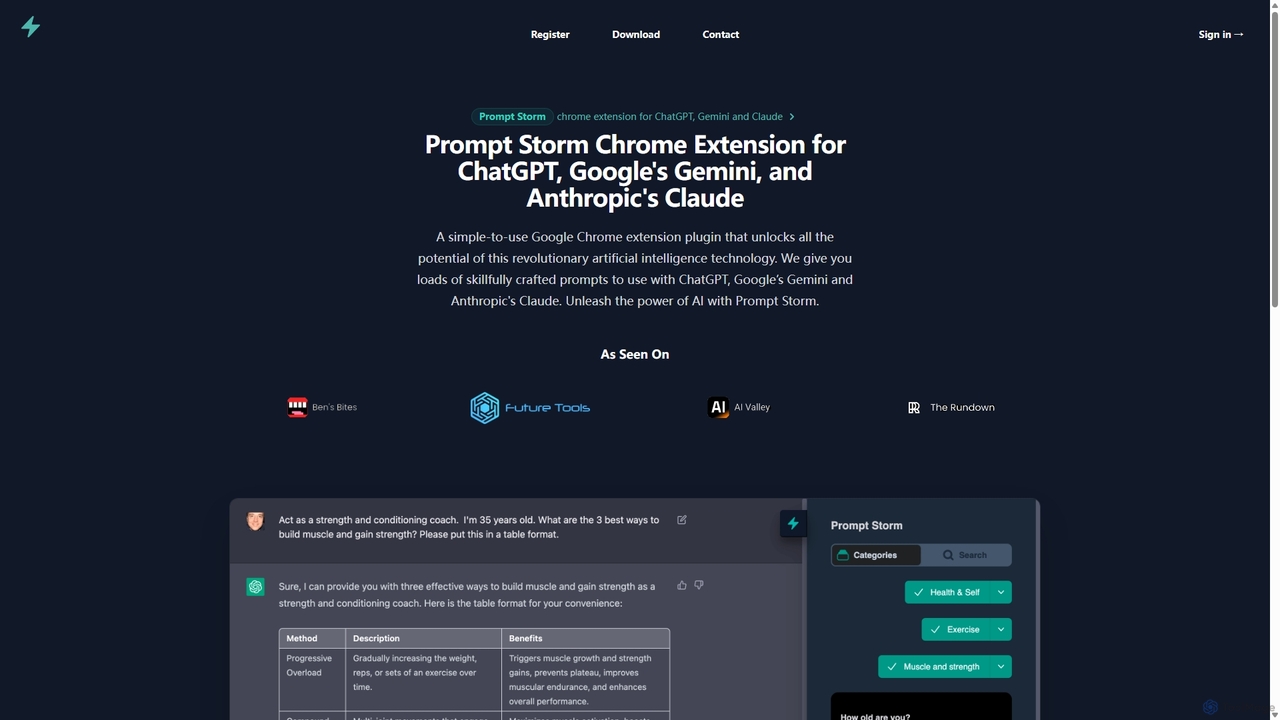
Prompt Storm is a powerful Chrome extension that enhances your interactions with ChatGPT, Google Gemini, and Anthropic's Claude. …
Prompt Storm is a powerful Chrome extension that enhances your interactions with ChatGPT, Google Gemini, and Anthropic's Claude. It provides a vast library of expertly crafted prompts, enabling users to unlock the full potential of AI for tasks like content creation, marketing, coding, and learning. Boost your productivity and get higher-quality AI responses with just a few clicks.
Kombai
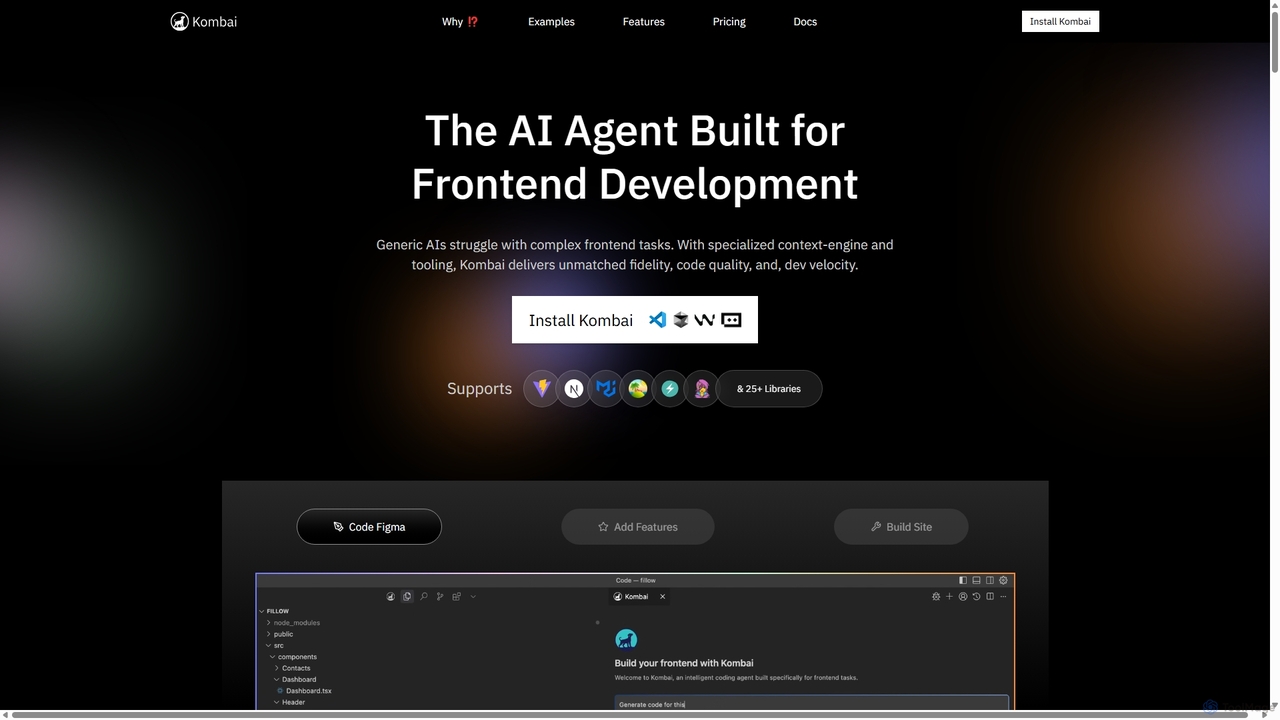
Kombai is a specialized AI agent for frontend development that transforms Figma designs, images, and text prompts into …
Kombai is a specialized AI agent for frontend development that transforms Figma designs, images, and text prompts into high-fidelity, production-ready code. It understands your existing codebase, supports 25+ libraries, and integrates directly into your IDE to accelerate development velocity.
CodeParrot
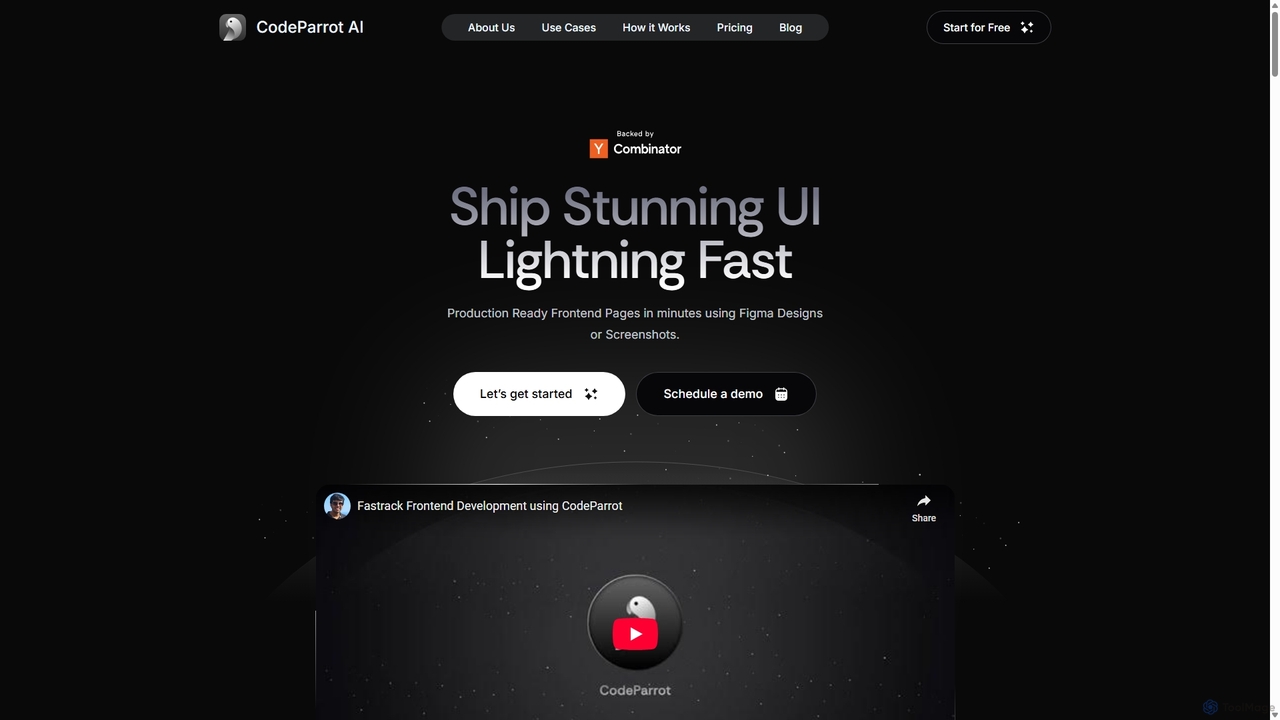
CodeParrot is an AI-powered copilot that transforms Figma designs and screenshots into production-ready frontend code. It intelligently understands …
CodeParrot is an AI-powered copilot that transforms Figma designs and screenshots into production-ready frontend code. It intelligently understands your existing codebase, reuses components, and adheres to your coding standards, dramatically accelerating UI development for frameworks like React, Vue, and Angular.
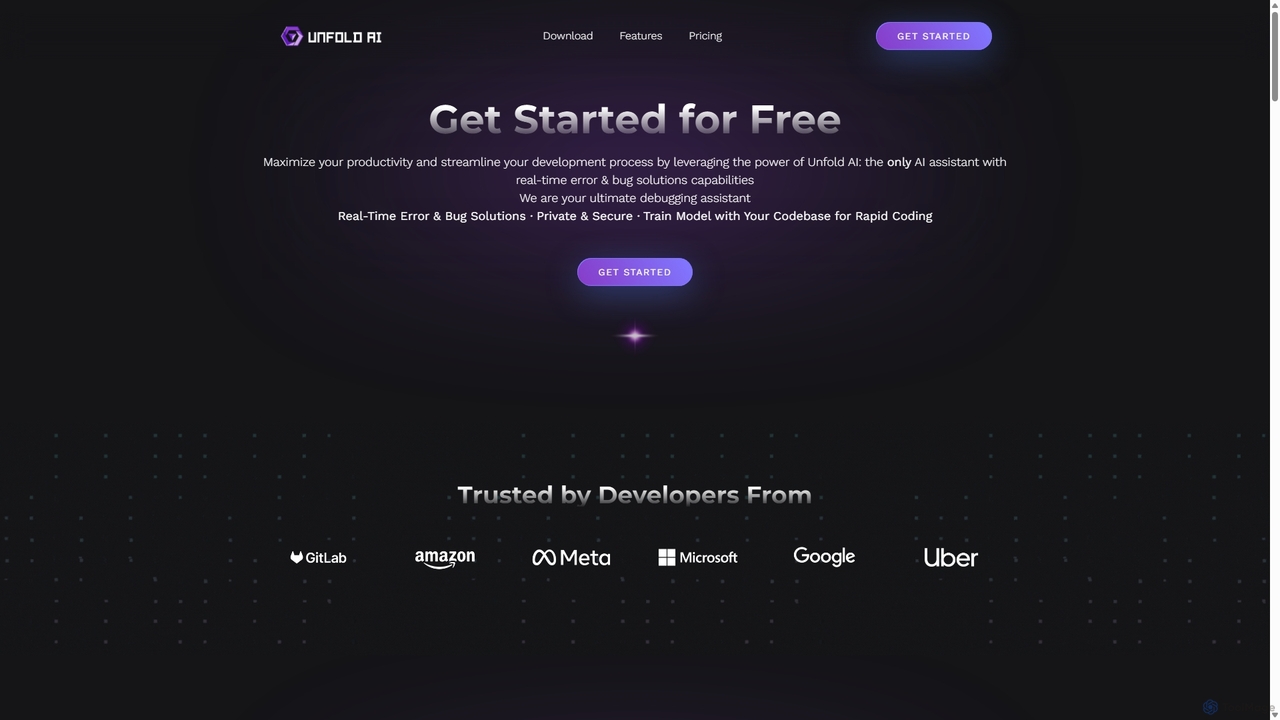
Unfold AI
Unfold AI is an all-in-one AI coding assistant designed for developers. It integrates into your IDE to provide …
Unfold AI is an all-in-one AI coding assistant designed for developers. It integrates into your IDE to provide real-time error and bug solutions, generate code from natural language, and complete code snippets. A key feature is its ability to be trained on your private codebase for highly customized and accurate assistance across 20+ programming languages.
About Code Generation
AI Code Generation tools are a specialized category of developer tools that automatically write source code from natural language prompts or existing code context. Leveraging large language models (LLMs) trained on vast code repositories, they understand syntax, logic, and programming patterns across multiple languages. This capability significantly accelerates development cycles, automates the creation of boilerplate code and unit tests, and helps developers learn new technologies. Unlike simple code completion, these tools can generate complex, multi-line algorithms and entire functions from abstract descriptions.
Core Features
- Natural Language to Code: Converts plain text descriptions (e.g., 'create a Python function to fetch user data') into functional code.
- Code Refactoring & Optimization: Analyzes existing code blocks and suggests improvements for performance, readability, or modern syntax.
- Unit Test Generation: Automatically creates test cases for functions and methods to ensure code quality and robustness.
- Boilerplate & Snippet Creation: Instantly generates repetitive code structures like class definitions, API endpoints, or configuration files.
- Multi-language Support: Generates and translates code across various programming languages like Python, JavaScript, Java, and C++.
Use Cases
These tools are widely used by software developers, data scientists, and students for rapid prototyping, debugging, and automating repetitive coding tasks. They are particularly effective in web development for creating API endpoints, in data analysis for generating scripting logic, and in mobile app development for building UI components.
How to Choose
When selecting a tool, consider its integration with your IDE (e.g., VS Code, JetBrains), the breadth of its programming language and framework support, and the quality and security of the generated code. Also, evaluate its contextual awareness—its ability to understand your entire project's context is crucial for generating relevant and accurate code.
Code GenerationUse Cases
Rapid Prototyping of a Web API
A backend developer needs to quickly build a RESTful API for a new application. Instead of writing all the code manually, they use an AI tool with prompts like 'Create a Node.js Express endpoint for user registration with email and password fields' and 'Generate a Mongoose schema for a blog post'. The tool generates the necessary route handlers, database models, and validation logic. This results in a functional API prototype being created in hours instead of days, allowing for faster iteration and feedback from the frontend team.
Generating Unit Tests for Legacy Code
A software developer is tasked with increasing test coverage for a legacy codebase. Manually writing tests for complex, unfamiliar functions is time-consuming. The developer selects a function and prompts the AI tool: 'Write Jest unit tests for this JavaScript function, covering edge cases like null inputs and empty arrays.' The tool analyzes the function's logic and generates a comprehensive test suite. This significantly improves test coverage, reduces the risk of regressions, and makes the code safer to refactor in the future.
Automating Data Science Scripting
A data scientist needs to clean and analyze a new dataset. Instead of manually writing Pandas and Matplotlib code, they use prompts like 'Load 'data.csv' into a Pandas DataFrame and remove rows with missing values in the 'age' column' and 'Generate a bar chart showing the average salary by department.' The AI tool generates the Python script to perform these tasks. This accelerates the data exploration and visualization process, allowing the scientist to focus more on interpreting results and deriving insights rather than on coding mechanics.
Learning a New Programming Language
A developer familiar with Python is learning Rust. To understand Rust's unique concepts like ownership, they describe a familiar task: 'In Rust, read a text file and count the frequency of each word.' The AI generates idiomatic Rust code for the task. The developer can then study, modify, and run this code. This provides a practical, working example that is often more effective for learning than abstract documentation, significantly flattening the learning curve for the new language.
Creating Complex SQL Queries
A data analyst needs to extract specific information from a large database, requiring a complex query with multiple joins and aggregations. Instead of manually constructing the query and risking syntax errors, they write a natural language request: 'Write a SQL query to find the top 5 customers by total sales in the last quarter, joining the 'customers', 'orders', and 'order_items' tables.' The AI tool generates an optimized SQL query. This saves significant time, reduces errors, and allows analysts with less SQL expertise to perform complex data retrieval.
Generating Frontend UI Components
A frontend developer is building a new UI feature, such as a responsive pricing table. This task often involves writing repetitive HTML structure and CSS. The developer describes the component's requirements: 'Create a React component for a three-tier pricing card with a toggle for monthly/yearly billing using Tailwind CSS.' The AI tool generates the JSX/TSX code and corresponding CSS classes. This automates the development of standard UI components, freeing up the developer to focus on more complex state management, accessibility, and user interactions.