ToolMage
Sign in

Best 2 Deepfake AI tools for Fun Tools

Popular Deepfake AI tools in Fun Tools include Deep Live Cam and Lyvia, helping you work more efficiently.

Lyvia
Freemium

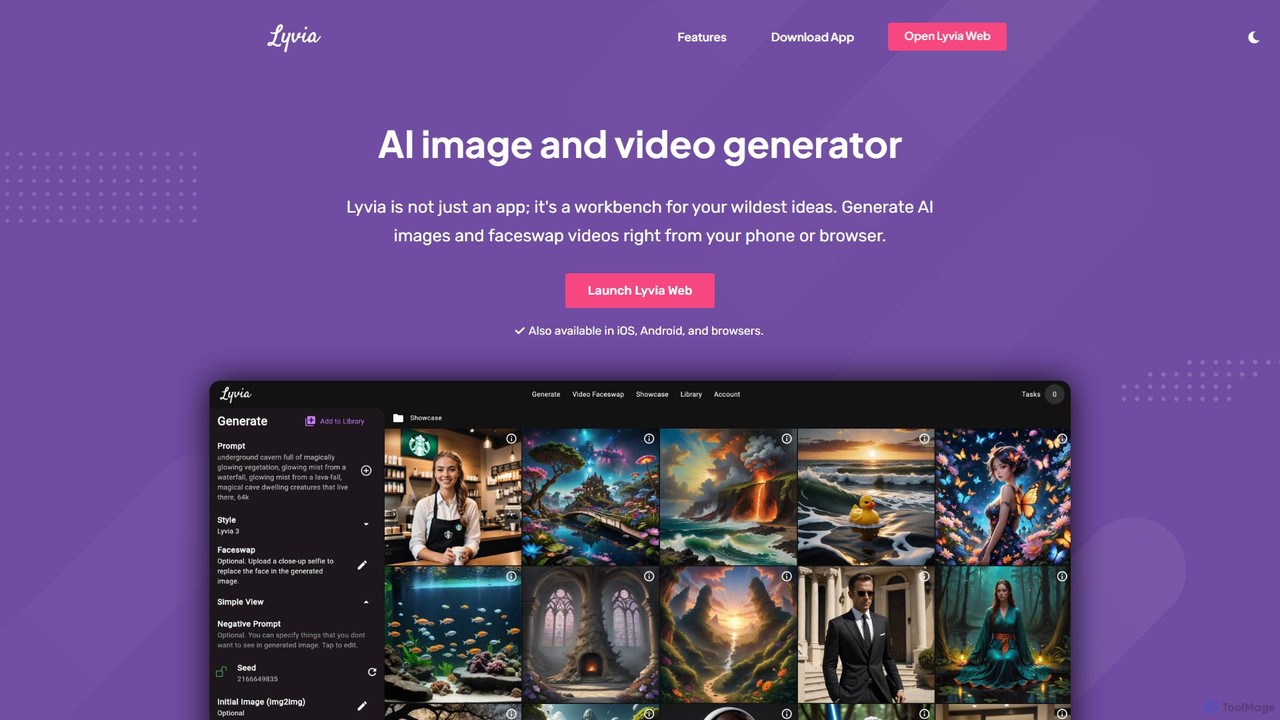
Lyvia

Lyvia is a versatile AI-powered creative suite for generating stunning images from text and creating realistic faceswap videos and images. Available on web, iOS, and Android, it provides an intuitive workbench for artists, content creators, and anyone looking to bring their wildest ideas to life with ease.

Deepfake
Visits 7.9KFavorites 140Likes 128
Deep Live Cam
Free

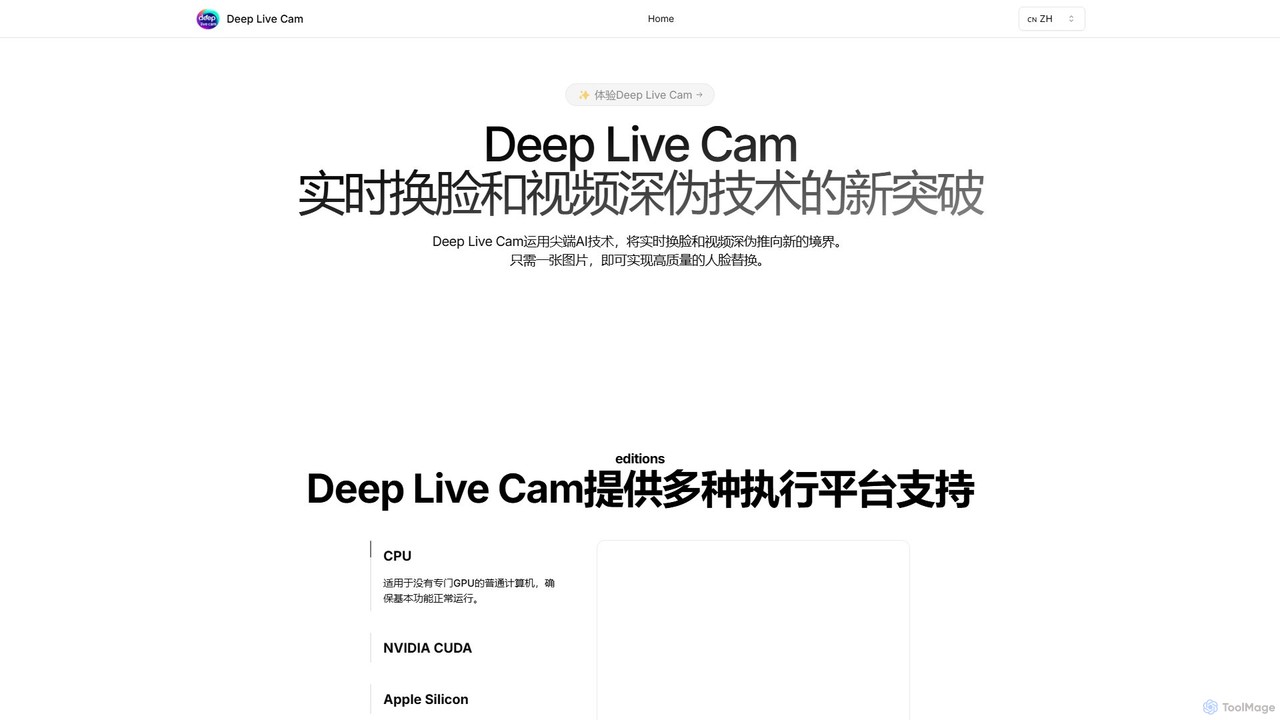
Deep Live Cam

Deep Live Cam is a free, open-source AI tool for creating high-quality, real-time face swaps and video deepfakes. Using just a single image, it enables seamless face replacement in live video streams and pre-recorded footage. It supports multiple platforms, including CPU, NVIDIA CUDA, and Apple Silicon, making advanced AI video effects accessible to everyone.

Real Time Avatar
Visits 40.8KFavorites 154Likes 172

About Deepfake

Deepfake tools are a class of AI software that synthesize, replace, or superimpose images and videos to create highly realistic but artificial media. These tools leverage deep learning models, particularly Generative Adversarial Networks (GANs), to analyze and reconstruct facial features, expressions, and voice patterns. Their primary application is creating convincing face swaps, animating static photos, or cloning voices. While part of the Fun Tools category due to their popularity in creating memes and parodies, Deepfake technology also has significant applications in film, art, and education.

Core Features

  • Face Swapping: Seamlessly replaces a person's face in a video or image with another's while preserving expressions and movements.
  • Voice Cloning: Generates a synthetic voice that mimics a target person's speech patterns, tone, and accent from a small audio sample.
  • Photo Animation: Animates a still photograph, making the subject appear to talk, smile, or look around, often driven by a source video.
  • Lip Syncing: Alters a video to make a person's lip movements match a different audio track, useful for dubbing or creating humorous content.

Use Cases

Deepfake tools are widely used by social media content creators for producing viral parodies and memes. In the film industry, they are employed for digital de-aging of actors or for completing scenes after an actor is unavailable. Educators and artists also use this technology to create engaging historical simulations or innovative digital art projects.

How to Choose

When selecting a Deepfake tool, first evaluate the realism and quality of the output, checking for visual artifacts. Consider the ease of use—some are simple mobile apps, while others are complex desktop software requiring technical skills. Assess the pricing model, which may be subscription-based or use a credit system per video. Finally, prioritize platforms with clear ethical guidelines and watermarking features to prevent misuse.

Deepfake use cases

1

Creating Viral Social Media Parodies

A content creator aims to produce a humorous, shareable video for their social media channels. Using a Deepfake tool, they swap the face of a well-known celebrity onto the main character of a famous movie clip. The tool's AI analyzes the celebrity's facial features from source images and maps them onto the target video, preserving the original actor's expressions. The resulting short video is a high-quality, funny parody that quickly gains traction, increasing the creator's engagement and follower count.

2

Personalized Animated Greeting Cards

An individual wants to create a unique birthday message for a friend. Instead of a standard e-card, they use a photo animation Deepfake tool. They upload a funny photo of their friend and an audio recording of themselves singing 'Happy Birthday'. The tool animates the friend's face in the photo, synchronizing the lip movements to the recorded audio. This creates a highly personal and memorable animated greeting that is far more engaging than a static image or generic video.

3

Affordable Digital De-aging for Indie Films

An independent filmmaker needs to shoot a flashback scene requiring a lead actor to appear 20 years younger. Traditional CGI de-aging is beyond their budget. They turn to a professional Deepfake tool. By training the AI model on footage of the actor from their younger years, the tool can convincingly de-age the actor in the new footage. This allows the small production to achieve a high-quality visual effect that was previously only accessible to major studios, saving significant time and money.

4

Engaging Educational Content with Historical Figures

A history teacher wants to make lessons about famous scientists more interactive. They use a Deepfake tool that can animate portraits. The teacher finds a high-resolution portrait of Albert Einstein and writes a short script explaining the theory of relativity in simple terms. Using a voice cloning feature, they generate audio in a voice resembling Einstein's. The tool then animates the portrait, making 'Einstein' narrate his own theory. This brings history to life, capturing students' attention far more effectively than a textbook.

5

Creating an AI Avatar for Video Presentations

A marketing professional needs to create several training videos but lacks the time and resources for repeated filming sessions. They use a Deepfake tool to create a digital avatar of themselves. After an initial recording session to capture their likeness and voice, the tool can generate new videos from text scripts alone. The professional can now produce polished, consistent video presentations by simply typing the content, with their AI avatar delivering the lines perfectly every time. This streamlines the production process, saving hours of recording and editing.

6

Artistic Expression and Digital Art Creation

A digital artist is exploring themes of identity and time in their new project. They use a Deepfake face-swapping tool as their medium. The artist combines portraits from different historical eras, swapping faces between a 17th-century noblewoman and a 21st-century tech CEO. The AI seamlessly blends the features, creating a surreal and thought-provoking image that questions the nature of portraiture and identity across centuries. This use of Deepfake technology pushes creative boundaries, enabling a new form of digital collage and artistic commentary.

Deepfake FAQ

What are Deepfake tools?

Deepfake tools are applications that use artificial intelligence, specifically deep learning, to create synthetic media. They can generate new content or alter existing videos and images by swapping faces, creating realistic voice clones, or animating static photos. The technology works by training neural networks on large datasets of images or sounds to learn and replicate human likenesses and speech patterns with high accuracy. While often used for entertainment and parody, they also have applications in film, education, and art.

How to choose a suitable Deepfake tool?

Choosing the right Deepfake tool depends on your goals and technical skill. Consider these factors:

  • Output Quality: Look for examples of the tool's output. Does it look realistic, or are there noticeable glitches and artifacts? High-quality tools produce more seamless results.
  • Ease of Use: Some tools are user-friendly mobile apps designed for quick, fun creations. Others are powerful desktop software that require technical knowledge to train models and fine-tune results.
  • Features: Do you need simple face swapping, or more advanced features like voice cloning, lip-syncing, or full 3D animation? Choose a tool that matches your specific creative needs.
  • Cost and Processing: Evaluate the pricing model (subscription, pay-per-use, or free). Also, consider if processing is done in the cloud (slower, often credit-based) or locally on your computer (requires a powerful GPU).
  • Ethical Policies: Prefer services that have clear terms of use against malicious use and offer features like watermarking to indicate that the media is synthetic.
What is the difference between Deepfake and traditional CGI?

The primary difference lies in their creation process. Traditional CGI (Computer-Generated Imagery) is a manual, artist-driven process that involves 3D modeling, texturing, rigging, and animating objects or characters from scratch. It offers complete creative control but is time-consuming and expensive. Deepfake, on the other hand, is an AI-driven, data-dependent process. It uses machine learning algorithms to learn patterns from existing video or audio data and then automatically generates new media. Deepfake is often faster and more cost-effective for specific tasks like face replacement, but it is less flexible than CGI as it relies on source data and is primarily used for manipulating existing footage rather than creating entirely new worlds.

Are Deepfake tools legal and ethical to use?

The legality of Deepfake tools depends heavily on how they are used and the jurisdiction. Using them for parody, art, education, or personal entertainment with consent is generally legal. However, creating Deepfakes for malicious purposes—such as creating non-consensual explicit content, defamation, spreading misinformation, or fraud—is illegal in many places and highly unethical. Ethically, the key principle is consent and transparency. It is crucial to avoid creating content that could harm, harass, or deceive others. Always check the terms of service of the tool you are using, as most reputable platforms explicitly forbid harmful applications and may implement safeguards like watermarks.

What kind of source material is needed for a good Deepfake?

The quality of a Deepfake is highly dependent on the quality of the source material. For best results, you generally need:

  • High-Resolution Images/Videos: Clear, well-lit photos and videos of both the source face (the one you're adding) and the target video (the one you're changing) are essential. Low-resolution or blurry footage will result in a poor-quality output.
  • Multiple Angles and Expressions: The more data the AI has, the better. Providing images or video clips of the source face from various angles (front, side, three-quarters) and with different expressions (smiling, frowning, talking) helps the model create a more accurate and flexible 3D representation.
  • Consistent Lighting: Ideally, the lighting on the source face should be similar to the lighting in the target video to ensure a seamless blend.
  • Clear Audio (for Voice Cloning): For voice cloning, you need a clean, high-quality audio sample of the target voice with minimal background noise. The required length varies, but more data typically yields a more realistic voice.