ToolMage
Sign in

Best 6 Image Generation AI tools for Fun Tools

Popular Image Generation AI tools in Fun Tools include StoryViewer, aibabygenerator, predictmybaby, OurBabyAI, Aibabygenerator, and BabyVisageAI, helping you work more efficiently.

Aibabygenerator
Freemium

Aibabygenerator

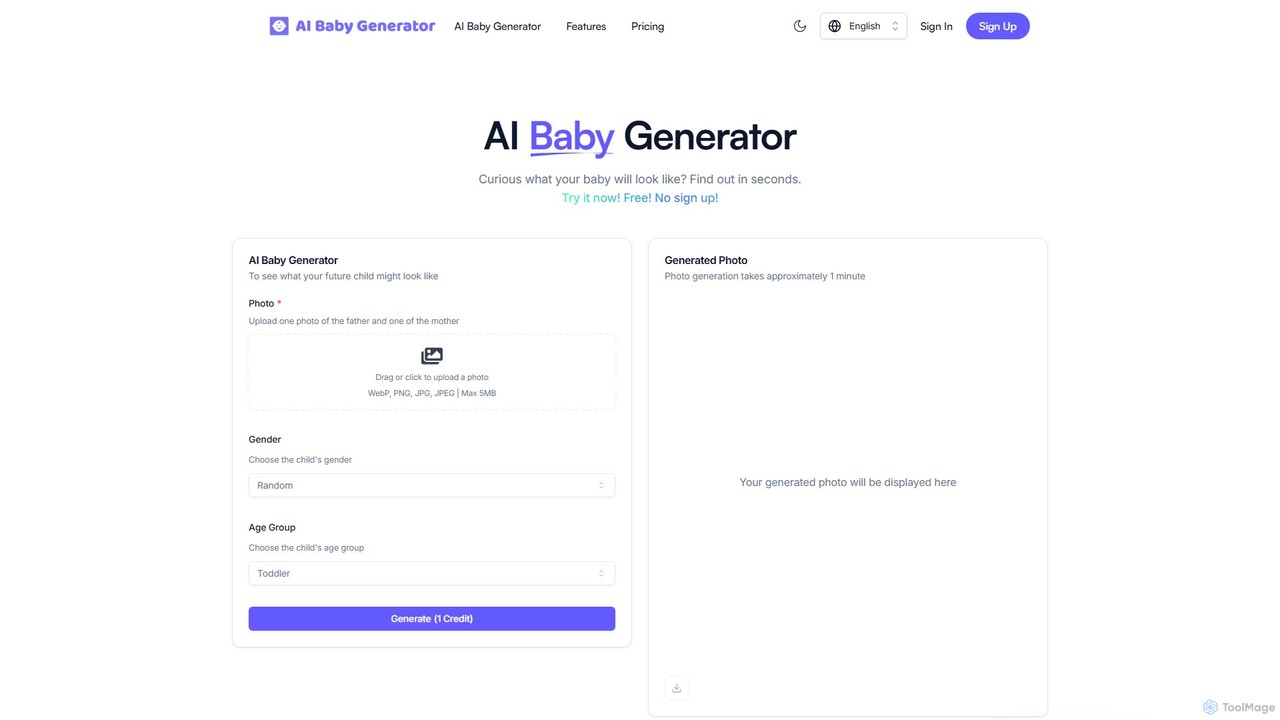
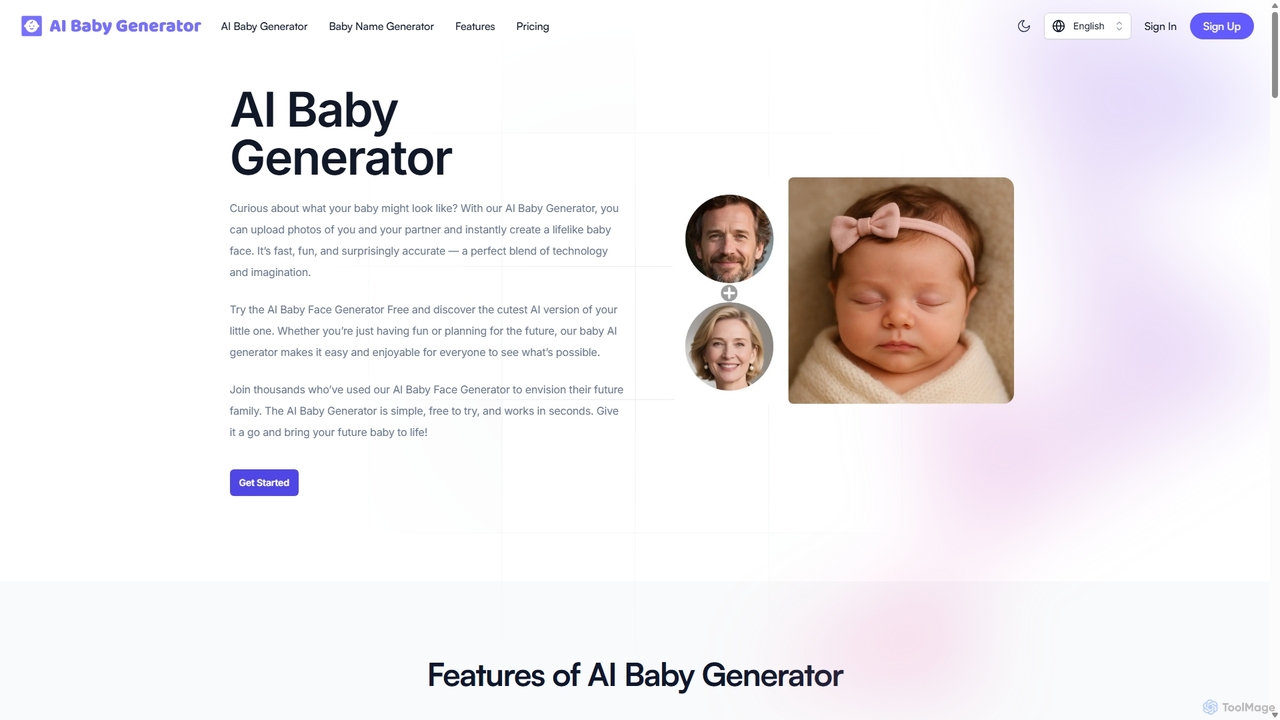
An AI-powered tool that predicts what your future baby might look like by merging two parent photos. It also features an advanced AI Baby Name Generator to help you find the perfect name, offering a fun and imaginative experience for expecting couples and curious individuals.

Image Generation
Visits 4.6KFavorites 111Likes 113
StoryViewer
Free

StoryViewer

StoryViewer is a free, all-in-one AI toolkit for social media. It features an AI Story Generator to create engaging stories with images and voice from simple prompts, an anonymous Social Story Viewer for platforms like Instagram and TikTok, and a Story Downloader. No sign-up is required, making it perfect for marketers, creators, and businesses.

Image Generation
Visits 145.1KFavorites 157Likes 160
OurBabyAI
Paid

OurBabyAI

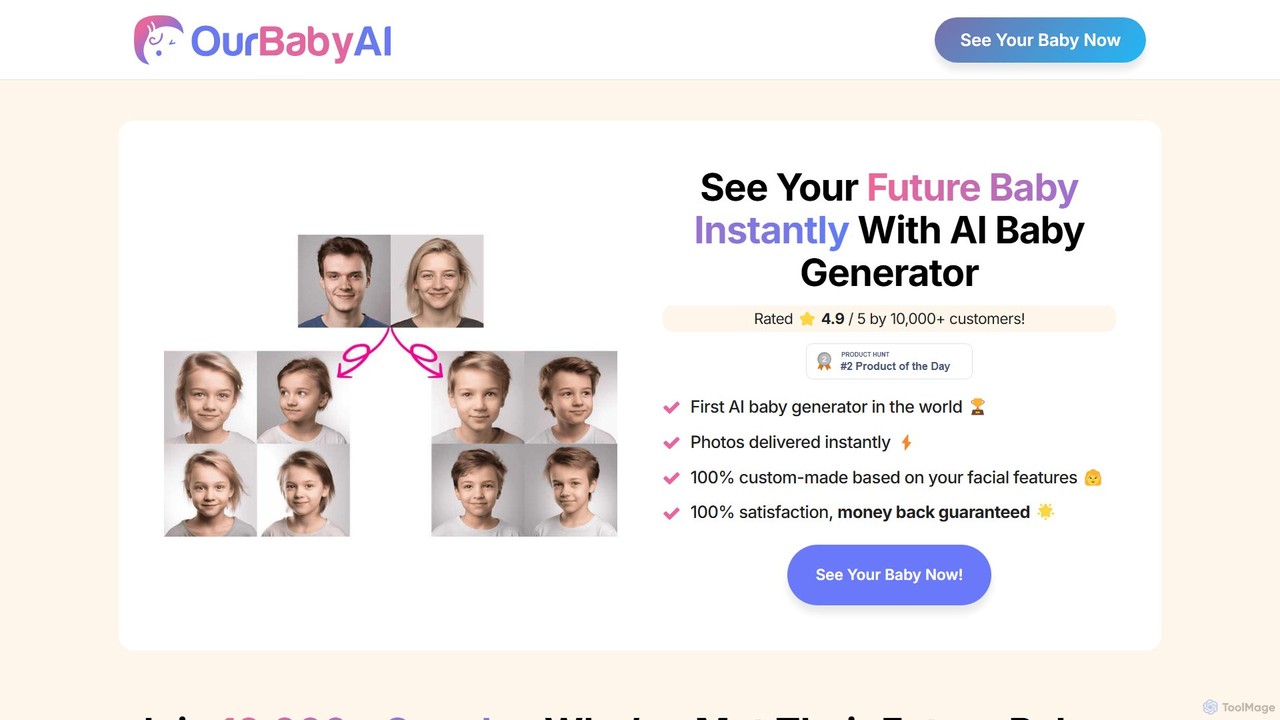
OurBabyAI is the #1 AI-powered baby generator that creates hyper-realistic photos of your future child. By analyzing photos of two parents, the tool instantly generates high-resolution images, offering a fun and heartwarming glimpse into your family's future. It's fast, secure, and requires no account creation.

Prediction
Visits 4.6KFavorites 143Likes 134
predictmybaby
Paid

predictmybaby

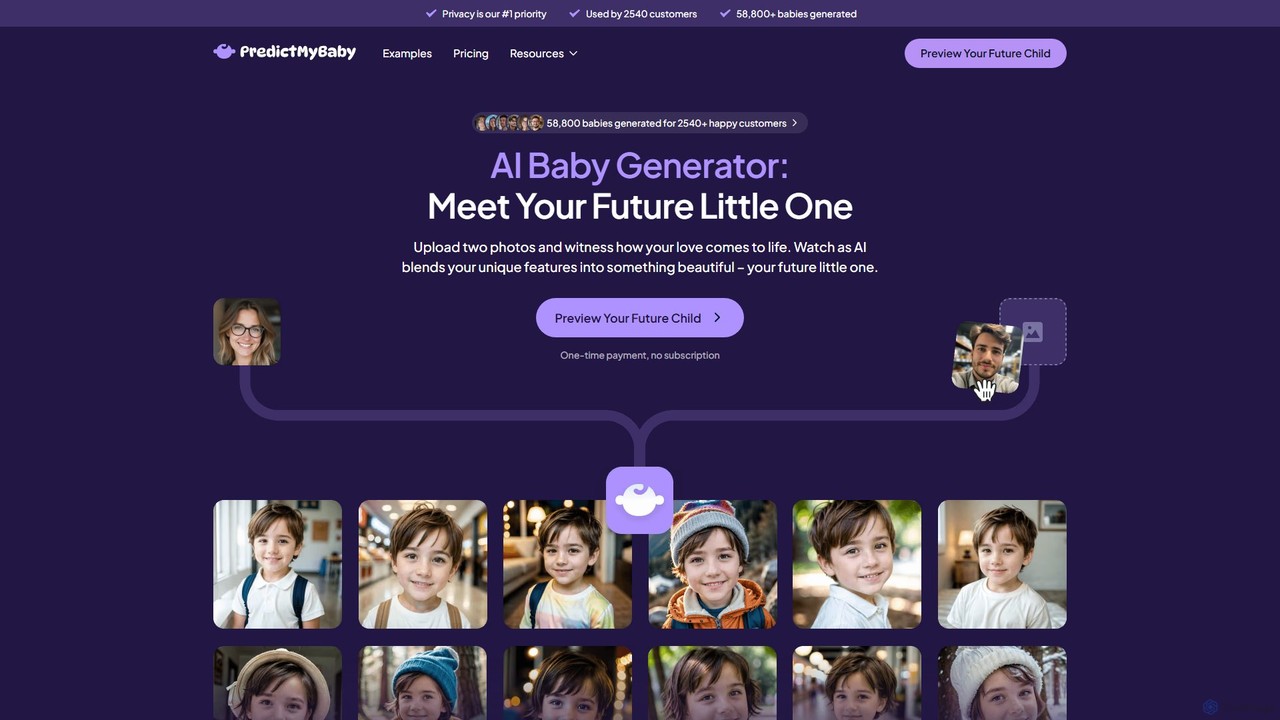
PredictMyBaby is an AI-powered baby generator that creates realistic predictions of your future child. By uploading photos of both parents, the advanced AI analyzes facial features and genetic traits to generate multiple high-quality images in minutes. It's a fun, private, and emotionally resonant way for couples to glimpse their potential family.

Image Generation
Visits 11.9KFavorites 124Likes 120
BabyVisageAI
Freemium

BabyVisageAI

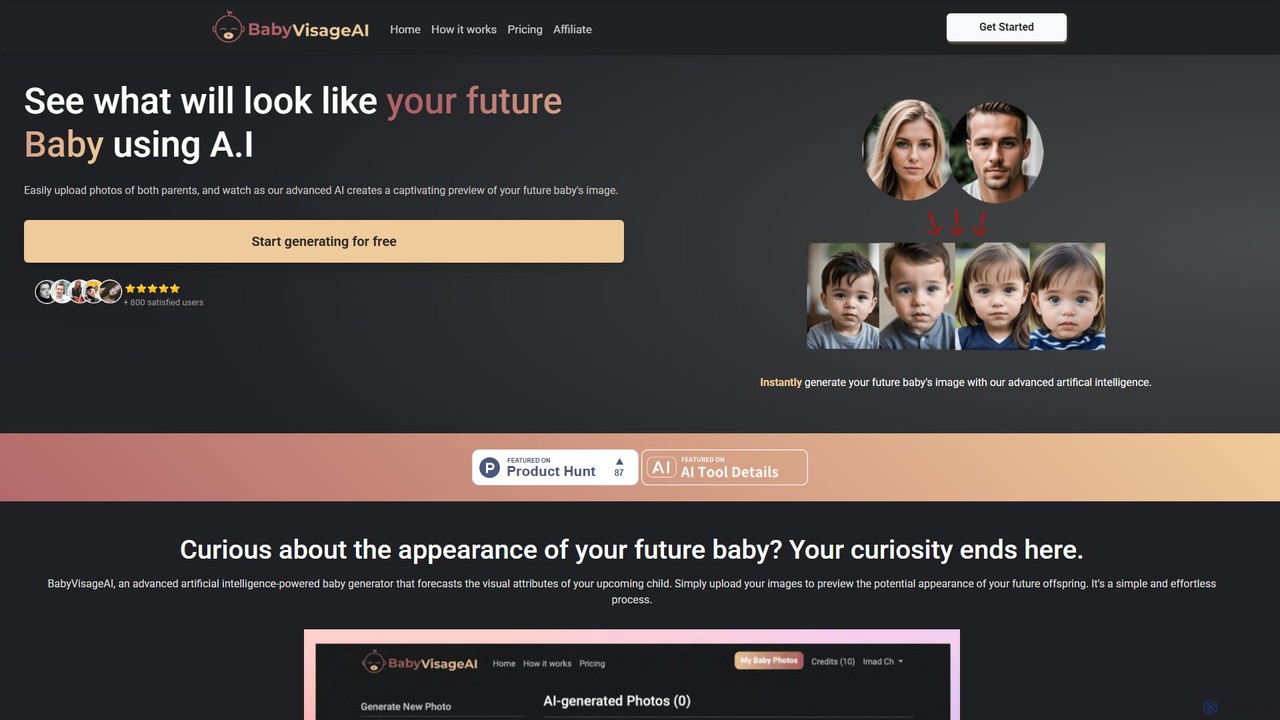
BabyVisageAI is an AI-powered baby generator that predicts your future baby's face. Simply upload photos of both parents, and our advanced AI will instantly create a realistic, high-resolution image of what your child might look like. It's a fun, easy, and exciting way for expecting couples and curious individuals to glimpse into the future.

Prediction
Visits 3.9KFavorites 119Likes 104
aibabygenerator
Freemium

aibabygenerator

An AI-powered tool that generates ultra-realistic images of your future baby by combining photos of two parents. It also features an AI baby name generator to help you find the perfect name. The process is fast, private, and easy to use, offering a fun glimpse into your future family.

Image Generation
Visits 16.9KFavorites 112Likes 108

About Image Generation

Image Generation tools are a class of AI applications that create novel visual content from textual descriptions or other inputs. These tools utilize advanced models like Generative Adversarial Networks (GANs) or Diffusion Models to interpret prompts and synthesize unique, high-quality images. They empower users to visualize concepts, generate artistic creations, and produce marketing materials without needing advanced design skills. As a key category within Fun Tools, they offer a powerful and accessible way to explore creativity and bring ideas to life visually.

Core Features

  • Text-to-Image Generation: Creates images directly from written descriptions, translating words into pixels.
  • Style Control: Allows users to specify artistic styles, such as photorealistic, anime, cartoon, or impressionist.
  • Image-to-Image Transformation: Modifies an existing image based on a text prompt, blending original and new elements.
  • Inpainting & Outpainting: Fills in missing parts of an image or extends its canvas by generating new, context-aware content.
  • Parameter Adjustment: Provides control over aspect ratio, resolution, negative prompts, and seed numbers for reproducible results.

Use Cases

Image Generation tools are widely used by digital marketers for creating unique ad creatives and social media content. Content creators and bloggers use them to produce custom illustrations and featured images for articles. In the design and gaming industries, they serve as a rapid ideation tool for concept art, character design, and environmental visualization.

How to Choose

When selecting an Image Generation tool, consider the quality and realism of the output. Evaluate the variety of available styles and the model's ability to accurately interpret complex prompts. Also, assess the generation speed, the pricing model (e.g., subscription vs. credits), and the terms of use regarding image ownership and commercial rights.

Featured tool rankings

Image Generation use cases

1

Creating Ad Creatives for Social Media

A digital marketer for an e-commerce brand needs to launch a new campaign for a summer product line. Instead of organizing a costly photoshoot, they use an AI Image Generator. They input detailed prompts like 'a vibrant, photorealistic image of a tropical fruit-flavored drink on a sunny beach, with condensation on the bottle, style of a luxury magazine ad'. The tool generates dozens of high-quality variations in minutes, allowing the marketer to A/B test different visuals and significantly reduce content production costs and time.

2

Generating Concept Art for Game Development

A concept artist at a small game studio is tasked with designing a new fantasy character. To accelerate the ideation process, they use an AI Image Generator. They input prompts describing the character's appearance, clothing, and mood, such as 'elven rogue with glowing tattoos, leather armor, in a dark forest, cinematic lighting, digital art style'. The AI produces multiple visual interpretations, providing a rich foundation of ideas. The artist can then refine these generated concepts, saving days of initial sketching and allowing the team to align on a visual direction much faster.

3

Producing Custom Blog Post Illustrations

A content writer runs a blog about sustainable living and wants to make their articles more visually appealing without using generic stock photos. For an article on 'urban gardening', they use an AI image tool to generate a unique featured image. The prompt is 'a lush rooftop garden in a modern city, watercolor style, vibrant greens and terracotta pots, sunny day'. The result is a custom, artistic illustration that perfectly matches the article's tone and subject matter, enhancing reader engagement and making the blog stand out.

4

Visualizing Architectural Designs

An architect is in the early stages of designing a residential home and needs to quickly communicate different aesthetic options to a client. Using an image-to-image feature, they upload a basic 3D model sketch. They then apply text prompts like 'convert to a modern Scandinavian style with light wood and large windows' or 'render as a rustic cabin with dark stone and a metal roof'. This process generates multiple high-fidelity visualizations in a fraction of the time it would take for manual rendering, enabling faster client feedback and decision-making.

5

Creating Personalized Avatars and Profile Pictures

A user wants a unique profile picture for their social media accounts that reflects their personality. Instead of using a real photo, they turn to an AI Image Generator. They provide a prompt like 'a stylized, anime-style portrait of a person with blue hair and glasses, reading a book in a cozy library, digital painting'. The tool generates a custom avatar that is both artistic and personal. They can further refine it by adding elements like 'wearing a red scarf' or 'in the style of Studio Ghibli' until they get the perfect representation of themselves.

6

Designing Unique Patterns and Textures

A textile designer is looking for inspiration for a new fabric collection. They use an AI Image Generator to create seamless patterns. By inputting prompts like 'seamless pattern of abstract geometric shapes, art deco style, gold and navy blue' or 'floral pattern, vintage botanical illustration, repeating', the tool produces a wide array of unique, tileable textures. This allows the designer to rapidly explore many visual directions and generate base patterns that can be further developed into final products for fashion or interior design.

Image Generation FAQ

What is AI Image Generation?

AI Image Generation refers to the process of using artificial intelligence models to create new, original images from text prompts or other inputs. These tools do not search for existing images; instead, they synthesize entirely new visual content based on their understanding of patterns, styles, and concepts learned from vast datasets. Key technologies behind this include diffusion models and Generative Adversarial Networks (GANs). Common applications range from creating art and marketing materials to visualizing complex data.

How to choose the right AI Image Generator?

Choosing the right tool depends on your specific needs. Consider the following factors:

  • Image Quality & Style: Does the tool excel at the style you need (e.g., photorealism, anime, abstract)? Review its gallery of examples.
  • Ease of Use: Is the interface intuitive for your skill level? Some tools are simple prompt-based interfaces, while others offer advanced controls.
  • Features: Do you need specific features like image-to-image, inpainting, or API access for integration?
  • Pricing Model: Compare subscription plans versus pay-per-image (credit) systems. Consider if a free tier is sufficient for your usage.
  • Usage Rights: Check the terms of service to understand who owns the generated images and if they can be used for commercial purposes.
What's the difference between AI Image Generation and photo editing software?

The core difference lies in creation versus modification. AI Image Generators create entirely new images from scratch based on text prompts. They generate pixels that didn't exist before. Photo editing software, like Adobe Photoshop, is designed to manipulate, enhance, or combine existing images. You start with a photo or graphic and use tools to adjust colors, remove objects, or composite different elements. While some editors now incorporate AI features for tasks like object selection, their primary function is to edit, not to generate novel content from a blank canvas.

What kind of prompts produce the best results?

Effective prompts are typically specific, descriptive, and layered. To get the best results, try to include:

  • Subject: Clearly define the main person, object, or creature (e.g., 'a wise old owl').
  • Action & Setting: Describe what the subject is doing and where (e.g., 'reading a book in a moonlit library').
  • Style & Medium: Specify the artistic style (e.g., 'digital painting', 'photorealistic', 'anime style').
  • Details & Mood: Add descriptive adjectives, lighting, and color palettes (e.g., 'cinematic lighting, warm color palette, intricate details').
  • Composition: Mention camera angles or shot types (e.g., 'close-up shot', 'wide-angle view').

Experimenting with different combinations of these elements is key to mastering prompt engineering.

Are images created by AI copyrighted?

The copyright status of AI-generated images is a complex and evolving legal area. In many jurisdictions, including the United States, copyright protection is typically granted only to works created by humans. This means that images generated purely by an AI system may not be eligible for copyright protection. However, if a human provides significant creative input and arrangement, they might be able to claim copyright on their contribution. It is crucial to check the terms of service of the specific AI tool you are using, as they outline the usage rights, ownership, and any restrictions on commercial use of the generated content.