ToolMage
Sign in

Best 5 Case Management AI tools for Legal

Popular Case Management AI tools in Legal include Rev, Tavrn, Darrow, LawFair, and Advomate, helping you work more efficiently.

LawFair

LawFair

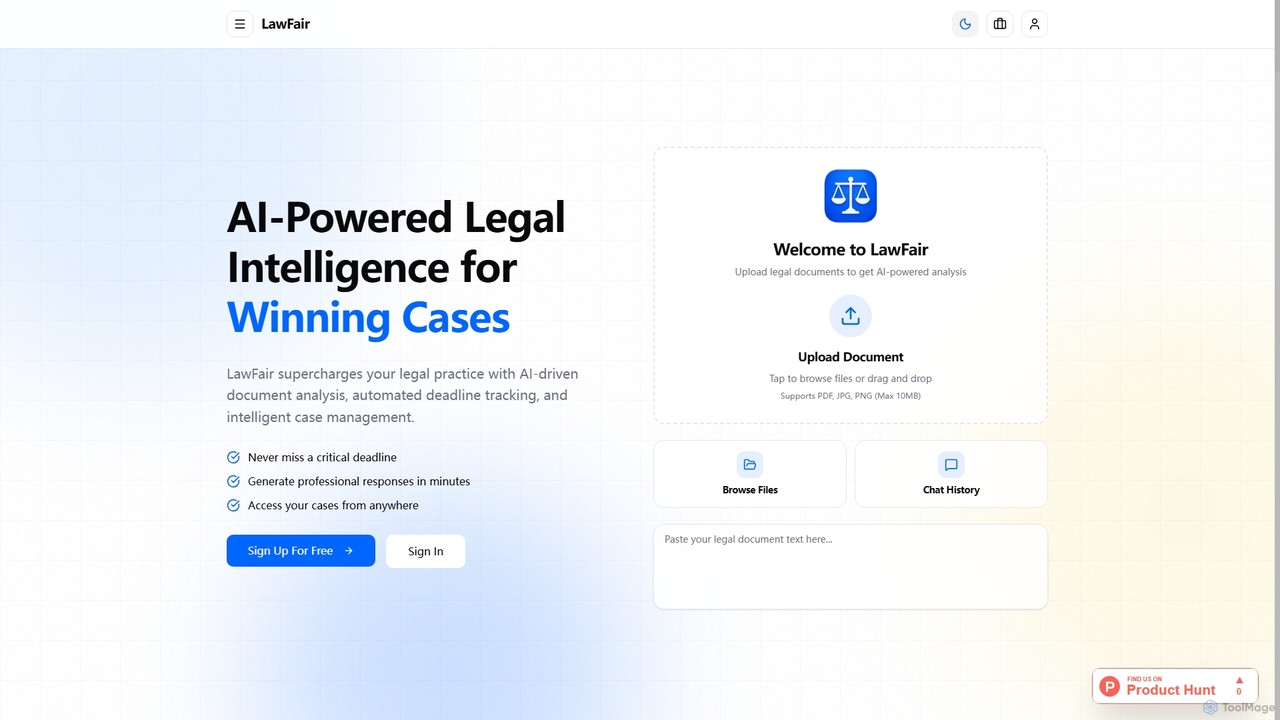
LawFair is an AI-powered legal intelligence platform designed to streamline case management, document analysis, and legal document generation for attorneys and pro se litigants. It provides a comprehensive suite of tools to manage every aspect of a case, from smart deadlines to evidence tracking and professional document output.

Case Management
Visits 5.8KFavorites 40Likes 41
Rev
Freemium

Rev

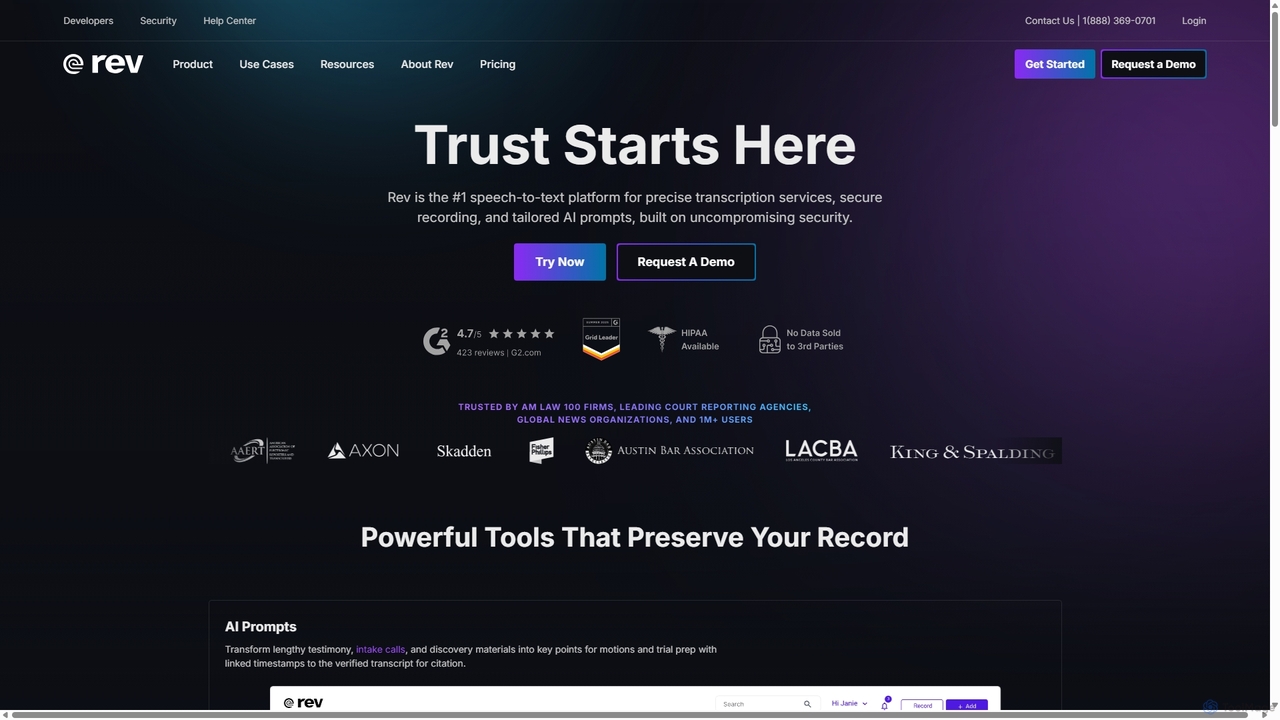
Rev is a leading speech-to-text platform offering both AI-powered and human-based transcription, captioning, and subtitling services. It's designed for professionals in legal, media, and research, providing industry-leading accuracy (up to 99%+). Rev's suite of AI tools helps users analyze audio/video content to uncover key insights, generate summaries, and streamline workflows, all within a secure and compliant environment.

Speech To Text
Visits 1.9MFavorites 127Likes 132
Tavrn
Paid

Tavrn

Tavrn is an AI-powered platform designed for attorneys and law firms to streamline legal workflows. It specializes in generating demand letters, creating detailed medical chronologies from records, automating medical record retrieval, and optimizing client intake and eDiscovery processes, significantly reducing manual work and case preparation time.

Case Management
Visits 32.6KFavorites 104Likes 108
Advomate
Freemium

Advomate

Advomate is an AI-powered platform designed for legal professionals to automate and streamline their workflow. It offers rapid legal research, in-depth document analysis with an interactive chat, and a user-friendly search engine for laws and case law. The tool aims to save lawyers time and money by efficiently handling complex legal tasks.

Case Management
Visits 5.8KFavorites 144Likes 128
Darrow

Darrow

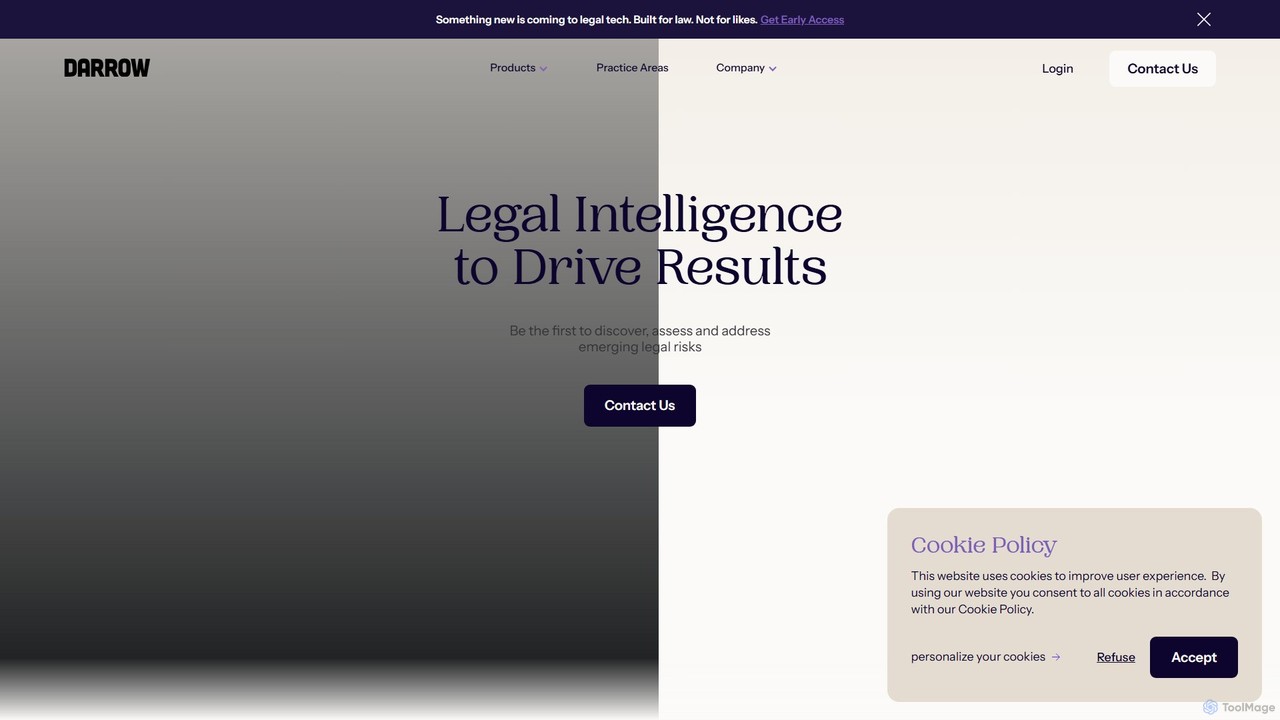
Darrow is an AI-powered legal intelligence platform designed for law firms to proactively discover, assess, and act on high-value litigation opportunities. It transforms scattered public data into structured, actionable legal insights, helping legal professionals build stronger cases faster.

Case Management
Visits 24.4KFavorites 145Likes 146

About Case Management

AI Case Management tools are specialized platforms for legal professionals to centralize, track, and manage every aspect of a legal matter. These systems leverage AI to automate administrative tasks, analyze case documents, and predict critical deadlines, transforming complex legal workflows. They provide a unified hub for documents, communications, calendars, and billing, enhancing firm efficiency and reducing the risk of human error. This focused approach allows legal teams to dedicate more time to strategy and client representation.

Core Features

  • Centralized Matter Hub: Consolidates all case-related information, including documents, notes, contacts, and correspondence, into a single, accessible repository.
  • Automated Calendaring & Deadline Tracking: AI automatically calculates and tracks court deadlines, statutes of limitations, and other critical dates based on case events and jurisdictional rules.
  • Intelligent Document Management: Features AI-powered search, document summarization, and clause identification to quickly locate and analyze relevant information within large volumes of files.
  • Integrated Time Tracking & Billing: Seamlessly captures billable hours, automates invoice generation, and manages client payments within the case context.
  • Secure Client Portal: Provides a secure online space for lawyers to communicate with clients, share documents, and provide case updates.

Use Cases

AI Case Management tools are essential for law firms of all sizes, from solo practitioners to large enterprises, as well as corporate legal departments. They are widely used in litigation, personal injury, immigration, real estate, and family law to manage high-volume caseloads. Legal assistants, paralegals, and attorneys use these platforms daily to streamline workflows, ensure compliance, and improve client service.

How to Choose

When selecting an AI Case Management tool, first evaluate its practice area-specific features; a tool for personal injury may differ from one for corporate law. Assess its integration capabilities with other software you use, such as accounting systems and e-discovery platforms. Prioritize solutions with robust security measures and compliance certifications (e.g., GDPR, HIPAA). Finally, consider the platform's scalability to ensure it can grow with your firm's needs and caseload.

Case Management use cases

1

Automating Litigation Discovery Management

A paralegal at a busy litigation firm is tasked with organizing thousands of documents for a complex case's discovery phase. Using an AI Case Management tool, they upload all documents into a central repository. The AI automatically indexes the content, identifies duplicates, and flags potentially privileged documents. The paralegal then uses the AI-powered search to instantly find documents mentioning specific keywords or concepts, saving dozens of hours of manual review and ensuring no critical evidence is missed before a deposition.

2

Streamlining Client Intake for a Personal Injury Firm

A personal injury law firm wants to improve its client intake process. They implement an AI Case Management system with a client portal and automated workflows. Now, potential clients can fill out an intake form online, which automatically creates a new matter in the system. The AI then triggers a workflow that sends a welcome email, generates a representation agreement for e-signature, and creates tasks for the legal team to request medical records and police reports, reducing administrative overhead by over 50%.

3

Managing Deadlines in a High-Volume Immigration Practice

An immigration law firm handles hundreds of visa applications, each with numerous, strict deadlines. They use an AI Case Management tool with rule-based calendaring. When a new case for a specific visa type is created, the AI automatically populates the case calendar with all relevant USCIS deadlines and filing dates. It sends automated reminders to both the attorney and the client as dates approach. This system prevents missed deadlines, which could jeopardize a client's case, and provides a clear timeline for everyone involved.

4

Centralizing Communication for Corporate Legal Matters

An in-house corporate legal department manages various matters, from contract negotiations to compliance audits, involving multiple business units. They use an AI Case Management system to create a central hub for each matter. All email correspondence related to a matter is automatically saved to the case file. Internal stakeholders can access relevant documents through a secure portal instead of requesting them via email. This creates a single source of truth, reduces email clutter, and ensures the entire legal team has a complete, up-to-date view of every matter.

5

Automating Billing and Invoicing for a Solo Practitioner

A solo attorney struggles with accurately tracking billable hours and generating timely invoices. By adopting an AI Case Management tool, they can now track time directly within a case file, whether on their computer or mobile app. The system automatically adds these entries to a draft invoice for the client. At the end of the month, the attorney reviews the pre-populated invoices, makes any adjustments, and sends them to clients with a single click. This process reduces billing errors and cuts the time spent on invoicing by 80%.

6

Enhancing Client Collaboration in Real Estate Law

A real estate law firm uses an AI Case Management tool with a secure client portal to manage property transactions. The firm grants clients, real estate agents, and lenders access to a shared digital closing room. All parties can upload and view necessary documents, track the status of key milestones (like inspections and appraisals), and communicate through a secure messaging system. This transparency reduces the constant back-and-forth emails and phone calls, streamlines the closing process, and provides a superior client experience.

Case Management FAQ

What is AI Case Management software for legal professionals?

AI Case Management software is a specialized platform designed to help law firms and legal departments manage their cases more efficiently. It acts as a central digital file for each matter, organizing documents, tracking deadlines, managing client communication, and handling billing. The 'AI' component adds intelligent features like automated deadline calculation based on court rules, document analysis to find key information, and workflow automation to handle repetitive administrative tasks.

How do I choose the right legal Case Management tool?

Choosing the right tool involves several key considerations:

  • Practice Area Fit: Ensure the software has features tailored to your specific area of law (e.g., personal injury, immigration, corporate).
  • Integrations: Check if it integrates with other essential tools you use, like accounting software (QuickBooks), document storage (Dropbox), and email (Outlook, Gmail).
  • Security and Compliance: Verify that the provider meets industry-standard security protocols and compliance requirements relevant to your practice.
  • Scalability and Usability: Select a tool that is easy for your team to adopt and can scale as your firm grows in size and caseload.
  • Pricing Model: Understand the pricing structure (per user, per month, etc.) and ensure it fits your budget without hidden costs.
What's the difference between legal Case Management and general project management tools?

While both help manage tasks and deadlines, legal Case Management software is highly specialized for the legal industry. General project management tools (like Asana or Trello) are excellent for generic workflows but lack critical legal-specific features. Key differences include:

  • Conflict of Interest Checking: Essential for law firms to avoid ethical breaches.
  • Rule-Based Calendaring: Automatically calculates court deadlines based on jurisdictional rules.
  • Trust Accounting: Manages client funds held in trust, a strict requirement for lawyers.
  • Secure Client Portals: Built with attorney-client privilege in mind for secure communication.

General tools do not offer this level of specialized compliance and functionality.

What key features should I look for in an AI Case Management system?

Beyond the basics, look for advanced AI-driven features that provide significant value. Key features include a centralized document repository with powerful search, automated deadline and task management, integrated time tracking and billing, and a secure client communication portal. For AI-specific capabilities, prioritize tools that offer intelligent document analysis (summarization, data extraction), predictive analytics for case outcomes (if available), and customizable workflow automation to streamline your firm's unique processes.

Who benefits most from using legal Case Management tools?

Virtually everyone in a law firm or legal department benefits. Attorneys can focus more on legal strategy and less on administration. Paralegals and legal assistants benefit from automated workflows and centralized information, reducing manual data entry and search time. Firm administrators gain better oversight of caseloads, productivity, and finances. Finally, clients receive better service through improved communication, transparency via client portals, and the efficiency that allows firms to manage their cases more effectively.