ToolMage
Sign in

Best 1 Electronic Signature AI tools for Legal

Popular Electronic Signature AI tools in Legal include AwesomeSuite, helping you work more efficiently.

AwesomeSuite
Freemium

AwesomeSuite

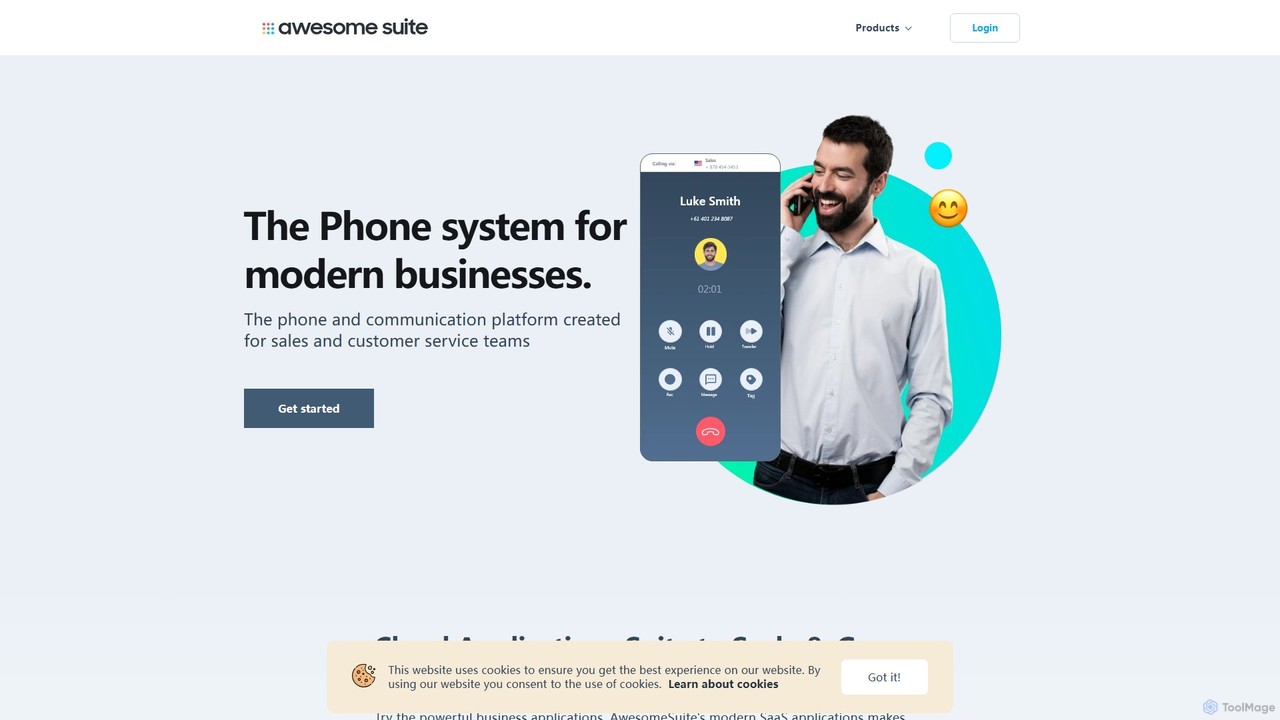
AwesomeSuite is a comprehensive cloud-based software suite for businesses and agencies, offering integrated tools for social media management, electronic signatures, and business communication. It's designed to streamline workflows, enhance productivity, and scale with your business needs.

Cloud Communication
Visits 7.9KFavorites 144Likes 150

About Electronic Signature

Electronic Signature tools are digital platforms for securely signing documents and agreements online, eliminating the need for physical paperwork. These tools use cryptographic technology to create legally binding signatures and maintain a verifiable audit trail for every transaction. They are essential for accelerating business processes, enhancing document security, and ensuring compliance with global regulations like ESIGN and eIDAS. As a key component of legal technology, they digitize one of the most critical steps in formalizing agreements.

Core Features

  • Legally Binding Signatures: Creates signatures that are legally valid and enforceable in numerous countries, complying with major regulations.
  • Comprehensive Audit Trails: Automatically records every action taken on a document, including who viewed, signed, and when, providing a defensible record.
  • Workflow Automation: Allows users to create templates, define signing orders for multiple recipients, and send automated reminders to streamline processes.
  • Advanced Security: Employs encryption, authentication methods, and tamper-evident seals to protect document integrity and prevent unauthorized access.
  • Platform Integration: Connects with popular business applications like CRM, cloud storage, and document management systems for seamless workflows.

Use Cases

Electronic Signature tools are widely used across various sectors. In sales, they accelerate the closing of deals by enabling instant contract signing. Human resources departments use them for employee onboarding paperwork, policy acknowledgments, and NDAs. Legal and real estate professionals rely on them for client agreements, purchase contracts, and lease agreements, ensuring security and efficiency for multi-party transactions.

How to Choose

When selecting an Electronic Signature tool, first consider its compliance with legal standards relevant to your region (e.g., eIDAS, ESIGN, HIPAA). Evaluate the security features, including encryption standards and user authentication options. Assess its integration capabilities with your existing software stack. Finally, compare pricing models—whether per-user, per-document, or subscription-based—to find a solution that scales with your business needs.

Electronic Signature use cases

1

Accelerate Sales Contract Closures

A sales representative needs to get a high-value contract signed by a client in a different time zone to close a deal before the end of the quarter. Instead of emailing PDFs and waiting for the client to print, sign, scan, and return, the representative uses an electronic signature tool. They upload the contract, designate signature fields for both parties, and send a secure link. The client receives an instant notification, reviews the document on their phone, and signs electronically in minutes. The tool automatically generates a certificate of completion with an audit trail, finalizing the deal quickly and securely.

2

Streamline HR Employee Onboarding

An HR manager is onboarding several new remote employees simultaneously. The process involves sending out offer letters, NDAs, tax forms, and policy acknowledgment documents. Using an electronic signature platform, the manager creates a standardized onboarding packet template. With a few clicks, they send the entire packet to each new hire. The platform guides the new employees through each document, ensuring all required fields and signatures are completed. This automates the process, reduces errors, ensures compliance, and provides a professional first impression for new team members.

3

Manage Real Estate Agreements Efficiently

A real estate agent is managing a property sale that involves a buyer, a seller, and their respective lawyers, all located in different cities. The purchase agreement requires multiple signatures in a specific order. The agent uses an electronic signature tool to set up a signing workflow. The document is automatically routed to each party for signature in the correct sequence. Each person is notified when it's their turn to sign. This eliminates the delays of mailing physical documents and ensures the process is tracked and legally compliant, securing the transaction smoothly and transparently.

4

Secure Freelancer and Client Agreements

A freelance graphic designer works with clients globally and needs a reliable way to formalize project scopes and payment terms. Before starting any project, the designer drafts a service agreement. Using an electronic signature tool, they send the agreement to the new client. The client can review and sign the document from any device without needing to create an account. This process not only professionalizes the designer's business but also creates a legally binding record, protecting both parties and ensuring clear expectations from the outset.

5

Automate Procurement and Vendor Contracts

A procurement department manages hundreds of vendor contracts and purchase orders monthly. Manually printing, signing, and archiving these documents is time-consuming and prone to loss. By implementing an electronic signature solution, the team automates the entire workflow. They use templates for recurring agreements, send documents for signature in bulk, and track the status of each contract in a central dashboard. Signed documents are automatically archived in a secure, searchable repository, improving efficiency, compliance, and vendor relationship management.

6

Secure Healthcare Patient Consent Forms

A dental clinic needs to collect signed consent forms from patients before procedures, a process that traditionally involves clipboards and paper forms. To modernize and ensure compliance with health data regulations like HIPAA, the clinic adopts an electronic signature tool. Patients can now review and sign consent forms on a tablet in the waiting room or via a secure link sent to their email beforehand. The signed digital forms are instantly and securely stored in the patient's electronic health record, reducing administrative work, eliminating paper storage costs, and enhancing data security.

Electronic Signature FAQ

What are Electronic Signature tools?

Electronic Signature tools are software applications that allow users to sign documents digitally. They provide a secure and legally binding alternative to handwritten signatures on paper documents. Key features include creating a unique, encrypted link between the signer and the document, maintaining a detailed audit trail of all actions, and ensuring compliance with international regulations like the U.S. ESIGN Act and the EU's eIDAS regulation. These tools are used to accelerate agreements in sales, HR, legal, and other business functions.

Are electronic signatures legally binding?

Yes, electronic signatures are legally binding in most industrialized countries around the world. Laws such as the Electronic Signatures in Global and National Commerce (ESIGN) Act in the United States and the electronic IDentification, Authentication and trust Services (eIDAS) regulation in the European Union provide a legal framework for their validity. To be enforceable, an electronic signature typically must demonstrate the signer's intent to sign, be associated with the signed record, and have a clear audit trail that can be verified.

What is the difference between an electronic signature and a digital signature?

Although often used interchangeably, there is a technical distinction. An electronic signature is a broad term referring to any electronic process that indicates acceptance of an agreement. A digital signature is a specific, more secure type of electronic signature. It uses a cryptographic method known as Public Key Infrastructure (PKI) to associate a signer with a document. This provides stronger evidence of signer identity and document integrity, as any change to the document after signing will invalidate the signature.

How do I choose the right Electronic Signature tool?

Choosing the right tool depends on your specific needs. Consider the following factors:

  • Compliance and Security: Ensure the tool complies with legal standards in your industry and region (e.g., HIPAA for healthcare, eIDAS for EU). Look for features like strong encryption and multi-factor authentication.
  • Ease of Use: The platform should be intuitive for both senders and signers to ensure high adoption rates.
  • Integrations: Check if it integrates with your existing software, such as CRM, cloud storage (Google Drive, Dropbox), or document management systems.
  • Pricing Model: Compare plans based on the number of users, documents sent per month (envelopes), and advanced features required.
Who can benefit from using Electronic Signature tools?

A wide range of professionals and businesses can benefit from electronic signature tools. Key users include:

  • Sales Teams: To close deals faster by getting contracts and proposals signed in minutes.
  • HR Departments: For streamlining onboarding, policy updates, and employee agreements.
  • Legal Professionals: To manage client retainers, NDAs, and other legal documents securely and efficiently.
  • Real Estate Agents: For handling purchase agreements, leases, and disclosures with multiple parties.
  • Freelancers and Small Businesses: To professionalize their operations and secure client agreements quickly.