ToolMage
Sign in

Best 1 Mapping AI tools for Marketing

Popular Mapping AI tools in Marketing include nocodemapapp, helping you work more efficiently.

nocodemapapp
Freemium

nocodemapapp

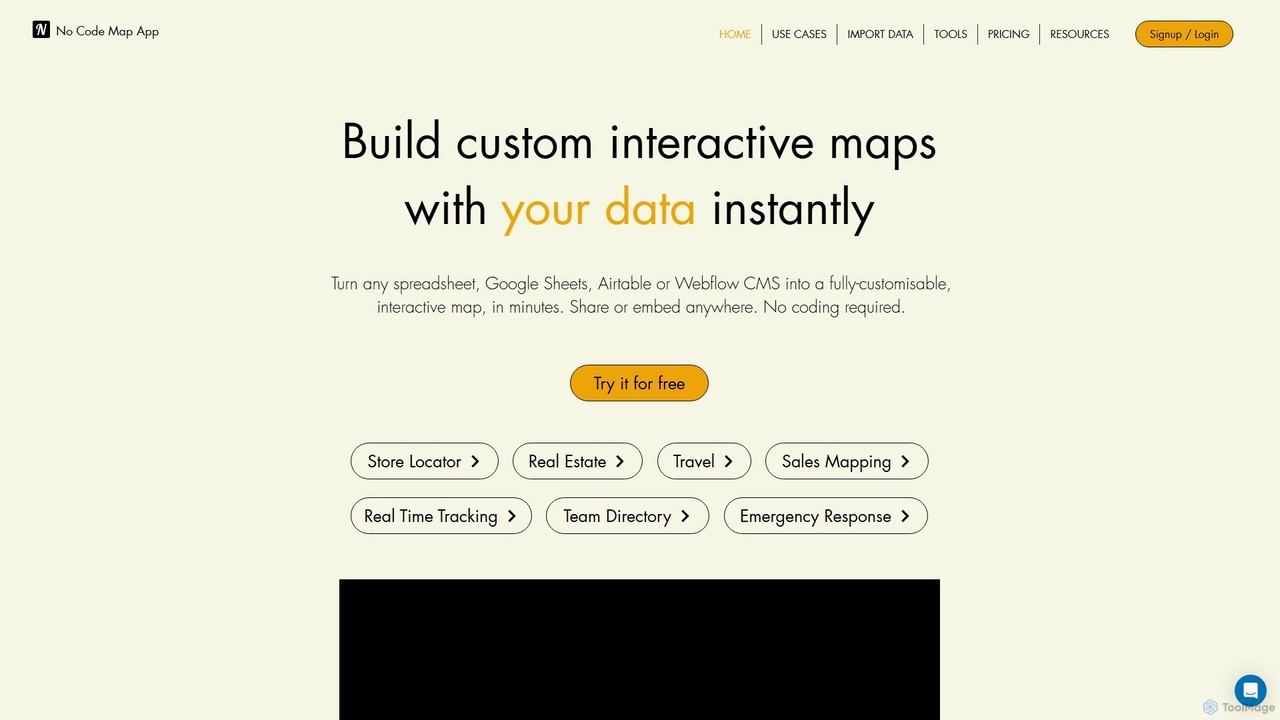
nocodemapapp is an AI-powered, no-code platform that instantly transforms data from spreadsheets, Google Sheets, Airtable, or Webflow CMS into fully customizable, interactive maps. Create store locators, real estate listings, or sales territory maps in minutes. Features include automatic data sync, heatmap layers, and deep design customization. Share or embed your responsive map anywhere, no coding required.

Location Intelligence
Visits 16.3KFavorites 146Likes 139

About Mapping

AI Mapping tools are a specialized category of marketing software that automates the creation of strategic visualizations. These tools use AI to analyze complex data from sources like CRM and web analytics to generate dynamic diagrams such as customer journey maps, competitive landscapes, and content funnels. By transforming raw data into intuitive visual maps, they help marketers identify opportunities, pinpoint friction points, and align strategies across teams. This data-driven approach provides a clearer, more actionable understanding of market dynamics and customer behavior than manual methods.

Core Features

  • Automated Data Integration: Connects to marketing platforms (e.g., Google Analytics, Salesforce) to automatically pull and structure data for maps.
  • Journey Map Generation: Creates detailed customer journey maps by analyzing user behavior data, identifying touchpoints and emotional states.
  • Competitive Landscape Visualization: Plots competitors based on multiple attributes like market share, features, and customer sentiment.
  • Content Strategy Mapping: Aligns content pieces to specific stages of the buyer's journey and automatically identifies content gaps.

Use Cases

These tools are essential for product marketers, UX researchers, and marketing strategists in SaaS, e-commerce, and digital agencies. They are used to visualize customer experiences, analyze market positioning, and plan data-informed content strategies, replacing manual diagramming and spreadsheet analysis.

How to Choose

When selecting an AI Mapping tool, consider the scope of its data integrations and compatibility with your existing marketing stack. Evaluate the types of maps it can generate (e.g., journey, persona, competitive). Also, assess its analytical capabilities, such as sentiment analysis or predictive pathing, and ensure the user interface allows for easy customization and collaboration.

Featured tool rankings

Mapping use cases

1

Visualize the End-to-End Customer Journey

A product marketing manager for a SaaS company needs to understand why users drop off during onboarding. Using an AI Mapping tool, they connect their app's analytics and customer support tickets. The tool automatically generates a journey map, visualizing each step from sign-up to feature adoption. It highlights touchpoints with high friction and negative sentiment, allowing the team to prioritize product improvements and reduce churn effectively.

2

Analyze the Competitive Marketing Landscape

A marketing strategist is tasked with identifying gaps in the market. They use an AI Mapping tool to aggregate data on competitors from social media, news articles, and review sites. The AI generates a perceptual map, positioning each competitor based on features and customer sentiment. This visualization instantly reveals underserved market segments and strategic opportunities for differentiation, informing the next marketing campaign's positioning.

3

Map Content to Buyer Journey Stages

A content marketing team wants to ensure their content effectively nurtures leads. They input their entire content library (blog posts, whitepapers, webinars) into an AI Mapping tool. The tool analyzes each asset and automatically maps it to a specific stage of the buyer's journey—Awareness, Consideration, or Decision. The resulting visual map highlights gaps, such as a lack of decision-stage content, enabling the team to create targeted assets that accelerate conversions.

4

Identify Key Stakeholders in Enterprise Sales

An account-based marketing (ABM) team targets a large enterprise. They use an AI Mapping tool integrated with LinkedIn and their CRM. The tool analyzes job titles, reporting structures, and internal communications to generate a stakeholder map. It identifies the key decision-maker, influencers, and potential blockers within the target account. This map allows the sales and marketing teams to tailor their outreach and engagement strategies for each stakeholder, increasing the likelihood of closing the deal.

5

Brainstorm and Structure Marketing Campaigns

A creative team is planning a multi-channel holiday campaign. They use an AI mind mapping tool to brainstorm ideas. As they input concepts, the AI automatically organizes them into logical clusters, suggests related keywords, and visualizes potential connections between different channels (e.g., social media, email, paid ads). This structured visual map helps the team see the entire campaign at a glance, ensuring a cohesive message and strategy across all platforms, and significantly speeds up the planning phase.

6

Optimize Website User Flow for Conversions

A UX researcher for an e-commerce site wants to improve the checkout process. They connect their website's Google Analytics data to an AI Mapping tool. The tool generates a user flow map, visualizing the most common paths users take from the homepage to purchase. It automatically flags pages with high drop-off rates and identifies confusing navigation loops. This data-driven map provides clear, actionable insights for A/B testing new layouts and simplifying the path to conversion.

Mapping FAQ

What are AI Mapping tools in marketing?

AI Mapping tools are software that automatically create visual diagrams for marketing strategy. Unlike manual tools, they connect to data sources like your CRM or website analytics to generate data-driven maps, such as customer journeys, competitive landscapes, or content funnels. Their main purpose is to transform complex marketing data into clear, actionable visual insights.

How do AI Mapping tools differ from standard diagramming software (e.g., Miro, Visio)?

The key difference is automation and data integration. Standard diagramming tools are manual canvases where you must research and place every element yourself. AI Mapping tools connect directly to your data sources (like analytics or CRM), automatically generating maps and populating them with real-time information. This makes the maps dynamic, data-driven, and significantly faster to create and update.

What types of data can AI Mapping tools analyze?

AI Mapping tools can process a wide range of structured and unstructured data. Common sources include:

  • Quantitative Data: Website traffic from Google Analytics, sales figures from a CRM, and ad performance metrics.
  • Qualitative Data: Customer feedback from surveys, support tickets, product reviews, and social media comments.
  • Behavioral Data: User clicks, session recordings, and in-app navigation paths.
The AI synthesizes this information to identify patterns, sentiments, and correlations for visualization.

Who should use AI Mapping tools for marketing?

These tools are most beneficial for roles that rely on strategic insights from complex data. This includes:

  • Marketing Strategists: To visualize market positioning and plan campaigns.
  • Product Marketers: To understand user journeys and identify feature adoption friction.
  • UX/UI Designers & Researchers: To map user flows and pinpoint usability issues.
  • Content Managers: To align content assets with the buyer's journey and identify gaps.
Essentially, anyone tasked with understanding customer behavior and optimizing the marketing funnel can benefit.

Is it difficult to set up and use AI Mapping tools?

The difficulty varies by tool. Many modern AI Mapping platforms are designed to be user-friendly with no-code interfaces. The most technical part is usually the initial data integration, which often involves authorizing access to platforms like Google Analytics or Salesforce via APIs. Once connected, the AI handles the complex analysis and map generation, allowing marketers to focus on interpreting the insights rather than on technical configuration.