

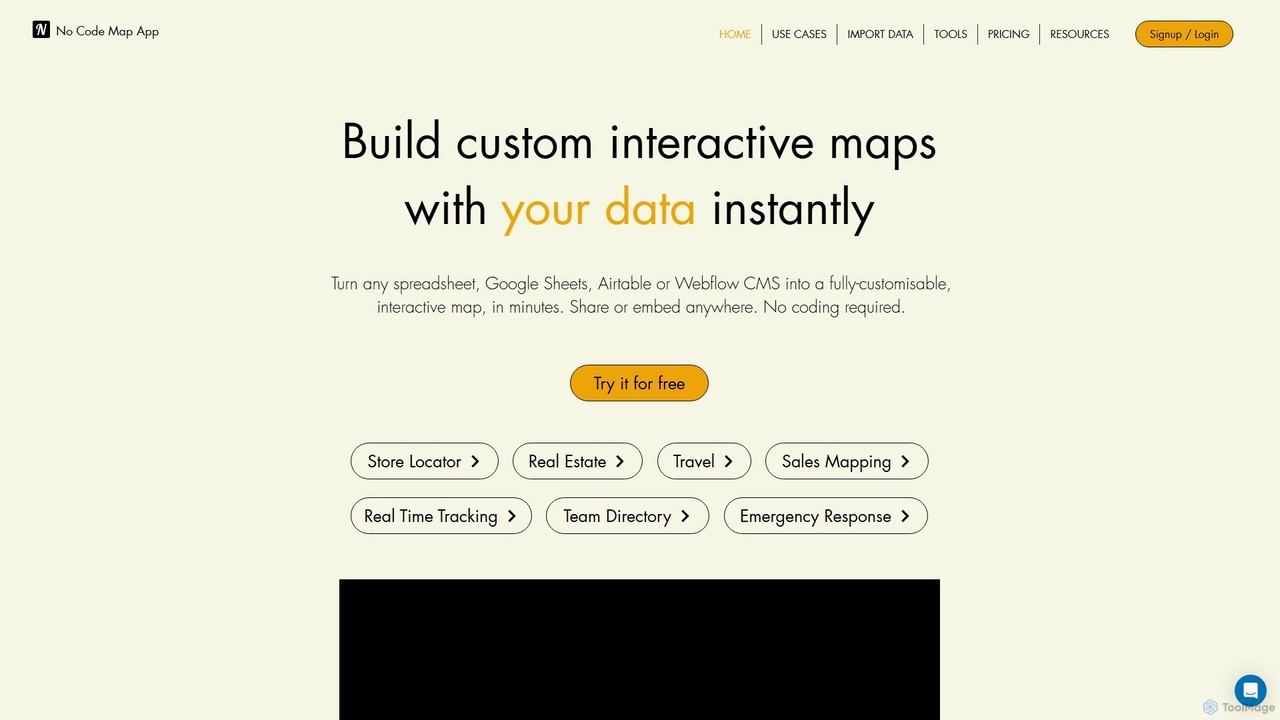
nocodemapapp Overview
nocodemapapp is a powerful and intuitive AI-driven platform designed to empower users to create custom interactive maps from their data without writing a single line of code. It serves as a bridge between complex geographical data and beautiful, functional visualizations. Whether you're a business owner wanting to display store locations, a real estate agent showcasing listings, or a data analyst mapping sales territories, nocodemapapp provides the tools to turn your spreadsheets, Google Sheets, Airtable bases, or Webflow CMS collections into dynamic, embeddable maps in just minutes.
The platform's core is its intelligent engine that automatically geocodes addresses, interprets your data columns, and sets up relevant filters, significantly speeding up the map creation process. This allows users to focus on storytelling and design rather than technical implementation. With a user-friendly interface and extensive customization options, you can tailor every aspect of your map to perfectly match your brand's style and meet your specific needs.
How to use nocodemapapp
Creating a professional interactive map with nocodemapapp is a straightforward, three-step process designed for maximum efficiency:
- Select a Template: Begin by choosing from a variety of production-ready map templates. These templates are designed for common use cases like store locators or real estate directories and provide a solid foundation for your project, saving you valuable time.
- Upload or Sync Your Data: Connect your data source. You can upload a spreadsheet (like Excel or CSV), a KML file for boundaries, or a dataset for a heatmap. For dynamic content, you can directly sync with Google Sheets, Airtable, or Webflow CMS. The platform's AI will intelligently map your locations and organize your data, automatically creating filters based on your columns.
- Customize and Publish: Dive into the intuitive editor to customize every detail. Adjust the map style (e.g., satellite, street, dark mode), design custom map markers, configure the content of pop-up boxes with images and videos, and add call-to-action buttons. Once you're satisfied, you can share the map via a direct link or copy the embed code to paste it onto any website. The map is fully responsive and works seamlessly on desktop, tablet, and mobile devices.
Core Features of nocodemapapp
- AI-Powered Data Mapping: The intelligent builder automatically processes your data, geocodes locations, and creates relevant filters, simplifying the setup process.
- Seamless Data Integration: Connect and map up to 50 data columns from various sources, including spreadsheets, KML files, Google Sheets, Airtable, and Webflow CMS.
- Automatic Data Sync: Keep your map constantly updated. Set up automatic synchronization daily, weekly, or even in real-time (for Airtable), ensuring your map always reflects the latest data without manual intervention.
- Advanced Visualization Layers: Go beyond simple markers. Add custom boundaries, routes, or shapes using KML files, and visualize data density with a customizable heatmap layer.
- Deep Customization Control: Enjoy full design freedom. Customize map styles, create unique markers, design detailed pop-up boxes with galleries and CTAs, and more to align with your brand identity.
- Team Collaboration: Invite team members to collaborate on designing, building, and managing your maps, streamlining workflows and fostering teamwork.
- Embed Anywhere: Easily publish your map as a standalone page or embed it on any website platform (like WordPress, Shopify, Webflow) with a simple copy-paste embed code.
Use Cases for nocodemapapp
nocodemapapp is versatile and can be adapted for countless industries and purposes:
- Retail & Business: Create interactive store locators, map service areas, or display a network of dealers and distributors.
- Real Estate: Showcase property listings with detailed information, photos, and virtual tours. Build maps for open houses or highlight neighborhood amenities.
- Sales & Marketing: Visualize sales data by region, map customer distributions for targeted campaigns, and plan sales routes.
- Travel & Tourism: Design custom travel guides, map out itineraries, or create interactive maps of points of interest for tourists.
- Events & Organization: Map out event locations, vendor booths, or create a directory of team members across different offices.
- Data Analysis: Perform spatial analysis by overlaying boundary data (KML) or visualizing data concentration with heatmaps.
Advantages of nocodemapapp
The primary advantage of nocodemapapp is its ability to democratize map creation. It empowers non-technical users to build professional, data-driven maps quickly and affordably. Key benefits include speed, ease of use, dynamic content through auto-sync, and extensive customization that ensures a unique, on-brand result. It's a scalable solution that grows with your business, from a simple free map to a complex, multi-layered map for enterprise use.
Pricing and Plans
nocodemapapp operates on a freemium model, offering several tiers to suit different needs:
- Free Plan: Ideal for personal projects or testing, allowing users to create a basic map with limited locations and nocodemapapp branding.
- Starter Plan: Aimed at small businesses and individuals, offering more locations, custom branding options, and additional features.
- Pro Plan: The most popular choice for growing businesses, this plan includes automatic data sync, a higher volume of map views, and access to advanced features like KML and heatmap layers.
- Business Plan: Designed for larger organizations with extensive needs, offering team collaboration features, the highest limits on locations and views, and priority support.
For the most up-to-date and detailed pricing information, it is recommended to visit the official nocodemapapp website.
Traffic
Latest traffic
Status
Monthly traffic trend
- 2025-9: 4.8K
- 2026-1: 5.7K
- 2026-2: 6.8K
- 2026-3: 7.8K
- 2026-4: 10.6K
- 2026-5: 12.1K
Geography
Top 5 countries / regions
- 🇺🇸United States45.9%
- 🇬🇧United Kingdom21.3%
- 🇩🇪Germany15.4%
- 🇮🇳India12.7%
- 🇨🇦Canada4.6%
Traffic sources
| Source type | Percentage |
|---|---|
Direct | 99.7% |
Referral | 0.3% |
Top keywords
| Keyword | Cost per click |
|---|---|
| heat map html | $0.00 |
| lvmap.app | $0.00 |
| mapp based app builder | $0.00 |
| military base map generator | $0.00 |
| when were computers able to digitize large scale maps | $0.00 |
nocodemapapp Alternatives
Vizzy
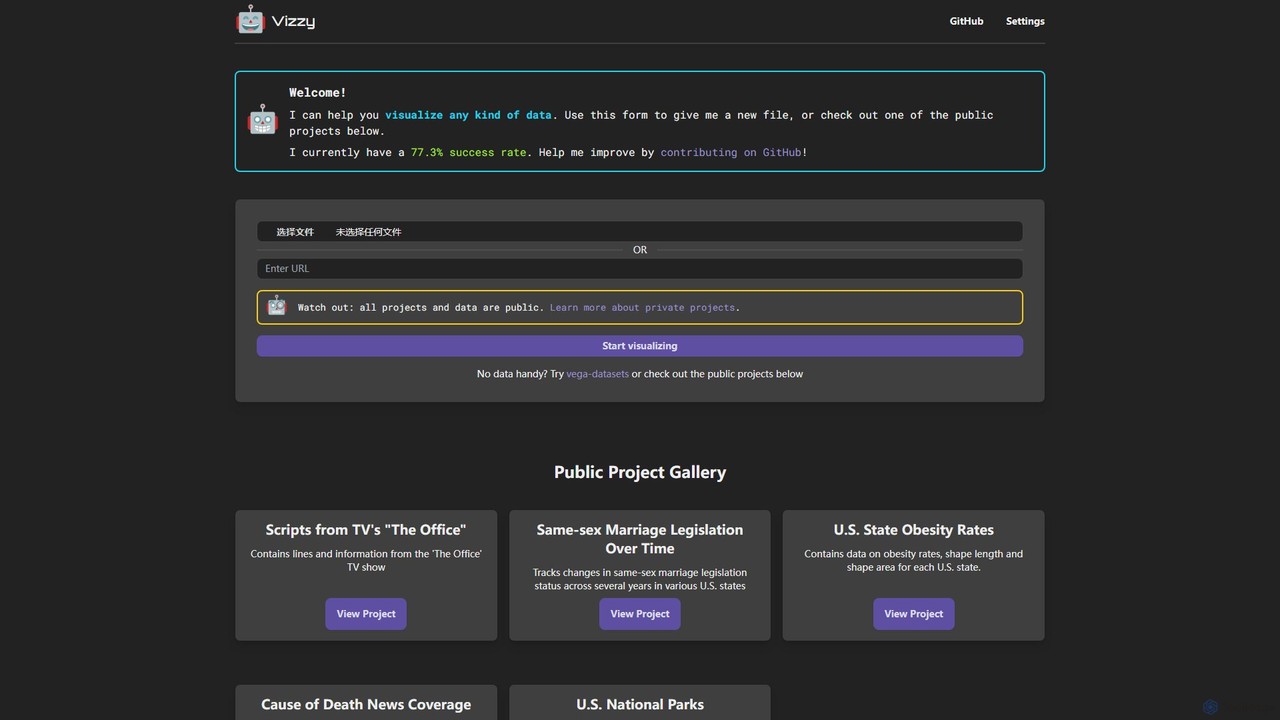
Vizzy is an AI-powered tool that leverages Large Language Models (LLMs) for rapid data visualization. Simply upload your data file, and Vizzy's AI will analyze it to automatically generate insightful charts, graphs, and maps. It's a no-code, open-source platform designed to make data analysis accessible to everyone, from researchers to business analysts. Explore public datasets or visualize your own, turning raw numbers into clear visuals in seconds.
Visualization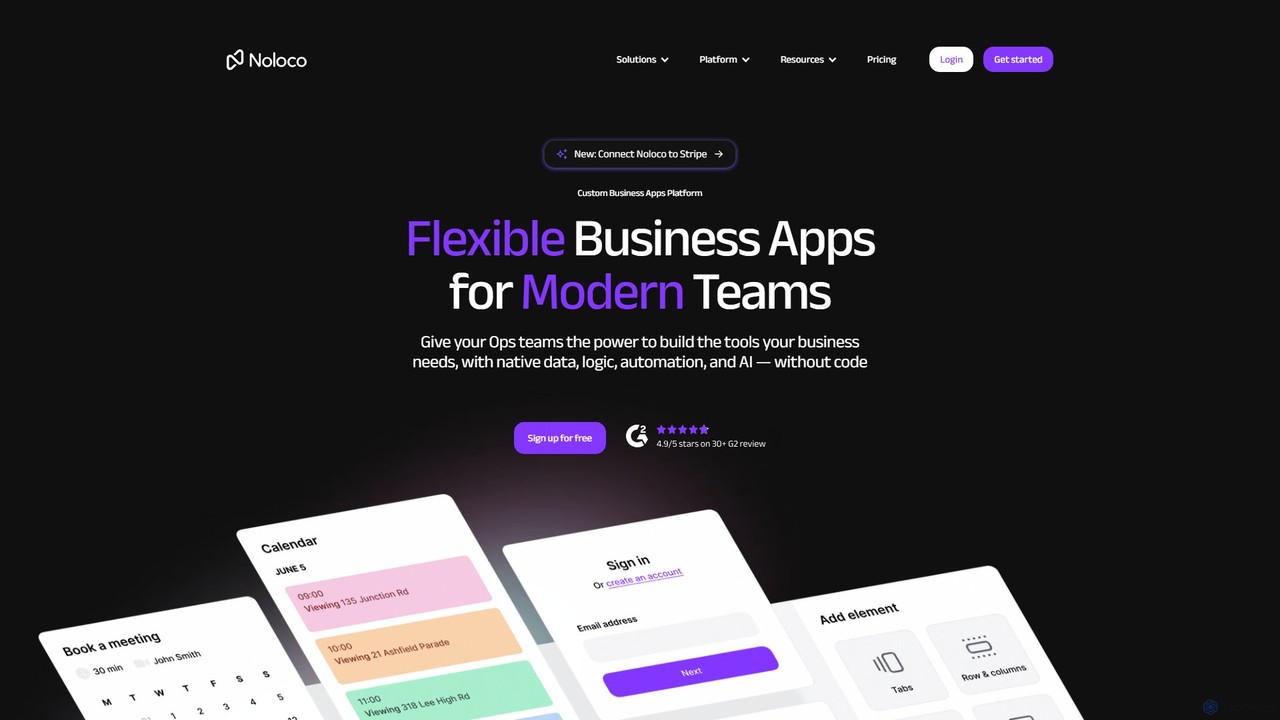
Noloco
Noloco is a powerful no-code platform that enables teams to build custom business applications without writing any code. Create flexible CRMs, project management tools, client portals, and internal tools by connecting your existing data sources like Airtable, Google Sheets, and databases. Automate workflows, manage permissions, and leverage AI to streamline your operations.
App Builder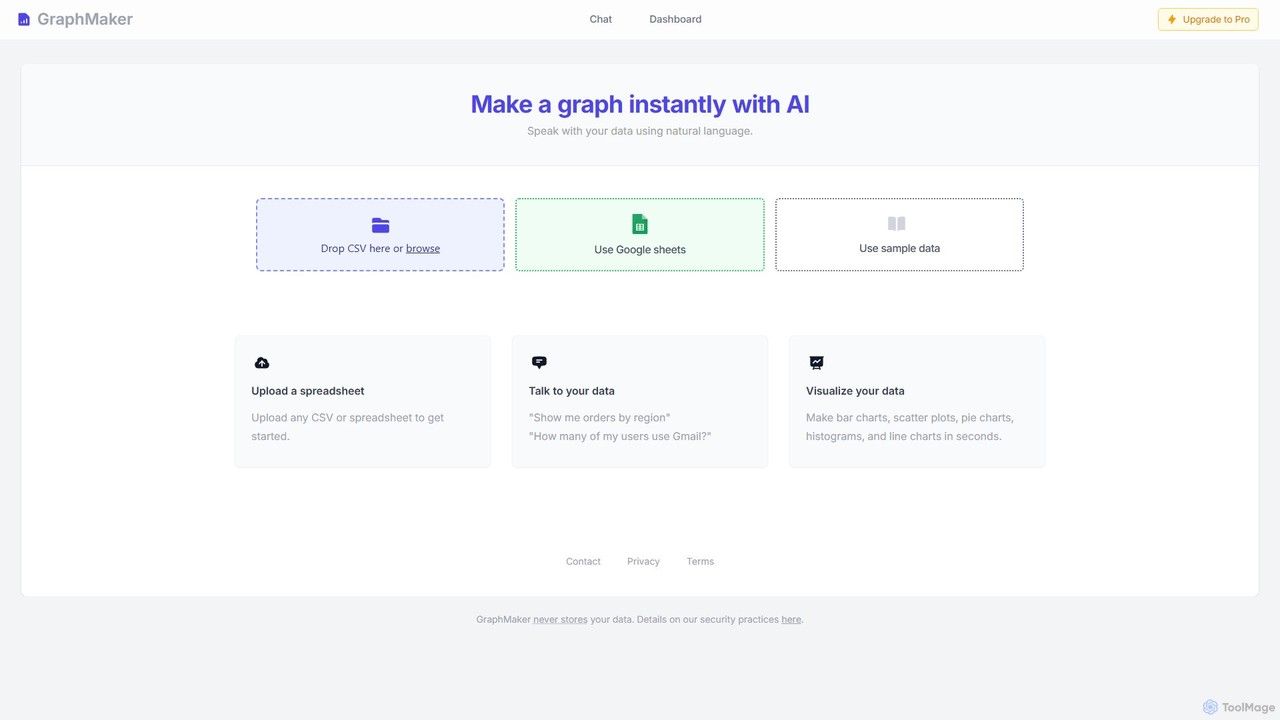
GraphMaker
GraphMaker is an AI-powered data visualization tool that allows you to create various charts and graphs in seconds. Simply upload your data from a CSV file or Google Sheets, and use natural language commands to generate insightful visualizations like bar charts, pie charts, and histograms. It's designed for speed, simplicity, and security, as it never stores your data.
Business Intelligence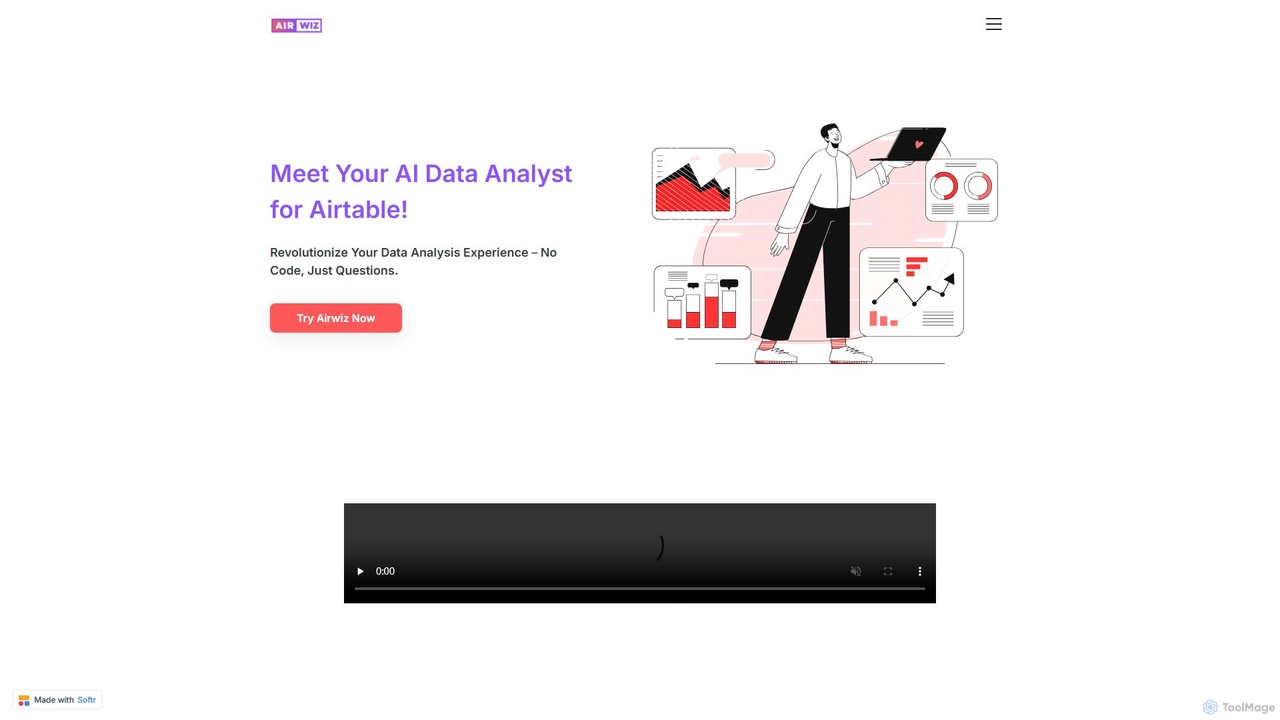
airwiz
Airwiz is an AI-powered data analyst designed specifically for Airtable. It allows users to ask complex questions about their data in plain English and receive instant, actionable insights. With seamless integration and no coding required, Airwiz democratizes data analysis, enabling teams in product, finance, and operations to make faster, data-driven decisions directly from their Airtable bases.
No Code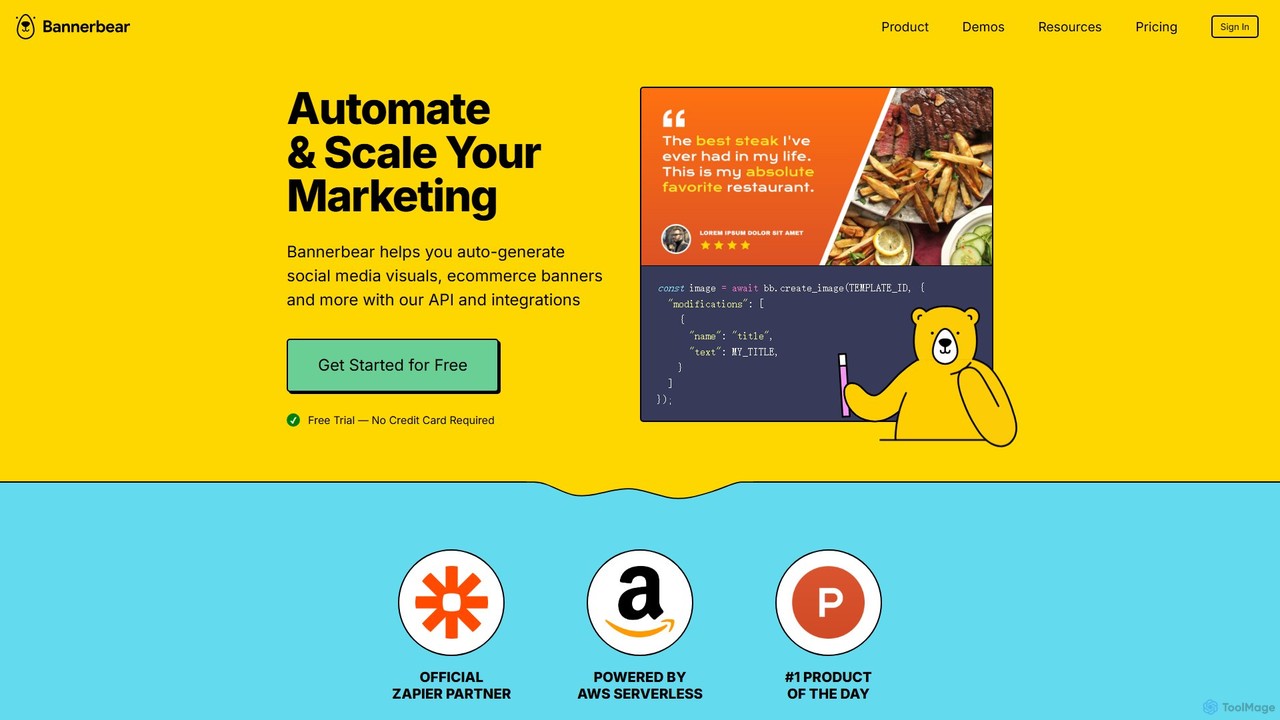
Bannerbear
Bannerbear is a powerful API for automating the generation of images, videos, and PDFs. It helps businesses scale their marketing efforts by creating dynamic social media visuals, e-commerce banners, and personalized content through templates and integrations with tools like Zapier, Airtable, and custom applications.
Image Generationnocodemapapp Categories
nocodemapapp Embed Widget
Copy this embed code to place the badge on your blog, article, or product site and send readers directly to this ToolMage detail page.

Related AI tools
Noloco
Noloco is a powerful no-code platform that enables teams to build custom business applications without writing any code. Create flexible CRMs, project management tools, client portals, and internal tools by connecting your existing data sources like Airtable, Google Sheets, and databases. Automate workflows, manage permissions, and leverage AI to streamline your operations.
App BuilderGraphMaker
GraphMaker is an AI-powered data visualization tool that allows you to create various charts and graphs in seconds. Simply upload your data from a CSV file or Google Sheets, and use natural language commands to generate insightful visualizations like bar charts, pie charts, and histograms. It's designed for speed, simplicity, and security, as it never stores your data.
Business Intelligenceairwiz
Airwiz is an AI-powered data analyst designed specifically for Airtable. It allows users to ask complex questions about their data in plain English and receive instant, actionable insights. With seamless integration and no coding required, Airwiz democratizes data analysis, enabling teams in product, finance, and operations to make faster, data-driven decisions directly from their Airtable bases.
No Code
Jyek
Jyek is an AI agent platform that understands objectives, creates execution plans, uses tools, and delivers verifiable results for complex, multi-step tasks.
Automation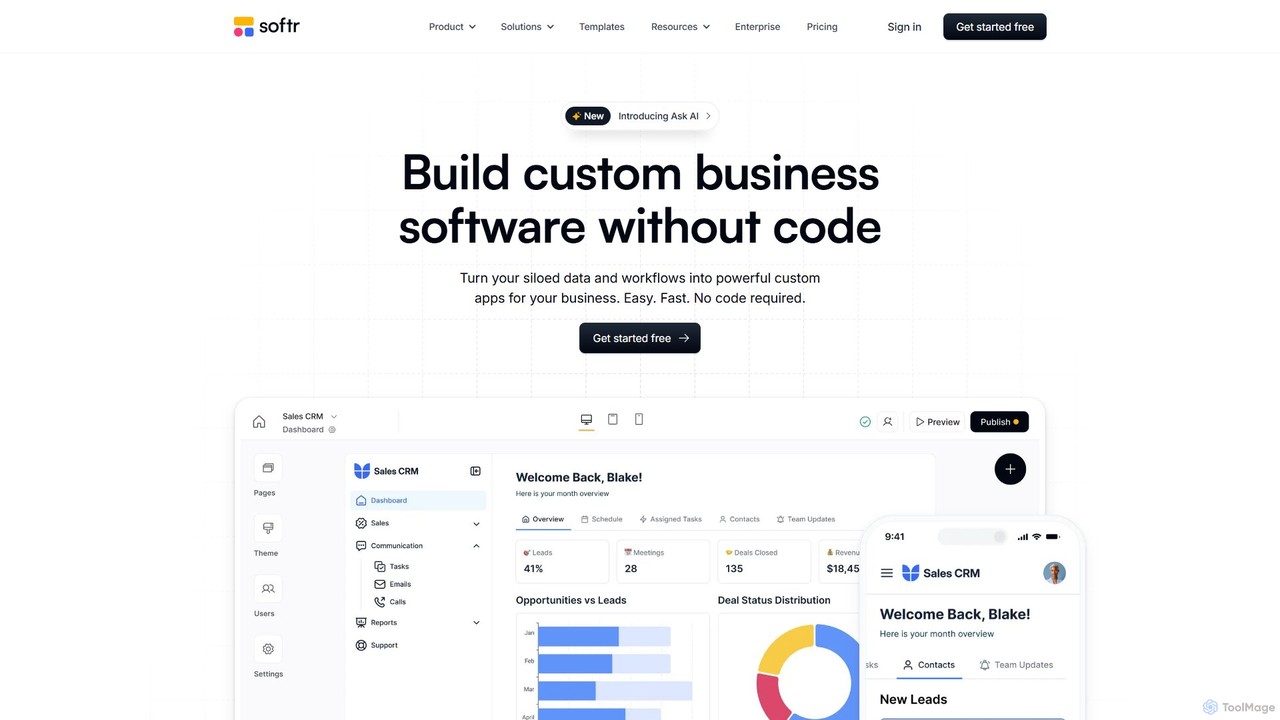
Softr
Softr is a leading no-code platform that empowers users to build custom business applications, client portals, and internal tools without writing a single line of code. It transforms existing data from sources like Airtable, Google Sheets, and HubSpot into powerful, interactive web apps. With its new AI-powered builder, you can generate applications even faster, streamlining workflows and boosting productivity.
Internal Tools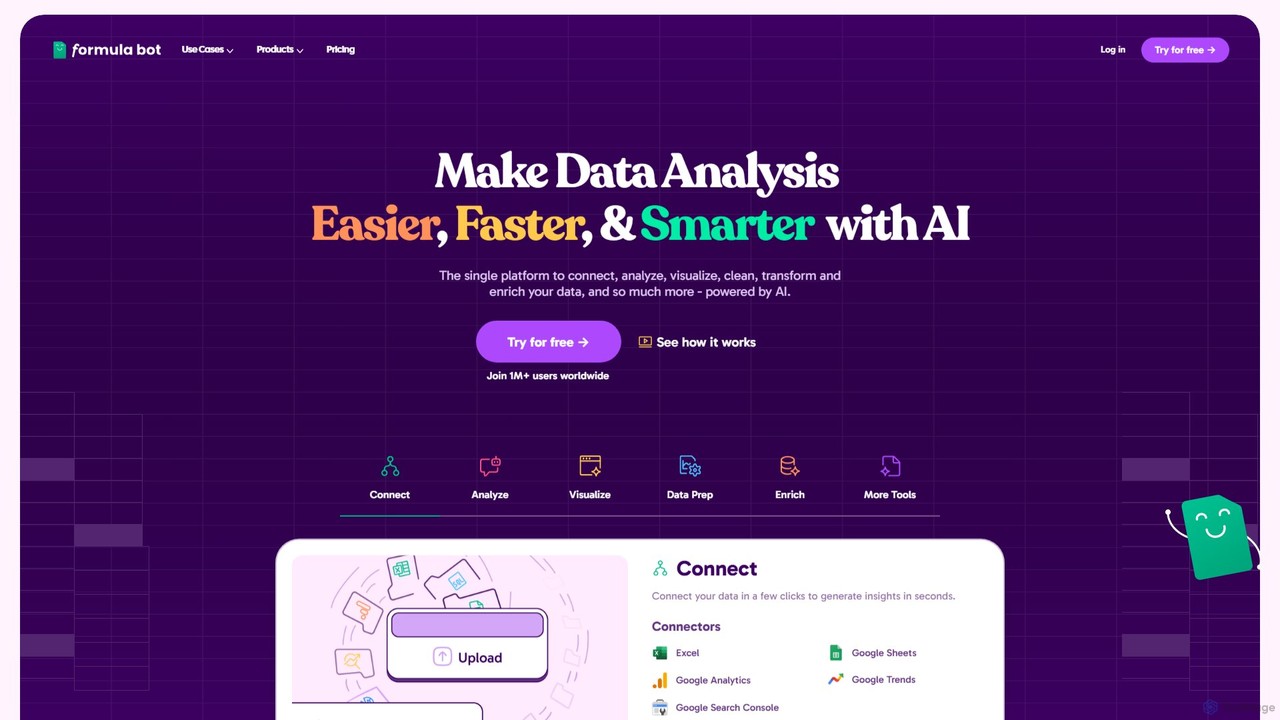
Formula Bot
Formula Bot is an AI-powered data analysis platform that simplifies working with spreadsheets and data. It allows users to generate Excel formulas, SQL queries, and VBA code from simple text instructions, analyze data through a conversational chat interface, and automate tasks like data cleaning and enrichment.
Data Visualization
Ajelix
Ajelix is an AI-powered suite of tools designed to enhance productivity for Excel and Google Sheets users. It acts as an AI data analyst, automating tasks, generating formulas and VBA scripts, creating insightful reports, and providing advanced data analysis through a simple chat interface.
Business Intelligence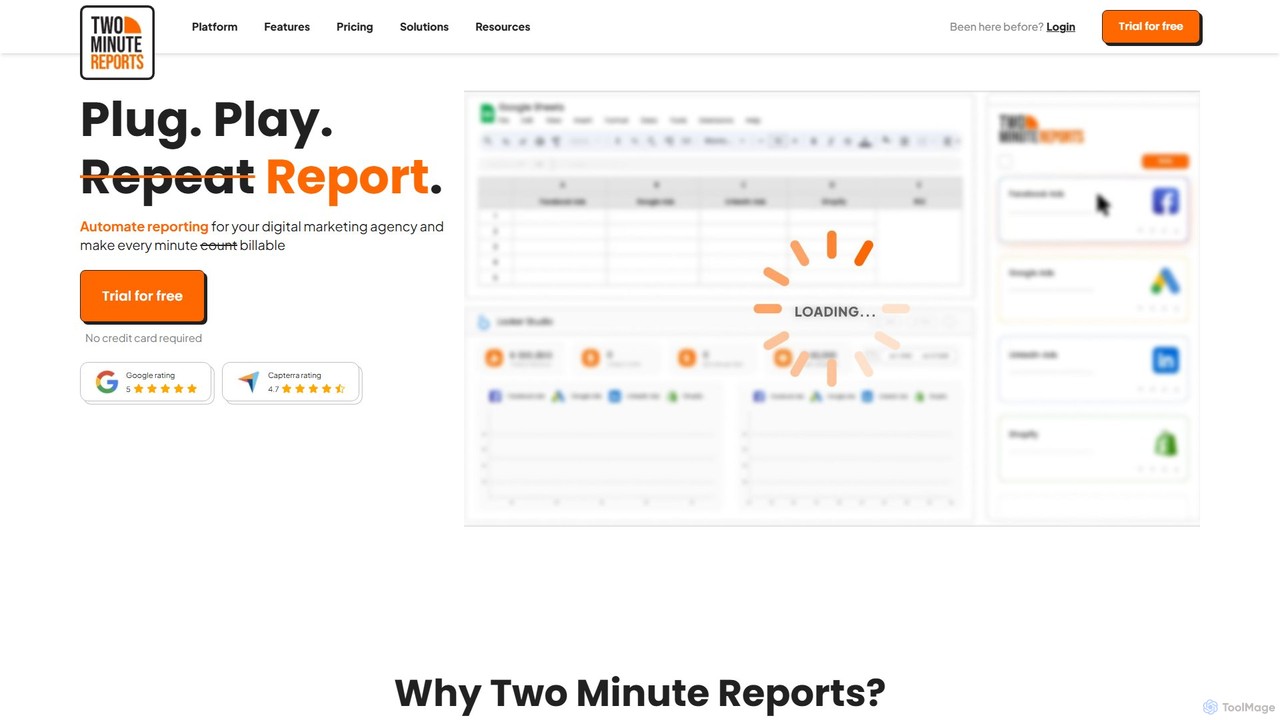
Two Minute Reports
Two Minute Reports is an automated reporting tool for marketing agencies and teams. It integrates with Google Sheets and Looker Studio to create professional, white-labeled, multi-channel performance reports in minutes. Automate data collection, blend insights from 30+ platforms, and save hours on client reporting.
Analytics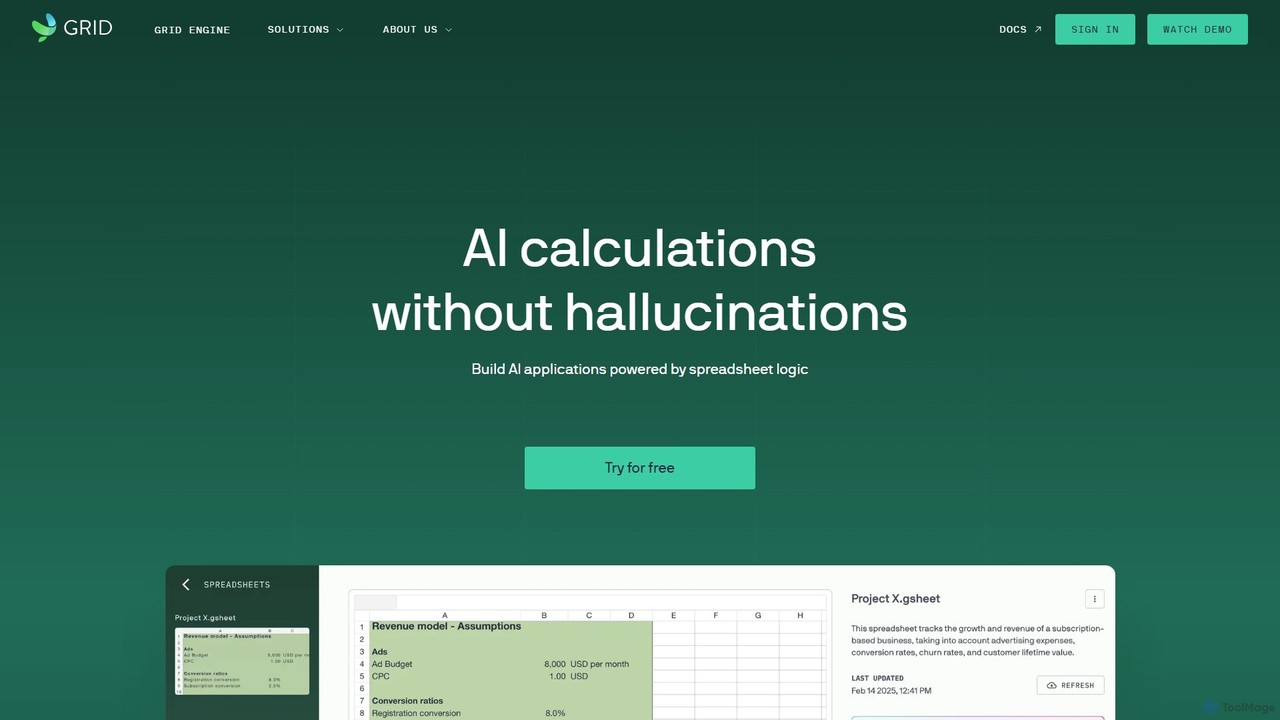
GRID
GRID is an AI-first platform that transforms your existing spreadsheets into powerful, interactive web applications and AI-driven tools. It leverages the logic and data within your Excel and Google Sheets files to build reliable calculators, dashboards, and models that can be queried using natural language, eliminating AI hallucinations.
Business Intelligence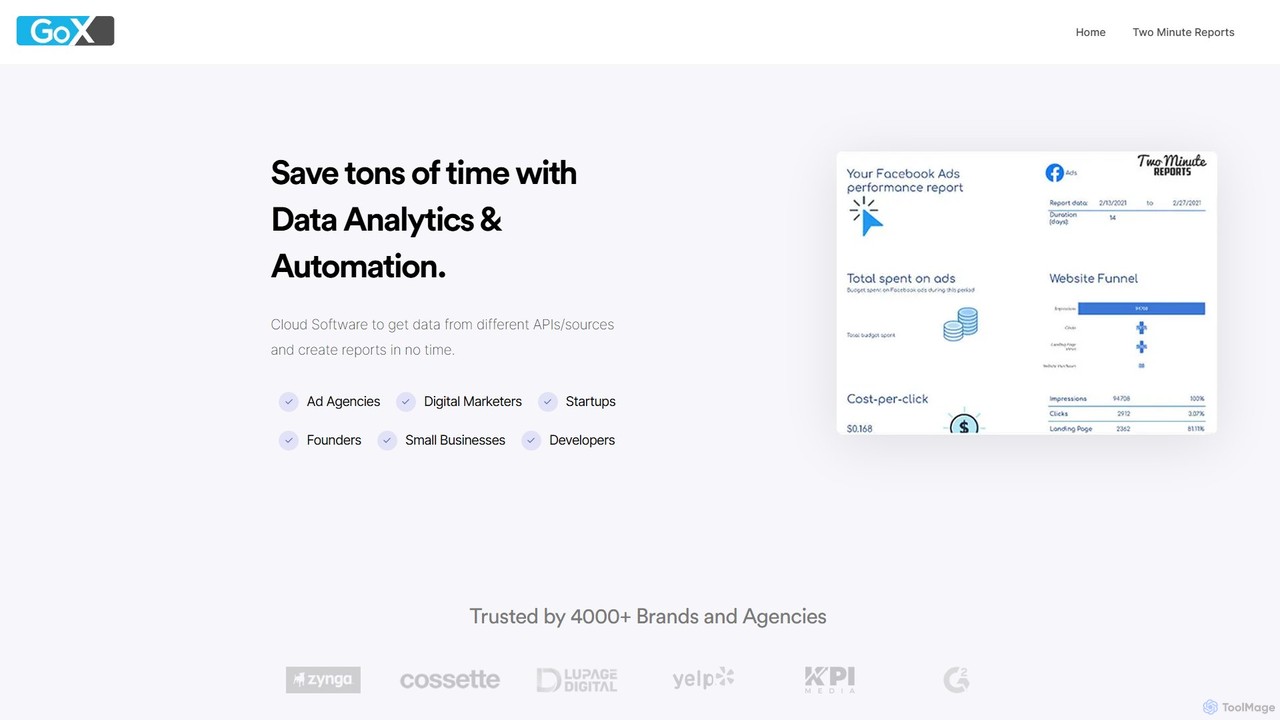
GoX
GoX is a data automation and analytics platform, delivered through its flagship product 'Two Minute Reports'. It helps marketers and agencies save time by connecting to various data sources (like Google Ads, Facebook Ads, SEO tools), consolidating data, and automating report generation directly within Google Sheets and Looker Studio. It's a no-code solution for creating beautiful, insightful reports in minutes.
Business Intelligence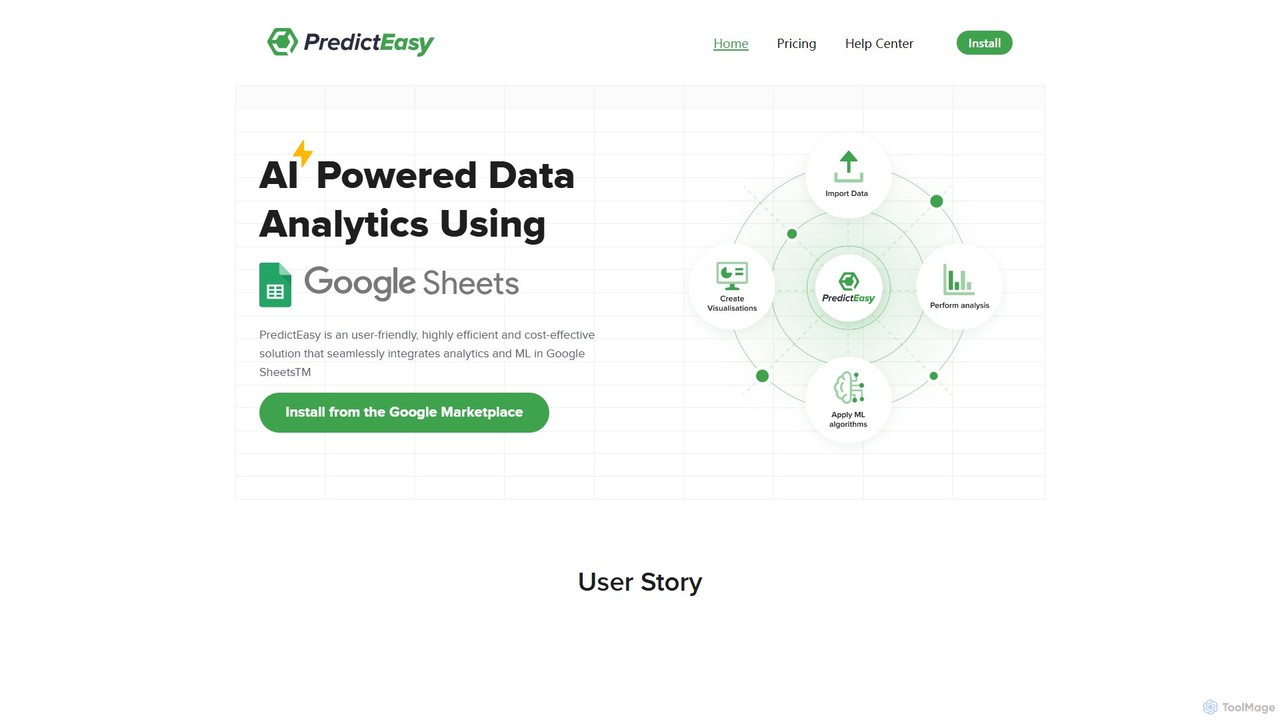
PredictEasy
PredictEasy is a powerful no-code AI add-on for Google Sheets that democratizes data analytics. It allows users to perform advanced tasks like predictive modeling, time-series forecasting, NLP, and statistical analysis with just a few clicks. Ideal for business professionals, researchers, and data analysts, it transforms your spreadsheet into a sophisticated data science tool, enabling data-driven decisions without writing any code.
Business Intelligence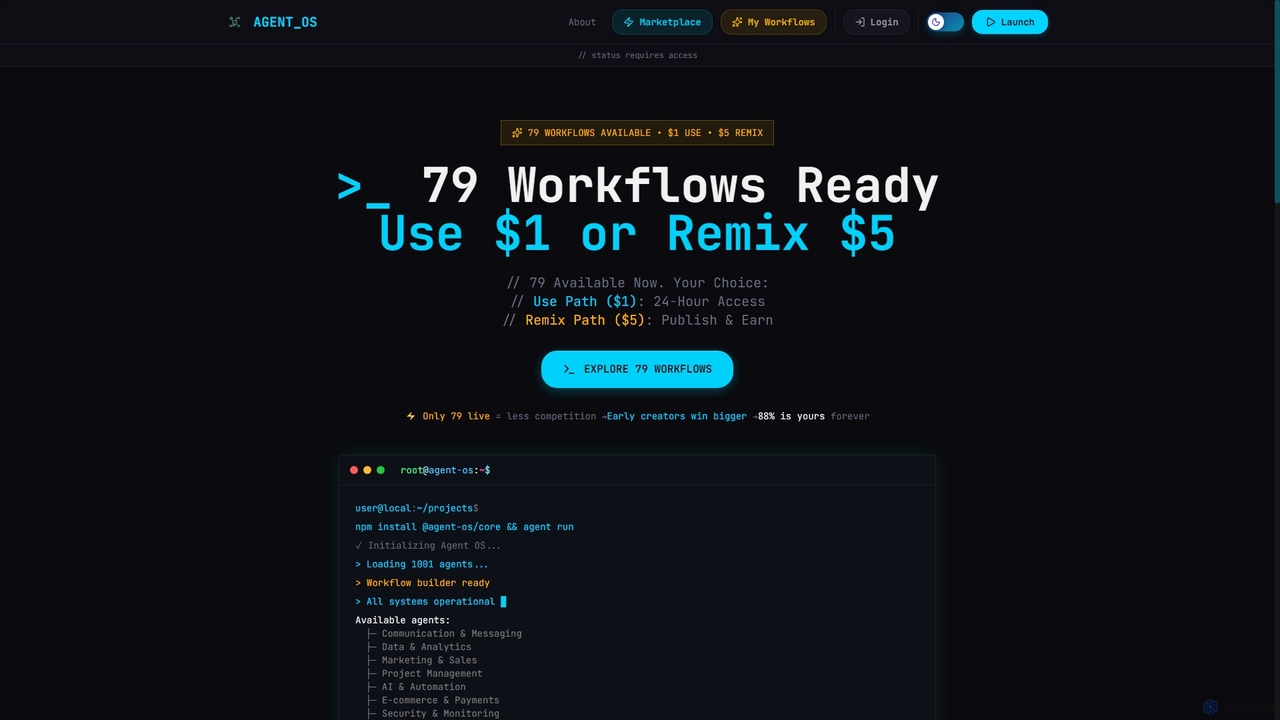
Onedollaragent
Onedollaragent is an AI workflow automation platform offering n8n-based agents for rent or ownership. Users can access existing workflows for $1 for 24 hours or remix them for $5 to publish on the marketplace and earn 88% of sales. It covers areas like communication, data, marketing, project management, and intelligent automation.
3D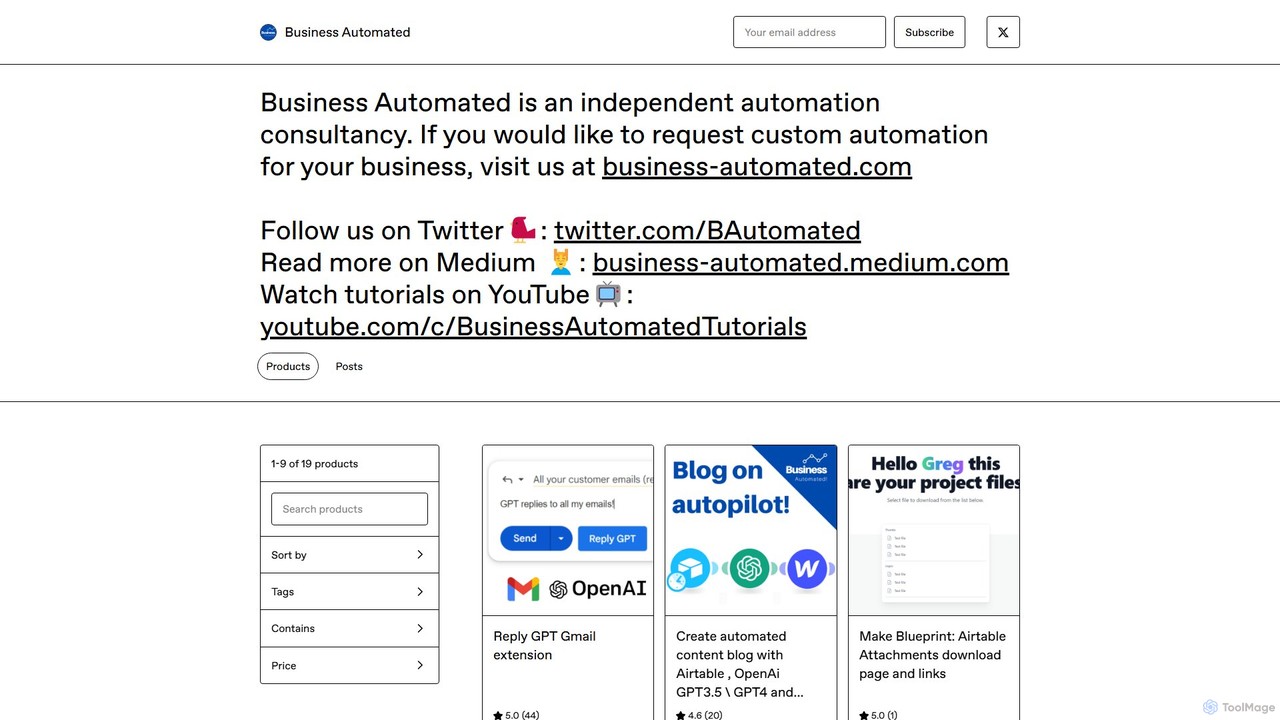
Business Automated
A comprehensive tutorial and blueprint package for creating a fully automated content blog. It leverages Airtable as a CMS, OpenAI (GPT-3.5/GPT-4) for content generation, and Webflow for publishing, all connected via Make.com.
Content CreationVizzy
Vizzy is an AI-powered tool that leverages Large Language Models (LLMs) for rapid data visualization. Simply upload your data file, and Vizzy's AI will analyze it to automatically generate insightful charts, graphs, and maps. It's a no-code, open-source platform designed to make data analysis accessible to everyone, from researchers to business analysts. Explore public datasets or visualize your own, turning raw numbers into clear visuals in seconds.
VisualizationBannerbear
Bannerbear is a powerful API for automating the generation of images, videos, and PDFs. It helps businesses scale their marketing efforts by creating dynamic social media visuals, e-commerce banners, and personalized content through templates and integrations with tools like Zapier, Airtable, and custom applications.
Image Generation
nocodemapapp Comments (0)
Sign in to comment.
Sign inNo comments yet.