Best of the Year 7 results Mobile Development AI Tools

Popular AI tools in the Mobile Development field include Termly、Trigma、SwiftAI Boilerplate、ZyraTech、Bixat、Nexa SDK、AugurVista, etc., helping you quickly improve efficiency.

Trigma

Trigma

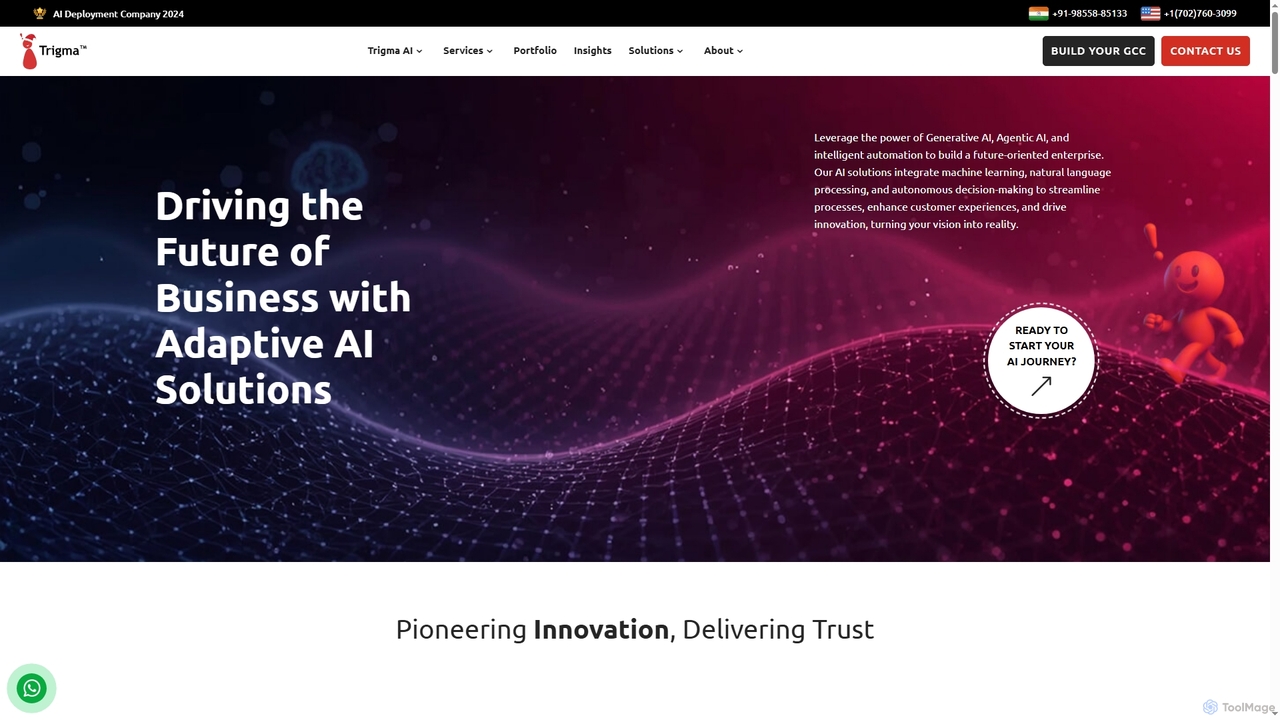
Trigma is a global AI development company specializing in custom AI and tech solutions for businesses. They leverage …

8.0K
ZyraTech

ZyraTech

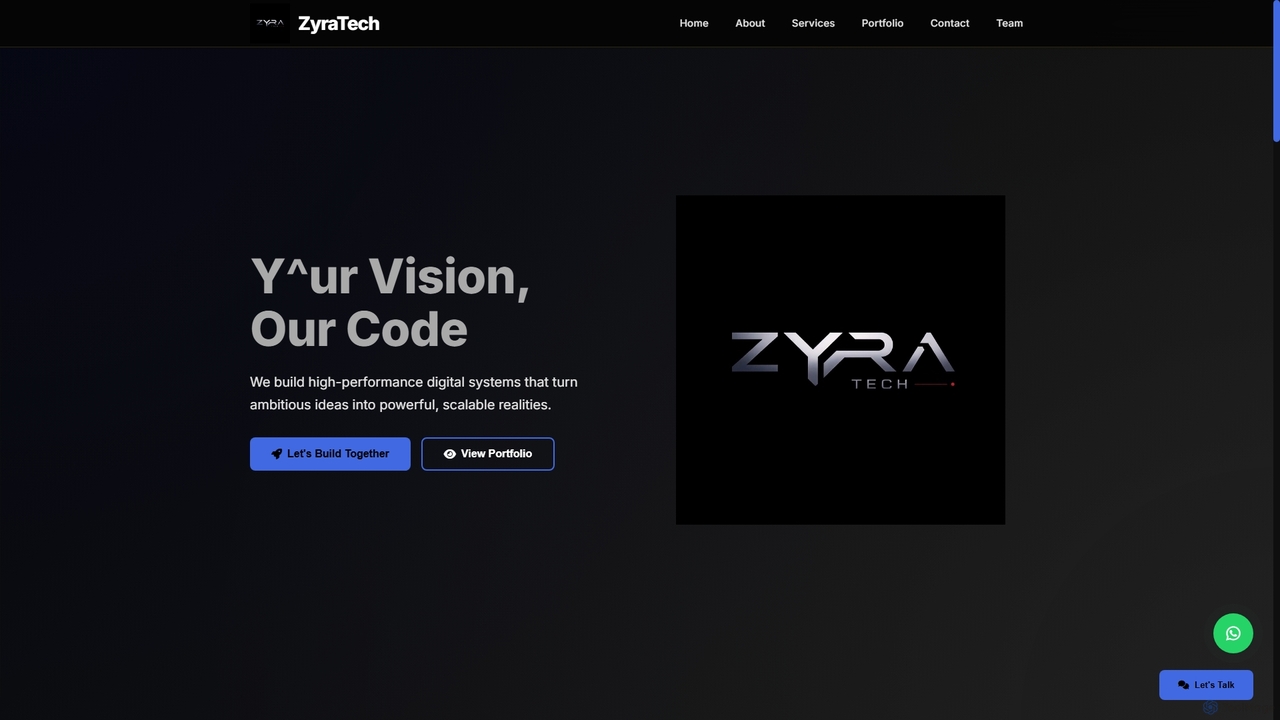
ZyraTech is a dedicated software development company specializing in creating custom web and mobile applications, alongside comprehensive software …

165
Nexa SDK

Nexa SDK

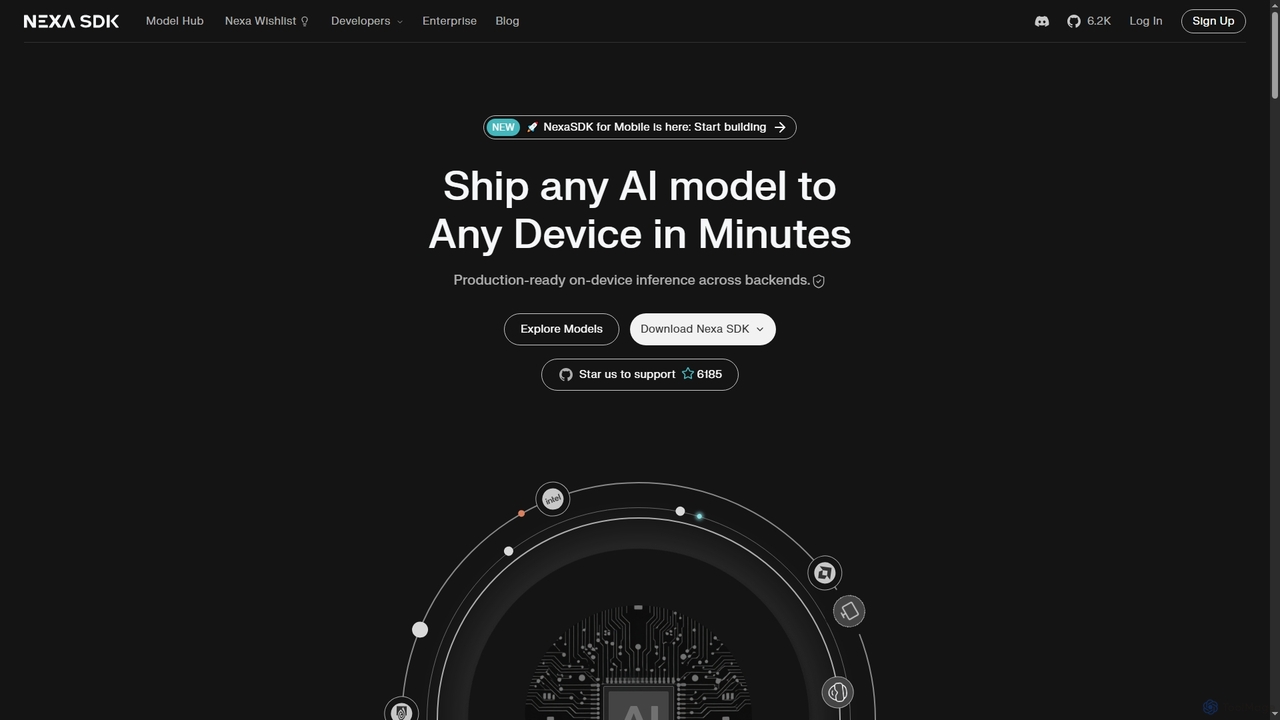
Nexa SDK is a powerful toolkit enabling developers to deploy any AI model, including frontier and state-of-the-art models, …

89
SwiftAI Boilerplate

SwiftAI Boilerplate

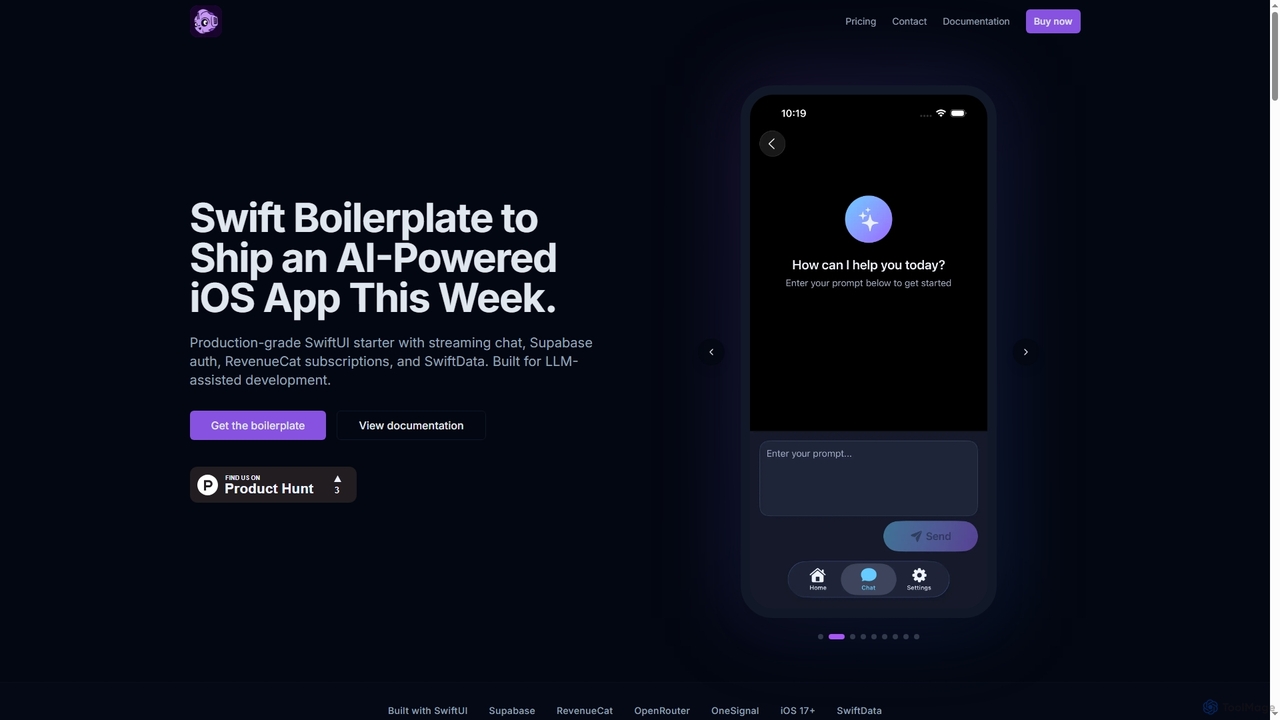
SwiftAI Boilerplate is a production-grade SwiftUI starter kit designed to accelerate the development of AI-powered iOS applications. It …

1.1K
Free
Termly

Termly

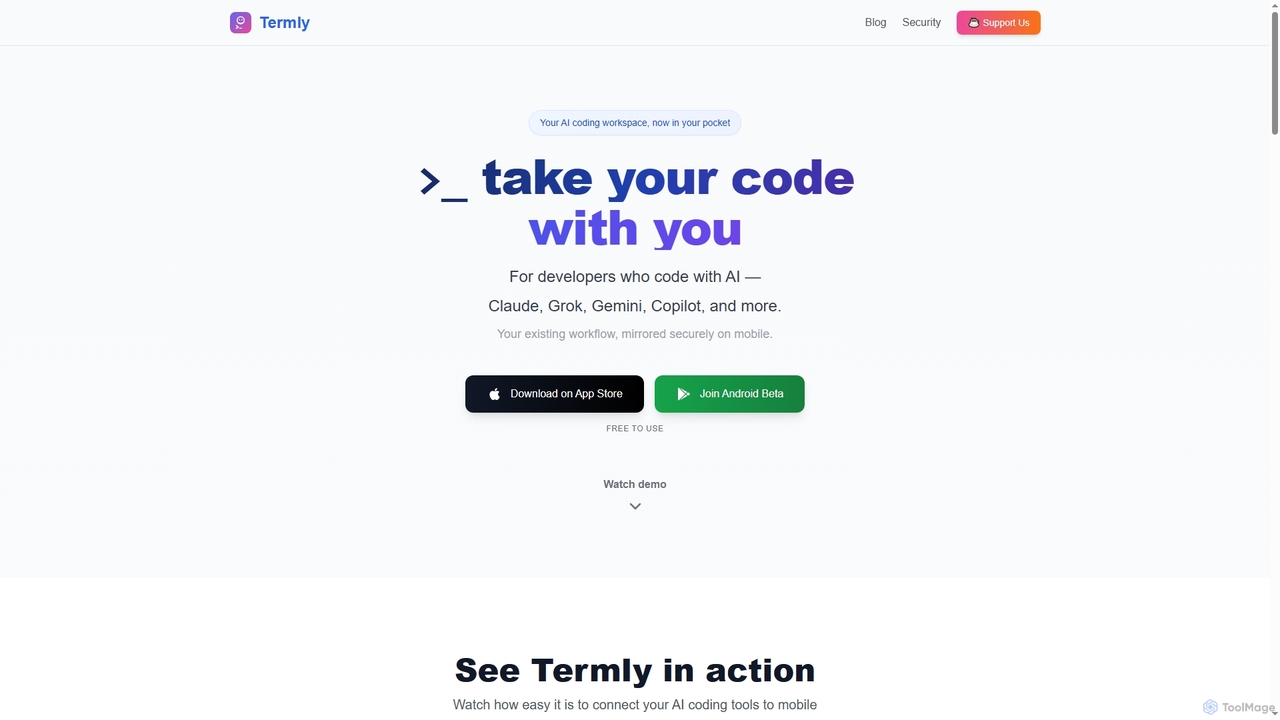
Termly is a universal AI coding assistant that securely mirrors your existing desktop AI development workflow to your …

37.7K
AugurVista

AugurVista

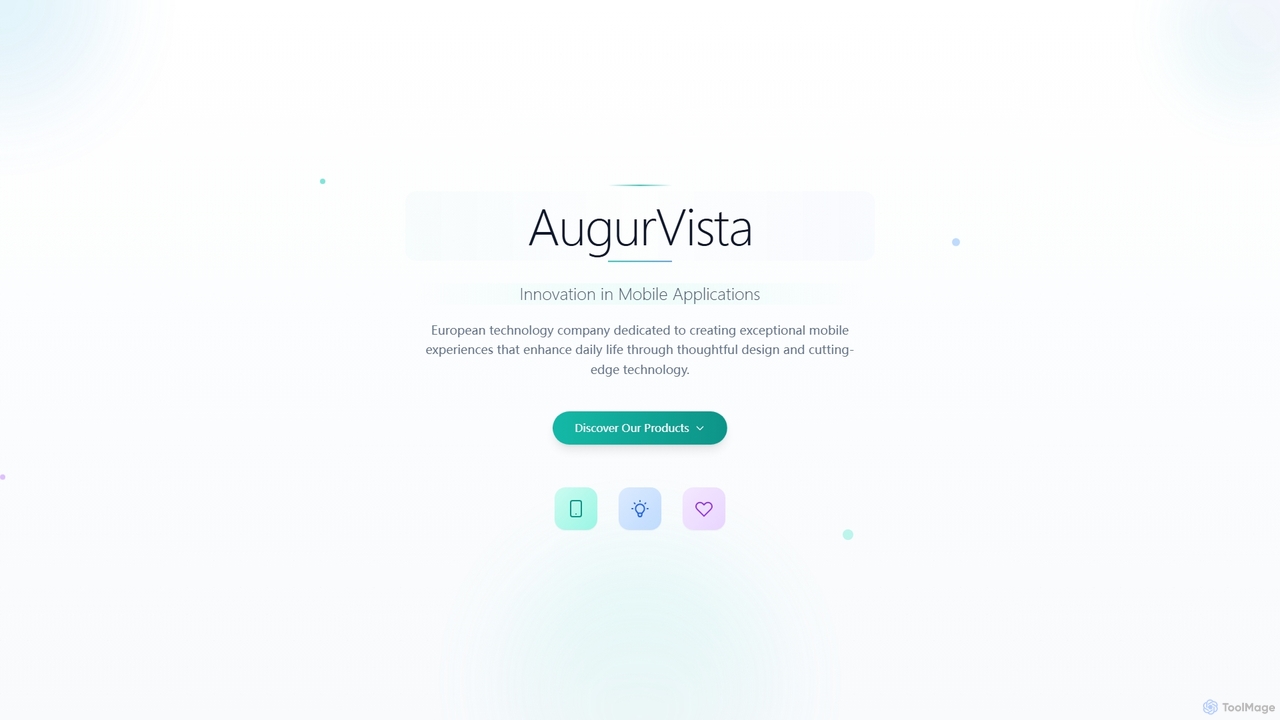
AugurVista is an Estonian technology company dedicated to crafting innovative mobile applications that enhance daily life through thoughtful …

69
Bixat

Bixat

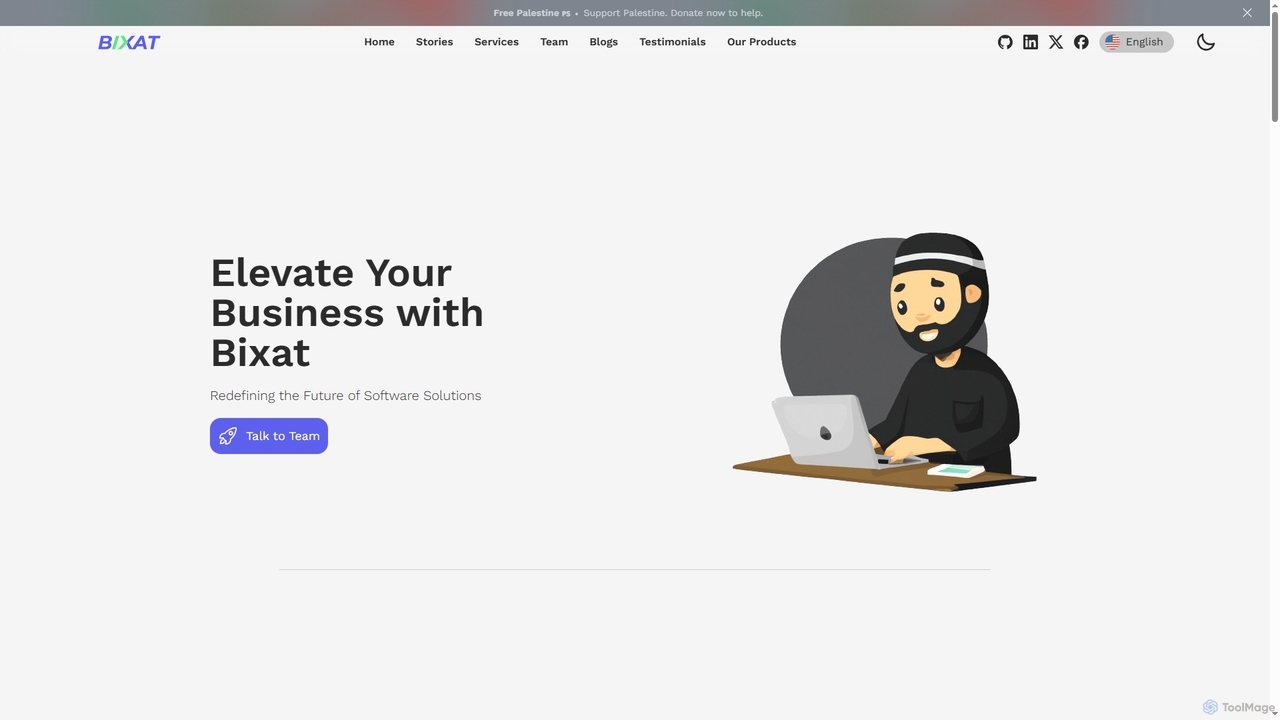
Bixat is a software development company specializing in crafting custom, high-performance digital solutions. They offer comprehensive services including …

90

About Mobile Development

Mobile Development AI tools are specialized platforms that leverage artificial intelligence to streamline and enhance the entire mobile application development lifecycle. These tools utilize machine learning, natural language processing, and computer vision to automate tasks from code generation and UI design to testing and optimization. They empower developers to build high-quality, performant, and user-friendly mobile apps faster and more efficiently, reducing manual effort and accelerating time-to-market.

Core Features

  • AI-powered Code Generation: Automatically generates boilerplate code, UI components, or even entire functions based on natural language descriptions or design inputs.
  • Automated UI/UX Design: Assists in creating intuitive user interfaces and experiences by suggesting layouts, color schemes, and component placements, often from wireframes or text prompts.
  • Intelligent Testing & Debugging: Identifies bugs, performance bottlenecks, and security vulnerabilities through AI-driven test case generation, anomaly detection, and predictive analysis.
  • Performance Optimization: Analyzes app performance data to suggest improvements for speed, battery usage, and resource management, ensuring a smooth user experience.
  • Cross-Platform Compatibility: Facilitates the development of apps that run seamlessly across different operating systems (iOS, Android) from a single codebase.

Use Cases

Mobile app development teams use these tools to accelerate their sprint cycles. Freelance developers leverage AI for rapid prototyping and generating initial code structures. Enterprises adopt them to maintain consistency across large app portfolios and reduce development costs.

How to Choose

Evaluate the tool's integration with existing development environments (IDEs), the scope of its AI capabilities (e.g., code generation vs. testing), its support for target platforms (iOS, Android, cross-platform), and its pricing model. Consider the learning curve and community support.

Mobile DevelopmentUse Cases

1

Rapid Prototyping and MVP Development

Mobile developers use AI tools to quickly generate initial app prototypes and Minimum Viable Products (MVPs) from design mockups or textual descriptions. This significantly reduces the time spent on manual coding for basic functionalities, allowing for faster iteration and validation of ideas with stakeholders.

2

Automating UI Component Generation

UI/UX designers and front-end developers leverage AI to automatically create complex user interface components and layouts. By inputting design specifications or even hand-drawn sketches, the AI generates production-ready UI code, ensuring consistency and adherence to design systems across the application.

3

Intelligent Mobile App Testing

Quality Assurance (QA) teams employ AI-powered testing tools to automatically generate comprehensive test cases, identify edge cases, and detect bugs or performance issues. These tools can simulate various user interactions and device conditions, leading to more robust and reliable mobile applications before release.

4

Optimizing App Performance and Battery Usage

Developers utilize AI to analyze real-time app performance data, pinpointing areas of high resource consumption or slow response times. The AI suggests specific code optimizations or architectural changes to improve app speed, reduce battery drain, and enhance overall user experience on diverse mobile devices.

5

Cross-Platform Code Conversion and Adaptation

Teams developing for both iOS and Android can use AI tools to assist in converting or adapting codebases between different platforms or frameworks. This helps maintain feature parity and reduces the effort required to manage separate codebases, streamlining cross-platform development workflows.

6

Personalized User Experience Features

AI tools can be integrated into mobile apps to develop features that offer personalized user experiences, such as intelligent recommendation engines, adaptive interfaces, or context-aware notifications. Developers use AI models to process user data and deliver highly relevant and engaging content.

Mobile DevelopmentFrequently Asked Questions