
Termly Overview
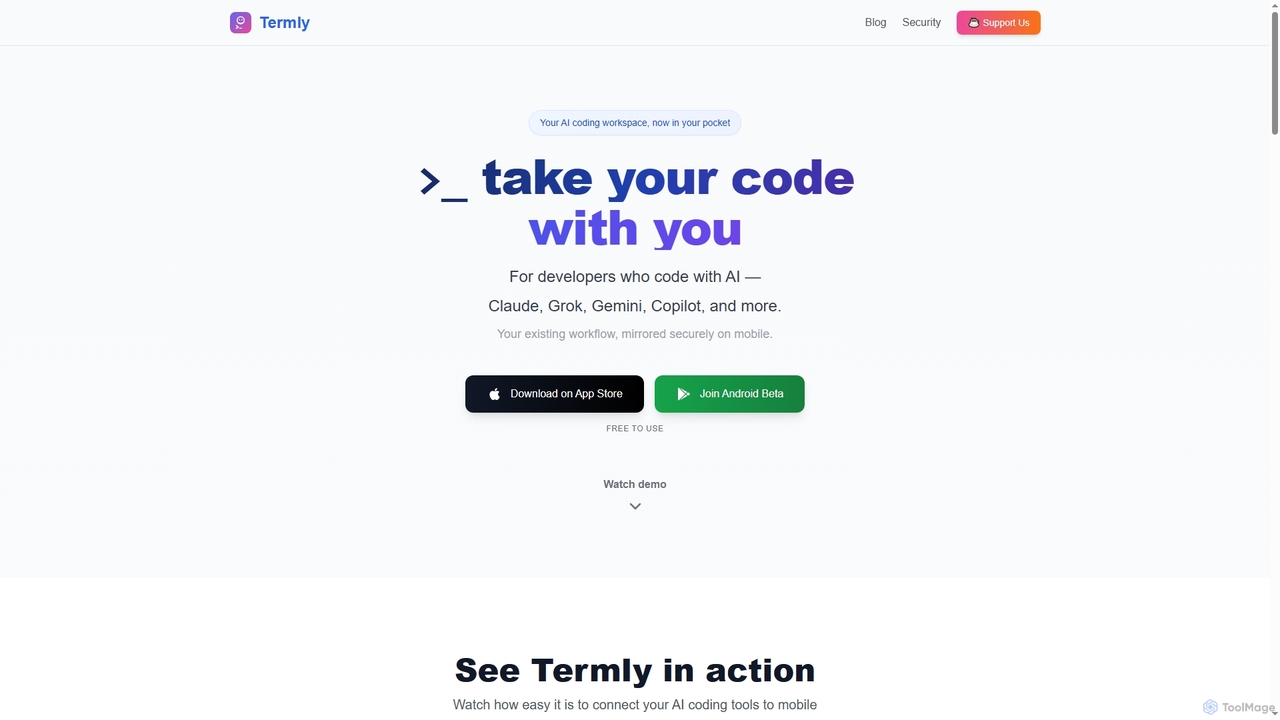
Termly transforms your mobile device into a powerful extension of your desktop AI coding environment. It is designed for developers who leverage AI coding assistants such as Claude, Grok, Gemini, and GitHub Copilot, allowing them to seamlessly continue their work away from the desktop. Termly acts as a secure bridge, mirroring your terminal-based AI coding sessions to your smartphone or tablet, ensuring your workflow remains uninterrupted wherever you go.
How to use Termly
Using Termly is straightforward and requires no complex setup, accounts, or credit cards. First, install the Termly CLI on your desktop machine (macOS, Windows, or Linux) by running npm install -g @termly-dev/cli. Next, navigate to your project directory and launch your AI coding tool through Termly by executing termly start (or termly start --ai [tool_name] for specific AI assistants like Claude Code or Gemini). Finally, open the Termly app on your mobile device (iOS or Android beta) and scan the QR code displayed in your terminal to instantly connect and begin coding, with your mobile session synced to your desktop.
Core Features of Termly
- Mobile Continuity: Extend your AI coding workflow to your mobile device, maintaining context and performance on the go.
- Bank-Grade Security: Ensures proprietary code remains private with end-to-end AES-256-GCM encryption, Diffie-Hellman key exchange, and a zero-knowledge architecture.
- Instant Setup: Get started in under 60 seconds with a simple CLI installation and QR code scan, eliminating complex configurations or SSH tunnels.
- Speech-to-Code Intelligence: Interact with your AI workflow using voice commands directly from your mobile device, reducing the need for typing.
- Universal AI Tool Support: Compatible with any terminal-based AI assistant, including Claude Code, Aider, GitHub Copilot, Google Gemini, Amazon Q Developer, Grok, and more.
- Free to Use: Termly is completely free, with no subscriptions, ads, or paywalls, offering full functionality without cost.
- iPad Optimization: Transforms iPads into powerful AI coding workstations with support for external keyboards, Apple Pencil, and Split View multitasking.
Use Cases for Termly
Termly empowers developers to maintain productivity and flexibility in various scenarios. It's ideal for working on weekend side projects from the comfort of a couch, performing emergency code fixes while commuting, or continuing development during travel, such as on an airplane. Students and learners can use Termly to follow coding tutorials in Split View on an iPad while running AI commands. Digital nomads can travel light with just an iPad, accessing their full desktop AI coding environment from anywhere in the world, making AI-assisted development truly mobile.
Advantages of Termly
The primary advantage of Termly is its ability to bridge the gap between powerful desktop AI coding tools and mobile convenience, without compromising security or functionality. Developers benefit from seamless workflow continuity, allowing them to code from anywhere with the same context and performance as their desktop setup. The robust end-to-end encryption and zero-knowledge architecture ensure unparalleled privacy for sensitive code. Its instant, friction-less setup removes common barriers to mobile development, while features like speech-to-code intelligence enhance productivity. Being completely free further lowers the barrier to entry for all developers.
Pricing and Plans
Termly is completely free to use. There are no subscriptions, ads, or paywalls. Users have the option to support the project by buying the developers a coffee, but this is entirely voluntary and does not unlock additional features.
Termly FAQ
Traffic
Latest traffic
Status
Monthly traffic trend
- 2026-1: 1.1K
- 2026-2: 3.4K
- 2026-3: 3.8K
- 2026-4: 18.2K
- 2026-5: 37.6K
Geography
Top 5 countries / regions
- 🇺🇸United States34.5%
- 🇵🇱Poland18.3%
- 🇻🇳Vietnam17.3%
- 🇬🇧United Kingdom15.4%
- 🇧🇷Brazil14.6%
Top keywords
| Keyword | Cost per click |
|---|---|
| how to remote opencode session on mobile | $0.00 |
| opencode from mobile | $0.00 |
| open code on android | $0.00 |
| termly | $10.00 |
| termly.dev | $0.00 |
Termly Videos on YouTube
Brian Mwai
Gsoft Interactive

Leading AI
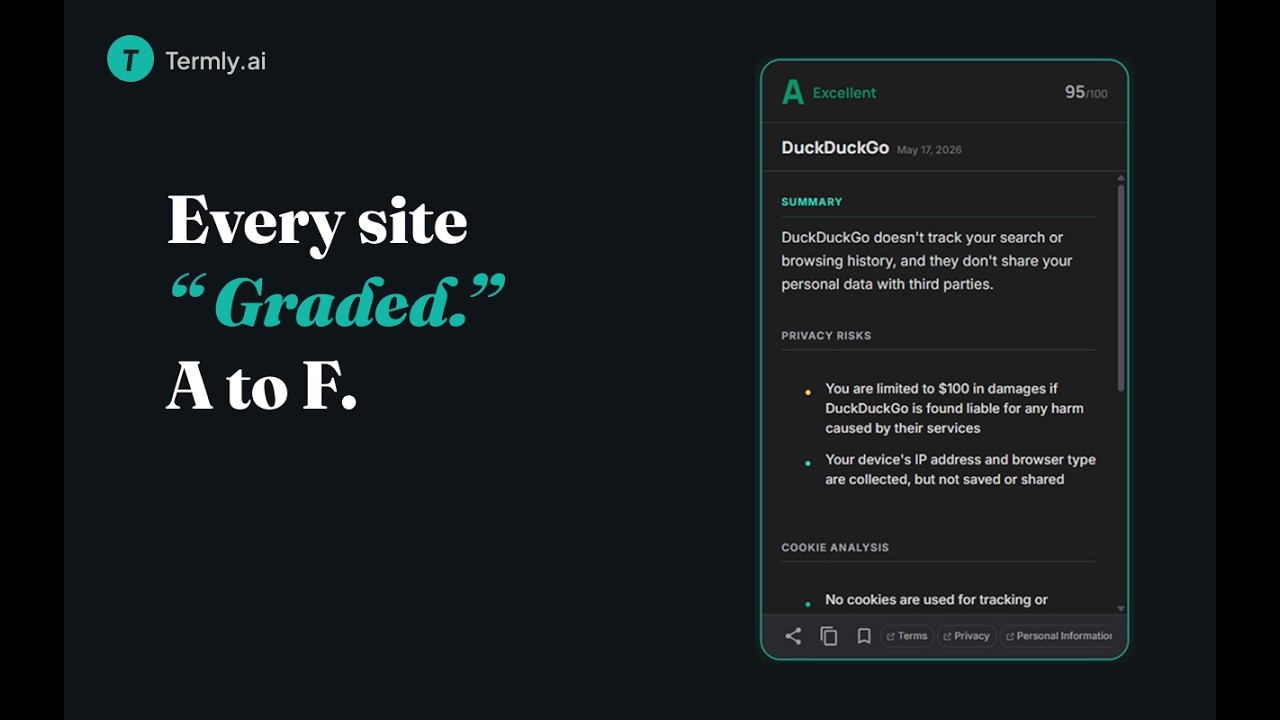
draconian reposte
Termly Alternatives
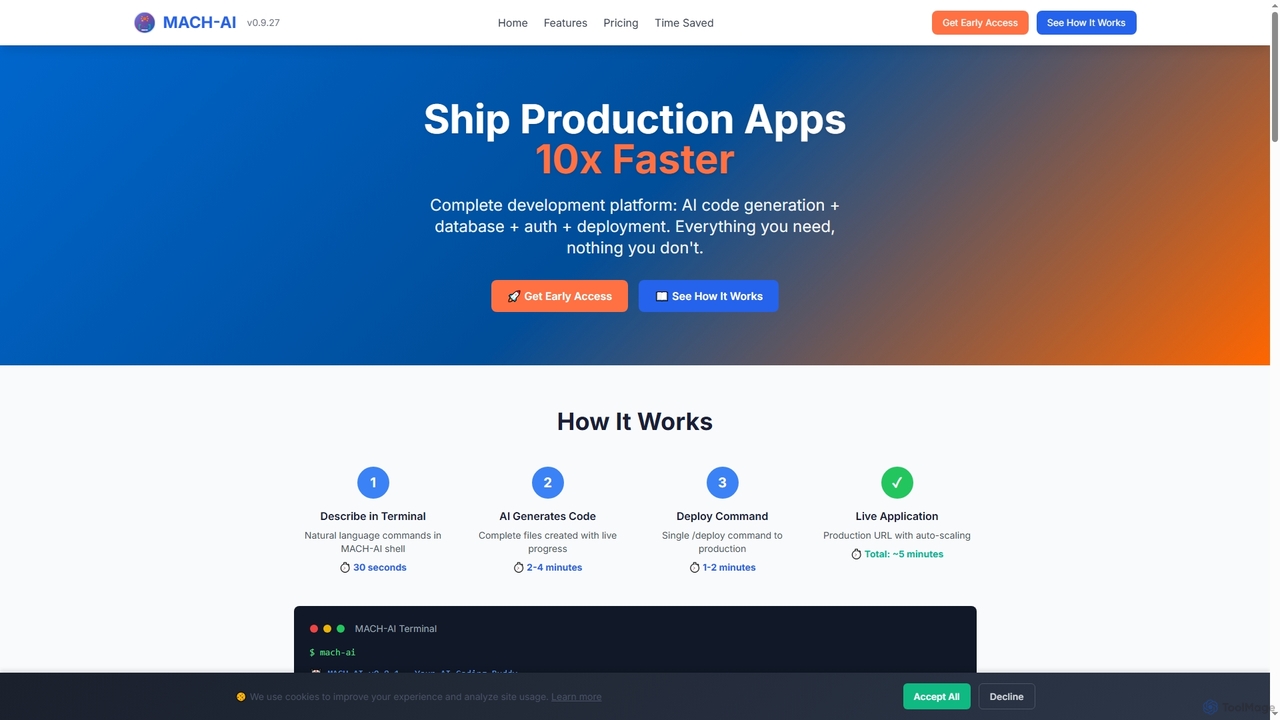
MACH-AI
MACH-AI is an AI coding assistant and complete development platform that transforms concepts into production-ready cloud applications in minutes. It integrates AI code generation, built-in database, authentication, and one-command deployment, enabling developers to build and launch scalable web applications 10x faster across Python, JavaScript, and TypeScript.
Application Deployment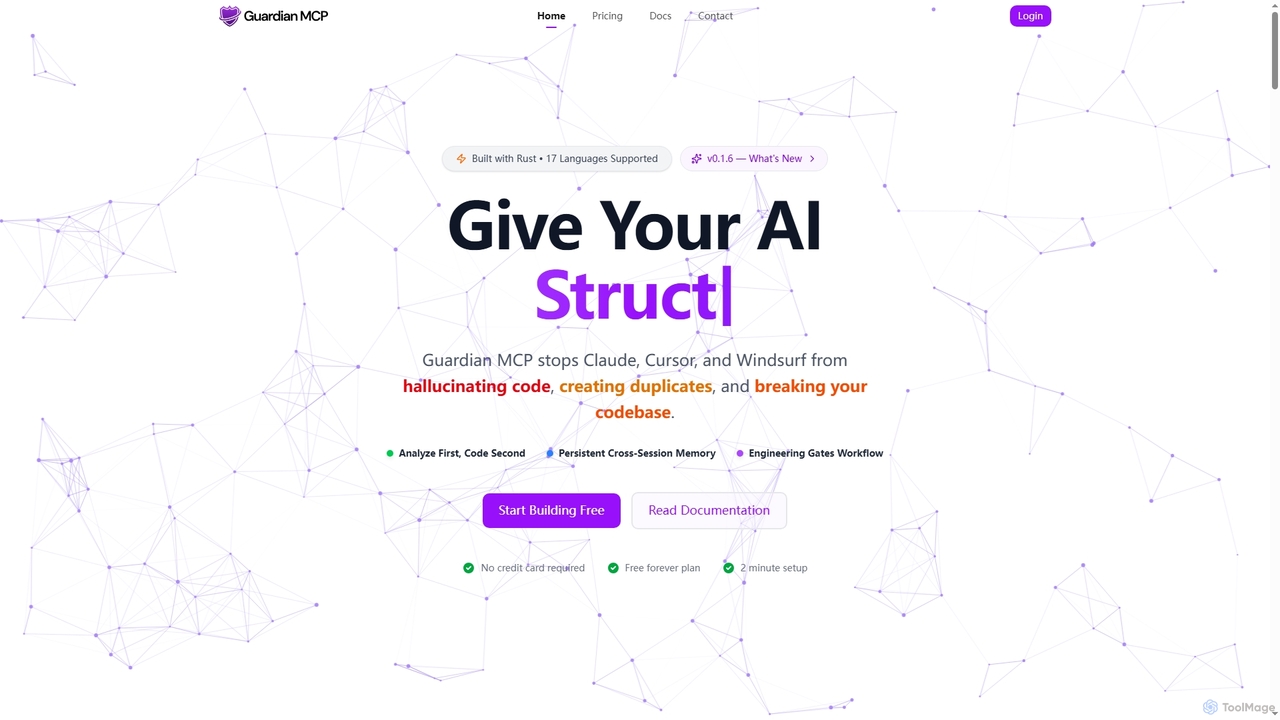
Guardian MCP
Guardian MCP is an AI engineering gate that prevents AI coding assistants like Claude, Cursor, and Windsurf from generating duplicate code, hallucinating functions, and breaking your codebase. It enforces a disciplined workflow, provides persistent memory, and ensures code quality by analyzing existing code before implementation.
Static Analysis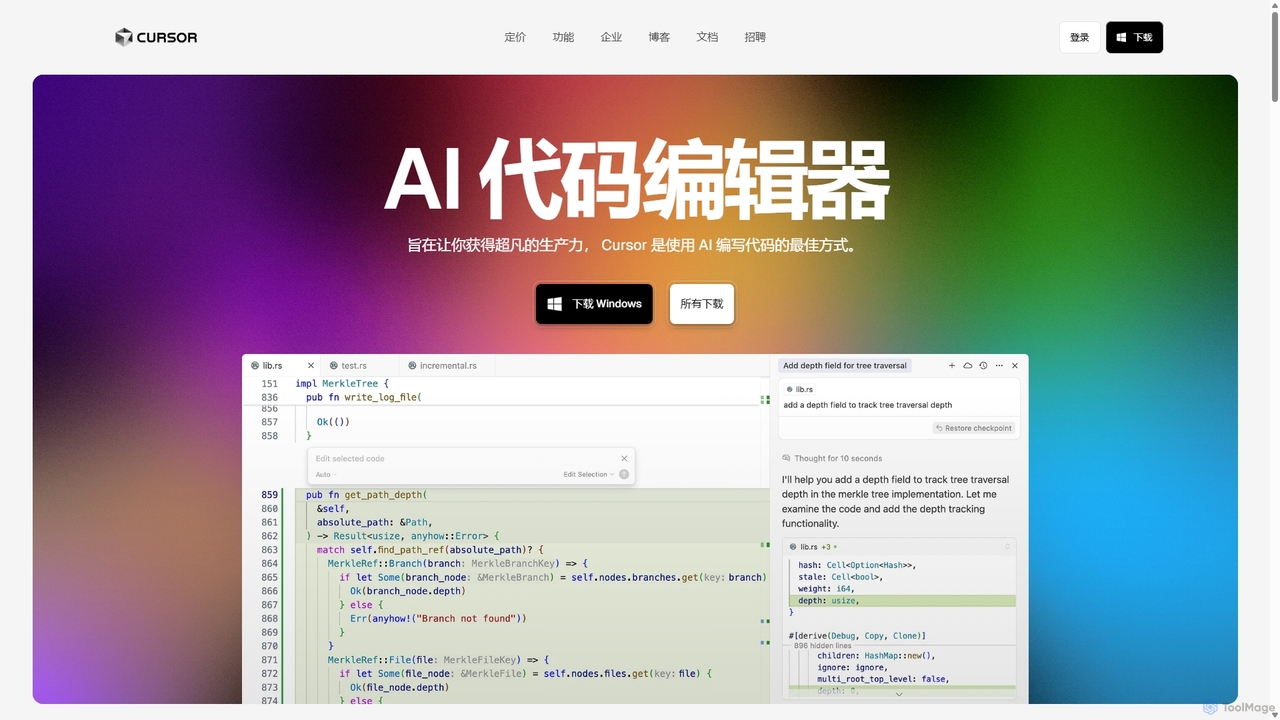
Cursor
Cursor is an AI-first code editor designed for pair-programming with artificial intelligence. Built as a fork of VS Code, it offers a familiar environment supercharged with advanced AI capabilities for code generation, editing, debugging, and codebase comprehension, aiming to significantly boost developer productivity.
Code Assistant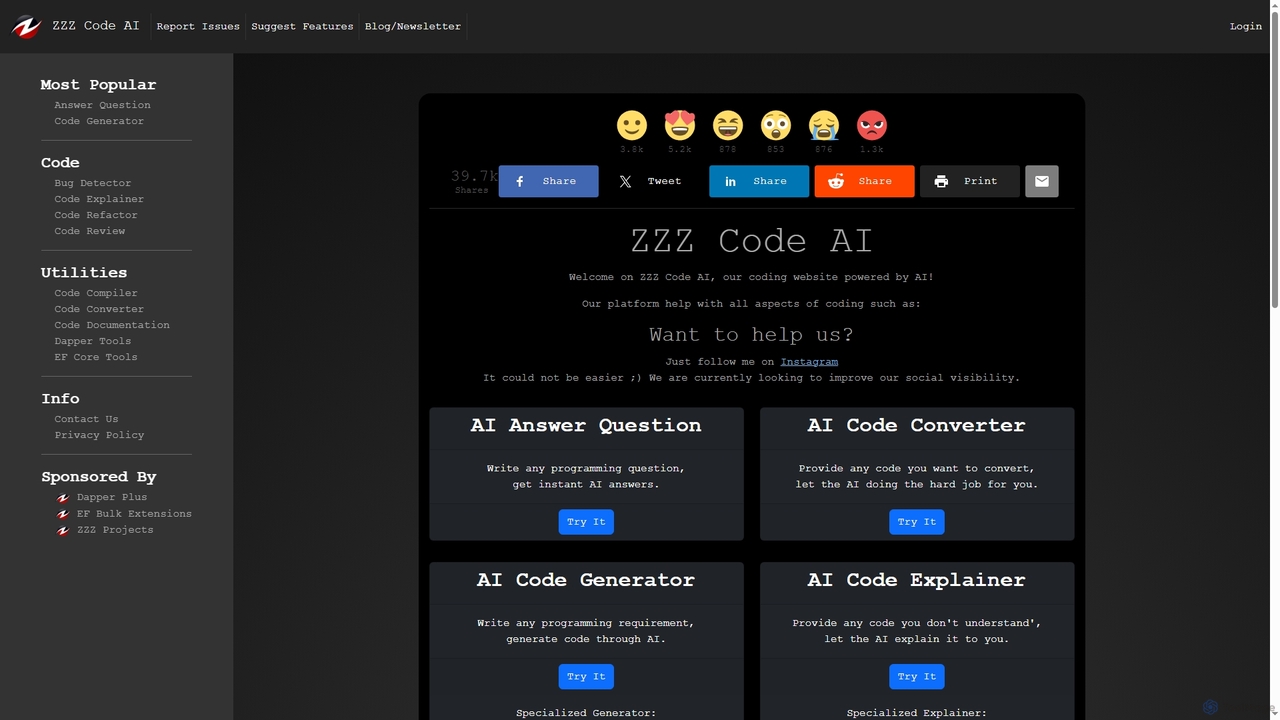
Zzzcode
Zzzcode is a free, AI-powered online platform offering a comprehensive suite of coding tools for developers. It can generate, explain, debug, refactor, review, document, and convert code across numerous programming languages, and provide instant answers to programming questions.
Code Assistant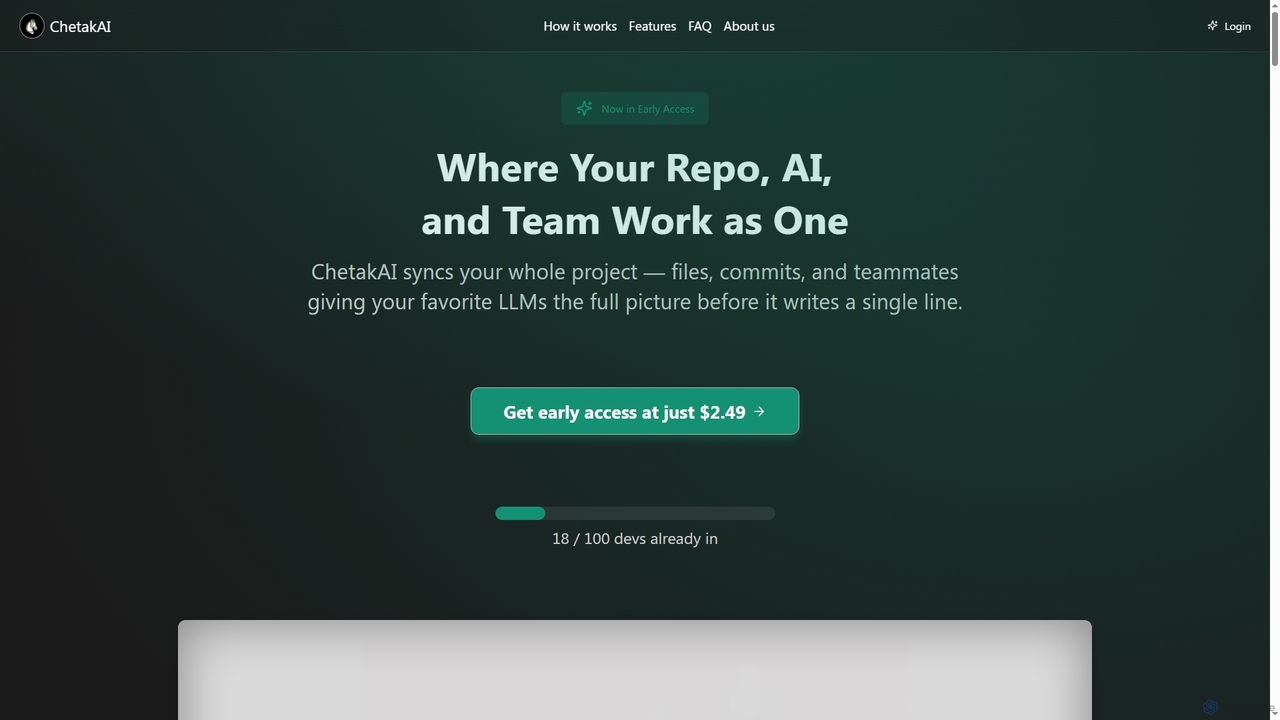
ChetakAI
ChetakAI is an AI-powered development platform that unifies your code, AI, and team into a single, context-aware workspace. It syncs your entire project, including files, commits, and team activity, to provide large language models with a complete understanding before generating any code, enhancing collaboration and productivity.
Team DevelopmentTermly Categories
Termly Jobs
Termly Embed Widget
Copy this embed code to place the badge on your blog, article, or product site and send readers directly to this ToolMage detail page.

Related AI tools
Guardian MCP
Guardian MCP is an AI engineering gate that prevents AI coding assistants like Claude, Cursor, and Windsurf from generating duplicate code, hallucinating functions, and breaking your codebase. It enforces a disciplined workflow, provides persistent memory, and ensures code quality by analyzing existing code before implementation.
Static Analysis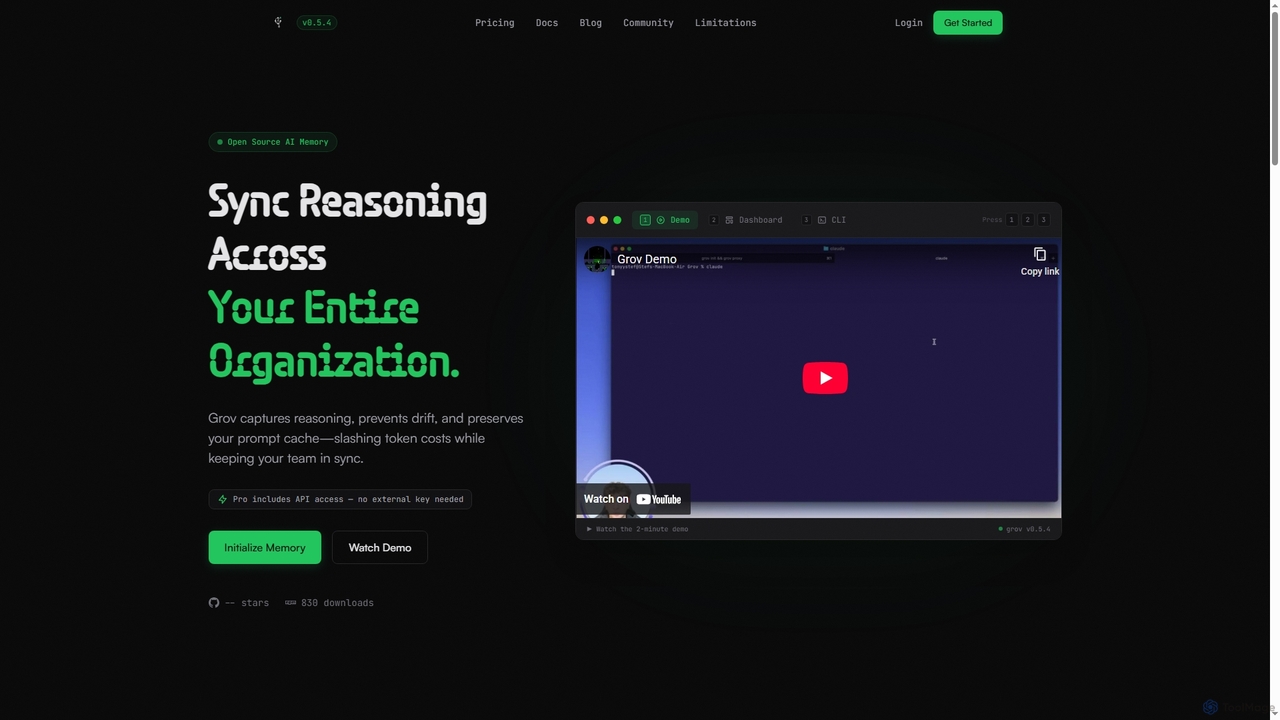
Grov
Grov is an open-source collective AI memory for engineering teams, designed to optimize Claude Code sessions. It captures reasoning, prevents AI drift, and preserves prompt caches, significantly reducing token costs and enhancing team synchronization.
Code Assistant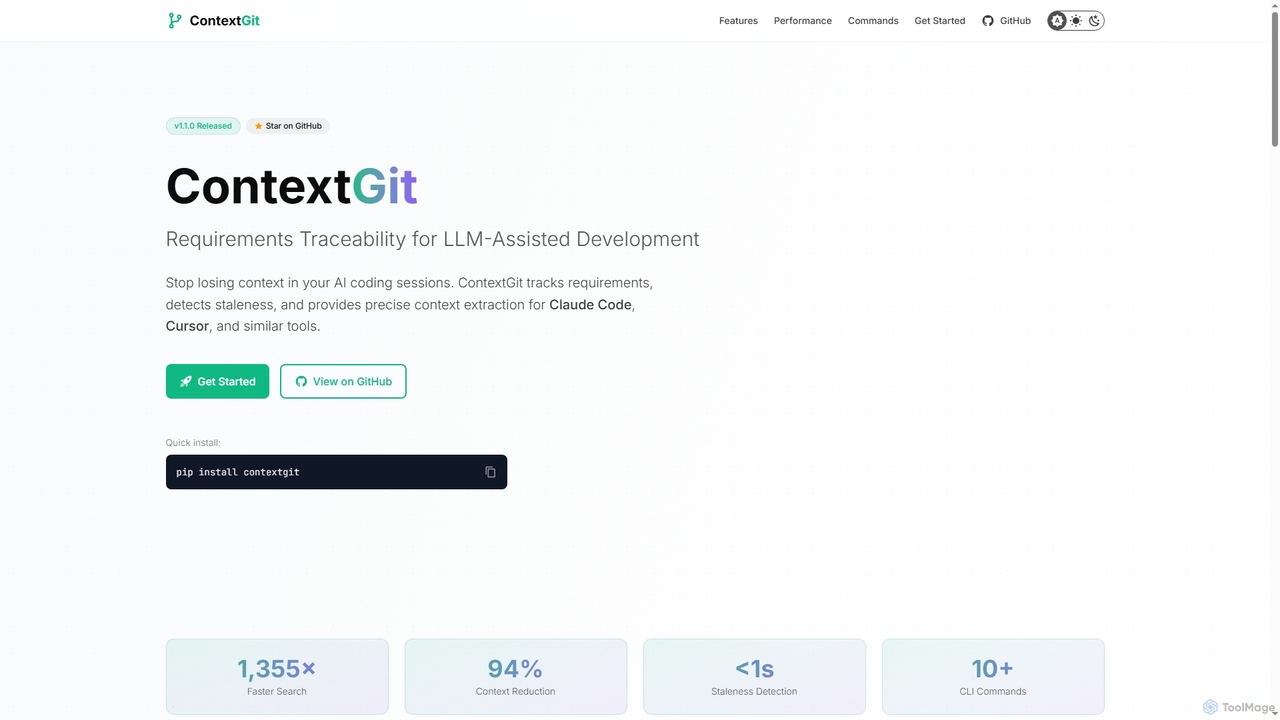
Contextgit
A command-line tool for developers using LLMs, providing requirements traceability, staleness detection, and precise context extraction to enhance AI-assisted coding workflows. It significantly reduces token usage and syncs AI tools with project requirements.
Code AssistantMACH-AI
MACH-AI is an AI coding assistant and complete development platform that transforms concepts into production-ready cloud applications in minutes. It integrates AI code generation, built-in database, authentication, and one-command deployment, enabling developers to build and launch scalable web applications 10x faster across Python, JavaScript, and TypeScript.
Application Deployment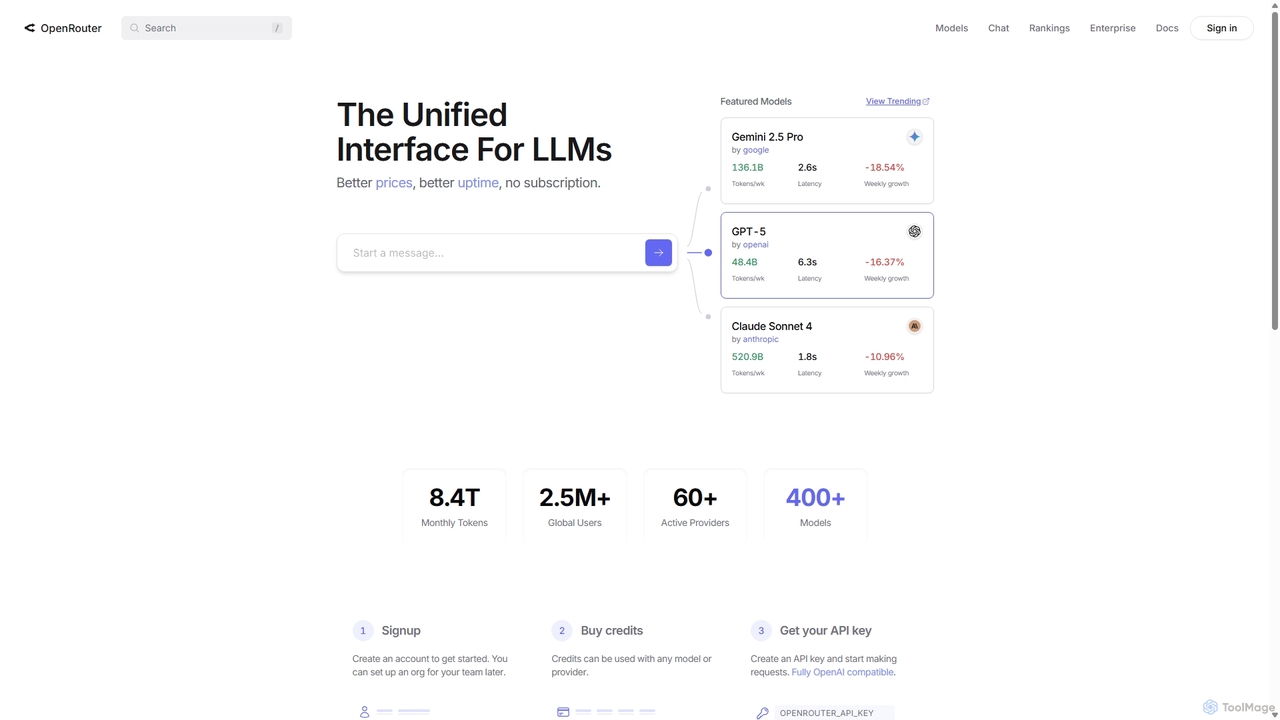
OpenRouter
OpenRouter is a unified API gateway for developers, providing access to over 400 AI models from 60+ providers like OpenAI, Google, and Anthropic. It simplifies development with a single API, offers competitive pay-as-you-go pricing, automatic failovers for high availability, and intelligent model routing to optimize cost and performance.
Model DeploymentZzzcode
Zzzcode is a free, AI-powered online platform offering a comprehensive suite of coding tools for developers. It can generate, explain, debug, refactor, review, document, and convert code across numerous programming languages, and provide instant answers to programming questions.
Code AssistantCursor
Cursor is an AI-first code editor designed for pair-programming with artificial intelligence. Built as a fork of VS Code, it offers a familiar environment supercharged with advanced AI capabilities for code generation, editing, debugging, and codebase comprehension, aiming to significantly boost developer productivity.
Code Assistant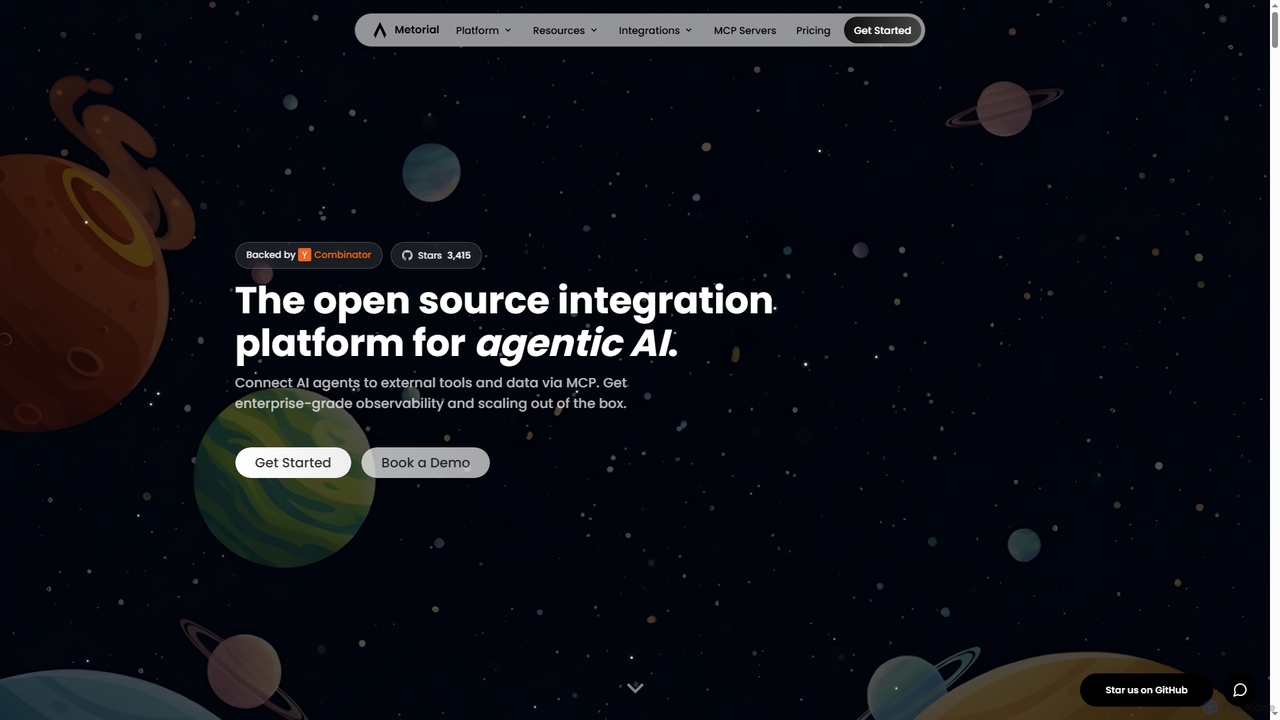
Metorial
Metorial is an integration platform for AI agents, enabling developers to quickly build, deploy, and monitor powerful agentic AI applications. It provides seamless connections to hundreds of tools, data sources, and APIs via its serverless Model Context Protocol (MCP) platform, offering robust SDKs, observability, and enterprise-grade security for scalable AI solutions.
Agentic Ai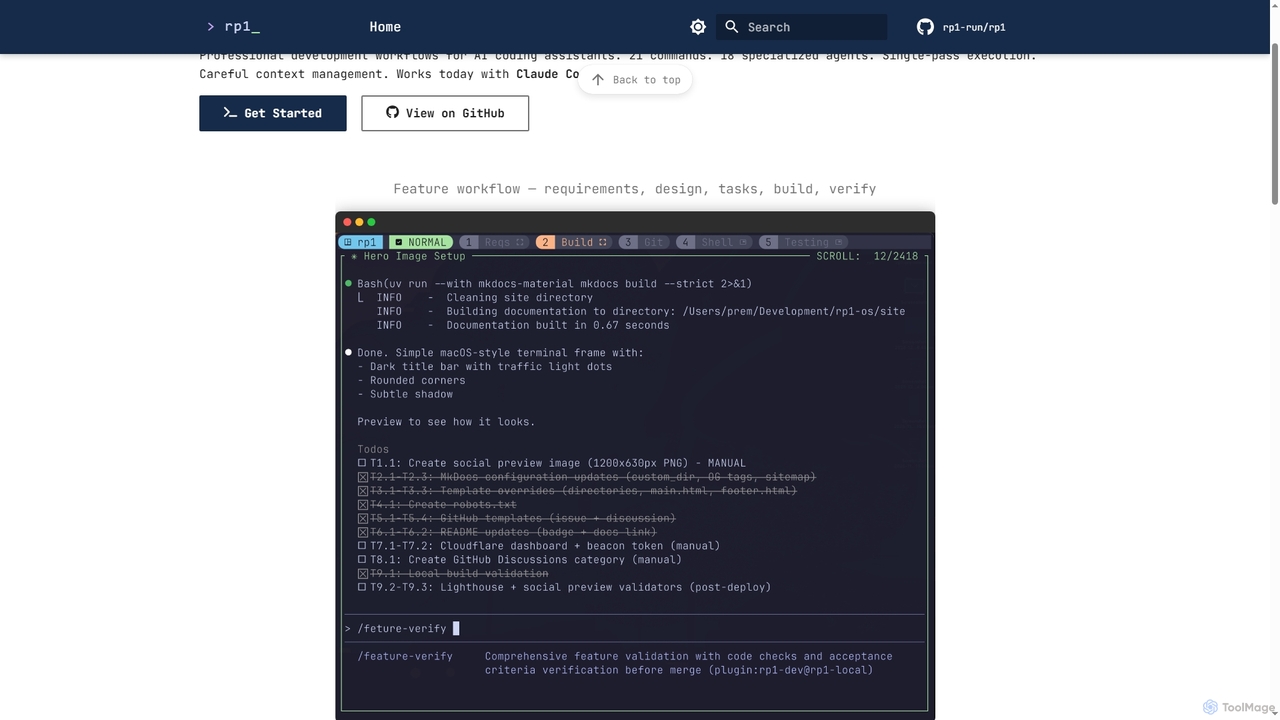
Rp1
Rp1 is a professional development workflow tool for AI coding assistants, designed to streamline software creation from requirements to deployment. It offers 21 commands and 18 specialized agents for efficient, single-pass execution of complex coding tasks, ensuring structured outputs and deep codebase awareness.
Ai AssistantChetakAI
ChetakAI is an AI-powered development platform that unifies your code, AI, and team into a single, context-aware workspace. It syncs your entire project, including files, commits, and team activity, to provide large language models with a complete understanding before generating any code, enhancing collaboration and productivity.
Team Development
Pi
A minimal, highly customizable terminal coding agent that adapts to your workflows. Pi leverages multiple AI providers and models, offers extensive extension capabilities, and provides various interaction modes for developers.
Code Assistant
Aider
Aider is an AI-powered pair programmer that operates directly in your terminal. It intelligently maps your entire codebase, providing full project context for complex tasks. Seamlessly integrated with Git, it automates commits and allows you to manage AI-driven changes with familiar tools. Aider supports over 100 programming languages, connects to leading cloud and local LLMs, and even accepts voice and image inputs, making it a versatile and powerful assistant for any developer seeking to accelerate their workflow and improve code quality.
Programming
Cosmicup
Cosmicup is an all-in-one AI platform offering unlimited access to a wide array of advanced AI models like ChatGPT 5, Claude 4.5, Gemini 2.5, and Grok 4 through a single subscription. It streamlines workflows with features including multi-model interaction, code assistance, document analysis, real-time web search, deep research, and AI image generation, eliminating the need for multiple subscriptions.
Multimodal Ai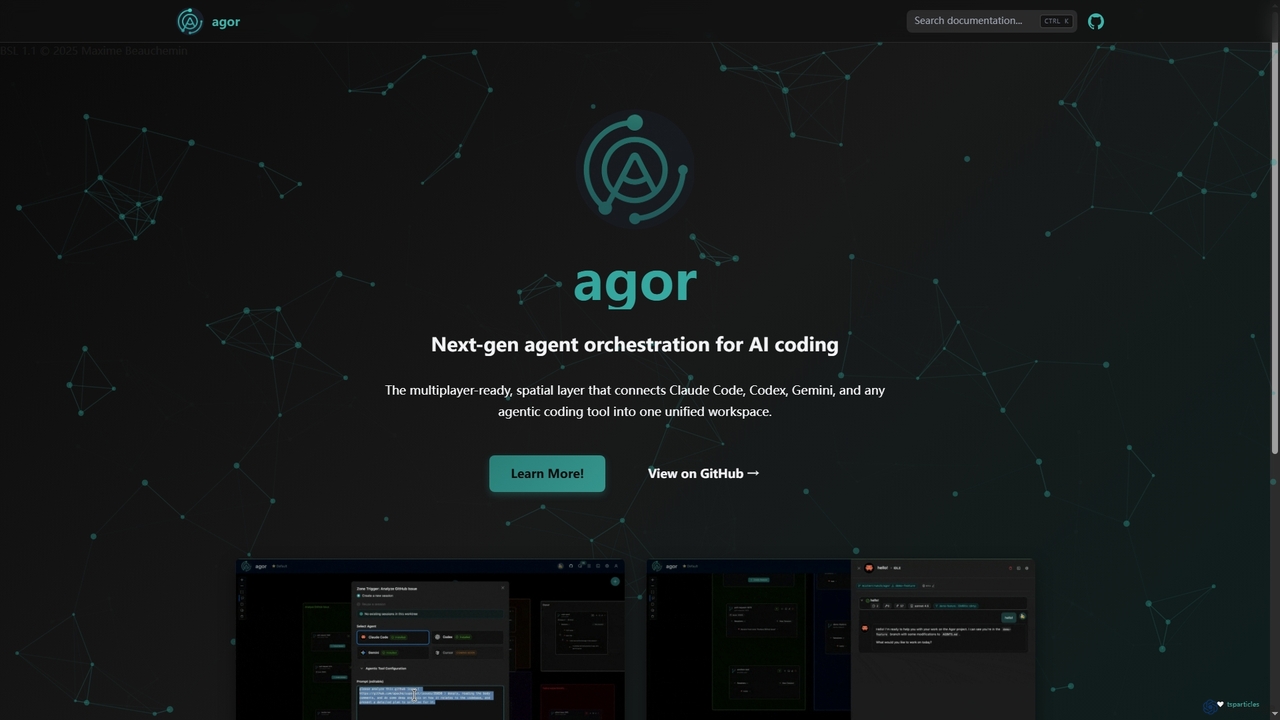
Agor
Agor is a next-generation agent orchestration platform for AI coding. It provides a multiplayer, spatial canvas that unifies coding agents like Claude Code, Codex, and Gemini into a single workspace. Teams can visualize, coordinate, and automate complex coding workflows in real-time, using isolated environments to enhance parallel development.
Ai Code Assistant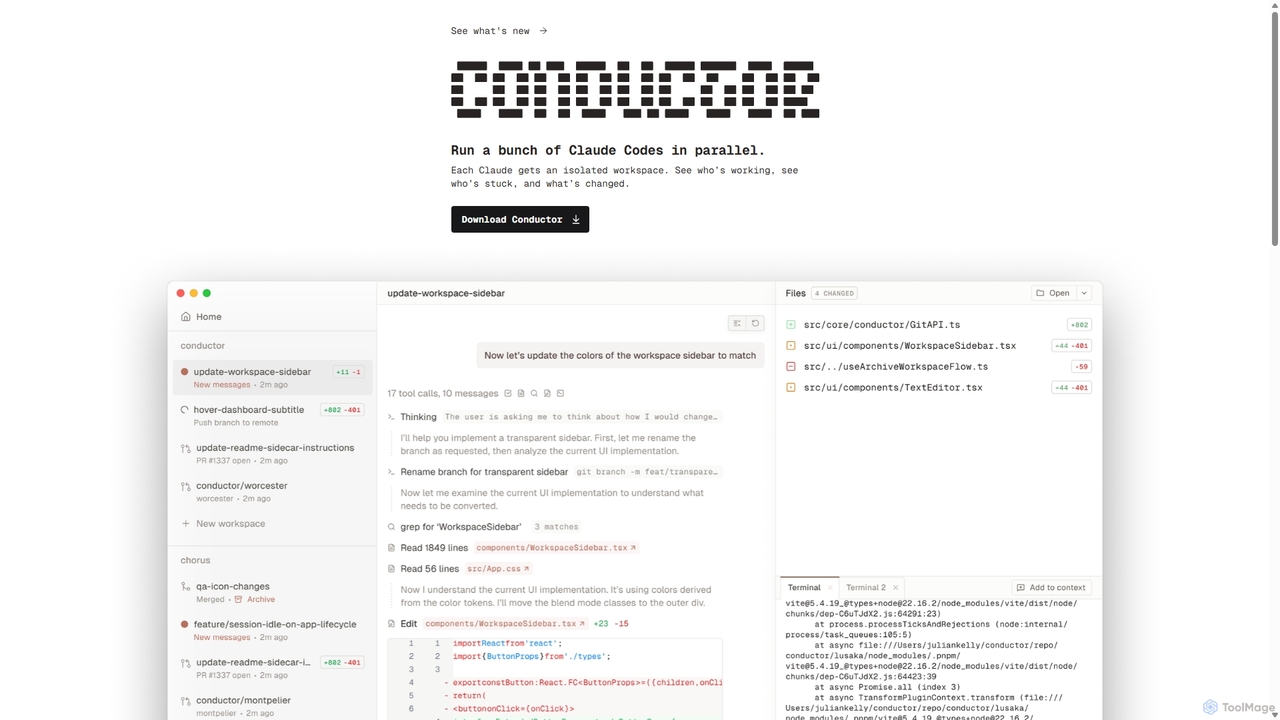
Conductor
A powerful Mac application for orchestrating multiple AI coding agents. Run parallel instances of Claude Code in isolated workspaces to accelerate software development, monitor progress, and review code through a beautiful, intuitive UI.
Code Assistant
Termly Comments (0)
Sign in to comment.
Sign inNo comments yet.