ToolMage
Sign in

Best 7 Mobile Development AI tools

Popular Mobile Development AI tools include Termly, Trigma, SwiftAI Boilerplate, ZyraTech, Bixat, Nexa SDK, and AugurVista, helping you work more efficiently.

SwiftAI Boilerplate
Paid

SwiftAI Boilerplate

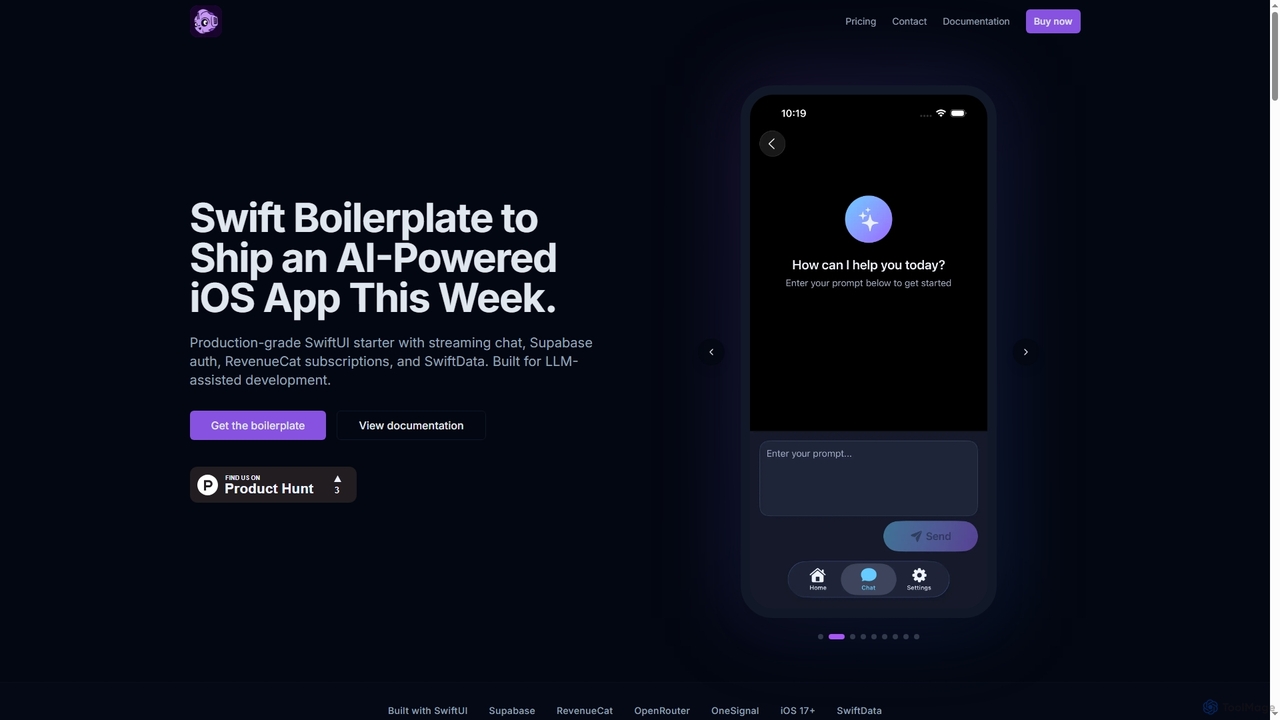
SwiftAI Boilerplate is a production-grade SwiftUI starter kit designed to accelerate the development of AI-powered iOS applications. It provides pre-built modules for streaming AI chat, secure authentication (Supabase), subscriptions (RevenueCat), and robust data persistence (SwiftData), saving developers months of integration and setup time.

Ai Development
Visits 5.1KFavorites 81Likes 83
Termly
Free

Termly

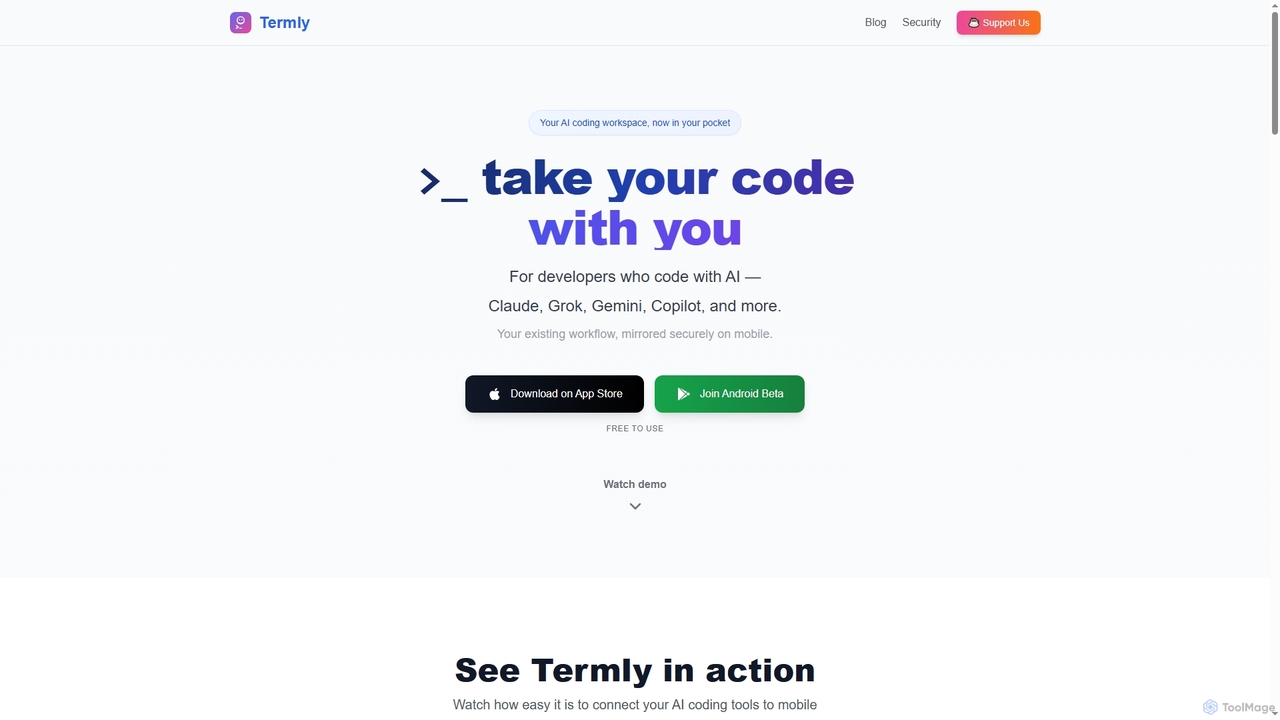
Termly is a universal AI coding assistant that securely mirrors your existing desktop AI development workflow to your mobile device. It enables developers to continue coding with tools like Claude, Copilot, and Gemini on iOS or Android, offering mobile continuity, bank-grade security, and instant setup.

Ai Coding Assistant
Visits 41.8KFavorites 111Likes 112
AugurVista

AugurVista

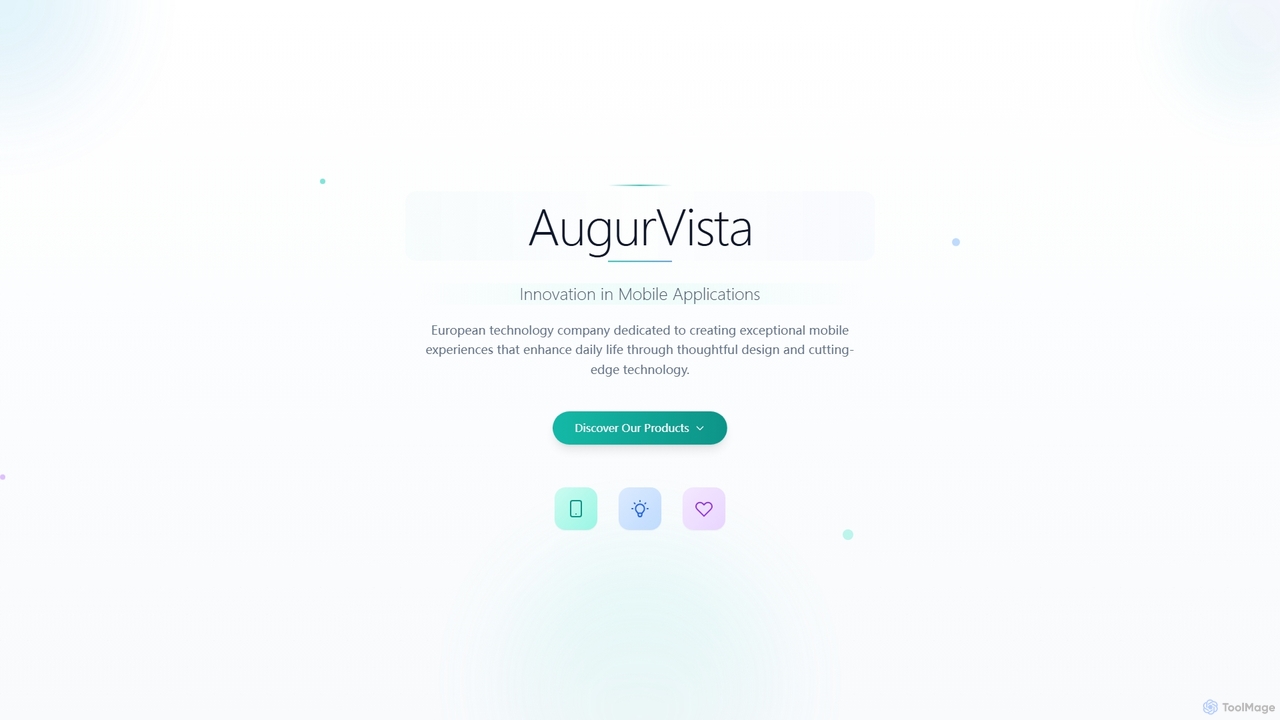
AugurVista is an Estonian technology company dedicated to crafting innovative mobile applications that enhance daily life through thoughtful design and cutting-edge technology. Specializing in user-centered experiences, their products, like the smart alarm app RoosterMe, leverage advanced algorithms to deliver exceptional value and foster healthy habits.

Wellness Tracking
Visits 4KFavorites 106Likes 116

About Mobile Development

Mobile Development AI tools are specialized platforms that leverage artificial intelligence to streamline and enhance the entire mobile application development lifecycle. These tools utilize machine learning, natural language processing, and computer vision to automate tasks from code generation and UI design to testing and optimization. They empower developers to build high-quality, performant, and user-friendly mobile apps faster and more efficiently, reducing manual effort and accelerating time-to-market.

Core Features

  • AI-powered Code Generation: Automatically generates boilerplate code, UI components, or even entire functions based on natural language descriptions or design inputs.
  • Automated UI/UX Design: Assists in creating intuitive user interfaces and experiences by suggesting layouts, color schemes, and component placements, often from wireframes or text prompts.
  • Intelligent Testing & Debugging: Identifies bugs, performance bottlenecks, and security vulnerabilities through AI-driven test case generation, anomaly detection, and predictive analysis.
  • Performance Optimization: Analyzes app performance data to suggest improvements for speed, battery usage, and resource management, ensuring a smooth user experience.
  • Cross-Platform Compatibility: Facilitates the development of apps that run seamlessly across different operating systems (iOS, Android) from a single codebase.

Use Cases

Mobile app development teams use these tools to accelerate their sprint cycles. Freelance developers leverage AI for rapid prototyping and generating initial code structures. Enterprises adopt them to maintain consistency across large app portfolios and reduce development costs.

How to Choose

Evaluate the tool's integration with existing development environments (IDEs), the scope of its AI capabilities (e.g., code generation vs. testing), its support for target platforms (iOS, Android, cross-platform), and its pricing model. Consider the learning curve and community support.

Featured tool rankings

Mobile Development use cases

1

Rapid Prototyping and MVP Development

Mobile developers use AI tools to quickly generate initial app prototypes and Minimum Viable Products (MVPs) from design mockups or textual descriptions. This significantly reduces the time spent on manual coding for basic functionalities, allowing for faster iteration and validation of ideas with stakeholders.

2

Automating UI Component Generation

UI/UX designers and front-end developers leverage AI to automatically create complex user interface components and layouts. By inputting design specifications or even hand-drawn sketches, the AI generates production-ready UI code, ensuring consistency and adherence to design systems across the application.

3

Intelligent Mobile App Testing

Quality Assurance (QA) teams employ AI-powered testing tools to automatically generate comprehensive test cases, identify edge cases, and detect bugs or performance issues. These tools can simulate various user interactions and device conditions, leading to more robust and reliable mobile applications before release.

4

Optimizing App Performance and Battery Usage

Developers utilize AI to analyze real-time app performance data, pinpointing areas of high resource consumption or slow response times. The AI suggests specific code optimizations or architectural changes to improve app speed, reduce battery drain, and enhance overall user experience on diverse mobile devices.

5

Cross-Platform Code Conversion and Adaptation

Teams developing for both iOS and Android can use AI tools to assist in converting or adapting codebases between different platforms or frameworks. This helps maintain feature parity and reduces the effort required to manage separate codebases, streamlining cross-platform development workflows.

6

Personalized User Experience Features

AI tools can be integrated into mobile apps to develop features that offer personalized user experiences, such as intelligent recommendation engines, adaptive interfaces, or context-aware notifications. Developers use AI models to process user data and deliver highly relevant and engaging content.

Mobile Development FAQ

What are Mobile Development AI tools?

Mobile Development AI tools are software solutions that integrate artificial intelligence to automate, assist, and optimize various stages of building mobile applications. They leverage technologies like machine learning, natural language processing, and computer vision to generate code, design interfaces, conduct testing, and enhance app performance, making the development process faster and more efficient for iOS and Android platforms.

How do AI tools assist in mobile app development?

AI tools assist mobile app development in several ways: by generating code snippets or entire UI components from natural language or design inputs, automating the creation and execution of test cases to find bugs, optimizing app performance by identifying bottlenecks, and even suggesting design improvements for better user experience. They reduce repetitive tasks and accelerate development cycles.

What are the key benefits of using AI in mobile development?

The key benefits include significantly accelerated development timelines, reduced manual coding effort, improved code quality and consistency, enhanced app performance and reliability through intelligent testing, and the ability to create more innovative and personalized user experiences. AI also helps in reducing development costs and technical debt.

Can AI tools replace human mobile developers?

No, AI tools are designed to augment and assist human mobile developers, not replace them. They automate repetitive and time-consuming tasks, allowing developers to focus on complex problem-solving, creative design, strategic decision-making, and high-level architecture. AI acts as a powerful co-pilot, enhancing productivity and enabling developers to achieve more.

What should I consider when choosing a Mobile Development AI tool?

When choosing a Mobile Development AI tool, consider its specific functionalities (e.g., code generation, testing, design assistance), compatibility with your existing tech stack and preferred programming languages, support for your target mobile platforms (iOS, Android, or cross-platform), the accuracy and reliability of its AI models, pricing, and the level of integration it offers with other development tools.