ToolMage
Sign in

Best 4 Image Enhancement AI tools for Photo Editing

Popular Image Enhancement AI tools in Photo Editing include Luminar Neo, Magiq, Postplus, and MuseCraft, helping you work more efficiently.

Magiq
Freemium

Magiq

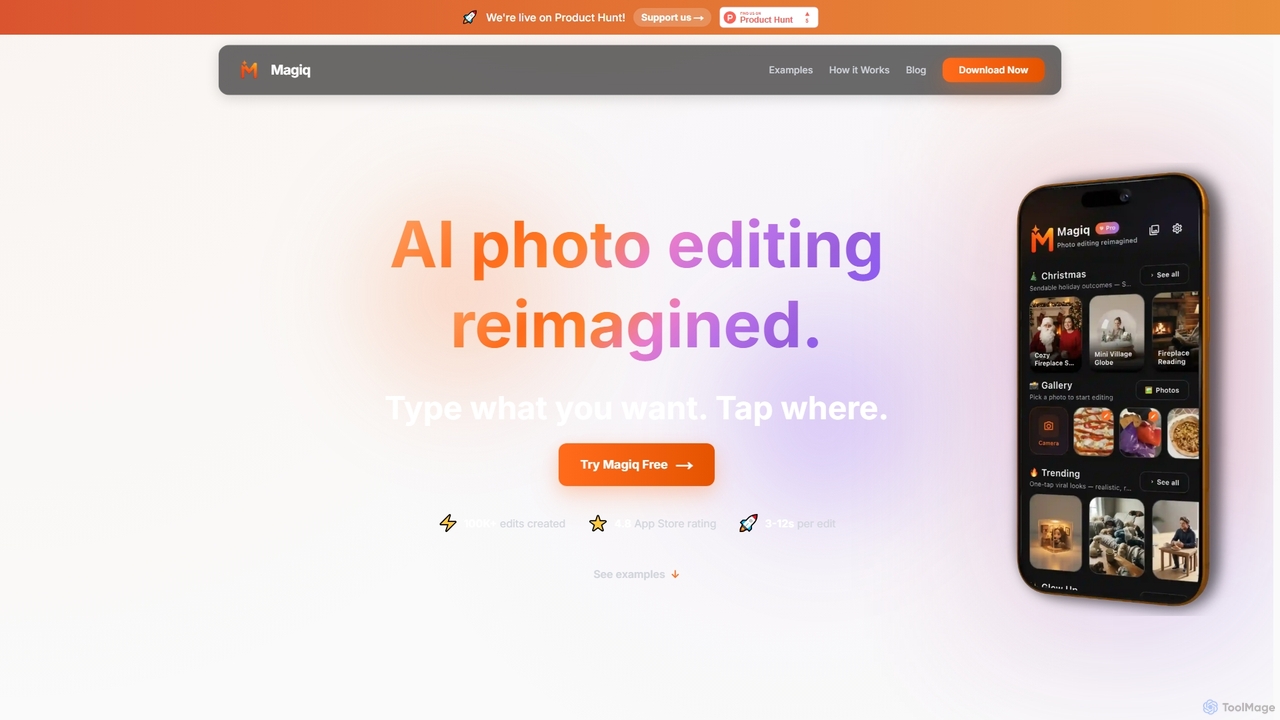
Magiq is an AI-powered photo editor for iOS and Android that redefines image transformation. With simple text instructions, users can perform complex edits like background removal, outfit changes, smart lighting adjustments, and professional portrait creation. It delivers realistic, high-quality results in seconds, making advanced photo editing accessible to everyone.

Generative Art
Visits 9.9KFavorites 59Likes 55
Luminar Neo
Paid

Luminar Neo

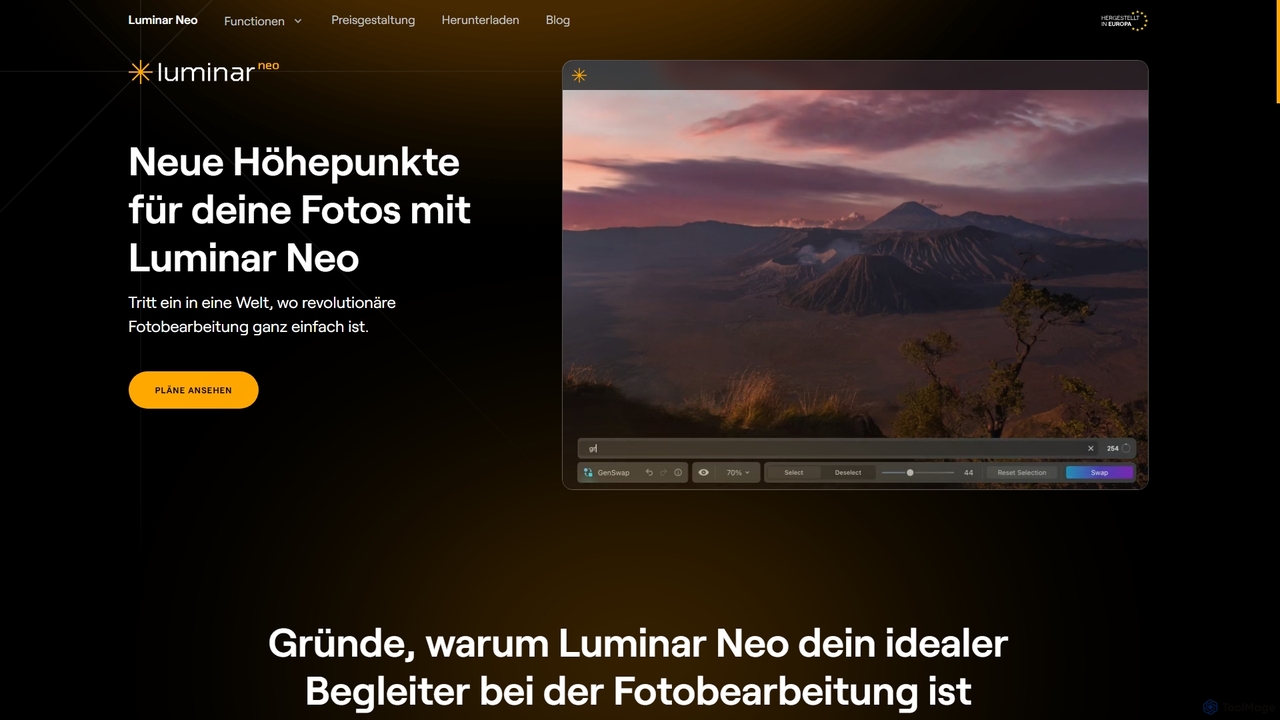
Luminar Neo is a revolutionary AI-powered photo editing software designed to simplify complex tasks and unleash creativity. It offers a comprehensive suite of advanced tools for image enhancement, RAW processing, and creative composition, making professional-grade results accessible to both beginners and experienced photographers on macOS and Windows.

Digital Art
Visits 34.1KFavorites 129Likes 138

About Image Enhancement

Image Enhancement tools are a specialized category of AI applications designed to automatically improve the visual quality of digital images. They utilize deep learning models to analyze and intelligently correct issues like low resolution, blurriness, digital noise, and poor lighting. This allows users to restore old photographs, clarify indistinct details, and upscale images for high-quality printing or digital display, often with a single click. Unlike general photo editors, their primary focus is on technical restoration and quality improvement rather than creative manipulation.

Core Features

  • AI Upscaling (Super Resolution): Increases image dimensions and pixel density while intelligently generating new details to maintain clarity.
  • Noise Reduction (Denoising): Removes unwanted grain and artifacts, typically found in photos taken in low-light conditions or with high ISO settings.
  • Deblurring and Sharpening: Corrects motion blur and out-of-focus issues by analyzing image data to restore sharp edges and fine textures.
  • Color and Light Correction: Automatically adjusts brightness, contrast, saturation, and white balance to create a more vibrant and natural-looking image.
  • Old Photo Restoration: Repairs common damage in scanned vintage photos, such as scratches, creases, and color fading, and can include face enhancement features.

Use Cases

These tools are widely used by professional photographers to salvage imperfect shots, e-commerce businesses to improve product imagery, and graphic designers preparing assets for print. They are also popular among archivists, genealogists, and personal users looking to restore and preserve precious family photos or enhance everyday snapshots.

How to Choose

When selecting an Image Enhancement tool, consider the specific features you need, such as face restoration versus general upscaling. Evaluate its batch processing capabilities for workflow efficiency, the maximum output resolution it supports, and its pricing model—whether it's a subscription, a one-time purchase, or a pay-per-image credit system.

Image Enhancement use cases

1

Optimizing E-commerce Product Photos

An e-commerce manager often receives product images from various suppliers with inconsistent quality and low resolution. Using an AI Image Enhancement tool, they can batch process hundreds of photos to upscale them for high-resolution displays, correct color inconsistencies for a uniform look across the store, and sharpen details to highlight product features. This results in a more professional and trustworthy online storefront, potentially increasing conversion rates without the need for expensive reshoots.

2

Restoring and Archiving Old Family Photos

An individual working on their family genealogy scans a collection of old, faded, and damaged photographs from the early 20th century. Using an AI restoration tool, they can automatically repair scratches and creases, correct color fading, and enhance the clarity of faces that have become blurry over time. The tool can even colorize black-and-white photos with realistic tones. This process breathes new life into historical records, making them more engaging for younger generations and preserving family heritage in a high-quality digital format.

3

Enhancing Real Estate Photography

A real estate agent takes photos of a property on an overcast day, resulting in dark and noisy images. Instead of scheduling a costly reshoot, the agent uses an AI Image Enhancement tool. The tool automatically brightens the images, reduces digital noise from indoor shots, and sharpens architectural details. This makes the property look more inviting and professional in online listings, helping to attract more potential buyers and potentially leading to a faster sale.

4

Preparing Low-Resolution Graphics for Print

A graphic designer receives a company logo from a client that is only available as a small, low-resolution web graphic. To use it in a high-quality print brochure, the designer needs a much larger version. They use an AI upscaling tool to increase the logo's resolution by 4x or more. The AI intelligently redraws sharp lines and smooth curves, producing a print-ready vector-like image without the jagged edges that would result from simple resizing. This saves hours of manual tracing work in illustration software.

5

Improving Smartphone Photos for Social Media

A social media influencer takes a great photo at an evening event, but the low light results in a grainy and slightly blurry image. Before posting, they use a mobile image enhancement app. With one tap, the app's AI reduces the noise, sharpens the subject's face, and brightens the colors without making it look unnatural. The final image is crisp, vibrant, and professional, helping them maintain a high-quality aesthetic for their feed and better engage their audience.

6

Clarifying Details in Technical or Scientific Images

A security analyst needs to identify a license plate from a blurry surveillance camera still. A medical researcher wants to enhance the details in a low-resolution microscope image. In both cases, an AI Image Enhancement tool can be crucial. By applying deblurring and super-resolution algorithms, the tool can reveal critical details that were previously illegible or invisible. This application extends beyond security and medicine to fields like satellite imagery analysis and engineering, where clarifying fine details is essential for accurate assessment.

Image Enhancement FAQ

What is AI Image Enhancement?

AI Image Enhancement refers to the use of artificial intelligence algorithms to automatically improve the quality of a digital image. Instead of manual adjustments, these tools analyze the image and apply complex corrections for issues like low resolution, noise, blur, and poor lighting. Key functions include upscaling (increasing resolution), denoising (removing grain), and sharpening details, often achieving results that are difficult to replicate with traditional software.

Image Enhancement vs. Photo Editing: What's the difference?

Image Enhancement is a specific subset of Photo Editing. The key difference lies in their focus:

  • Image Enhancement tools automatically fix technical flaws to improve objective quality. They focus on tasks like increasing resolution, removing noise, and correcting blur. The goal is restoration and clarification.
  • Photo Editing is a broader term that includes enhancement but also covers creative and stylistic changes. This includes cropping, applying filters, adjusting colors for artistic effect, adding text, or combining multiple images. The goal can be creative expression as much as quality improvement.
How to choose the right AI Image Enhancement tool?

To choose the best tool for your needs, consider the following factors:

  • Primary Use Case: Do you need to restore old photos, upscale logos, or enhance portraits? Some tools specialize in specific areas like face enhancement.
  • Batch Processing: If you have many images to process, look for a tool that supports batch uploads and processing to save time.
  • Output Quality and Resolution: Check the maximum resolution the tool can output and review sample images to ensure the quality meets your standards.
  • Pricing Model: Compare costs. Some offer subscriptions for unlimited use, while others use a credit system where you pay per image. Choose the one that best fits your usage frequency.
Can AI truly increase the resolution of a photo?

Yes, this process is called AI upscaling or super-resolution. Unlike traditional resizing which simply stretches existing pixels and causes blurriness, AI models are trained on millions of images. They learn to recognize patterns, textures, and shapes. When upscaling an image, the AI intelligently predicts and generates new, realistic pixel data to fill in the gaps, resulting in a genuinely higher-resolution image with more detail than the original.

Who can benefit from using Image Enhancement tools?

A wide range of users can benefit from these tools. Professionals like photographers, graphic designers, and marketers use them to ensure high-quality visual assets. E-commerce businesses use them to create clean and appealing product photos. Researchers and analysts in fields like medicine or security use them to clarify important details. Finally, casual users and hobbyists can use them to improve their personal photos, restore family archives, and enhance their social media posts.