
MuseCraft
MuseCraft is an all-in-one AI creative platform integrating over 15 cutting-edge AI models for text-to-image, text-to-video, and image-to-video …
MuseCraft is an all-in-one AI creative platform integrating over 15 cutting-edge AI models for text-to-image, text-to-video, and image-to-video generation. It also offers powerful AI editing tools like background removal and skin enhancement, streamlining creative workflows and eliminating the need for multiple subscriptions.

Postplus
Postplus (also known as PicFlow) is a free, AI-powered online platform offering a comprehensive suite of photo and …
Postplus (also known as PicFlow) is a free, AI-powered online platform offering a comprehensive suite of photo and video editing tools. Designed for both professionals and casual users, it helps create stunning social media content without requiring any downloads. From virtual hairstyle try-ons and body reshaping to intelligent image-to-post generation and video templates, Postplus simplifies content creation with advanced AI capabilities.
Magiq
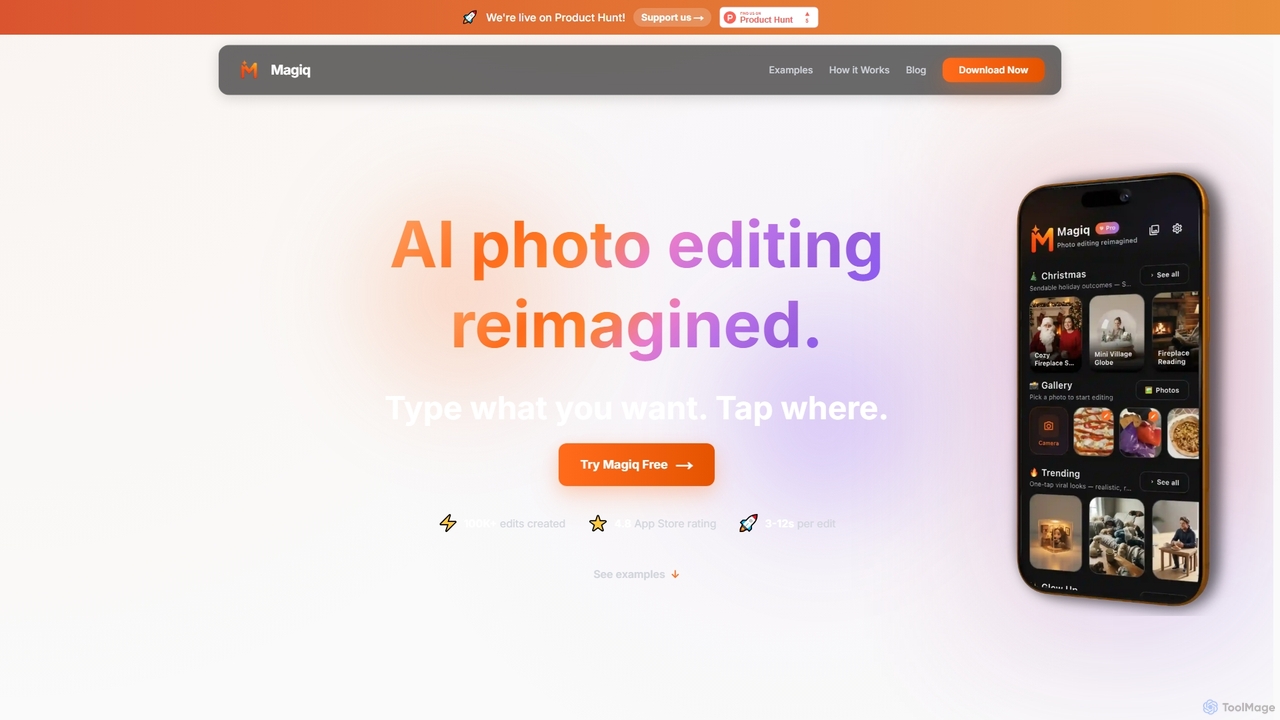
Magiq is an AI-powered photo editor for iOS and Android that redefines image transformation. With simple text instructions, …
Magiq is an AI-powered photo editor for iOS and Android that redefines image transformation. With simple text instructions, users can perform complex edits like background removal, outfit changes, smart lighting adjustments, and professional portrait creation. It delivers realistic, high-quality results in seconds, making advanced photo editing accessible to everyone.
Ziina
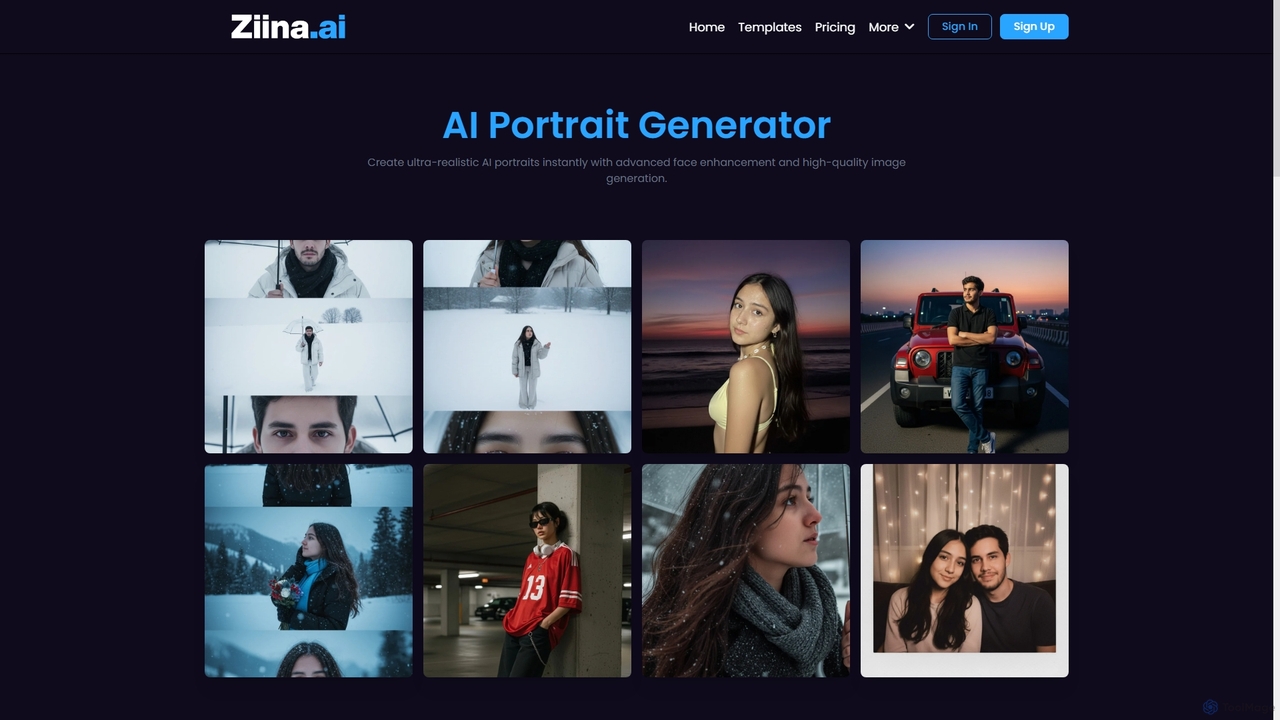
Ziina is an advanced AI tool designed to generate ultra-realistic, studio-grade portrait images with unmatched speed, quality, and …
Ziina is an advanced AI tool designed to generate ultra-realistic, studio-grade portrait images with unmatched speed, quality, and simplicity. It offers intelligent face enhancement and multi-format export for various professional and personal uses.
AIFaceSwapVideo
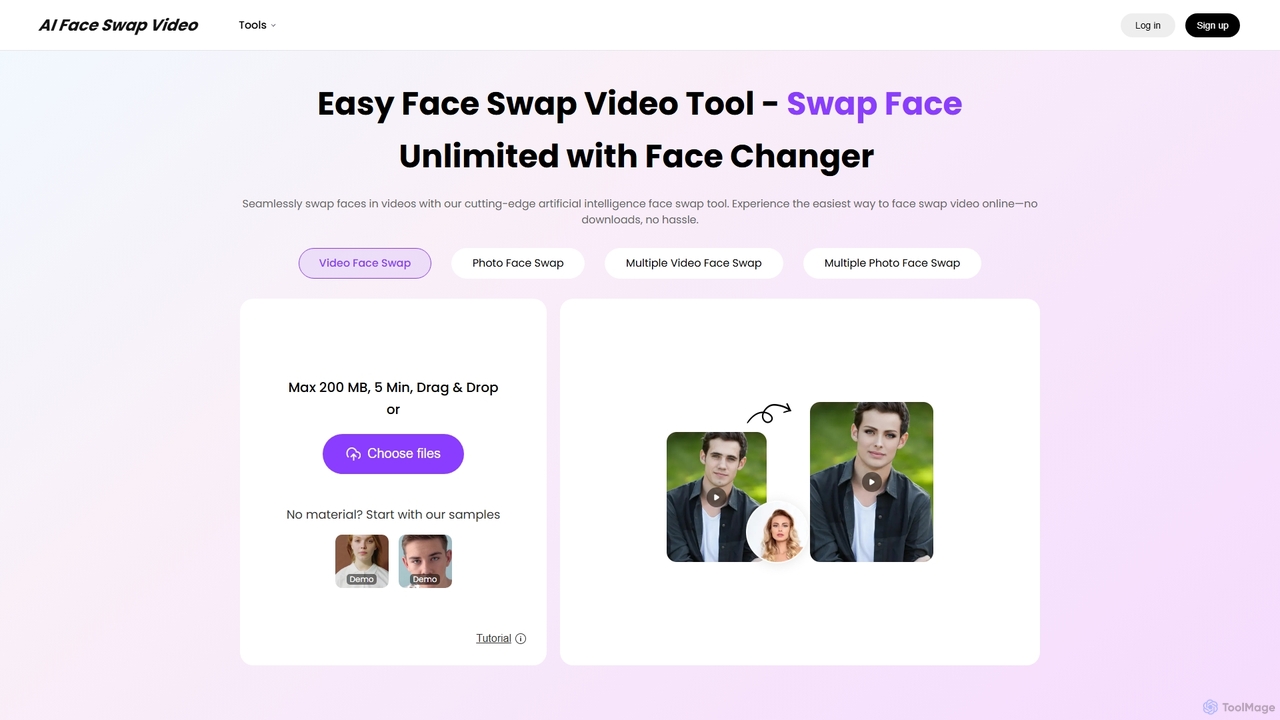
AIFaceSwapVideo is an advanced online AI tool for effortlessly swapping faces in videos, photos, and GIFs. It offers …
AIFaceSwapVideo is an advanced online AI tool for effortlessly swapping faces in videos, photos, and GIFs. It offers seamless blending, realistic expressions, and precise tracking, making it ideal for creating fun, viral content, or professional edits without any downloads.
Neurona
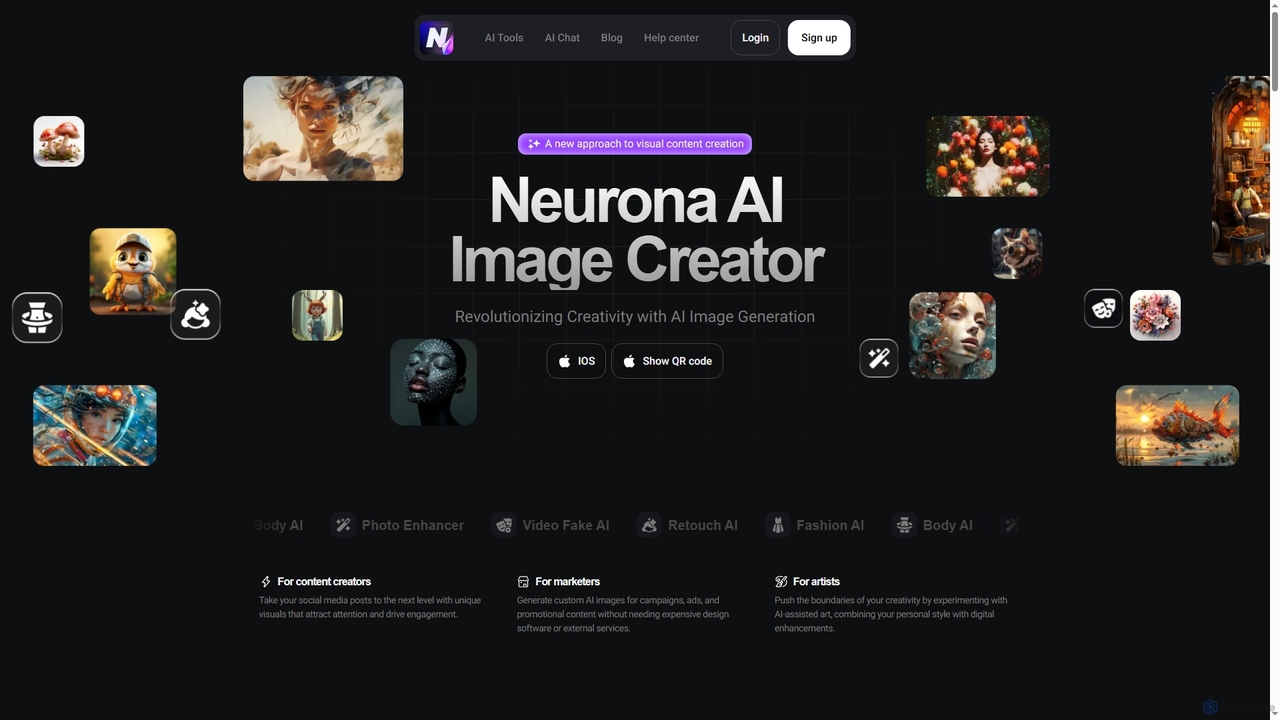
Neurona is an AI-powered platform that revolutionizes visual content creation, offering advanced tools for generating high-quality images from …
Neurona is an AI-powered platform that revolutionizes visual content creation, offering advanced tools for generating high-quality images from text prompts, performing realistic face swaps in photos and videos, enhancing image quality, and professional photo retouching. It's designed for creators, marketers, and artists seeking fast, customizable, and stunning visuals.
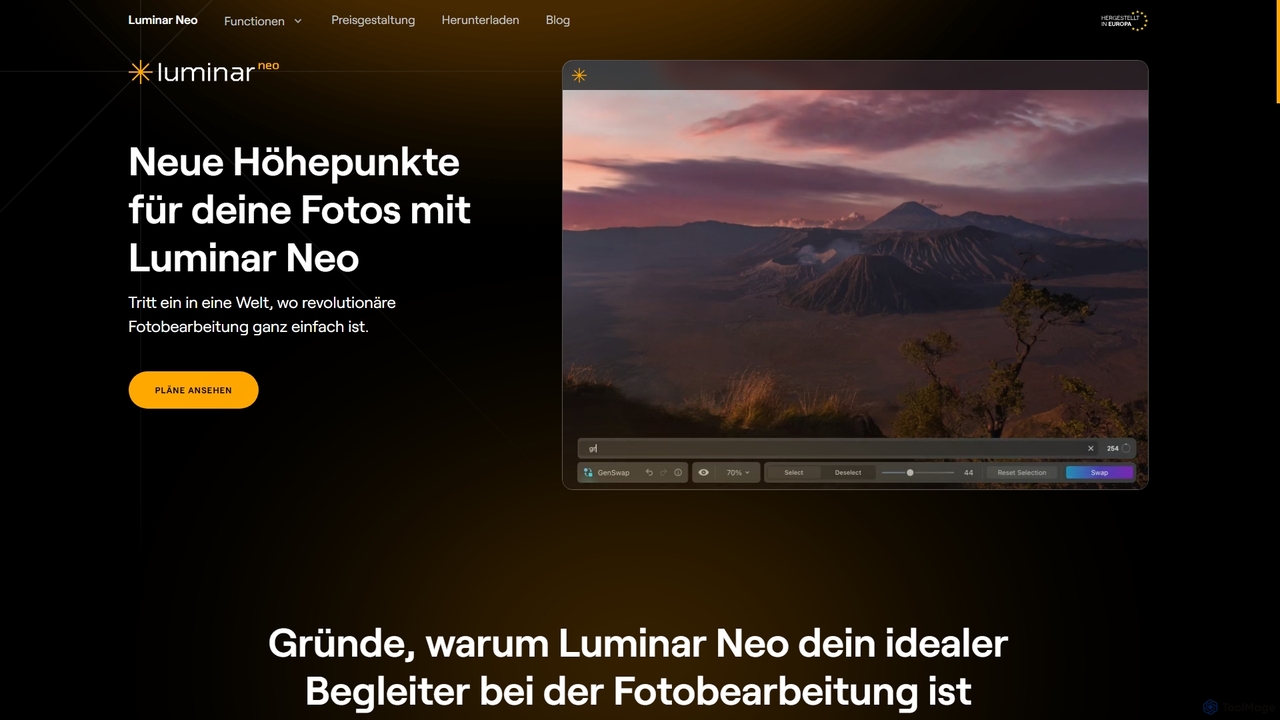
Luminar Neo
Luminar Neo is a revolutionary AI-powered photo editing software designed to simplify complex tasks and unleash creativity. It …
Luminar Neo is a revolutionary AI-powered photo editing software designed to simplify complex tasks and unleash creativity. It offers a comprehensive suite of advanced tools for image enhancement, RAW processing, and creative composition, making professional-grade results accessible to both beginners and experienced photographers on macOS and Windows.
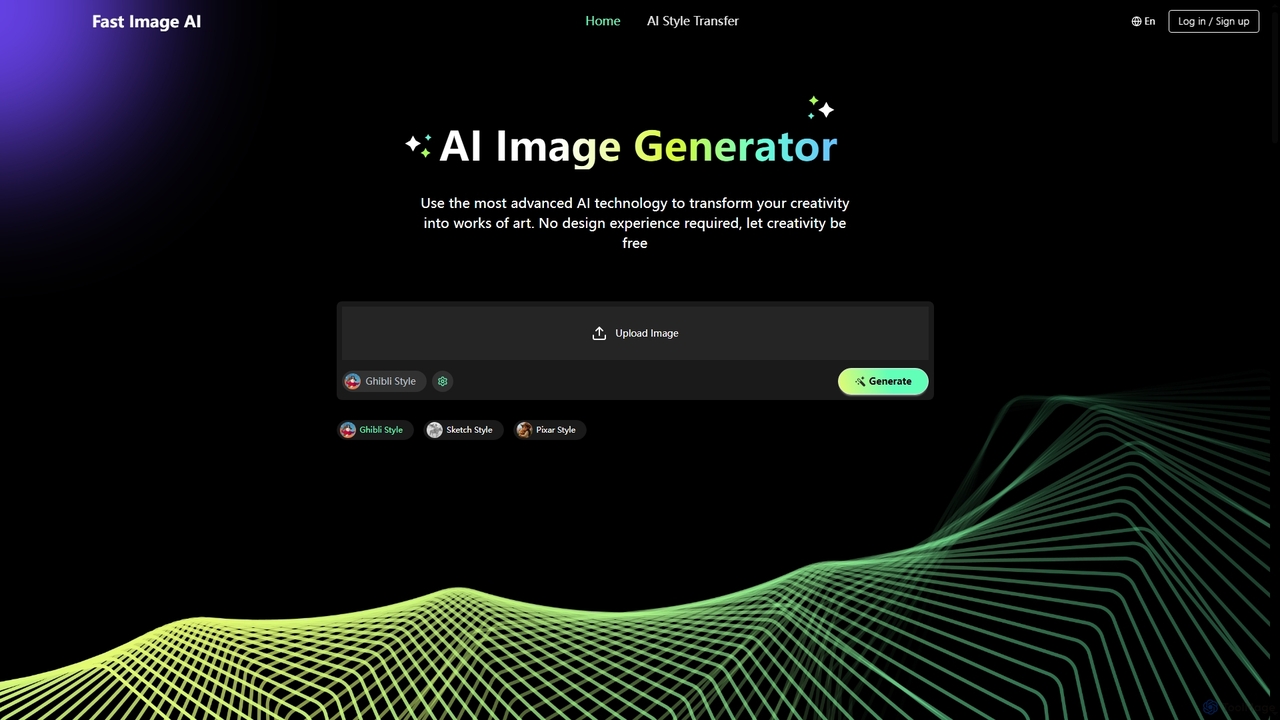
Fast Image
Fast Image is an intuitive online AI image generator that transforms your creativity into stunning artwork. It allows …
Fast Image is an intuitive online AI image generator that transforms your creativity into stunning artwork. It allows users to convert photos into various artistic styles like Ghibli, Sketch, and Pixar, or generate unique images from text descriptions. With a user-friendly interface and no design experience required, Fast Image makes AI art creation accessible and fast, operating directly in your browser.
About Photo Editing
AI Photo Editing tools are applications that use artificial intelligence to automate and enhance the process of modifying digital images. They leverage deep learning models for tasks like object recognition, semantic segmentation, and generative fills, enabling complex edits with simple commands. This allows users of all skill levels to perform professional-grade adjustments, such as background removal, blemish correction, and content-aware expansion, often in a single click. Unlike traditional software, these tools intelligently understand image context, making it possible to achieve realistic results and creative effects that were previously highly time-consuming.
Core Features
- Object Removal & Inpainting: Intelligently erase unwanted objects, people, or text, and seamlessly reconstruct the background.
- Background Management: Automatically detect and isolate subjects to replace, blur, or remove the background with high precision.
- AI-Powered Enhancement: One-click adjustments for lighting, color balance, sharpness, and noise reduction based on image content analysis.
- Generative Fill & Expand: Add new elements or extend the canvas of an image using text prompts, creating content that matches the original style.
- Automated Portrait Retouching: Streamline the process of smoothing skin, whitening teeth, and adjusting facial features while maintaining a natural look.
Use Cases
These tools are widely used across various fields. In e-commerce, they are used for creating clean product images with uniform backgrounds. Social media managers and content creators use them to quickly produce eye-catching visuals. Professional photographers integrate them into their workflow to speed up portrait retouching and complex compositing tasks.
How to Choose
When selecting an AI Photo Editing tool, consider the specific features you need—some specialize in background removal while others offer a full suite. Evaluate the quality and realism of the AI's output, as results can vary. Also, consider its integration capabilities, such as whether it functions as a standalone app, a plugin for software like Photoshop, or offers an API for batch processing.
Photo EditingUse Cases
E-commerce Product Image Optimization
An e-commerce manager needs to prepare hundreds of product photos for a new collection launch. The goal is to ensure all images have a clean, white background and consistent lighting to maintain a professional brand aesthetic. Using an AI photo editing tool, they can batch-process the entire photo set. The tool automatically detects the product in each image, removes the original background with high precision, and replaces it with a pure white one. It also applies an auto-enhancement filter to correct colors and brightness. This process reduces manual editing time by over 90%, ensuring a uniform and appealing look across the entire product catalog, which can directly contribute to higher conversion rates.
Accelerating Social Media Content Creation
A content creator for a travel blog needs to post engaging photos daily. Often, their best shots are compromised by unwanted tourists or distracting elements in the background. Instead of spending hours manually cloning and healing, they use an AI photo editor's object removal feature. They simply brush over the unwanted person or object, and the AI intelligently fills in the space, matching the surrounding textures and lighting. They can also use the generative expand feature to change a vertical photo into a horizontal one for a blog banner, with the AI creating new, contextually appropriate scenery to fill the sides. This allows them to produce polished, professional-looking content in minutes, not hours.
Professional Portrait Retouching Workflow
A professional photographer has a batch of 50 portraits from a recent photoshoot. The editing process involves skin smoothing, blemish removal, and teeth whitening for each photo. Traditionally, this is a meticulous and time-consuming task. By integrating an AI photo editor, the photographer can automate the initial, most repetitive steps. The software's AI detects faces and applies subtle, natural-looking skin smoothing that preserves texture, removes minor blemishes, and brightens eyes and teeth automatically. This handles about 80% of the work. The photographer then only needs to perform minor, specific adjustments to match their artistic style, drastically reducing post-production time and allowing for a faster turnaround for clients.
Enhancing Real Estate Photography
A real estate agent needs to make property listings stand out online. Photos taken on an overcast day can make a property look dull and uninviting. Using an AI photo editor, the agent can instantly improve these images. The 'Sky Replacement' feature allows them to swap the grey, cloudy sky with a bright, sunny one in a single click. The AI automatically masks the sky and adjusts the lighting and color of the entire scene to match the new sky, creating a realistic result. They can also use AI enhancement to brighten dark interior shots and increase sharpness, making rooms appear more spacious and appealing. This helps create stunning listings that attract more potential buyers and can increase the perceived value of the property.
Restoring Old and Damaged Family Photos
An individual wants to digitize and restore their collection of old family photographs, many of which are faded, scratched, or torn. Using an AI-powered photo restoration tool, they can upload scans of these photos and let the AI work its magic. The tool automatically detects and repairs scratches, creases, and spots. Its colorization feature can intelligently add realistic colors to black-and-white photos by analyzing the objects and context within the image. Furthermore, an AI face enhancer can sharpen blurry faces, bringing out details that were previously lost. This process transforms damaged, monochrome memories into vibrant, clear images, preserving precious family history for future generations without requiring any professional restoration skills.
Creative Art and Digital Compositing
A digital artist is creating a surreal landscape that combines elements from different environments. They start with a base photo of a desert. Using the generative fill feature, they select an area of the sky and type the prompt "aurora borealis with swirling galaxies." The AI generates a stunning new sky that seamlessly blends with the desert horizon. Next, they use the object selection tool to isolate a mountain from another photo and place it in the desert scene. The AI editor automatically adjusts the mountain's lighting and color to match the new environment. This approach allows the artist to rapidly prototype and iterate on complex creative ideas, blending reality and imagination in ways that would require extensive manual masking and color grading in traditional software.