ToolMage
Sign in

Best 3 Style Transfer AI tools for Image Generation

Popular Style Transfer AI tools in Image Generation include a1.art, Fast Image, and InteriorWave, helping you work more efficiently.

InteriorWave
Freemium

InteriorWave

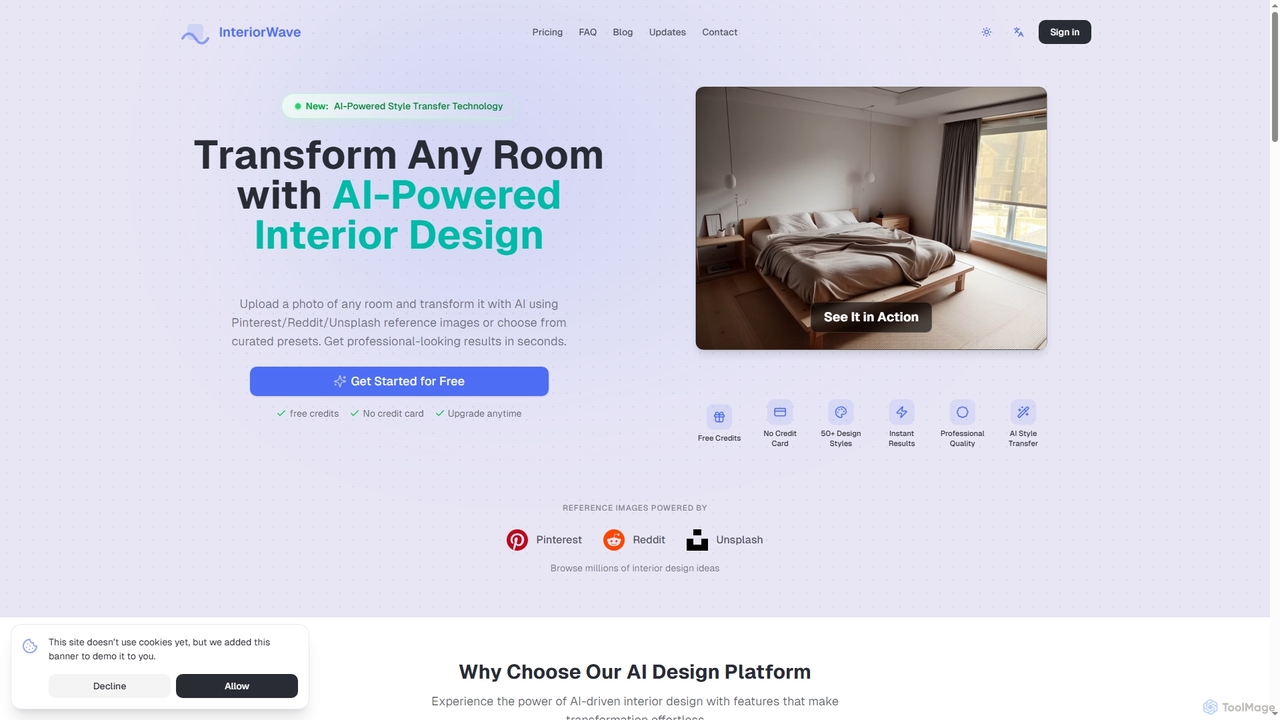
InteriorWave is an AI-powered interior design tool that transforms any room photo into stunning, professionally styled spaces in seconds. Users can apply over 50 design styles or use reference images from Pinterest, Reddit, or Unsplash to visualize their dream interiors effortlessly.

Visual Design
Visits 4.5KFavorites 115Likes 108
Fast Image
Freemium

Fast Image

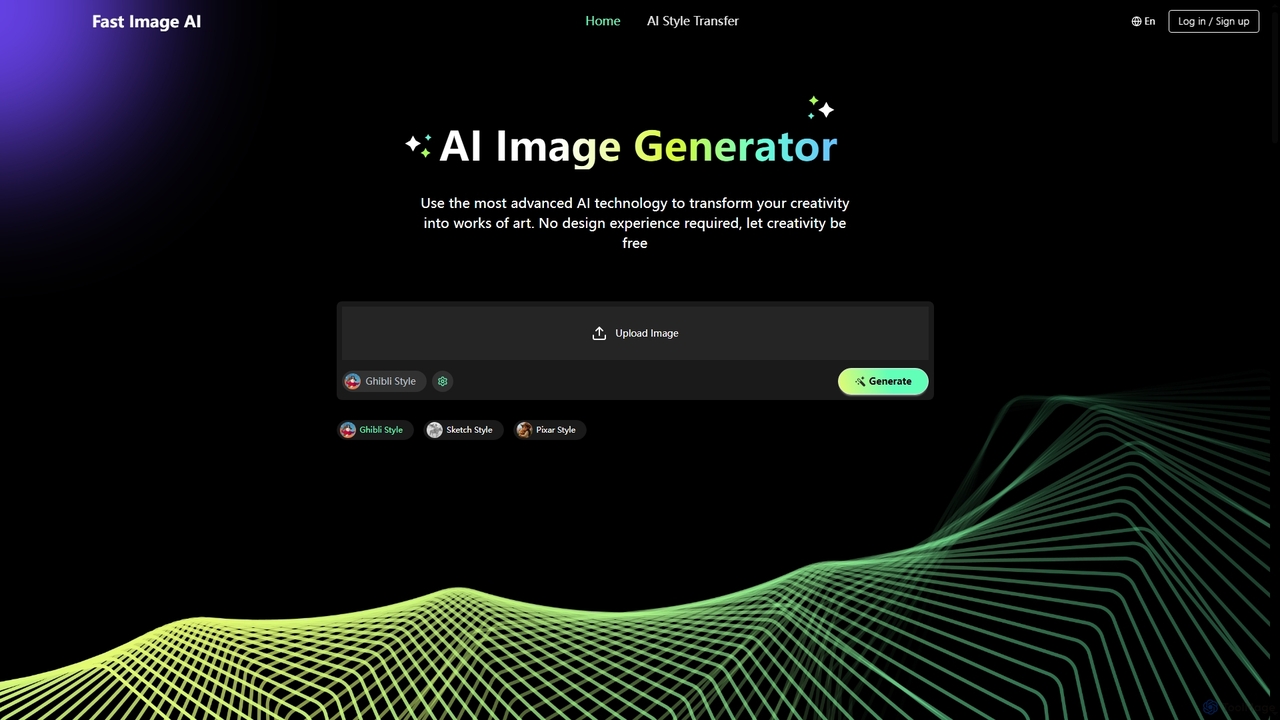
Fast Image is an intuitive online AI image generator that transforms your creativity into stunning artwork. It allows users to convert photos into various artistic styles like Ghibli, Sketch, and Pixar, or generate unique images from text descriptions. With a user-friendly interface and no design experience required, Fast Image makes AI art creation accessible and fast, operating directly in your browser.

Digital Art
Visits 14.8KFavorites 129Likes 110
a1.art
Freemium

a1.art

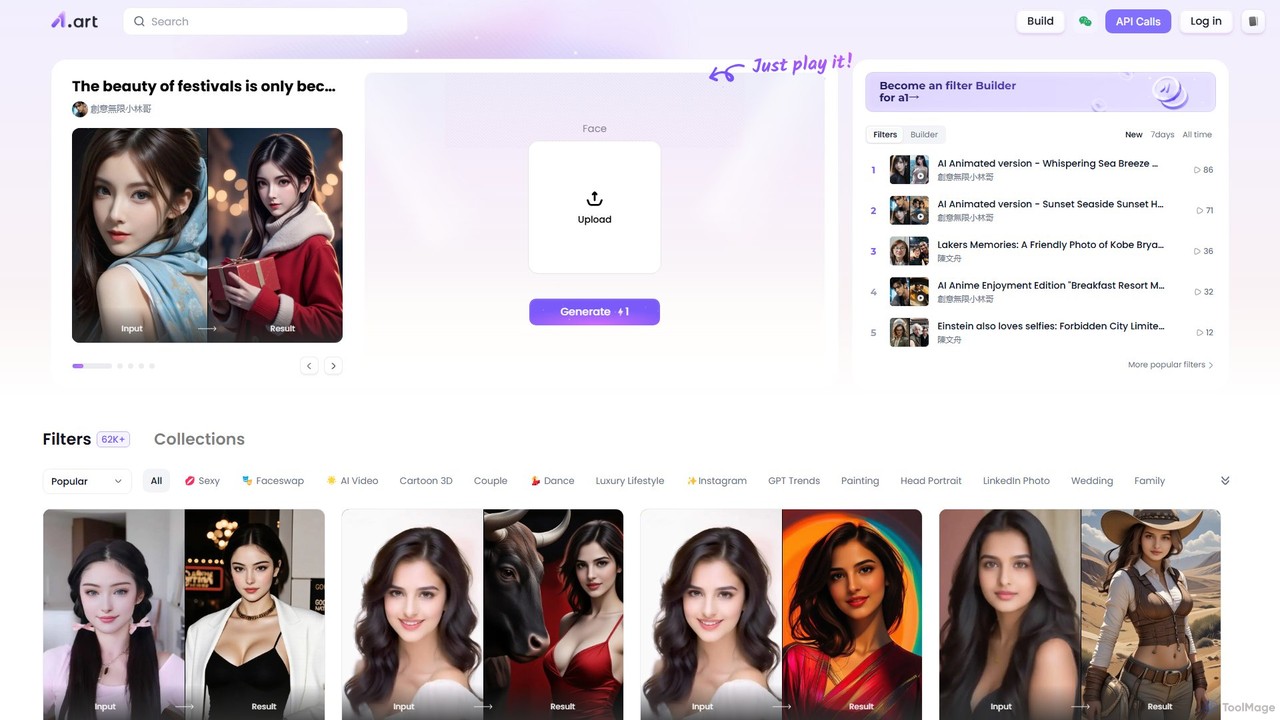
a1.art is a powerful online AI image generator featuring a massive library of over 60,000 styles and filters. It allows users to instantly transform photos, perform face swaps, create anime or cartoon versions of themselves, and generate unique artwork. With a user-friendly interface and a community-driven platform for creating new filters, it's perfect for social media, professional use, and creative exploration.

Ai Art Generator
Visits 1.7MFavorites 118Likes 140

About Style Transfer

Style Transfer tools are a specialized class of AI image generators that apply the artistic style of one image to the content of another. These tools leverage neural networks to separate an image's content from its stylistic elements, such as texture and color palette, and then recombine them in novel ways. This allows users to instantly transform photographs into artworks resembling famous paintings, sketches, or abstract designs without manual editing. Unlike simple filters, style transfer deeply reinterprets the image's structure, creating a more integrated and authentic artistic effect.

Core Features

  • Style Source Flexibility: Use a library of preset artistic styles or upload any image to serve as the style source.
  • Content Preservation Control: Adjust the balance between the original image's structure and the applied artistic style.
  • Style Intensity Adjustment: Fine-tune the strength of the style's influence on the final image, from subtle to dramatic.
  • High-Resolution Output: Generate images in high resolution suitable for printing, professional projects, and digital displays.
  • Video Style Transfer: Apply a consistent artistic style to entire video clips, transforming them frame by frame.

Use Cases

Style Transfer tools are widely used by digital artists for creative exploration, social media managers for creating visually cohesive brand content, and video editors for producing unique animated effects. They are also valuable for game developers in creating stylized textures and for individuals seeking to create personalized avatars and digital art.

How to Choose

When selecting a Style Transfer tool, consider the variety and quality of its built-in style library versus its capability to handle custom style images. Evaluate the level of control offered, such as sliders for style intensity and content preservation. Also, check the maximum output resolution and processing speed, as these factors are critical for professional use. Finally, compare pricing models, whether subscription-based or pay-per-image, to find one that fits your usage needs.

Featured tool rankings

Style Transfer use cases

1

Creating Digital Art and Illustrations

A digital artist wants to explore new visual styles without spending months learning a new technique. They upload their own digital painting or photograph as the content image. Then, they select a painting by a master like Van Gogh or a modern abstract piece as the style image. The AI tool merges the two, transforming their original work into a new piece with the desired artistic texture and color scheme. This allows for rapid experimentation and the creation of a unique portfolio that blends their vision with classic or contemporary art styles.

2

Stylizing Video Footage for Creative Projects

A filmmaker or video editor is working on a music video and wants to achieve a dreamlike, painterly effect. Instead of manually rotoscoping each frame, which is extremely time-consuming, they use a video style transfer tool. They upload the video clip and an impressionistic painting as the style reference. The tool processes the video frame by frame, applying the painting's style consistently across the entire sequence. The result is a visually stunning video where live-action footage appears to be a moving painting, achieved in a fraction of the time of traditional methods.

3

Generating Branded Marketing and Social Media Visuals

A social media manager needs to create a cohesive and eye-catching visual campaign for a new product launch. They define a specific brand style by uploading an image with their brand's color palette and desired texture. They then apply this consistent style to a variety of product photos, lifestyle images, and user-generated content. This process ensures all campaign visuals share a unified aesthetic, strengthening brand recognition. It allows them to generate dozens of on-brand images quickly, without needing a graphic designer for every single post.

4

Conceptualizing Architectural and Interior Designs

An architect or interior designer wants to present a project concept to a client in a more artistic and evocative way. They take a standard, photorealistic 3D render of their design and use a style transfer tool to apply the style of a watercolor painting or a charcoal sketch. This transforms the clinical render into a piece of conceptual art that better communicates the mood and feeling of the space, rather than just its precise layout. It helps clients visualize the artistic vision behind the project, making presentations more compelling and memorable.

5

Creating Unique Avatars and Profile Pictures

A user wants a distinctive profile picture for their social media or gaming accounts that stands out from typical photos. They upload a selfie as the content image. Then, they experiment by applying various styles: a pop art style for a vibrant, colorful look; a classical oil painting style for a formal, artistic appearance; or a cyberpunk neon style for a futuristic vibe. In minutes, they can generate multiple unique avatars, choosing the one that best represents their online persona without needing any artistic skills or complex software like Photoshop.

6

Developing Stylized Game Assets and Textures

A game developer is creating a game with a distinct, non-photorealistic art style, such as cel-shaded or hand-painted. To ensure consistency across thousands of assets, they use style transfer. They take a photorealistic texture map for an object (e.g., wood, stone) and apply a style image that defines the game's aesthetic. The tool transforms the realistic texture into a stylized one that fits the game world perfectly. This automates a significant part of the texture creation process, saving artists countless hours and ensuring a cohesive visual identity for the entire game.

Style Transfer FAQ

What is AI Style Transfer?

AI Style Transfer is a technique within the field of computer vision that uses neural networks to apply the artistic style of a source image (like a painting) to the content of a target image (like a photograph). Unlike a simple filter that overlays color or texture, style transfer algorithms analyze and separate the content and style representations. The AI then generates a new image that preserves the core subjects and structure of the content image while recreating the textures, patterns, and color schemes of the style image, resulting in a deep, artistic fusion.

How is Style Transfer different from regular AI Image Generators?

The key difference lies in their input and purpose. Regular AI Image Generators typically create images from scratch based on a text prompt (text-to-image). Their goal is creation. In contrast, Style Transfer tools require two image inputs: a content image and a style image. Their goal is transformation, not creation from nothing. They modify an existing image's aesthetic rather than generating a new scene. While some advanced generators can incorporate style references, dedicated Style Transfer tools offer more precise control over blending a specific style with specific content.

How to choose the right Style Transfer tool?

Choosing the right tool depends on your specific needs. Consider these factors:

  • Style Sources: Do you need a large built-in library of famous art styles, or is it more important to upload your own images as style references?
  • Control and Customization: Look for tools that offer sliders or numerical inputs to adjust style intensity, content preservation, and output resolution. More control allows for finer artistic results.
  • Media Type: Does the tool support only images, or can it also process videos? Video style transfer is a more specialized and resource-intensive feature.
  • Performance and Cost: Compare processing speeds and pricing models. Some are free with limitations, while professional tools may offer subscriptions or per-image pricing for higher resolution and faster processing.
Can Style Transfer be used on videos?

Yes, many advanced Style Transfer tools support video processing. The process involves applying the chosen style to each individual frame of the video clip. The main challenge is maintaining temporal consistency—ensuring the style doesn't flicker or change erratically between frames, which would create a jarring visual effect. Tools designed for video style transfer often incorporate algorithms specifically to address this, resulting in a smooth, coherent artistic transformation throughout the entire video sequence. This feature is computationally intensive and is typically found in more powerful, often paid, applications.

What are the main applications of Style Transfer?

Style Transfer has a wide range of applications across creative and commercial fields. Key uses include:

  • Digital Art: Artists use it to experiment with new styles, create unique compositions, and augment their creative workflow.
  • Marketing & Branding: Marketers apply a consistent brand style to campaign images, creating a cohesive and memorable visual identity.
  • Entertainment: It's used in film and video games to create stylized visual effects, textures, and animations more efficiently.
  • Personalization: Individuals use it to create unique avatars, social media posts, and personalized gifts by transforming their photos into art.