ToolMage
Sign in

Best 5 Product & Development AI tools

Popular Product & Development AI tools include PostHog, Atypica, Problem Miner, Bricko, and Intelligent Co-Founder, helping you work more efficiently.

Atypica
Freemium

Atypica

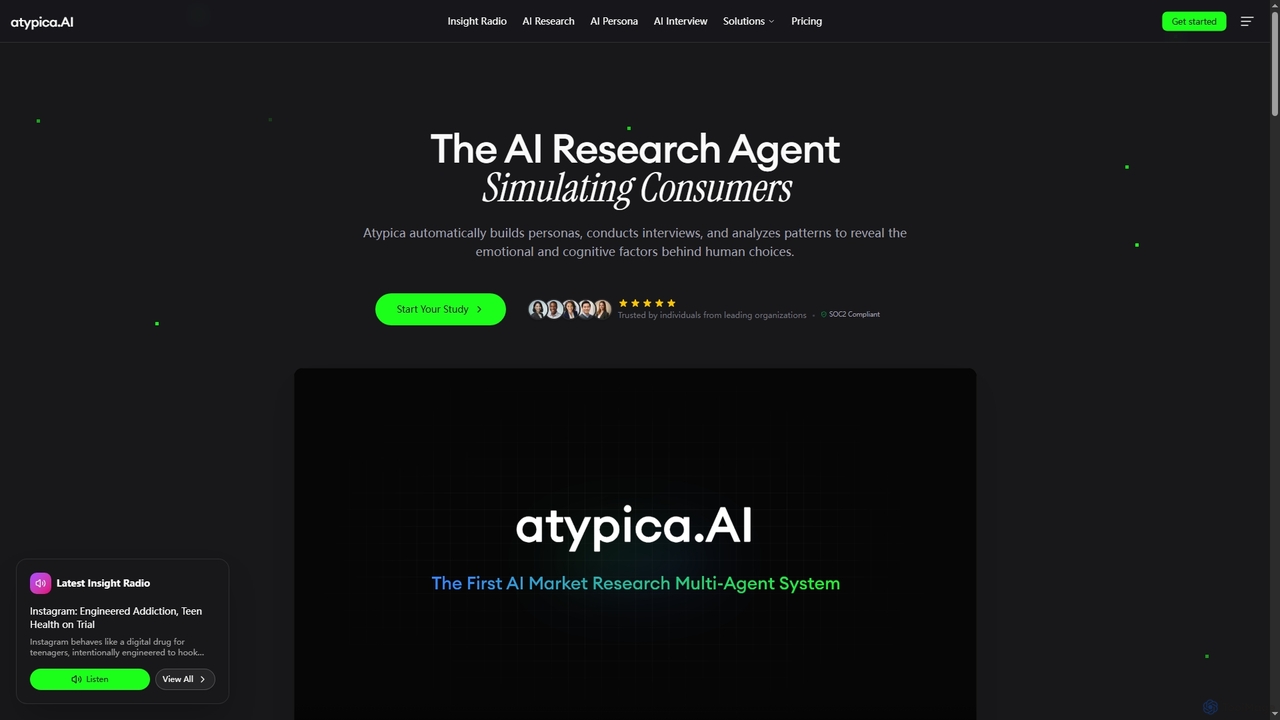
Atypica is an AI research agent designed to simulate consumers, providing deep insights into human decision-making. It automatically builds AI personas, conducts expert interviews, and analyzes behavioral patterns to uncover emotional and cognitive factors influencing choices. This platform helps businesses and individuals conduct market research, test concepts, and strategize with unparalleled speed and depth.

Strategy Planning
Visits 56KFavorites 43Likes 52
Bricko
Freemium

Bricko

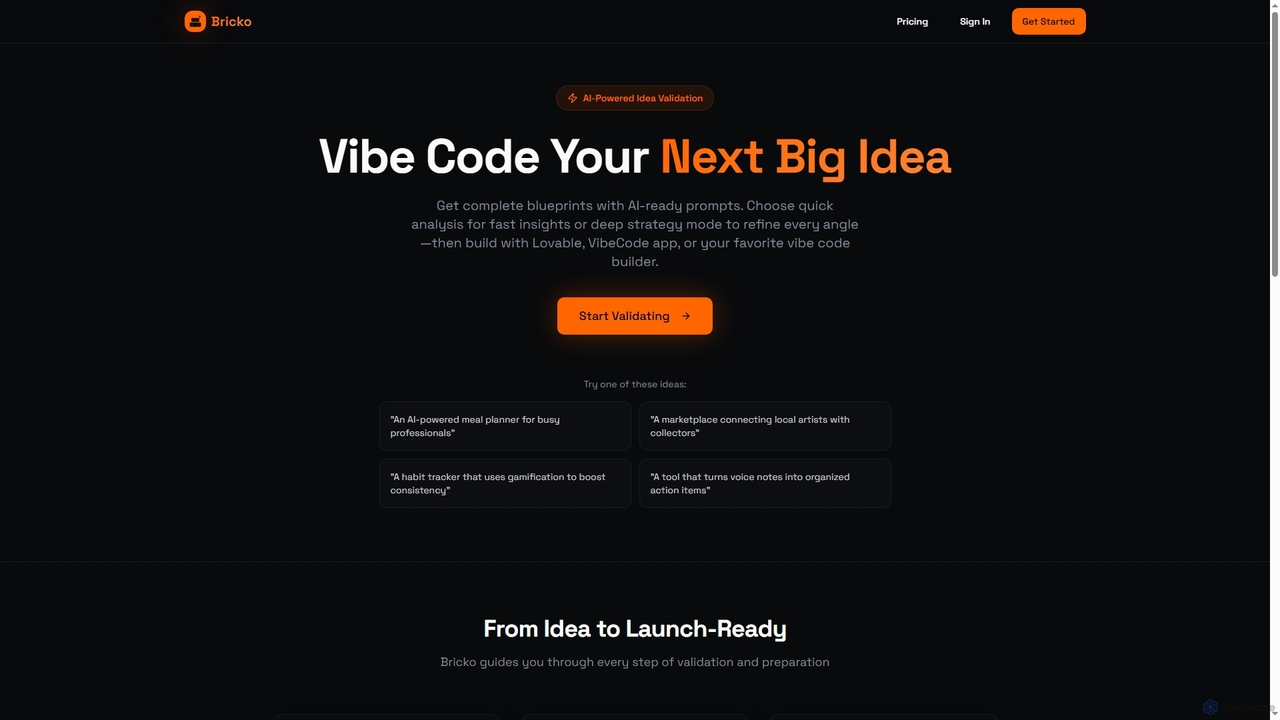
Bricko is an AI-powered idea validation tool that transforms raw concepts into launch-ready products. It offers comprehensive blueprints, AI-ready prompts, and growth strategies, guiding entrepreneurs and product developers from ideation to market with confidence.

Validation
Visits 7.4KFavorites 50Likes 50
Problem Miner
Paid

Problem Miner

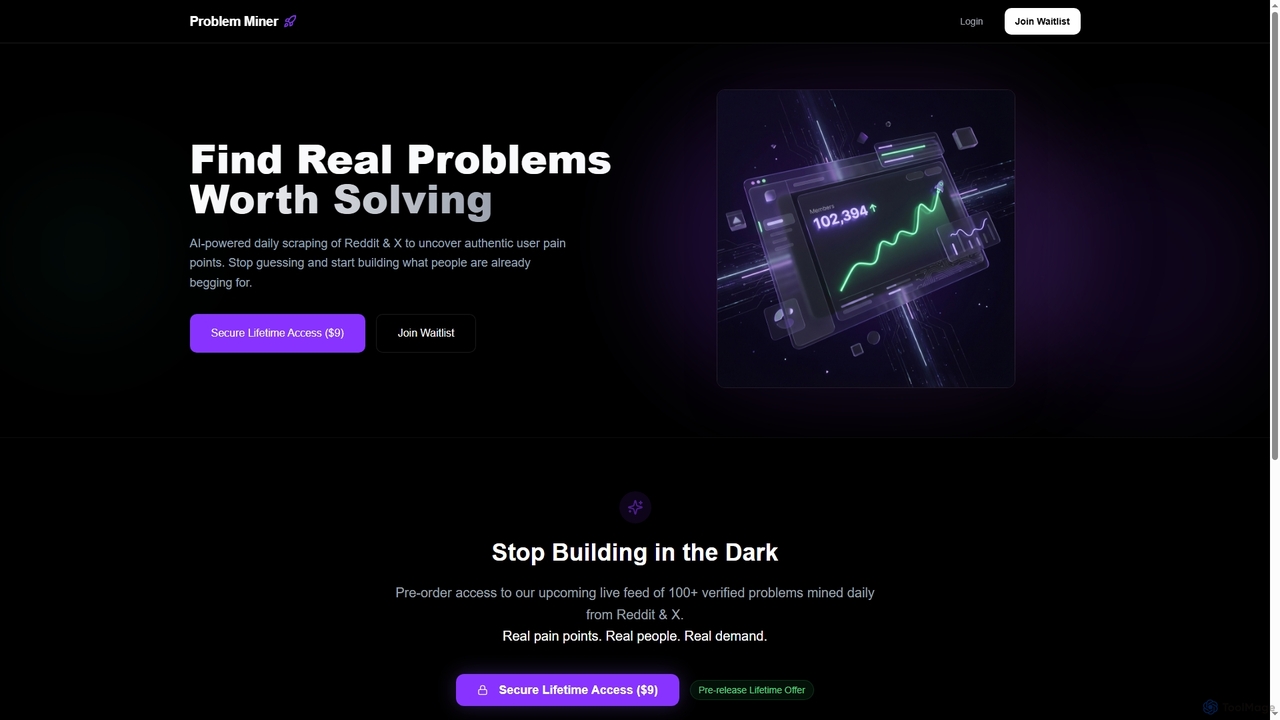
Problem Miner is an AI-powered tool that scrapes Reddit and X daily to identify authentic user pain points and real-world problems. It provides a live feed of over 100 verified problems, helping entrepreneurs and builders discover validated startup ideas and build solutions that people genuinely need, eliminating guesswork in product development.

Trend Analysis
Visits 7.5KFavorites 119Likes 101
Intelligent Co-Founder
Freemium

Intelligent Co-Founder

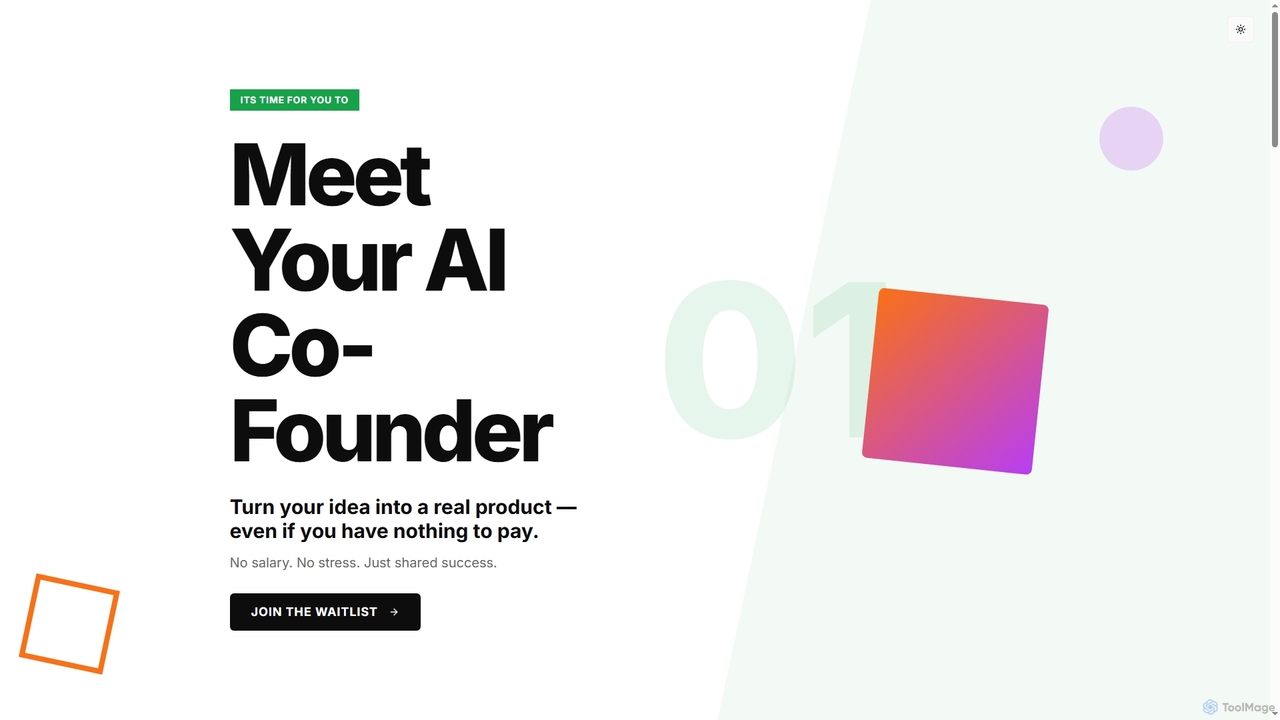
Intelligent Co-Founder is an AI partner designed to help visionary entrepreneurs transform their startup ideas into real products. It offers technical execution, roadmap planning, and continuous iteration, working for equity rather than salary, ensuring a shared commitment to success.

Prototyping
Visits 7.3KFavorites 175Likes 171
PostHog
Freemium

PostHog

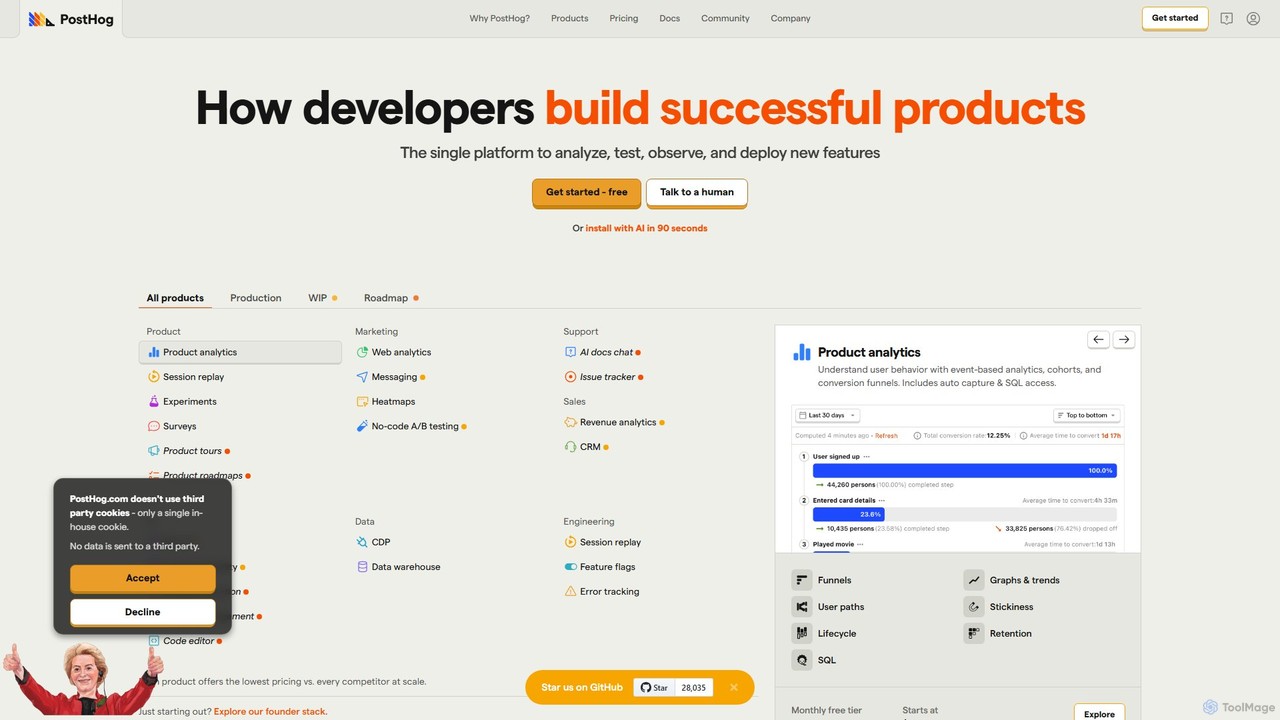
PostHog is an all-in-one, open-source product analytics platform for developers. It combines product analytics, session replay, feature flags, and A/B testing into a single tool, eliminating the need for a fragmented data stack. It's designed to help teams understand user behavior and build better products faster.

Customer Data Platform
Visits 2.6MFavorites 124Likes 128

About Product & Development

AI Product & Development tools are a class of intelligent software that automates and enhances various stages of the product lifecycle. These tools leverage machine learning, code generation, and natural language processing to assist with tasks from initial ideation and requirement gathering to coding, testing, and deployment. They are designed to increase developer productivity, improve code quality, and accelerate the time-to-market for new products and features. By analyzing patterns and automating repetitive work, these tools empower teams to focus on complex problem-solving and innovation.

Core Features

  • AI Code Generation & Completion: Generates code snippets, functions, or entire applications from natural language prompts and provides context-aware suggestions.
  • Automated Testing & Debugging: Creates test cases, identifies bugs, and suggests code fixes automatically to improve software reliability.
  • Product Requirement Analysis: Transforms high-level ideas or user feedback into structured user stories, specifications, and technical requirements.
  • User Feedback Synthesis: Aggregates and analyzes customer reviews, support tickets, and survey data to identify key themes and actionable insights.
  • Intelligent Project Management: Optimizes task allocation, predicts project timelines, and identifies potential risks in the development workflow.

Use Cases

These tools are widely used by software development teams, product managers, QA engineers, and DevOps professionals across various industries. For instance, a developer can use an AI code assistant to build a feature faster, while a product manager can use an AI tool to analyze thousands of user comments to prioritize the next feature release. They are integral to modern Agile and DevOps practices.

How to Choose

When selecting an AI Product & Development tool, consider its integration capabilities with your existing stack (e.g., IDE, Git, Jira). Evaluate the supported programming languages and frameworks, the accuracy of its code generation or analysis, and its security and data privacy policies. Also, assess the user interface and learning curve for team adoption, as well as the pricing model's scalability for your organization's needs.

Product & Development use cases

1

Automating Unit Test Generation for Developers

A backend developer is tasked with building a new API endpoint and ensuring it has 90% test coverage. Instead of manually writing dozens of unit tests for various scenarios, they use an AI development tool integrated into their IDE. The developer highlights the function, and the AI tool analyzes the code logic, input parameters, and potential edge cases. It then automatically generates a comprehensive suite of unit tests in seconds, including tests for valid inputs, error handling, and boundary conditions. This process saves the developer several hours of tedious work, ensures consistent test quality, and helps the team maintain high code coverage standards with minimal effort.

2

Generating User Stories from High-Level Ideas

A product manager has a new feature idea: 'a personalized user dashboard'. To translate this vague concept into actionable tasks for the development team, they use an AI product management tool. They input the high-level description along with target user personas and key business goals. The AI analyzes this input and generates a set of detailed user stories, such as 'As a returning user, I want to see my recent activity on the dashboard so I can quickly resume my tasks.' It also suggests acceptance criteria and potential technical dependencies. This accelerates the requirement gathering process, reduces ambiguity, and ensures the development team has a clear, structured backlog to work from.

3

AI-Powered Code Review and Refactoring

A development team integrates an AI tool into their CI/CD pipeline to automate code reviews. When a developer submits a pull request, the AI automatically scans the new code. It checks for common bugs, security vulnerabilities (like SQL injection), performance bottlenecks, and deviations from the team's coding style guide. Instead of just flagging issues, the tool provides context-aware suggestions for refactoring and even generates the corrected code snippets. This allows senior developers to focus their review time on architectural decisions rather than syntax errors, leading to a faster review cycle, improved code quality, and a more secure application.

4

Analyzing Customer Feedback for Product Prioritization

A product team for a popular mobile app receives thousands of user reviews and support tickets each month. Manually reading and categorizing this feedback is impossible. They use an AI analysis tool that connects to their app store listings and helpdesk software. The AI uses natural language processing to analyze sentiment, identify recurring themes (e.g., 'buggy login', 'request for dark mode'), and categorize feedback automatically. It generates a dashboard showing the most frequent user requests and complaints, allowing the product manager to make data-driven decisions about which features to build or bugs to fix next, ensuring their roadmap aligns with actual user needs.

5

Rapid Prototyping with AI Code Generation

A startup founder wants to validate a new business idea for a task management app but has limited coding resources. They use an AI code generation tool to quickly build a functional prototype. By providing natural language descriptions of the desired features, such as 'a user login page', 'a screen to add new tasks', and 'a list view of all tasks', the AI generates the corresponding frontend and backend code. Within a few hours, they have a clickable prototype that can be used for investor demos and initial user testing. This dramatically reduces the time and cost of prototyping, allowing for faster iteration and validation of business concepts before committing significant development resources.

6

Intelligent Bug Triage and Assignment

A large software company's QA team is overwhelmed by the volume of incoming bug reports from users and automated tests. They implement an AI-powered project management tool to streamline the bug triage process. When a new bug is reported, the AI analyzes its description, logs, and metadata. It automatically identifies and merges duplicate reports, predicts the bug's severity and priority based on historical data, and suggests the most appropriate developer to assign it to, based on who has fixed similar issues in the past. This automation reduces the manual triage time for QA managers by over 70%, ensures critical bugs are addressed faster, and improves the overall efficiency of the development workflow.

Product & Development FAQ

What are AI Product & Development tools?

AI Product & Development tools are a category of software that uses artificial intelligence to assist and automate tasks throughout the software development lifecycle (SDLC). They go beyond traditional development tools by actively participating in the creation process. Key functions include generating code from natural language, automating the creation of test cases, analyzing user feedback to generate product requirements, and optimizing project workflows. Essentially, they act as intelligent assistants for developers, product managers, and QA engineers to build better software faster.

How do I choose the right AI development tool?

Choosing the right AI development tool depends on your specific needs. Consider these key factors:

  • Integration: Does it integrate seamlessly with your existing workflow, such as your IDE (e.g., VS Code, JetBrains), version control system (e.g., Git), and project management software (e.g., Jira)?
  • Functionality: What specific task do you need to automate? Some tools excel at code generation, others at testing, and some focus on project management or requirements analysis.
  • Language & Framework Support: Ensure the tool supports the programming languages, frameworks, and platforms your team uses.
  • Security & Privacy: How does the tool handle your code and data? Check its policies, especially if you work with sensitive or proprietary information.
  • Team Collaboration: If you're part of a team, look for features that support collaborative workflows, shared configurations, and consistent outputs.
What's the difference between an AI code assistant and a traditional IDE's autocomplete?

The difference lies in context and capability. A traditional IDE's autocomplete is typically based on static analysis of your code, suggesting variable names, methods, or keywords that are syntactically valid in the current scope. An AI code assistant, on the other hand, uses large language models trained on vast amounts of code. It understands the broader context of your project and your natural language intent. This allows it to generate entire blocks of code, write functions based on a comment, explain complex code, and even suggest architectural patterns, making it a far more powerful and proactive development partner.

Can AI tools replace developers or product managers?

AI tools are designed to augment, not replace, human professionals. For developers, AI handles repetitive and boilerplate coding tasks, freeing them to focus on complex logic, system architecture, and creative problem-solving. For product managers, AI automates data analysis and feedback synthesis, providing insights that enable more strategic decision-making. The roles are evolving: professionals who leverage AI effectively will become more productive and valuable. The goal of these tools is to enhance human capabilities, allowing teams to build higher-quality products more efficiently.

Who can benefit from using AI Product & Development tools?

A wide range of professionals involved in the product lifecycle can benefit. This includes:

  • Software Developers: For faster coding, debugging, and testing, leading to increased productivity.
  • Product Managers: To analyze user feedback, generate requirements, and make data-driven roadmap decisions.
  • QA Engineers: For automating test case generation and identifying bugs more efficiently.
  • UX/UI Designers: To generate design ideas, create prototypes from descriptions, and analyze user testing feedback.
  • Project Managers & Team Leads: To optimize workflows, predict timelines, and manage resources more effectively.

Essentially, anyone involved in creating and maintaining software can leverage these tools to streamline their work and improve outcomes.