
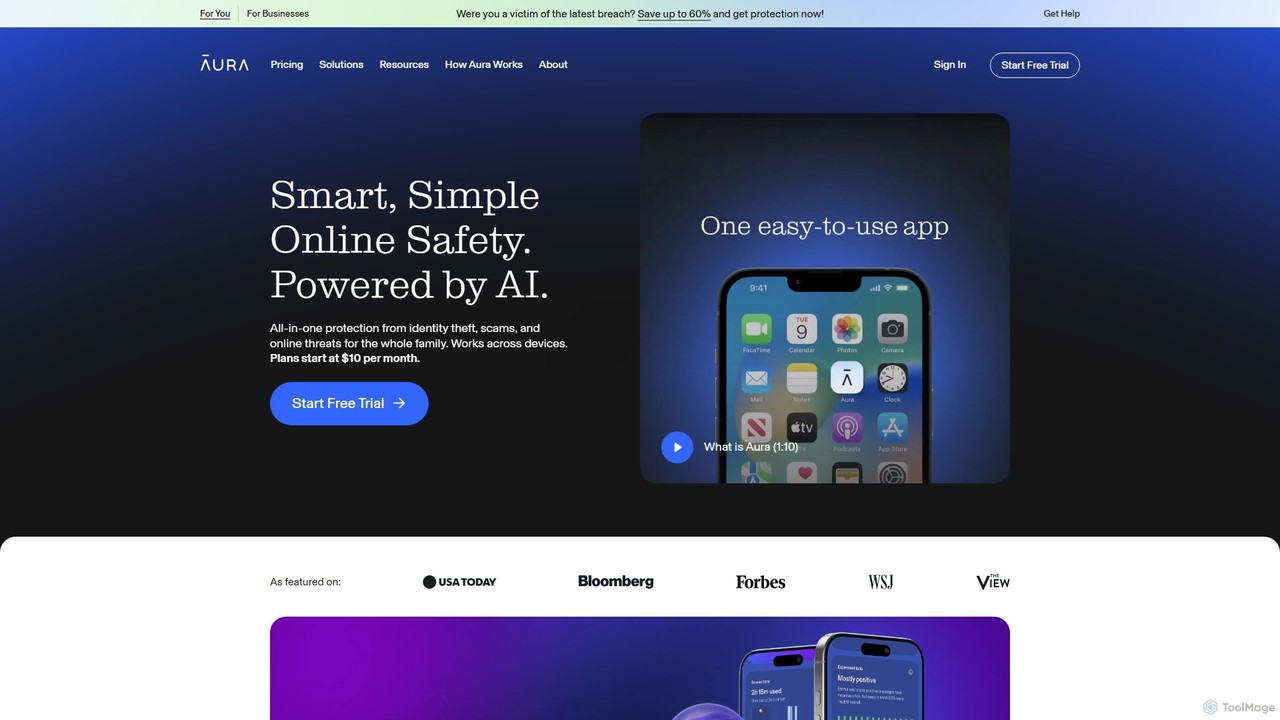
Security Best in category 1 results Parental Controls AI Tool

Popular AI tools in the Parental Controls field of Security include Aura, etc., helping you quickly improve efficiency.

Aura

Aura

Aura is an AI-powered, all-in-one digital safety platform for individuals and families. It provides proactive protection against identity …

2.0M

About Parental Controls

AI Parental Controls are specialized security tools that use artificial intelligence to help parents monitor, manage, and protect their children's online activities. These tools leverage machine learning and natural language processing (NLP) to analyze content and behavior in real-time, identifying potential risks that simple keyword filters might miss. They provide parents with deeper insights and proactive alerts, fostering a safer digital environment for children. This intelligent approach allows for more nuanced protection against threats like cyberbullying, online predators, and exposure to inappropriate content.

Core Features

  • Real-time Content Analysis: Uses AI to scan text, images, and videos for inappropriate content, going beyond basic keyword blocking.
  • Cyberbullying & Threat Detection: Employs NLP to identify patterns of harassment, hate speech, or predatory conversations in messages and social media.
  • Behavioral Anomaly Alerts: Learns a child's typical online patterns and flags unusual activity, such as sudden changes in communication or late-night usage.
  • Intelligent Screen Time Management: Recommends and enforces healthy screen time limits based on the type of activity (e.g., educational vs. gaming).
  • Insightful Activity Reports: Generates easy-to-understand summaries of a child's digital life, highlighting trends and potential concerns.

Use Cases

These tools are primarily used by parents and guardians of children and teenagers who are active online. They are essential for families seeking to protect minors from online dangers without resorting to overly restrictive blocking. Schools may also use similar technologies on their networks to ensure student safety during school hours. The goal is to create a protective layer that adapts to the evolving digital landscape.

How to Choose

When selecting an AI Parental Control tool, consider the following: the scope of monitoring (which apps and platforms are covered), the sophistication of its AI detection capabilities, compatibility with your family's devices (iOS, Android, PC), the company's privacy policy regarding your child's data, and the user-friendliness of the parent dashboard and alert system.

Parental ControlsUse Cases

1

Monitoring Social Media for Cyberbullying

For parents of teenagers, monitoring mental well-being online is a primary concern. An AI Parental Controls tool can be configured to scan their child's social media accounts, such as Instagram and TikTok. The AI analyzes direct messages, comments, and posts for negative sentiment, threatening language, or signs of harassment. If the system detects a potential cyberbullying incident, it sends a confidential alert to the parent's phone with a snippet of the concerning conversation, allowing them to intervene supportively and promptly.

2

Preventing Cyberbullying on Social Media

A parent of a teenager is concerned about their child's interactions on social media platforms. They install an AI Parental Control tool on their child's phone. The AI actively monitors conversations in messaging apps and social media for signs of bullying, such as aggressive language, insults, or threats. When the system detects a potentially harmful conversation, it sends a discreet alert to the parent's dashboard with contextual information. This allows the parent to address the situation proactively by talking to their child, rather than finding out after significant emotional harm has occurred.

3

Creating a Safe Online Space for Young Children

A family with young children (ages 6-10) getting their first tablet can use a Parental Controls tool to create a walled garden of safe content. The parent can use the AI-powered filter to block entire categories of websites and apps, such as those related to violence, gambling, or adult themes. They can also approve a specific list of educational apps and kid-friendly websites, ensuring the child can explore and learn online without accidentally stumbling upon harmful material.

4

Filtering Inappropriate Web Content for Young Children

Parents of a young child want to allow them to explore the internet for educational purposes but are worried about accidental exposure to mature content. They use an AI Parental Control tool to set up web filtering. Unlike traditional blockers that rely on static blacklists, the AI analyzes web pages in real-time. It understands the context of text and images, allowing it to block a newly created inappropriate site or a seemingly harmless page that contains violent imagery. This dynamic protection ensures a safer browsing experience as the child learns and explores online.

5

Managing Healthy Screen Time and Homework Focus

During the school week, a parent wants to ensure their middle-schooler focuses on homework rather than games or social media. Using a Parental Controls tool, they can set a "Homework Time" schedule from 4 PM to 6 PM. During this period, access to distracting apps like YouTube, Snapchat, and mobile games is automatically blocked, while educational websites and productivity tools remain accessible. This helps the child build disciplined study habits without constant nagging.

6

Detecting Signs of Mental Distress

A guardian notices their teen has become withdrawn and wants to understand if online activities are a contributing factor. The AI Parental Control tool they use includes mental health monitoring. The AI analyzes the teen's private posts, search queries, and messages for keywords and phrases related to depression, self-harm, or anxiety. If the system detects a concerning pattern, it sends a high-priority, sensitive alert to the guardian. This early detection provides an opportunity for the guardian to initiate a supportive conversation and seek professional help if needed, acting as a crucial digital safety net.

7

Ensuring Physical Safety with Geofencing

Parents of a child who walks home from school alone can use location tracking for peace of mind. They set up "geofences" around the school and their home. The Parental Controls app, installed on the child's smartphone, will automatically send a notification to the parents' phones the moment the child leaves the school area and another when they arrive safely at home. If the child deviates significantly from their usual route, the parent can check their real-time location on a map.

8

Managing Screen Time for a Balanced Lifestyle

A family struggles with setting consistent screen time rules, leading to arguments. They implement an AI Parental Control tool to automate this process. Instead of a blunt daily time limit, the AI allows for nuanced rules. For example, it can block gaming and social media apps during designated 'homework hours' but allow access to educational websites. It can also set a 'downtime' period before bed where all apps are restricted to encourage better sleep. The AI provides weekly reports showing usage patterns, helping the family discuss and adjust the rules together for a healthier digital balance.

9

Preventing Contact with Online Predators

An AI Parental Controls tool can serve as a crucial line of defense against online grooming. The AI is trained to recognize patterns commonly used by predators, such as asking for personal photos, suggesting to move the conversation to a private app, or using inappropriate language. If such a conversation is detected in the child's chat apps or SMS messages, the system immediately flags it and sends a high-priority alert to the parent, enabling them to take immediate action to protect their child.

10

Alerting on Contact with Unknown Adults

A parent wants to ensure their child is not communicating with potentially dangerous strangers online. They configure their AI Parental Control app to monitor for new contacts. The AI analyzes communication patterns and can distinguish between a new school friend being added and an unknown adult attempting to initiate a private conversation. If the tool detects suspicious interactions, such as an adult asking for personal information, photos, or to meet in person, it immediately sends a critical alert to the parent, allowing for swift intervention to prevent online grooming.

11

Teaching Digital Responsibility Through Reports

Instead of just blocking content, parents can use the tool to foster open communication with their teens. The Parental Controls app generates weekly or monthly activity reports summarizing the teen's screen time, most-used apps, and new contacts. A parent can use this report as a conversation starter to discuss topics like digital citizenship, online privacy, and the importance of balancing online and offline activities, turning monitoring into a teaching moment.

12

Ensuring Safety with Location Tracking and Geofencing

For parents of younger children or teens who are starting to gain independence, knowing their physical location provides peace of mind. They use the geofencing feature within their AI Parental Control app. They set up virtual boundaries around key locations like home, school, and a friend's house. The app automatically sends a notification to the parent's phone whenever the child enters or leaves one of these designated safe zones. Some advanced tools use AI to detect anomalies, such as a child deviating significantly from their usual route home from school, triggering a proactive alert.

Parental ControlsFrequently Asked Questions