Friday
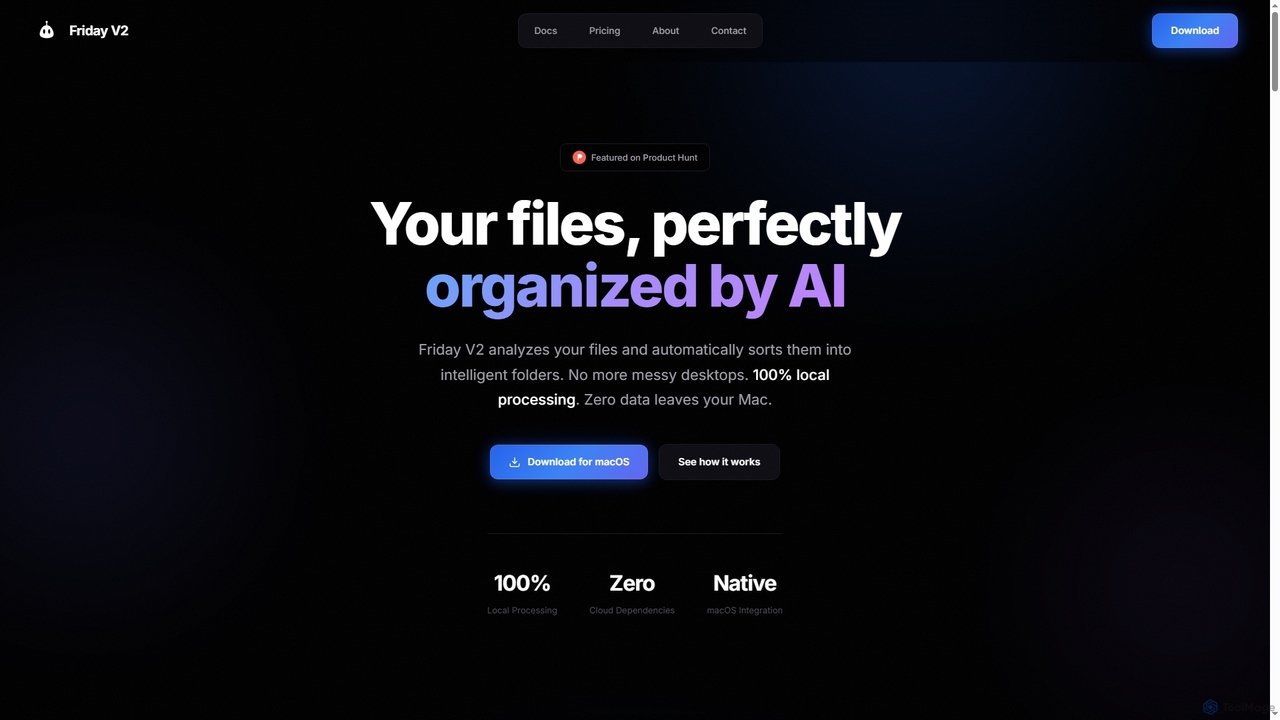
Friday is an AI-powered Mac application designed for intelligent, privacy-first file organization. It scans, classifies, and organizes your …
Friday is an AI-powered Mac application designed for intelligent, privacy-first file organization. It scans, classifies, and organizes your digital files locally on your device, transforming chaotic folders into a clean, logical structure automatically.
ElevenApril
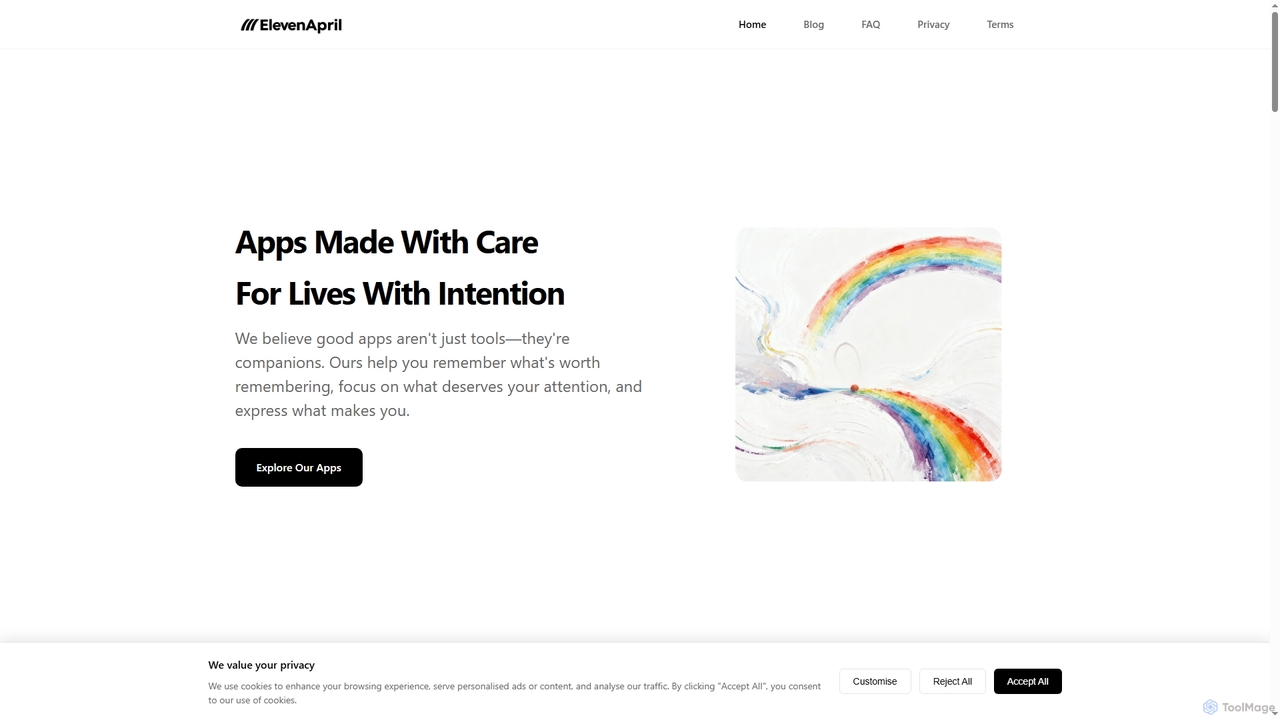
ElevenApril develops privacy-first iOS applications designed for intentional living, enhancing productivity, organization, and well-being. Their suite includes tools …
ElevenApril develops privacy-first iOS applications designed for intentional living, enhancing productivity, organization, and well-being. Their suite includes tools like 3ThingsPal for focused task management, DishPal for AI-powered grocery list generation, and BucketPal for goal tracking, all built with a strong emphasis on user privacy and a calm, clear user experience.
TinyArt
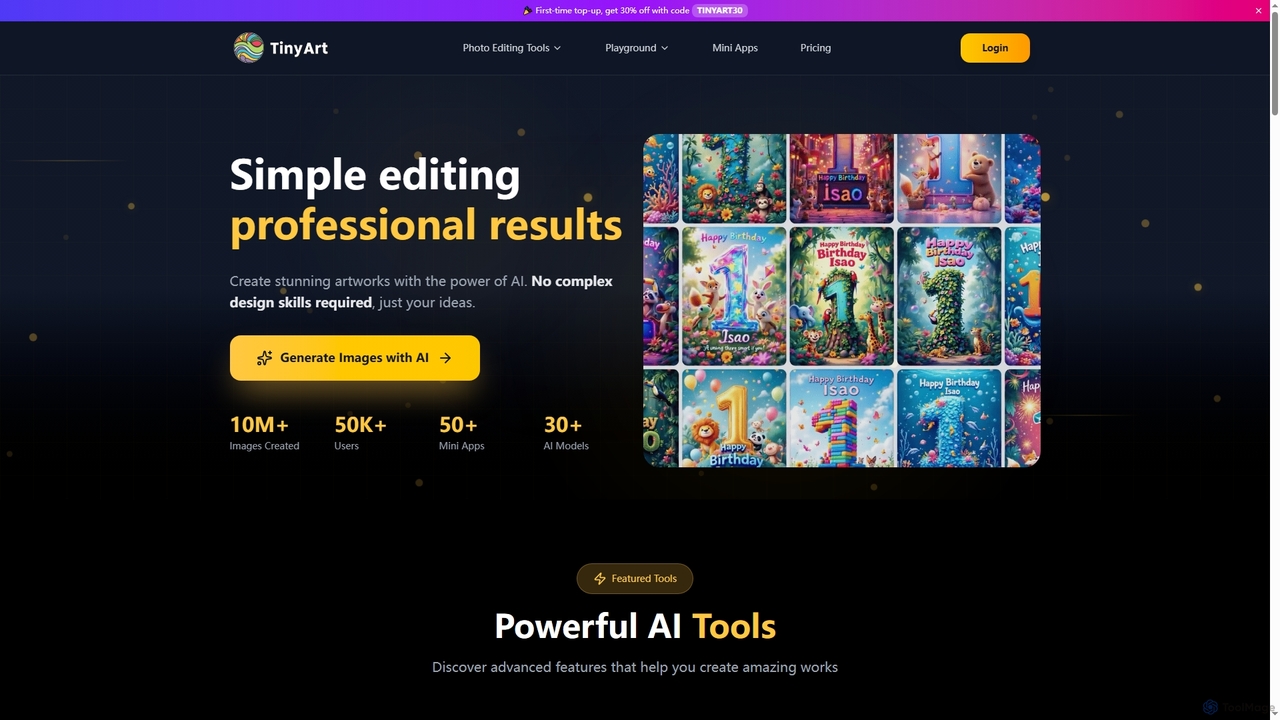
TinyArt is an AI-powered photo editing and image generation platform designed for professional results without complex design skills. …
TinyArt is an AI-powered photo editing and image generation platform designed for professional results without complex design skills. It offers a suite of tools including background removal, image upscaling, watermark removal, object cleanup, and text-to-image generation, alongside specialized mini-apps for ID photos, face swaps, and photo restoration.
TempMail4U
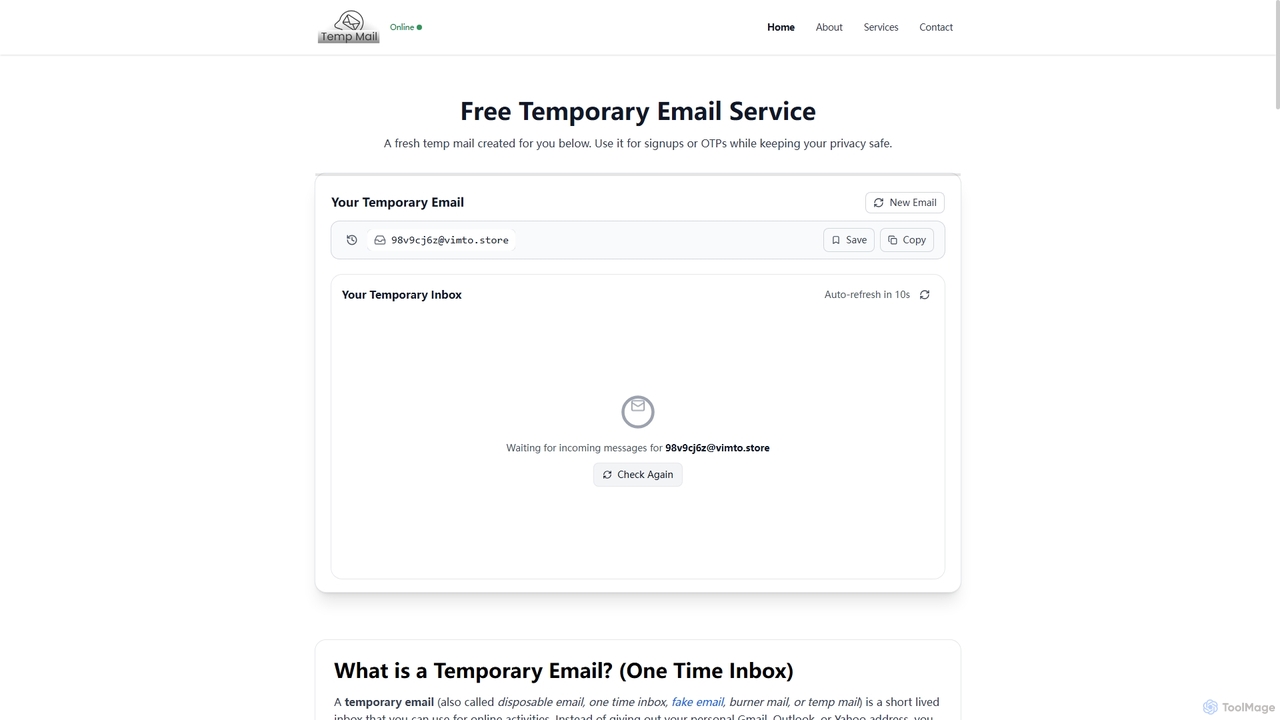
TempMail4U is a free, privacy-focused temporary email service that provides instant, disposable email addresses. It allows users to …
TempMail4U is a free, privacy-focused temporary email service that provides instant, disposable email addresses. It allows users to receive verification codes and messages without exposing their personal inbox to spam, ads, or potential data leaks, offering various durations from 10 minutes to 7 days.
About Utility
AI Utility tools are a diverse category of applications that use artificial intelligence to perform specific, practical tasks and automate workflows. They leverage technologies like machine learning and natural language processing to handle functions that are typically repetitive, time-consuming, or require complex data processing. These tools are designed to enhance productivity, streamline operations, and solve niche problems across various personal and professional domains. Unlike specialized creative or analytical tools, AI utilities focus on providing targeted, efficient solutions for everyday digital challenges.
Core Features
- Task Automation: Automatically executes repetitive digital tasks such as data entry, file organization, or scheduling based on predefined rules and learned patterns.
- Data Extraction & Processing: Intelligently pulls structured information from unstructured sources like PDFs, emails, images, and websites.
- Content Transformation: Converts data between formats, summarizes long documents, translates languages, or refactors text with high contextual accuracy.
- Workflow Integration: Connects different applications and services to create seamless, automated processes, often triggered by specific events.
Use Cases
AI Utility tools are valuable for operations managers, marketers, researchers, and administrative staff. For instance, an operations team can automate invoice processing by extracting data from PDFs and inputting it into accounting software. A market researcher might use an AI scraper to gather competitor pricing from various e-commerce sites. Individuals also use them for personal productivity, such as automatically sorting emails or summarizing articles.
How to Choose
When selecting an AI Utility tool, first clearly define the specific task you need to automate. Evaluate its integration capabilities with your existing software stack (e.g., Google Workspace, Slack, CRM). Assess the tool's accuracy and reliability for your specific data types. Finally, consider the pricing model—whether it's based on usage volume, a monthly subscription, or a one-time fee—to ensure it aligns with your budget and workflow frequency.
UtilityUse Cases
Automating Data Extraction from Invoices
An accounts payable clerk or small business owner often spends hours manually entering data from PDF invoices into accounting software. This process is tedious and prone to human error. By using an AI utility with Optical Character Recognition (OCR) and data extraction capabilities, they can automate this entire workflow. The user simply uploads a batch of invoices, and the tool intelligently scans each document, identifies key fields like invoice number, date, amount, and vendor, and then exports this structured data into a CSV file or directly syncs it with their accounting system. This reduces data entry time by over 90% and significantly minimizes costly errors.
Intelligent Web Scraping for Market Research
A market analyst needs to monitor competitor product prices, reviews, and stock levels across multiple websites daily. Manually checking each site is impractical. An AI web scraping utility can be configured to navigate these websites, identify the relevant data points even if the site's layout changes, and collect the information into a structured database. The AI component helps in handling complex JavaScript-heavy sites, bypassing anti-scraping measures, and correctly interpreting data fields. This provides the analyst with real-time competitive intelligence, enabling faster pricing adjustments and strategic decisions without hours of manual browsing.
Creating Automated Cross-Platform Workflows
An operations manager wants to streamline the new customer onboarding process. When a new customer signs up via a web form, a series of actions must be triggered: create a CRM record, send a welcome email, add them to a mailing list, and notify the sales team on Slack. An AI workflow automation utility connects these different apps. The AI component can intelligently parse the form data, categorize the lead based on company size or industry, and then route the Slack notification to the appropriate regional sales channel. This ensures a consistent and immediate onboarding process, eliminates manual coordination, and reduces lead response time significantly.
Bulk File Conversion and Intelligent Organization
A graphic designer receives a large batch of images in various formats (HEIC, WEBP, TIFF) that need to be converted to JPG for a web project. Additionally, they need to be renamed and sorted into folders based on content (e.g., 'products', 'portraits', 'landscapes'). An AI utility can handle this entire process. The user defines the output format and naming convention. The tool's AI capabilities analyze the visual content of each image, automatically sorts them into the correct folders, and performs the batch conversion. This automates a tedious manual task, saving hours of work and ensuring a consistently organized digital asset library.
Summarizing Long Documents and Meetings
A project manager is faced with lengthy project reports, research papers, and hour-long meeting transcripts, and needs to quickly grasp the key points. Manually reading everything is inefficient. By using an AI summarization utility, they can upload a document or paste the text. The tool's NLP model analyzes the content, identifies the main arguments, data points, and conclusions, and generates a concise, easy-to-read summary. For meeting transcripts, it can even extract key decisions and action items. This drastically reduces reading time, allowing the manager to stay informed and make faster decisions without getting bogged down in details.
Automating Social Media Content Repurposing
A social media manager creates a detailed blog post and wants to promote it across multiple platforms like Twitter, LinkedIn, and Instagram. Manually creating unique posts for each platform is time-consuming. An AI utility tool can take the blog post's URL or text as input. It then automatically generates several content variations tailored for each platform: a series of short, engaging tweets; a professional summary for LinkedIn with relevant hashtags; and several visually appealing quote graphics for Instagram. This streamlines the content distribution process, ensures platform-specific optimization, and frees up the manager's time for community engagement and strategy.