ToolMage
Sign in

Best 5 Photo Editor AI tools for Image Editing

Popular Photo Editor AI tools in Image Editing include Imagefree, NanoBanana, MindPic, Nana Banana, and TinyArt, helping you work more efficiently.

MindPic
Free

MindPic

MindPic is a free online AI photo editor and design tool that empowers users to effortlessly enhance, transform, and generate images. It offers a suite of AI-powered features like object removal, background replacement, image upscaling, photo retouching, and art generation from text or reference images, all without requiring any login or prior editing experience.

Graphic Design
Visits 42.7KFavorites 112Likes 116
Imagefree
Free

Imagefree

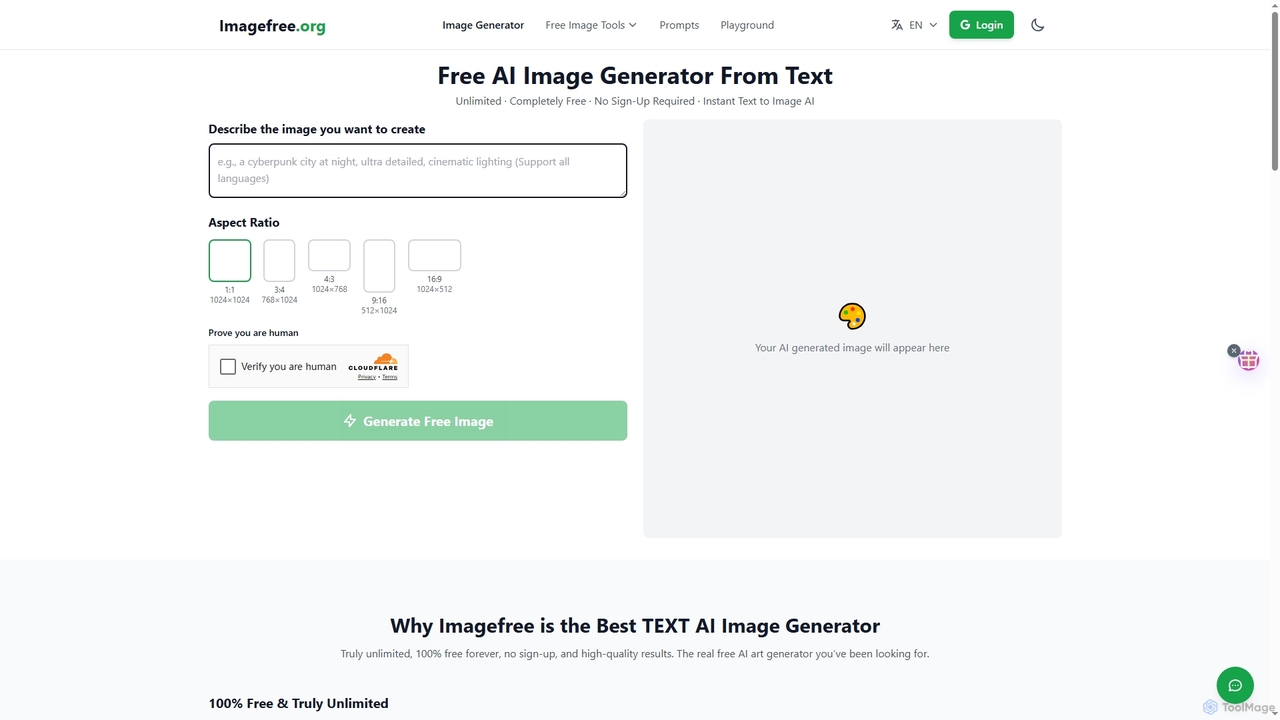
Imagefree is a completely free and unlimited AI tool for generating images from text, removing backgrounds, upscaling photos to 4K, and editing images online. It requires no sign-up or hidden costs, offering instant access to high-quality AI-powered creative tools for everyone.

Prompt Library
Visits 340.1KFavorites 130Likes 139
TinyArt
Freemium

TinyArt

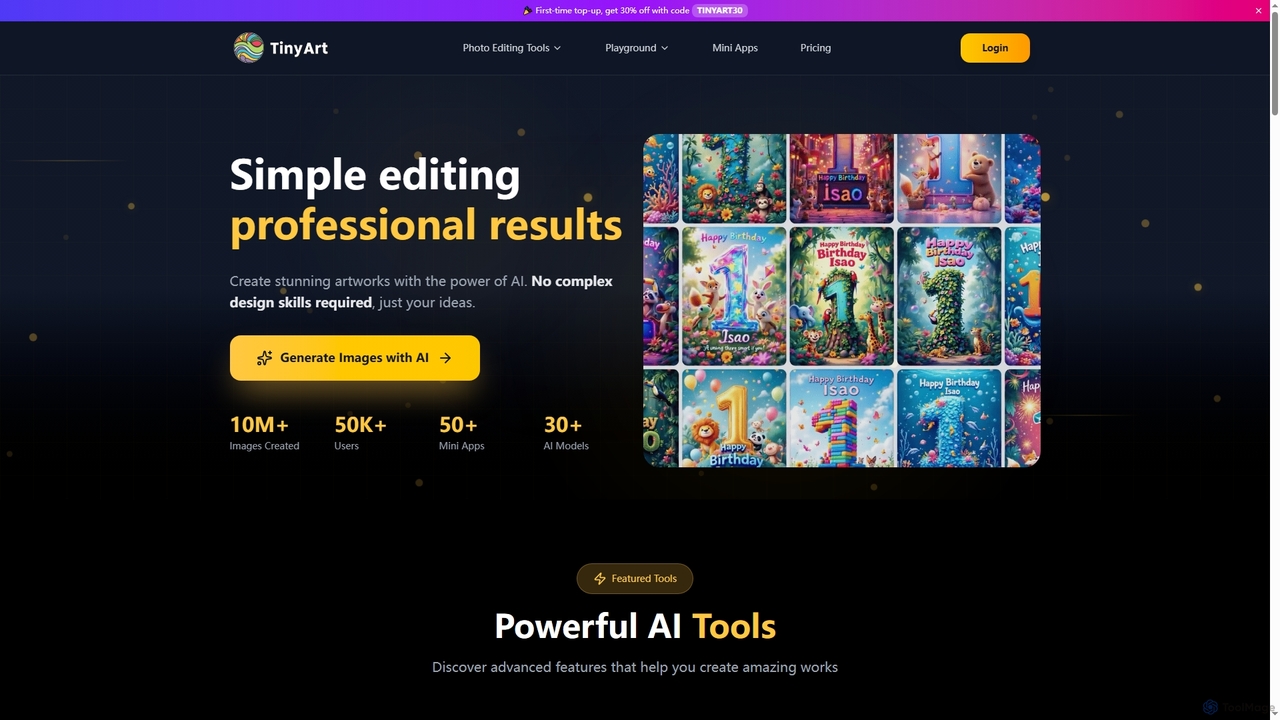
TinyArt is an AI-powered photo editing and image generation platform designed for professional results without complex design skills. It offers a suite of tools including background removal, image upscaling, watermark removal, object cleanup, and text-to-image generation, alongside specialized mini-apps for ID photos, face swaps, and photo restoration.

Creative Tools
Visits 6.1KFavorites 126Likes 160
NanoBanana
Freemium

NanoBanana

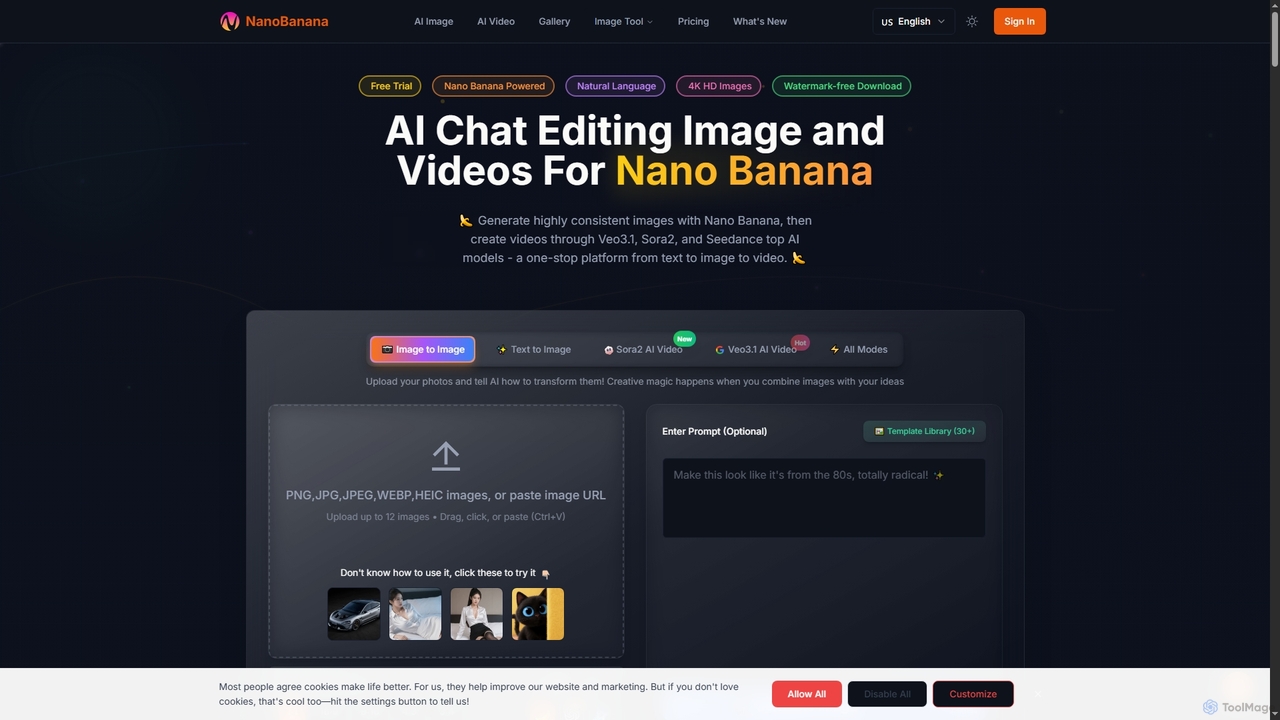
NanoBanana is an advanced AI-powered platform for generating and editing images and videos using natural language. It offers lightning-fast creation, high-resolution outputs, and a wide array of creative modes, making professional-quality visual content accessible to everyone from beginners to seasoned creators.

Digital Art
Visits 269.5KFavorites 130Likes 146
Nana Banana
Freemium

Nana Banana

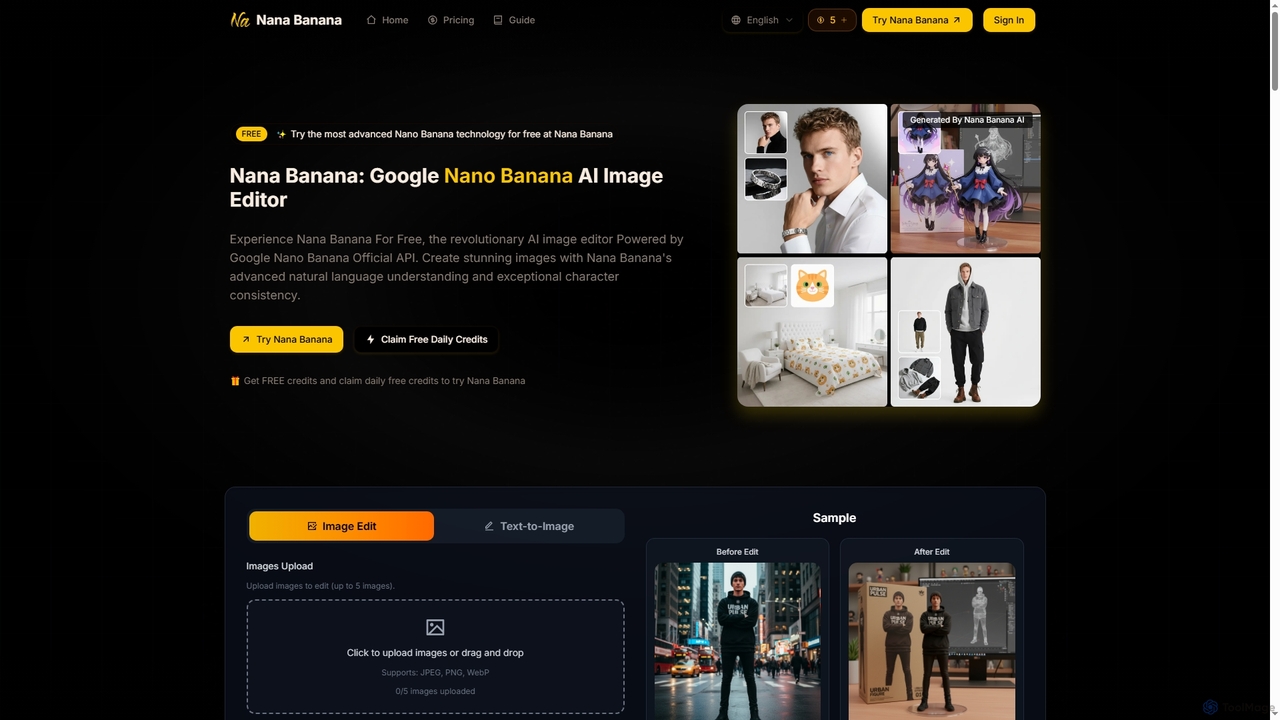
Nana Banana is an advanced AI image editor and generator powered by Google's cutting-edge Gemini 2.5 Flash Image model. It enables users to create stunning visuals from text prompts or by editing existing images with exceptional natural language understanding, character consistency, and one-shot editing capabilities, delivering professional-grade 4K+ output rapidly.

Graphic Design
Visits 7.2KFavorites 123Likes 118

About Photo Editor

AI Photo Editor is a category of advanced tools that leverage artificial intelligence to automate and enhance various aspects of photo manipulation, forming a specialized segment within the broader field of AI image editing. These tools utilize sophisticated computer vision and deep learning algorithms to analyze image content, identify elements, and apply intelligent adjustments. They empower users to achieve professional-grade visual results with unprecedented speed and ease, significantly streamlining workflows for both casual and professional creators.

Core Features

  • Automated Background Removal: Precisely detects and removes or replaces image backgrounds with minimal user input.
  • Intelligent Object Removal: Seamlessly erases unwanted elements, blemishes, or distractions from photos.
  • AI Upscaling & Enhancement: Increases image resolution and clarity, restoring details and improving overall quality.
  • Smart Color Correction: Automatically adjusts white balance, exposure, and color tones for optimal visual appeal.
  • Facial Retouching & Beautification: Applies subtle enhancements to portraits, such as skin smoothing, blemish removal, and eye brightening.

Use Cases

AI Photo Editors are indispensable for individuals and businesses requiring efficient and high-quality image processing. They are widely adopted in e-commerce for product photo optimization, by social media managers for creating engaging visual content, and by professional photographers for accelerating post-production workflows. These tools democratize complex editing tasks, making advanced photo manipulation accessible to a broader audience.

How to Choose

When selecting an AI Photo Editor, consider the specific AI capabilities you need, such as the accuracy of background removal or the quality of upscaling. Evaluate its ease of use and user interface, ensuring it aligns with your technical proficiency. Assess its integration options with existing creative suites or platforms, and compare pricing models based on your usage volume and required features. Prioritize tools that offer consistent, high-quality AI-driven results for your primary editing tasks.

Photo Editor use cases

1

E-commerce Product Image Optimization

E-commerce businesses and online sellers can use AI Photo Editors to efficiently process large volumes of product images. The tools automatically remove backgrounds, ensuring a clean, consistent look across all listings, and can standardize lighting or color profiles. This saves significant time compared to manual editing, accelerates product launches, and enhances the professional appearance of online stores, leading to better customer engagement and conversion rates.

2

Social Media Content Creation

Content creators and social media marketers leverage AI Photo Editors to quickly generate eye-catching visuals. They can rapidly remove distracting elements, apply trending filters, or resize images for various platforms without losing quality. This enables faster content production cycles, helps maintain a consistent brand aesthetic, and allows for more dynamic and engaging posts that capture audience attention and drive interaction.

3

Professional Portrait Retouching

Professional photographers and studios utilize AI Photo Editors to streamline the post-processing of portrait photography. AI algorithms can intelligently smooth skin, remove blemishes, whiten teeth, and brighten eyes while preserving natural textures. This significantly reduces the manual effort involved in detailed retouching, allowing photographers to deliver high-quality, polished images to clients more quickly and efficiently, enhancing their service offering.

4

Real Estate Photography Enhancement

Real estate agents and photographers employ AI Photo Editors to enhance property listings. Tools can automatically correct lighting, adjust perspectives, replace dull skies with vibrant ones, and remove unwanted objects like cars or trash bins from exterior shots. This creates more appealing and realistic property images, helping to attract potential buyers, make listings stand out, and potentially accelerate sales processes.

5

Historical Photo Restoration

Individuals and archivists use AI Photo Editors for the restoration of old or damaged photographs. AI can intelligently de-noise grainy images, repair scratches and tears, colorize black-and-white photos, and enhance faded details. This breathes new life into cherished memories and historical documents, preserving cultural heritage and allowing for the sharing of clearer, more vibrant images with future generations.

6

Marketing Campaign Visual Adaptation

Marketing teams and graphic designers use AI Photo Editors to quickly adapt visual assets for diverse campaign needs. They can instantly resize images for different ad formats, remove watermarks, or adjust elements to fit specific brand guidelines across various channels. This accelerates the creation of marketing collateral, ensures visual consistency, and allows for rapid A/B testing of different image variations to optimize campaign performance.

Photo Editor FAQ

What are AI Photo Editors?

AI Photo Editors are software tools that use artificial intelligence, specifically computer vision and deep learning, to automate and enhance image editing tasks. They can intelligently analyze photo content to perform complex adjustments like background removal, object retouching, and color correction with minimal manual input. Their primary goal is to simplify and accelerate the photo editing process, making professional results more accessible.

How do AI Photo Editors differ from traditional photo editing software?

The main difference lies in automation and intelligence. Traditional software (like Photoshop) offers extensive manual control, requiring significant skill and time for complex edits. AI Photo Editors, conversely, leverage AI to perform these tasks automatically or semi-automatically, often with a single click. This makes them faster, easier to use for beginners, and highly efficient for repetitive tasks, though they may offer less granular control than traditional tools.

What specific tasks can AI Photo Editors automate?

AI Photo Editors can automate a wide range of tasks, including precise background removal and replacement, seamless object or blemish removal, intelligent image upscaling to improve resolution, automatic color correction and grading, and advanced facial retouching for portraits. They can also apply artistic styles, enhance details, and even generate variations of an image based on user prompts, significantly reducing manual effort.

Who benefits most from using AI Photo Editors?

A diverse group of users benefits from AI Photo Editors. This includes e-commerce businesses needing to process product photos efficiently, social media managers creating engaging content, content creators, marketers, and real estate agents enhancing property images. Casual users looking to quickly improve personal photos and even professional photographers seeking to accelerate their post-production workflows also find these tools invaluable.

What should I consider when choosing an AI Photo Editor?

When selecting an AI Photo Editor, evaluate its core AI capabilities and the quality of its automated results for your specific needs (e.g., background removal accuracy, upscaling clarity). Consider its user-friendliness and learning curve, as well as its integration with other tools you use. Review the pricing model, output formats, and any limitations on usage. Finally, check for regular updates and community support to ensure long-term usability and evolving features.