ToolMage
Sign in

Best 6 Communication AI tools for Video

Popular Communication AI tools in Video include Hirevire, hiretruffle, Panna, Asyncinterview, Async Interview, and Autoscreen, helping you work more efficiently.

Asyncinterview
Paid

Asyncinterview

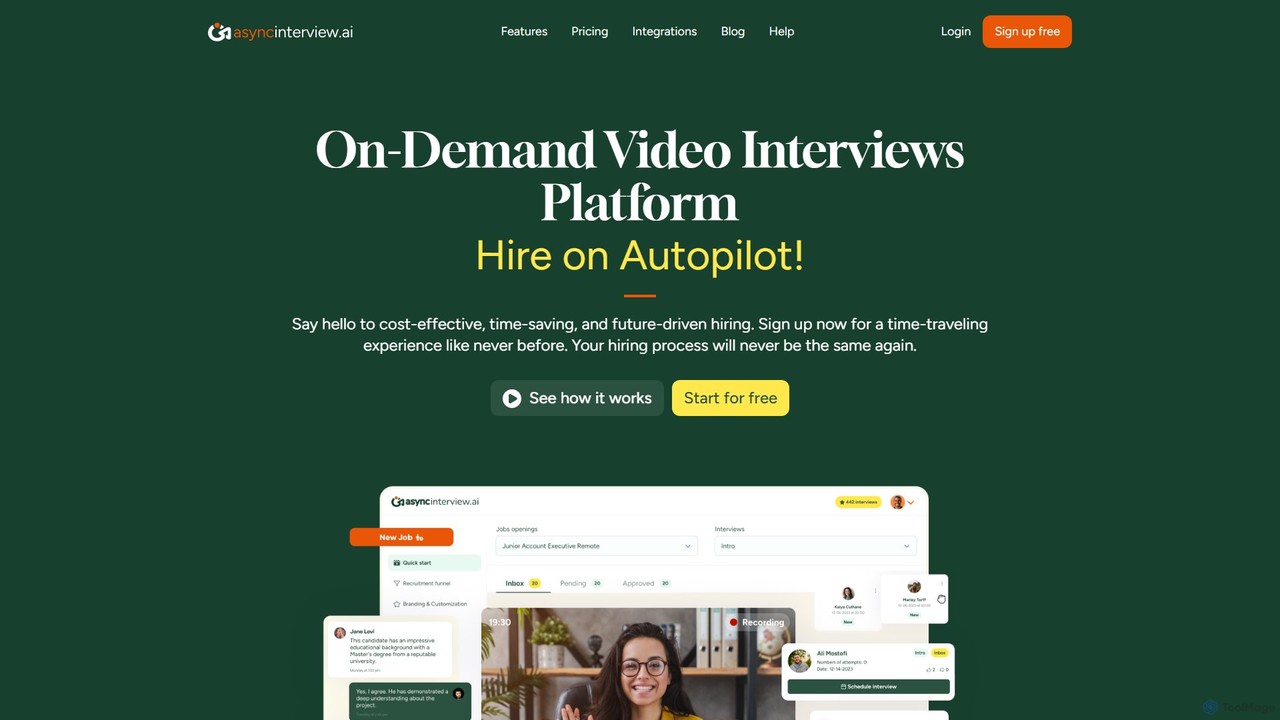
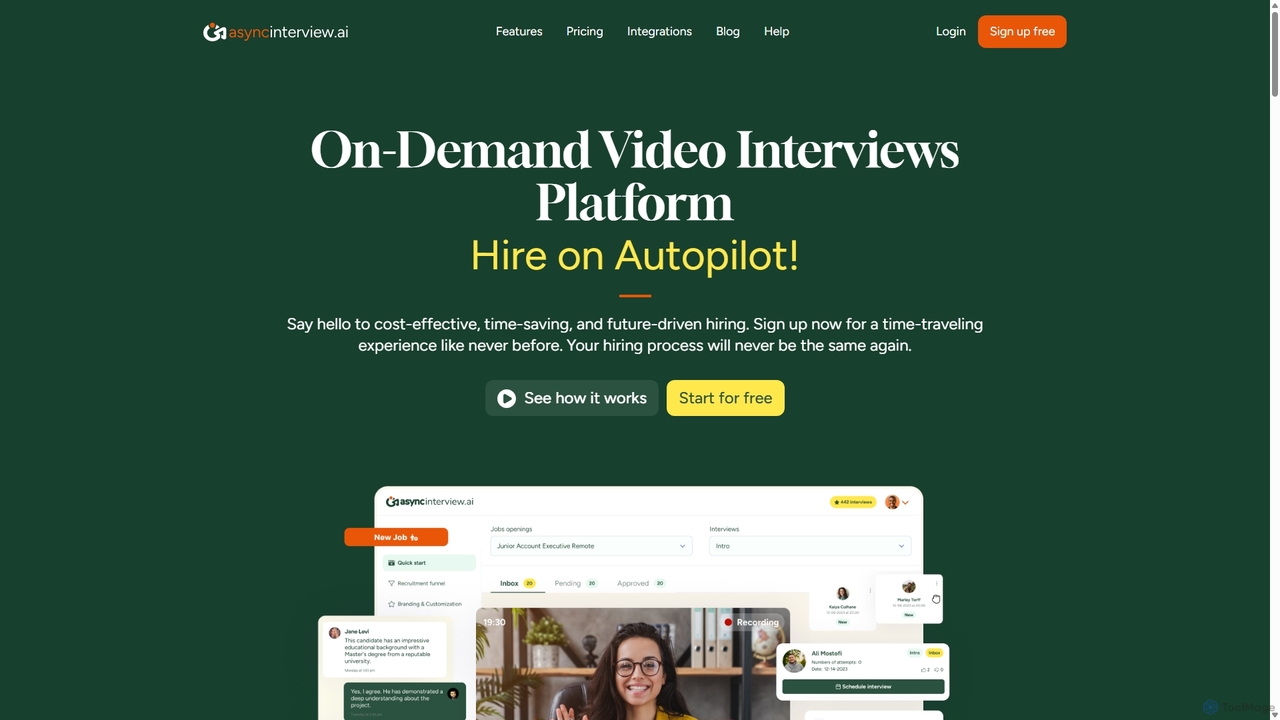
Asyncinterview is an AI-powered asynchronous video interview platform designed to streamline the hiring process. It allows recruiters to create interviews with video, audio, or text questions, and candidates to respond at their convenience. Featuring unlimited jobs and users, extensive ATS integrations, and AI transcription, it offers a powerful and cost-effective solution for modern talent acquisition.

Recruiting
Visits 7.7KFavorites 156Likes 143
Autoscreen
Freemium

Autoscreen

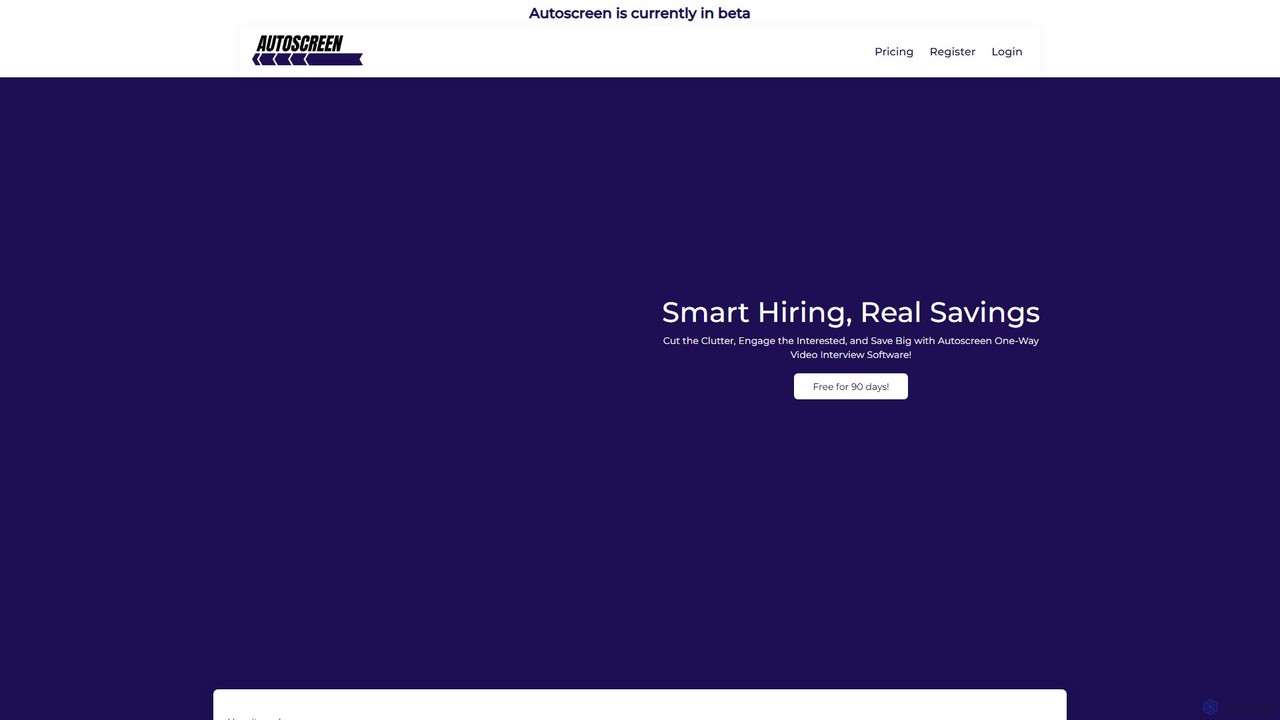
Autoscreen is a one-way video interview software designed to streamline the hiring process. It helps recruiters save time and money by automating initial candidate screening. Create interview templates, send shareable links, and review asynchronous video submissions to identify the best talent faster, all while leveraging data-driven insights and upcoming AI assessments.

Recruiting
Visits 7.3KFavorites 140Likes 144
Async Interview
Freemium

Async Interview

Async Interview is a leading asynchronous video interview platform designed to streamline the hiring process. It allows recruiters to create pre-recorded questions and enables candidates to respond at their convenience, saving time and resources for everyone involved. It's a secure, fast, and cost-effective solution for modern talent acquisition.

Recruiting
Visits 7.4KFavorites 137Likes 139
Panna
Paid

Panna

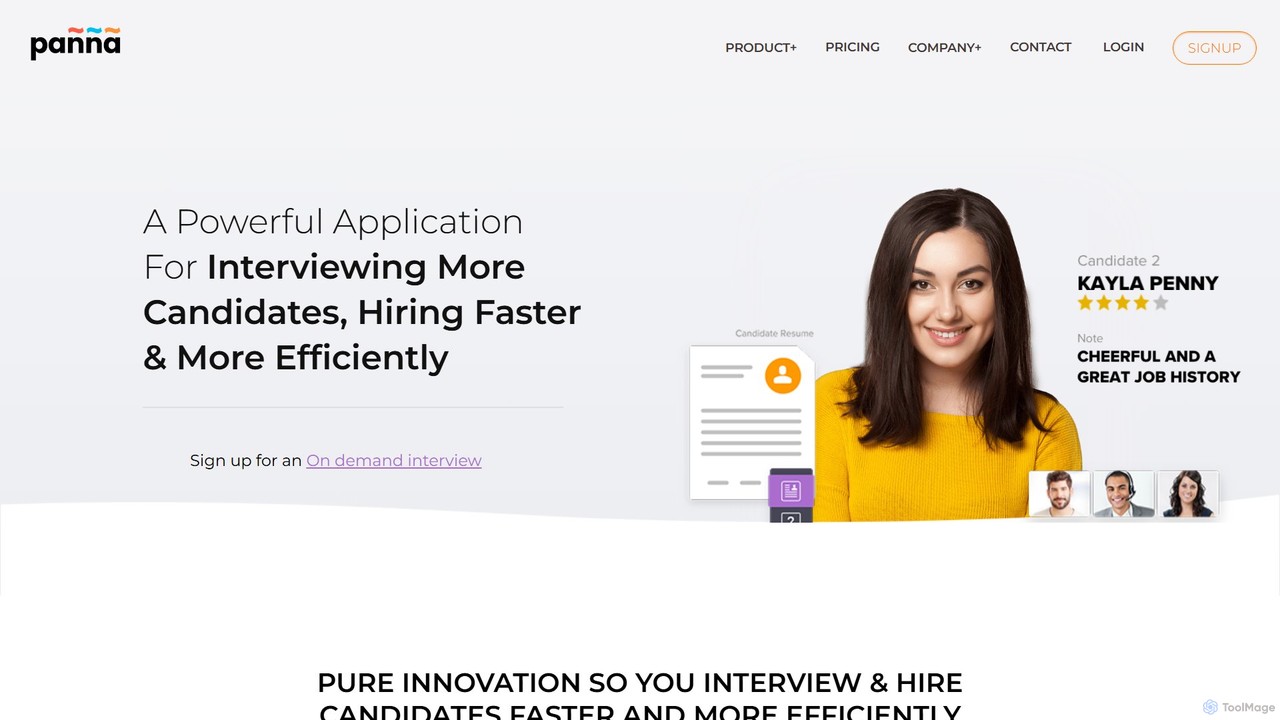
Panna is an AI-powered video interviewing platform designed to streamline the recruitment process. It helps recruiters screen more candidates, identify top talent, and reduce time-to-hire through live and on-demand interviews, AI-driven scoring, and authenticity checks.

Talent Management
Visits 17.5KFavorites 141Likes 137
Hirevire
Freemium

Hirevire

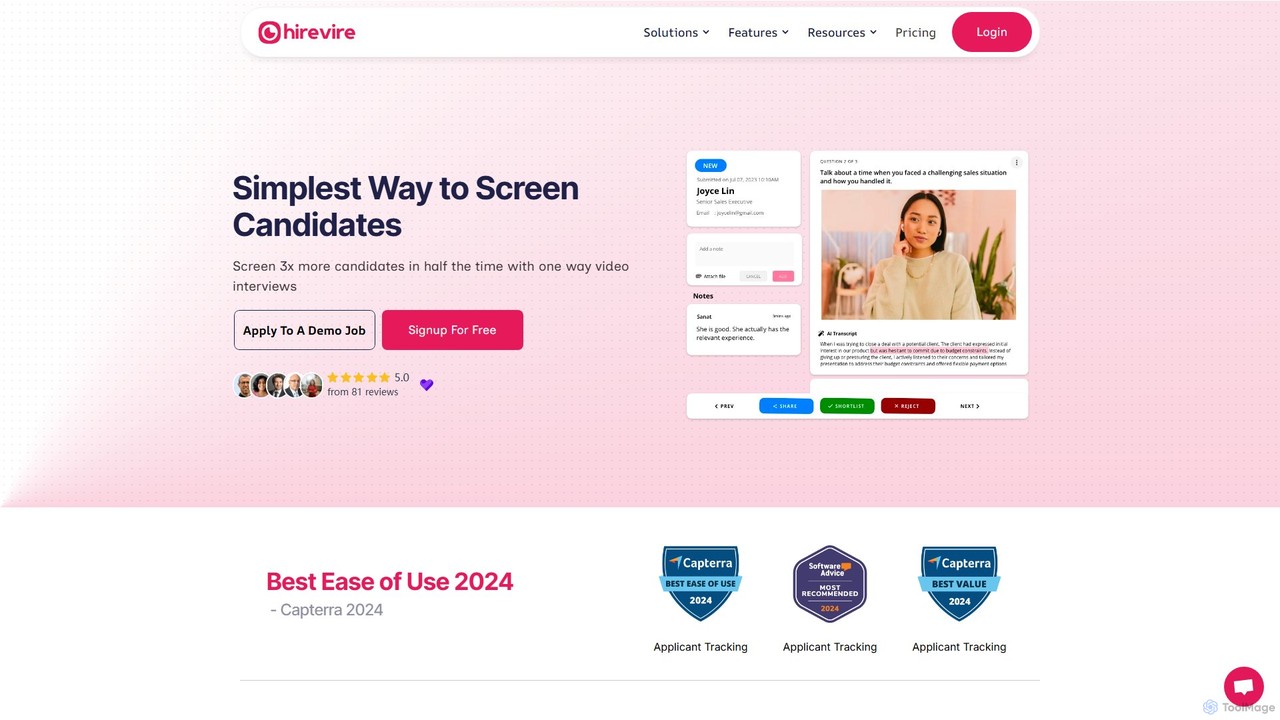
Hirevire is an advanced video screening software designed to streamline the recruitment process. It enables hiring teams to screen more candidates in less time using asynchronous one-way video interviews. With features like multi-format responses, AI-powered transcripts, and seamless team collaboration, Hirevire eliminates scheduling conflicts and enhances decision-making, making hiring more efficient and effective.

Recruiting
Visits 124.6KFavorites 125Likes 113
hiretruffle
Freemium

hiretruffle

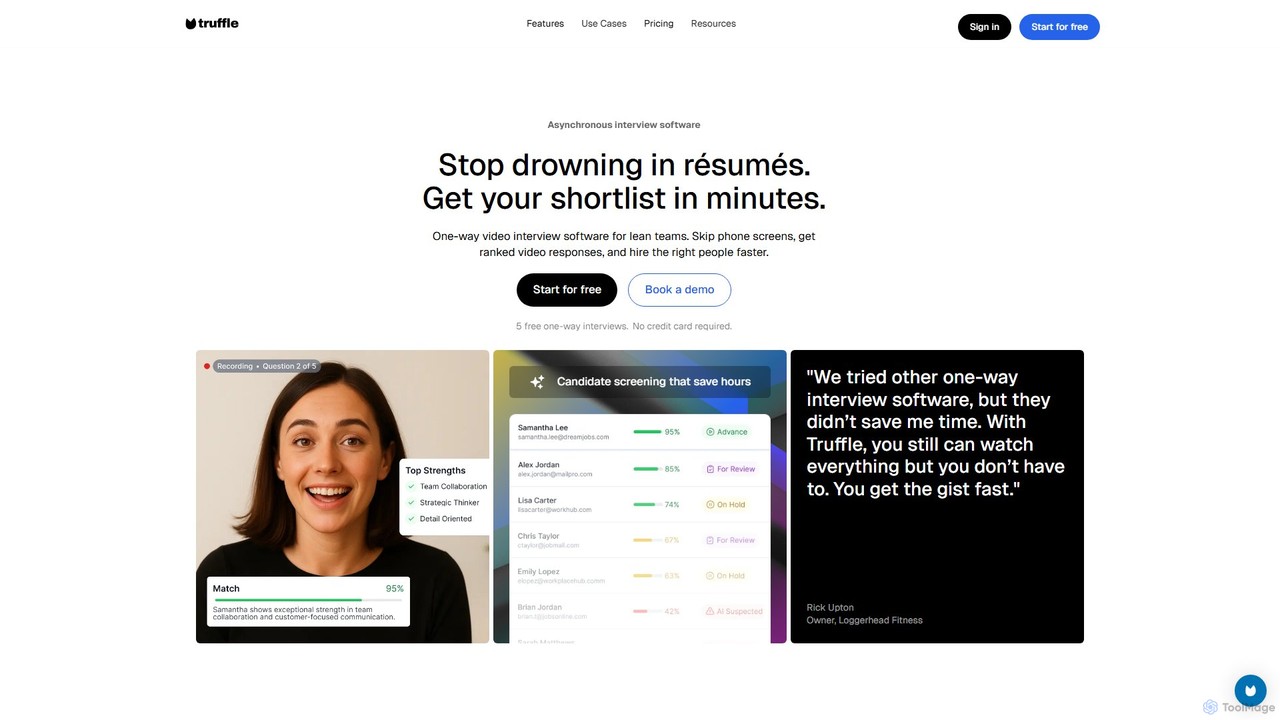
hiretruffle is an AI-powered one-way video interview platform designed to automate and streamline candidate screening. It helps hiring managers and small businesses save time by using asynchronous video interviews to analyze responses, generate executive summaries, and identify top candidates without the need for live calls or manual resume reviews.

Recruiting
Visits 37.4KFavorites 144Likes 144

About Communication

AI Communication tools are a class of software that enhances video-based interactions using artificial intelligence. These tools analyze and augment video and audio streams in real-time to provide features like live transcription, translation, and noise cancellation. They are designed to make video meetings more productive, inclusive, and insightful by breaking down language barriers and automating post-meeting tasks. Unlike standard video platforms, they add a layer of intelligence to the communication itself.

Core Features

  • Real-time Transcription & Translation: Instantly converts spoken words into text and translates them into multiple languages during live video calls.
  • AI Noise Cancellation: Isolates human voices and eliminates distracting background noises like keyboard typing or traffic.
  • Automated Meeting Summaries: Generates concise summaries, identifies key topics, and extracts action items from recorded video meetings.
  • Engagement Analytics: Analyzes verbal and non-verbal cues to provide insights into participant engagement and meeting effectiveness.
  • Personalized Video Messaging: Creates customized video messages at scale by dynamically inserting recipient-specific text or images.

Use Cases

These tools are widely used by global corporations for multilingual team collaboration, enabling seamless communication across different languages. Sales and marketing teams leverage them for scalable personalized video outreach to increase engagement. In remote education and corporate training, they enhance accessibility with live captions and searchable transcripts.

How to Choose

When selecting an AI Communication tool, evaluate its integration capabilities with your existing video conferencing platforms (e.g., Zoom, Microsoft Teams). Assess the accuracy of its transcription and translation services for your specific languages. Consider its security and data privacy compliance. Finally, match the tool's feature set—whether for live meetings or asynchronous messaging—to your primary business needs.

Communication use cases

1

Facilitating Multilingual Global Team Meetings

A project manager at a multinational tech company needs to coordinate a project with teams in Germany, Japan, and Brazil. Using an AI communication tool integrated with their video conference platform, they can enable real-time translation and transcription. During the meeting, each participant can speak in their native language while others see live, translated captions. This eliminates misunderstandings caused by language barriers, ensures all stakeholders are aligned, and fosters a more inclusive and collaborative environment. A multilingual transcript is automatically generated after the meeting for future reference.

2

Scaling Personalized Video Sales Outreach

A sales development representative (SDR) wants to increase their meeting booking rate by standing out in prospects' inboxes. Instead of sending generic text emails, they use an AI communication tool to create personalized videos at scale. They record a single video template and the AI dynamically inserts the prospect's name, company, and website screenshot onto a virtual whiteboard in the video. This allows the SDR to send hundreds of seemingly custom-made videos per day, resulting in significantly higher engagement and response rates compared to traditional outreach methods.

3

Automating Meeting Summaries and Action Items

A product manager finishes a two-hour virtual brainstorming session with engineers and designers. Manually reviewing the recording and notes to extract key decisions would take hours. By using an AI communication tool, the entire meeting is automatically transcribed and summarized. The AI identifies key topics discussed, decisions made, and assigns action items to specific individuals mentioned. The concise, structured summary is generated within minutes and can be directly shared in project management tools like Jira or Asana, ensuring accountability and saving valuable time.

4

Providing AI-Powered Coaching for Sales Calls

A sales manager wants to provide objective, data-driven feedback to their team. They use an AI communication platform that records and analyzes sales video calls. The AI provides insights on key metrics like talk-to-listen ratio, filler word usage, and moments of high customer engagement. It can even identify which parts of a pitch resonate most with prospects. This allows the manager to move beyond subjective feedback and offer specific, actionable coaching to help each representative improve their technique, leading to better sales outcomes and faster onboarding for new hires.

5

Enhancing Accessibility in Online Education

A university professor conducts live online lectures for a diverse student body, including international students and those with hearing impairments. By using an AI communication platform for their virtual classroom, they can provide real-time captions automatically. This not only helps students with hearing difficulties but also assists non-native English speakers in understanding complex topics. After the lecture, an interactive, searchable transcript is made available, allowing all students to easily review specific parts of the lesson, improving comprehension and study efficiency.

6

Improving Clarity in Technical Support Video Calls

A customer support agent is helping a user troubleshoot a complex software issue via a video call. The user is in a noisy environment, making it hard to hear them clearly. The agent uses an AI communication tool that features advanced noise cancellation, which isolates the user's voice and eliminates the background clatter. The tool also allows the agent to highlight specific buttons and menus on the shared screen, guiding the user visually. This combination of clear audio and visual aids leads to a faster resolution, reduces customer frustration, and improves the overall support experience.

Communication FAQ

What are AI Video Communication tools?

AI Video Communication tools are applications that use artificial intelligence to enhance video calls, meetings, and messages. They go beyond simple video transmission by adding intelligent features like real-time transcription and translation, AI-powered noise cancellation, and automated generation of meeting summaries. Their primary goal is to make video interactions more efficient, accessible, and insightful for all participants.

How do AI Communication tools differ from standard video platforms like Zoom?

Standard platforms like Zoom or Microsoft Teams provide the infrastructure for hosting video calls. AI Communication tools build on top of this infrastructure to add a layer of intelligence. While Zoom may have basic features like recording, AI tools offer advanced capabilities:

  • Deeper Analysis: They analyze the content of the conversation for summaries, action items, and engagement insights.
  • Real-time Augmentation: They actively enhance the call with live translation and noise cancellation.
  • Asynchronous Power: Many tools specialize in creating personalized video messages at scale, a function not central to live meeting platforms.

In essence, standard platforms connect people, while AI tools help make that connection more meaningful and productive.

What are the main benefits of using AI in video communication?

Using AI in video communication offers several key benefits:

  • Increased Productivity: Automating tasks like note-taking and creating summaries saves significant time after meetings.
  • Improved Inclusivity: Real-time translation and captioning break down language and accessibility barriers, allowing everyone to participate equally.
  • Enhanced Engagement: Personalized video messages are more likely to capture attention than text, improving outreach effectiveness.
  • Data-Driven Insights: Analytics on meeting dynamics and sales calls provide objective feedback for continuous improvement.
How do I choose the right AI Communication tool?

To choose the right tool, consider your primary use case and workflow. Ask these questions:

  • Integration: Does it integrate seamlessly with your existing calendar, CRM, and video conferencing software (e.g., Zoom, Google Meet)?
  • Core Function: Do you need it primarily for live meetings (translation, summaries) or for asynchronous communication (personalized video outreach)?
  • Accuracy and Reliability: How accurate are its transcription and translation features for the languages your team uses? Check for reviews or request a demo.
  • Security and Compliance: Does the tool meet your organization's data security and privacy standards, especially if you handle sensitive information?
Are AI Video Communication tools secure for business use?

Reputable AI Video Communication tools prioritize security. Most enterprise-grade platforms offer features like end-to-end encryption, compliance with standards such as GDPR and SOC 2, and options for data residency. However, it is crucial to verify the security credentials of any tool before adopting it. Always review their privacy policy and security documentation to ensure they align with your company's requirements, especially when discussing confidential or proprietary information in video meetings.