ToolMage
Sign in

Best 1 Generators for Video

Popular Generators in Video include hotgens, helping you work more efficiently.

hotgens
Freemium

hotgens

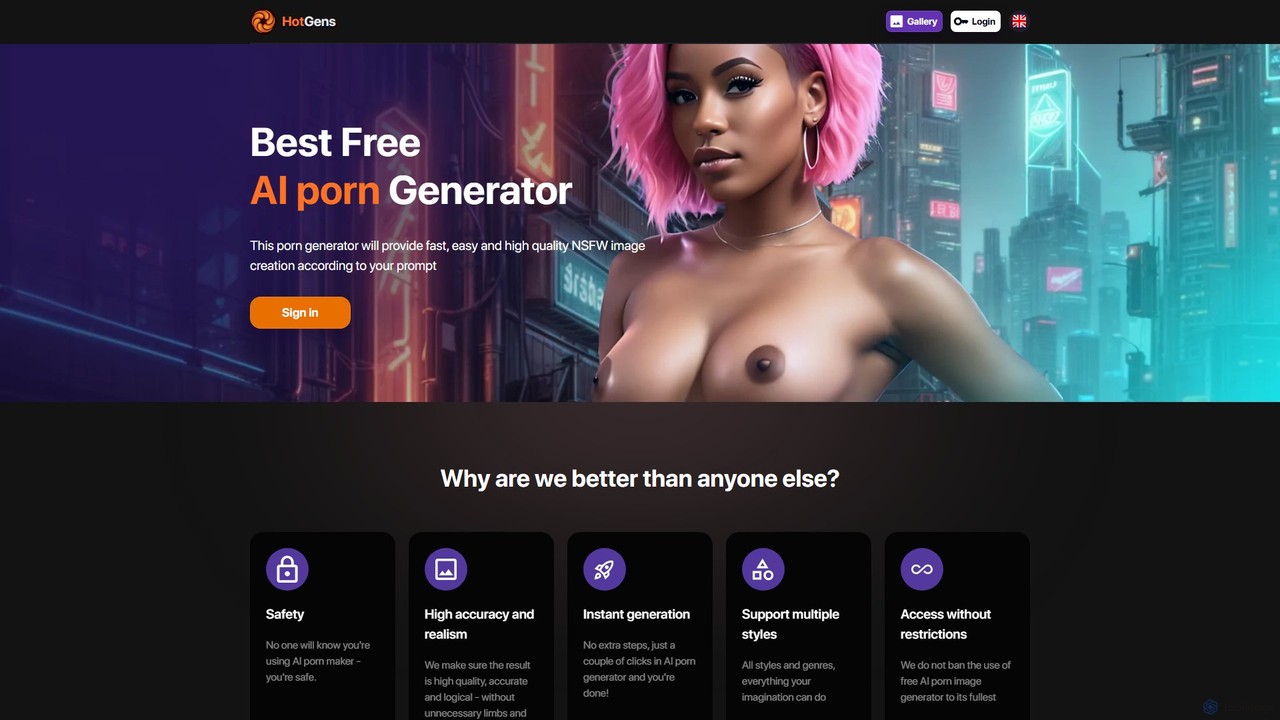
Hotgens is a specialized AI generator for creating custom NSFW images and videos from text prompts. It offers a wide range of styles, including anime, furry, and photorealistic, with a focus on high accuracy, user privacy, and fast generation. A free tier is available for basic use.

Generators
Visits 56.9KFavorites 131Likes 126

About Generators

AI Video Generators are a category of AI-powered tools that automatically create video content or elements from various inputs. They leverage advanced AI models, such as text-to-video, image-to-video, or audio-to-video, to synthesize visual and auditory components. This enables rapid prototyping, content scaling, and personalized video creation for marketing, education, and entertainment. By automating complex production steps, these video generators significantly reduce the time and resources traditionally required for video production.

Core Features

  • Text-to-Video Generation: Automatically produces complete video clips or animations from textual descriptions.
  • Script & Storyboard Creation: Assists in generating video scripts, storylines, and visual storyboards.
  • Synthetic Media Production: Creates realistic or stylized AI virtual presenters, voiceovers, and background music.
  • Element & Asset Generation: Automatically generates video backgrounds, props, special effects, or animated characters.
  • Multi-modal Input Support: Accepts various input forms like text, images, and audio to drive video content generation.

Applicable Scenarios

AI video generators are widely adopted by content creators, marketers, and educators. Content creators can quickly produce social media videos, while marketers can generate diverse ad creatives for campaigns. Educators can transform complex concepts into engaging animated explainer videos, making learning materials more accessible and dynamic.

How to Choose

When selecting an AI video generator, consider the specific output quality and style needed for your projects. Evaluate the range of input options supported (text, image, audio) and the customization capabilities offered. Assess its integration with your existing workflows and the overall cost-effectiveness for your anticipated video production volume.

Featured tool rankings

Generators use cases

1

Generating Marketing Ad Creatives

Marketers can input product descriptions or campaign goals into an AI video generator to automatically produce multiple video ad variations. This allows for rapid A/B testing of different messages and visuals, optimizing campaign performance without the need for extensive traditional video production, saving significant time and resources.

2

Automating Explainer Video Production

Educators or businesses can transform complex concepts from text into engaging animated explainer videos using AI generators. By simply providing a script or key points, the tool can synthesize visuals, voiceovers, and animations, making learning materials more dynamic and accessible for students or new employees, significantly reducing production effort.

3

Creating Personalized Video Messages

Sales teams or customer service departments can leverage AI video generators to create personalized video greetings or updates for individual clients at scale. By integrating customer data, the AI can dynamically insert names, specific product references, or tailored messages, enhancing engagement and building stronger relationships more efficiently than generic text or email communications.

4

Rapid Prototyping for Game/Film Pre-production

Game developers or filmmakers can quickly generate animated storyboards, character animations, or environmental clips from text prompts using AI video generators. This accelerates the concept and visualization phase, allowing creative teams to iterate on ideas faster, explore various artistic directions, and refine their vision before committing to full-scale production, saving significant development costs.

5

Producing Social Media Content at Scale

Social media managers can leverage AI video generators to consistently produce a high volume of short, engaging video clips for platforms like TikTok, Instagram Reels, or YouTube Shorts. This enables them to keep up with trends, maintain a strong online presence, and cater to audience demand for fresh content without the need for a dedicated video production team, ensuring a steady content flow.

6

Developing AI Virtual Presenters for News/Training

Media companies or corporate trainers can create lifelike AI avatars with synthesized voices to deliver news broadcasts or conduct training modules. These AI virtual presenters reduce reliance on human presenters, studio time, and travel costs, offering a scalable and consistent solution for delivering information, especially for multilingual content or frequent updates.

Generators FAQ

What are AI Video Generators?

AI Video Generators are tools that use artificial intelligence to automatically create video content from various inputs like text, images, or audio. They synthesize visual elements, animations, and sound to produce complete video clips, often featuring AI-generated voices or virtual presenters. These tools streamline video production, making it faster and more accessible for creators, marketers, and businesses.

How do AI Video Generators work?

AI Video Generators typically work by taking user inputs (e.g., text script, image prompts, audio files) and processing them through sophisticated machine learning models, such as large language models (LLMs) for script understanding and diffusion models for visual synthesis. They then combine these generated visual and auditory components, often with pre-designed templates or assets, to render a final video. Some advanced generators can even animate static images or create realistic virtual avatars.

What are the main benefits of using AI Video Generators?

The primary benefits of using AI Video Generators include significant time and cost savings in video production, enabling rapid content creation and scaling. They lower the barrier to entry for video production, allowing individuals and small businesses without extensive technical skills or equipment to create professional-looking videos. Additionally, they facilitate content personalization, A/B testing of video ads, and the ability to quickly adapt to new content trends.

What's the difference between AI Video Generators and traditional video editing software?

AI Video Generators *create* new video content from scratch based on AI algorithms and user prompts, often automating the entire production process from script to final cut. Traditional video editing software, on the other hand, *manipulates and refines* existing video footage, requiring manual input for cuts, effects, and transitions. While generators focus on creation and automation, editors focus on post-production and enhancement of pre-recorded or generated material.

Who can benefit most from using AI Video Generators?

A wide range of users can benefit, including content creators, digital marketers, educators, small business owners, and corporate communication teams. Content creators can quickly produce engaging social media videos. Marketers can generate diverse ad creatives for campaigns. Educators can transform lessons into animated explainers. Businesses can create internal training videos or personalized customer communications without needing a full production studio.