ToolMage
Sign in

Best 1 Music Video Creation AI tools for Video

Popular Music Video Creation AI tools in Video include Aisong, helping you work more efficiently.

Aisong
Freemium

Aisong

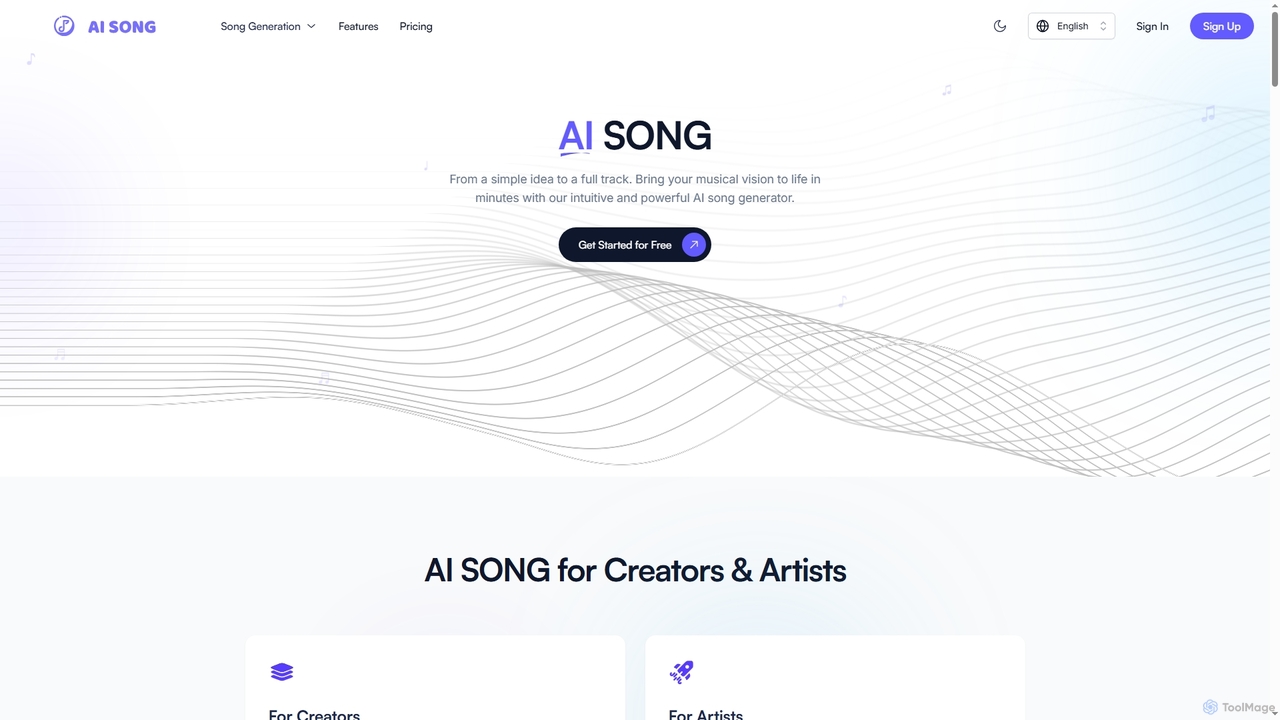
Aisong is an intuitive AI song generator and music production toolkit designed for creators and artists. It enables users to transform simple ideas into full tracks, generate lyrics, remove vocals, and even create music videos, all with the power of artificial intelligence.

Vocal Removal
Visits 5.9KFavorites 110Likes 102

About Music Video Creation

AI Music Video Creation tools are a specialized class of software that automatically generates visual content synchronized to an audio track. These tools leverage AI algorithms for audio analysis, such as beat detection and mood recognition, to create visuals that dynamically match a song's rhythm, tempo, and emotional tone. This enables musicians, artists, and content creators to produce engaging music videos, lyric videos, or audio visualizers without requiring extensive video production skills or large budgets. The core value lies in transforming audio into compelling visual experiences efficiently.

Core Features

  • Audio-to-Video Synchronization: Automatically aligns visual effects, scene changes, and animations with the music's beat, melody, and structure.
  • Generative Visuals: Creates unique abstract animations, narrative scenes, or stylized imagery from text prompts or direct audio input.
  • Lyric Video Automation: Generates animated lyric videos by synchronizing text with vocals, offering customizable fonts and backgrounds.
  • Dynamic Audio Visualizers: Produces reactive visual elements like waveforms, spectrums, and particle effects that respond to the music in real-time.
  • Template-Based Workflows: Provides pre-designed visual styles and templates that users can quickly customize with their own audio and branding.

Use Cases

These tools are ideal for independent musicians promoting new singles, record labels creating social media content at scale, and DJs generating visuals for live sets. Podcasters also use them to create visually engaging clips from audio segments for platforms like YouTube and Instagram, turning listeners into viewers.

How to Choose

When selecting a tool, consider the desired visual style (e.g., abstract, narrative, or typographic). Evaluate the depth of customization options, the accuracy of the audio analysis, and the available export formats, especially vertical aspect ratios for social media. Also, review the pricing model to ensure it aligns with your project frequency and budget.

Music Video Creation use cases

1

Music Video for an Independent Artist's Single

An independent musician needs to promote their new single on YouTube and Instagram but lacks the budget for a traditional video shoot. Using an AI music video creator, they upload their audio track and input text prompts describing the song's mood and theme, such as 'dreamy synth-pop journey through a neon city'. The AI analyzes the song's structure, identifying verses, choruses, and instrumental breaks. It then generates a series of synchronized, stylized animated scenes, ensuring that visual intensity peaks during the chorus. The artist can then make minor adjustments to colors and effects before exporting the final video in both 16:9 for YouTube and 9:16 for Instagram Reels, creating a professional visual asset in hours instead of weeks.

2

Batch Creation of Social Media Promos for a Record Label

A marketing manager at a record label is tasked with promoting an upcoming album. They need to create 15-second vertical video clips for every track to use on TikTok and Instagram Stories. Manually creating unique videos for 12 tracks would be time-consuming. Instead, they use an AI tool with template features. They create a branded template with the album art and artist's logo. Then, they batch-process all 12 tracks. The AI automatically generates a unique audio visualizer for each song clip that matches the branded template. This process allows the manager to produce a dozen distinct, professional-looking promotional videos in under an hour, enabling a consistent and widespread social media campaign.

3

Generating Dynamic Lyric Videos

A band wants to release an official lyric video for their most popular song to increase engagement on YouTube. Instead of hiring a motion graphics artist, they use an AI music video tool specializing in lyric videos. They upload the audio file and a plain text file with the time-stamped lyrics. The tool allows them to choose from various animation styles for the text, select a dynamic background that reacts to the music's energy, and customize the fonts and colors to match their band's aesthetic. The AI automatically synchronizes the appearance and animation of each line with the vocals, creating a polished and engaging lyric video ready for upload in a fraction of the time and cost of manual production.

4

Creating Visuals for a DJ's Live Set

A DJ is preparing for a two-hour live stream and needs continuous, engaging visuals that sync with their electronic music mix. Creating this manually would be an immense task. Using an AI music video creator, they upload their entire pre-recorded mix. The AI analyzes the full audio file, detecting changes in tempo, beat drops, and shifts in energy. It then generates a long-form, evolving visualizer that transitions smoothly between different abstract patterns, color palettes, and particle effects. The visuals intensify during high-energy sections and become more ambient during breakdowns, perfectly complementing the DJ's performance without requiring manual VJing. The final video serves as a captivating backdrop for the live stream.

5

Visualizing Podcast Highlights for Social Media

A podcaster wants to share a powerful 60-second audio clip from their latest episode on YouTube Shorts and Instagram. A static image with audio is less engaging. They use an AI music video tool to create a dynamic visual. They upload the audio clip and choose an 'audio waveform' or 'spectrogram' visualizer style. They customize the colors to match their podcast's branding and add the episode title as overlay text. The AI generates a video where the visual waveform pulses and moves in perfect sync with the speaker's voice, creating a much more captivating piece of content. This helps capture attention in crowded social media feeds and encourages viewers to listen to the full episode.

6

Creating a Full Album Visualizer for YouTube

An electronic music producer wants to upload their new 45-minute album to YouTube. Instead of using a static album cover, they aim for a more immersive experience. They use an AI music video creator to generate a continuous visualizer for the entire album. The tool processes the full audio file, creating a seamless visual journey that evolves with each track. It transitions between different visual themes based on the changing mood and tempo of the music, from calm, flowing visuals for ambient tracks to fast-paced, geometric patterns for high-energy dance tracks. The final output is a single, long video file that provides a dynamic and engaging listening experience, encouraging listeners to stay on the page for the entire album.

Music Video Creation FAQ

What is AI Music Video Creation?

AI Music Video Creation refers to using tools powered by artificial intelligence to automatically generate a video for a piece of music. Unlike traditional video editors that require manual placement of clips, these tools analyze the audio track for elements like beat, tempo, energy, and mood. Based on this analysis, they generate synchronized visuals, which can range from abstract audio visualizers and particle effects to complex, narrative scenes created from text prompts. The primary goal is to quickly and affordably produce engaging visual content for audio tracks without needing advanced video production skills.

How to choose the right AI music video creator?

Choosing the right tool depends on your specific needs. Consider the following factors:

  • Visual Style: Do you need abstract visualizers, animated lyric videos, or AI-generated narrative scenes? Different tools specialize in different outputs.
  • Customization Level: Check how much control you have over colors, fonts, effects, and visual elements. Some tools are highly automated, while others offer more granular control.
  • Audio Analysis Quality: The tool's ability to accurately detect beats and interpret the mood of your music is crucial for a well-synchronized video. Look for reviews or trial versions to test this.
  • Export Options: Ensure the tool can export in the resolutions and aspect ratios you need, such as 4K, 1080p, and vertical formats (9:16) for social media.
  • Ease of Use: Evaluate the user interface and workflow. A good tool should allow you to create a video quickly without a steep learning curve.
What's the difference between an AI Music Video Creator and a standard Video Editor?

The primary difference lies in automation and workflow. A standard video editor (like Adobe Premiere Pro or Final Cut Pro) is a manual toolset; you must import all visual assets, cut them, place them on a timeline, and manually sync them to the music. An AI Music Video Creator automates this process. It takes an audio file as the primary input and *generates* the visual content based on its analysis of the music. The focus is on generation and synchronization, whereas a standard editor's focus is on manual composition and arrangement of pre-existing footage.

Can AI create a music video with a story or just abstract visuals?

The capabilities vary significantly between tools. Many AI music video creators specialize in abstract visuals, such as dynamic waveforms, geometric patterns, and particle systems that react to audio. These are excellent for creating audio visualizers and background visuals for live sets. However, a growing number of advanced tools use generative AI models similar to those for image and video generation. With these, you can use text prompts to describe scenes, characters, and actions, allowing the AI to generate a narrative-style video. The quality and coherence of these narrative videos are rapidly improving, but may still require some user guidance and editing for a polished final product.

Who are AI music video creation tools for?

These tools are designed for a wide range of users who need to pair audio with visuals efficiently. Key audiences include:

  • Independent Musicians & Bands: To create professional-looking music videos, lyric videos, and promotional clips on a limited budget.
  • Record Labels & Marketers: For producing social media content at scale to promote artists and new releases.
  • DJs & Producers: To generate dynamic, beat-synced visuals for live performances, mixes, and streaming sessions.
  • Podcasters & Content Creators: To turn audio clips into engaging video content for platforms like YouTube, Instagram, and TikTok, increasing their reach.
  • Social Media Managers: To quickly create visually appealing content for audio-centric posts and advertisements.