Video Best in category 1 results Post Production AI Tool

Popular AI tools in the Post Production field of Video include AudioShake, etc., helping you quickly improve efficiency.

AudioShake

AudioShake

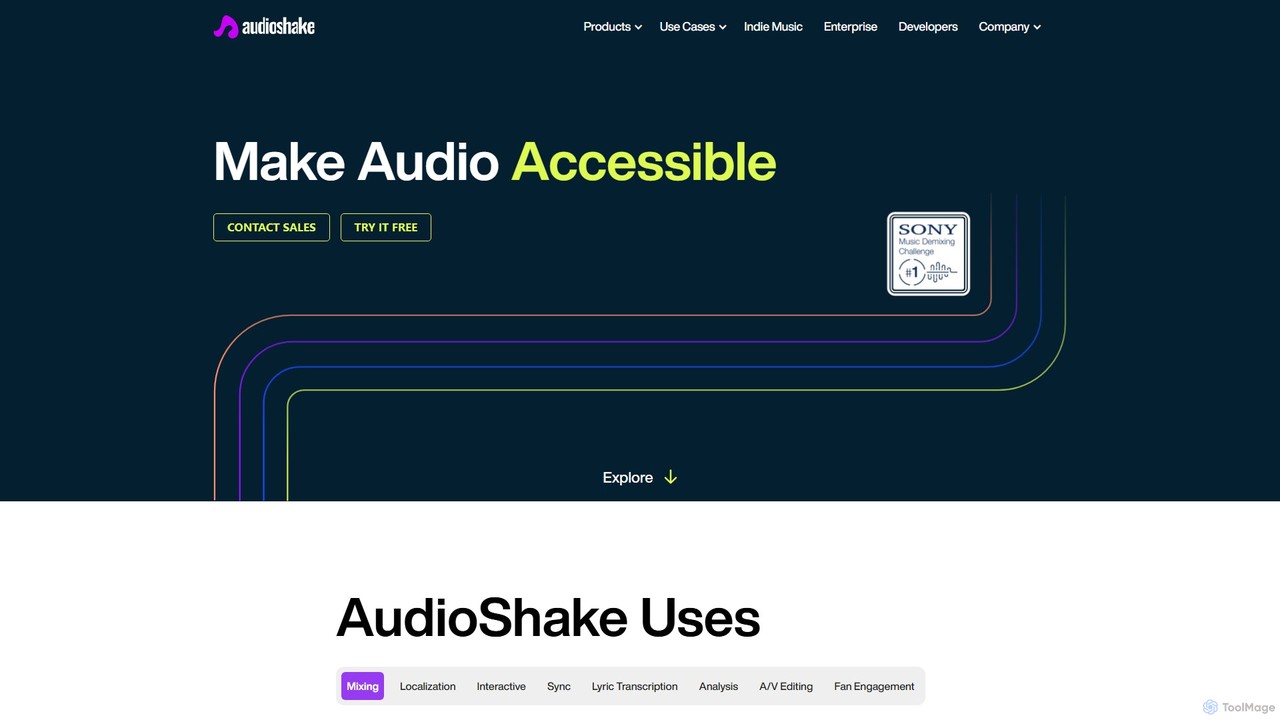
AudioShake is a cutting-edge AI platform that separates audio into its core components (stems). It can isolate vocals, …

65.4K

About Post Production

AI Post Production tools are a class of software that leverages artificial intelligence to automate and enhance the final stages of video and audio creation. These tools utilize machine learning models to perform complex tasks like color grading, audio cleanup, visual effects, and editing assistance, often with minimal human input. Their primary value lies in significantly reducing tedious manual labor, accelerating workflows, and enabling creators to achieve professional-quality results more efficiently. Many of these tools integrate directly into existing non-linear editing (NLE) software, acting as powerful plugins or standalone applications.

Core Features

  • Automated Color Grading: Instantly applies consistent, cinematic color styles across multiple clips based on reference images or predefined aesthetics.
  • Intelligent Audio Enhancement: Automatically removes background noise, reverb, and harsh frequencies from dialogue and sound recordings.
  • AI-Powered Visual Effects (VFX): Simplifies complex tasks like object removal, sky replacement, and rotoscoping for seamless visual compositing.
  • Smart Editing Assistance: Analyzes footage to automatically detect scenes, identify key moments, or generate rough cuts based on transcripts.
  • AI Upscaling & Restoration: Enhances the resolution of low-quality footage and repairs visual artifacts in old or damaged video.

Use Cases

These tools are widely used by independent filmmakers, YouTube creators, marketing agencies, and large production studios. For instance, a content creator can use AI to clean up noisy audio from an interview, while a VFX artist can accelerate the rotoscoping process for a feature film. Marketing teams also use them to quickly repurpose video content with different visual styles or remove unwanted objects from product shots.

How to Choose

When selecting an AI Post Production tool, consider its integration with your primary editing software (e.g., Adobe Premiere Pro, DaVinci Resolve). Evaluate the specific features you need most—whether audio enhancement, color correction, or VFX. Assess the processing speed and hardware requirements, as some AI tasks are resource-intensive. Finally, compare pricing models, from one-time purchases to subscriptions, to find what best fits your budget and project frequency.

Post ProductionUse Cases

1

Automated Dialogue Cleanup for Content Creators

A YouTuber or podcaster often records audio in less-than-ideal environments, resulting in background noise, echo, and inconsistent volume levels. Using an AI post-production tool, they can process their voice recordings with a single click. The AI identifies and removes unwanted sounds like hums, clicks, and reverb while automatically balancing the dialogue's volume. This transforms amateur-sounding audio into clear, professional-quality sound, significantly enhancing the viewer's experience without requiring deep audio engineering knowledge.

2

Rapid Color Grading for Marketing Videos

A marketing agency needs to produce a series of social media video ads with a consistent brand aesthetic. Instead of manually color grading each clip, which is time-consuming, the video editor uses an AI tool. They can apply a reference style from a brand image or a previous successful campaign to the new footage. The AI analyzes each shot and intelligently adjusts color, contrast, and saturation to match the desired look, ensuring brand consistency across the entire campaign. This process reduces grading time from hours to minutes.

3

Object Removal for Real Estate Videos

A real estate agent has filmed a property tour, but there are distracting items left in a room, such as boxes or a stray piece of equipment. A reshoot would be costly and time-consuming. Using an AI post-production tool with object removal capabilities, an editor can simply mask the unwanted object. The AI then analyzes the surrounding frames and intelligently fills in the background, seamlessly erasing the object from the video. This allows for a clean, professional-looking property tour without the need for expensive on-site staging or reshoots.

4

Accelerating Rotoscoping for VFX Artists

A visual effects (VFX) artist needs to isolate a moving character from their background to place them in a new environment. Traditionally, this requires rotoscoping, a painstaking frame-by-frame process of drawing masks. With an AI post-production tool, the artist can draw a rough outline in one frame, and the AI model will automatically track the subject's movement and generate precise masks for the entire sequence. This reduces a task that could take days of manual labor to just a few hours, freeing up the artist to focus on more creative aspects of compositing.

5

AI Upscaling of Archival Footage

A documentary filmmaker needs to incorporate standard-definition (SD) archival footage into their new 4K production. Simply stretching the old footage would result in a blurry, pixelated image. By using an AI upscaling tool, the filmmaker can enhance the resolution of the archival clips. The AI analyzes the footage and intelligently adds new pixel detail, sharpens edges, and reduces compression artifacts, resulting in a clean HD or even 4K version that integrates much more smoothly with modern high-resolution footage.

6

Automated Subtitle Generation for Corporate Training

A global corporation creates video training modules for its employees worldwide. To ensure accessibility and comprehension, they need accurate subtitles in multiple languages. An editor uses an AI post-production tool to automatically transcribe the spoken dialogue into text. The AI's speech-to-text engine generates time-coded subtitles with high accuracy. The editor then quickly reviews and corrects any minor errors before using the same tool's AI translation feature to generate subtitles in Spanish, French, and German, making the content globally accessible in a fraction of the time.

Post ProductionFrequently Asked Questions