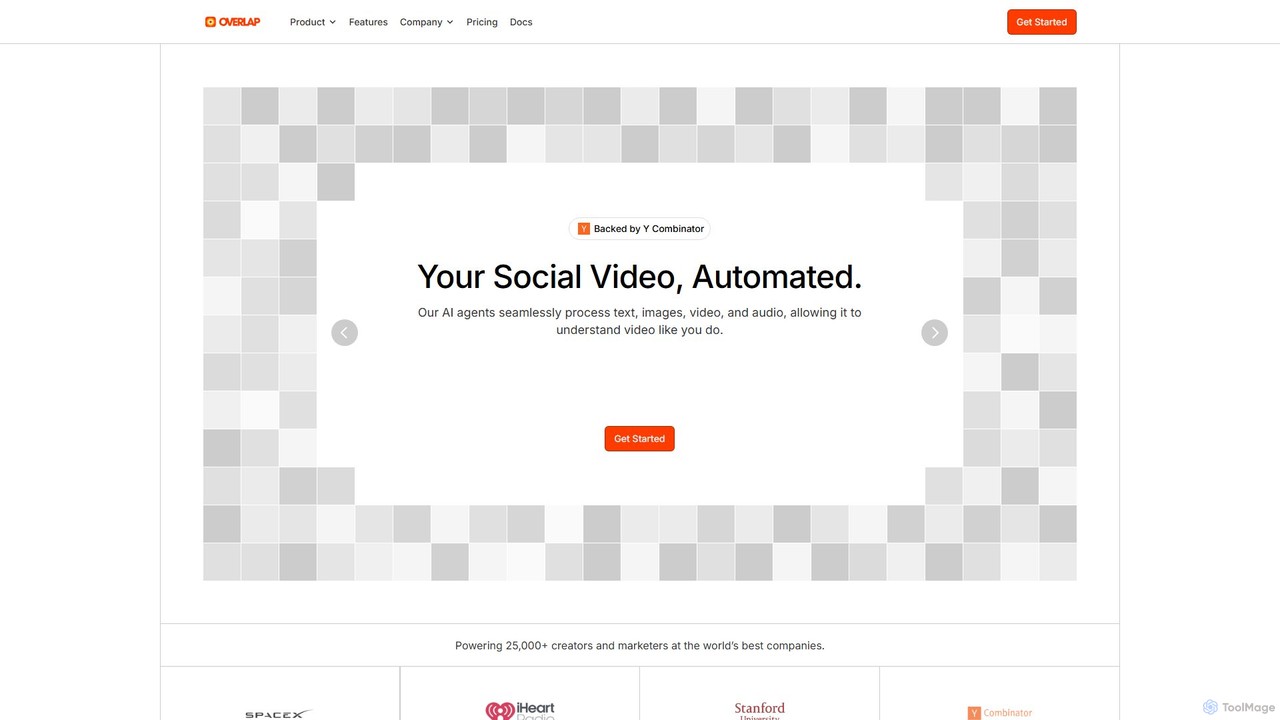
AI Repurposing tools are a specialized category of video software designed to automatically transform long-form content into multiple shorter, platform-specific assets. Leveraging AI for transcription, speaker detection, and identifying key moments, these tools can extract highlights, generate summaries, and reformat content with minimal manual effort. This enables creators and marketers to maximize their content's reach by efficiently creating social media clips, blog posts, and audiograms from a single source like a webinar or podcast. Unlike traditional video editors, their primary strength lies in content multiplication and format conversion, not detailed timeline editing.
Core Features
- AI-Powered Clipping: Automatically identifies and extracts engaging highlights or key moments from long videos.
- Multi-Format Conversion: Transforms video content into text (transcripts, summaries, blog posts) and various video aspect ratios.
- Automated Subtitling: Generates accurate, time-stamped captions for accessibility and improved engagement.
- Branding & Templating: Applies consistent branding like logos, colors, and fonts across all generated clips using pre-set templates.
- Speaker Detection: Distinguishes between different speakers in a video, which is useful for interviews and panel discussions.
Use Cases
These tools are invaluable for content marketers, podcasters, educators, and corporate communication teams. A marketing team can turn a one-hour webinar into a dozen short video clips for LinkedIn, a summary blog post, and quote graphics for Twitter. Similarly, a podcaster can convert an audio episode into multiple engaging audiograms and subtitled video clips for YouTube Shorts and Instagram Reels.
How to Choose
When selecting a tool, consider the accuracy of its AI transcription and highlight detection. Evaluate the range of output formats (e.g., vertical video, square video, text) and the quality of its branding templates. Also, check for integration capabilities with your existing platforms and assess the pricing model, which is often based on upload minutes or processing time.