ToolMage
Sign in

Best 3 Search AI tools for Video

Popular Search AI tools in Video include PlayPhrase.me, Movielyzer, and YouTube Search, helping you work more efficiently.

YouTube Search

YouTube Search

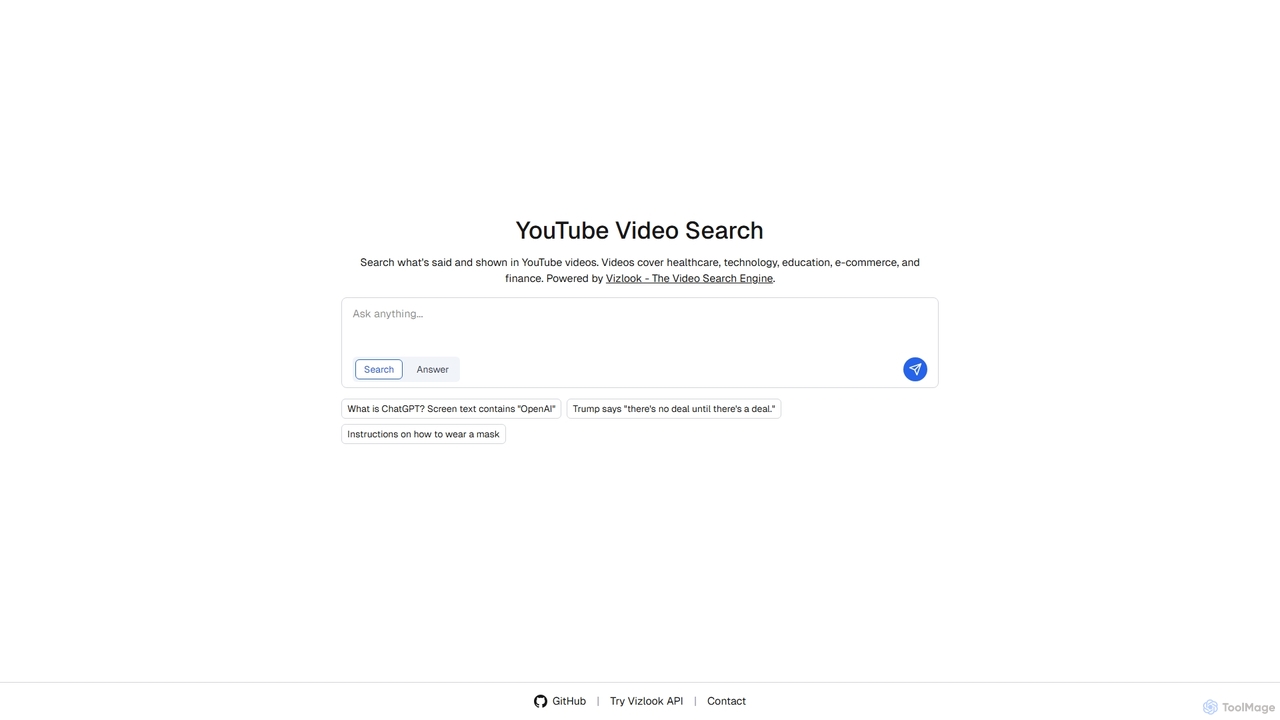
YouTube Search, powered by Vizlook, is an advanced video search engine that allows users to find specific content within YouTube videos. It goes beyond titles and descriptions, enabling searches for spoken words and on-screen text across diverse domains like healthcare, technology, education, e-commerce, and finance, making video content more accessible and discoverable.

Learning Resources
Visits 4.3KFavorites 114Likes 129
Movielyzer
Freemium

Movielyzer

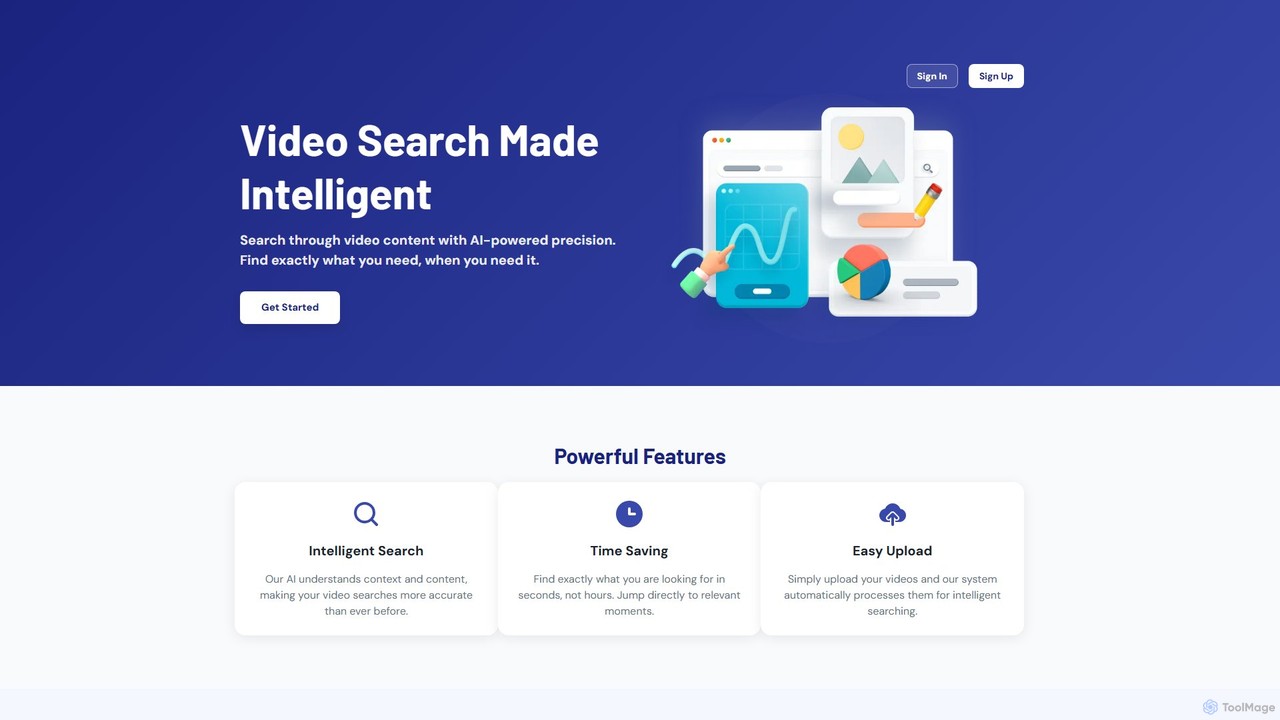
Movielyzer is an AI-powered platform that revolutionizes video search. Upload your videos, and its intelligent AI will analyze, transcribe, and index the content, allowing you to search for specific moments, objects, or spoken words using natural language. Find exactly what you need in seconds, not hours.

Transcription
Visits 4.9KFavorites 108Likes 97
PlayPhrase.me
Freemium

PlayPhrase.me

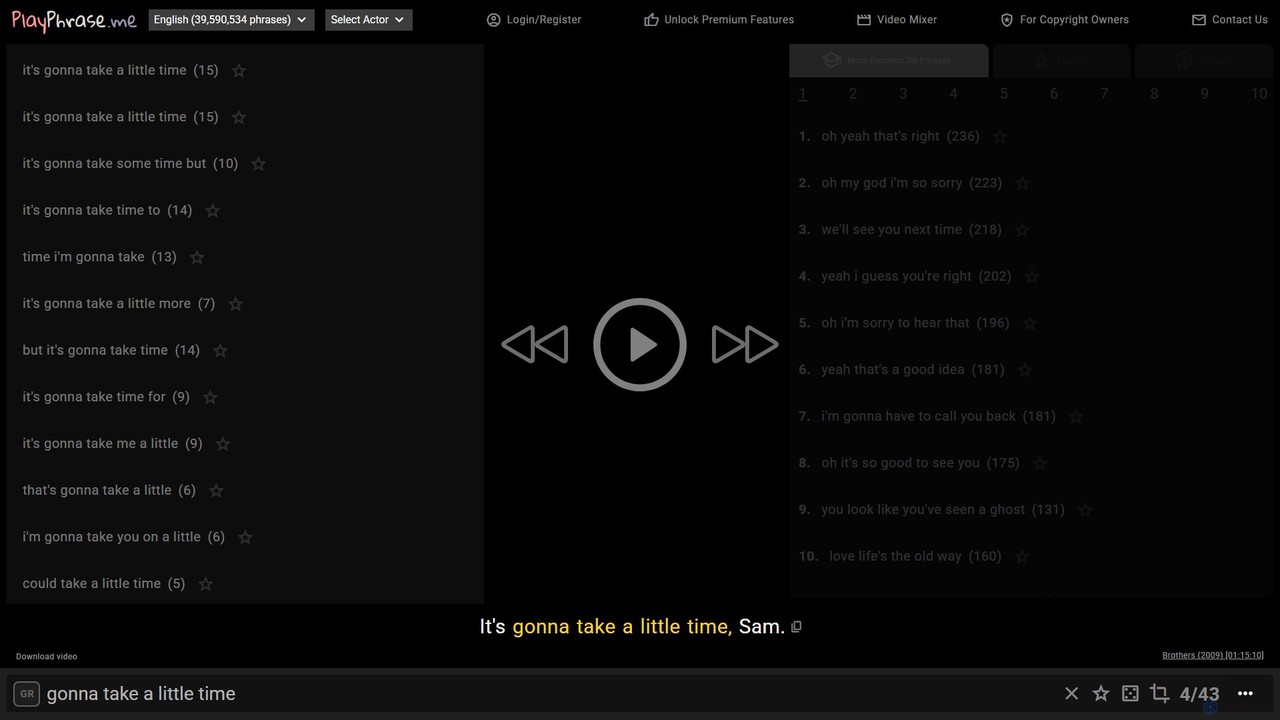
A powerful video search engine for finding specific phrases and dialogue in movies and TV shows. Ideal for language learners, writers, and content creators to see words used in real-world context.

Language Learning
Visits 823.4KFavorites 134Likes 123

About Search

AI Video Search tools are a class of applications that use artificial intelligence to find specific content within video files. They leverage technologies like computer vision, speech recognition, and optical character recognition (OCR) to analyze video and audio streams in depth. This allows users to search for spoken words, visual objects, on-screen text, or even complex scenes using simple text queries, transforming large video libraries into searchable assets. Unlike traditional methods that rely on manual tags and metadata, AI Video Search understands the actual content of the video itself.

Core Features

  • Spoken Word Search: Pinpoints the exact moments in a video where specific words or phrases are spoken by transcribing the audio.
  • Object & Scene Recognition: Identifies and locates videos containing specific objects, people, logos, or environmental scenes (e.g., 'a beach at sunset').
  • On-Screen Text Recognition (OCR): Finds and indexes text that appears visually within the video, such as in presentations, on signs, or in screen recordings.
  • Action Detection: Recognizes and searches for specific actions or events, like 'a person running' or 'a car turning left'.
  • Semantic Search: Enables searching for concepts and ideas using natural language, not just exact keywords (e.g., 'find clips about renewable energy sources').

Use Cases

These tools are invaluable for media organizations, corporate training departments, educational institutions, and legal firms. Broadcasters use them to quickly find archival footage for news segments. Companies can make their entire library of meeting recordings and training videos searchable for employees. Researchers and students can instantly locate specific topics within hours of lecture content.

How to Choose

When selecting an AI Video Search tool, consider the accuracy of its speech-to-text and object recognition for your specific content. Evaluate its integration capabilities with your existing storage or Media Asset Management (MAM) systems. Assess the indexing speed and how quickly it can process your library. Finally, examine the pricing model, which may be based on hours of video processed, number of queries, or a subscription fee.

Featured tool rankings

Search use cases

1

Quickly Locate Archival News Footage

A news producer needs to create a segment on a historical event and must find all archival clips where a specific public figure is seen and mentions the phrase 'international treaty'. Instead of manually scrubbing through thousands of hours of footage, they use an AI Video Search tool. By entering the query 'John Doe' and 'international treaty', the system scans the entire digital archive. Within minutes, it returns a list of timestamped video clips where the person appears and the phrase is spoken, saving days of manual labor and enabling faster content creation.

2

Find Specific Topics in Lecture Recordings

A university student is preparing for a final exam and needs to review every instance where their professor discussed 'quantum mechanics' across a semester of recorded lectures. The university provides an AI Video Search portal for its media library. The student simply searches for the spoken phrase 'quantum mechanics'. The tool instantly provides a list of all lectures containing the term, with direct links to the exact timestamps where the discussion begins. This transforms hours of passive re-watching into a targeted and efficient study session.

3

Monitor Brand Mentions in User-Generated Content

A marketing analyst for a beverage company wants to track how their new product is being shown and discussed in online video reviews. They use an AI Video Search tool to scan thousands of YouTube and TikTok videos. The tool is configured to search for several things: the product's logo appearing visually, the product name being spoken, and on-screen text of the product name. This provides a comprehensive dashboard of authentic brand exposure and sentiment, highlighting key influencers and customer feedback without requiring a team to watch every video manually.

4

Isolate Key Moments in Legal Depositions

A paralegal is preparing for a trial and needs to find every instance in a 10-hour video deposition where a witness mentions 'the signed contract'. Manually reviewing the entire video is time-consuming and prone to error. By uploading the video to an AI Video Search platform, the paralegal can search for the spoken phrase 'the signed contract'. The system generates a clickable transcript and a list of all relevant video segments in minutes. This allows the legal team to quickly compile crucial evidence and create a highlight reel for court presentation, significantly improving efficiency and case preparation.

5

Enhance Content Moderation for Video Platforms

A trust and safety team at a video-sharing platform needs to efficiently identify content that violates community guidelines, such as the depiction of specific prohibited symbols or objects. They use an AI Video Search tool that is trained to recognize these visual elements. The system automatically scans all new video uploads and flags any content containing the prohibited items for human review. This automates the initial, most time-consuming part of the moderation process, allowing human moderators to focus their attention on nuanced cases and respond to violations much faster.

6

Analyze Player Performance in Sports Videos

A sports analyst for a professional basketball team wants to review every successful 'three-point shot' made by a specific player during the last season. Their video archive contains hundreds of hours of game footage. Using an AI Video Search tool with action recognition capabilities, the analyst searches for 'Player X' and 'three-point shot'. The system processes the footage and returns a curated playlist of only those specific moments. This allows the coaching staff to analyze technique, identify patterns, and prepare targeted feedback for the player without spending weeks manually clipping plays.

Search FAQ

What are AI Video Search tools?

AI Video Search tools are applications that use artificial intelligence to analyze the actual content of video files, making them searchable. Instead of relying on manually added titles or tags, they use technologies like computer vision to identify objects and scenes, speech recognition to transcribe audio, and OCR to read on-screen text. This allows users to find specific moments, spoken phrases, or visual elements within a large video library using a simple text search.

How does AI Video Search differ from YouTube's search?

The primary difference lies in the depth of analysis and the intended use case. YouTube's search relies heavily on user-provided metadata like titles, descriptions, and tags, supplemented by some automated content analysis. AI Video Search tools, on the other hand, are designed for deep, granular analysis of private or professional video libraries. They index nearly everything—every spoken word, every visible object, and all on-screen text—making content searchable regardless of whether it has been manually tagged. They are built for internal enterprise, media, or educational archives rather than a public-facing platform.

How do you choose the right AI Video Search tool?

Choosing the right tool depends on your specific needs. Consider the following factors:

  • Search Accuracy: How well does the tool recognize speech, objects, and text relevant to your industry (e.g., medical terminology, specific product logos)?
  • Integration: Can it connect seamlessly with your existing cloud storage (like AWS S3, Google Drive) or Media Asset Management (MAM) system?
  • Scalability and Speed: How quickly can it index your existing library and handle new uploads? Can it scale as your video archive grows?
  • Customization: Does it allow you to train custom models to recognize unique objects or terminology specific to your business?
What are the main features of AI Video Search tools?

Most AI Video Search tools offer a core set of features designed to unlock the data within video content. Key features typically include:

  • Speech-to-Text Transcription: Automatically converts all spoken dialogue into a time-coded, searchable text transcript.
  • Object and Logo Recognition: Identifies and tags common objects, brands, and even specific people within video frames.
  • On-Screen Text Recognition (OCR): Extracts and indexes any text that appears visually, such as on slides, signs, or chyrons.
  • Semantic Search: Allows users to search for abstract concepts or themes (e.g., 'a happy customer interaction') rather than just literal keywords.
Who can benefit from using AI Video Search tools?

A wide range of professionals and organizations can benefit from these tools. Key users include:

  • Media and Entertainment: Broadcasters, film studios, and production houses can quickly find and repurpose archival footage.
  • Corporate Enterprises: Teams can search through recordings of meetings, training sessions, and webinars to find specific information.
  • Educational Institutions: Students and researchers can instantly locate topics within vast libraries of recorded lectures and academic presentations.
  • Legal and Law Enforcement: Firms can efficiently review hours of video depositions or surveillance footage for key evidence.
  • Marketing and Advertising: Agencies can monitor brand presence and analyze competitor advertisements across video platforms.