
Video Best in category 1 results Sports Broadcasting AI Tool

Popular AI tools in the Sports Broadcasting field of Video include Pixellot, etc., helping you quickly improve efficiency.

Pixellot

Pixellot

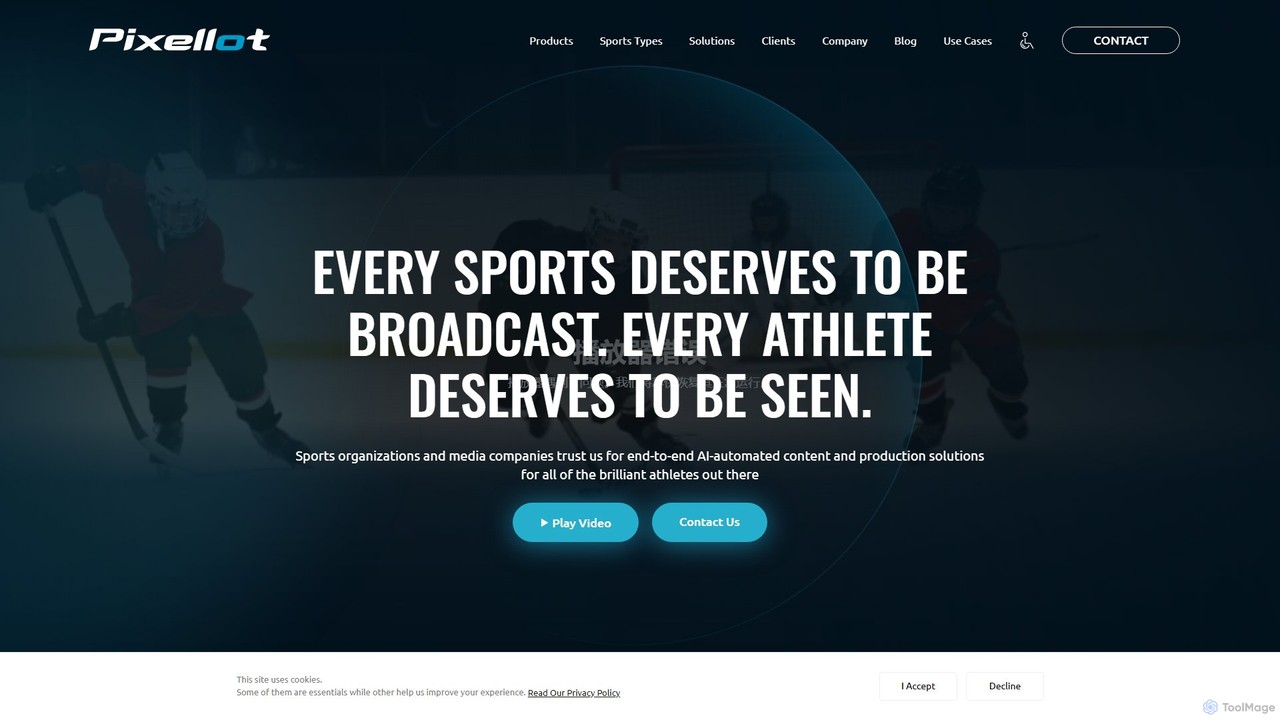
Pixellot is an end-to-end AI-automated sports production solution. It uses AI-powered cameras to automatically capture, produce, and stream …

276.3K

About Sports Broadcasting

AI Sports Broadcasting tools are a specialized class of video AI designed to automate and enhance the production of live and on-demand sports content. These systems leverage computer vision and machine learning to track players, identify key game events, and generate real-time graphical overlays. This technology enables broadcasters, leagues, and teams to produce professional-quality coverage with minimal human intervention, making it accessible even for niche sports or lower-tier leagues. The core value lies in reducing production costs while increasing the volume and quality of available sports content.

Core Features

  • Automated Camera Operation: AI controls PTZ (Pan-Tilt-Zoom) cameras to autonomously follow the on-field action, mimicking a professional camera operator.
  • Real-time Highlight Generation: Automatically detects and clips key moments such as goals, baskets, or touchdowns for instant replays and social media sharing.
  • Live Data & Graphic Overlays: Integrates real-time statistics like scoreboards, player stats, and ball possession into the video feed as dynamic graphics.
  • Player and Ball Tracking: Utilizes computer vision to precisely track the movement and position of every player and the ball, providing valuable data for analysis.
  • Automated Production Switching: Intelligently switches between different camera angles to create a dynamic and engaging viewing experience without a human director.

Use Cases

These tools are widely used by amateur and professional sports leagues, educational institutions (high schools and universities), and streaming platforms. They allow organizations to broadcast games that previously had no coverage, provide coaching staff with advanced analytical footage, and empower media teams to create more content for fan engagement.

How to Choose

When selecting an AI Sports Broadcasting tool, consider the specific sport it supports, as algorithms are often sport-specific. Evaluate its integration capabilities with your existing cameras and streaming platforms. Assess the level of automation required—from fully autonomous production to AI-assisted operation. Finally, review the quality of the data analytics and graphic packages offered.

Sports BroadcastingUse Cases

1

Automated Broadcasting for Lower-Tier Leagues

A local soccer league with a limited budget wants to broadcast all its games to engage the community and attract sponsors. They install an AI-powered camera system at their main field. The AI automatically tracks the game, zooms in on key plays, and switches angles like a human director. This allows them to stream every match live on their website and YouTube channel with professional-looking production quality, without the recurring cost of hiring a camera crew and production team for each game.

2

Instant Highlight Creation for Social Media

A professional basketball team's social media manager needs to post engaging content during live games. They use an AI sports broadcasting tool that integrates with their broadcast feed. The AI automatically identifies key events like dunks, three-pointers, and blocks. It instantly clips these moments into short, shareable videos, complete with team branding. The manager can then immediately post these clips to platforms like Twitter and Instagram, driving real-time fan engagement and conversation during the game.

3

Enhanced Coaching Analysis with Player Tracking Data

A university football coach wants to move beyond simple game film review. Their athletic department adopts an AI broadcasting system that not only records the game but also tracks every player's position, speed, and distance covered. After the game, the coach receives a data-rich video file. They can analyze player fatigue, evaluate defensive formations against specific plays, and identify tactical breakdowns with objective data, leading to more effective training sessions and game plans.

4

Automated Graphics for a Professional Look

A high school basketball tournament is streamed online, but the organizers want to add a professional touch. They use an AI broadcasting tool that automatically generates and displays on-screen graphics. The system keeps track of the score and game clock, displaying them in a clean overlay. It also shows player names and stats when they make a significant play. This elevates the production value significantly, making the stream more engaging for viewers and more attractive to potential sponsors, all without needing a dedicated graphics operator.

5

Scaling Broadcasts with Automated Commentary

A global sports streaming service wants to offer its tennis coverage in multiple languages without hiring dozens of commentators. They employ an AI tool that analyzes the live video and data feed to generate synthetic, human-like commentary. The AI can describe the action, announce the score, and even provide statistical insights in real-time. This allows the service to launch channels in five new languages simultaneously, dramatically expanding their market reach at a fraction of the cost of traditional multilingual broadcasting.

6

Personalized Fan Viewing Experiences

A major sports broadcaster wants to offer a next-generation viewing experience on its app. They integrate an AI sports production tool that allows users to create their own personalized broadcast. A fan can choose to follow their favorite player, and the AI will automatically create a video feed focused solely on that player, cutting between wide shots and close-ups. Another user might choose a 'tactical view' that shows an overhead shot with player formations overlaid. This level of personalization, powered by AI, creates a stickier product and new monetization opportunities.

Sports BroadcastingFrequently Asked Questions