ToolMage
Sign in

Best 2 Video Generators for Video

Popular Video Generators in Video include glif and octiaiprompt, helping you work more efficiently.

octiaiprompt
Freemium

octiaiprompt

OctiAI Prompt is an advanced AI prompt generator for text, image, and video creation. It helps users craft detailed, effective prompts for models like Midjourney, DALL-E, and ChatGPT. Enhance your creativity and streamline your workflow by transforming simple ideas into powerful, optimized instructions for superior AI-generated content.

Image Generators
Visits 5.5KFavorites 132Likes 116
glif
Freemium

glif

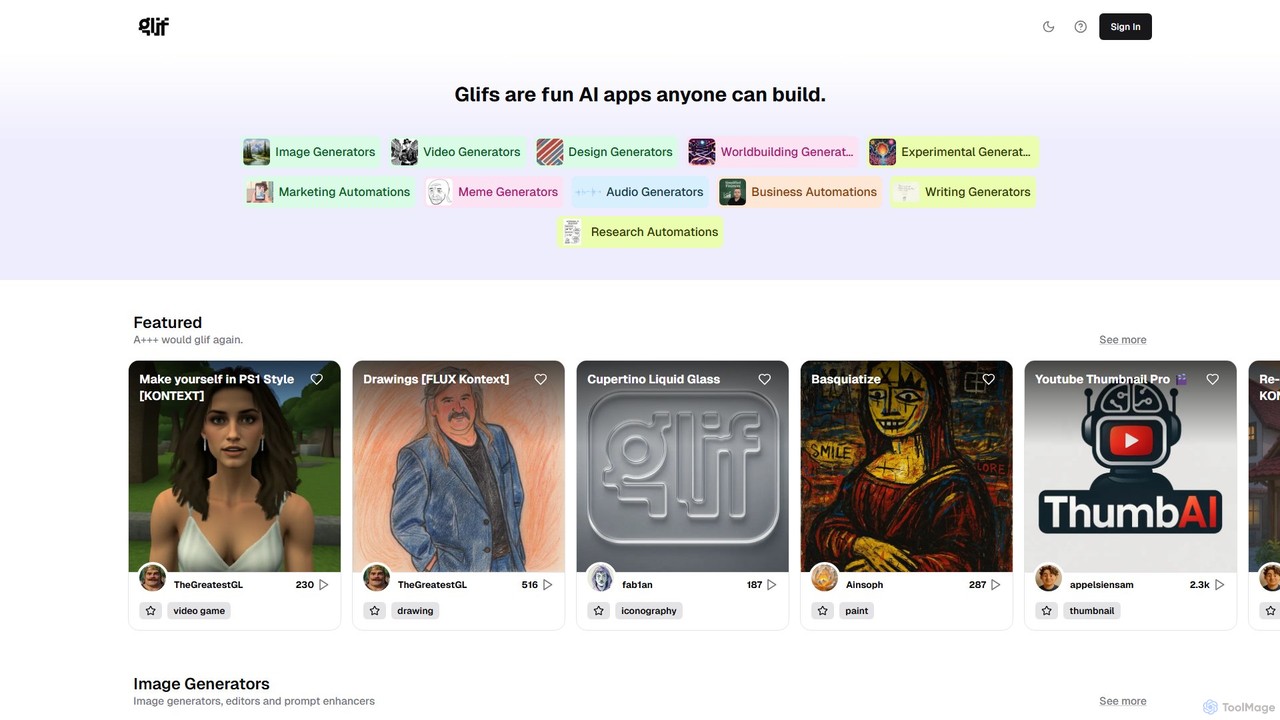
glif is a low-code platform for creating and sharing AI-powered mini-apps, known as "glifs." It enables users to combine large language models, image generators like Stable Diffusion and DALL-E 3, and other advanced tools like ComfyUI to build custom generators for images, videos, memes, audio, and more, without needing to code.

No Code Platform
Visits 165.5KFavorites 148Likes 159

About Video Generators

Video generators are AI-powered tools that automatically create video content from various inputs like text, images, or audio. Leveraging advanced generative AI and machine learning, these tools transform simple prompts into dynamic visual narratives, complete with scenes, characters, and voiceovers. They significantly democratize video production, enabling users to produce high-quality videos rapidly and at a fraction of traditional costs, making complex video creation accessible to everyone.

Core Features

  • Text-to-Video: Converts written scripts or prompts into complete video sequences.
  • Image-to-Video: Animates static images or generates video clips based on visual inputs.
  • Avatar & Character Generation: Creates realistic or stylized AI-driven virtual presenters and characters.
  • Voiceover & Narration Synthesis: Generates natural-sounding voiceovers in multiple languages and tones.
  • Scene & Background Generation: Automatically designs and integrates relevant visual environments for video content.

Use Cases

Video generators are widely adopted across various sectors, from marketing and education to social media and corporate communications. They empower content creators to scale their output, allow businesses to produce engaging promotional materials without extensive budgets, and help educators create dynamic learning modules. These tools streamline workflows for anyone needing to produce video content quickly and efficiently.

How to Choose

When selecting a video generator, consider the desired output quality and resolution, the range of customization options for styles, characters, and voices, and the types of inputs supported (text, image, audio). Evaluate the ease of use, the learning curve, pricing models, and integration capabilities with existing content creation workflows. Also, check for multi-language support and the availability of diverse templates to match your specific content needs.

Video Generators use cases

1

Create Marketing & Promotional Videos

Marketing teams can rapidly generate engaging product demos, explainer videos, or social media ads. By inputting product descriptions and key selling points, the AI crafts a visually appealing video with suitable music and voiceovers, significantly reducing production time and costs for campaigns.

2

Develop Educational Content & Training Modules

Educators and corporate trainers can transform lesson plans or training manuals into dynamic video lectures. With text-to-video capabilities, complex topics are presented through animated visuals and AI-generated narrators, making learning more engaging and accessible for students or employees.

3

Produce Social Media Shorts & Reels

Content creators and influencers can quickly produce a high volume of short, trending video content for platforms like TikTok, Instagram Reels, or YouTube Shorts. They can input trending topics or short scripts, and the generator creates visually rich clips, helping maintain a consistent online presence.

4

Generate Personalized Sales & Outreach Videos

Sales professionals can create personalized video messages for prospects at scale. By integrating customer data, the AI can generate videos addressing specific pain points or product interests, enhancing engagement rates compared to generic text emails.

5

Automate News & Explainer Video Production

Media outlets or content agencies can automate the creation of daily news summaries or explainer videos on current events. Inputting news articles or data points allows the AI to synthesize information into concise, visually supported video reports, speeding up content delivery.

6

Design Virtual Presenters for Corporate Communications

Companies can utilize AI-generated avatars as virtual presenters for internal communications, onboarding videos, or customer service FAQs. These consistent, professional-looking presenters deliver messages clearly, reducing the need for human presenters and studio time.

Video Generators FAQ

What are Video Generators?

Video generators are AI tools that create videos automatically from various inputs like text, images, or audio. They leverage generative AI to produce dynamic visual content, including scenes, characters, and voiceovers, making video production faster and more accessible for diverse applications.

How do AI Video Generators work?

AI video generators typically work by taking user inputs (text, images, audio) and processing them through deep learning models. These models analyze the input, generate corresponding visual elements, animate them, synthesize speech, and combine all components into a coherent video. Some use large language models for script generation and computer vision for visual synthesis.

What are the main benefits of using Video Generators?

The primary benefits include significant time and cost savings in video production, increased scalability for content creation, and enhanced accessibility for users without traditional video editing skills. They also enable rapid prototyping of video ideas and allow for easy localization into multiple languages with AI-generated voiceovers.

How do Video Generators differ from traditional video editing software?

Video generators create content from scratch based on prompts, automating much of the creative and production process. Traditional video editing software, conversely, focuses on manipulating and assembling pre-existing video footage, images, and audio. Generators are about creation; editors are about refinement and assembly.

Who can benefit most from using AI Video Generators?

Content creators, marketers, educators, small businesses, and corporate communication teams benefit greatly. Anyone needing to produce a high volume of video content quickly, without extensive budgets or specialized skills, will find these tools invaluable for tasks like social media marketing, e-learning, and internal communications.