ToolMage
Sign in

Best 1 Video Optimization AI tools for Video

Popular Video Optimization AI tools in Video include ImageKit.io, helping you work more efficiently.

ImageKit.io
Freemium

ImageKit.io

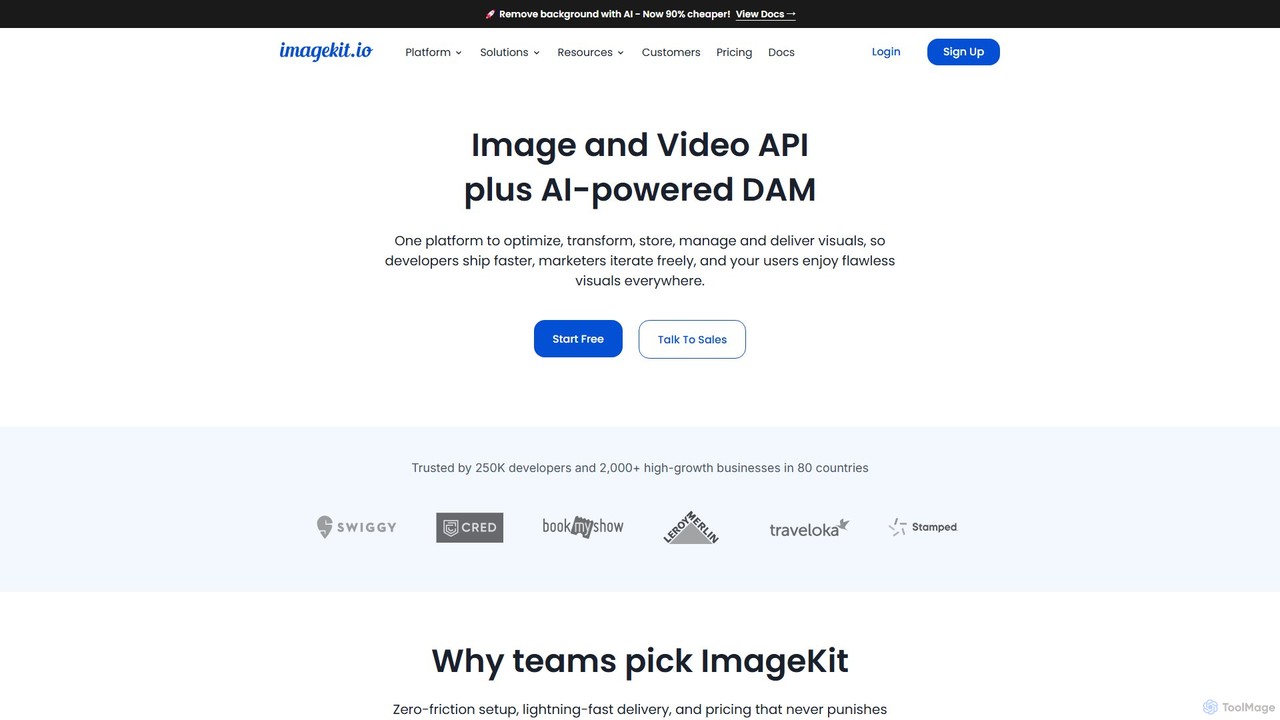
ImageKit.io is a comprehensive platform for image and video management, offering an API and AI-powered Digital Asset Management (DAM). It enables developers and marketers to optimize, transform, store, and deliver visual content with high performance and efficiency, supporting real-time transformations and global delivery via a CDN.

Apis & Integrations
Visits 1MFavorites 163Likes 168

About Video Optimization

AI Video Optimization tools are specialized applications designed to automatically enhance video quality, reduce file size, and improve playback performance. They leverage advanced algorithms for intelligent compression, resolution upscaling, noise reduction, and format conversion without manual intervention. The primary value of these tools is to ensure faster loading times, lower bandwidth consumption, and a superior viewing experience across various devices and platforms. As a key part of the video workflow, they focus on the technical delivery and performance of video content, rather than creative editing.

Core Features

  • Intelligent Compression: Reduces video file size significantly while preserving visual quality, ideal for web and streaming.
  • AI Resolution Upscaling: Enhances low-resolution footage to higher definitions like HD, 4K, or even 8K.
  • Noise and Artifact Reduction: Automatically cleans up grainy, blurry, or compressed video for a clearer picture.
  • Format & Codec Optimization: Converts videos to the most efficient formats and codecs for specific platforms (e.g., WebM for browsers).
  • Frame Rate Enhancement: Increases video frame rate for smoother motion or stabilizes inconsistent footage.

Use Cases

These tools are essential for web developers aiming to improve page speed, digital marketers creating high-performance video ads, and streaming service providers optimizing content delivery. Content creators also use them to enhance user-generated content or restore old footage, ensuring all video assets are technically polished before publication.

How to Choose

When selecting a video optimization tool, consider the effectiveness of its compression and upscaling algorithms. Evaluate its batch processing capabilities for handling multiple files, API access for automated workflows, and the range of supported input/output formats and codecs. Also, assess the balance between processing speed and the final output quality to ensure it meets your specific project requirements.

Video Optimization use cases

1

Optimize Website Banner Videos for Faster Loading

A web developer is tasked with improving the Core Web Vitals scores for an e-commerce site. The large, high-resolution hero banner video is causing slow page load times. By using an AI video optimization tool, the developer uploads the video and the tool automatically applies intelligent compression, reducing the file size by over 70% without a noticeable loss in visual quality. It also converts the video to the modern WebM format for optimal browser performance. This results in a significantly faster page load, a better user experience, and improved SEO rankings.

2

Upscale Old Footage for Modern Documentaries

A documentary filmmaker has archival footage from the 1980s, originally shot on standard-definition tape. To incorporate it into a new 4K production, the quality needs a significant boost. They use an AI video optimization tool with upscaling capabilities. The software analyzes the footage, intelligently sharpens details, removes compression artifacts, and upscales it to 4K resolution. The result is a clean, crisp version of the archival clip that integrates seamlessly with modern 4K footage, preserving historical content for a new generation of viewers.

3

Automate Video Preparation for Social Media Campaigns

A social media manager runs campaigns across multiple platforms like Instagram, TikTok, and YouTube, each with different video specifications. Manually exporting versions for each platform is time-consuming. Using an AI video optimization tool with API access, they integrate it into their workflow. Now, when a master video is approved, the system automatically processes it, creating perfectly optimized versions for each platform's aspect ratio, resolution, and file size limits. This automation saves hours of manual work per campaign and ensures optimal video playback for every audience.

4

Reduce Storage Costs for Video Archives

A media production house maintains a large archive of raw 4K footage, which consumes a significant amount of expensive cloud storage. To cut costs without deleting assets, they use an AI video optimization tool for batch processing. They set the tool to compress the entire archive using a high-efficiency codec (like AV1 or HEVC) while maintaining a visually lossless quality level suitable for archiving. The process runs in the background, reducing the total storage footprint by over 60% and leading to substantial monthly savings on their cloud storage bill.

5

Enhance User-Generated Content for a Platform

A social platform relies on user-generated video content, which often varies in quality. To create a more professional and consistent user experience, the platform integrates an AI video optimization service. When a user uploads a video, the service automatically runs in the background to de-noise grainy footage, stabilize shaky clips, and upscale low-resolution videos. This automated enhancement ensures that all content on the platform meets a minimum quality standard, making the platform more appealing to both creators and viewers.

6

Optimize Video for Adaptive Bitrate Streaming

A streaming service provider needs to deliver content smoothly to users with varying internet speeds. They use an AI video optimization tool to implement adaptive bitrate streaming. The tool analyzes the master video file and intelligently encodes it into multiple versions at different bitrates and resolutions. When a user streams the video, the player automatically selects the best quality stream their connection can handle in real-time. This AI-driven process ensures a buffer-free viewing experience, maximizing viewer retention and satisfaction.

Video Optimization FAQ

What is AI Video Optimization?

AI Video Optimization refers to using artificial intelligence to automatically improve the technical aspects of a video file. Instead of manual adjustments, AI algorithms analyze the video to perform tasks like intelligent compression (reducing file size without losing quality), upscaling resolution, removing noise, and converting to the most efficient format for a specific platform. The main goal is to enhance delivery, performance, and viewing experience, especially for online content.

How to choose the right AI Video Optimization tool?

When selecting a tool, consider these factors:

  • Core Functionality: Does it excel at the specific task you need, such as compression, upscaling, or noise reduction? Check sample outputs for quality.
  • Batch Processing: Can it efficiently handle a large number of videos at once? This is crucial for large-scale projects.
  • API Access: If you need to automate your workflow, check for a well-documented API and robust integration options.
  • Supported Formats: Ensure it supports the input and output formats and codecs you work with.
  • Speed vs. Quality: Evaluate the trade-off between processing speed and the quality of the final result. Some tools may offer different settings to balance this.
What's the difference between Video Optimization and Video Editing tools?

The key difference lies in their purpose. Video Editing tools are for creative modification of content. This includes tasks like cutting scenes, adding text, applying color grading, and inserting special effects. The focus is on storytelling and aesthetics. Video Optimization tools, on the other hand, focus on the technical delivery of the final video. Their job is to make the video file smaller, improve its visual quality (like upscaling), and ensure it plays smoothly on different devices and internet connections. Optimization is typically the final step after editing and before publishing.

What are the main benefits of using AI for video optimization?

Using AI for video optimization offers several key advantages over traditional methods. Firstly, it provides superior results in compression and upscaling by analyzing content contextually. Secondly, it automates a complex and time-consuming process, saving significant manual effort. Thirdly, it ensures consistency across large batches of videos. Finally, it can dynamically adapt, for example, by choosing the best encoding settings per-scene, which leads to better quality at lower file sizes, directly improving user experience and reducing bandwidth costs.

Who needs Video Optimization tools?

A wide range of professionals and businesses can benefit from video optimization tools. This includes:

  • Web Developers & SEO Specialists: To reduce page load times and improve Core Web Vitals by compressing background videos and embeds.
  • Digital Marketers: To prepare high-quality, low-filesize video ads that load quickly on social media and ad networks.
  • Streaming Platforms: To encode content for adaptive bitrate streaming, ensuring a smooth experience for all viewers.
  • Content Creators & Videographers: To enhance the quality of their footage, upscale older content, or reduce file sizes for easier storage and transfer.