ToolMage
Sign in

Best 2 Video Production AI tools for Video

Popular Video Production AI tools in Video include Superside and Lydo, helping you work more efficiently.

Superside
Paid

Superside

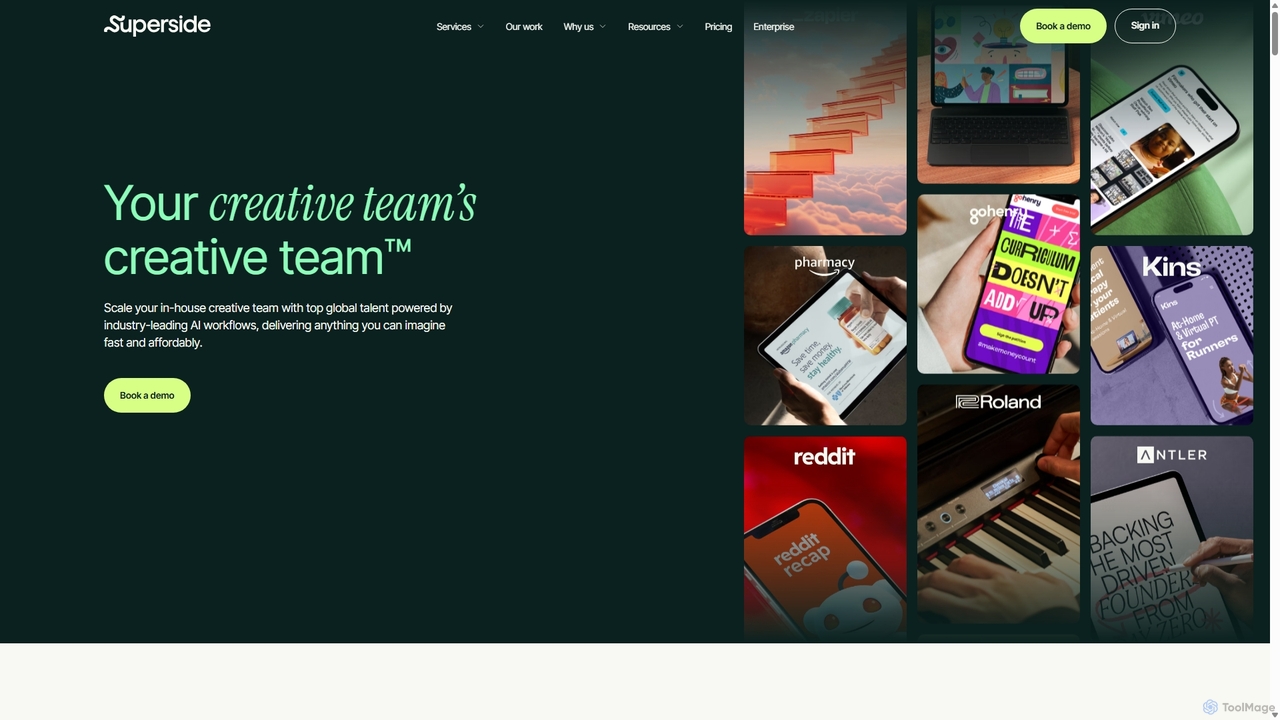
Superside is a subscription-based creative service that combines the top 1% of global talent with AI-powered workflows. It acts as a flexible, on-demand extension for in-house teams, delivering high-quality design, video, and marketing creative at scale and speed.

Graphic Design
Visits 305.8KFavorites 168Likes 158
Lydo
Paid

Lydo

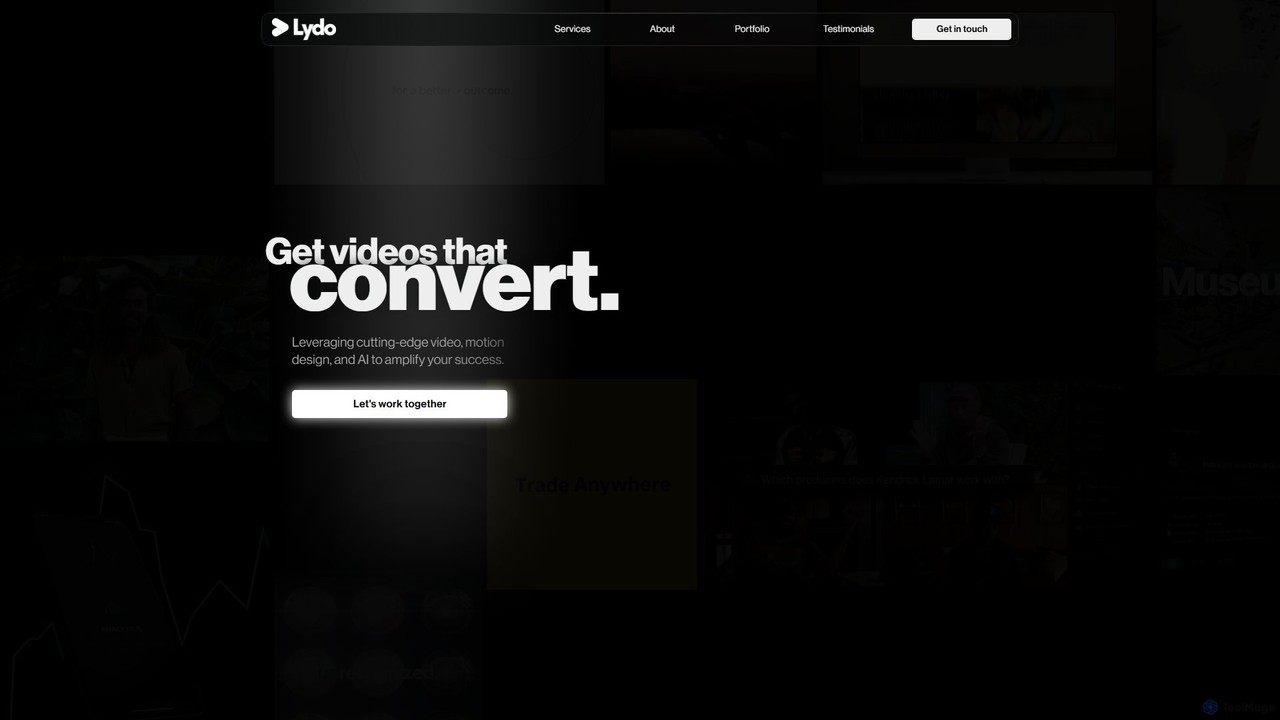
Lydo is a professional video marketing service that leverages AI, motion design, and expert storytelling to create high-converting videos. They specialize in social media content, product demos, explainer videos, and promos for top brands, startups, and creators.

Video Marketing
Visits 5.5KFavorites 155Likes 155

About Video Production

AI Video Production tools are a class of software that automates the creation of complete videos from text inputs like scripts or articles. These platforms integrate multiple AI technologies, such as text-to-speech for voiceovers, realistic AI avatars for presentation, and intelligent scene generation using stock media. Their primary value lies in drastically reducing the time, cost, and technical skills required for producing professional-quality videos. This makes them ideal for creating marketing content, corporate training materials, and social media updates at scale.

Core Features

  • Script-to-Video Automation: Automatically converts a written script into a sequence of video scenes with synchronized voiceovers and visuals.
  • AI Avatars & Presenters: Offers a library of customizable digital humans to act as presenters, eliminating the need for live filming.
  • Multi-Language Voice Synthesis: Generates natural-sounding voiceovers from text in a wide variety of languages, accents, and tones.
  • Intelligent Asset Selection: AI algorithms analyze the script's context to automatically suggest or select relevant stock videos, images, and background music.
  • Template-Based Workflows: Provides pre-designed templates for specific video types like advertisements, tutorials, or news reports to accelerate the creation process.

Use Cases

These tools are widely used by marketing teams for creating promotional videos and social media ads, corporate L&D (Learning and Development) departments for producing training and onboarding modules, and content creators for automating the production of informational videos. Small businesses also leverage them for cost-effective product explainers and announcements.

How to Choose

When selecting an AI Video Production tool, consider the quality and realism of the AI avatars, the range of available languages and voice styles, and the size and quality of the integrated stock media library. Also, evaluate the level of customization offered for scenes, branding elements (logos, colors), and the platform's ease of use for non-technical users. Finally, check the pricing model and video export resolutions to ensure they align with your needs.

Video Production use cases

1

Create Corporate Training Videos

An L&D manager needs to produce a series of onboarding videos for new hires across multiple countries. Instead of coordinating film crews and translators, they use an AI Video Production tool. They upload the training script, choose a professional AI avatar, and the platform generates a base video. They then use the multi-language voice synthesis feature to create versions in English, Spanish, and German, ensuring consistent messaging for all employees while saving over 80% of the traditional production budget and weeks of time.

2

Generate Social Media Video Ads at Scale

A digital marketer for an e-commerce brand needs to create dozens of video ad variations for a new product launch to test on Facebook and TikTok. Using an AI video tool, they input a base script and select a high-energy template. The AI generates a video with an avatar presenter. The marketer then easily creates 10+ variations by changing the avatar, the call-to-action text, and the background music with a few clicks. This process allows for rapid A/B testing and optimization of ad campaigns without the high cost of a creative agency.

3

Automate News and Blog Content into Video

A content manager for a financial news website wants to increase engagement by repurposing their articles into short video summaries. Manually creating these videos is too time-consuming. They integrate an AI Video Production tool into their workflow. Now, when an article is published, its text is automatically sent to the AI, which selects a suitable news-style template, generates a voiceover, and uses an AI presenter to deliver the key points. The final video is ready for social media distribution within minutes, expanding their content's reach to new audiences.

4

Create Product Explainer Videos Quickly

A startup has just launched a new software feature and needs a clear, concise explainer video for their website and marketing emails. Lacking a video production team, the product manager uses an AI tool. They paste the feature's documentation into the script editor, choose a friendly-looking AI avatar, and select a clean, corporate template. The tool automatically generates scenes with screen recordings and overlays. Within an hour, they have a professional-quality video ready to educate users and drive adoption, a task that would have previously taken weeks and thousands of dollars.

5

Localize Marketing Videos for Global Audiences

A global SaaS company wants to run a marketing campaign in Japan and Brazil. Instead of re-shooting their English promotional video with local actors, they use an AI video platform. They upload the original script, and the tool's translation and voice synthesis features generate accurate Japanese and Portuguese voiceovers. They also select AI avatars with appearances that resonate better with local audiences. This allows the marketing team to launch culturally relevant campaigns in new markets in a fraction of the time and cost of traditional localization methods.

6

Produce Educational How-To Content

An online course creator wants to produce a series of 20 short 'how-to' videos for a new programming course. Being on camera is not their strength. They use an AI video production platform to write scripts for each lesson. They choose a friendly, educational AI presenter and a template with space for code snippets and diagrams. The platform assembles the videos, allowing the creator to focus on the quality of the content rather than the technical aspects of filming and editing. They produce the entire series in a weekend, ready to engage their students.

Video Production FAQ

What is AI Video Production?

AI Video Production refers to using artificial intelligence platforms to automatically create videos from text-based inputs like scripts, articles, or prompts. These tools typically combine several AI technologies, including text-to-speech for narration, AI-generated avatars as presenters, and algorithms that select relevant visual assets (stock video, images) to match the script. The primary goal is to streamline the video creation process, making it faster, more affordable, and accessible to users without professional video editing skills.

AI Video Production vs. Traditional Video Editors: What's the difference?

The core difference lies in the creation process. Traditional video editors (like Adobe Premiere Pro or Final Cut Pro) are tools for manipulating existing footage—cutting, arranging, color grading, and adding effects. You must provide the raw video and audio assets. In contrast, AI Video Production tools generate the video content itself. They create scenes, voiceovers, and even presenters from scratch based on your text script. They are designed for creation and automation, while traditional editors are designed for post-production and refinement.

How to choose the right AI Video Production tool?

Choosing the right tool depends on your specific needs. Consider these factors:

  • Avatar Quality: Evaluate the realism, diversity, and customization options of the AI avatars. Do they fit your brand's image?
  • Voice & Language Support: Check if the tool supports the languages, accents, and voice styles you need for your target audience.
  • Template Library: A good library of pre-made templates for different use cases (e.g., marketing, training, news) can significantly speed up your workflow.
  • Customization & Branding: Ensure you can add your own logos, brand colors, fonts, and upload your own media assets for a personalized look.
  • Ease of Use: The platform should be intuitive for users without a technical background in video editing.
Who can benefit from using AI Video Production tools?

A wide range of users can benefit. Marketing teams can rapidly create video ads and social media content. Corporate trainers and L&D departments can produce engaging training materials without high production costs. Content creators and bloggers can repurpose written content into videos to reach a wider audience. Small business owners can create professional product demos and announcements on a budget. Essentially, anyone who needs to create informational or promotional videos regularly but lacks the time, budget, or technical skills for traditional video production will find these tools valuable.

Are the AI avatars and voices realistic?

The realism of AI avatars and voices varies significantly between different tools. High-end platforms offer incredibly lifelike avatars with natural expressions and movements, along with voices that are nearly indistinguishable from human speech, complete with intonation and emotion. Other tools may offer more stylized or cartoonish avatars, which can be effective for certain types of content. It is recommended to review demos and trial versions of different tools to assess whether the quality of their avatars and voices meets the standards required for your specific use case and brand identity.