Video Best in category 3 results Virtual Reality AI Tool

Popular AI tools in the Virtual Reality field of Video include Blockade Labs、PanoPulse、Copresence, etc., helping you quickly improve efficiency.

Blockade Labs

Blockade Labs

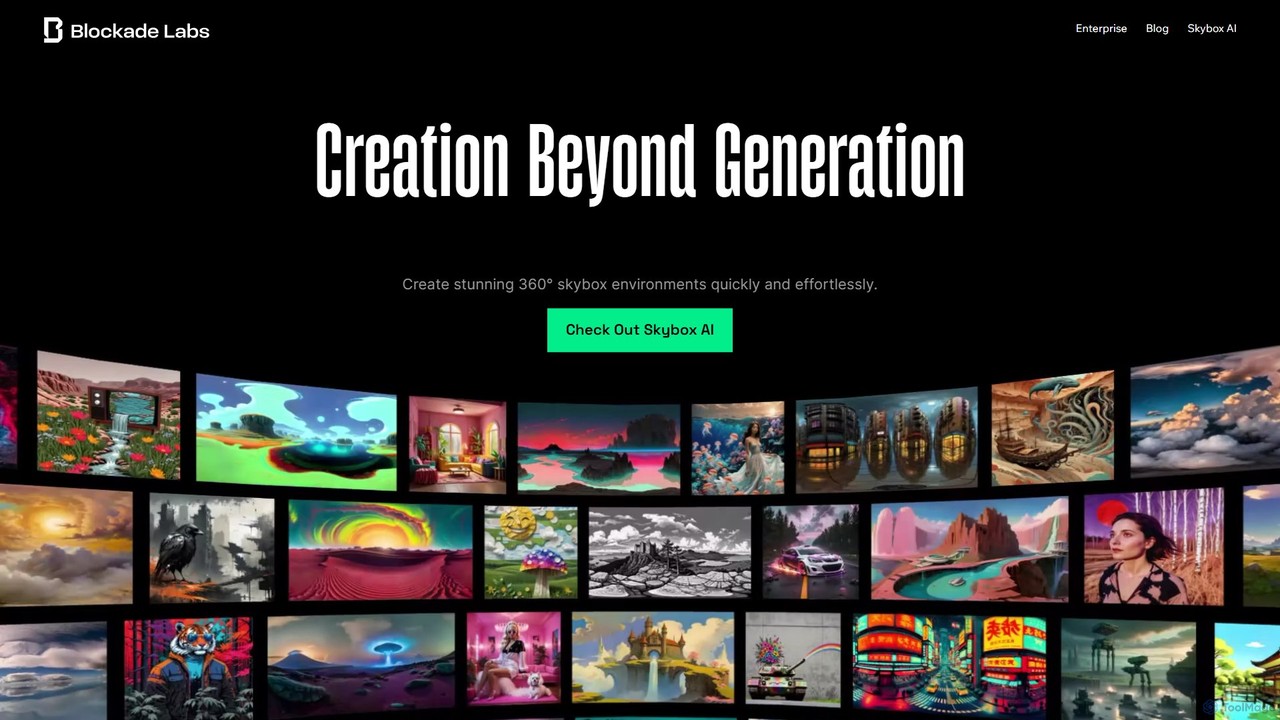
Blockade Labs offers Skybox AI, a powerful tool for creating stunning 360° panoramic environments from text prompts. Ideal …

86.1K
Copresence

Copresence

Copresence is an AI-powered platform that enables users to create photorealistic, fully rigged 3D head avatars using just …

3.3K
PanoPulse

PanoPulse

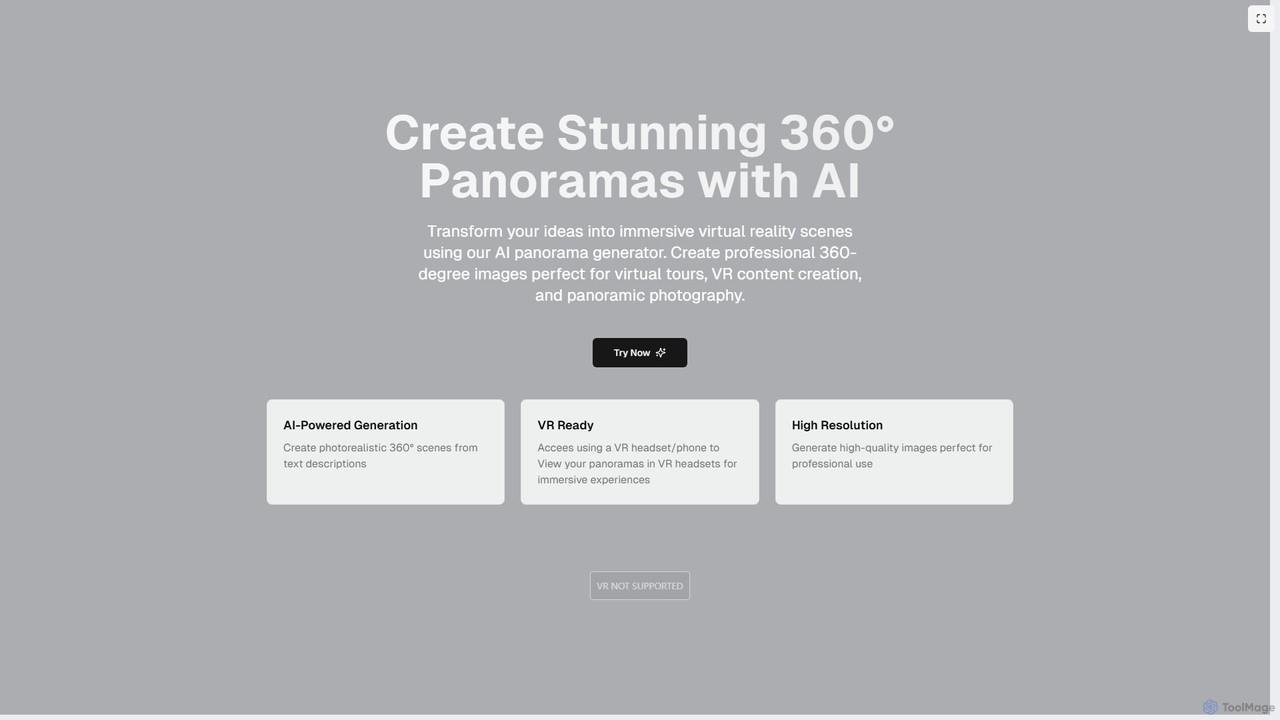
PanoPulse is an AI-powered generator that transforms text descriptions into stunning, high-resolution 360° panoramic images. Ideal for creating …

3.8K

About Virtual Reality

Virtual Reality (VR) tools are AI-powered platforms and software that create immersive, interactive digital environments, allowing users to experience a simulated physical presence. These tools leverage advanced rendering, spatial audio, and haptic feedback to transport users into virtual worlds, offering a profound sense of immersion. They are invaluable for applications requiring realistic simulations, engaging entertainment, and innovative visualization, extending the capabilities of traditional video content into interactive, three-dimensional experiences.

Core Features

  • 3D Environment Creation: Design and render highly detailed, interactive virtual worlds and objects.
  • Real-time Interaction: Enable users to manipulate objects, navigate spaces, and engage with virtual characters in real time.
  • Spatial Audio: Simulate realistic soundscapes where audio cues change based on user position and orientation within the virtual space.
  • Multi-sensory Feedback: Integrate haptic feedback and other sensory inputs to enhance the feeling of presence.
  • VR Headset Integration: Seamlessly connect with various VR headsets for optimal visual and interactive experiences.

Applicable Scenarios

Virtual Reality tools are widely adopted across diverse sectors. In education and training, they provide safe, repeatable environments for learning complex skills, such as surgical procedures or equipment operation. For entertainment and gaming, VR offers unparalleled immersion, transforming how users interact with digital stories and worlds. In design and engineering, these tools facilitate immersive prototyping and architectural walkthroughs, allowing stakeholders to visualize and interact with designs before physical construction.

How to Choose

Selecting the right Virtual Reality tool involves evaluating several factors. Consider hardware compatibility with existing VR headsets and computing power. Assess the ease of content creation and the availability of pre-built assets or templates. Evaluate the level of interactivity and realism required for your specific application. Finally, examine integration capabilities with other design software or data sources, and the overall performance and latency to ensure a smooth, comfortable user experience.

Virtual RealityUse Cases

1

Architectural Visualization & Walkthroughs

Architects and real estate developers utilize VR tools to create immersive virtual tours of unbuilt properties or proposed designs. Clients can "walk through" buildings, explore different layouts, and visualize materials and lighting in a highly realistic 3D environment, making informed decisions before construction begins and significantly reducing design iterations.

2

Medical & Surgical Training Simulations

Medical students and surgeons use VR platforms to practice complex surgical procedures, diagnose conditions, and interact with anatomical models in a risk-free, controlled setting. This allows for repeated practice, skill refinement, and exposure to rare scenarios without endangering patients, leading to improved proficiency and confidence.

3

Immersive Gaming & Entertainment Experiences

Game developers and entertainment companies leverage VR tools to create highly interactive and engaging virtual worlds. Users wear VR headsets to become fully immersed in games, virtual concerts, or cinematic experiences, offering a level of presence and interaction far beyond traditional flat-screen media.

4

Employee Onboarding & Safety Training

Corporations employ VR tools to provide realistic and engaging training for new hires or for safety protocols in hazardous environments. Employees can virtually experience dangerous situations, practice emergency responses, or learn complex machinery operation in a safe, simulated space, improving retention and reducing real-world risks.

5

Product Design & Prototyping Review

Engineers and industrial designers use VR to visualize, interact with, and refine 3D product prototypes in a virtual space. This allows for early detection of design flaws, collaborative review with remote teams, and iterative improvements without the need for expensive physical mock-ups, accelerating the product development cycle.

6

Virtual Tourism & Cultural Heritage Exploration

Travel agencies, museums, and educational institutions use VR tools to offer immersive virtual tours of historical sites, famous landmarks, or remote natural wonders. Users can explore these locations from anywhere in the world, gaining a deeper understanding and appreciation of cultural heritage or potential travel destinations.

Virtual RealityFrequently Asked Questions