Beeble
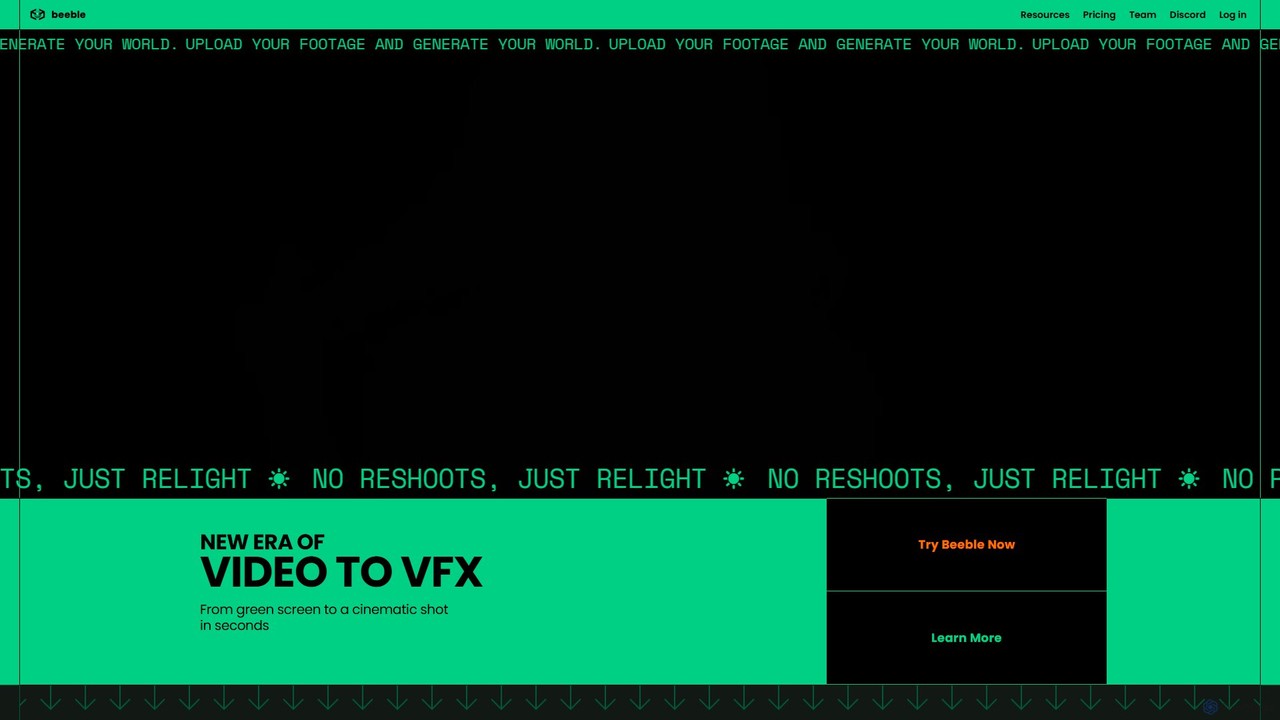
Beeble is an AI-powered platform that transforms standard video footage into professional-grade VFX assets. It automatically removes backgrounds, …
Beeble is an AI-powered platform that transforms standard video footage into professional-grade VFX assets. It automatically removes backgrounds, generates PBR texture maps for relighting, and creates depth maps for seamless 3D compositing. It's designed for VFX professionals and video creators to achieve cinematic results without expensive equipment or complex manual processes.
About Visual Effects
Visual Effects (VFX) tools are AI-powered applications designed to create, enhance, or manipulate visual elements within video content, transforming ordinary footage into cinematic experiences. These tools leverage advanced algorithms for tasks like object removal, motion tracking, digital matte painting, and realistic simulations. They empower filmmakers, content creators, and advertisers to achieve complex visual narratives and stunning aesthetics that would be impossible or prohibitively expensive with traditional methods, significantly streamlining post-production workflows.
Core Features
- Generative VFX: Create realistic or fantastical elements like fire, water, explosions, or creatures from text prompts.
- Object Removal & Replacement: Seamlessly erase unwanted elements or insert new objects into scenes with intelligent background fill.
- Motion Tracking & Stabilization: Accurately track movement of objects or cameras for compositing, or smooth shaky footage.
- Digital Compositing: Combine multiple visual layers (live-action, CGI, graphics) into a cohesive and believable final image.
- Intelligent Rotoscoping & Masking: Automatically isolate subjects or specific areas for targeted effects application, even with complex edges.
Applicable Scenarios
Film and television production teams utilize these tools for blockbuster effects, from alien landscapes to intricate character animations, accelerating post-production. Marketing agencies employ them to create captivating advertisements with dynamic product placements or fantastical brand storytelling. Independent content creators use them to add professional polish and creative flair to their YouTube videos or short films, making high-quality effects more accessible.
How to Choose
When selecting AI visual effects tools, consider the specific types of effects you need (e.g., generative, compositing, tracking). Evaluate the software's integration capabilities with existing editing suites like Adobe Premiere or DaVinci Resolve. Assess the learning curve and available tutorials, especially for complex features. Finally, compare pricing models, whether subscription-based or one-time purchase, against your budget and project frequency to ensure a cost-effective solution.
Visual EffectsUse Cases
Creating Sci-Fi Movie Scenes
A film director needs to depict a futuristic city with flying cars and alien creatures. AI visual effects tools allow the VFX artist to generate realistic 3D models of vehicles and creatures, integrate them seamlessly into live-action footage using motion tracking, and apply atmospheric effects like fog and light rays. This significantly reduces the need for expensive physical sets and miniatures, accelerating post-production and enabling more ambitious creative visions.
Removing Unwanted Objects from Commercials
An advertising agency shot a car commercial, but a distracting light pole appeared in several frames. Using AI object removal features, the editor can automatically identify and erase the pole from the footage, intelligently filling the background with surrounding pixels. This saves hours of manual frame-by-frame editing and ensures a clean, professional final product without the need for costly reshoots, maintaining brand image and message clarity.
Enhancing Product Videos with Dynamic Graphics
An e-commerce brand wants to showcase a new smartphone with interactive on-screen graphics highlighting its features. AI visual effects tools enable designers to motion-track the phone's movement and automatically overlay animated text, glowing effects, and data visualizations that stick perfectly to the device. This creates engaging and informative product demonstrations that capture viewer attention and convey key selling points effectively, leading to higher engagement and conversion rates.
Generating Realistic Weather Effects for Documentaries
A documentary filmmaker needs to simulate a severe storm for a historical reenactment scene without waiting for actual bad weather. AI generative VFX can create highly realistic rain, lightning, and wind effects that can be composited onto existing footage. This provides creative control over environmental conditions, ensuring the desired mood and authenticity for the narrative regardless of shooting conditions, saving time and production costs while maintaining visual integrity.
Automating Rotoscoping for Character Isolation
An animator needs to isolate a live-action actor from a green screen background to place them into an animated world, a process traditionally known as rotoscoping. AI-powered rotoscoping tools can automatically detect and mask the actor's silhouette, even with complex hair or clothing, across hundreds of frames. This drastically reduces the labor-intensive manual masking process, freeing up artists for more creative tasks and significantly accelerating animation workflows.
Stabilizing Shaky Handheld Footage
A vlogger recorded an exciting event with a handheld camera, resulting in shaky and unwatchable footage. AI video stabilization tools analyze the motion paths of individual pixels and intelligently smooth out unwanted camera movements, making the footage appear as if it was shot with a professional gimbal. This transforms unusable clips into smooth, professional-looking content, enhancing viewer experience and allowing creators to focus on capturing moments rather than worrying about camera stability.