
Video Best in category 1 results Youtube Tools AI Tool

Popular AI tools in the Youtube Tools field of Video include AIFreeforever, etc., helping you quickly improve efficiency.

Free
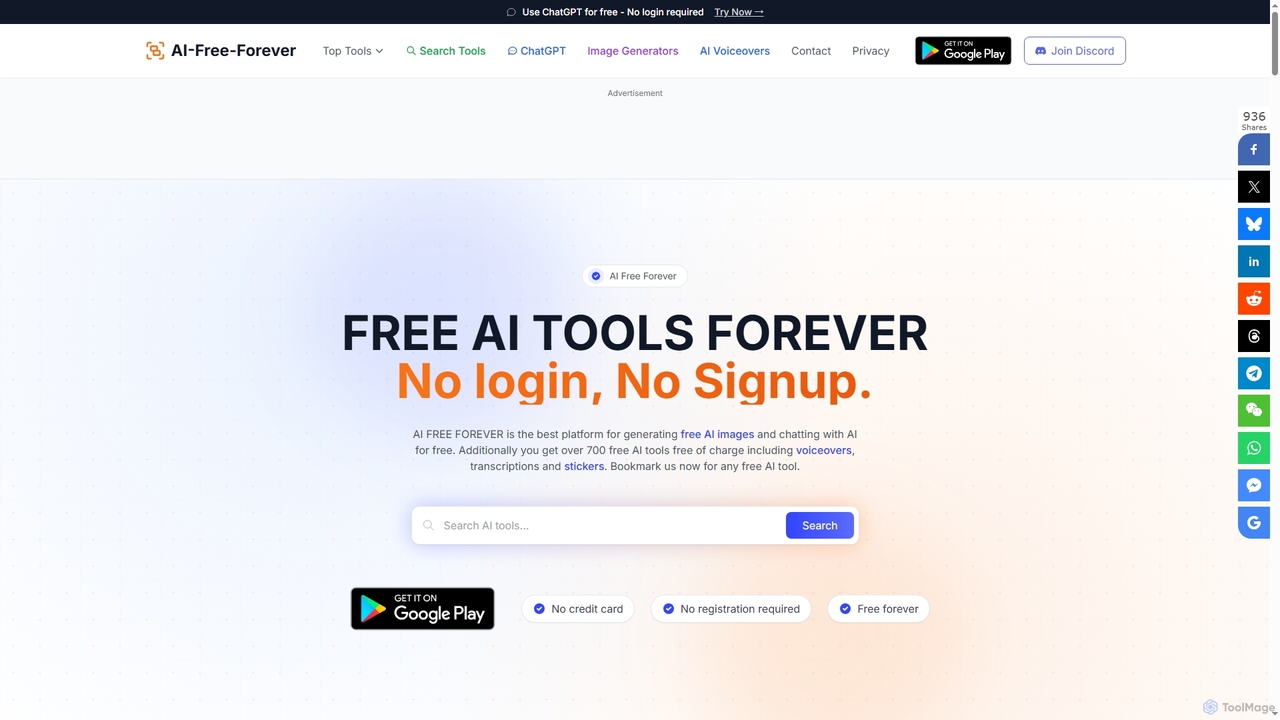
AIFreeforever

AIFreeforever

AIFreeforever is a comprehensive platform offering over 700 free AI tools for image generation, chatbots, text-to-speech, transcription, writing, …

640.3K

About Youtube Tools

AI YouTube Tools are specialized applications designed to optimize and automate the entire workflow of YouTube content creation. They leverage artificial intelligence for tasks like topic research, scriptwriting, SEO optimization, and performance analysis. These tools help creators save time, improve video visibility in search results, and make data-driven decisions to grow their channels. They go beyond standard video editing by focusing specifically on the strategic elements unique to the YouTube platform.

Core Features

  • Keyword & Topic Research: Identify high-potential video ideas and relevant keywords based on search volume and competition analysis.
  • Title & Description Optimization: Generate SEO-friendly and click-worthy titles, descriptions, and tags to improve discoverability.
  • Content Repurposing: Automatically convert long-form videos into short clips (Shorts), blog posts, or social media content.
  • Performance Analytics: Provide in-depth insights into channel performance, audience behavior, and competitor strategies.
  • Automated Chaptering: Scan video content to automatically generate timestamps and chapters, enhancing viewer navigation and engagement.

Use Cases

These tools are essential for individual content creators, marketing teams, and digital agencies managing YouTube channels. A solo creator might use them to find niche topics and automate scriptwriting, while a marketing team could analyze competitor performance to refine their video marketing strategy. They are valuable across all stages, from pre-production planning to post-publication analysis.

How to Choose

When selecting a YouTube Tool, consider the scope of its features—do you need an all-in-one solution or a specialized tool for SEO? Evaluate its integration with YouTube and the accuracy of its data. Assess the quality of its AI-generated suggestions and analytics. Finally, compare pricing models (e.g., subscription vs. pay-per-use) to find one that aligns with your channel's size and budget.

Youtube ToolsUse Cases

1

Generate Video Ideas and Scripts for New Creators

A new content creator struggling with writer's block uses an AI YouTube tool to overcome this challenge. By inputting a broad topic like 'beginner fitness', the tool analyzes current trends and competitor videos to suggest several high-demand, low-competition video titles such as '5 Common Gym Mistakes to Avoid' or '10-Minute Apartment-Friendly Workout'. After selecting a title, the creator uses the AI to generate a structured video script, complete with an introduction, main points, and a call-to-action, reducing pre-production time by over 60%.

2

Optimize Video SEO for Higher Search Rankings

An established YouTuber notices that one of their older videos is underperforming. They use an AI YouTube tool to analyze its SEO. The tool compares the video's title, description, and tags against top-ranking videos for the same keywords. It provides a list of optimized tag suggestions, a rewritten, keyword-rich description, and several alternative, high-CTR title options. After implementing these changes, the video's average position in YouTube search results improves significantly within a few weeks, leading to a sustained increase in daily views.

3

Repurpose Long-Form Content into YouTube Shorts

A podcast channel's marketing team wants to increase engagement by leveraging YouTube Shorts. Instead of manually re-watching hours of footage, they upload a full-length podcast video to an AI tool. The tool automatically transcribes the audio and identifies several engaging, 'viral-worthy' segments based on topic shifts and speaker excitement. It then allows the team to select these segments, automatically reframe them into a vertical 9:16 aspect ratio, and add auto-generated captions. This process allows them to create over ten Shorts from a single one-hour podcast in under 30 minutes.

4

Analyze Competitor Channels for Growth Strategy

A brand's content strategist uses an AI YouTube tool to benchmark their channel against three main competitors. The tool provides a dashboard comparing key metrics like subscriber growth rate, average views per video, and engagement rates. It also identifies the competitors' most successful videos from the last 90 days, revealing which topics and formats are resonating with their shared target audience. Based on this data, the strategist decides to pivot their content plan to include more tutorial-style videos, a format that is clearly driving high engagement for their rivals.

5

Automate Timestamps for Long Educational Videos

An instructor who creates long, in-depth tutorials on software development uploads a two-hour video to their channel. To improve viewer experience and retention, they use an AI tool to automatically generate chapters. The tool analyzes the video's transcript and visual cues to identify distinct sections, such as 'Setting Up the Environment', 'Writing the First Function', and 'Debugging'. It then generates accurate timestamps and titles for each chapter, which are added to the video description. This saves the instructor hours of manual work and allows viewers to easily navigate to the sections most relevant to them.

6

Translate and Dub Videos for a Global Audience

A creator with a large English-speaking audience wants to expand their reach to Spanish and German markets. They use an AI YouTube tool that offers translation and dubbing services. The tool first transcribes the original video and translates the script, title, and description into the target languages. Then, it uses AI voice synthesis to create a natural-sounding voiceover in Spanish and German, even offering options to clone the creator's own voice. This allows the creator to launch multilingual channels efficiently, reaching new international audiences without the high cost and complexity of traditional dubbing studios.

Youtube ToolsFrequently Asked Questions