ToolMage
Sign in

Best 1 Generative Text AI tools for Writing

Popular Generative Text AI tools in Writing include Stansa AI, helping you work more efficiently.

Stansa AI
Freemium

Stansa AI

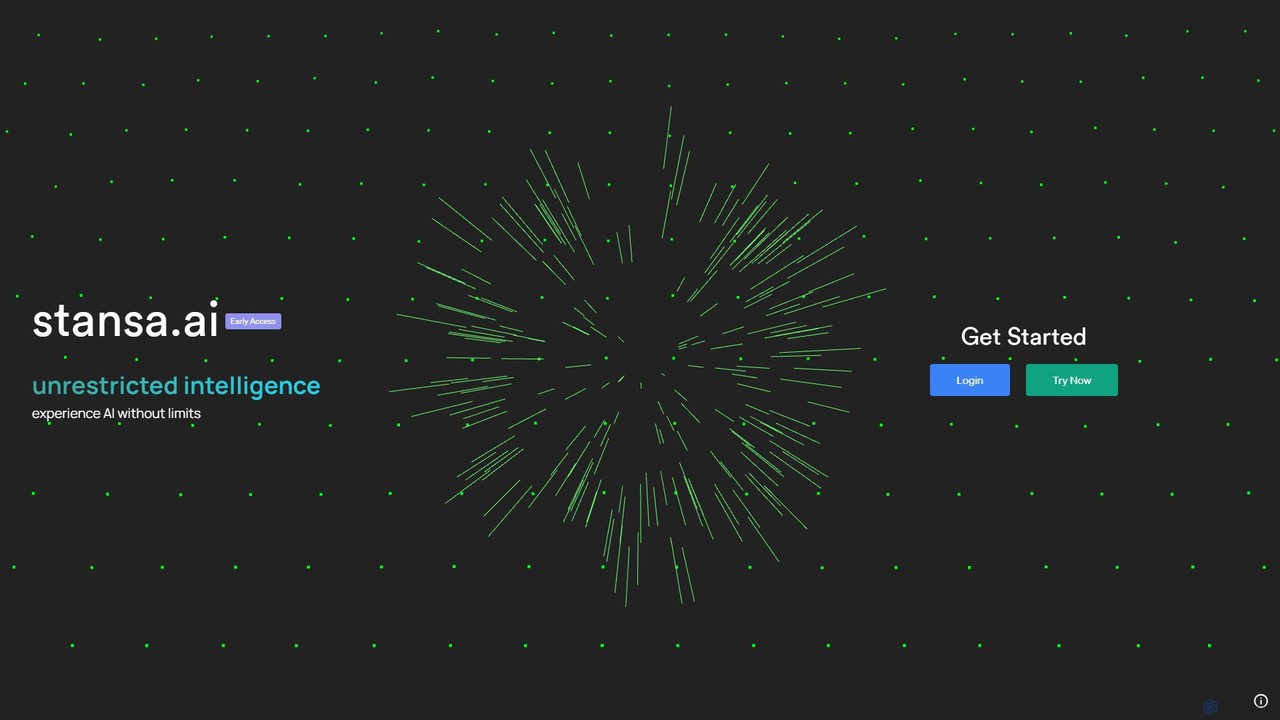
Stansa AI is an advanced platform offering unrestricted access to powerful large language models. It's designed for developers, researchers, and creators who need to experience AI without conventional limitations. The platform provides a flexible and robust environment for complex problem-solving, creative content generation, and in-depth exploration of AI capabilities through a user-friendly interface and a powerful API.

Api
Visits 226KFavorites 174Likes 184

About Generative Text

Generative Text tools are a class of AI software that automatically create original written content from user prompts. These tools leverage large language models (LLMs) to understand context, mimic human writing styles, and produce diverse outputs, from emails to entire articles. Their primary value lies in accelerating content creation, overcoming writer's block, and automating repetitive writing tasks. This focus on creating new text from scratch distinguishes them from other writing tools that primarily edit, proofread, or analyze existing content.

Core Features

  • Prompt-Based Generation: Users provide text instructions or keywords to guide the AI in creating specific content.
  • Tone and Style Control: Allows specifying the desired writing voice, such as formal, casual, professional, or humorous.
  • Multi-Format Outputs: Capable of producing a wide range of text formats, including blog posts, social media captions, ad copy, and code.
  • Content Refinement: Offers features to rephrase, summarize, expand, or improve the clarity of generated text.
  • Multi-Language Support: Can generate and translate content across numerous languages.

Use Cases

Generative Text tools are widely used by marketing teams for creating ad copy and social media content, by content creators for drafting articles and scripts, and by developers for generating code snippets and documentation. Businesses also use them to automate customer support responses and draft internal communications, significantly improving efficiency.

How to Choose

When selecting a Generative Text tool, consider the underlying AI model's quality and capabilities (e.g., GPT-4, Claude 3). Evaluate the range of available templates and their relevance to your needs. Assess the user interface for ease of use and check for integration options (APIs) if you need to connect it with other software. Finally, compare pricing models based on your expected usage volume.

Generative Text use cases

1

Generate Marketing Copy at Scale

A digital marketer needs to create dozens of variations of ad copy for a new campaign across multiple platforms like Google Ads and Facebook. Instead of manually writing each one, they use a Generative Text tool. By providing a core product description and target audience details, the tool generates 50+ unique ad headlines and descriptions in minutes. This allows the marketer to A/B test a wide range of messages, identify the best-performing copy, and optimize campaign ROI, saving over 80% of the time typically spent on copywriting.

2

Drafting Blog Posts and Articles

A content creator is tasked with writing a 1500-word article on a complex topic. To overcome writer's block and structure the content, they use a Generative Text tool. They start by asking the AI to generate a detailed outline with key sections and talking points. Then, for each section, they use the tool to draft initial paragraphs. This provides a solid foundation that the creator can then edit, refine, and infuse with their unique voice and expertise. The process transforms hours of research and drafting into a more efficient workflow focused on editing and enhancement.

3

Generating Code Snippets and Documentation

A software developer is building a new feature and needs a specific function, for example, to parse a CSV file in Python. Instead of searching through documentation or forums, they describe the function's requirements in a Generative Text tool specialized for coding. The AI instantly generates a clean, functional code snippet that they can adapt and integrate. Furthermore, they can ask the tool to write clear, concise documentation (docstrings) for the function, explaining its parameters and return value. This accelerates the development cycle and improves code maintainability.

4

Creating Personalized Email Campaigns

A sales team wants to run a targeted outreach campaign but needs to personalize emails for hundreds of leads. Using a Generative Text tool integrated with their CRM, they can create a base template. The tool then automatically customizes each email by pulling lead-specific data (like name, company, and industry) and generating personalized opening lines or value propositions relevant to that lead's context. This mass personalization effort results in higher open rates and engagement compared to generic email blasts, without the manual effort of writing each email individually.

5

Brainstorming Creative Story Ideas

A novelist is starting a new book but feels stuck on the initial concept. They turn to a Generative Text tool for inspiration. By inputting a simple premise like "a detective in a futuristic city where memories can be traded," the AI generates multiple plot hooks, character archetypes, and potential story conflicts. For example, it might suggest a plot where the detective must solve a murder where the victim's memory of the killer was stolen. This acts as a powerful brainstorming partner, providing a wealth of creative starting points and helping the writer explore different narrative directions quickly.

6

Automating Customer Support Responses

A customer support team frequently receives similar inquiries about topics like password resets or shipping status. To improve response time, they use a Generative Text tool to create a knowledge base of high-quality, standardized answers. When a new ticket arrives, the AI can analyze the customer's question and suggest the most relevant pre-written response. A support agent can then quickly review, personalize if needed, and send the reply. This reduces manual typing, ensures consistent messaging, and allows agents to focus their time on more complex customer issues that require human intervention.

Generative Text FAQ

What are Generative Text tools?

Generative Text tools are AI-powered applications that create new, original text based on user input. Unlike traditional word processors or grammar checkers that modify existing text, these tools generate content from scratch. They use large language models (LLMs) to understand prompts and produce human-like writing in various styles and formats, such as articles, emails, marketing copy, and code. Their main purpose is to assist with brainstorming, drafting, and automating content creation.

How to choose the right Generative Text tool?

Choosing the right tool depends on your specific needs. Consider the following factors:

  • Primary Use Case: Are you writing long-form articles, short ad copy, or code? Some tools specialize in certain content types.
  • AI Model Quality: The underlying model (e.g., GPT-4, Claude 3) determines the quality, creativity, and accuracy of the output.
  • User Interface (UI): A clean and intuitive interface can significantly improve your workflow. Look for features like templates and document organization.
  • Integrations: If you need to use the tool within other applications (like WordPress or Google Docs), check for available plugins or API access.
  • Pricing: Compare plans based on word limits, features, and the number of users to find one that fits your budget.
What's the difference between Generative Text tools and grammar checkers?

The core difference lies in their function: creation versus correction. Generative Text tools create new content. You provide a prompt, and they generate original sentences, paragraphs, or entire documents. Their purpose is to produce text that didn't exist before. In contrast, grammar checkers correct existing content. You write the text first, and they analyze it to find and suggest fixes for spelling, grammar, punctuation, and style errors. A grammar checker refines your writing, while a generative tool does the initial writing for you.

What kind of content can Generative Text tools create?

Generative Text tools are highly versatile and can create a wide array of content types. Common examples include:

  • Marketing & Sales: Ad copy, social media posts, product descriptions, email campaigns, and landing page text.
  • Content Creation: Blog post drafts, article outlines, video scripts, and newsletters.
  • Business & Professional: Reports, summaries, meeting agendas, press releases, and job descriptions.
  • Creative Writing: Story ideas, character descriptions, dialogue, and poetry.
  • Technical: Code snippets in various programming languages, technical documentation, and API guides.
Is the content created by AI plagiarism-free?

Generally, content produced by major Generative Text tools is original and passes plagiarism checks. These models are trained on vast datasets and learn patterns, rather than copying and pasting specific text. However, there is a small chance they might generate phrases or sentences that are very similar to existing content, especially for common topics or quotes. It is always a best practice to use a plagiarism checker on final drafts, especially for academic or professional publications, to ensure complete originality.