ToolMage
Sign in

Best 1 Outlining AI tools for Writing

Popular Outlining AI tools in Writing include clarify_ai, helping you work more efficiently.

clarify_ai
Freemium

clarify_ai

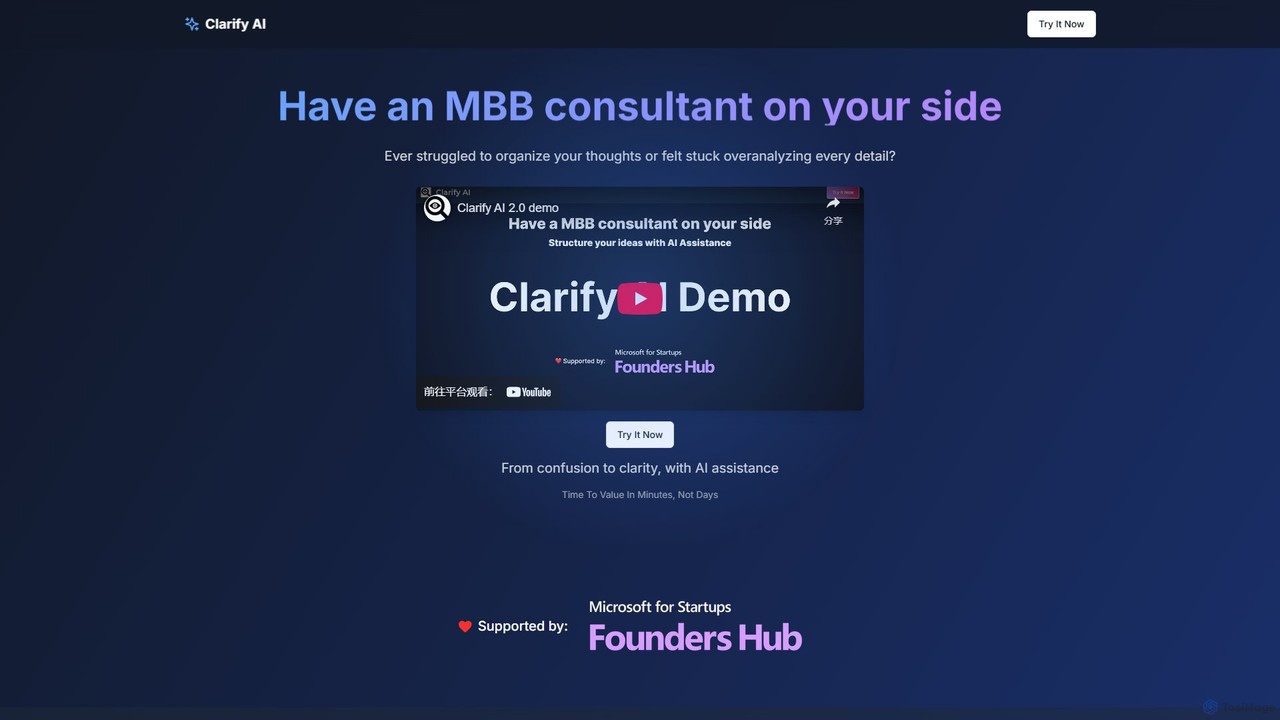
Clarify AI is an AI-powered thought partner that transforms vague ideas into structured, actionable plans. It acts like a digital consultant, using issue trees to automatically organize your thinking, conduct targeted research, and generate clear notebooks. Ideal for strategists, product managers, and anyone needing to solve complex problems efficiently.

Strategy
Visits 7KFavorites 102Likes 102

About Outlining

AI Outlining tools are specialized applications that automatically generate structured frameworks for written content. These tools leverage natural language processing to analyze a topic, keyword, or existing text, creating a logical, hierarchical structure of headings and subheadings. They are designed to help users organize their thoughts, plan their content flow, and build a solid foundation before the detailed writing process begins. This focus on structure accelerates the pre-writing phase and ensures a coherent final document.

Core Features

  • Hierarchical Generation: Automatically creates multi-level outlines (e.g., chapters, sections, bullet points) from a simple prompt.
  • Topic Expansion: Expands a single idea or keyword into a comprehensive set of related sub-topics and talking points.
  • Content Structuring: Analyzes unstructured text or research notes and organizes them into a logical outline format.
  • Visual Mind Mapping: Offers visual interfaces to drag, drop, and reorganize outline components, facilitating brainstorming.
  • Template-Based Outlines: Provides pre-built structure templates for common document types like blog posts, research papers, or business plans.

Use Cases

These tools are widely used by content creators for planning articles and scripts, students and academics for structuring research papers and theses, and business professionals for drafting reports, presentations, and project plans. Authors also use them to plot novel chapters and character arcs, ensuring a well-organized narrative.

How to Choose

When selecting an AI Outlining tool, consider the depth and complexity of the outlines it can generate. Evaluate its input flexibility—can it work from keywords, full text, or URLs? Check for integration capabilities with popular writing software like Google Docs or Microsoft Word. Finally, assess the user interface for ease of reorganization and collaboration features if you work in a team.

Outlining use cases

1

Structuring Long-Form Blog Posts

A content marketer needs to create a comprehensive guide on 'Digital Marketing Trends'. Instead of starting from a blank page, they input the main topic into an AI Outlining tool. The tool instantly generates a multi-level outline, including sections for SEO, Content Marketing, Social Media, and PPC, each with relevant sub-points like 'Voice Search Optimization' or 'Video Content Strategy'. The marketer can then easily drag and drop points to refine the flow, ensuring all key aspects are covered logically before writing a single paragraph. This process reduces planning time by over 50% and prevents writer's block.

2

Organizing Academic Research Papers

A university student is writing a thesis on climate change impacts. They have gathered dozens of research articles and notes. To manage this complexity, they paste their raw notes into an AI Outlining tool. The AI analyzes the text, identifies key themes like 'Economic Impact', 'Ecological Effects', and 'Policy Recommendations', and organizes the information under these headings. It creates a structured literature review outline, allowing the student to see gaps in their research and logically arrange their arguments. This transforms a chaotic collection of information into a coherent, well-structured academic paper framework.

3

Developing Business Plans and Proposals

An entrepreneur is seeking funding and needs to create a professional business plan. Using an AI Outlining tool with a 'Business Plan' template, they are prompted to fill in key sections. The tool generates a standard structure including an Executive Summary, Company Description, Market Analysis, Organization and Management, and Financial Projections. For each section, it suggests relevant sub-points, such as SWOT analysis under Market Analysis. This guided process ensures no critical component is missed and helps the entrepreneur structure their vision into a document that is clear, professional, and compelling to investors.

4

Planning a Book or Screenplay

An author is starting a new novel and wants to map out the entire plot. They use an AI Outlining tool to create a hierarchical structure. The top level consists of the three acts: 'Setup', 'Confrontation', and 'Resolution'. Within each act, they create nodes for chapters, and within each chapter, they outline key scenes, character introductions, and plot twists. The visual, nested structure allows them to see the entire narrative arc at a glance, easily move scenes between chapters, and ensure a balanced pacing throughout the story before committing to writing thousands of words.

5

Designing Online Course Curriculums

An online instructor wants to create a new course on 'Python for Beginners'. They use an AI Outliner to structure the curriculum. They start with top-level modules like 'Introduction to Python', 'Data Structures', 'Control Flow', and 'Functions'. The AI then helps expand each module into individual lessons, suggesting topics such as 'Variables and Data Types' for the first module. This creates a clear learning path for students. The instructor can easily reorder lessons or modules to optimize the educational flow, ensuring a logical progression from basic concepts to more advanced topics.

6

Creating Detailed Meeting Agendas

A project manager is preparing for a quarterly review meeting. To ensure the meeting is productive, they use an AI Outlining tool to draft the agenda. They input the main goal: 'Q3 Project Review'. The tool suggests a structure with timed sections: 'Welcome & Objectives (5 min)', 'Review of Q2 Action Items (10 min)', 'Q3 Performance Analysis (20 min)', and 'Planning for Q4 (15 min)'. It also suggests sub-bullets for each, like 'Key Wins' and 'Challenges' under the performance analysis. This structured approach ensures all topics are covered efficiently, keeps the meeting on track, and provides a clear document to share with attendees beforehand.

Outlining FAQ

What are AI Outlining tools?

AI Outlining tools are specialized software designed to help users structure their thoughts and content before writing. Unlike general word processors, they use artificial intelligence to automatically generate hierarchical outlines from a topic, keyword, or block of text. Their primary function is to create a logical framework of main points and sub-points, which serves as a blueprint for articles, reports, books, or any other form of written content. This helps ensure a coherent flow and comprehensive coverage of the subject matter.

What is the difference between an AI Outliner and an AI Writer?

The key difference lies in their primary function. An AI Outliner focuses on creating structure. It generates headings, subheadings, and bullet points to form a logical skeleton for your content. Its output is a plan or framework. In contrast, an AI Writer focuses on generating prose. It writes complete sentences and paragraphs based on a prompt. While some AI writers can generate outlines, their core strength is producing finished text. You would use an outliner first to plan your document, and then potentially use an AI writer to flesh out the sections defined in the outline.

How do I choose the right AI Outlining tool?

To choose the right tool, consider these factors:

  • Input Flexibility: Can the tool generate an outline from a simple keyword, a long paragraph of text, or even a URL? Choose one that matches your typical workflow.
  • Output Quality and Depth: Does it create a simple, flat list, or can it generate a complex, multi-level hierarchical outline? Look for tools that provide the level of detail you need.
  • Customization and Control: How easy is it to edit, reorder, and merge points in the outline? A good tool should have an intuitive drag-and-drop interface.
  • Integrations: Does it export to formats you use, such as Word, Google Docs, or Markdown? Seamless integration with your writing environment is a significant advantage.
What are the main benefits of using an AI Outlining tool?

The primary benefits include saving significant time in the planning phase of writing, overcoming writer's block by providing a starting structure, and ensuring logical coherence in the final document. They help organize complex information quickly, reveal gaps in an argument or narrative, and allow for easy restructuring of ideas. By handling the foundational work of organization, these tools free up writers to focus on creativity, style, and detailed content development.

Who can benefit most from AI Outlining tools?

A wide range of users can benefit, but they are particularly useful for:

  • Content Creators & Bloggers: To quickly structure articles and ensure all key points are covered.
  • Students & Academics: To organize research, structure essays, and plan theses.
  • Authors & Screenwriters: To plot narratives, develop chapters, and manage complex storylines.
  • Business Professionals: To create clear reports, compelling proposals, and structured presentations.

Essentially, anyone who needs to transform complex ideas or large amounts of information into a structured, coherent written document will find these tools valuable.