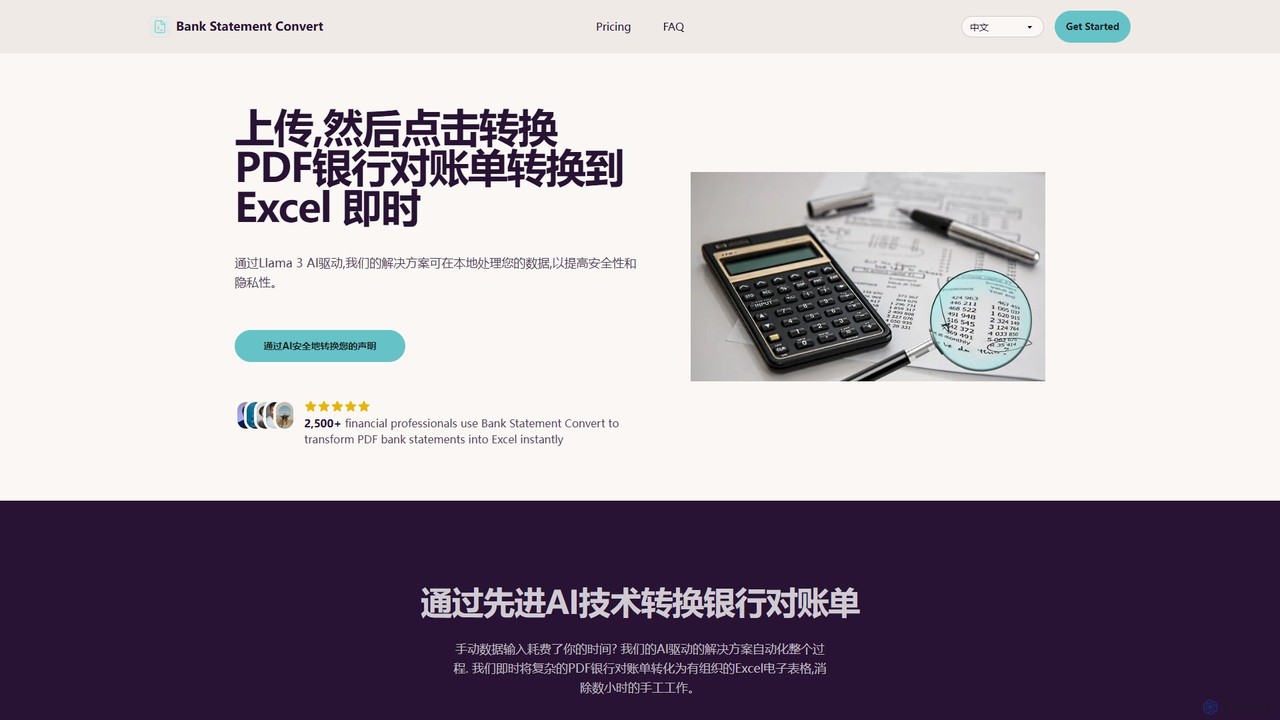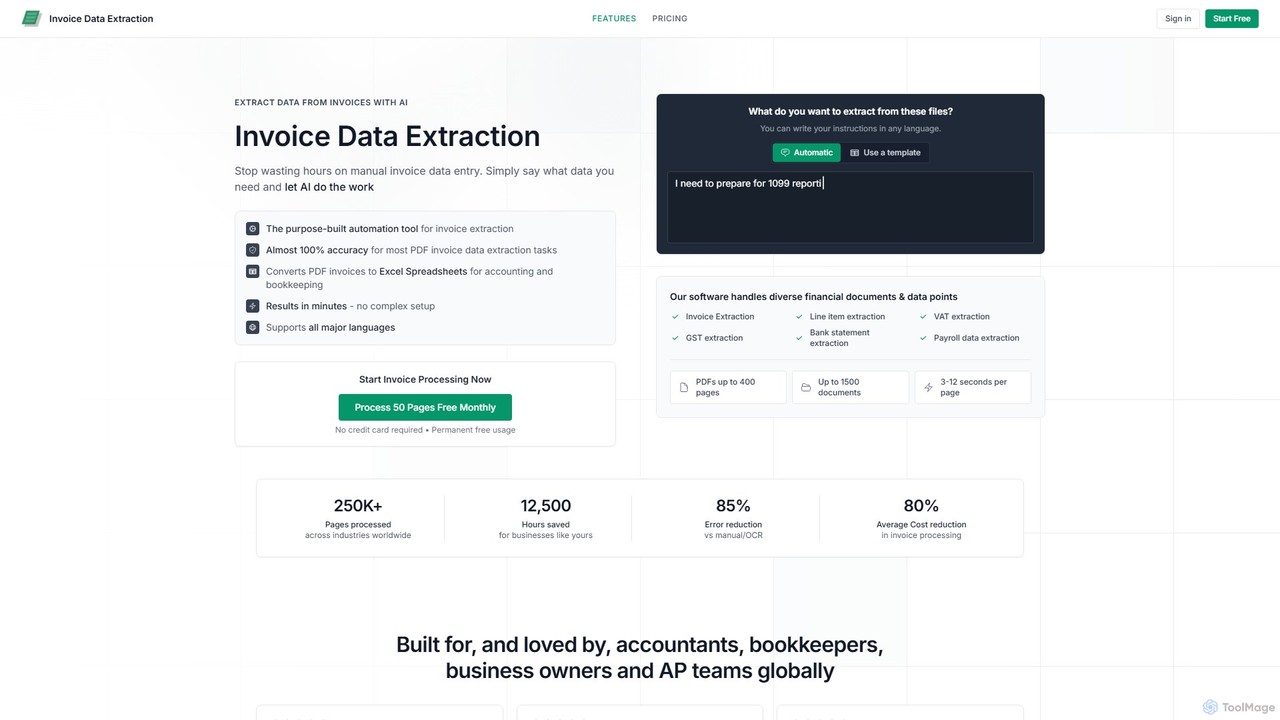
AI-powered tool to instantly convert PDF bank statements (including scanned documents) into structured Excel files. Automate data entry with 99.8% accuracy, process multiple statements at once, and define custom data extraction schemas. Ideal for accountants, analysts, and businesses.

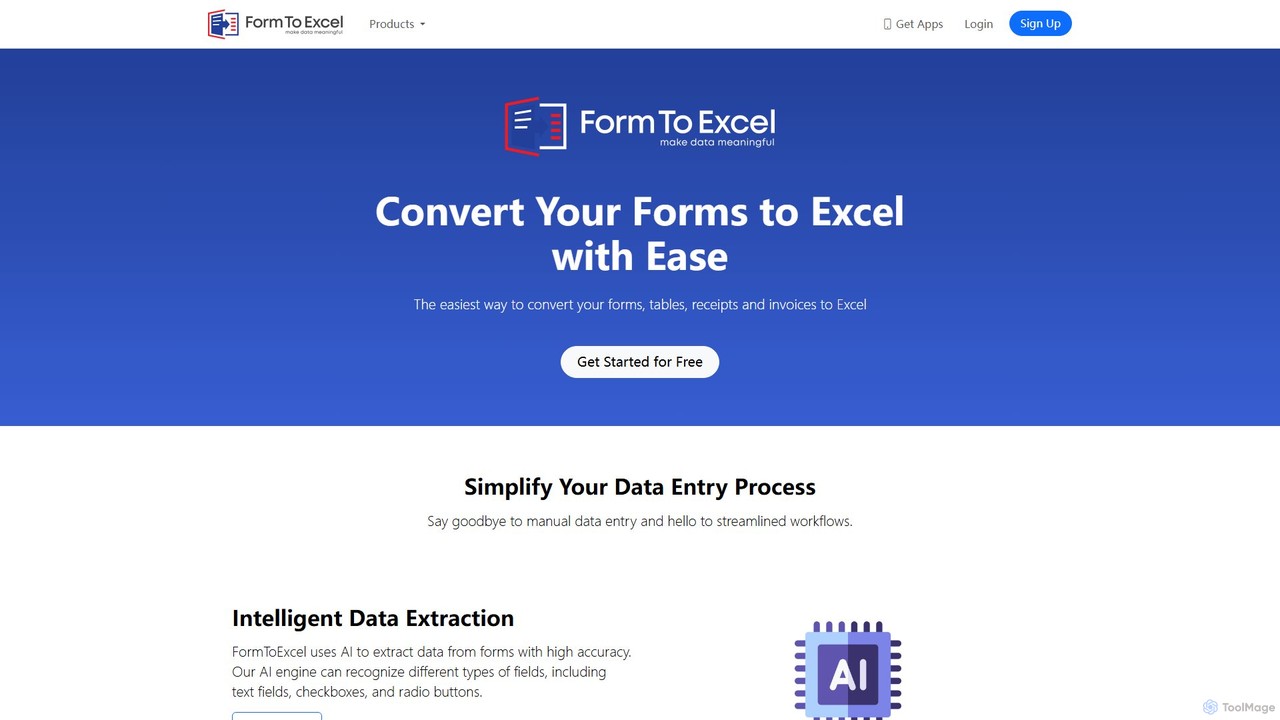
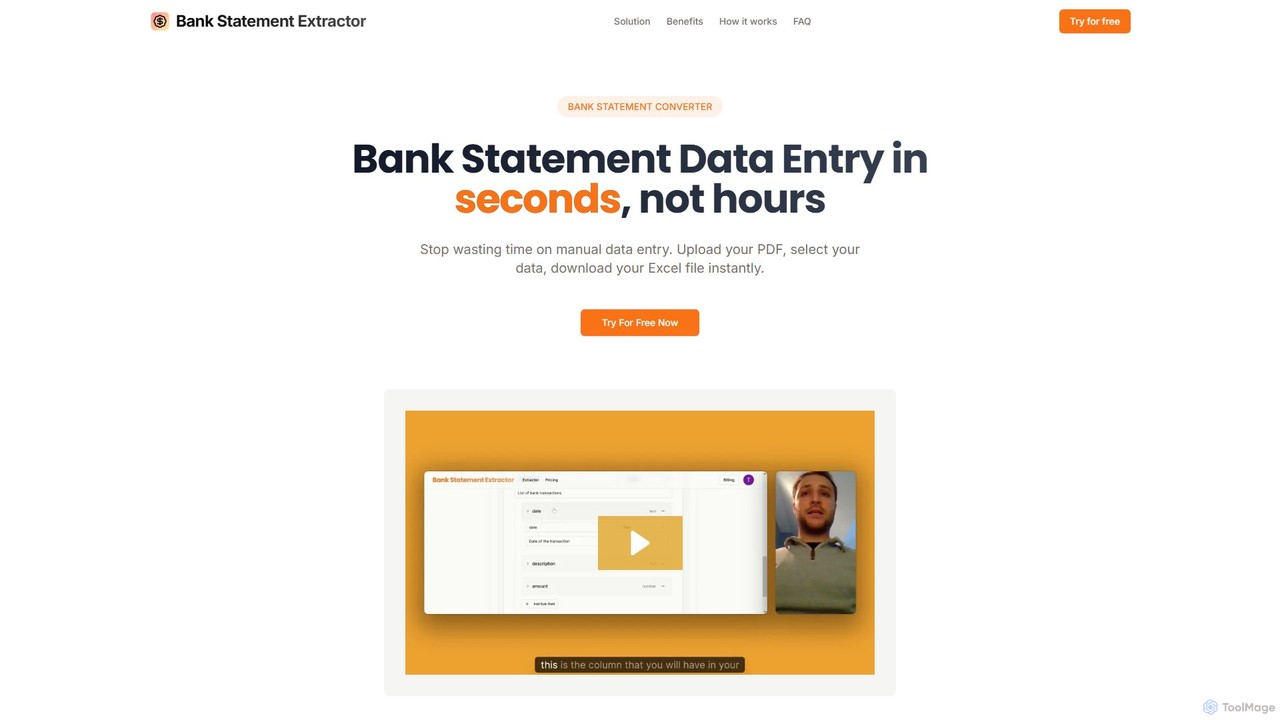
FormToExcel is an AI-powered data extraction tool that automates the conversion of documents into structured Excel spreadsheets. It uses advanced OCR technology to accurately extract data from PDFs, images, scanned forms, and invoices, eliminating manual data entry and improving workflow efficiency.
Product overview
bankstatementextract Product overview
AI-powered tool to instantly convert PDF bank statements (including scanned documents) into structured Excel files. Automate data entry with 99.8% accuracy, process multiple statements at once, and define custom data extraction schemas. Ideal for accountants, analysts, and businesses.
FormToExcel Product overview
FormToExcel is an AI-powered data extraction tool that automates the conversion of documents into structured Excel spreadsheets. It uses advanced OCR technology to accurately extract data from PDFs, images, scanned forms, and invoices, eliminating manual data entry and improving workflow efficiency.
Detailed feature comparison
| Feature | bankstatementextract | FormToExcel |
|---|---|---|
| Primary category | Converter | Document Management |
| Added | 2025-08-07 | 2025-08-01 |
| Pricing | Freemium | Freemium |
| Official website | www.bankstatementextract.com | www.formtoexcel.com |
| Product type | Website | Website |
| Performance data | ||
| User rating | Not verified | Not verified |
| Comments | 0 | 0 |
| Monthly visits | 4.2K | 4.6K |
| Monthly growth | Not verified | 0.3% |
| Favorites | 113 | 117 |
| Details | View details | View details |
bankstatementextract vs FormToExcel monthly traffic
Compare bankstatementextract and FormToExcel by monthly reach, traffic trend, visit depth, top regions, and acquisition sources.
How to interpret the traffic data
In the bankstatementextract vs FormToExcel monthly traffic comparison, bankstatementextract currently shows 4.2K visits and FormToExcel shows 4.6K; FormToExcel has about 1.1 times the visible traffic of bankstatementextract, an absolute difference of about 443 visits. This reflects visible reach, not feature quality or paid users.
Only FormToExcel has complete third-party traffic details; bankstatementextract uses visits recorded inside ToolMage. These scopes cannot estimate market share directly, and on-site views should not be treated as the product’s total website traffic.
bankstatementextract monthly traffic:
Latest traffic
FormToExcel monthly traffic:
Latest traffic
Monthly traffic trend
- 2025/9: 8.4K Monthly visits
- 2026/1: 4.7K Monthly visits
- 2026/2: 3.6K Monthly visits
- 2026/3: 4K Monthly visits
- 2026/4: 4.6K Monthly visits
- 2026/5: 4.6K Monthly visits
Top regions
Top 5 countries/regions
| Country/region | Percentage | Traffic |
|---|---|---|
| 🇺🇸United States | 36.26% | 1.7K |
| 🇻🇳Vietnam | 29.72% | 1.4K |
| 🇮🇳India | 26.26% | 1.2K |
| 🇵🇰Pakistan | 7.76% | 359 |
Search keywords
Usage comparison
Compare the core capabilities of bankstatementextract and FormToExcel
bankstatementextract Core features
FormToExcel Core features
Use cases
bankstatementextract Use cases
FormToExcel Use cases
bankstatementextract vs FormToExcel:In-depth comparison and selection guidance
First decide whether the products solve the same kind of need
This in-depth bankstatementextract vs FormToExcel comparison uses only the product records, taxonomy, audience, traffic, and community signals available on this page. bankstatementextract is primarily listed under “Converter”, while FormToExcel is primarily listed under “Document Management”, so the first decision is whether your actual task matches their recorded scope.
The structured fields currently show these decision-relevant differences: Primary category (bankstatementextract: Converter; FormToExcel: Document Management); Monthly visits (bankstatementextract: 4.2K; FormToExcel: 4.6K); Favorites (bankstatementextract: 113; FormToExcel: 117); Website (bankstatementextract: www.bankstatementextract.com; FormToExcel: www.formtoexcel.com); Added (bankstatementextract: 2025-08-07; FormToExcel: 2025-08-01). These facts are more useful for selection than brand visibility alone.
What market visibility and monthly traffic mean
In the bankstatementextract vs FormToExcel monthly traffic comparison, bankstatementextract currently shows 4.2K visits and FormToExcel shows 4.6K; FormToExcel has about 1.1 times the visible traffic of bankstatementextract, an absolute difference of about 443 visits. This reflects visible reach, not feature quality or paid users.
Only FormToExcel has complete third-party traffic details; bankstatementextract uses visits recorded inside ToolMage. These scopes cannot estimate market share directly, and on-site views should not be treated as the product’s total website traffic.
The current traffic scope is not sufficient for a reliable product ranking. Treat monthly visits as a market-interest signal, then decide using taxonomy, use cases, pricing, and a like-for-like trial rather than reading exposure as product capability.
Product positioning, use cases, and roles
bankstatementextract and FormToExcel currently overlap in shared categories: Converter and Data Extraction; shared tags: automation, data entry, data extraction, OCR, and pdf to excel. This can place both on the same shortlist, but it does not prove equal implementation, depth, or cost.
bankstatementextract's unique categories/tags are Accounting, accounting, bank statement, bookkeeping, finance, and financial analysis; FormToExcel's are Document Management, barcode scanner, document conversion, image to excel, invoice processing, and table extraction. These unique fields are the strongest differentiators: validate the product whose recorded scope matches the task instead of following traffic alone.
What ratings, comments, and favorites can tell you
bankstatementextract has no verified rating, 0 comments, 113 favorites, and 121 likes;FormToExcel has no verified rating, 0 comments, 117 favorites, and 113 likes。
Neither product has enough rating or comment samples for a credible reputation ranking.
Selection guidance by actual need
When to evaluate bankstatementextract first
Put bankstatementextract on the priority trial list when the task aligns with “Converter” and especially Accounting, accounting, bank statement, bookkeeping, finance, and financial analysis. This follows recorded positioning and does not imply unlisted capabilities are absent.
bankstatementextract also currently records: pricing is freemium, product type is website, 4.2K on-site monthly views, no verified user rating. Verify any hard requirement around price, platform, or reach before trial, and do not let sparse review data substitute for testing.
When to evaluate FormToExcel first
Put FormToExcel on the priority trial list when the task aligns with “Document Management” and especially Document Management, barcode scanner, document conversion, image to excel, invoice processing, and table extraction. This follows recorded positioning and does not imply unlisted capabilities are absent.
FormToExcel also currently records: pricing is freemium, product type is website, 4.6K verified monthly visits, no verified user rating. Verify any hard requirement around price, platform, or reach before trial, and do not let sparse review data substitute for testing.
How to validate the recommendation before deciding
The available data describes positioning, public visibility, and community signals, but it cannot prove output quality, speed, integration effort, privacy, or long-term cost in your workflow. Before deciding, run the same representative tasks in bankstatementextract and FormToExcel, then record completion time, accuracy, manual corrections, and the real paid threshold. A like-for-like trial turns this comparison into a defensible adoption decision.
Comparison FAQ
How should I choose between bankstatementextract and FormToExcel?
Where does this comparison data come from?
What do unknown fields mean?
Related AI tools

DocumentPro
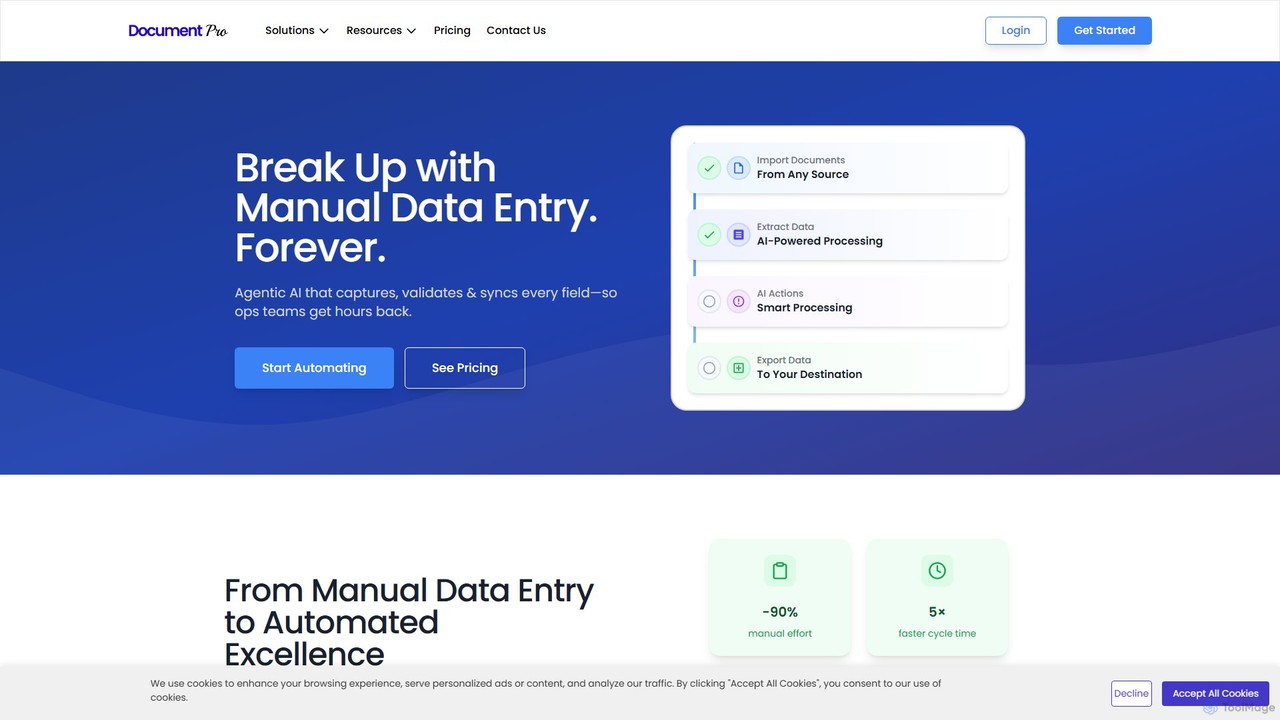
DocumentPro is an AI-powered platform that automates document processing and data extraction. It uses agentic AI and leading LLMs to capture, validate, and sync data from various documents like invoices and purchase orders, aiming to eliminate manual data entry, reduce errors by 90%, and accelerate workflows by 5x.
Data Extraction
TurboDoc
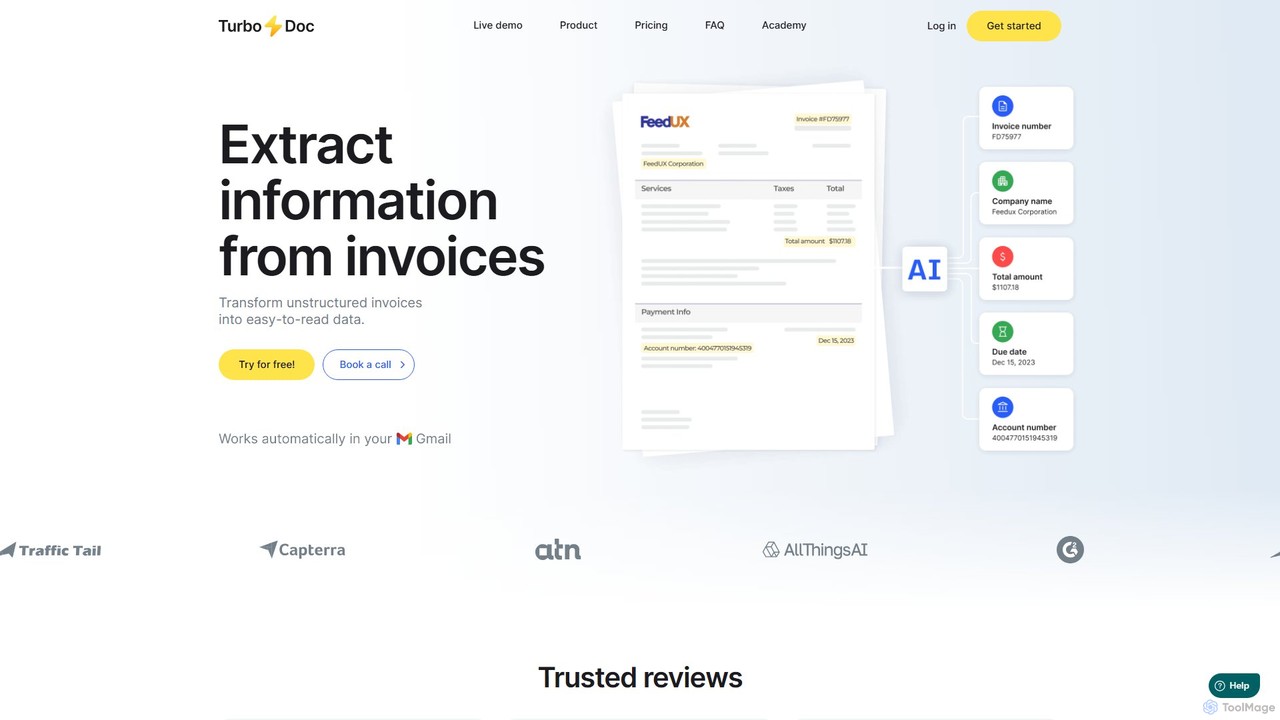
TurboDoc is an AI-powered platform that automates invoice processing and financial workflows. It uses advanced OCR and Intelligent Document Processing (IDP) to accurately extract data from unstructured invoices, receipts, and other financial documents. By transforming manual data entry into a streamlined, automated process, TurboDoc helps businesses save time, reduce costs, minimize errors, and improve compliance. It's an ideal solution for accountants, finance teams, and small to medium-sized businesses seeking to optimize their accounts payable operations.
Document Management
extracta.ai
extracta.ai is an AI-powered platform designed for intelligent data extraction from documents and images. It automates the process of capturing structured data from various sources like invoices, receipts, contracts, and forms, eliminating manual data entry and streamlining business workflows.
Automation
Bank Statement Convert
An AI-powered tool that instantly converts PDF bank statements into organized Excel or CSV files. Driven by Llama 3, it offers high accuracy, bank-grade security, and batch processing to automate financial data workflows for accountants and financial professionals, saving hours of manual data entry.
Data Analysis
Lido
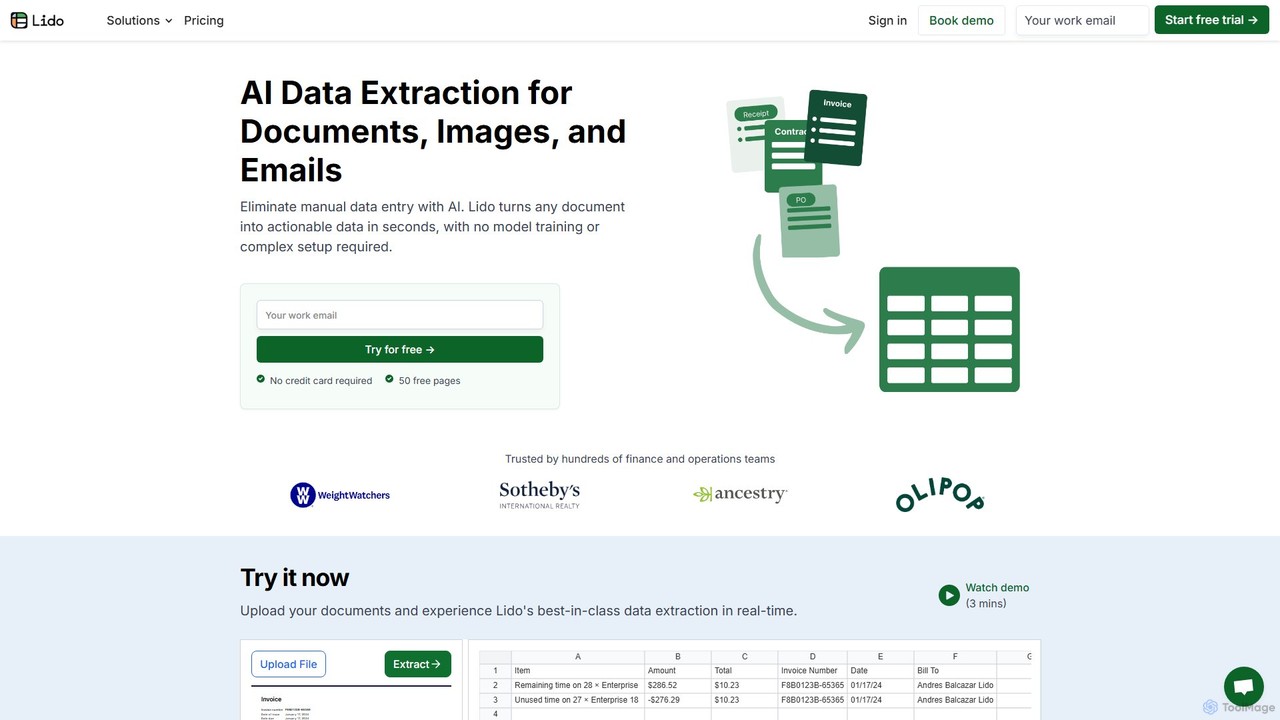
Lido is an AI-powered data extraction tool that automates the process of pulling information from any document, including PDFs, invoices, and images, into structured formats like Excel and CSV. It's template-free, fast, and designed for finance and operations teams to eliminate manual data entry and save significant time.
Document Management
Airparser
Airparser is an LLM-powered data extraction tool that automates the process of converting unstructured data from emails, PDFs, and various documents into structured, actionable formats. It uses advanced AI to understand context, eliminating the need for manual data entry and complex parsing rules.
Document Management
Img2Sheet
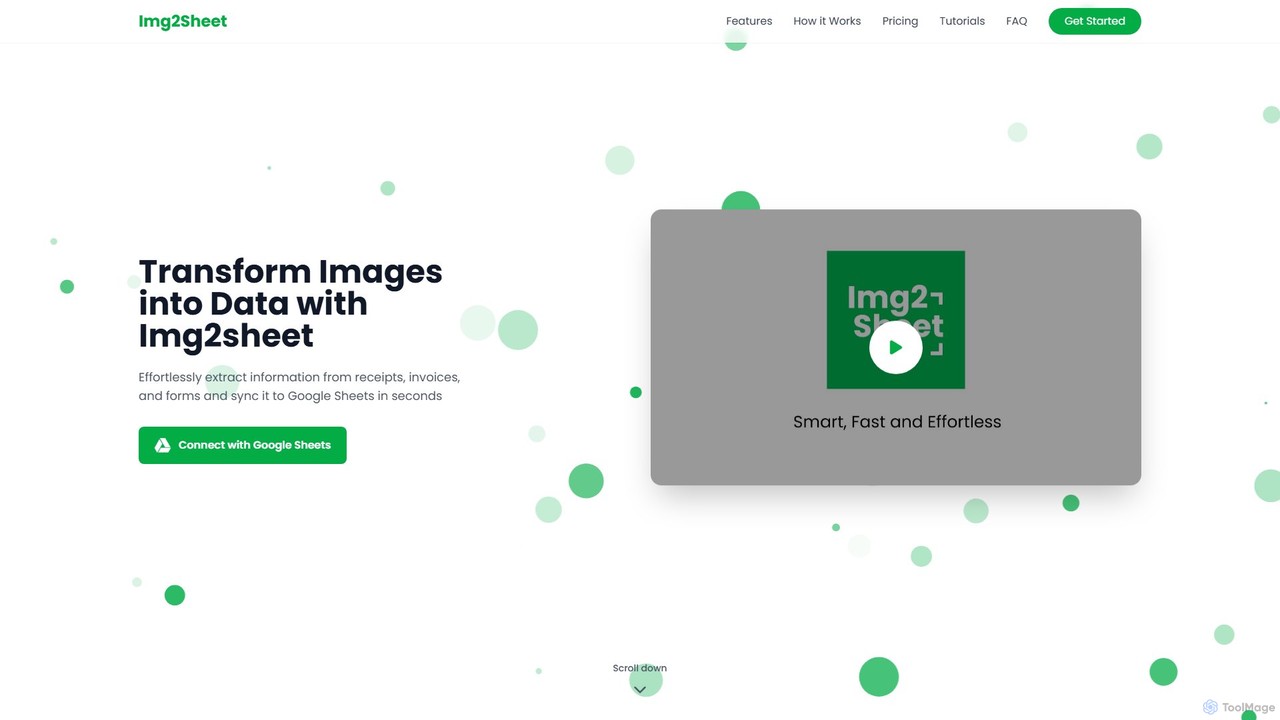
Img2Sheet is an AI-powered tool that automates data extraction from images like receipts, invoices, and forms, syncing the information directly into Google Sheets. It eliminates manual data entry, saves time, and increases accuracy with a simple, pay-per-use model.
Extraction
Handl
Handl is an intelligent AI document processing platform that automates data extraction from any document type. It combines advanced AI with human-in-the-loop validation to deliver up to 98% accuracy, reducing manual work, costs, and processing time while offering robust antifraud capabilities for businesses.
Data Extraction
DocsLoop
DocsLoop is an AI-powered document processing tool that automates data extraction from PDF documents. Simply drag and drop files like invoices, bank statements, and receipts, and DocsLoop converts tables and text into clean, organized Excel spreadsheets with 99% accuracy. It eliminates manual data entry, saving hours of work and reducing costs for businesses and individuals.
Data Extraction
Expenses Day
Expenses Day is a powerful AI-powered OCR API designed to digitize any type of expense document. It accurately extracts data from receipts, invoices, bank statements, and even handwritten lists, transforming unstructured financial documents into structured, usable data for businesses and developers.
Api
StatementSheet
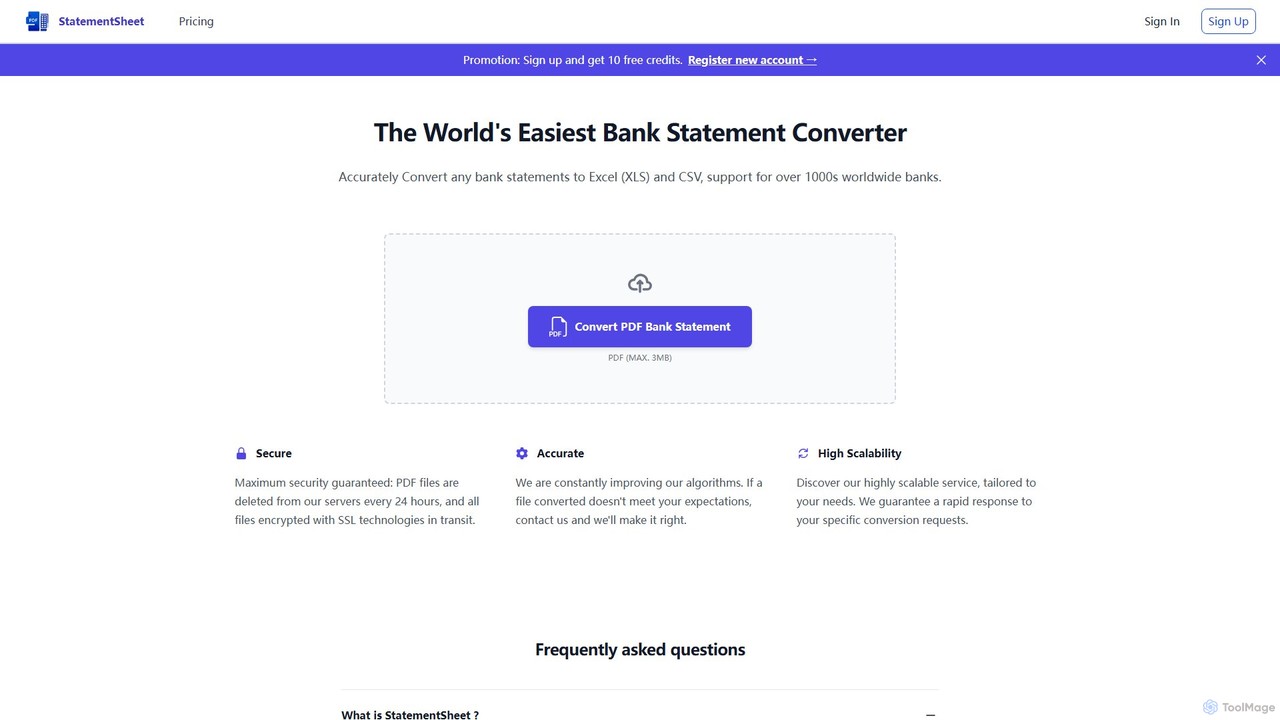
StatementSheet is an AI-powered online tool that accurately converts PDF bank statements into editable Excel (XLS) and CSV formats. Supporting thousands of banks worldwide, it uses advanced OCR and AI technologies to extract transaction data quickly and securely. Ideal for accountants, businesses, and individuals looking to automate data entry and streamline financial analysis.
Converter
Bank Statement Converter
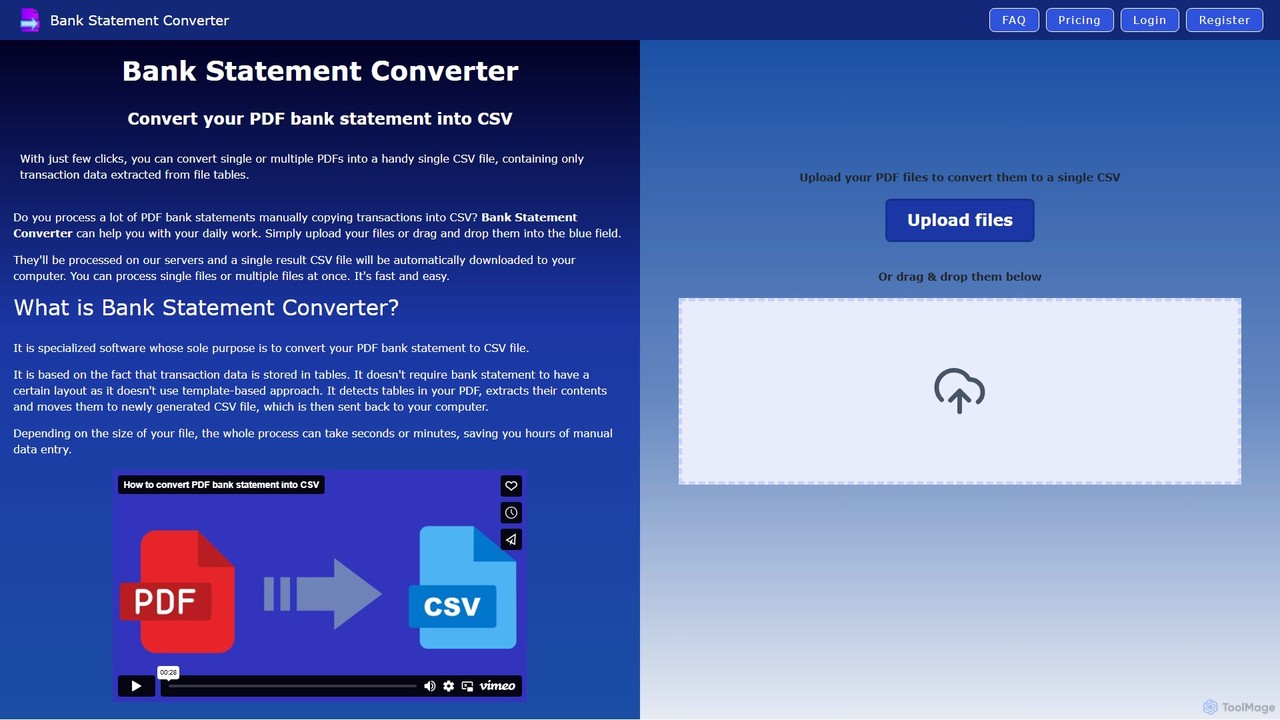
An AI-powered tool that automatically converts single or multiple PDF bank statements into a single, clean CSV file. It uses advanced table detection to extract transaction data, saving hours of manual data entry for accountants, finance specialists, and business owners.
Converter
invoicedataextraction
An AI-powered tool designed to automatically extract data from invoices and other financial documents with near-100% accuracy. It converts PDFs and images into structured Excel spreadsheets, eliminating manual data entry, reducing costs by 80%, and saving hours of work for accountants, AP teams, and business owners.
Document Management
Parseur
Parseur is a powerful AI-powered document parsing tool that automates data extraction from emails, PDFs, and other documents. It converts unstructured text into structured data and sends it to thousands of applications, eliminating manual data entry and saving significant time.
Document Management
Parsio
Parsio is an AI-powered document parser that automates data extraction from emails, PDFs, and other documents. It uses OCR and AI models like GPT to capture structured data from unstructured text, eliminating manual data entry and streamlining business workflows through seamless integrations.
Document Management