

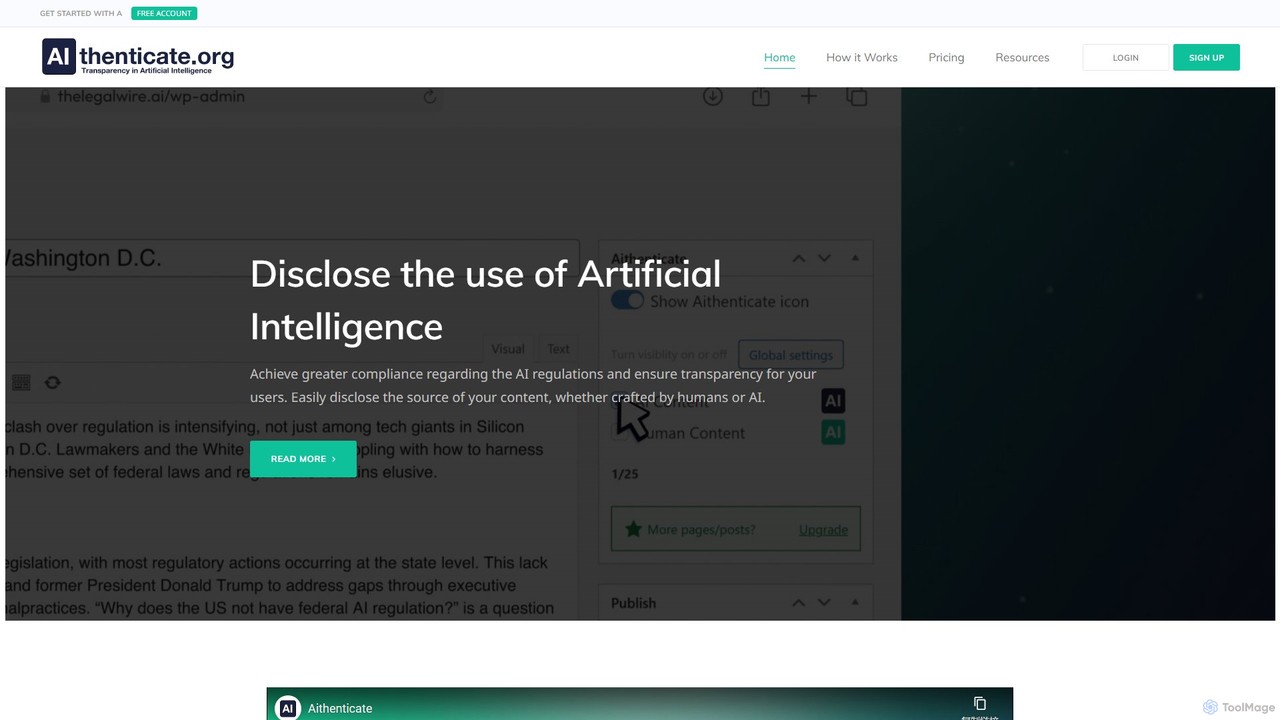
Aithenticate Overview
Aithenticate is a dedicated platform designed to foster transparency and trust in the digital age where Artificial Intelligence is increasingly used for content creation. It provides website owners, bloggers, and businesses with a straightforward solution to disclose whether their content is generated by humans or with the assistance of AI. By doing so, Aithenticate helps creators maintain credibility with their audience and navigate the evolving landscape of AI regulations, ensuring greater compliance and clarity.
The core philosophy of Aithenticate is that transparency should be simple. It addresses the growing need for users to understand the origin of the content they consume. By implementing Aithenticate's system, you are not just adding a feature to your site; you are making a commitment to honesty and ethical AI practices, which strengthens the relationship with your readers and customers.
How to use Aithenticate
Integrating Aithenticate into your website is a simple, six-step process designed for ease of use:
- Register: Start by creating a free account on the Aithenticate website. You can upgrade later if your content volume and needs grow.
- Complete Your Company Profile: After registering, fill out your company profile. This page will be linked from the disclosure badges on your site and will provide visitors with detailed information about your company and your approach to using AI.
- Download & Install Plugin: Download the Aithenticate plugin directly from their site or the official WordPress Plugin Library. Install and activate it on your WordPress website. For non-WordPress sites, Aithenticate provides a simple code snippet to be embedded manually.
- Configure Global Settings: From your WordPress dashboard, configure the global settings for the plugin to match your site's overall disclosure policy.
- Set Per-Post/Page Options: For each individual post or page, you can use the Aithenticate options (typically in the sidebar of the editor) to specify whether the content is human-created or AI-generated.
- Publish and Achieve Transparency: Once configured, publish your content. The appropriate Aithenticate badge will automatically appear, signaling the content's origin to your audience and linking to your detailed disclosure page.
Core Features of Aithenticate
- AI & Human Content Disclosure Badges: Clear, intuitive icons to signal content origin. A blue icon indicates AI involvement, while a green icon signifies human-authored content.
- Custom Company Profile Page: Every user gets a dedicated company profile page hosted by Aithenticate. This page features company details, a list of AI tools used, and a comprehensive AI disclosure statement.
- AI Disclosure Generator: An integrated tool that helps you craft a concise and compliant disclosure statement, informing users about the use of AI technology on your website.
- WordPress Plugin: A lightweight and easy-to-use plugin for seamless integration with any WordPress site, ensuring it doesn't impact website performance.
- Manual Code for All Platforms: For websites not built on WordPress, Aithenticate provides a simple copy-and-paste code snippet for manual integration.
- Automatic Site-wide Implementation: A premium feature that allows you to apply a default disclosure setting across your entire website with a single click, saving significant time.
Use Cases for Aithenticate
Aithenticate is ideal for a wide range of users who prioritize transparency:
- Content Creators & Bloggers: Bloggers who use AI for brainstorming, drafting, or editing can use Aithenticate to be upfront with their readers about their creative process.
- Marketing Agencies: Agencies creating content for clients can use the tool to provide a transparent service and help their clients comply with disclosure standards.
- E-commerce Businesses: Online stores using AI for product descriptions or marketing copy can build customer trust by disclosing its use.
- Corporate Websites: Companies can use it on their blogs, press releases, and web pages to demonstrate a commitment to ethical AI practices.
Advantages of Aithenticate
Using Aithenticate offers several key benefits:
- Enhances Trust and Credibility: Openly disclosing AI usage fosters a relationship of trust with your audience.
- Aids in Regulatory Compliance: As AI regulations become more common, Aithenticate provides a simple way to stay ahead and demonstrate compliance.
- Simplicity and Ease of Use: The tool is designed for quick setup and minimal maintenance, whether through the WordPress plugin or manual code.
- Lightweight Performance: The plugin is optimized to ensure it does not slow down your website's loading speed.
- Mobile Compatibility: The disclosure badges are fully responsive and work seamlessly across all devices.
Pricing and Plans
Aithenticate operates on a freemium model, making transparency accessible to everyone.
- Standard (Free): Includes a standard company page, AI usage disclosure, and up to 10 badge implementations on your pages or posts.
- Premium (Starts at €5.99/month): Offers a custom company page, AI usage disclosure, Aithenticate badge, and up to 100 implementations.
- Unlimited (Starts at €29.99/month): Provides all the features of Premium with unlimited implementations and adds the exclusive "Automatic site-wide implementation" feature for maximum convenience.
Traffic
Latest traffic
Status
Monthly traffic trend
- 2025-9: 1.3K
- 2026-1: 2.5K
- 2026-2: 2.8K
- 2026-3: 1.9K
- 2026-4: 2.4K
- 2026-5: 1.8K
Geography
Top 5 countries / regions
- 🇺🇸United States57.7%
- 🇮🇳India17.5%
- 🇮🇹Italy9.7%
- 🇦🇷Argentina9.2%
- 🇺🇿Uzbekistan5.8%
Top keywords
| Keyword | Cost per click |
|---|---|
| content at scale | $6.54 |
| content label | $0.00 |
| contentscale ai detector | $0.00 |
| how do i self disclose use of ai on facebook | $0.00 |
| instagram ai label | $0.00 |
Aithenticate Alternatives

AiPrise
AiPrise is an AI-powered global verification platform that automates Know Your Customer (KYC) and Know Your Business (KYB) processes. It helps businesses mitigate risk, prevent fraud, and ensure compliance through a single, customizable API. The platform offers comprehensive identity verification, fraud scoring, and a compliance co-pilot to streamline onboarding and scale operations globally.
Fintech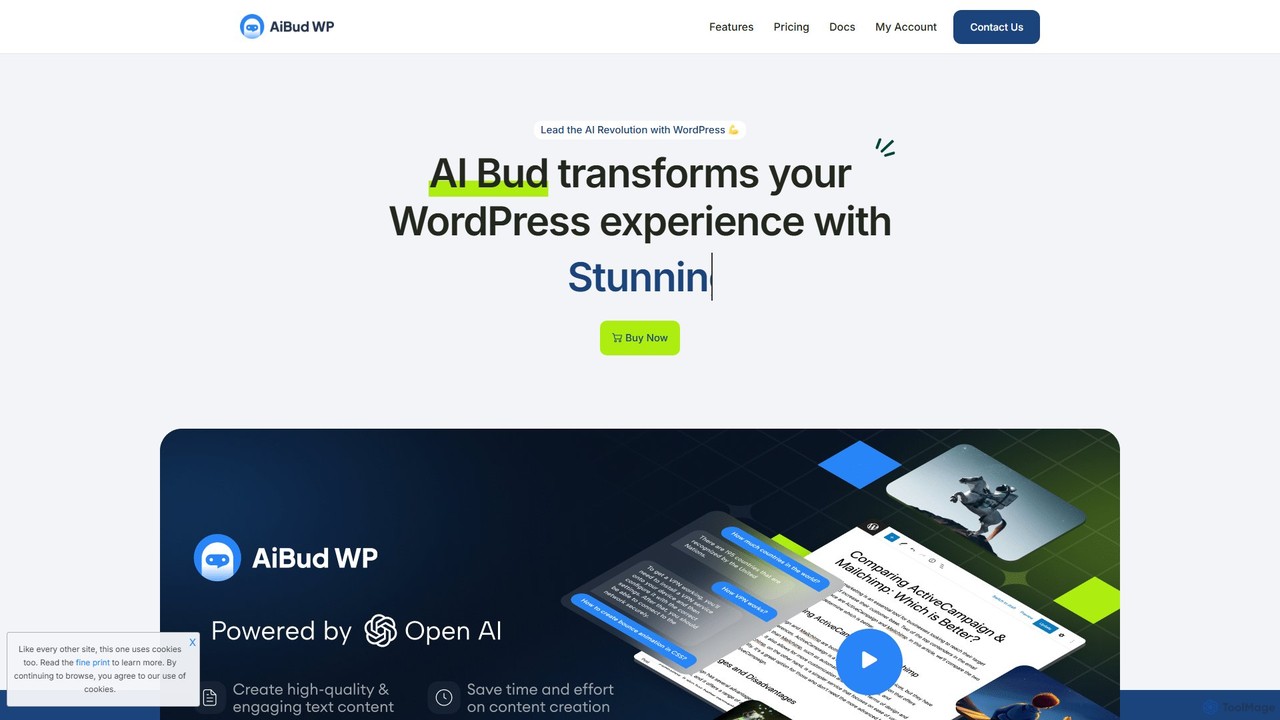
aibudwp
Aibudwp is a powerful AI plugin for WordPress that integrates content generation, a smart chatbot, and image creation directly into your dashboard. Powered by models like ChatGPT, it streamlines workflows for creating SEO-optimized posts, pages, WooCommerce products, and engaging user experiences with a customizable AI assistant.
Chatbots
Tess
Tess is the first ethical AI image generator that partners with and compensates artists. It allows users to create high-quality, copyright-safe illustrations in consistent artistic styles by using models trained with artists' full consent. Tess offers a unique platform for both creators seeking consistent visuals and artists looking to monetize their style through a revenue-sharing program.
Image Generation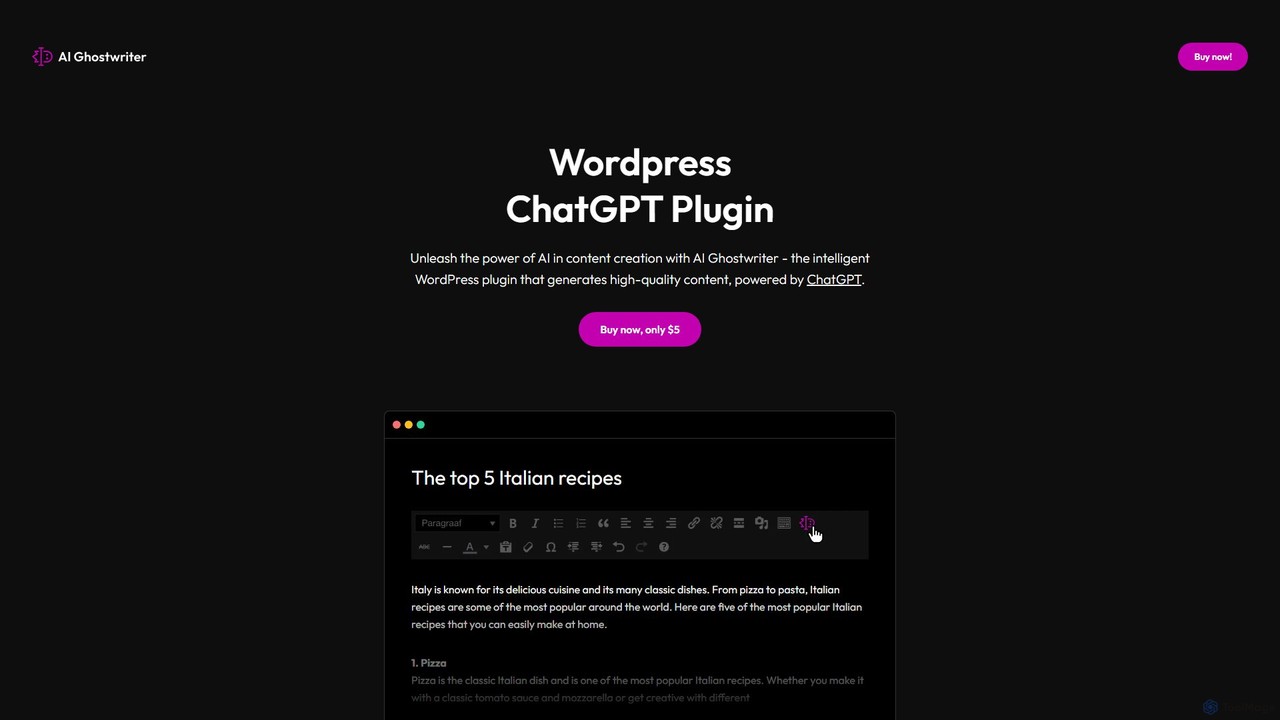
AI Ghostwriter
AI Ghostwriter is a powerful WordPress plugin that integrates ChatGPT directly into your website's editor. It allows you to generate high-quality, SEO-friendly blog posts, articles, and other web content with simple prompts. Streamline your content creation workflow, overcome writer's block, and publish more frequently without ever leaving your WordPress dashboard.
Content Creation
Adobe
Adobe is the industry-leading suite of creative, marketing, and document management software, supercharged with powerful generative AI. Featuring tools like Photoshop, Premiere Pro, and Acrobat, integrated with Adobe Firefly AI, it empowers creators, businesses, and individuals to bring any idea to life, from stunning visuals and cinematic videos to intelligent, interactive documents.
Graphic DesignAithenticate Categories
Aithenticate Embed Widget
Copy this embed code to place the badge on your blog, article, or product site and send readers directly to this ToolMage detail page.

Related AI tools
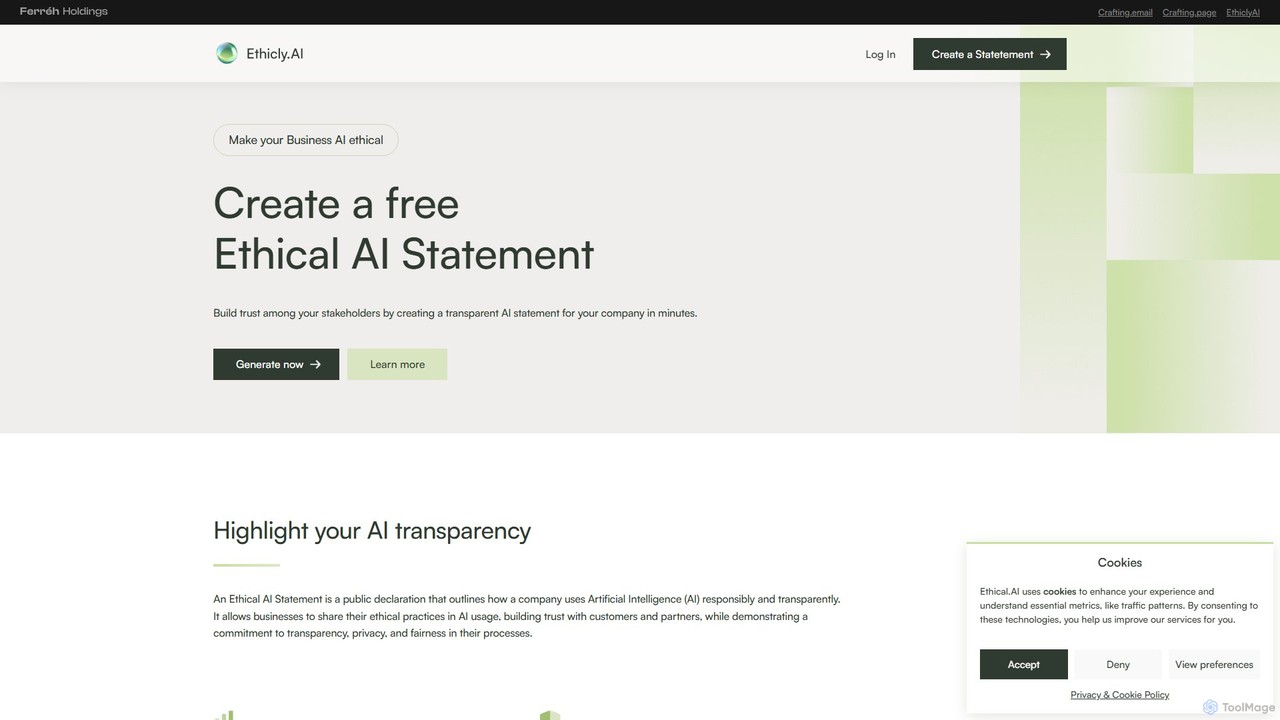
Ethicly.AI
Ethicly.AI is a free tool for businesses to generate a comprehensive Ethical AI Statement in minutes. It helps companies build trust, enhance transparency, and publicly declare their commitment to responsible AI usage, providing a competitive edge and preparing for future regulations.
Reputation ManagementAiPrise
AiPrise is an AI-powered global verification platform that automates Know Your Customer (KYC) and Know Your Business (KYB) processes. It helps businesses mitigate risk, prevent fraud, and ensure compliance through a single, customizable API. The platform offers comprehensive identity verification, fraud scoring, and a compliance co-pilot to streamline onboarding and scale operations globally.
Fintechaibudwp
Aibudwp is a powerful AI plugin for WordPress that integrates content generation, a smart chatbot, and image creation directly into your dashboard. Powered by models like ChatGPT, it streamlines workflows for creating SEO-optimized posts, pages, WooCommerce products, and engaging user experiences with a customizable AI assistant.
ChatbotsTess
Tess is the first ethical AI image generator that partners with and compensates artists. It allows users to create high-quality, copyright-safe illustrations in consistent artistic styles by using models trained with artists' full consent. Tess offers a unique platform for both creators seeking consistent visuals and artists looking to monetize their style through a revenue-sharing program.
Image GenerationAI Ghostwriter
AI Ghostwriter is a powerful WordPress plugin that integrates ChatGPT directly into your website's editor. It allows you to generate high-quality, SEO-friendly blog posts, articles, and other web content with simple prompts. Streamline your content creation workflow, overcome writer's block, and publish more frequently without ever leaving your WordPress dashboard.
Content Creation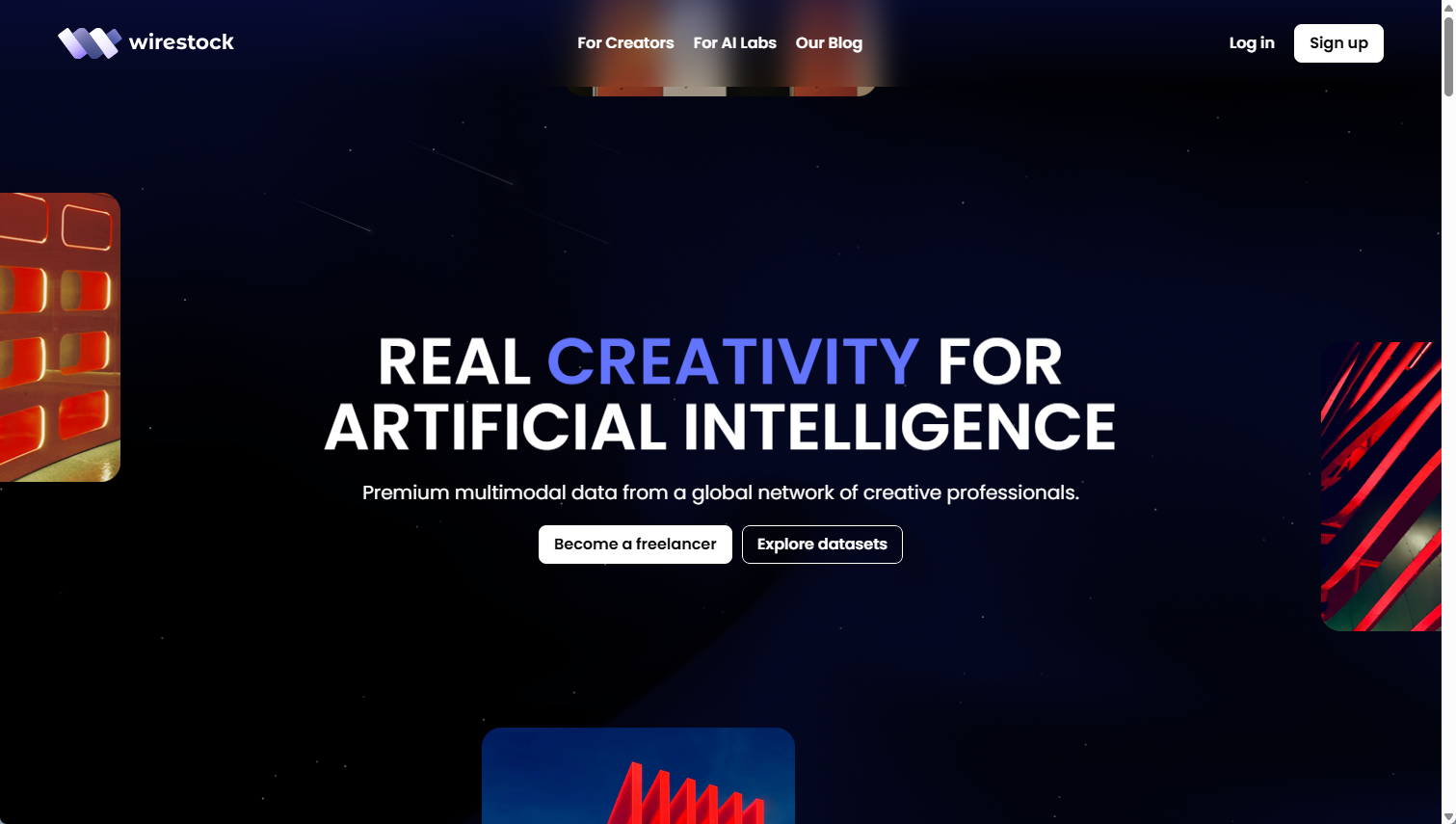
Wirestock
A marketplace connecting creative freelancers with AI companies, enabling creators to earn money by contributing high-quality images, videos, and illustrations for AI training datasets.
Training Data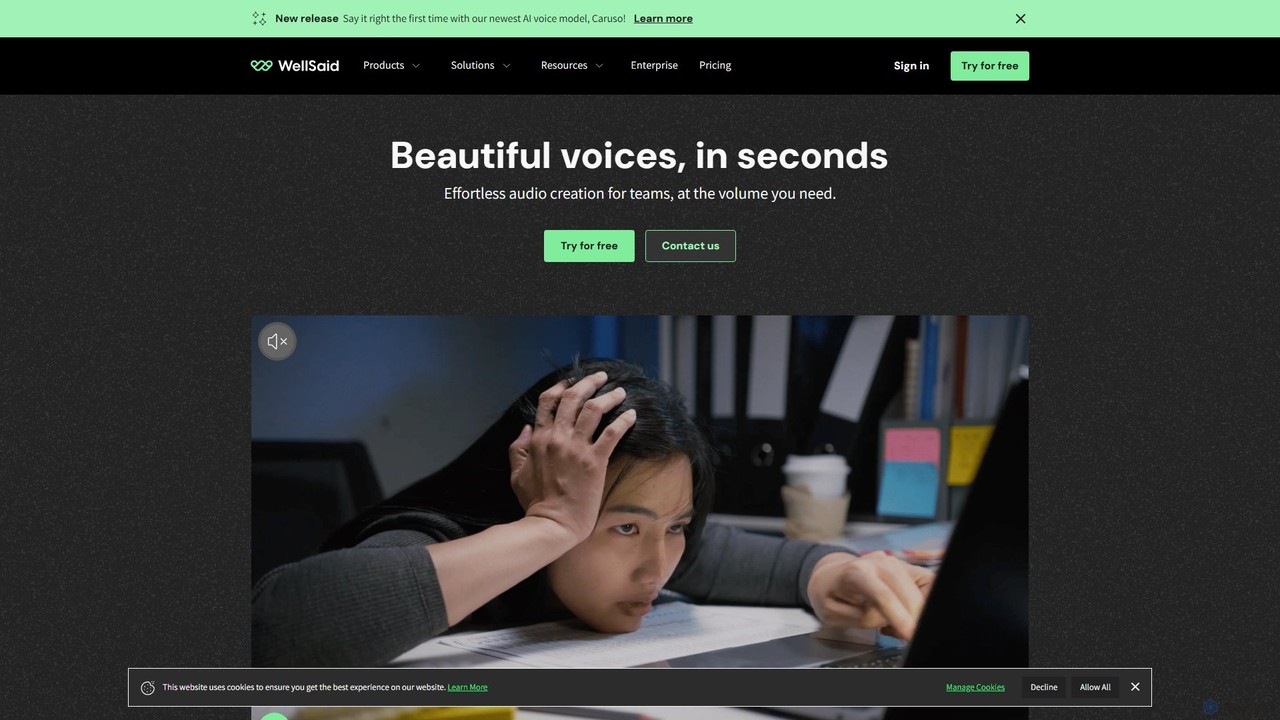
WellSaid Labs
WellSaid Labs is a leading AI voice generation platform for businesses, offering ultra-realistic, human-like text-to-speech voices. It enables teams to create high-quality voiceovers for corporate training, marketing, product experiences, and video production in seconds. The platform emphasizes ethical AI, data security, and seamless collaboration, providing a scalable and cost-effective alternative to traditional voiceover production.
Text To Speech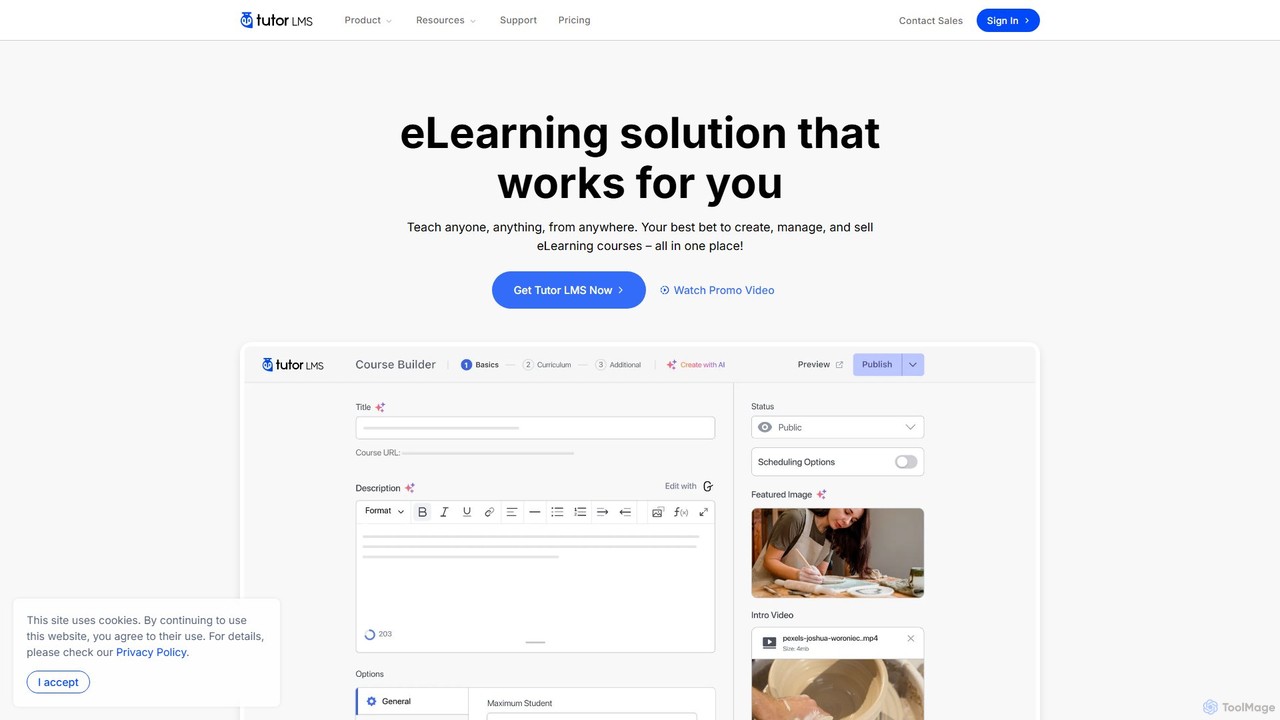
Tutor LMS
Tutor LMS is a powerful, feature-rich WordPress LMS plugin designed to create, manage, and sell online courses. It uniquely integrates an AI Studio to automatically generate entire courses, including lessons, quizzes, and images, from a single prompt. It offers a comprehensive solution for educators, entrepreneurs, and businesses to build a full-fledged e-learning platform with robust monetization and customization options, all within their WordPress site.
Ecommerce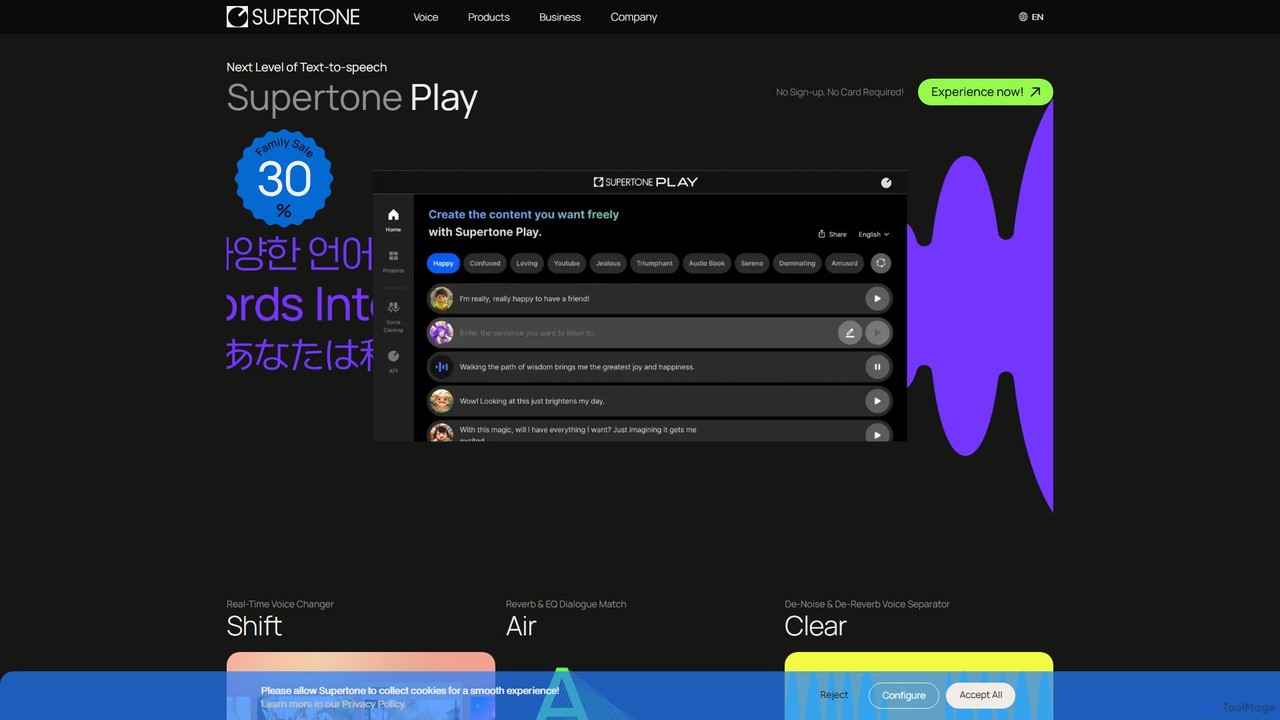
Supertone
Supertone is an advanced AI voice technology suite offering hyper-realistic text-to-speech, real-time voice changing, ethical voice cloning, and powerful audio cleanup tools. It's designed for content creators, developers, and businesses to create, transform, and perfect vocal content with unparalleled quality and expressiveness.
Audio Editing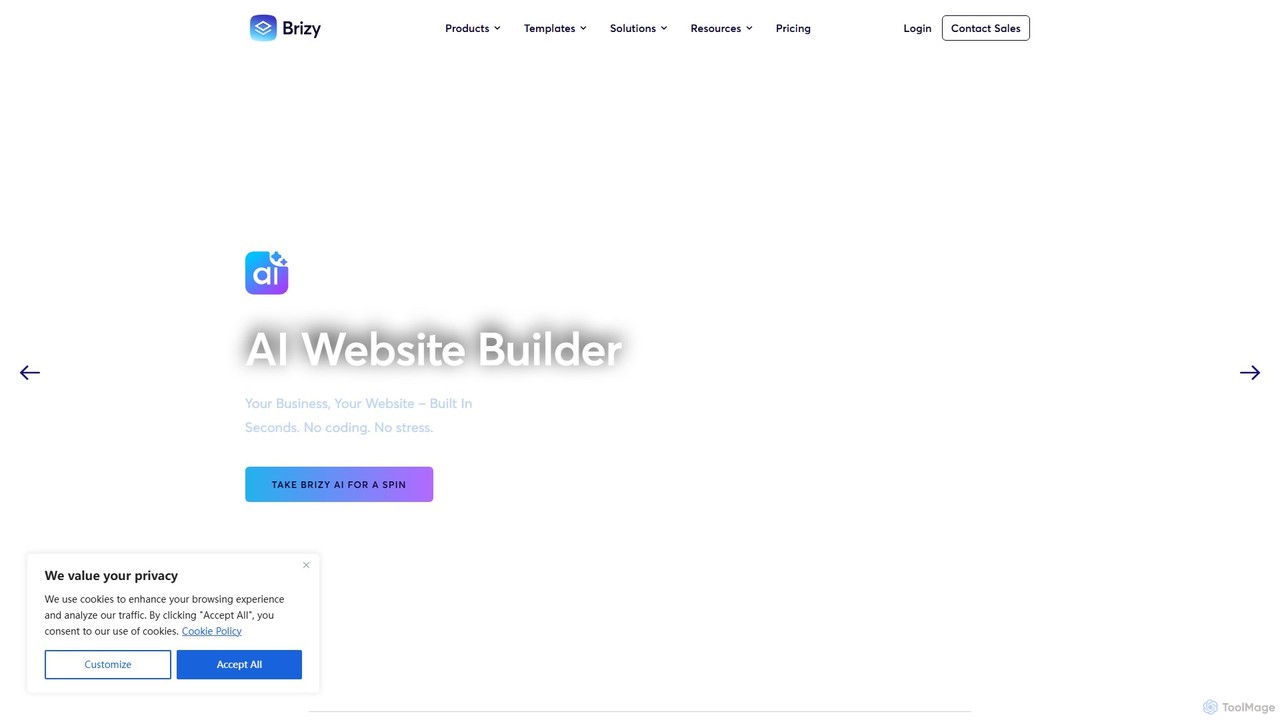
Brizy
Brizy is a powerful yet user-friendly no-code website builder featuring an AI generator. Designed for non-techies, agencies, and SaaS companies, it offers intuitive drag-and-drop editing, 180+ templates, e-commerce capabilities, and a complete white-label solution. Available as both a WordPress plugin and an all-in-one cloud platform.
Landing Page Builder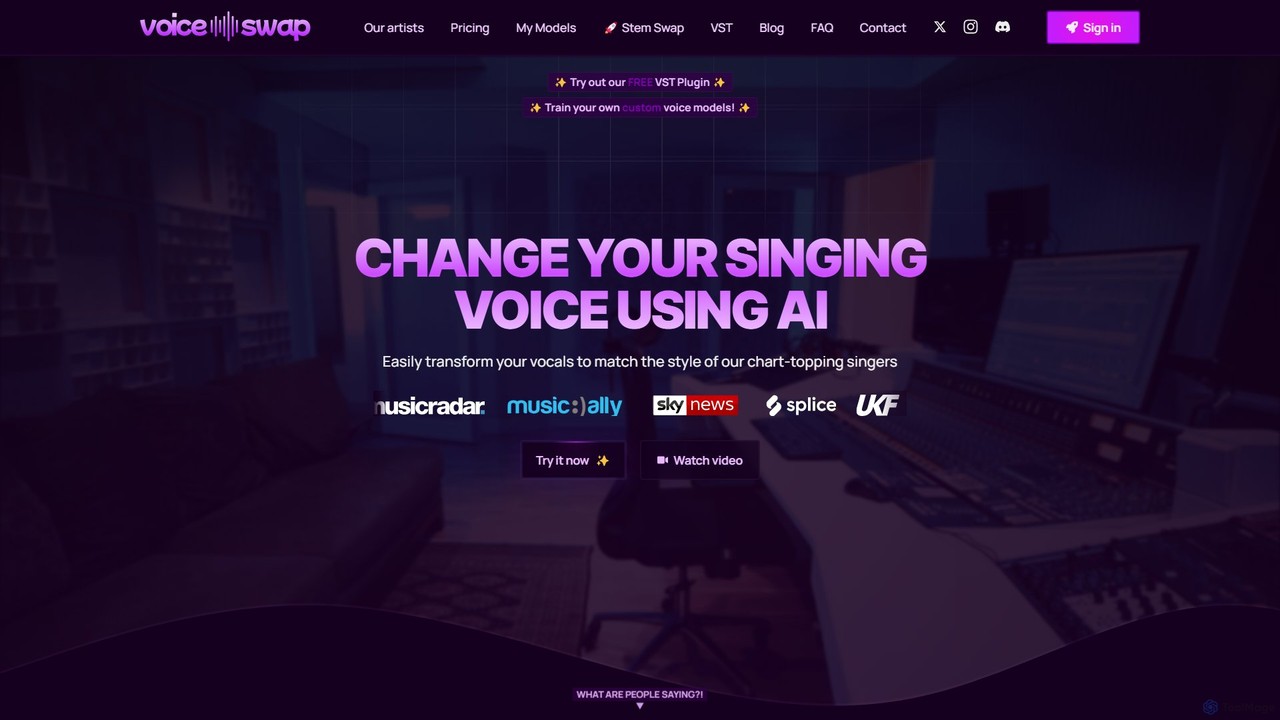
Voice-Swap
Voice-Swap is an AI-powered platform for music creators to legally transform their singing voice into the style of professional artists. It offers a VST plugin for DAW integration, custom voice model training, and a clear licensing framework for commercial use, ensuring artists are compensated.
Music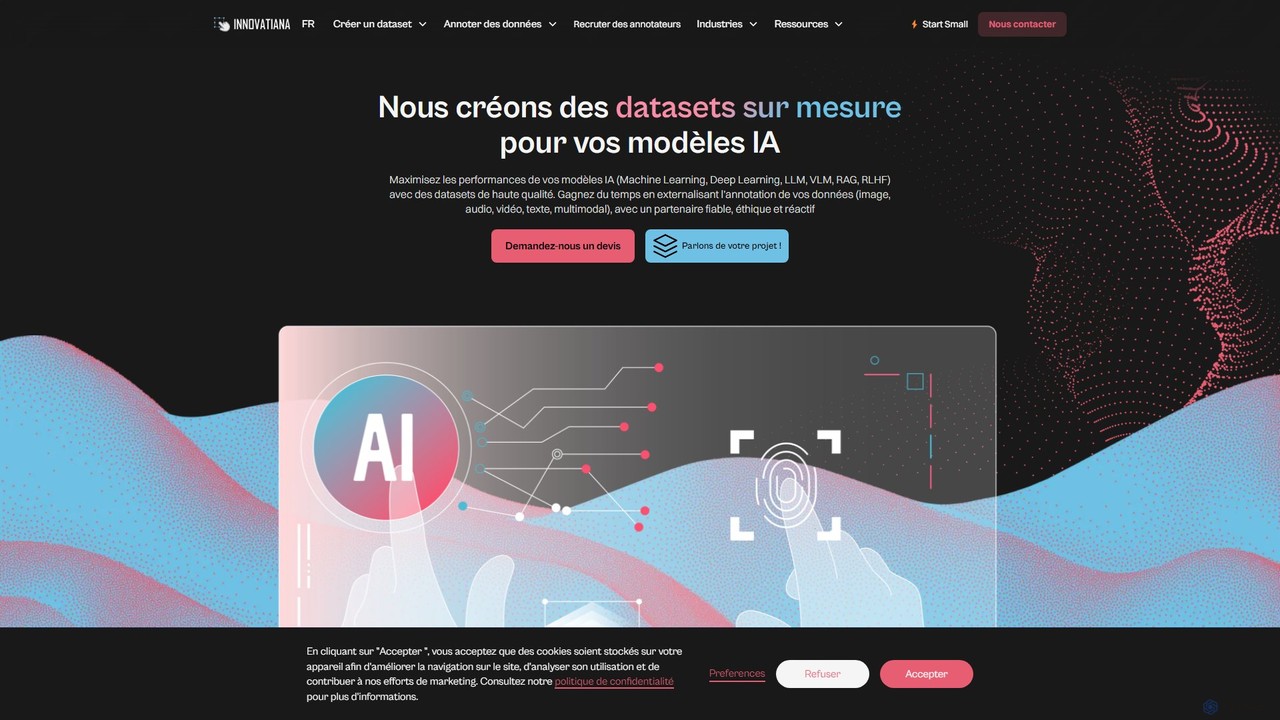
Innovatiana
Innovatiana is a specialized service providing high-quality, ethically-sourced training data for AI models. They offer custom dataset creation and data labeling for computer vision, NLP, generative AI, and document processing. By employing dedicated, trained teams instead of crowdsourcing, Innovatiana ensures superior data accuracy, security, and responsible AI development, helping companies build more robust and unbiased models.
Dataset Creation
Jyek
Jyek is an AI agent platform that understands objectives, creates execution plans, uses tools, and delivers verifiable results for complex, multi-step tasks.
Automation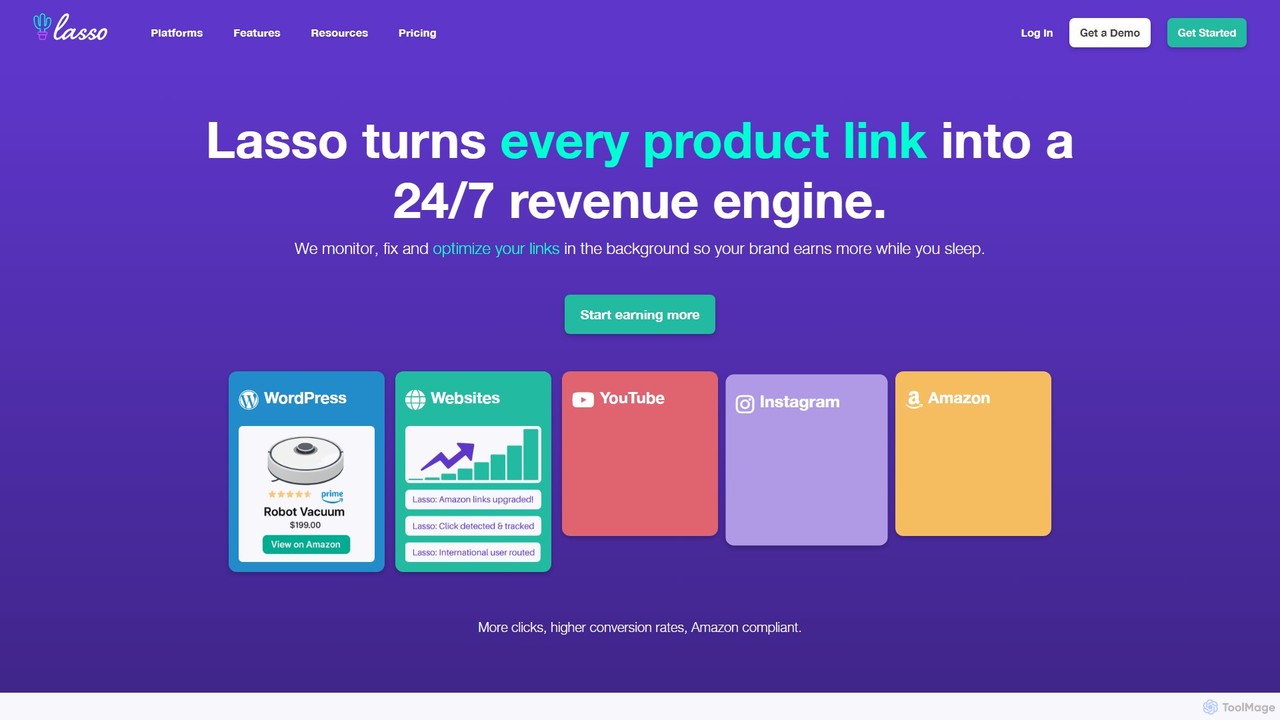
Lasso
Lasso is an all-in-one affiliate marketing plugin for WordPress, designed for creators and bloggers. It helps you manage all your affiliate links in one place, create high-converting product displays and comparison tables, and discover new monetization opportunities. With features like link cloaking, health monitoring, and deep Amazon integration, Lasso streamlines your workflow and helps you significantly boost your affiliate revenue.
Affiliate Marketing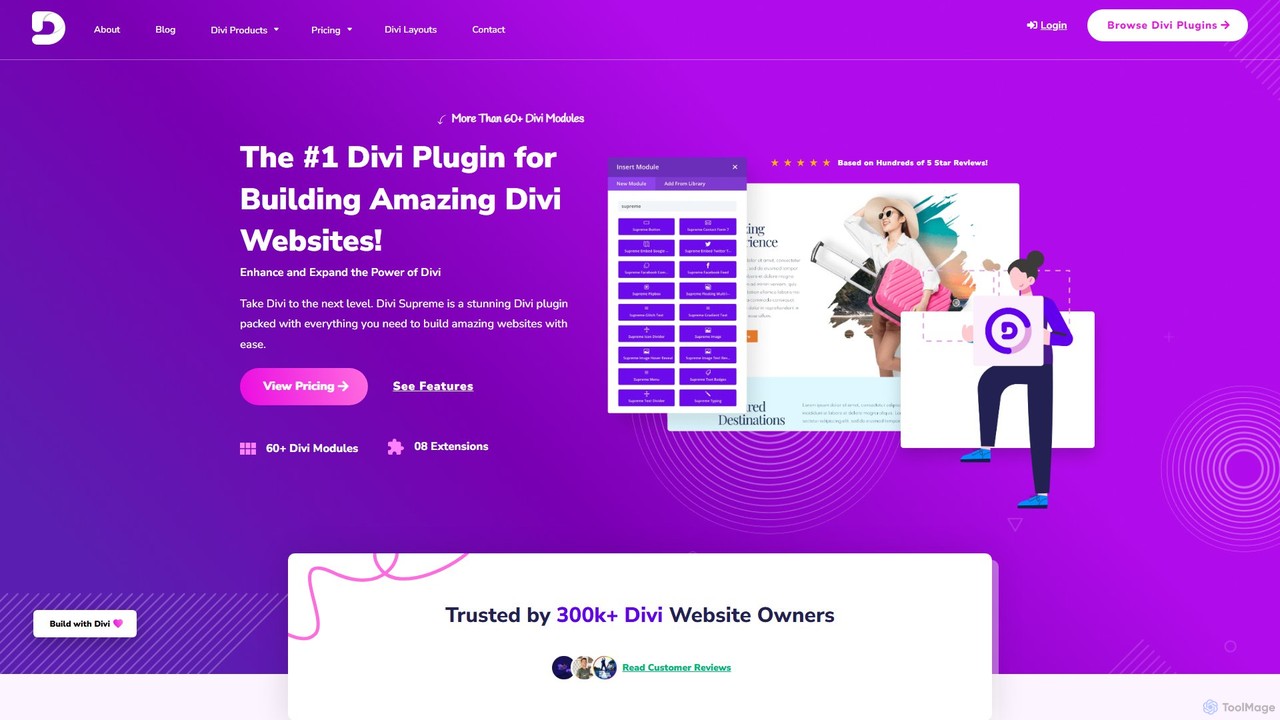
Divi Supreme
Divi Supreme is a powerful WordPress plugin that supercharges the Divi theme with over 60 creative modules and 8+ unique extensions. Trusted by 300,000+ users, it enables agencies, freelancers, and website owners to build stunning, professional websites with ease and without any coding. Features include advanced carousels, Lottie animations, popups, and an integrated AI writer, making it an essential toolkit for any Divi user.
Web Design
Aithenticate Comments (0)
Sign in to comment.
Sign inNo comments yet.