

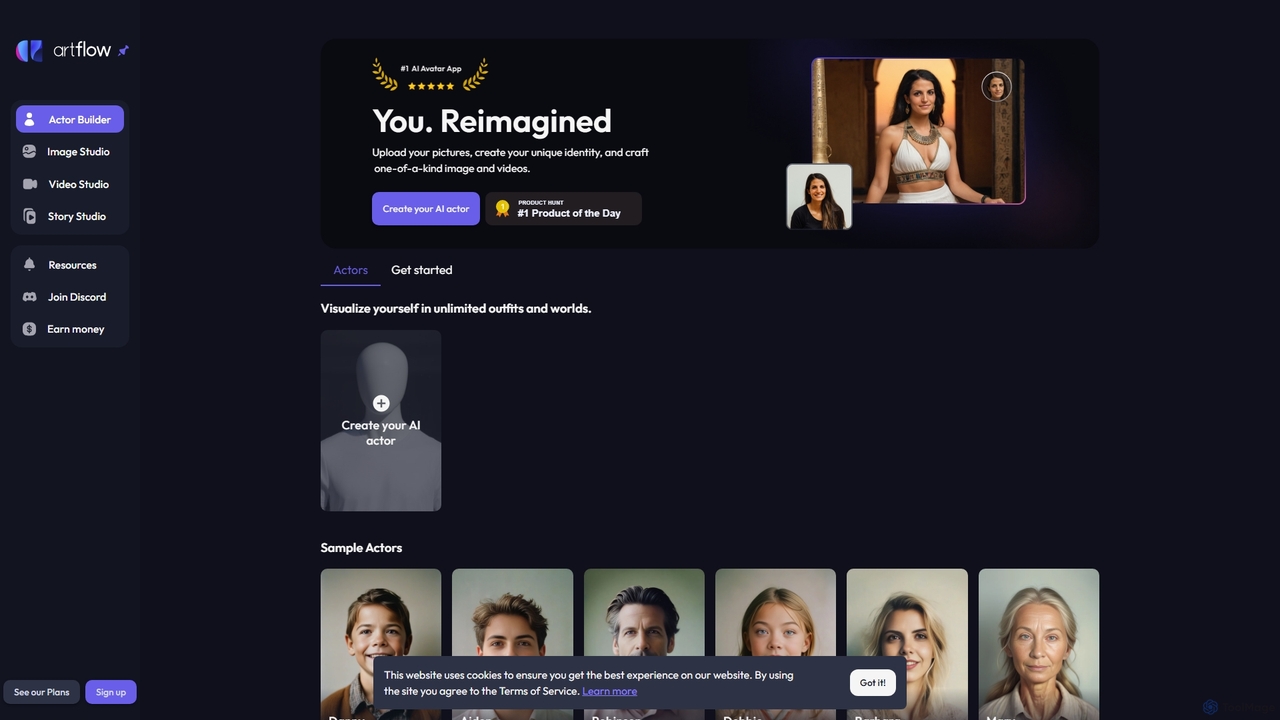
Artflow Overview
Artflow is a revolutionary AI content creation suite that empowers users to reimagine their digital identity. At its core, Artflow allows you to create a personalized AI 'Actor' of yourself or any character you can imagine. By training the AI on a set of your photos, you unlock the ability to generate an endless stream of high-quality images and animated videos featuring your digital twin in any scenario. Whether you want to see yourself as a superhero, create professional headshots in different outfits, or produce engaging social media content, Artflow provides the tools to bring your vision to life with remarkable ease and consistency.
The platform is divided into several powerful studios. The 'Actor Builder' is the starting point, where you train your AI model. The 'Image Studio' is a sophisticated text-to-image generator that uses your trained Actor as the main subject, allowing for precise control over scenes, styles, and compositions. The 'Video Studio' takes this a step further by animating your generated images, creating talking videos with synchronized lip movements, perfect for short-form video content, presentations, or personalized messages. Finally, the 'Story Studio' helps you weave these creations into compelling narratives, making it a comprehensive tool for digital storytellers.
How to use Artflow
Using Artflow is a straightforward, three-step process designed for users of all skill levels:
- Create Your AI Actor: Start with the 'Actor Builder'. Upload around 10-20 high-quality images of the same person, ensuring a variety of angles, expressions, and lighting conditions. The AI will then process these images to train a unique model. This process takes a short amount of time, after which your AI Actor is ready to use.
- Generate Images in the Image Studio: Once your Actor is trained, head to the 'Image Studio'. Here, you can write text prompts to describe the scene you want to create. For example, 'photo of my actor as an astronaut on Mars, cinematic lighting' or 'my actor wearing a business suit for a LinkedIn profile picture'. You can use provided templates for inspiration or write your own from scratch to generate unlimited images.
- Animate Videos in the Video Studio: Select any image you've created in the Image Studio and take it to the 'Video Studio'. Here, you can upload an audio file or use a text-to-speech generator to make your actor speak. The AI will automatically animate the image, synchronizing the lip movements to the audio to create a realistic talking video.
Core Features of Artflow
- Actor Builder: Train a consistent AI character model (an 'Actor') of yourself or others by uploading just 10-20 photos.
- Image Studio: A powerful text-to-image generator that seamlessly integrates your trained Actors into any described scene, style, or outfit.
- Video Studio: Animate still images of your Actor to create talking videos with realistic lip-syncing from audio or text input.
- Story Studio: A tool to arrange and build narratives using the images and videos you've created, turning individual assets into a cohesive story.
- Prompt Templates: A wide variety of pre-built prompts for different themes like Professional, Lifestyle, Fantasy, and Travel to help users get started quickly.
- High Consistency: The trained Actor model ensures a high degree of facial and character consistency across all generated images and videos.
Use Cases for Artflow
Artflow is a versatile tool suitable for a wide range of applications:
- Social Media Content: Create unique and eye-catching profile pictures, posts, and stories for platforms like Instagram, TikTok, and Facebook.
- Professional Branding: Generate professional-grade headshots for LinkedIn or company websites without the cost of a photoshoot.
- Marketing and Advertising: Develop consistent brand mascots or use a digital version of a spokesperson for campaigns.
- Personalized Entertainment: Visualize yourself in fantasy worlds, historical settings, or as your favorite movie characters for fun.
- E-learning and Presentations: Create an AI presenter to deliver educational content or corporate training videos in an engaging way.
- Digital Storytelling: Craft visual novels, comics, or animated stories with consistent characters.
Advantages of Artflow
Artflow stands out by offering a unique combination of personalization and creative power. Its main advantage is the ability to create a consistent character, which solves a major problem in standard AI image generators. This means you can build a recognizable digital identity. The platform is incredibly user-friendly, abstracting away the technical complexities of AI model training. It's also cost-effective, providing an affordable alternative to professional photoshoots, video production, and hiring models or actors. The speed at which you can generate a vast amount of custom content is a significant productivity booster for creators and marketers.
Pricing and Plans
Artflow operates on a freemium and credit-based model. New users can take advantage of a free trial, which includes the training of their first AI Actor for free. After the trial, training a new actor costs a one-time fee (e.g., $8.99 per actor). Generating images and videos consumes credits. Users can purchase credit packs or subscribe to monthly plans to get a regular supply of credits, often at a discounted rate. The subscription plans, such as a 'Pro' tier, typically offer additional benefits like discounts on actor training, faster processing times, and access to premium features.
Traffic
Latest traffic
Status
Monthly traffic trend
- 2025-9: 202.7K
- 2026-1: 191.5K
- 2026-2: 185.6K
- 2026-3: 163.4K
- 2026-4: 149.4K
- 2026-5: 156.3K
Geography
Top 5 countries / regions
- 🇺🇸United States42.9%
- 🇮🇳India24.4%
- 🇧🇷Brazil13.0%
- 🇪🇸Spain9.9%
- 🇩🇪Germany9.8%
Traffic sources
| Source type | Percentage |
|---|---|
Direct | 87.0% |
Referral | 10.7% |
Email | 2.3% |
Top keywords
| Keyword | Cost per click |
|---|---|
| artflo | $0.54 |
| art flow | $0.16 |
| artflow | $0.89 |
| artflow ai | $0.35 |
| flow ai | $0.29 |
Artflow Videos on YouTube
Agung Sundoro
Unreal Fusion

IdeaPlex

Build with Forhad
Stellar Media


AiTube Master - Intelligenza Artificiale
Artflow Alternatives
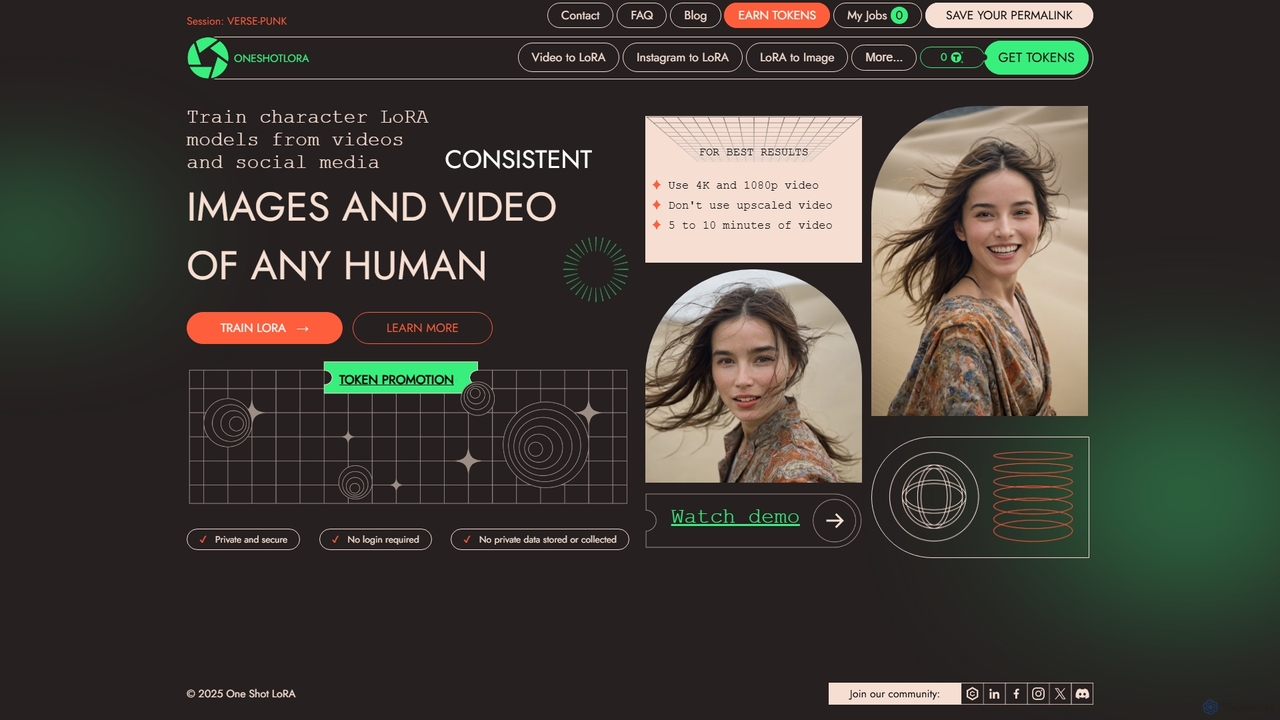
OneShotLoRA
OneShotLoRA is an AI tool that trains custom LoRA models from videos and social media profiles like Instagram. It enables users to generate consistent images and videos of any person or character without requiring a login. The platform is private, secure, and focuses on ease of use, converting 5-10 minute videos into high-quality, reusable AI models for creative projects.
Ai Art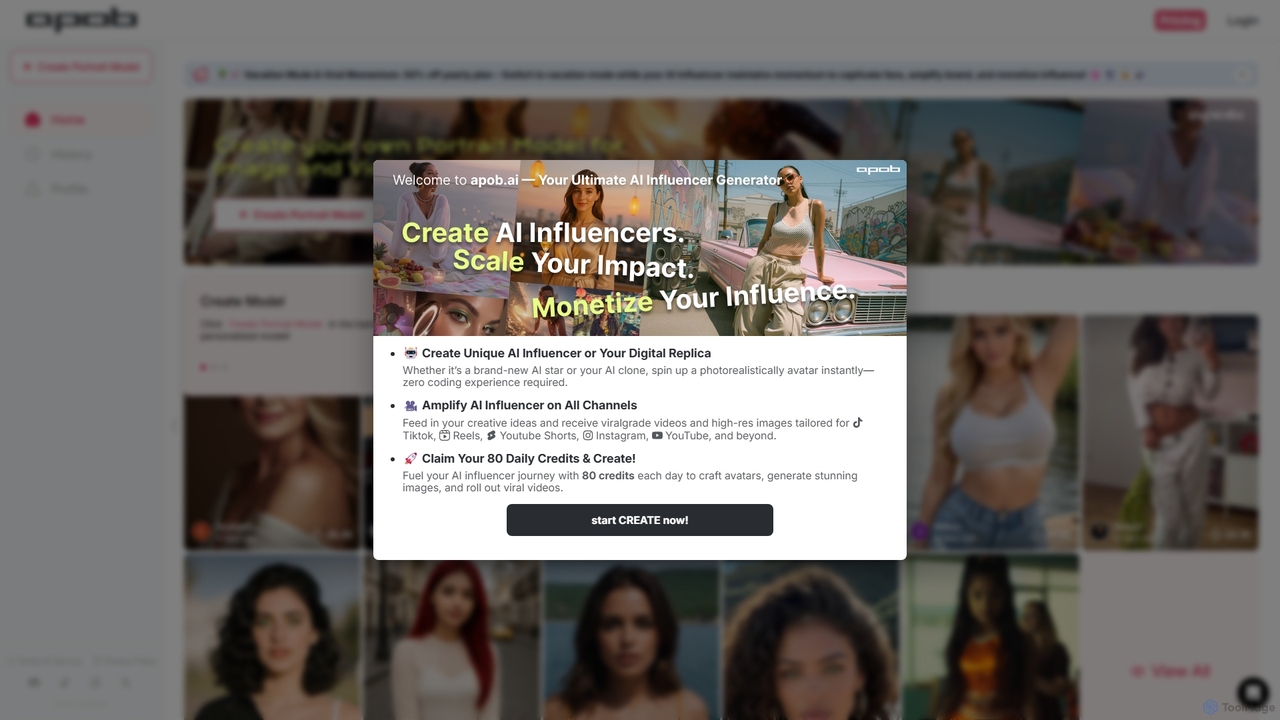
APOB.AI
APOB.AI is a creator-focused AI platform for generating personalized digital portraits, virtual influencers, and AI-powered images and videos. Train a unique AI model with your own photos to create a consistent digital persona, then generate endless high-quality visual content for social media, marketing, or creative projects.
Character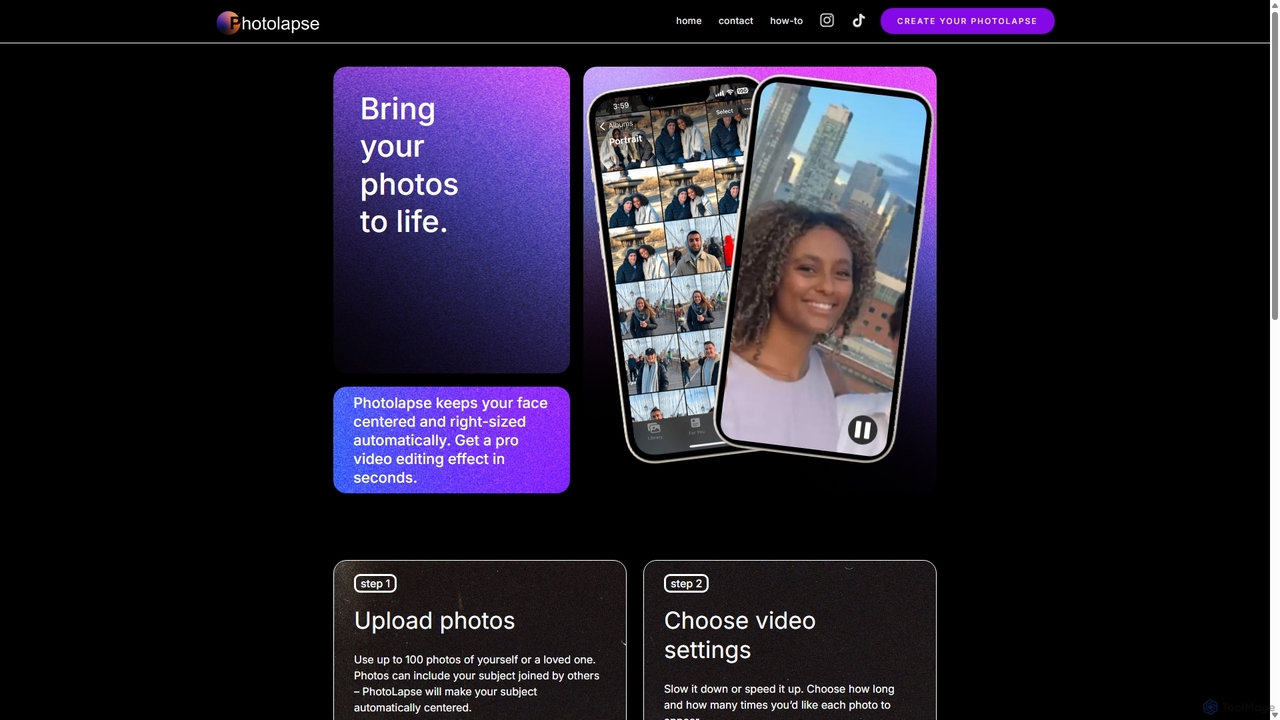
PhotolapseAI
PhotolapseAI is an AI-powered tool that automatically creates captivating face timelapse videos. Simply upload a collection of photos, and its advanced face-detection AI will center, align, and sequence them to produce a smooth, professional-looking 'flashcut' video. It's perfect for documenting growth, transformations, or creating memorable social media content without complex editing software.
Photo Animation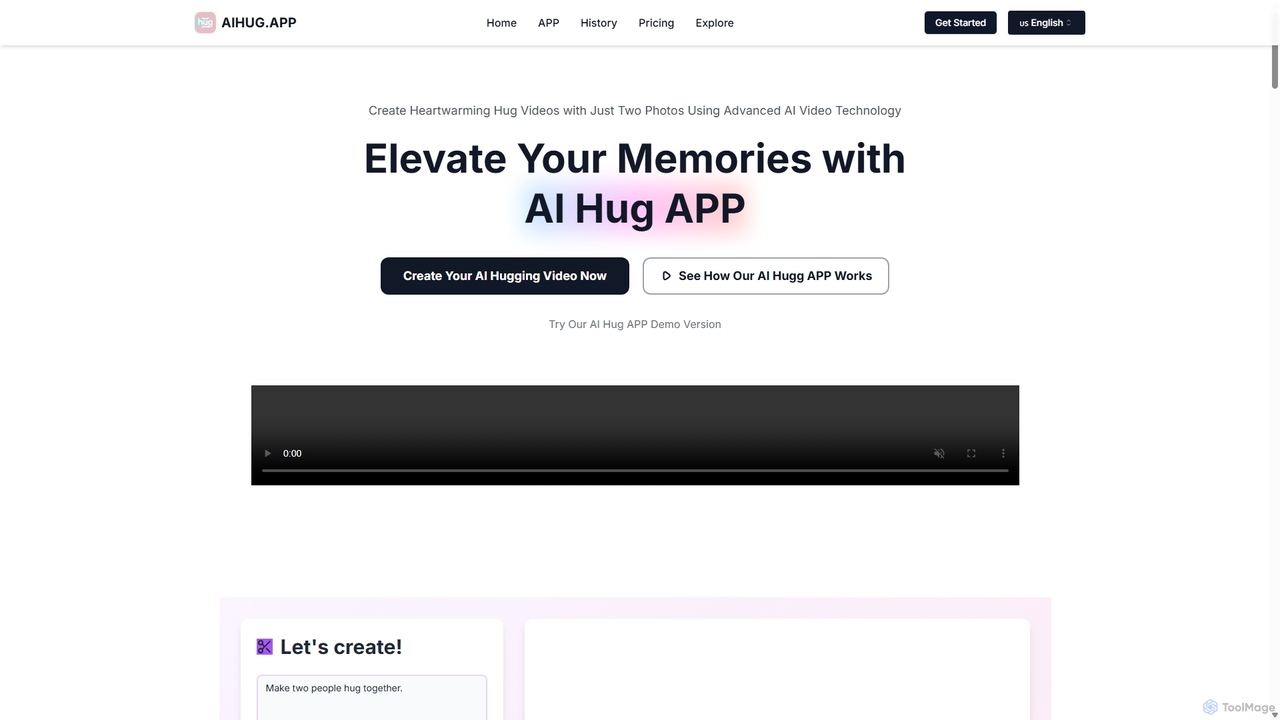
AI Hug APP
AI Hug APP is an innovative AI video generator that creates heartwarming animated videos of two people hugging, interacting, or performing other actions, using just two photos. Powered by advanced AI models like Vidu AI and Luma AI, it transforms static images into emotionally engaging and realistic video clips. It's perfect for creating personalized gifts, social media content, and touching messages for loved ones on any occasion.
Animation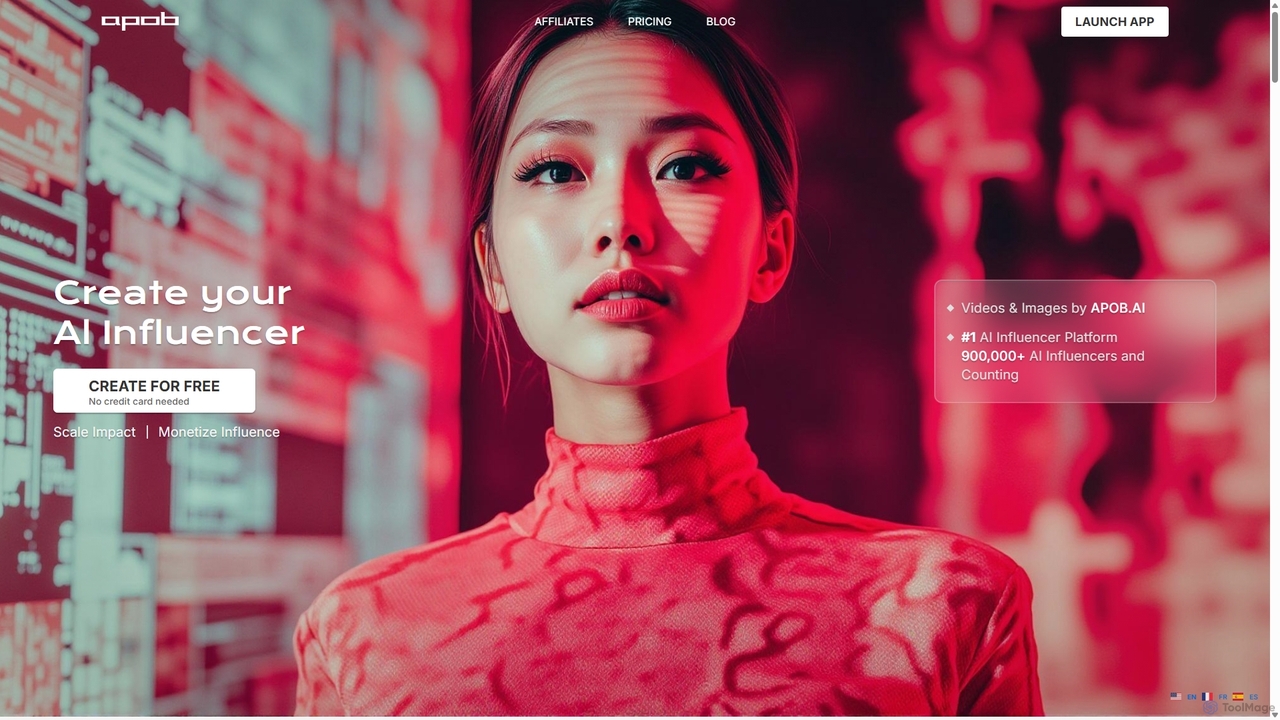
Apob
Apob is an AI-powered platform for creating virtual influencers and digital personas. It enables users to generate realistic AI portraits, images, and videos, featuring tools like talking avatars, lip-sync, and face swapping. It's designed for content creators, marketers, and anyone looking to build a unique online presence without showing their face.
Image GenerationArtflow Categories
Artflow Jobs
Artflow Embed Widget
Copy this embed code to place the badge on your blog, article, or product site and send readers directly to this ToolMage detail page.

Related AI tools
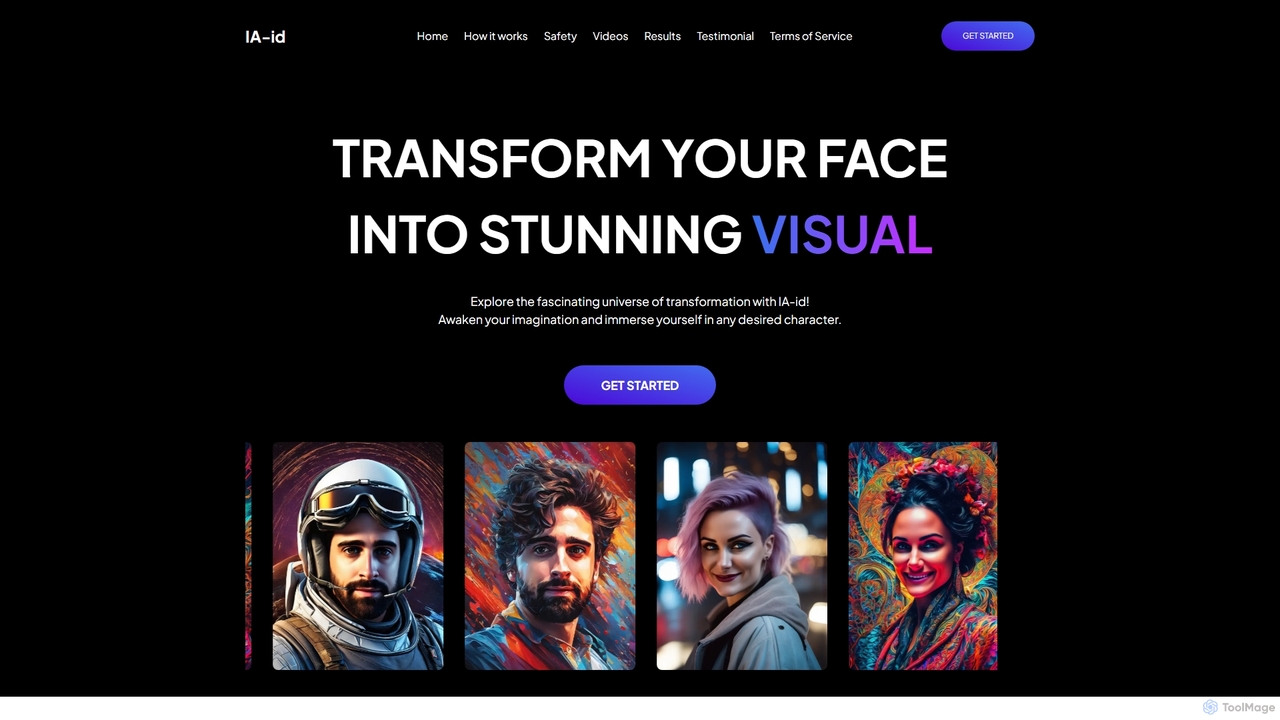
IA-ID
IA-ID is an AI-powered photo generator that transforms your single selfie into a variety of high-quality, stylized portraits. Simply upload a photo, choose your preferred gender and styles (like Fantasy or Business), and receive a set of unique images directly in your email. It's a fast, affordable, and privacy-focused way to create professional headshots, creative avatars, and more.
Image Generation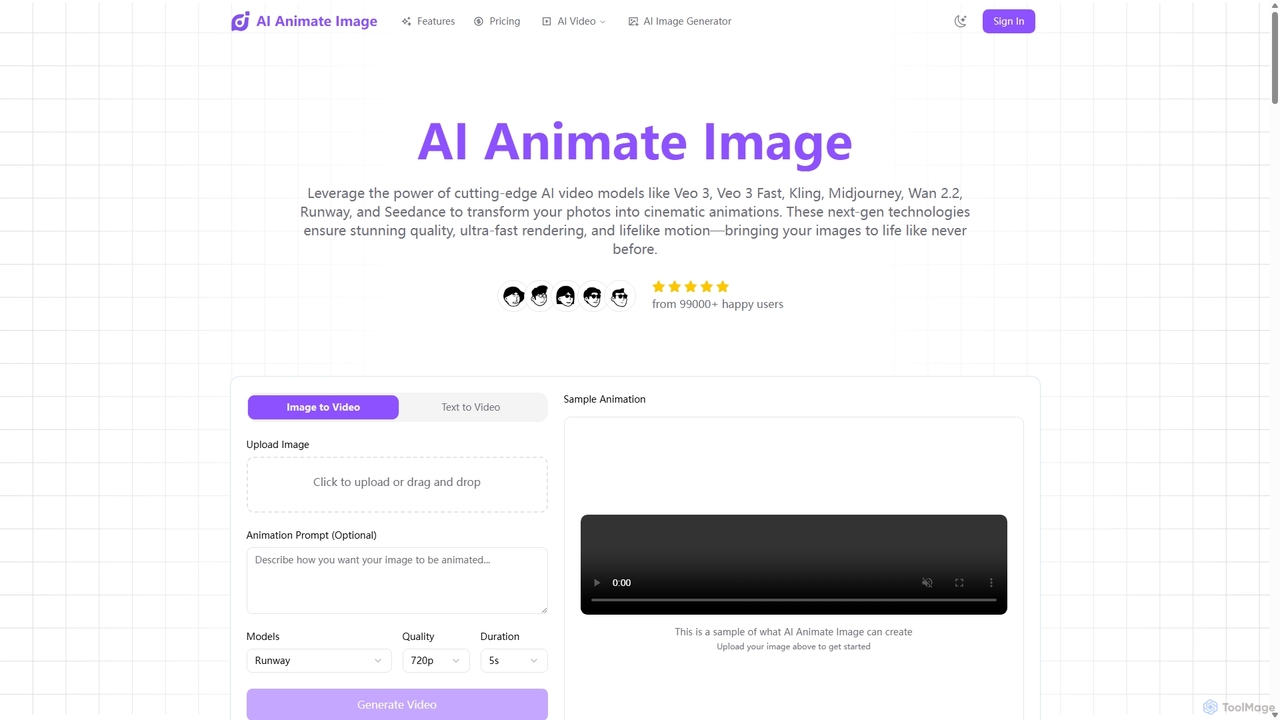
Aianimateimage
Aianimateimage is a comprehensive AI-powered platform that transforms static images into captivating animations and generates stunning visuals from text. Utilizing advanced models like Veo 3, Kling, and GPT-4o, it offers tools for image-to-video, text-to-video, and text-to-image creation. It's designed for creators, marketers, and artists to produce professional-quality animated content and images effortlessly through a user-friendly, browser-based interface.
Image Generation
SnapshotAI
SnapshotAI is an AI-powered tool that transforms your selfies into over 200 unique, artistic profile pictures and avatars. Simply upload a few photos of yourself, your pet, or an object, and the AI will generate a diverse collection of images in more than 56 styles, including cartoon and studio-quality renders. It's perfect for social media, personal branding, or creating unique gifts with a simple one-time payment.
Art Generation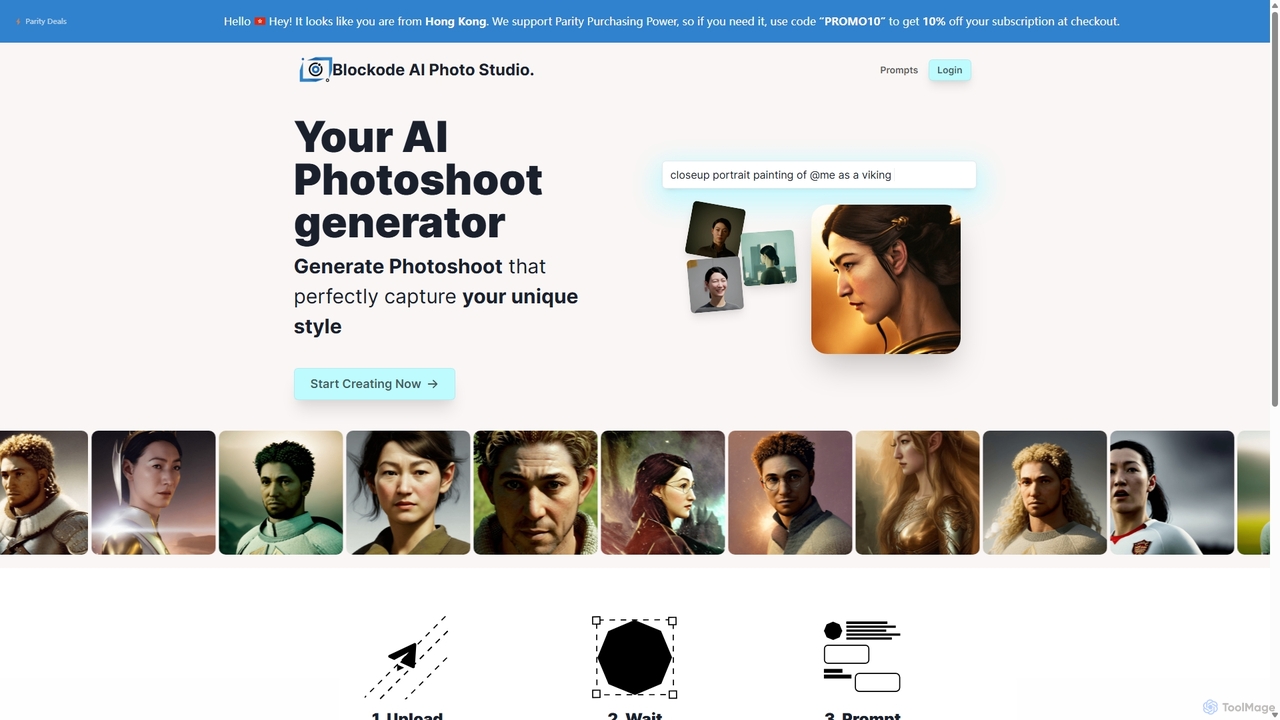
Photostudio
Photostudio is an AI-powered tool that generates custom photoshoots by training a personalized AI model on your photos. Simply upload your selfies, and the AI will create a digital version of you. You can then use text prompts to generate high-quality, unique images of yourself in any style or setting imaginable, from professional headshots to fantasy characters.
Generative Art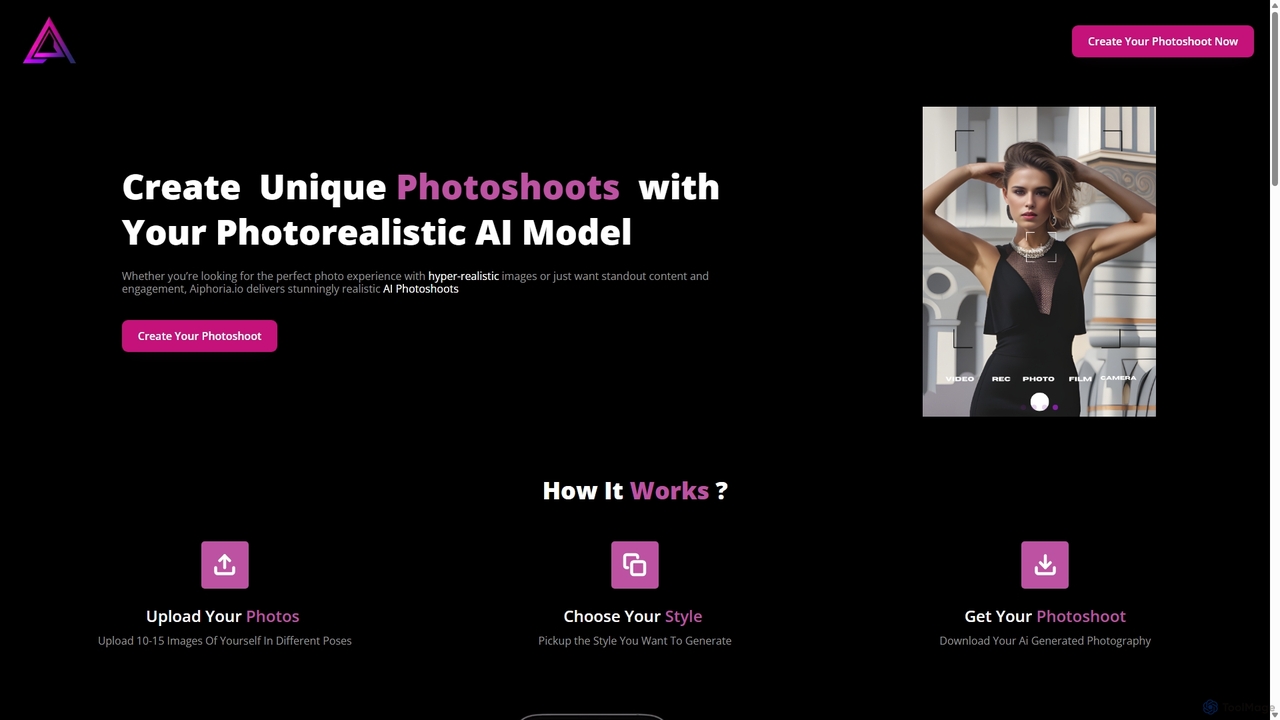
Aiphoria.io
Aiphoria.io is an AI-powered platform that creates unique, photorealistic photoshoots. By uploading a few of your photos, you can generate a personalized AI model and place it in over 50 different styles, from professional headshots to creative fantasy scenes. It offers a fast, cost-effective alternative to traditional photography for social media, professional profiles, and marketing.
Ai Art Generator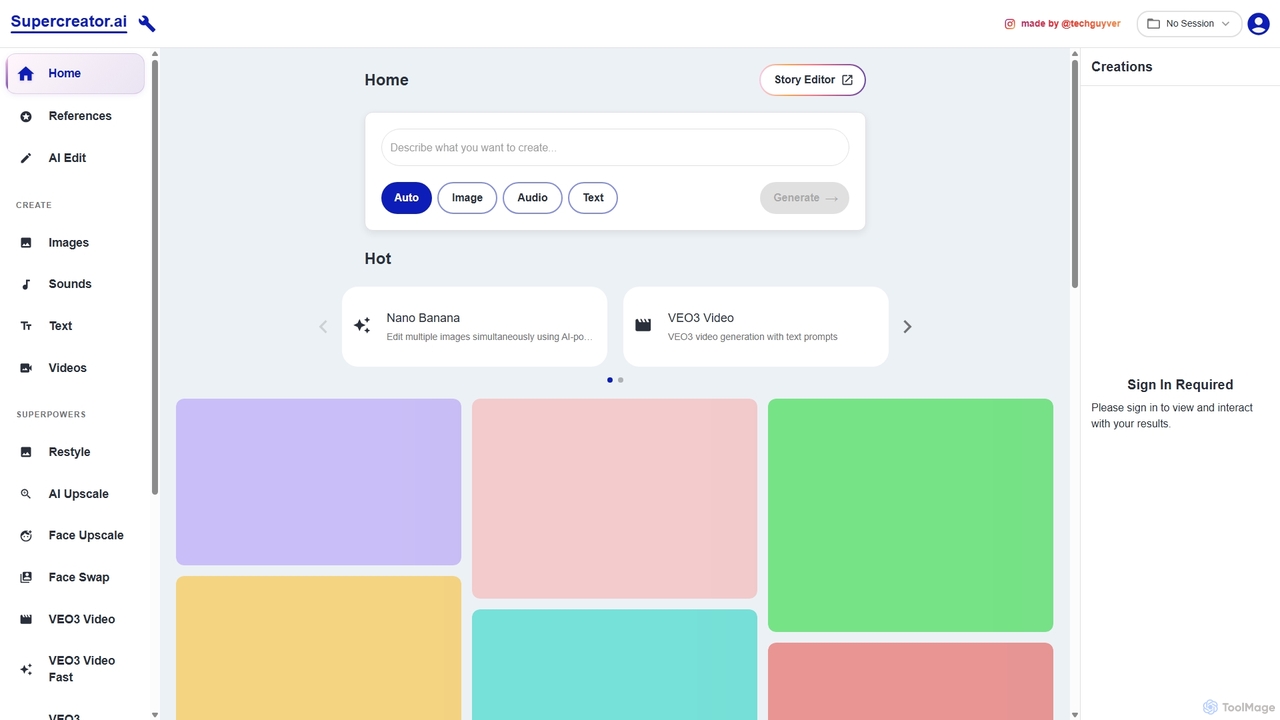
Supercreator.ai
Supercreator.ai is an all-in-one AI content creation suite, described as 'AGI in your pocket.' It empowers creators to generate and edit videos, images, audio, and text using advanced AI models like VEO3 and Kling 2.1. The platform integrates powerful tools for upscaling, face swapping, restyling, and multi-modal editing into a single, streamlined workflow.
Music Generation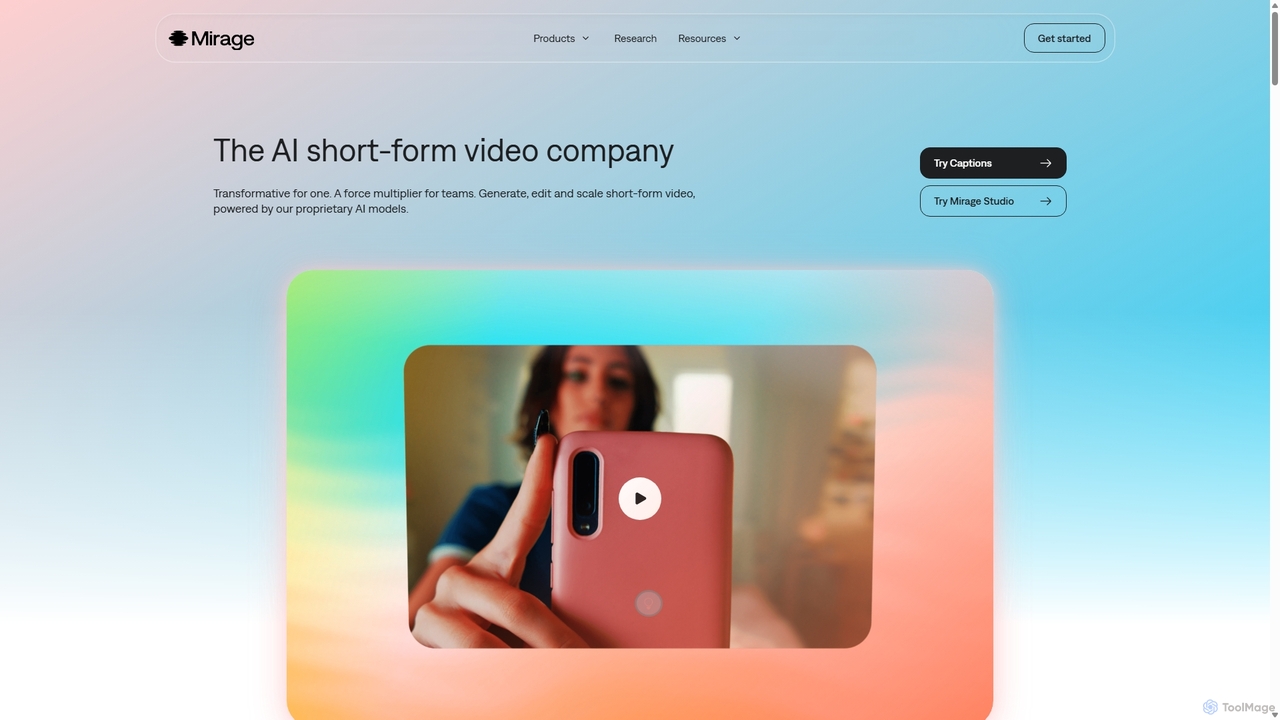
Mirage
Mirage is an AI video platform that transforms ideas into engaging short-form videos. It offers the Captions app for creators to generate and edit talking videos with text prompts, and Mirage Studio for teams to scale video production. Powered by proprietary AI, Mirage creates photorealistic footage and AI avatars, streamlining video creation for platforms like TikTok and Instagram.
Advertising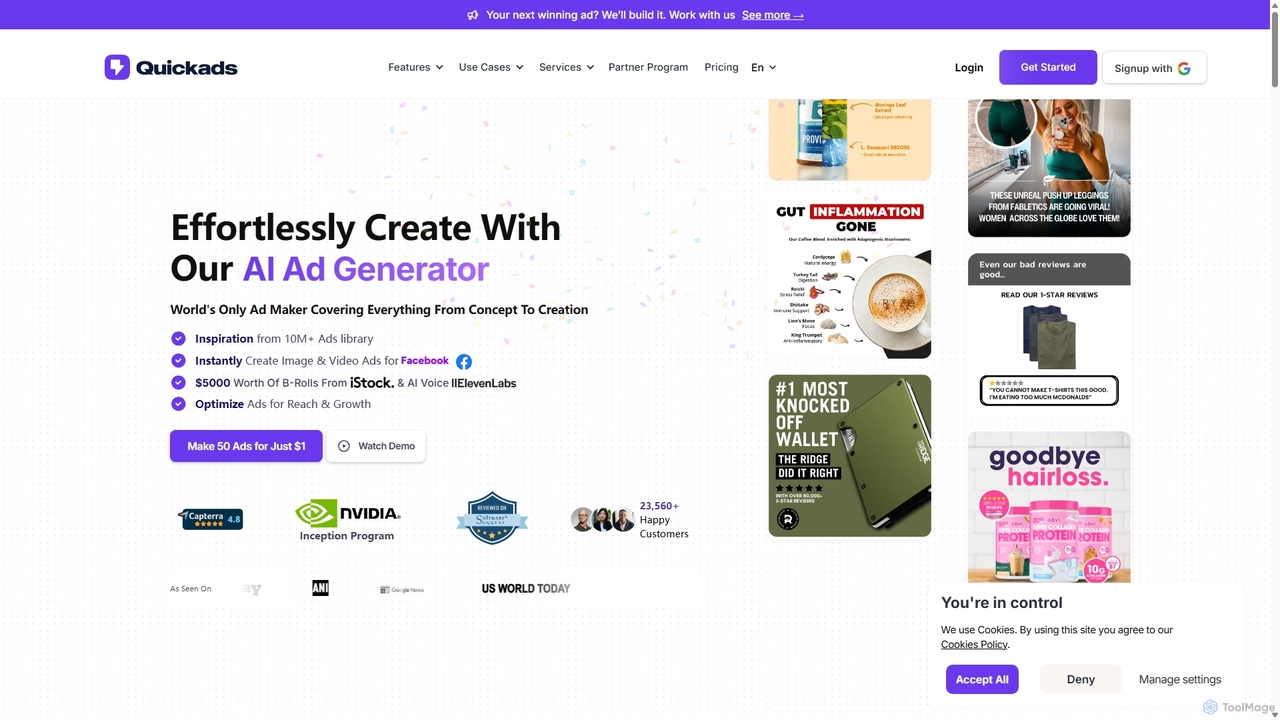
Quickads
Quickads is an AI-powered ad generator that enables users to create high-converting image and video ads in seconds. It features a massive library of over 10 million ads for inspiration, virtual product photoshoots, AI avatars, and a unified platform to create, optimize, and publish campaigns across social media platforms like Meta, TikTok, and Google.
Image Generation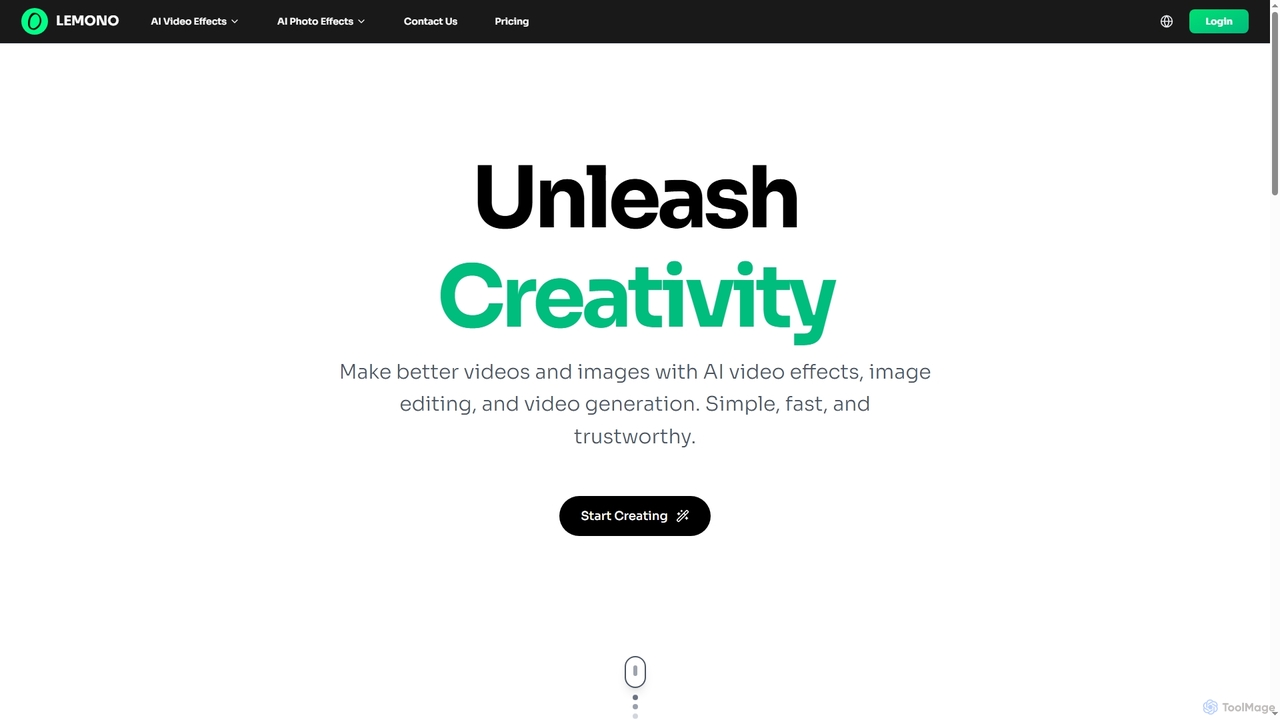
Lemono
An AI-powered platform for creating engaging videos and editing images. Transform photos into dynamic animations like kissing, hugging, or dancing, and edit images with features like hairstyle changes, outfit swaps, and background removal.
Generative Art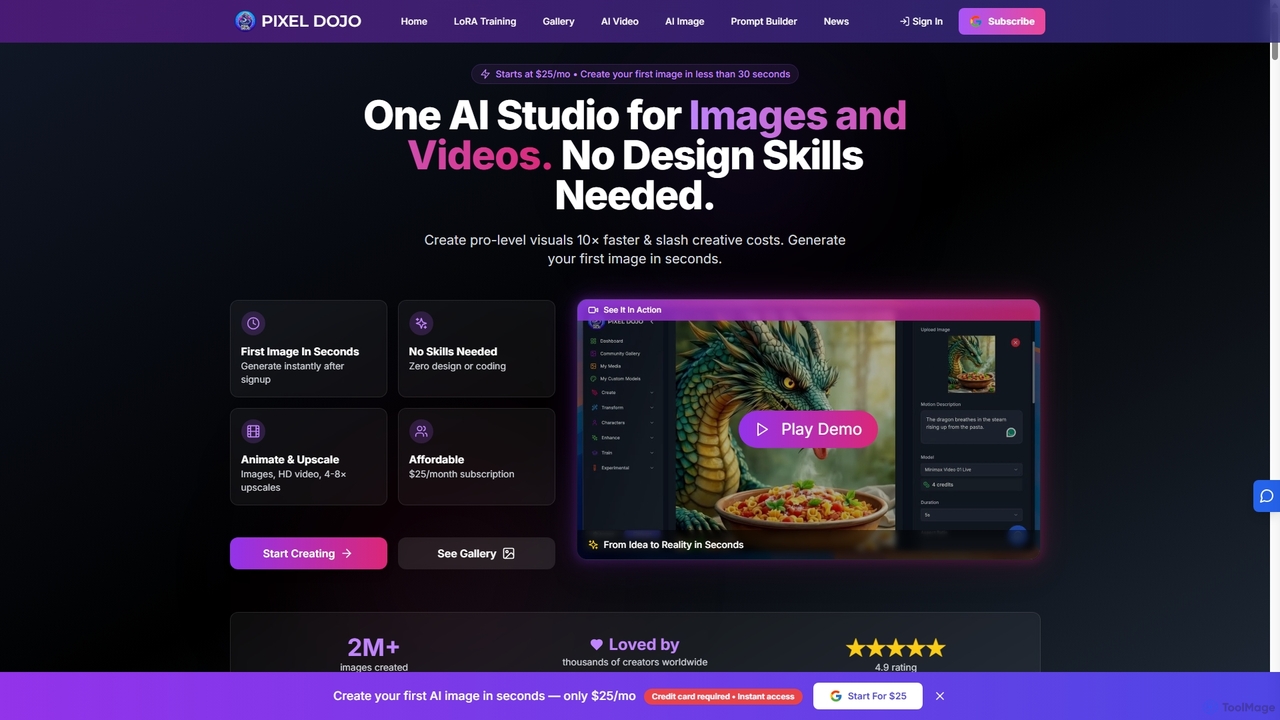
Pixeldojo
Pixel Dojo is an all-in-one AI creative studio for generating professional-quality images and videos. It offers over 67 tools, including text-to-image, text-to-video, image upscaling, and custom LoRA model training. Designed for creators and businesses of all skill levels, it streamlines content creation, reduces costs, and accelerates visual production tenfold without requiring any design skills.
Art Generation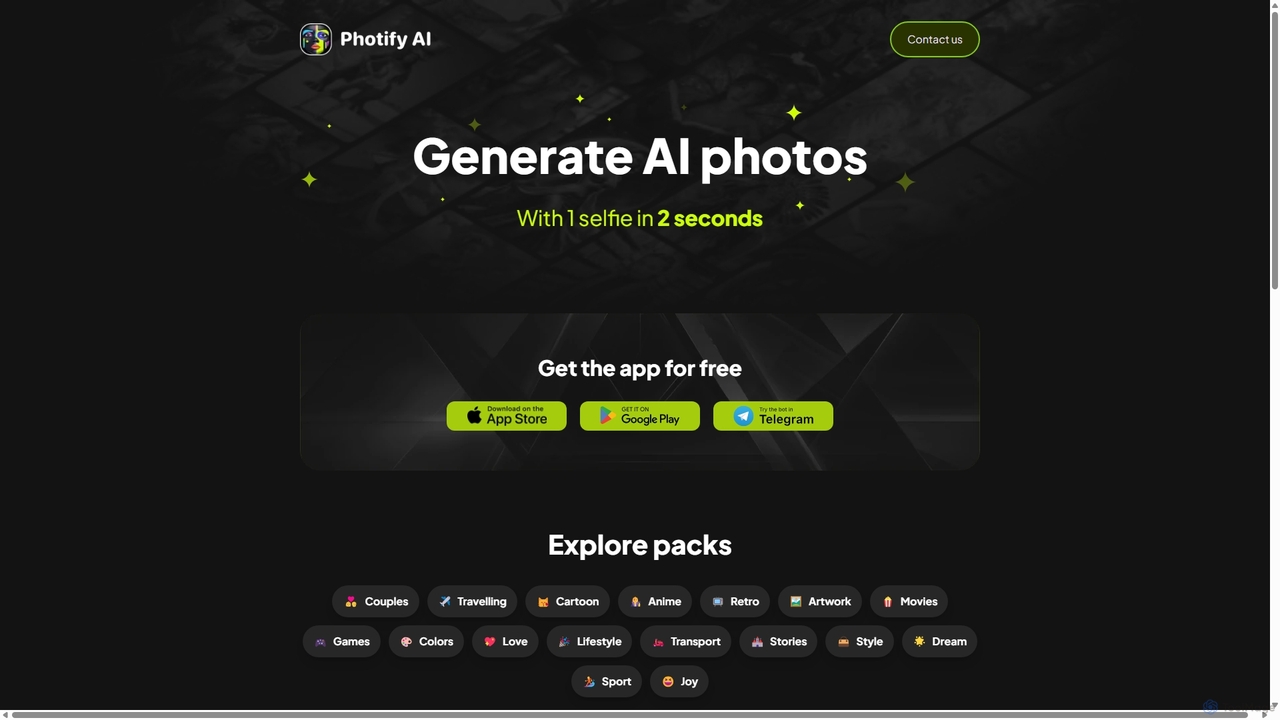
Photify AI
Photify AI is a mobile app that transforms a single selfie into hundreds of stunning, stylized photos in just seconds. Explore a vast library of themes, from professional headshots and travel scenes to anime and cartoon characters, and create unique looks effortlessly.
Avatar & Face Swap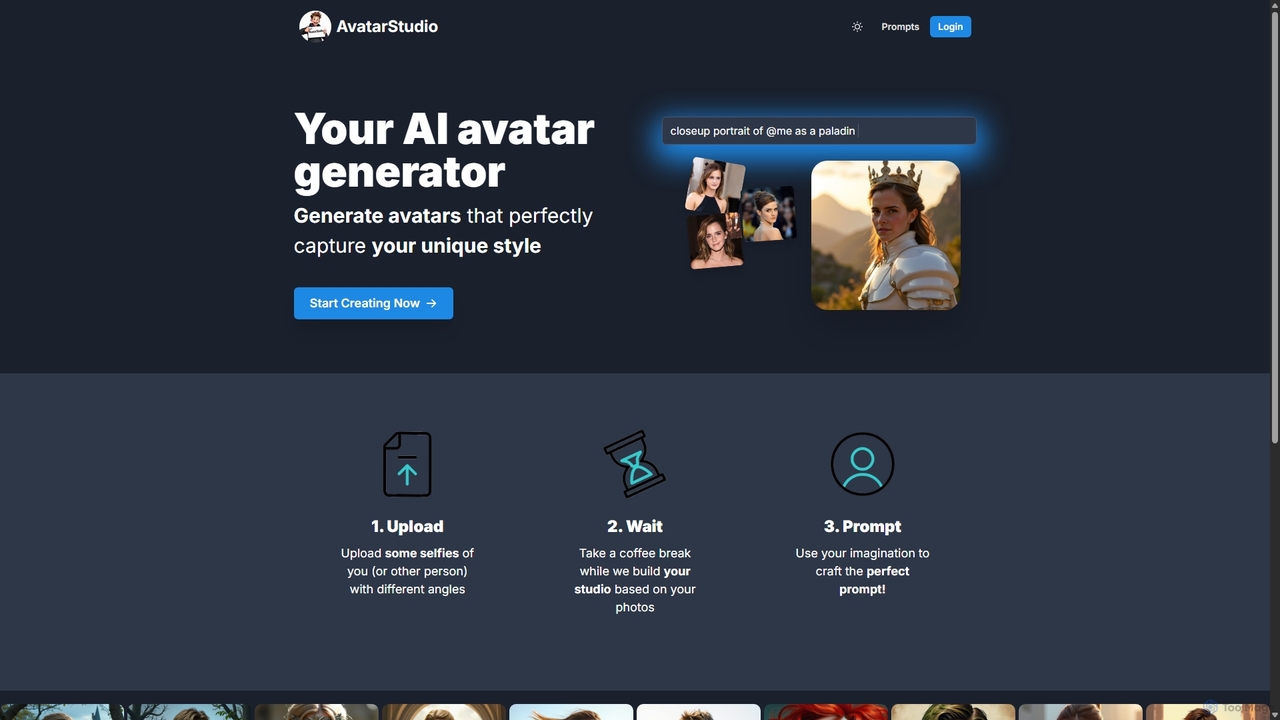
Avatar Studio
Avatar Studio is an AI-powered generator that creates custom, high-quality avatars based on your photos. Simply upload your selfies, let the AI train a personalized model, and use text prompts to generate unique 4K avatars in any style imaginable, from a fantasy paladin to a cyberpunk hero.
Generative Art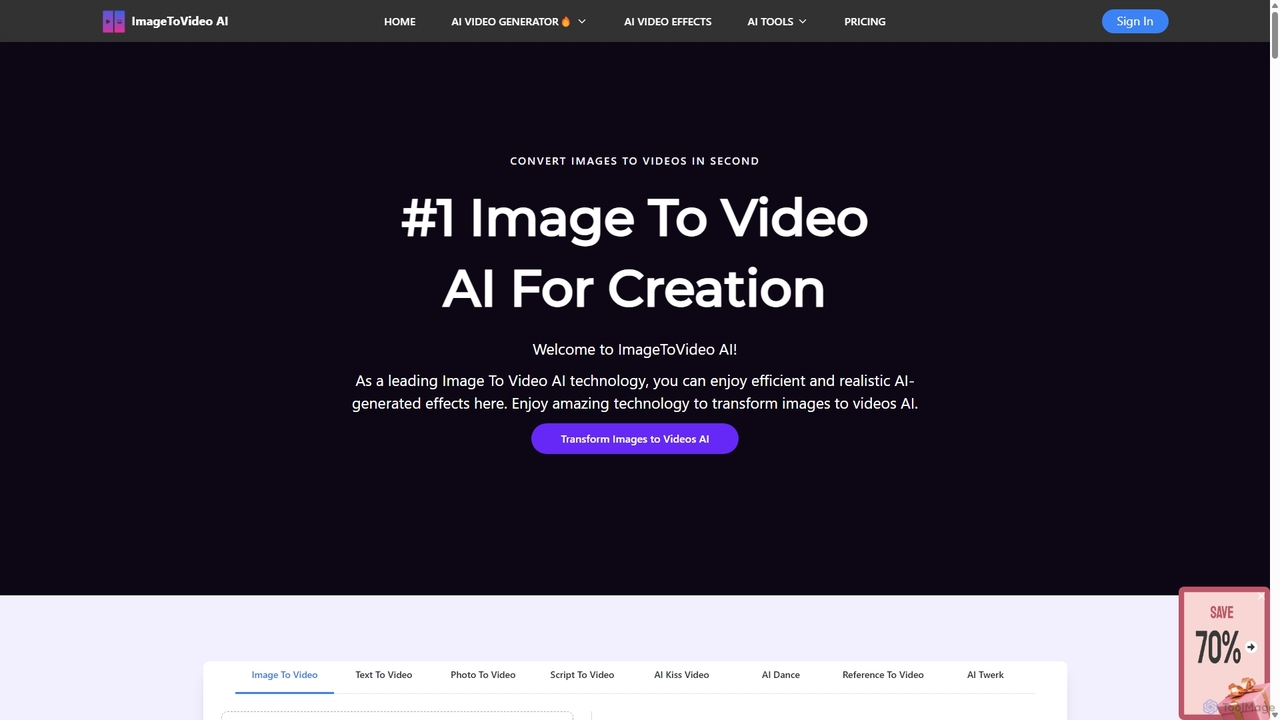
ImageToVideoAI
ImageToVideoAI is a powerful AI-driven platform that effortlessly converts static images, photos, and text scripts into dynamic, engaging videos. It offers a suite of creative tools, including specialized generators for dance, kiss, and hug animations, all while providing high-definition, watermark-free downloads, even for free users. It's designed for content creators, marketers, and individuals to produce professional-quality videos quickly and cost-effectively.
CreativeOneShotLoRA
OneShotLoRA is an AI tool that trains custom LoRA models from videos and social media profiles like Instagram. It enables users to generate consistent images and videos of any person or character without requiring a login. The platform is private, secure, and focuses on ease of use, converting 5-10 minute videos into high-quality, reusable AI models for creative projects.
Ai Art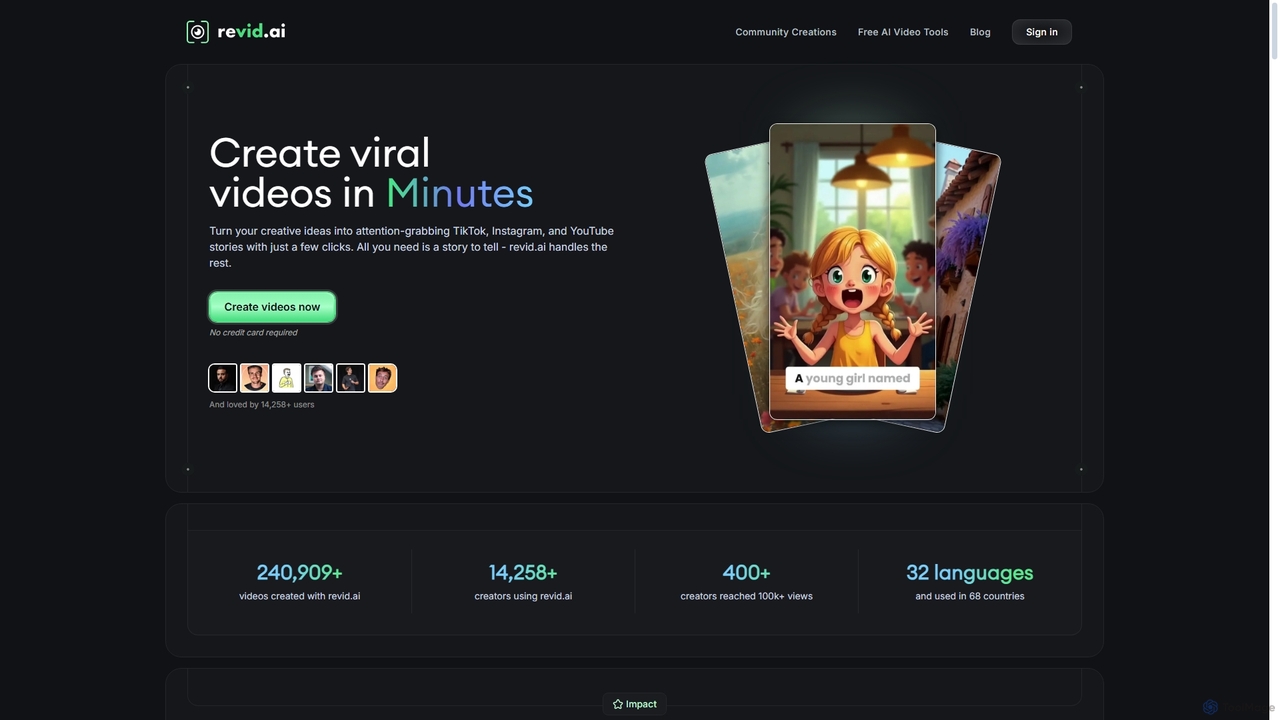
Revid AI
Revid AI is a powerful AI video generator designed to create viral short-form videos for platforms like TikTok, Instagram, and YouTube in minutes. It transforms your ideas, text, links, or existing content into engaging videos, complete with AI-generated scripts, realistic voiceovers, dynamic visuals, and automated captions. It's the ultimate tool for content creators and marketers looking to save time and boost engagement without needing any video editing skills.
Video Marketing
Artflow Comments (0)
Sign in to comment.
Sign inNo comments yet.