

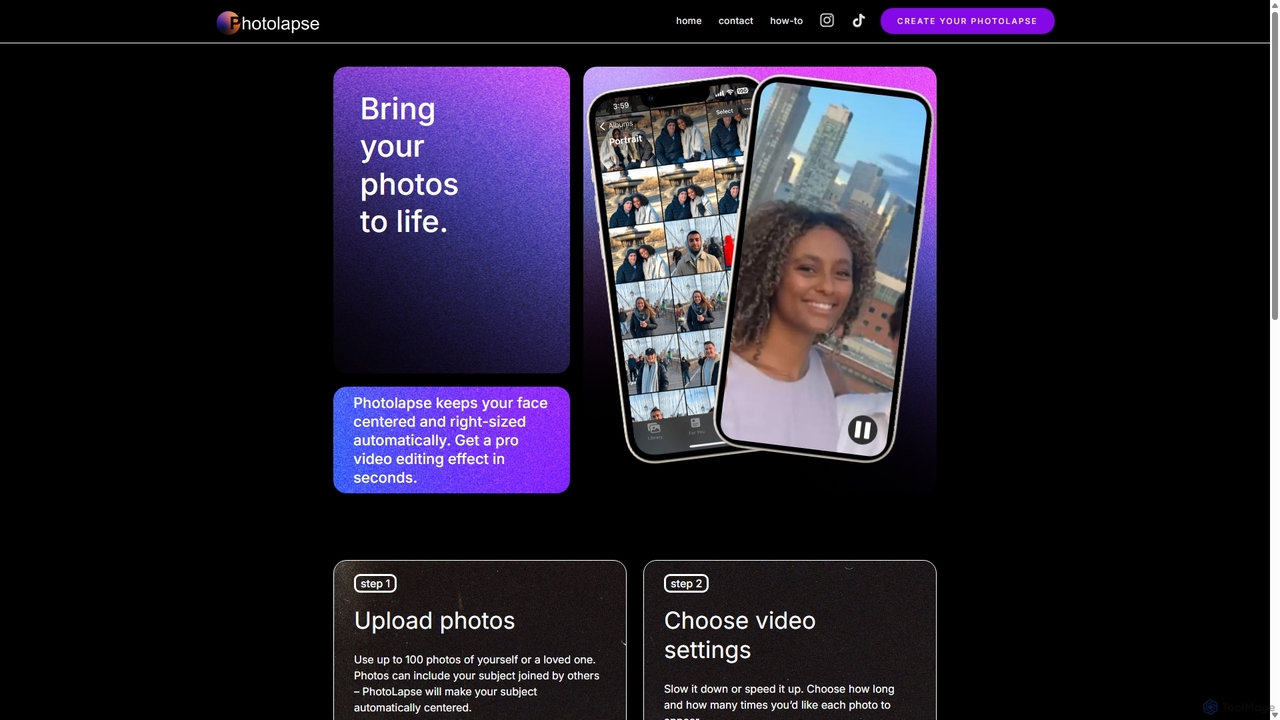
PhotolapseAI Overview
PhotolapseAI is a specialized AI video generation tool designed to make the creation of face-centric timelapse videos effortless and accessible to everyone. Inspired by the professional 'flashcut' effect seen in high-end productions, this tool automates the tedious process of aligning and sequencing photos to show the passage of time. It leverages sophisticated face-detection AI to analyze a series of images, identify a specific person's face, and then generate a seamless video where the subject's face remains the stable focal point, creating a powerful and mesmerizing visual narrative.
The platform was built to empower creators, families, and individuals to tell compelling stories of growth, change, and personal journeys without needing to master expensive and complicated video editing software. Whether you're a parent wanting to document your child growing up, a fitness enthusiast tracking your transformation, or a content creator looking for unique social media content, PhotolapseAI provides a simple, web-based solution to produce high-quality results in minutes.
How to use PhotolapseAI
Creating a video with PhotolapseAI is a straightforward, multi-step process designed for ease of use:
- Gather Your Photos: The first and most crucial step is collecting the photos you want to include. For the best results, use photos where the subject's eyes are clearly visible and looking in a similar direction. The tool is smart enough to handle photos with other people in them, as it will automatically focus on your chosen subject. You can quickly find photos using the 'People' albums in Google Photos or Apple Photos.
- Upload Your Collection: Drag and drop your selected photos into the uploader. The platform accepts images up to 20MB each and will notify you of any successful or unsuccessful uploads.
- Choose Your Sorting Method: You have two powerful options for ordering your photos. You can let the AI automatically sort them by the subject's estimated age, from youngest to oldest, creating a natural chronological progression. Alternatively, for full manual control, you can pre-name your files numerically (e.g., 01.jpg, 02.jpg, 03.jpg) and select the 'sort by filename' option.
- Customize Video Settings: Adjust the video's pacing by setting the duration each photo appears on screen and the number of times the sequence repeats. The tool provides a real-time estimate of the final video length as you adjust these settings.
- Generate and Download: Once you're satisfied with the settings, initiate the video generation process. The AI will process the images, align the faces, and render the final video. The output is a standard 16:9 aspect ratio video, perfect for desktops, YouTube, and easily adaptable for vertical platforms like Instagram Reels or TikTok, which will automatically crop it while keeping the face centered.
Core Features of PhotolapseAI
- AI-Powered Face Detection and Centering: The core technology automatically detects the subject's face in each photo, regardless of size or position, and makes it the central focus of every frame.
- Automatic Image Rotation and Alignment: The AI intelligently rotates each image to ensure the subject's face is horizontally level, creating a smooth and stable viewing experience.
- Intelligent Age-Based Sorting: A unique feature that uses AI to estimate the age of the subject in each photo and automatically arranges them in chronological order.
- Customizable Video Pacing: Users have full control over the video's length and speed by adjusting the display time per photo and the number of loops.
- High Compatibility Output: Videos are generated in a universal 16:9 aspect ratio, ensuring they look great on any platform and can be easily integrated into other video projects.
- No Editing Skills Required: The entire process is automated, removing the steep learning curve associated with traditional video editing software.
Use Cases for PhotolapseAI
PhotolapseAI is versatile and can be used for a wide range of personal and professional projects:
- Family Memories: Create a touching video of a child growing up, from infancy to adulthood, for a birthday or graduation.
- Personal Transformation: Document a fitness journey, weight loss progress, or any long-term personal change.
- Anniversary & Tribute Videos: Compile photos of a couple over the years to create a heartfelt anniversary gift.
- Social Media Content: Generate unique, eye-catching content for Instagram, TikTok, or Facebook that tells a story and engages followers.
- Creative Projects: Artists and storytellers can use the tool as a starting point, exporting the clip to add music, filters, and other effects in post-production.
Advantages of PhotolapseAI
The primary advantage of PhotolapseAI is its simplicity and accessibility. It democratizes a professional video effect that once required significant time, skill, and expensive software. The process is fast, automated, and produces a polished, high-impact video. The AI-driven features like age-based sorting and automatic alignment save hours of manual work and ensure a high-quality result every time.
Pricing and Plans
PhotolapseAI likely operates on a freemium model. This typically means users can create a certain number of videos, or videos with a watermark, for free. For users requiring higher quality, watermark-free downloads, or the ability to process a larger number of photos, a paid plan or a one-time purchase option would be available. These premium tiers often include benefits like higher resolution (HD or 4K), faster processing times, and priority support. For the most accurate and up-to-date pricing, please visit the official PhotolapseAI website.
Traffic
Latest traffic
Status
Monthly traffic trend
- 2025-9: 2.9K
- 2026-1: 1.4K
- 2026-2: 1.2K
- 2026-3: 2.4K
- 2026-4: 2.9K
- 2026-5: 1.2K
Geography
Top 5 countries / regions
- 🇺🇸United States100.0%
Top keywords
| Keyword | Cost per click |
|---|---|
| face morph time lapse online | $0.00 |
| face timelapse video | $0.00 |
| timelapse | $1.66 |
| timelapse maker | $1.93 |
| time lapse video online | $0.16 |
PhotolapseAI Alternatives
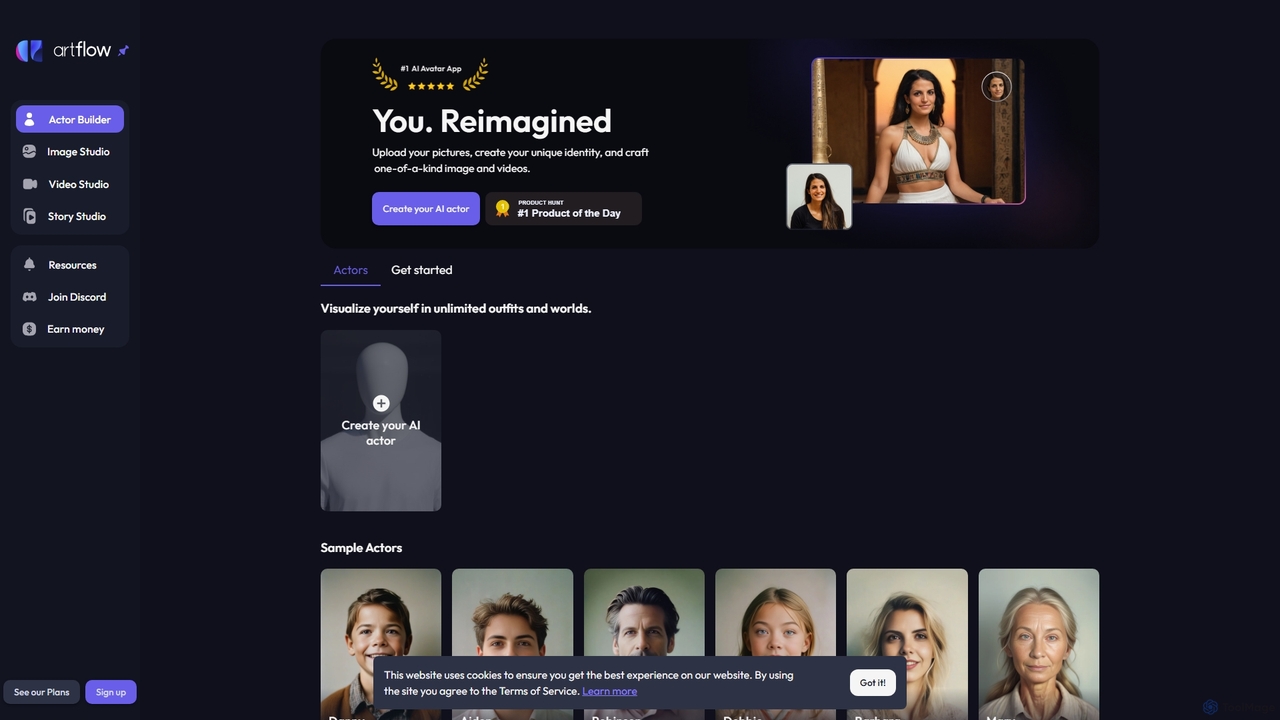
Artflow
Artflow is an AI-powered platform that transforms you into a digital actor. By uploading a few photos, you can create a personalized AI avatar and then generate unlimited unique images and talking videos of yourself in any style, outfit, or setting imaginable. Perfect for social media, professional branding, and creative expression.
Personalized Avatars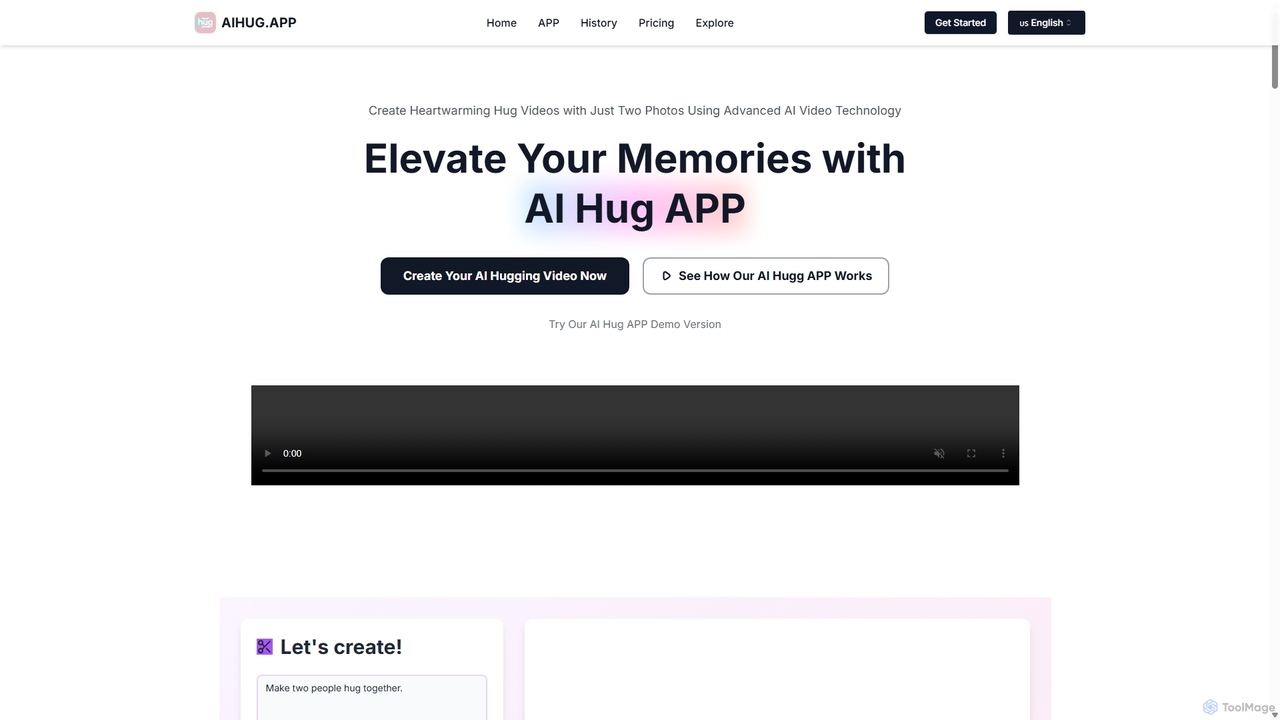
AI Hug APP
AI Hug APP is an innovative AI video generator that creates heartwarming animated videos of two people hugging, interacting, or performing other actions, using just two photos. Powered by advanced AI models like Vidu AI and Luma AI, it transforms static images into emotionally engaging and realistic video clips. It's perfect for creating personalized gifts, social media content, and touching messages for loved ones on any occasion.
Animation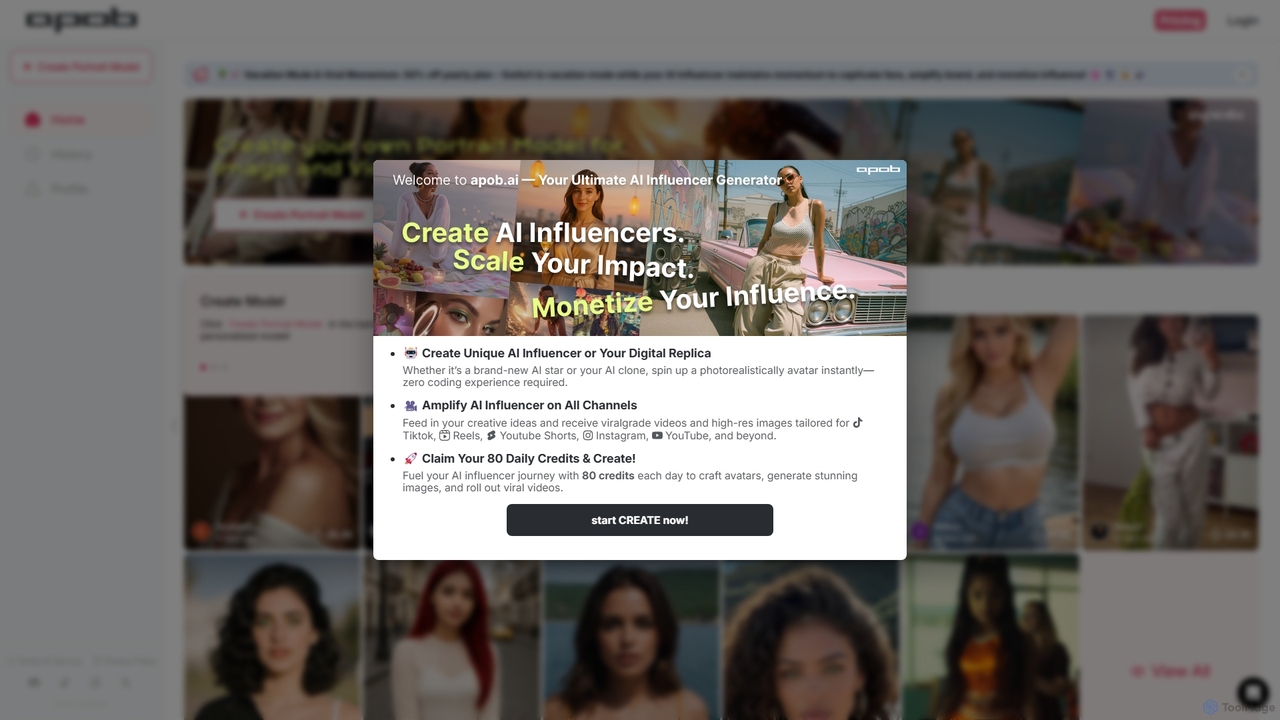
APOB.AI
APOB.AI is a creator-focused AI platform for generating personalized digital portraits, virtual influencers, and AI-powered images and videos. Train a unique AI model with your own photos to create a consistent digital persona, then generate endless high-quality visual content for social media, marketing, or creative projects.
Character
FaceMagic
FaceMagic is an AI-powered platform for creating realistic face swap videos, photos, and GIFs. It also features a powerful video generator that can create content from text or images, making it a versatile tool for social media, entertainment, and marketing.
Meme Generator
OneShotLoRA
OneShotLoRA is an AI tool that trains custom LoRA models from videos and social media profiles like Instagram. It enables users to generate consistent images and videos of any person or character without requiring a login. The platform is private, secure, and focuses on ease of use, converting 5-10 minute videos into high-quality, reusable AI models for creative projects.
Ai ArtPhotolapseAI Categories
PhotolapseAI Jobs
PhotolapseAI Embed Widget
Copy this embed code to place the badge on your blog, article, or product site and send readers directly to this ToolMage detail page.

Related AI tools
FaceMagic
FaceMagic is an AI-powered platform for creating realistic face swap videos, photos, and GIFs. It also features a powerful video generator that can create content from text or images, making it a versatile tool for social media, entertainment, and marketing.
Meme Generator
Luna AI
Luna AI is a powerful and free online AI video generator, powered by Luma Labs' Dream Machine. It enables users to effortlessly create stunning, high-quality videos from text prompts or static images in minutes. Designed for accessibility, it requires no prior video editing skills and supports multiple languages, making it ideal for marketers, content creators, and educators.
Animation
Viberot
Viberot is an ultimate AI video and image generator platform that transforms text or images into cinema-quality videos and stunning visuals. It leverages advanced AI models to help creators produce professional, viral content efficiently.
Content Creation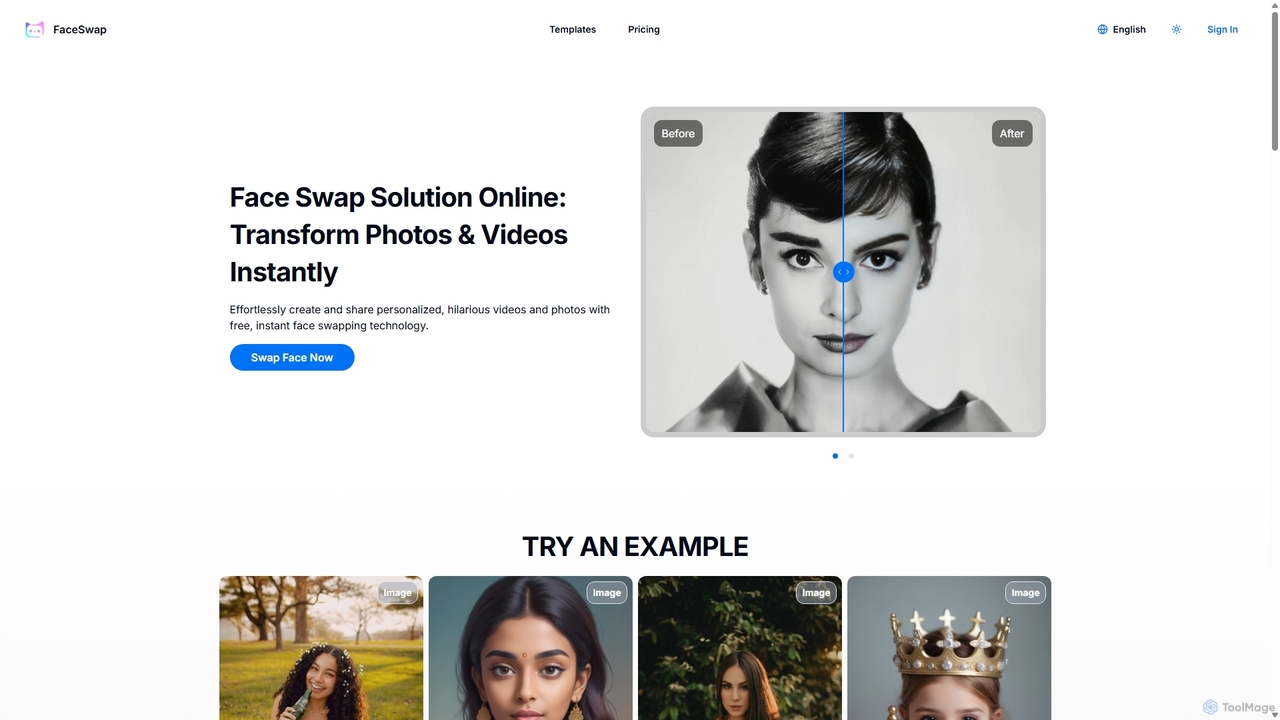
FaceSwap
FaceSwap is a free online AI tool that allows you to instantly swap faces in photos and videos. With support for single, group, and multi-person swaps, it's perfect for creating hilarious memes, engaging social media content, and personalized videos. The platform is user-friendly, requires no installation, and prioritizes user privacy by not storing any uploaded files.
Meme Generator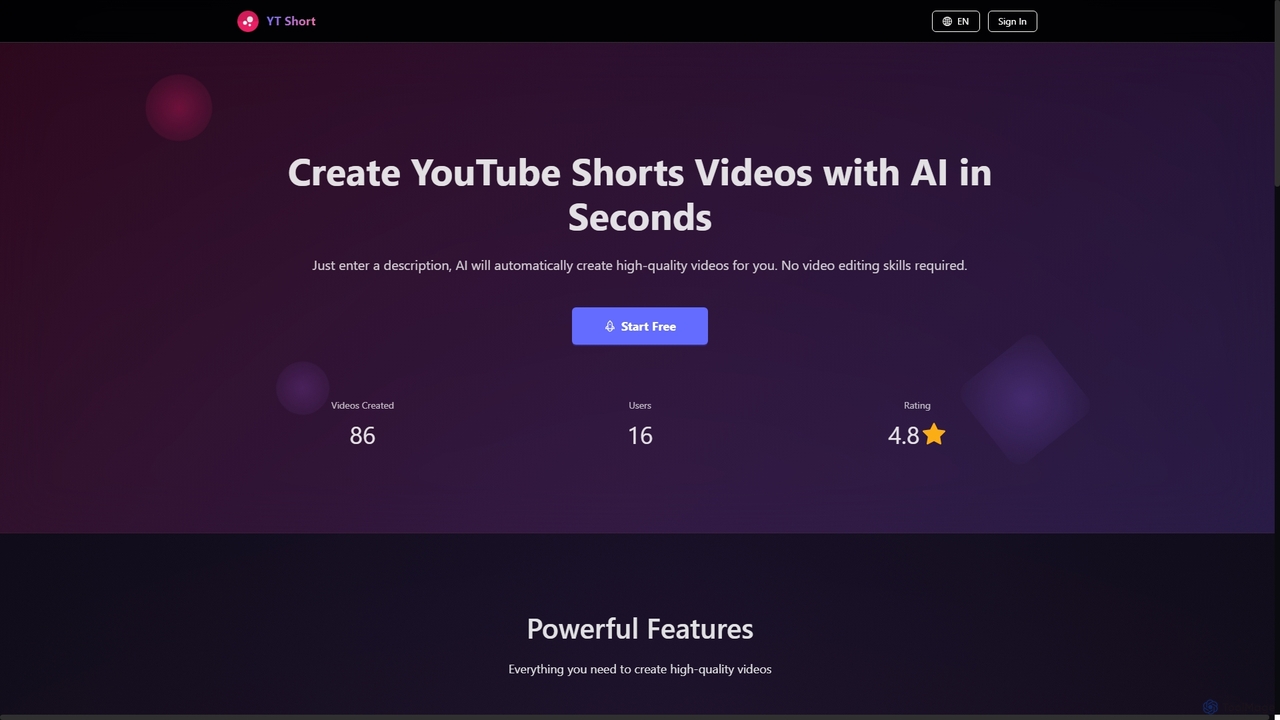
YT Short
YT Short is an AI-powered video generator designed to create high-quality YouTube Shorts and Instagram Reels in seconds. Users simply provide a text description, and the AI automatically generates vertical 9:16 videos without requiring any video editing skills. It offers fast creation, customization, and direct upload capabilities.
3D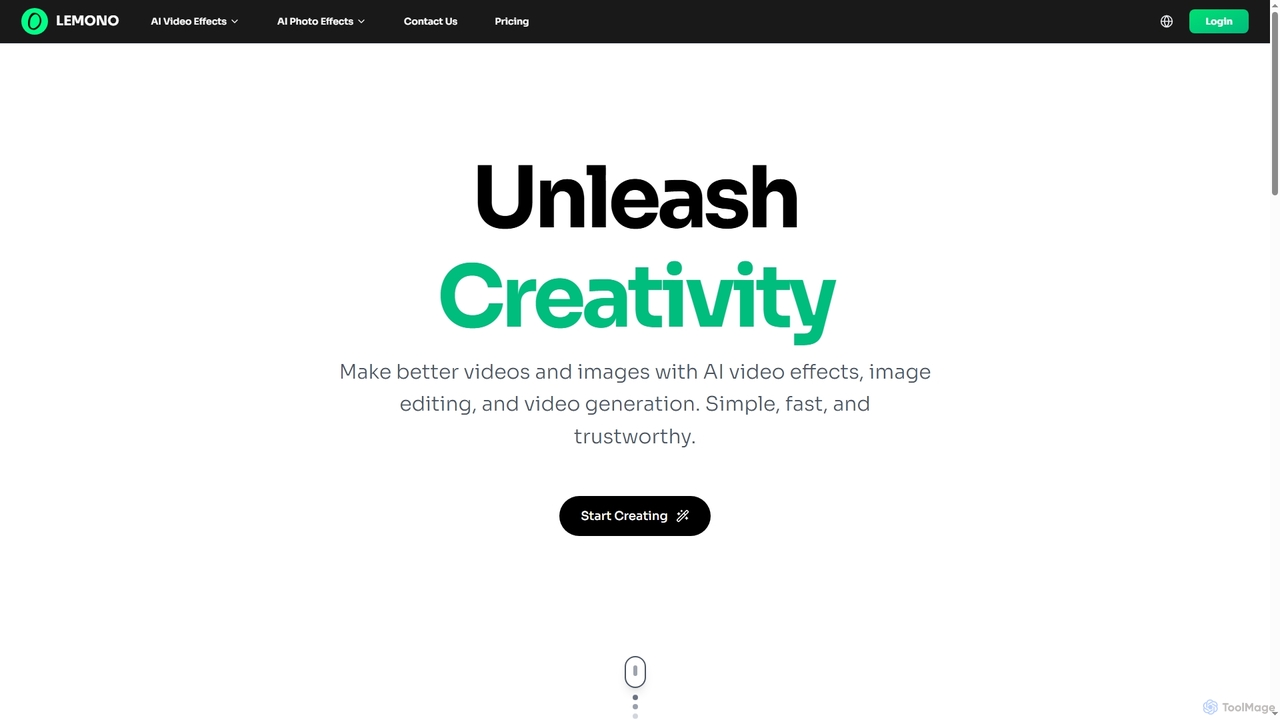
Lemono
An AI-powered platform for creating engaging videos and editing images. Transform photos into dynamic animations like kissing, hugging, or dancing, and edit images with features like hairstyle changes, outfit swaps, and background removal.
Generative Art
Unboring
Unboring is a powerful AI-driven online tool by Reface that specializes in face swapping and photo animation. Effortlessly transform static images into dynamic, expressive videos, or place any face onto popular memes, GIFs, and video clips. It's designed for creating hilarious, engaging, and highly shareable content for social media, marketing, or personal entertainment without requiring any technical skills.
Meme Generator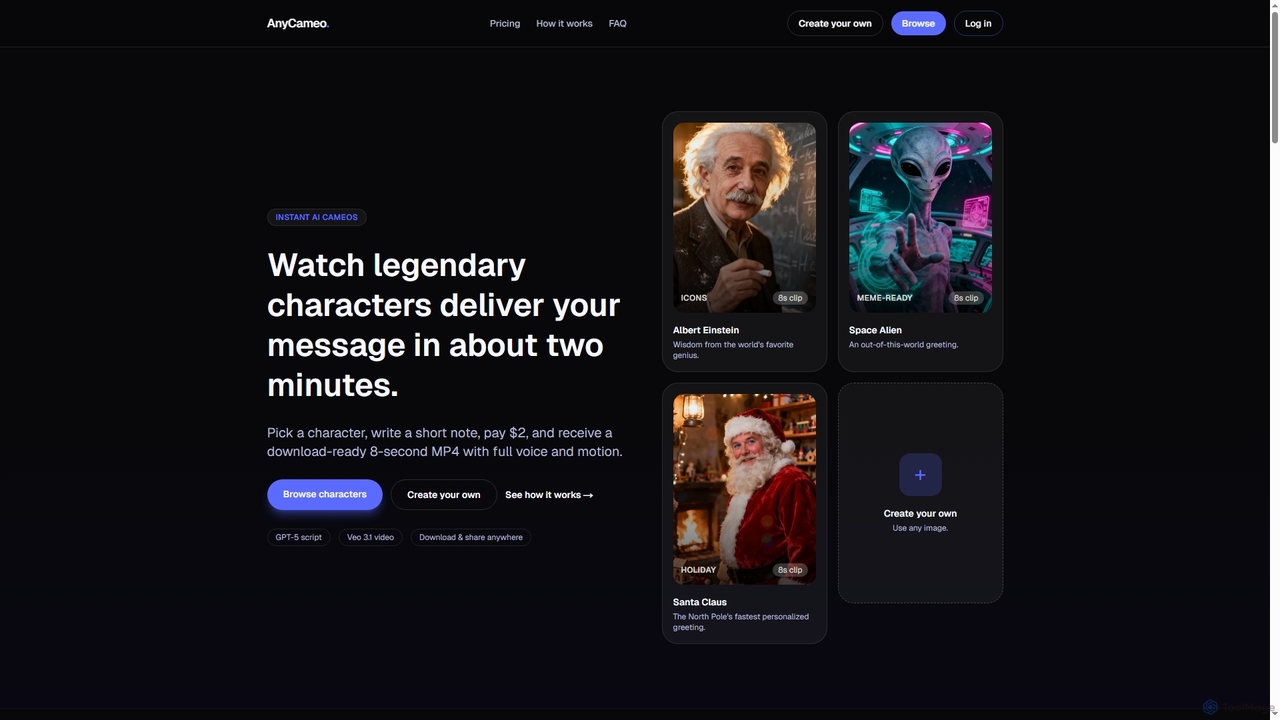
AnyCameo
AnyCameo offers instant, personalized AI-generated video messages from legendary characters or custom uploaded images. In about two minutes, users can create an 8-second MP4 clip with synchronized voice and motion, perfect for sharing on social media or personal greetings, all for a flat fee of $2.
Character Animation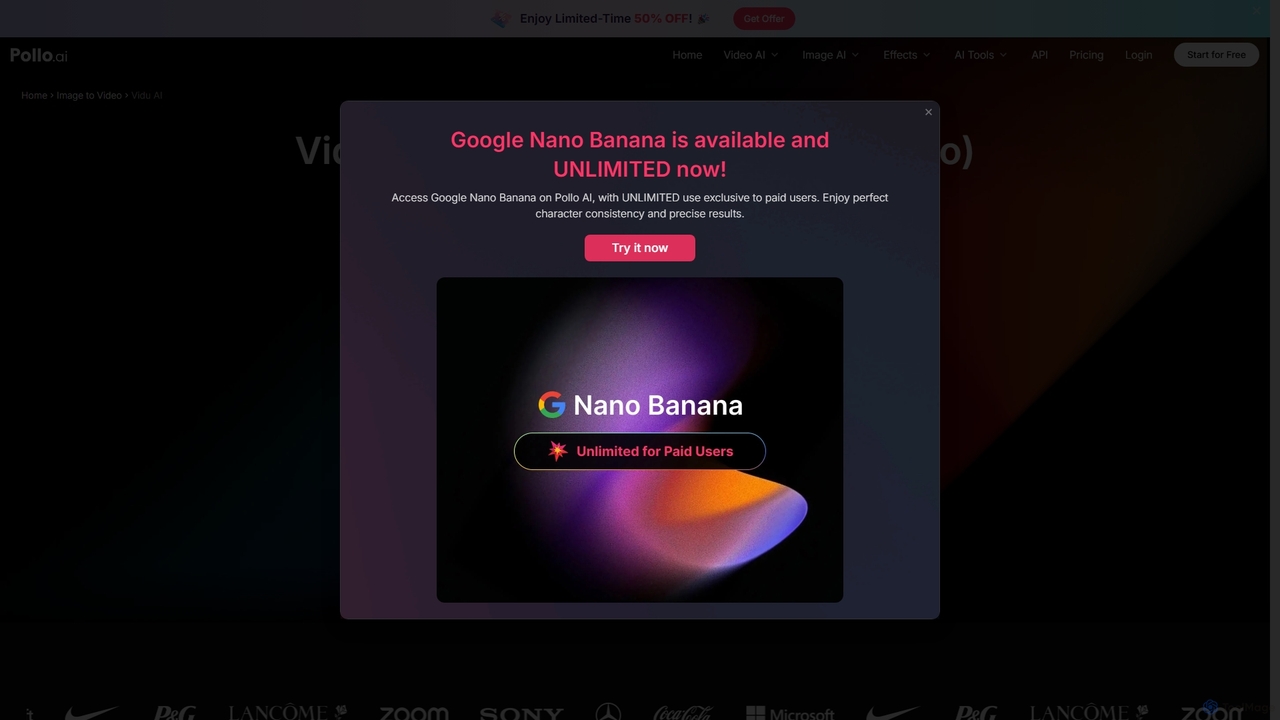
Vidu Studio
Vidu Studio is a cutting-edge AI video generator developed by Shengshu Technology and Tsinghua University. It transforms text prompts and images into high-definition, dynamic videos. Featuring an advanced architecture similar to Sora, it excels at creating stylized content, animations, and marketing videos with remarkable speed and quality.
Animation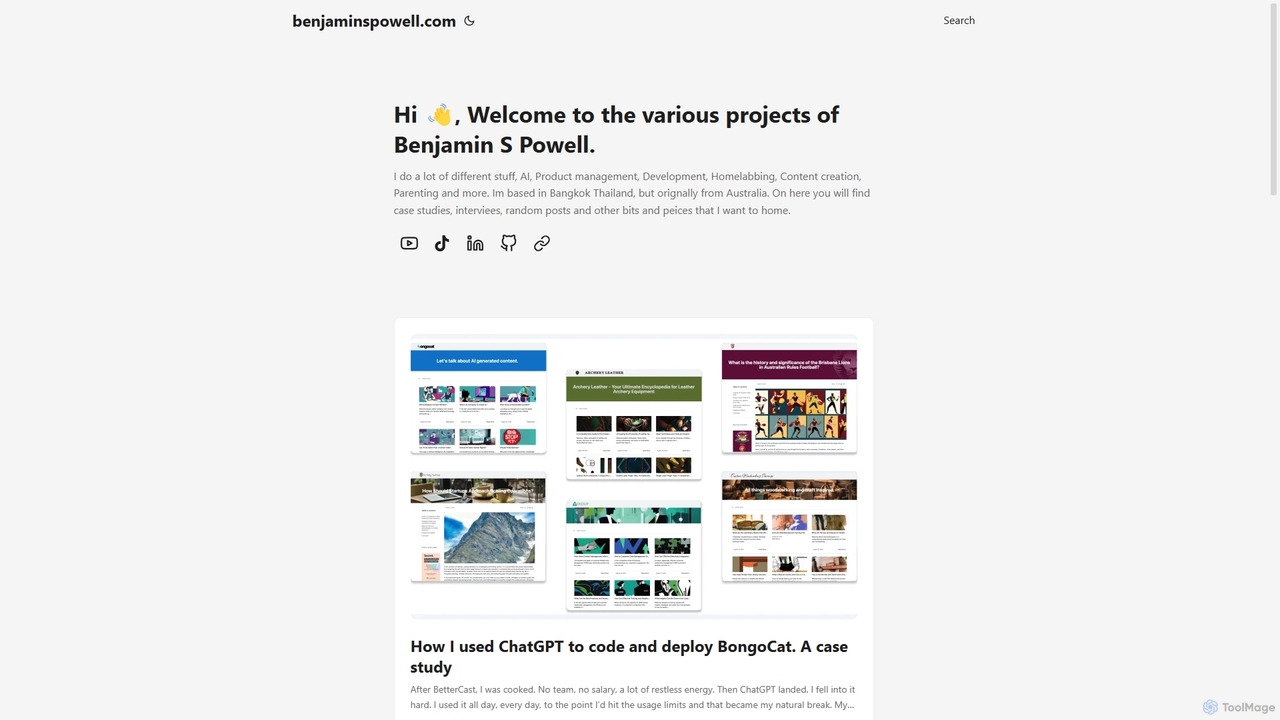
BongoCat
BongoCat is an AI-powered animation and video creation platform that allows users to effortlessly generate engaging animated videos, GIFs, and memes. Perfect for marketers, content creators, and social media managers, it transforms simple text prompts or ideas into vibrant, shareable visual content in minutes, with no animation skills required.
Meme Generator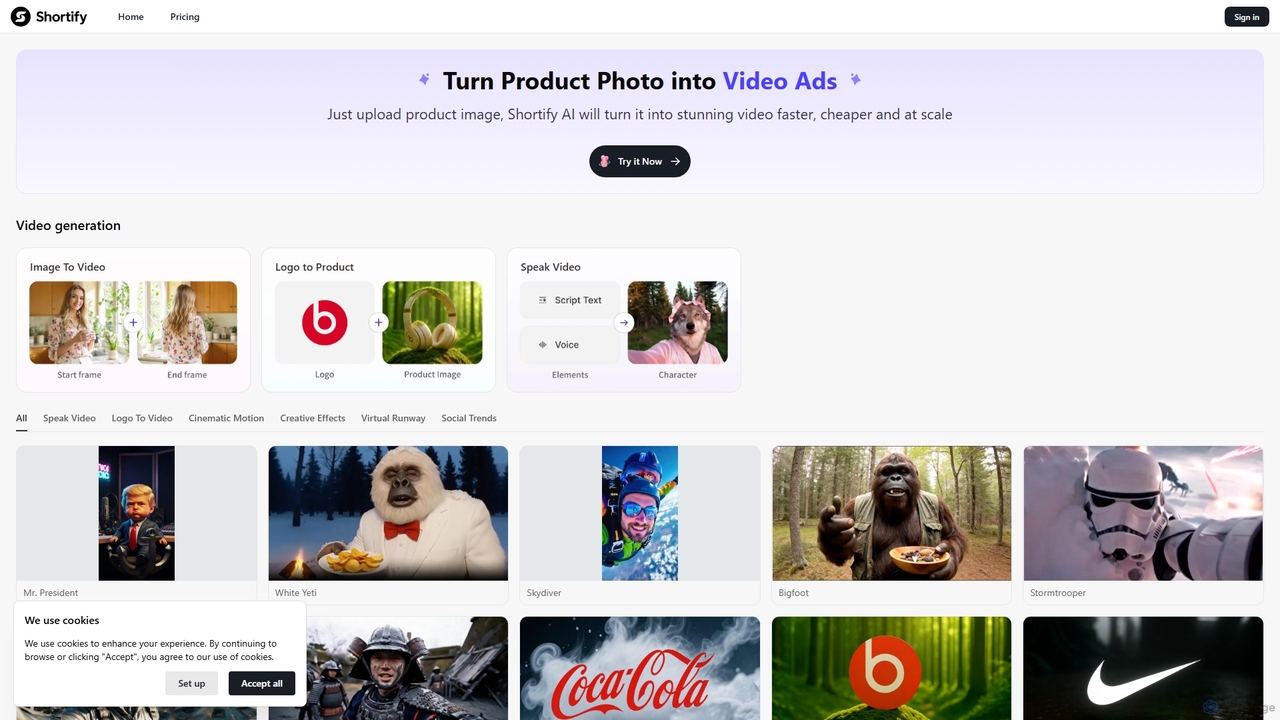
Shortify
Shortify is an AI-powered video generation platform that transforms static images into dynamic, engaging video ads and social media content. With a vast library of creative templates and effects, it enables marketers and creators to produce high-quality short-form videos quickly, affordably, and at scale.
Social Media Marketing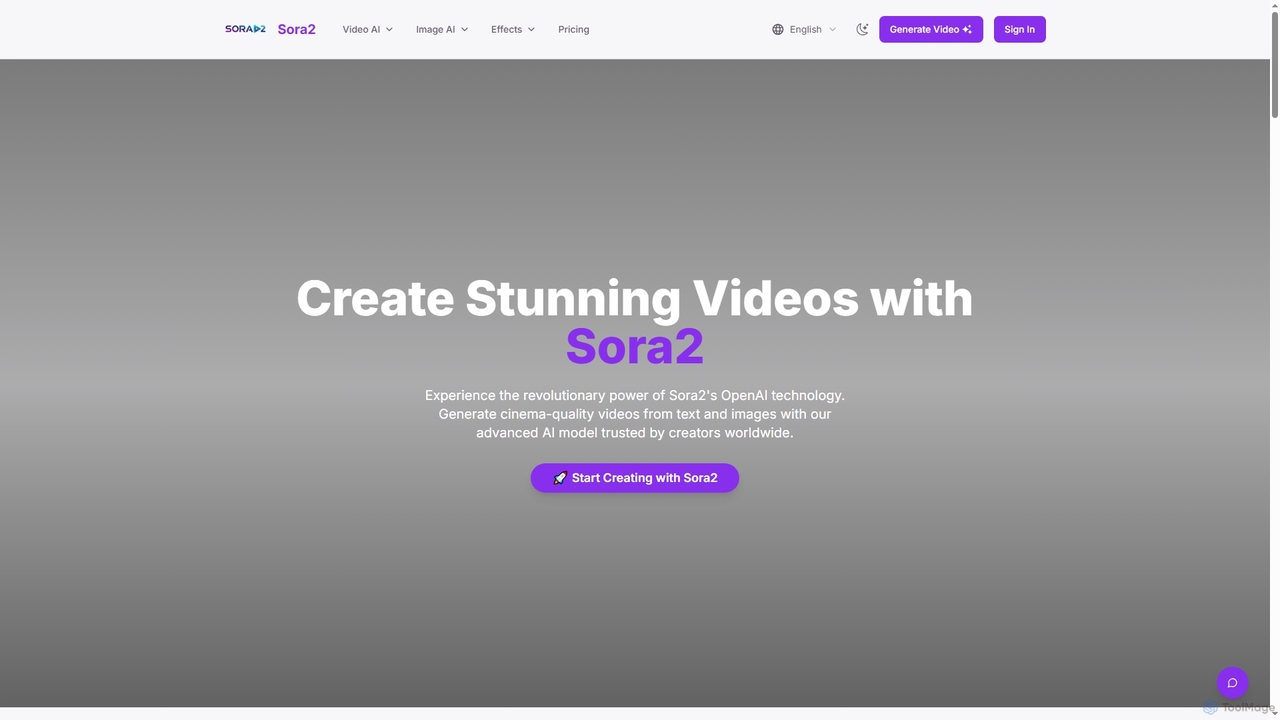
Sora2web
Sora2web is an advanced AI platform offering cinema-quality video and high-fidelity image generation from text and images. Leveraging models like OpenAI's Sora2, Kling, and Nanobanana, it provides creators, marketers, and businesses with powerful tools for diverse content needs, including realistic physics simulations, consistent character appearance, and a wide array of visual effects, all within an intuitive, cloud-based environment.
Content CreationArtflow
Artflow is an AI-powered platform that transforms you into a digital actor. By uploading a few photos, you can create a personalized AI avatar and then generate unlimited unique images and talking videos of yourself in any style, outfit, or setting imaginable. Perfect for social media, professional branding, and creative expression.
Personalized Avatars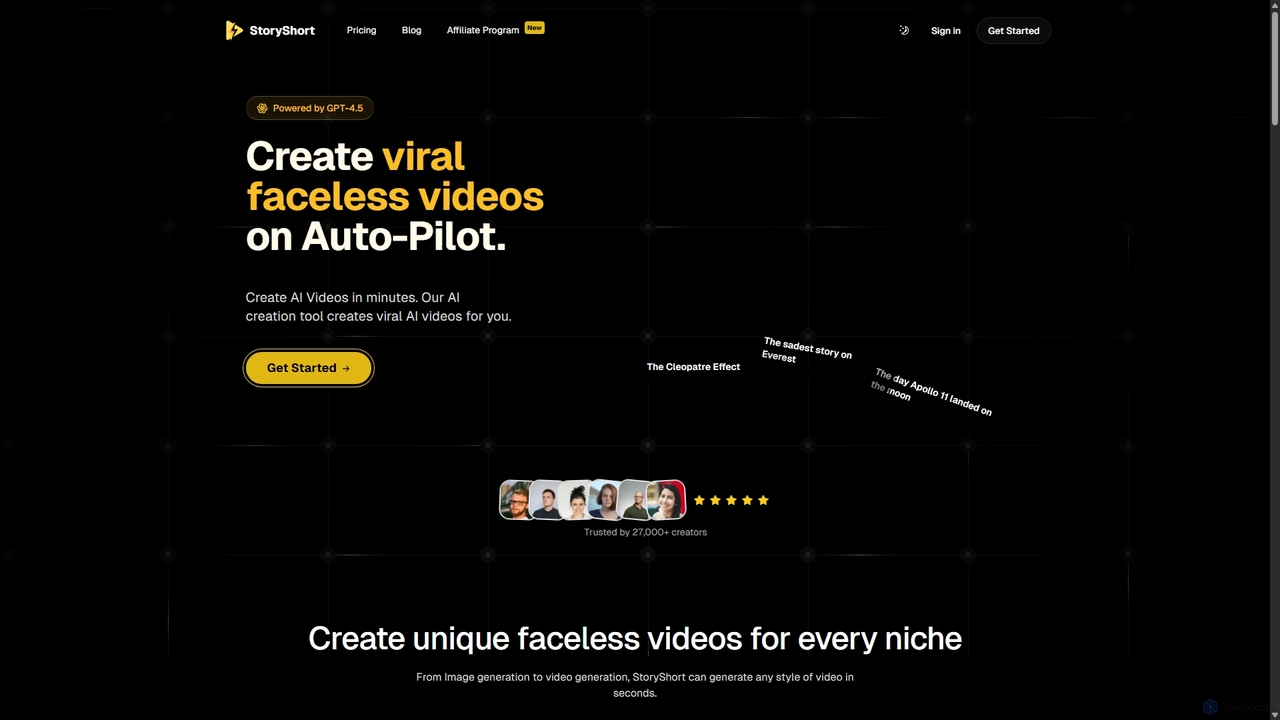
StoryShort
StoryShort is an AI-powered video generator designed to create viral, faceless short videos for TikTok and YouTube on autopilot. It automates the entire content creation process, from scriptwriting and image generation to voiceovers and final video production, enabling users to scale their social media presence effortlessly.
Automation
ShortsGenerator
ShortsGenerator is an AI-powered platform that automates the creation of viral short videos for YouTube, TikTok, and Instagram. Simply provide a link, text, or an idea, and the AI generates engaging, faceless videos with scripts, visuals, and voiceovers in minutes. It's designed for creators and marketers to save time, repurpose content, and significantly boost audience engagement without needing any video editing skills.
Video Marketing
PhotolapseAI Comments (0)
Sign in to comment.
Sign inNo comments yet.