

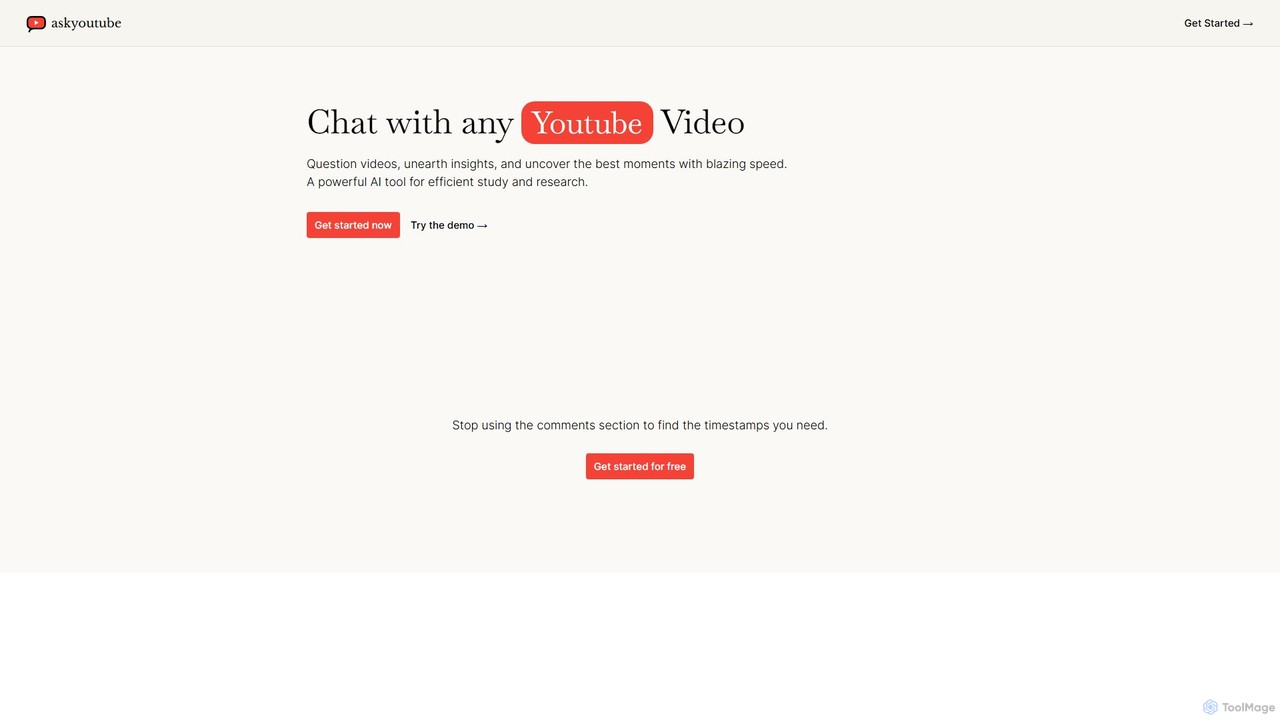
Ask Youtube Overview
Ask Youtube is a revolutionary AI tool designed to transform how users interact with video content on YouTube. It eliminates the need for manual scrubbing and note-taking by turning any YouTube video into an interactive chatbot. By simply pasting a video URL, users can ask direct questions, receive concise summaries, and pinpoint exact moments in the video, complete with timestamps. This makes it an indispensable asset for students, researchers, content creators, and lifelong learners who need to extract specific information from video content quickly and efficiently.
The platform leverages advanced natural language processing (NLP) to understand both the user's queries and the video's transcribed content. This allows for a nuanced and context-aware conversation, providing answers that are not just accurate but also relevant. Whether you're trying to understand a complex lecture, review a long webinar, or find a specific quote in an interview, Ask Youtube streamlines the process, saving you hours of valuable time.
How to use Ask Youtube
Using Ask Youtube is designed to be simple and intuitive. Follow these steps to start interacting with your video content:
- Find a Video: Go to YouTube and copy the URL of the video you want to analyze.
- Paste the URL: Navigate to the Ask Youtube website and paste the video link into the designated input field.
- Start Chatting: Once the video is processed, a chat interface will appear. You can now start asking questions in natural language. For example, you can ask "What are the three main takeaways from this video?", "Summarize the section about market trends," or "At what time does the speaker mention the new feature?".
- Receive Answers: The AI will provide direct answers to your questions, often including the precise timestamps. You can click on these timestamps to jump directly to that point in the video.
- Refine and Explore: Continue the conversation to delve deeper into specific topics, ask for clarifications, or explore related concepts mentioned in the video.
Core Features of Ask Youtube
- AI-Powered Q&A Chat: Engage in a natural conversation with any YouTube video. Ask complex questions and get instant, relevant answers.
- Instant Video Summarization: Generate comprehensive or brief summaries of entire videos, helping you grasp the main points without watching the whole thing.
- Timestamped Responses: All key answers and moments identified by the AI are linked with clickable timestamps, taking you directly to the relevant part of the video.
- Key Insight Extraction: The tool automatically identifies and highlights crucial information, data points, arguments, and conclusions within the video.
- Transcript-Based Interaction: The AI processes the video's full transcript, enabling deep and accurate content analysis.
- Efficient Research and Study: Drastically cuts down research time by making video content easily searchable and queryable.
Use Cases for Ask Youtube
Ask Youtube is a versatile tool with a wide range of applications:
- For Students: Quickly review online lectures, find answers for homework, and study for exams by querying lecture materials instead of re-watching them.
- For Researchers: Efficiently analyze academic talks, interviews, and documentaries. Extract quotes, data, and evidence with precise source timing.
- For Content Creators: Analyze competitor videos for content strategy, quickly find clips for creating highlight reels, or repurpose your own long-form content into smaller snippets.
- For Professionals: Get key takeaways from business webinars, conference keynotes, and training videos without blocking out hours from your schedule.
- For Lifelong Learners: Explore new topics and understand complex subjects faster by interacting with educational content from platforms like Khan Academy or TED.
Advantages of Ask Youtube
The primary advantage of Ask Youtube is its ability to unlock the vast knowledge trapped within video content, making it accessible and efficient. It saves an immense amount of time, enhances learning and comprehension by allowing for focused inquiry, and boosts productivity for anyone who relies on video for information. By turning passive video consumption into an active, engaging dialogue, it fundamentally changes the way we learn and research online.
Pricing and Plans
Ask Youtube operates on a freemium model, making it accessible to everyone.
- Free Plan: Users can get started for free to test the core functionalities. This plan typically includes a limited number of video analyses per month or a cap on the length of the videos that can be processed.
- Premium Plans: For users with more demanding needs, paid plans are available. These plans offer benefits such as unlimited video processing, support for longer videos, higher priority processing, and potentially advanced features like batch analysis or API access for developers. Specific pricing details are available on the official website.
Traffic
Latest traffic
Status
Monthly traffic trend
- 2025-9: 854
- 2026-1: 1.9K
- 2026-2: 933
- 2026-3: 1.6K
- 2026-4: 1.4K
- 2026-5: 11.5K
Geography
Top 5 countries / regions
- 🇺🇸United States46.4%
- 🇮🇳India30.3%
- 🇻🇳Vietnam11.5%
- 🇪🇸Spain6.1%
- 🇮🇹Italy5.7%
Top keywords
| Keyword | Cost per click |
|---|---|
| ai ask youube videos | $0.00 |
| ask youtbe | $0.00 |
| "ask youtube" | $0.00 |
| ask youtube | $0.00 |
| youtube ask | $0.00 |
Ask Youtube Alternatives
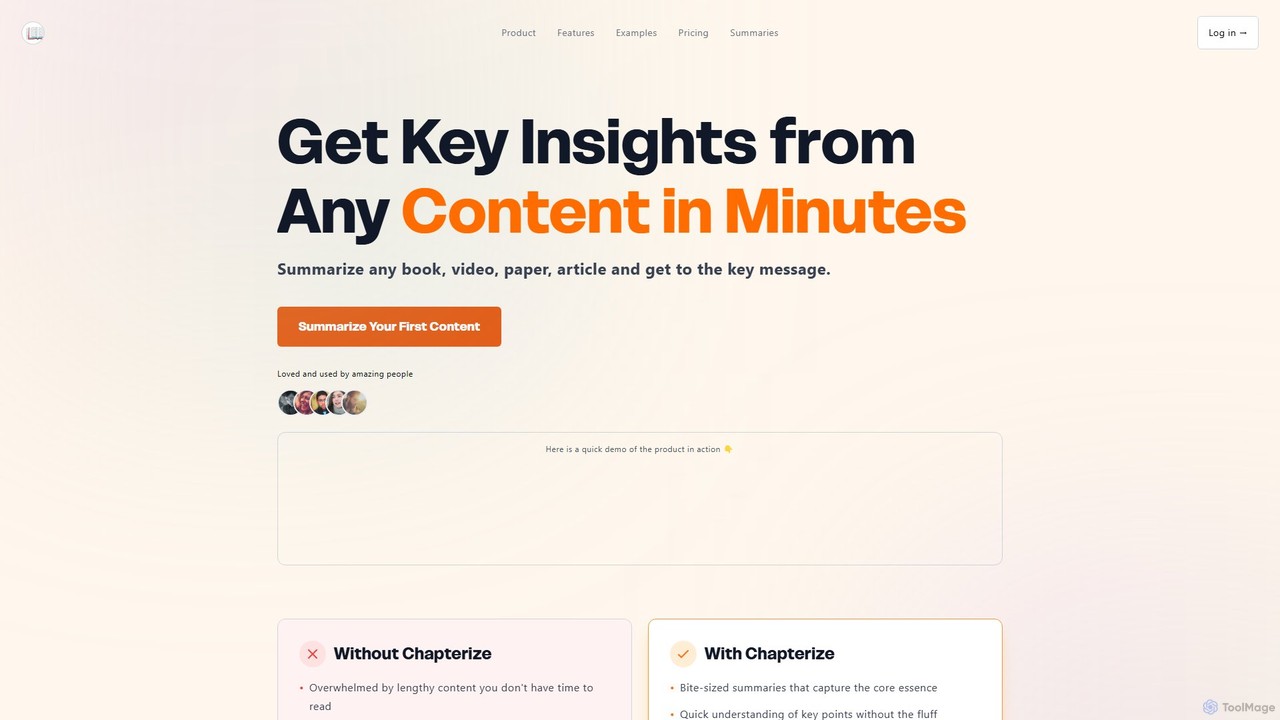
Chapterize.ai
Chapterize.ai is an AI-powered tool that transforms lengthy content like videos, books, research papers, and articles into concise, easy-to-digest summaries. It extracts key insights, provides audio versions of summaries, and features an interactive AI chatbot to answer questions about the content, helping users save time and conquer information overload.
Research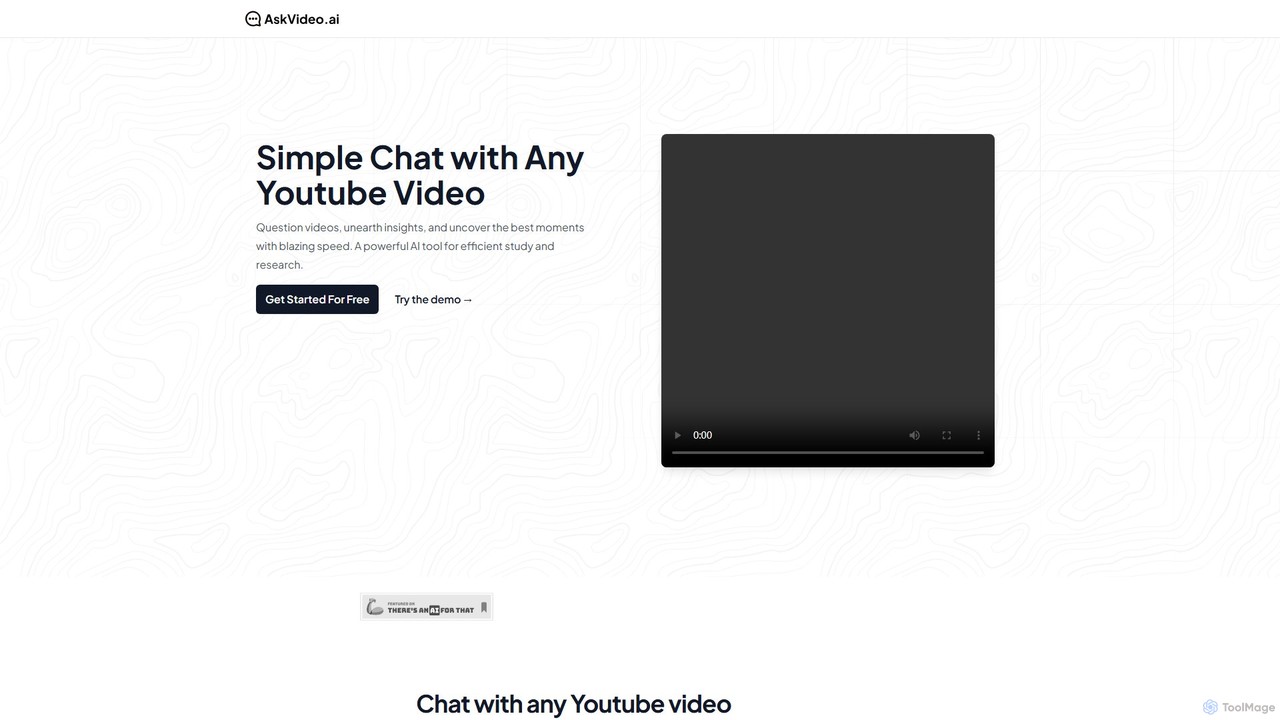
AskVideo.ai
AskVideo.ai is an AI-powered tool that allows you to chat with any YouTube video. Instantly get summaries, ask specific questions, and extract key insights from lectures, tutorials, and documentaries without watching them in their entirety. It's designed to make video content interactive and accelerate learning and research.
Research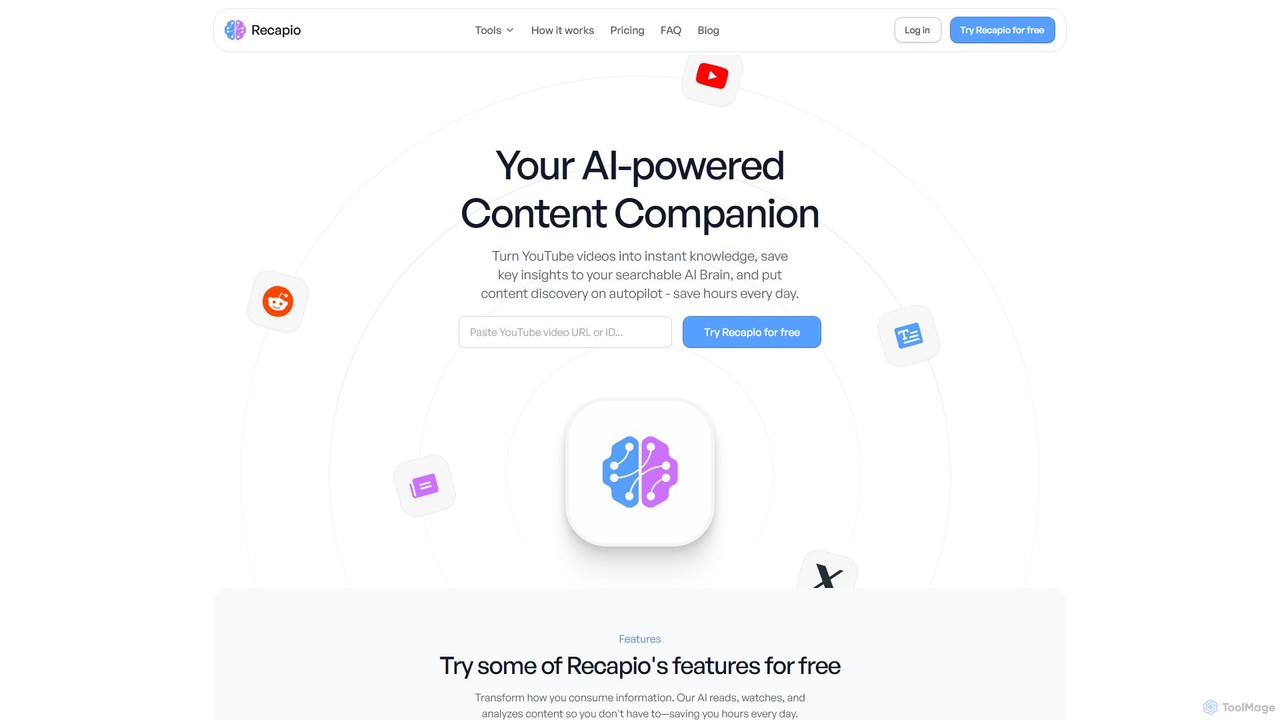
RecapioGPT
RecapioGPT is an AI-powered second brain and content summarizer that transforms YouTube videos, articles, and web posts into a searchable knowledge base. Chat with your content, get daily recaps, and organize insights to save time and learn smarter.
Research
youtube_to_chatbot
Instantly convert any YouTube video into an interactive AI chatbot. Ask questions in natural language and get immediate, accurate answers based on the video's content. Ideal for students, researchers, and professionals to quickly extract information from long videos.
Learning
Lilys AI
Lilys AI is a powerful knowledge assistant that instantly summarizes diverse content formats, including YouTube videos, audio files, PDFs, websites, and Excel sheets. It extracts key insights, creates structured notes, and allows you to build a searchable personal knowledge base. Ideal for students, researchers, and professionals looking to save time and accelerate learning by quickly grasping the core ideas from lengthy materials.
ResearchAsk Youtube Categories
Ask Youtube Embed Widget
Copy this embed code to place the badge on your blog, article, or product site and send readers directly to this ToolMage detail page.

Related AI tools
SkmAI
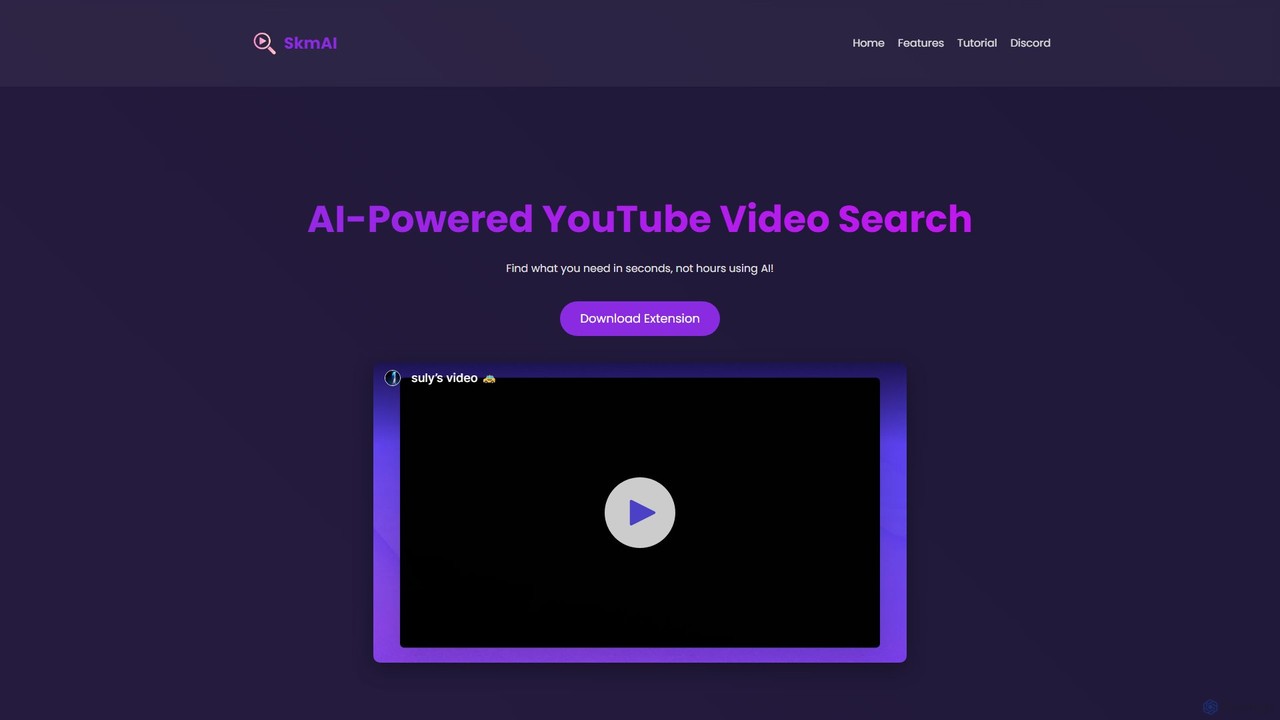
SkmAI is a free AI-powered Chrome extension that allows you to search within YouTube videos. Instantly find specific content, topics, or moments in long videos using natural language queries. It supports multilingual search and provides clickable timestamps to jump directly to the relevant part, saving you time and boosting productivity.
Chrome ExtensionsRecapioGPT
RecapioGPT is an AI-powered second brain and content summarizer that transforms YouTube videos, articles, and web posts into a searchable knowledge base. Chat with your content, get daily recaps, and organize insights to save time and learn smarter.
Researchyoutube_to_chatbot
Instantly convert any YouTube video into an interactive AI chatbot. Ask questions in natural language and get immediate, accurate answers based on the video's content. Ideal for students, researchers, and professionals to quickly extract information from long videos.
Learning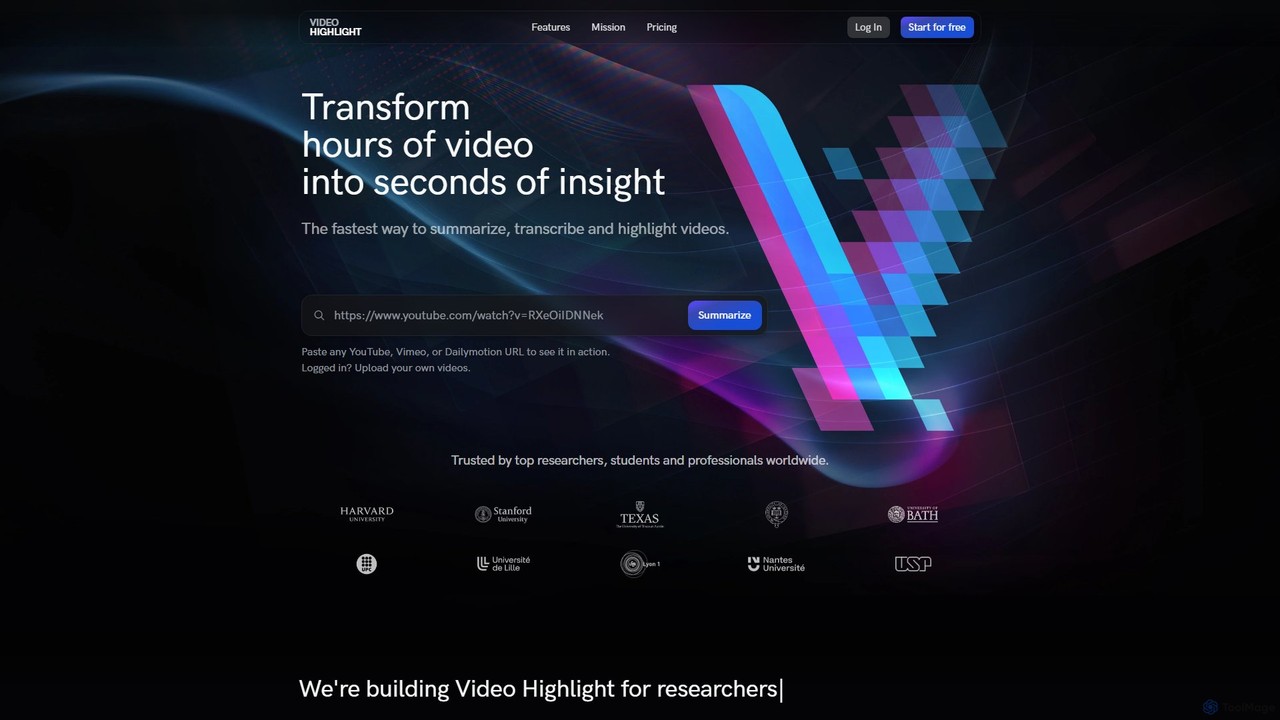
Video Highlight
Video Highlight is an AI-powered tool that transforms long videos into concise, actionable insights. It instantly generates timestamped summaries, accurate transcripts, and allows interactive chat with video content. Ideal for researchers, students, and content creators looking to save time and enhance productivity.
Note Taking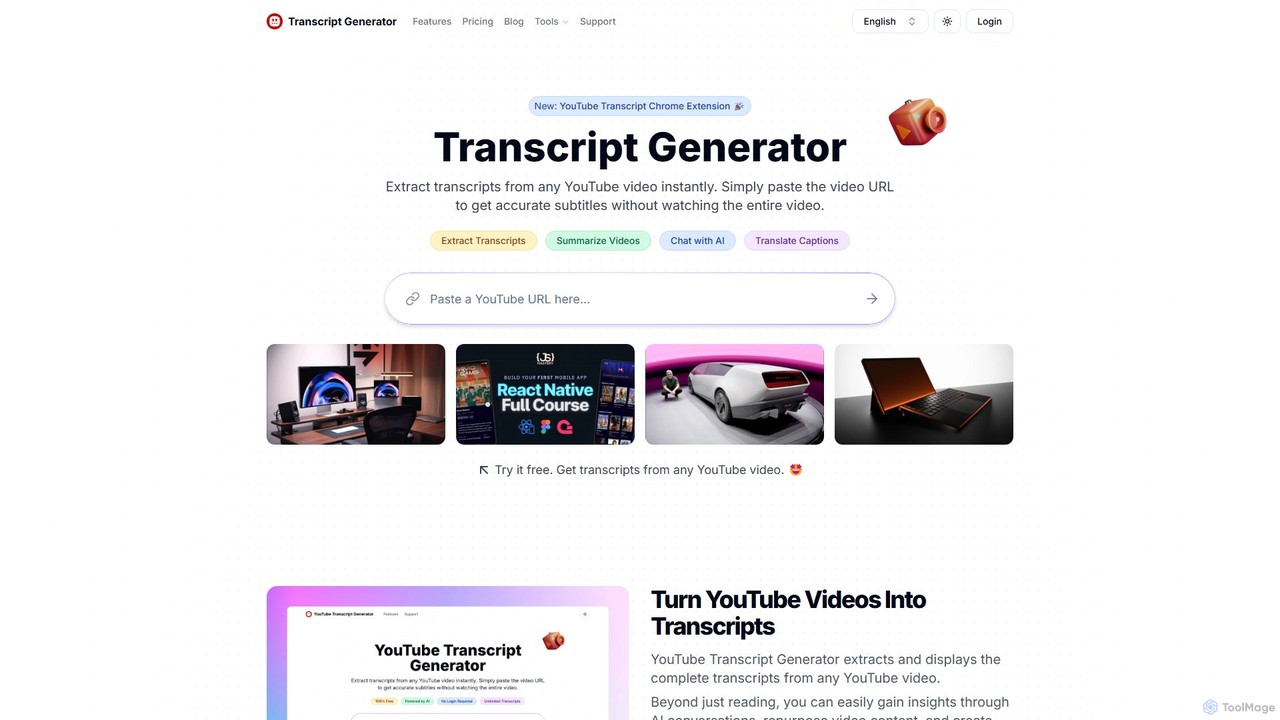
Transcript Generator
Transcript Generator is an AI-powered tool that instantly extracts, summarizes, and translates transcripts from any YouTube video. Simply paste a URL or use the Chrome extension to get accurate text, chat with the video's content, and boost your productivity. Ideal for content creators, researchers, and students.
Research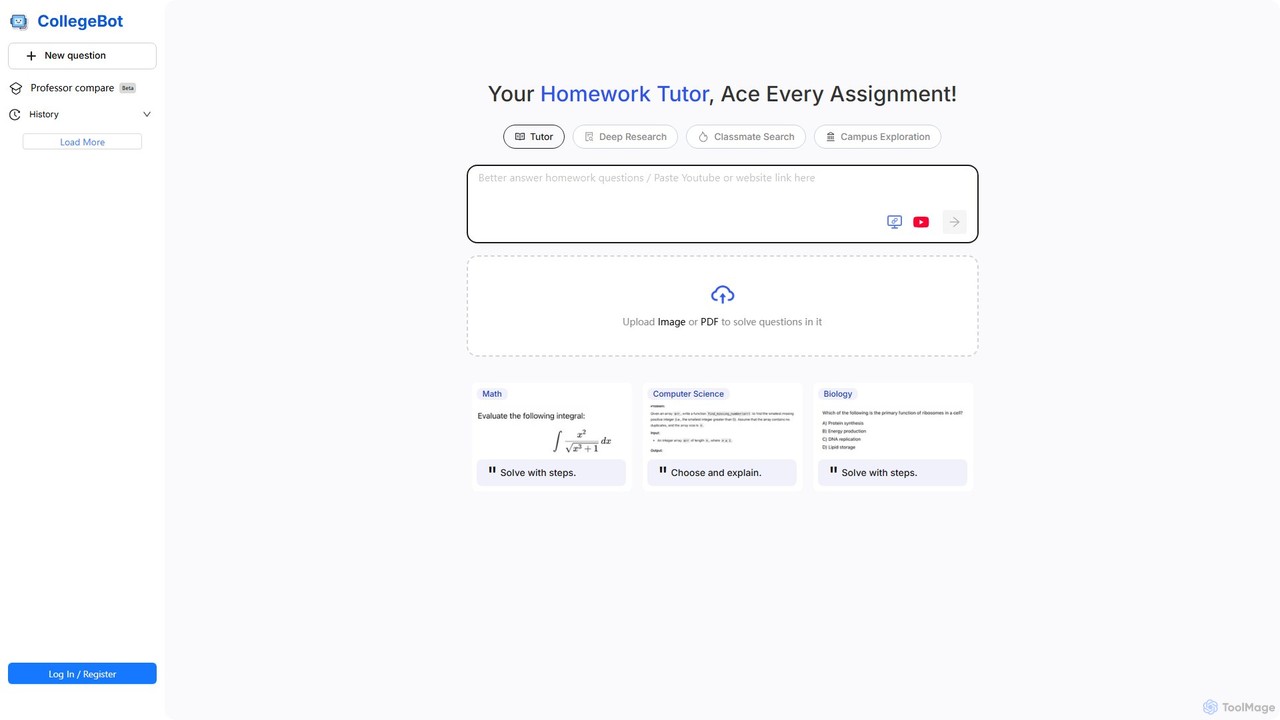
CollegeBot
CollegeBot is an AI-powered academic assistant designed for college students. It functions as a homework tutor, research tool, and campus guide, providing step-by-step solutions to problems, assisting with research, and answering questions about campus life. It supports various subjects and allows users to upload questions via images or PDFs.
Homework HelperLilys AI
Lilys AI is a powerful knowledge assistant that instantly summarizes diverse content formats, including YouTube videos, audio files, PDFs, websites, and Excel sheets. It extracts key insights, creates structured notes, and allows you to build a searchable personal knowledge base. Ideal for students, researchers, and professionals looking to save time and accelerate learning by quickly grasping the core ideas from lengthy materials.
Research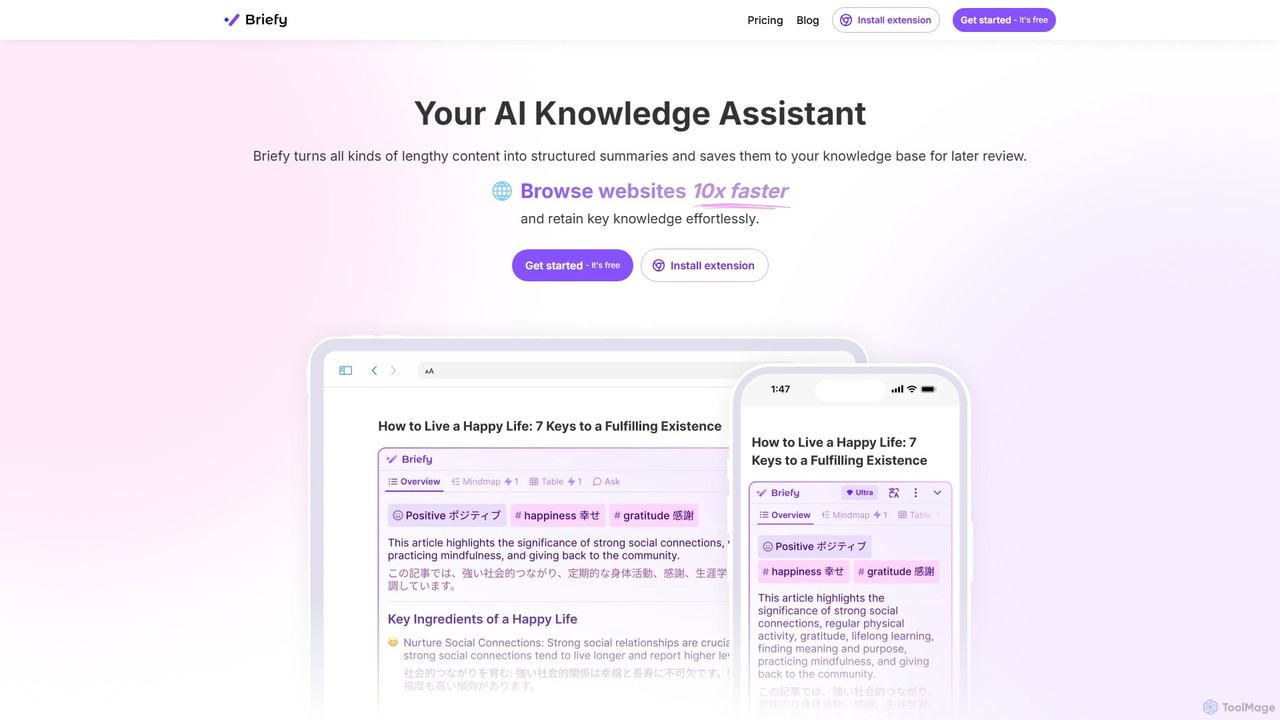
Briefy
Briefy is an AI-powered knowledge assistant that transforms lengthy content like articles, videos, and PDFs into structured summaries. It helps you conduct research 10x faster, retain key knowledge, and build a personal, searchable knowledge base for later review and interaction.
Research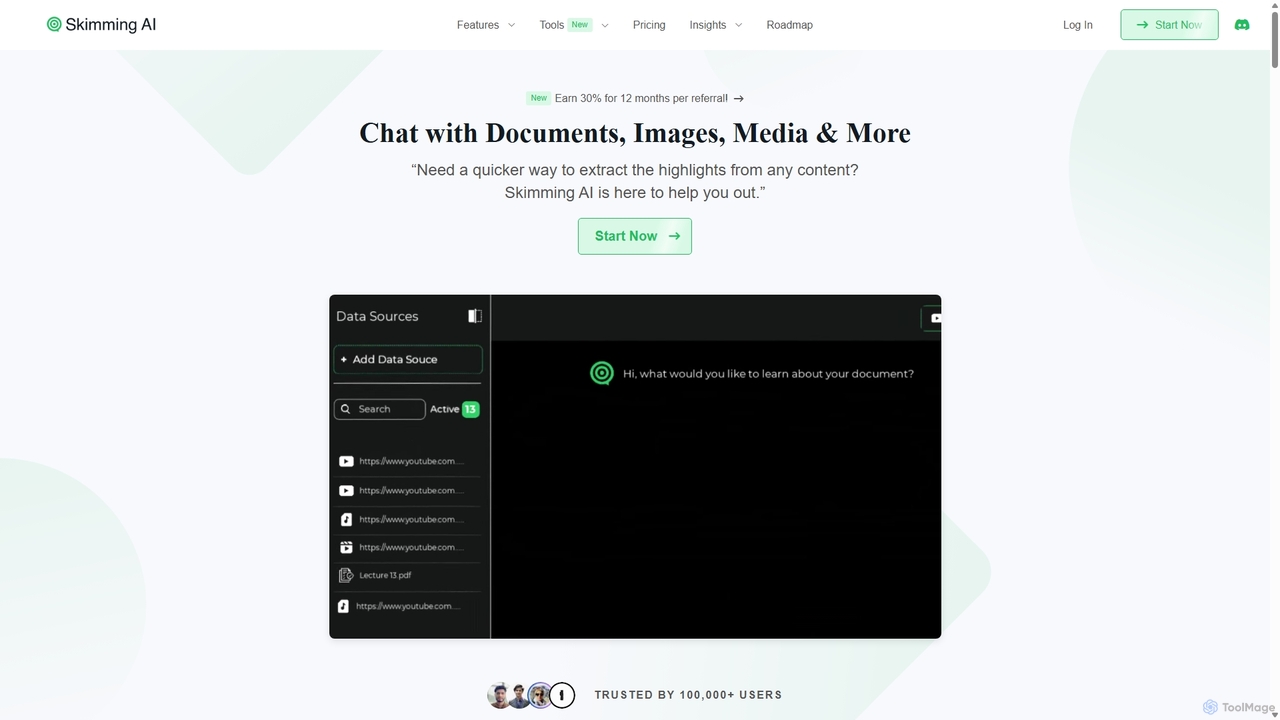
Skimming AI
Skimming AI is a versatile AI-powered platform that allows you to chat with and summarize a wide range of content, including documents, PDFs, YouTube videos, audio, images, and social media posts. Instantly extract key insights, ask questions, and get accurate answers without sifting through hours of material. It's designed to boost productivity for students, researchers, and professionals by making information consumption faster and more efficient across multiple formats and languages.
Analysis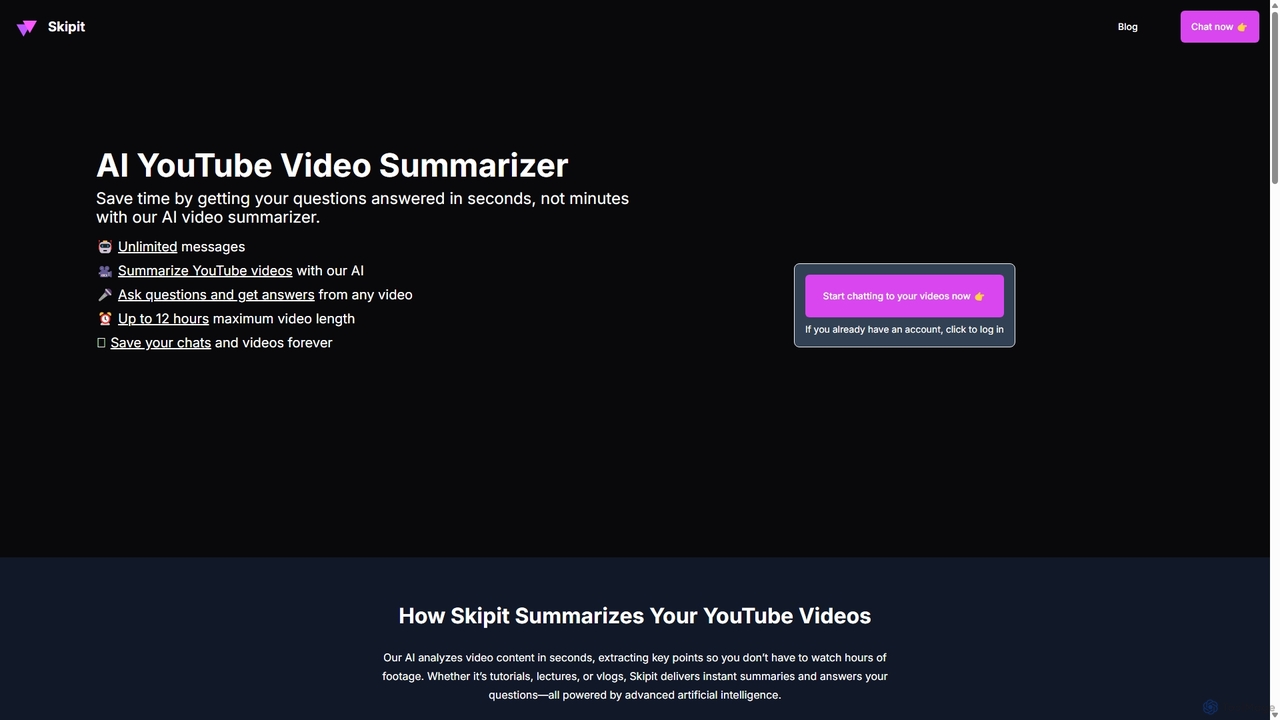
Skipit
Skipit is an AI-powered tool that summarizes YouTube videos instantly. It allows you to chat with any video, ask specific questions, and get key insights in seconds without watching the entire content. Ideal for students, professionals, and creators, it supports videos up to 12 hours long, saving you valuable time and boosting productivity.
Learning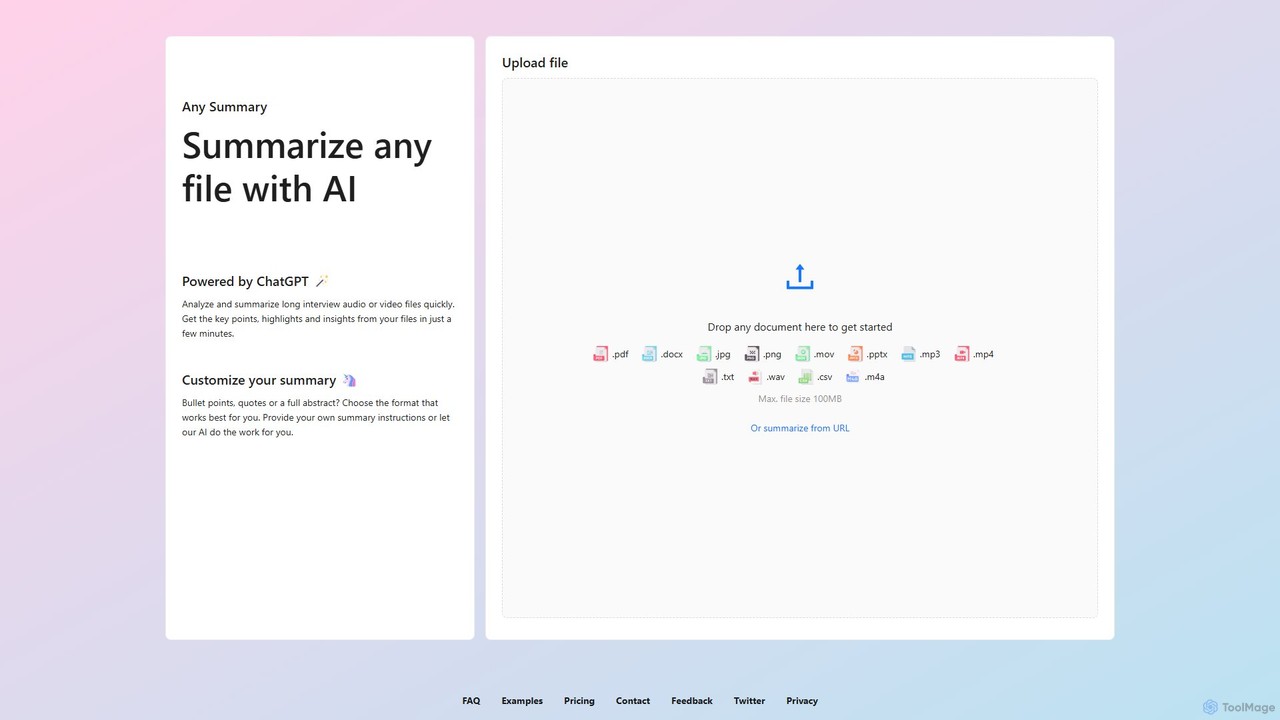
anysummary
An AI-powered tool that summarizes any file or URL. Upload documents, audio, video, or images, and get concise summaries, key points, and insights in minutes. Customize output formats like bullet points or abstracts to fit your needs. Powered by ChatGPT.
Transcription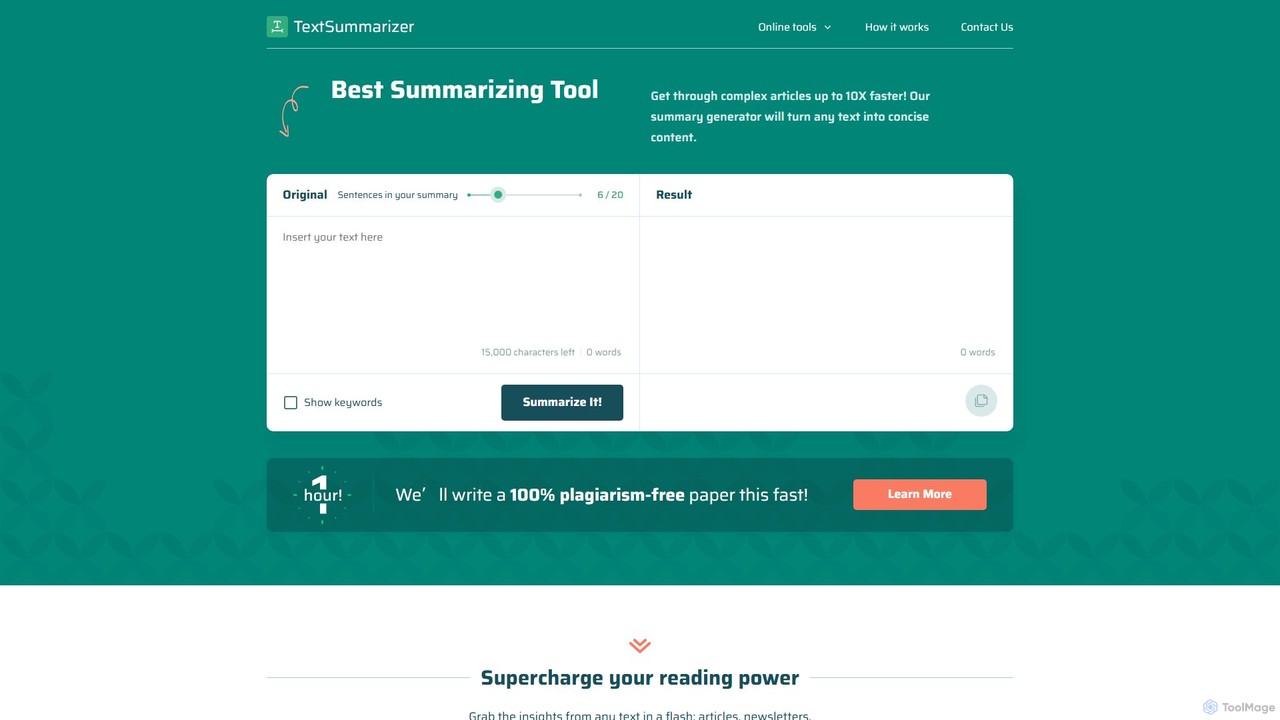
TextSummarizer
TextSummarizer is an AI-powered online tool that condenses long articles, research papers, and other texts into concise, easy-to-digest summaries. It helps users save time, improve reading efficiency, and quickly grasp the main ideas of any document without distractions.
Research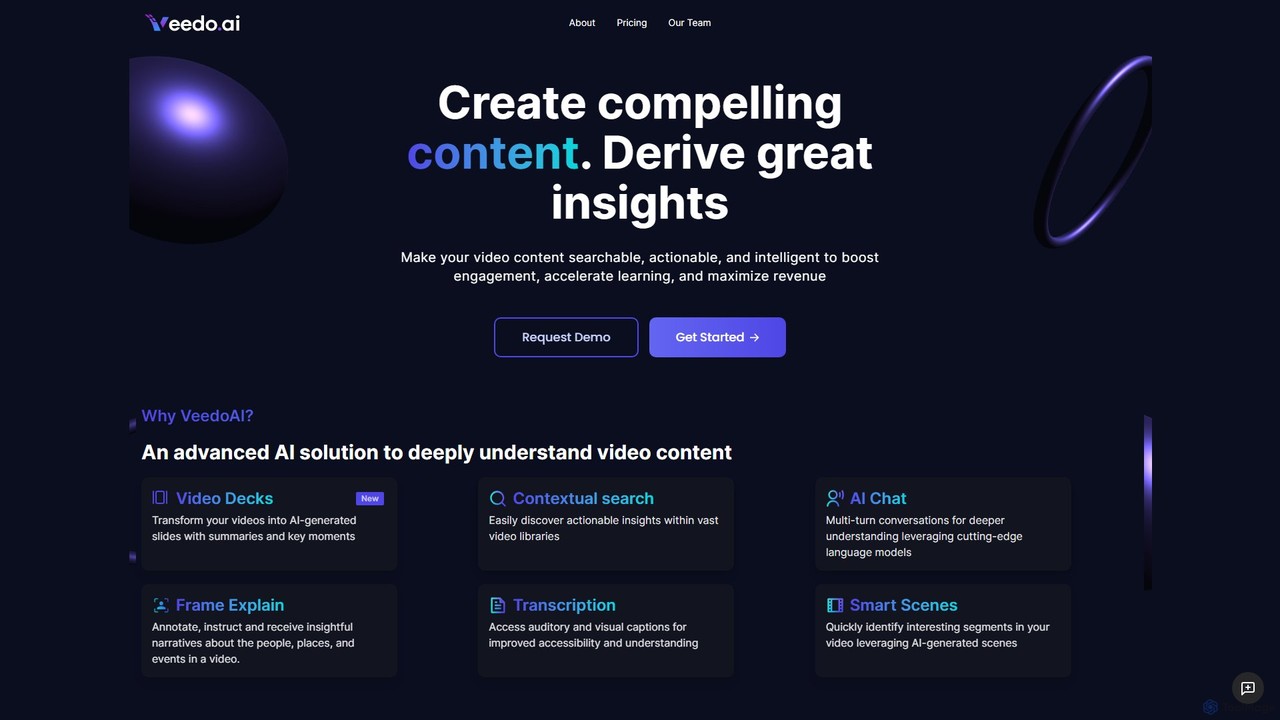
VeedoAI
VeedoAI is an advanced AI platform that transforms video content into searchable, actionable, and intelligent assets. It uses cutting-edge models to provide features like AI-generated slide decks, contextual search, interactive AI chat, and detailed transcriptions. Designed for creators, educators, and businesses, VeedoAI helps boost engagement, accelerate learning, and maximize the value of video libraries by making them easily navigable and insightful.
Learning
Jyek
Jyek is an AI agent platform that understands objectives, creates execution plans, uses tools, and delivers verifiable results for complex, multi-step tasks.
Automation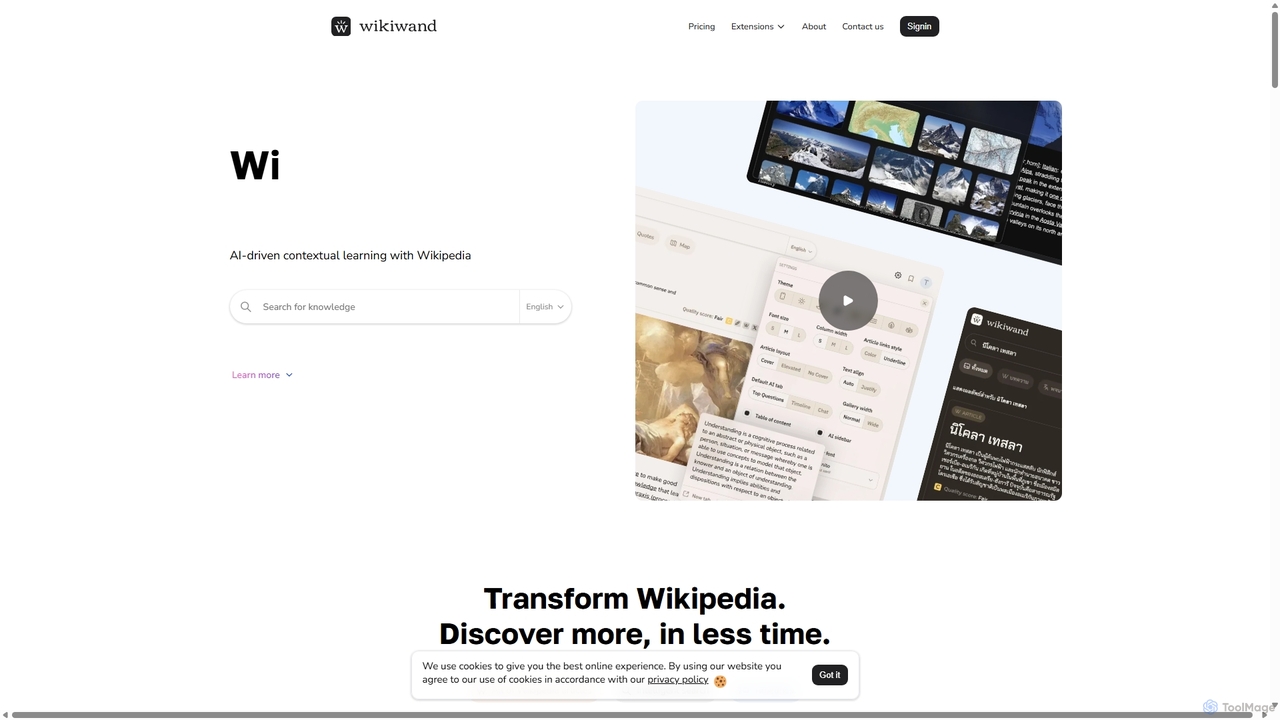
Wikiwand
Wikiwand is an AI-powered platform that modernizes the Wikipedia reading experience. It offers a sleek, user-friendly interface and integrates AI tools like article summaries, interactive timelines, and a contextual chat assistant to help users discover and understand information faster. By combining Wikipedia's vast knowledge with advanced design and AI features, Wikiwand streamlines research and learning, making knowledge consumption more efficient and enjoyable.
Research
Ask Youtube Comments (0)
Sign in to comment.
Sign inNo comments yet.