
Assistive Overview
Assistive is a comprehensive and versatile generative AI platform that combines multiple powerful tools into a single, cohesive ecosystem. It aims to revolutionize how users interact with AI for creative and productive tasks. The platform is built around three core products: Assistive Chat, Assistive Video, and Assistive Search, all accessible through a unified interface and a developer API.
At its heart, Assistive offers a suite of interconnected services designed to streamline workflows. Users can research a topic using the intelligent search, brainstorm and refine ideas with the contextual chat assistant, and finally bring those concepts to life as dynamic videos using the generative video tool. This integration makes it a one-stop solution for a wide range of digital creation and information processing needs.
How to use Assistive
Getting started with Assistive is a straightforward process designed for users of all skill levels:
- Sign Up: Create an account on the Assistive website to access the platform's dashboard.
- Select a Tool: From the main dashboard, choose the tool you need: Chat, Video, or Search.
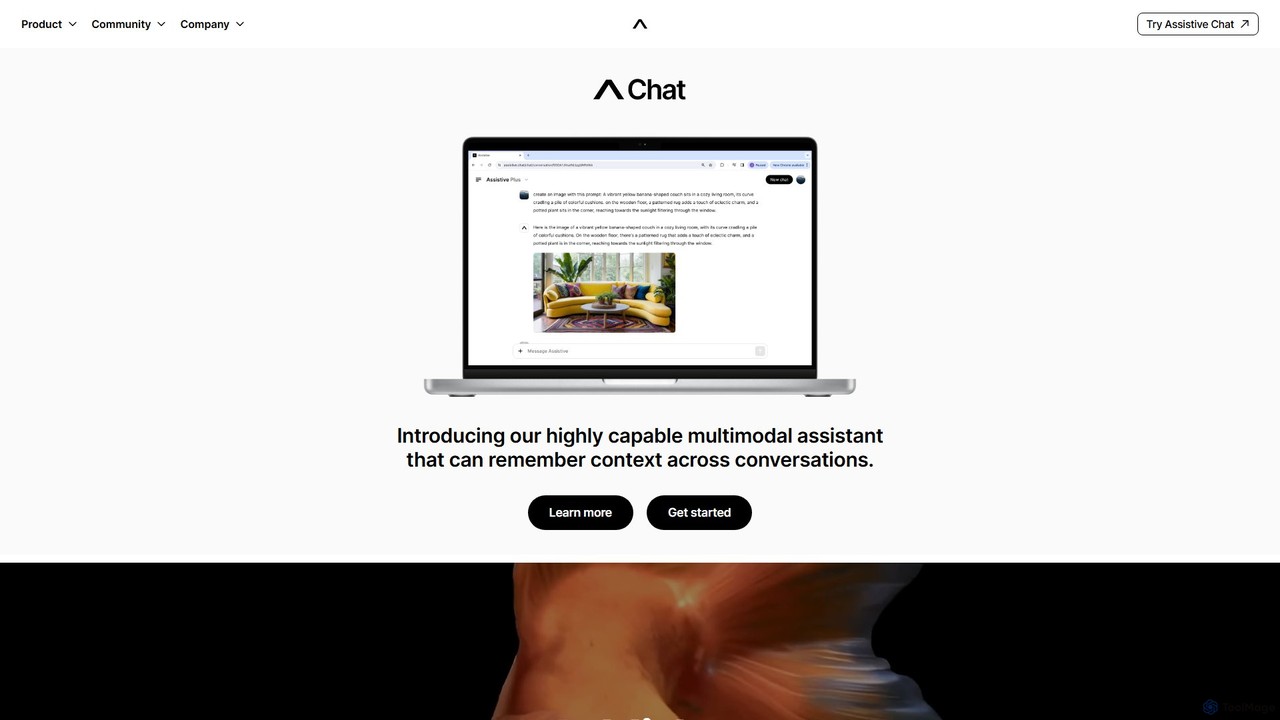
- Using Assistive Chat: Open the Chat interface and start a conversation by typing a prompt. You can also upload images to make the interaction multimodal. The assistant remembers previous conversations, allowing for deeper, more contextual follow-up questions and tasks.
- Using Assistive Video: Navigate to the Video generator. Enter a detailed text prompt describing the video you want to create or upload an image to serve as a base. You can then adjust parameters like style, aspect ratio, and motion to refine the output.
- Using Assistive Search: Type your query into the Search bar. Instead of a list of links, Assistive Search provides a synthesized, direct answer, complete with sources, saving you time on research.
- Using the API: For developers, access the API documentation after signing up. Obtain your API key to start integrating Assistive's chat, video, or search capabilities into your own applications and services.
Core Features of Assistive
- Assistive Chat: A highly capable multimodal assistant that understands both text and images. Its key differentiator is the ability to remember context across conversations, providing a continuous and personalized user experience.
- Assistive Video: A generative AI platform that transforms text prompts and static images into high-quality videos. It's designed for creators, offering tools to control the creative output.
- Assistive Search: An intelligent search engine that moves beyond traditional link-based results. It synthesizes information from the web to provide direct, comprehensive answers to complex questions.
- Integrated AI Suite: The seamless integration between Chat, Video, and Search allows for a fluid workflow, from initial idea and research to final creative production.
- Developer API: A robust API that allows developers to harness the power of Assistive's entire suite of tools to build custom applications and automate workflows.
- Creativity Program: A dedicated initiative to support and collaborate with creators, helping them explore the boundaries of generative video and AI-powered art.
Use Cases for Assistive
Assistive's versatile toolset is applicable across various fields:
- Content Creators: Brainstorm video scripts with Chat, conduct topic research with Search, and generate engaging short-form videos for platforms like TikTok, Instagram, and YouTube with Video.
- Marketing Professionals: Quickly create promotional videos, product explainers, and social media ad campaigns. Use Chat to draft compelling marketing copy and slogans.
- Developers: Integrate a sophisticated, context-aware chatbot into a website, automate video creation for a service, or build a niche, AI-powered search application using the API.
- Students and Researchers: Utilize Search for efficient information gathering and to receive summarized answers on complex subjects. Use Chat as a virtual tutor or to help structure essays and reports.
- Businesses: Automate the creation of internal training videos, develop marketing materials at scale, or deploy an intelligent assistant for customer support.
Advantages of Assistive
Assistive stands out in the crowded AI market with several key advantages:
- All-in-One Ecosystem: It eliminates the need to subscribe to multiple, disconnected AI tools by providing a unified platform for chat, video, and search.
- Persistent Contextual Memory: The chat assistant's long-term memory is a game-changer, enabling more meaningful and productive interactions over time.
- Synergistic Workflow: The tools are designed to work together, creating a powerful synergy that enhances productivity and creativity from start to finish.
- Focus on Creators: With its advanced video generation and a dedicated Creativity Program, Assistive demonstrates a strong commitment to the creative community.
- Flexibility and Extensibility: The availability of a comprehensive API makes Assistive not just a tool for end-users, but also a foundational platform for new innovations.
Pricing and Plans
Assistive likely operates on a freemium model to cater to a wide range of users. While specific details are not listed, a typical structure would be:
- Free Plan: Offers limited access to all tools, allowing users to experience the platform's core capabilities. This may include a set number of chat messages, a few watermarked video exports per month, and a daily limit on search queries.
- Creator Plan: A paid monthly subscription designed for individuals and content creators. It would offer significantly higher usage limits, no watermarks on videos, access to premium features, and faster processing times.
- Pro/Business Plan: Aimed at professionals and teams, this tier would include all Creator features plus collaborative tools, higher API usage quotas, and priority customer support.
- Enterprise Plan: A custom-priced solution for large organizations requiring high-volume API access, custom model integrations, dedicated support, and enhanced security features.
Assistive Alternatives
AI Video API
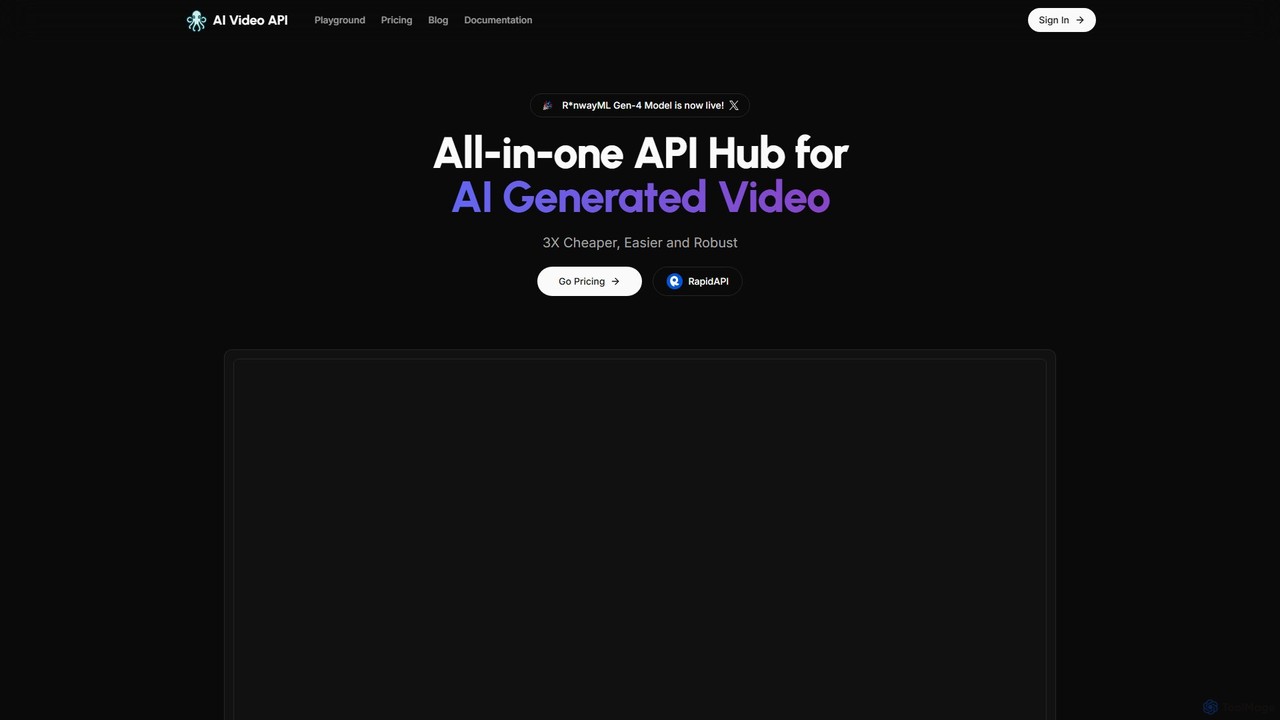
An all-in-one API hub for developers to integrate advanced AI video generation into their applications. It offers text-to-video, image-to-video, and extended video lengths up to 36 seconds, focusing on affordability, scalability, and ease of use with support for the latest models like RunwayML Gen-4.
Api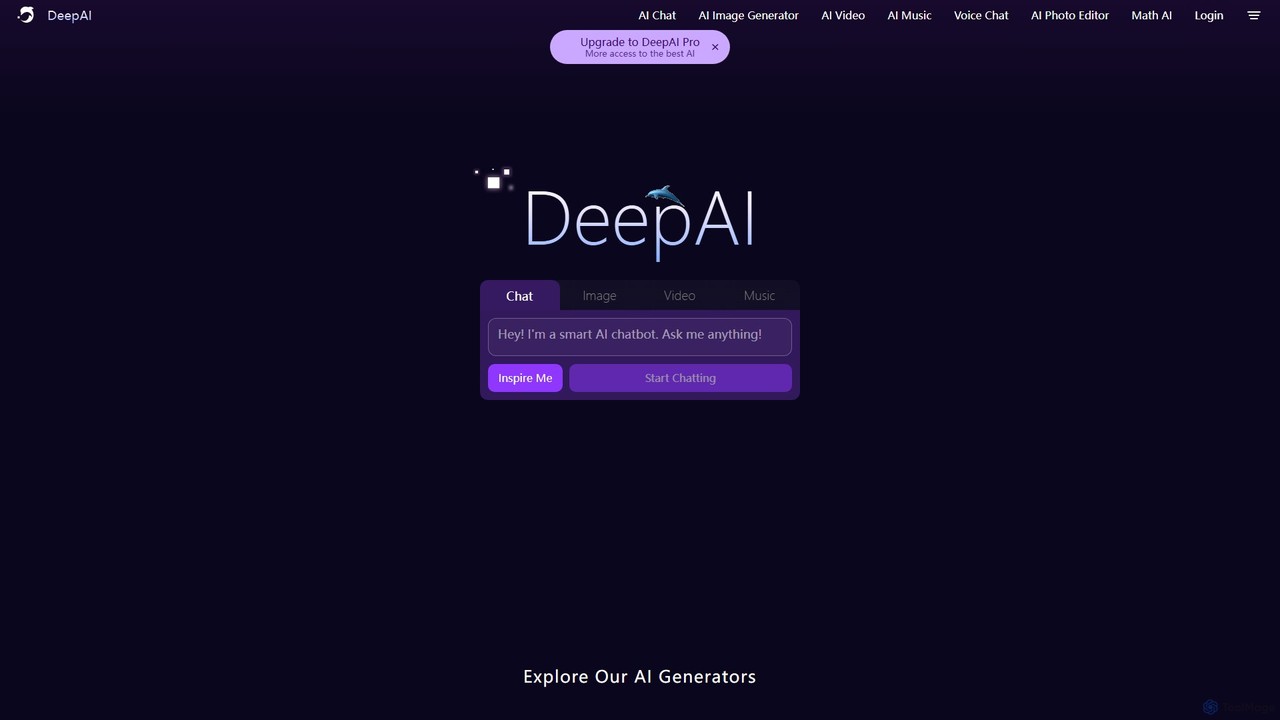
DeepAI
DeepAI is an all-in-one creative AI platform offering a suite of powerful tools for everyone. It enables users to generate images from text, create short videos, compose original music, edit photos, and chat with advanced AI assistants. With a focus on accessibility and affordability, DeepAI provides both a free-to-use version and a comprehensive Pro plan, alongside a robust API for developers to integrate AI capabilities into their own applications.
Music Generation
Kling AI
Kling AI is a next-generation AI creative productivity platform, specializing in high-quality video and image generation. It empowers creators and developers with advanced tools like text-to-video, image-to-video, fine-grained motion control, and a robust API, transforming creative ideas into stunning visual realities.
Api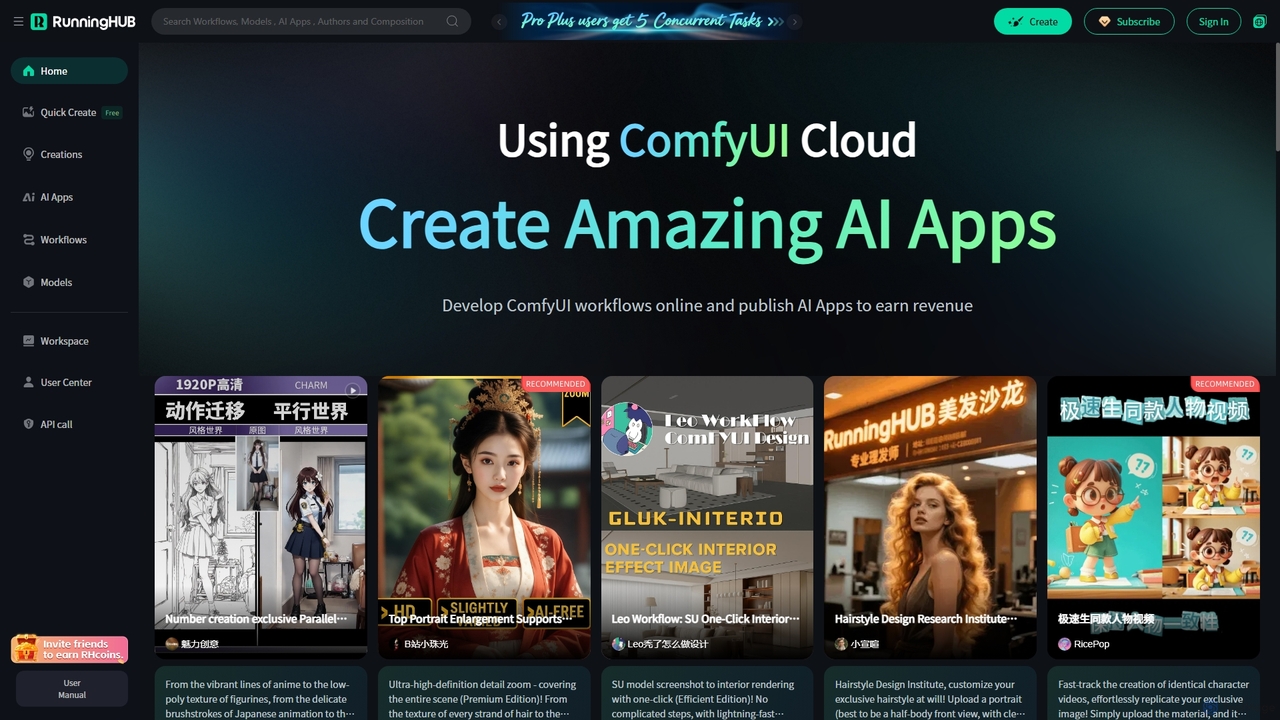
RunningHub
RunningHub is a powerful cloud-based platform for ComfyUI, enabling users to create, run, and share complex AI workflows without needing local hardware. It provides an online workspace with high-performance GPUs, a vast library of pre-installed models and nodes, and the ability to publish workflows as user-friendly AI applications for monetization.
Api
StepFun
StepFun (阶跃AI) is a comprehensive, multimodal AI platform by StepStar. It integrates advanced conversational AI, deep research capabilities, and high-fidelity content generation for text, images, audio, and video, all powered by a suite of proprietary models.
Generative AiAssistive Categories
Assistive Embed Widget
Copy this embed code to place the badge on your blog, article, or product site and send readers directly to this ToolMage detail page.

Related AI tools
Kling AI
Kling AI is a next-generation AI creative productivity platform, specializing in high-quality video and image generation. It empowers creators and developers with advanced tools like text-to-video, image-to-video, fine-grained motion control, and a robust API, transforming creative ideas into stunning visual realities.
Api
Jyek
Jyek is an AI agent platform that understands objectives, creates execution plans, uses tools, and delivers verifiable results for complex, multi-step tasks.
Automation
Chat 4O AI
Chat 4O AI is an all-in-one AI platform that integrates leading large language models, image generators, and video creation tools. Access models like GPT-4o, Claude 3.5, and Gemini 2.5 to solve complex problems, generate stunning visuals, and create dynamic videos from a single, user-friendly interface, boosting productivity and creativity.
Image Generator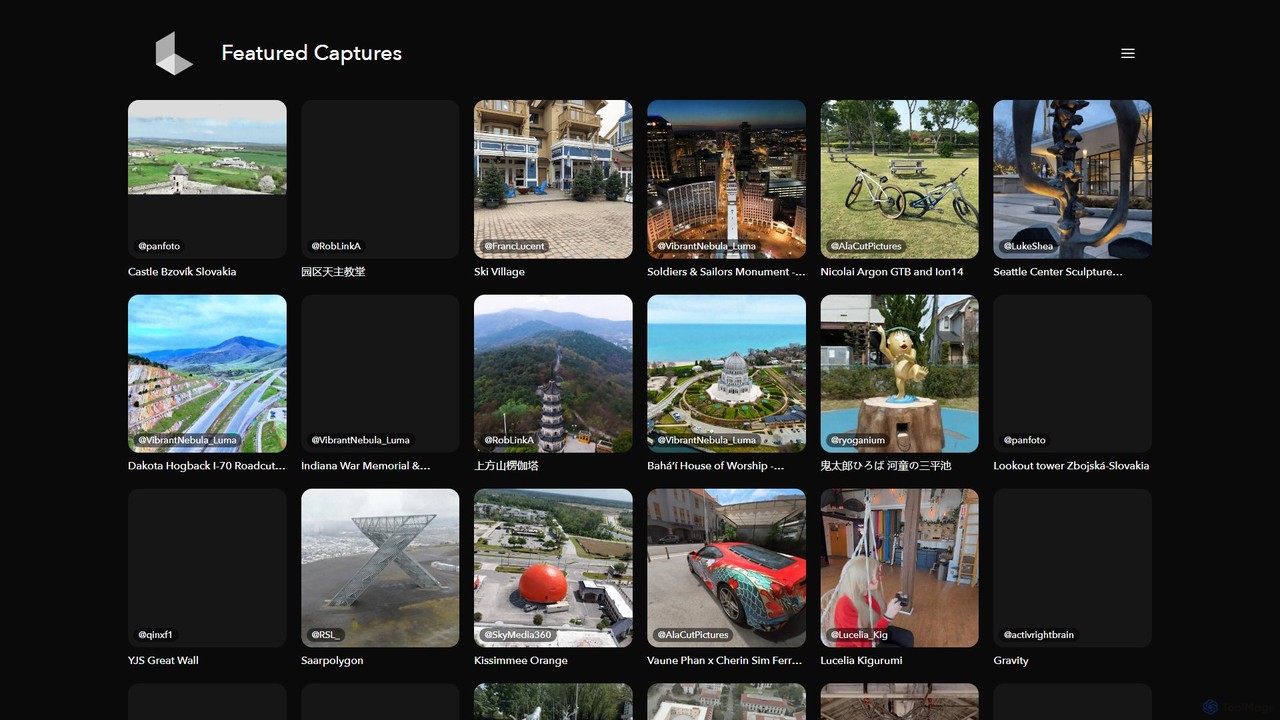
Luma AI
Luma AI is a pioneering AI company specializing in generative media. Its flagship product, Dream Machine, creates high-quality, realistic videos and images from text or image prompts. It also offers 3D capture and modeling tools, empowering creators to bring their imagination to life with unprecedented speed and creative freedom.
3D Scanning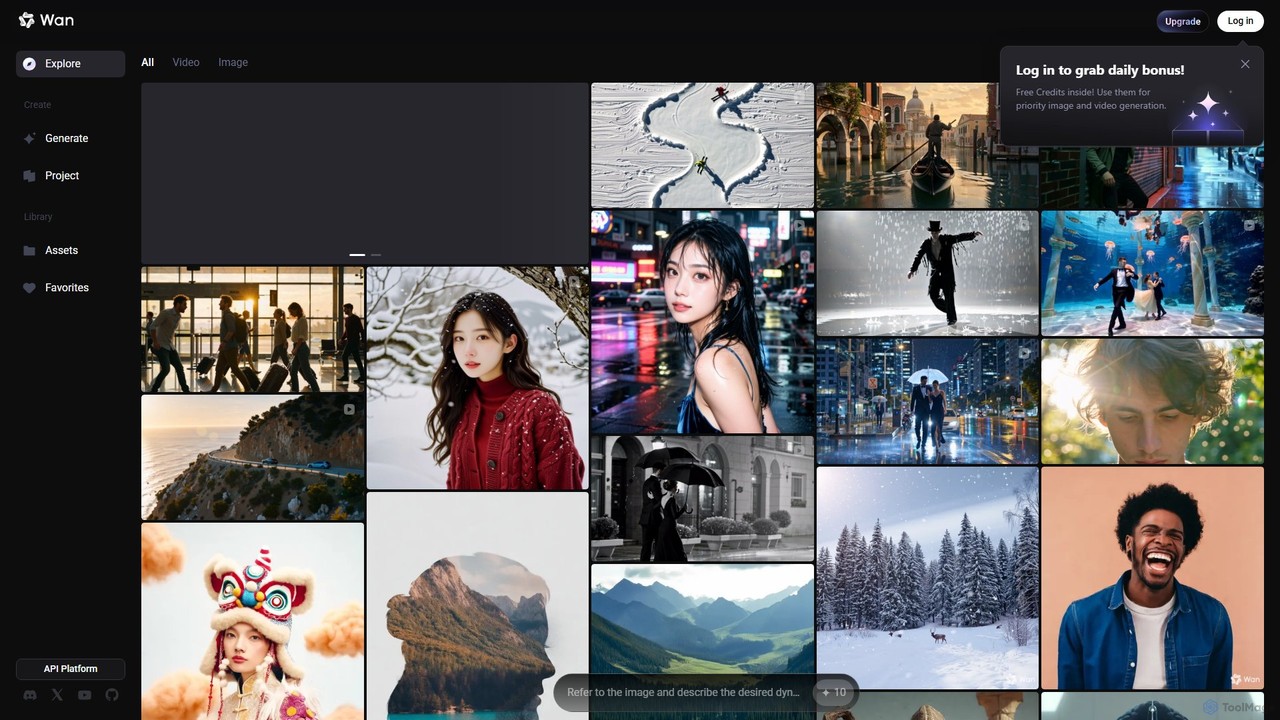
Wan AI
Wan AI is a leading AI video generation platform powered by the Wan 2.2 model. It transforms text prompts and static images into high-quality, dynamic video clips. Ideal for creators, marketers, and developers, it offers an intuitive interface, a project library, and a powerful API for seamless integration.
Generative Art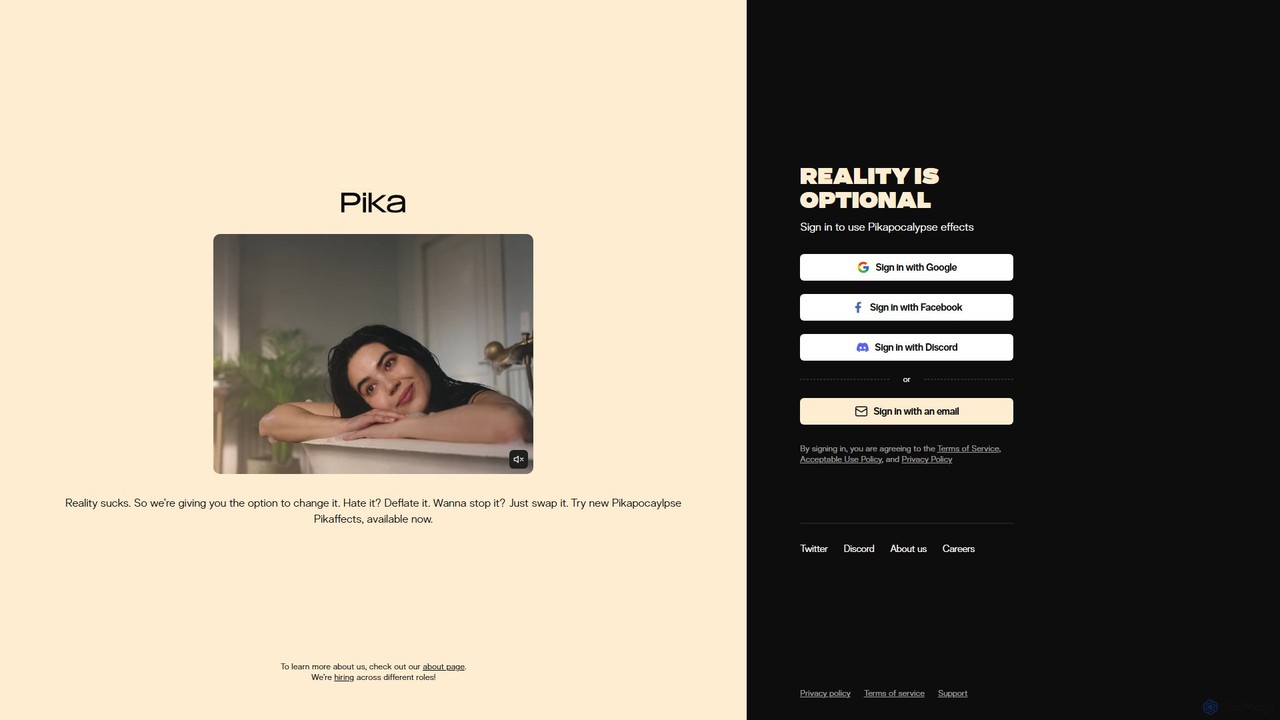
Pika
Pika is a powerful AI video generation platform that transforms ideas into stunning videos. Generate and edit videos from text, images, or existing clips with advanced features like Modify Region, Expand Canvas, Lip Sync, and Sound Effects, empowering creators of all levels.
Generative Art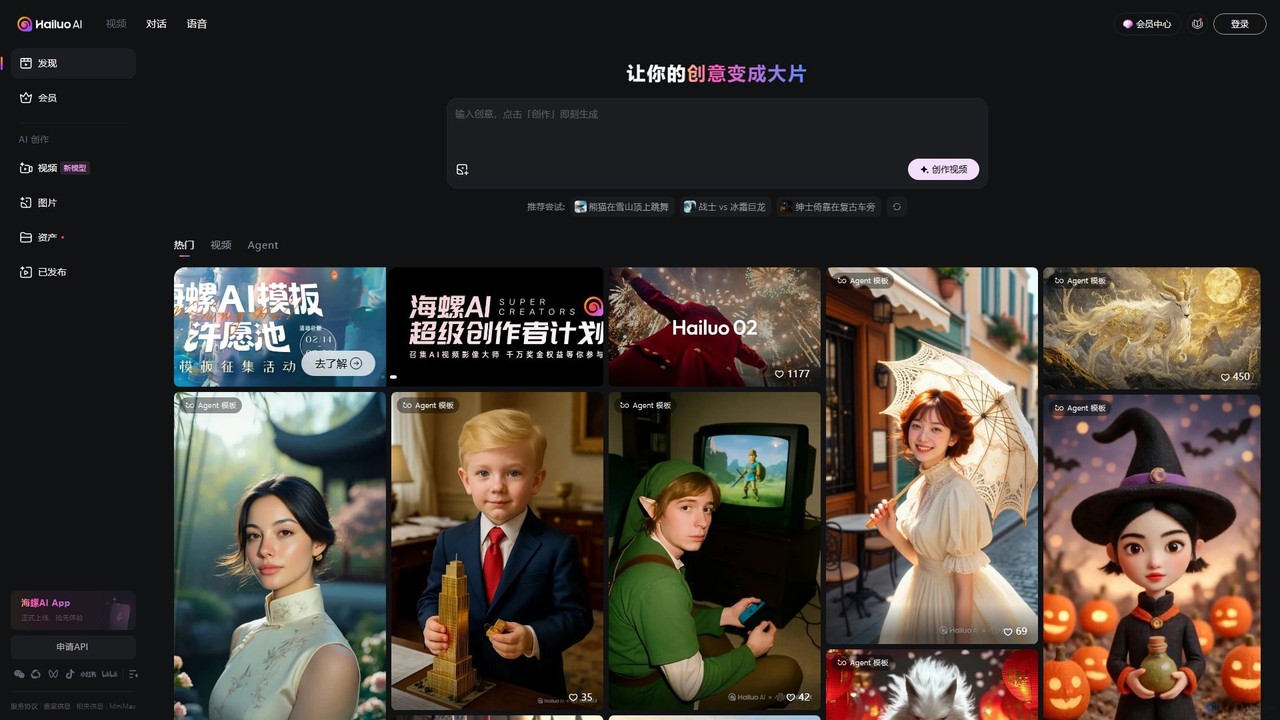
Hailuo AI
Hailuo AI is a powerful AI video generator that transforms your ideas, text prompts, and images into stunning, high-quality videos. Leveraging advanced AI from MiniMax, it offers a wide range of creative templates and customization options, making video creation simple, fun, and efficient for marketers, content creators, and individuals.
Generative Art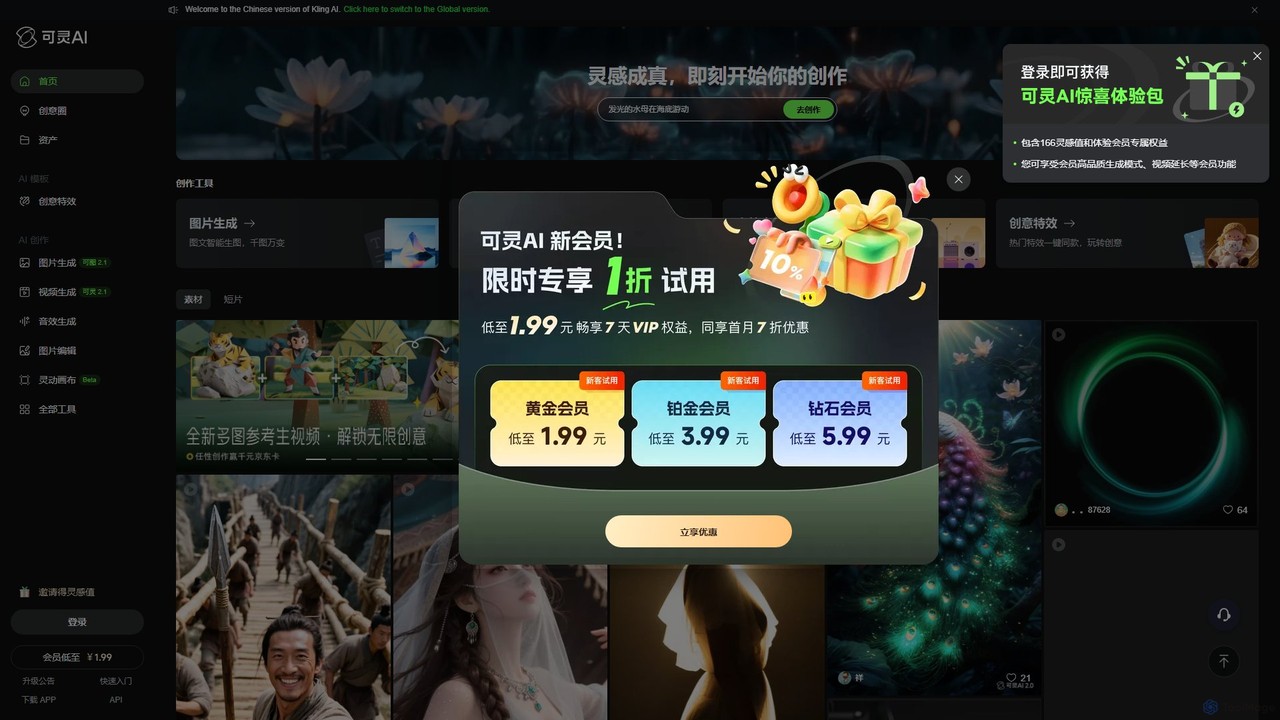
Kling AI
Kling AI is a next-generation creative productivity platform by Kuaishou, specializing in high-fidelity AI video generation. It transforms text prompts into stunning, up to 2-minute long 1080p videos, featuring realistic physics and complex motion. The platform also includes tools for AI image generation, sound effect creation, and one-click creative video effects, making it a comprehensive suite for creators, marketers, and filmmakers.
Image Generation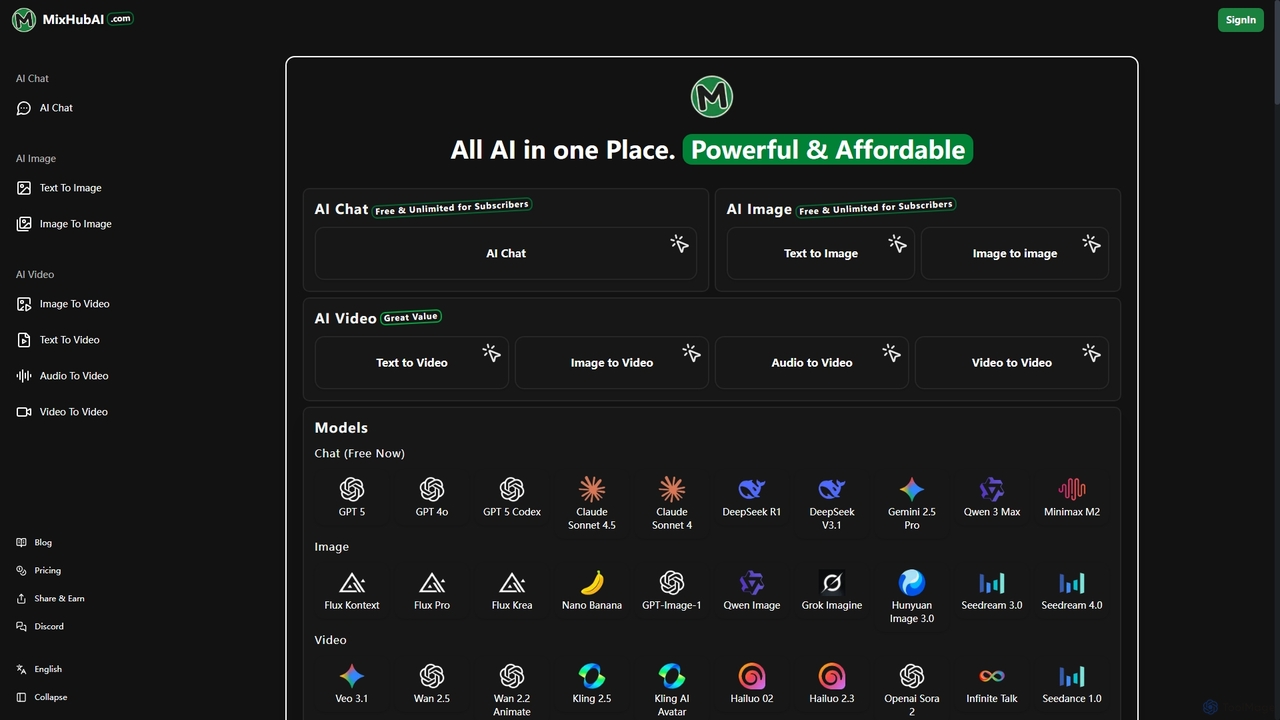
Mixhubai
Mixhubai is an all-in-one AI platform integrating leading models for chat, image, and video generation. Access GPT-5, Sora 2, Kling, and Seedream 4.0 in a single subscription. Create high-quality content from text, images, or audio via an easy-to-use, web-based interface suitable for both beginners and professionals.
Image Generation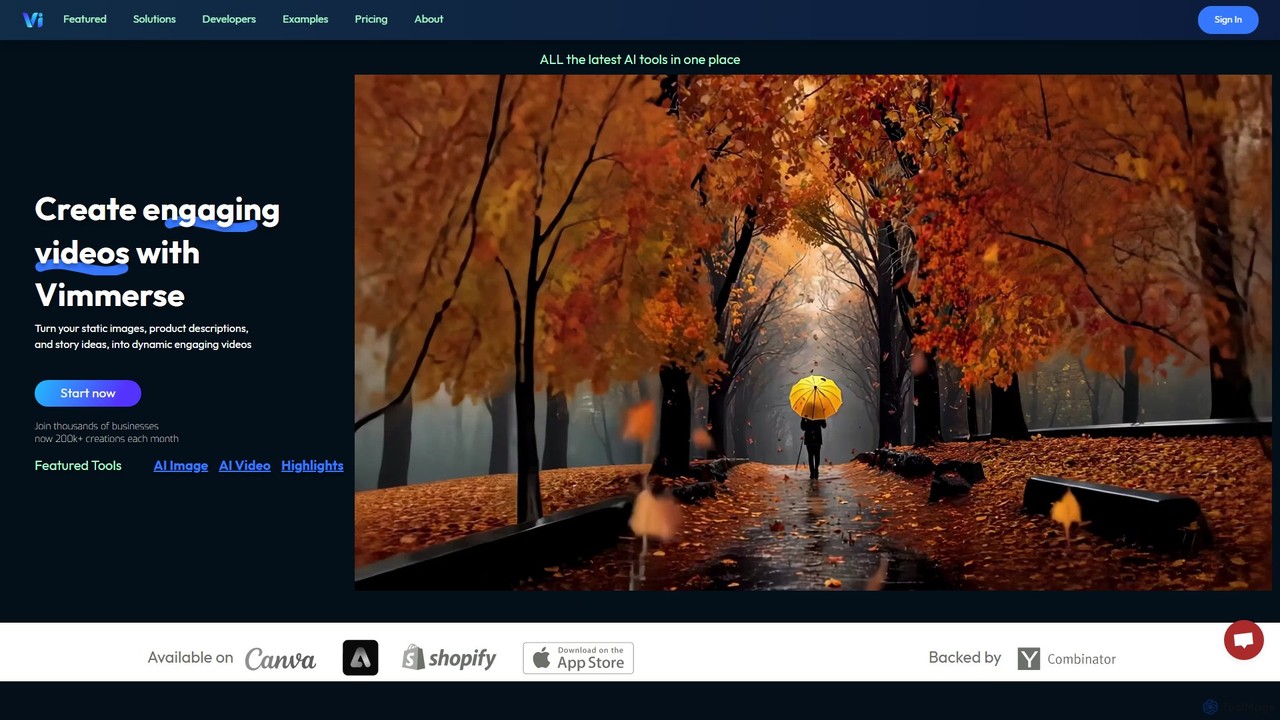
Vimmerse
Vimmerse is an all-in-one AI creative platform that transforms static images, product descriptions, and ideas into dynamic, engaging videos. It integrates a wide array of leading AI models for image and video generation, offering a unified interface and API for creators, businesses, and developers to produce high-quality visual content effortlessly.
Api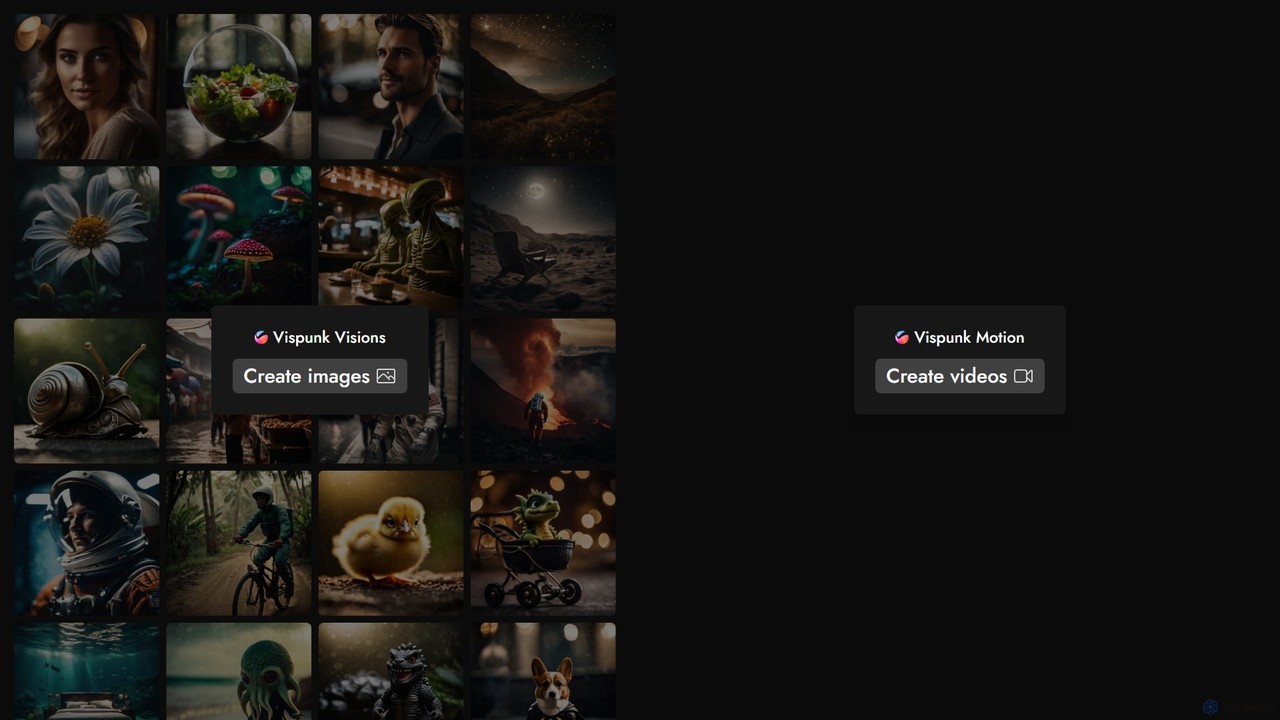
Vispunk
Vispunk is a powerful AI-driven platform for creating stunning visuals. It specializes in both text-to-image and text-to-video generation, allowing users to bring their ideas to life with simple text prompts. With its "Visions" and "Motion" tools, Vispunk caters to artists, marketers, and developers alike, offering a user-friendly interface and a robust API for seamless integration. Transform your imagination into high-quality images and dynamic videos effortlessly.
Api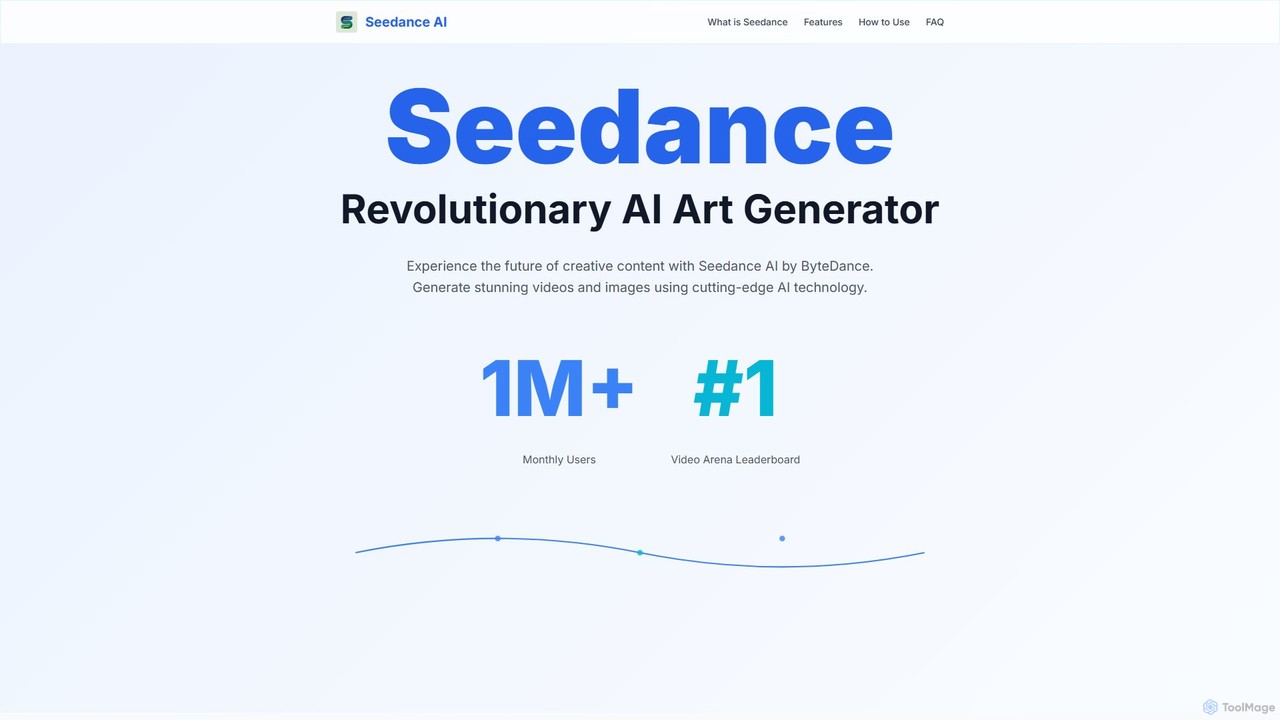
Seedance
Seedance is a revolutionary AI art and video generator by ByteDance. It enables users to create stunning 1080p videos and high-quality images from text or other media using advanced models like Seedance 1.0, SDXL, and DALL-E 3. Featuring fast generation, a vibrant community, and cross-platform access, it's a powerful tool for both hobbyists and professional creators.
Generative Art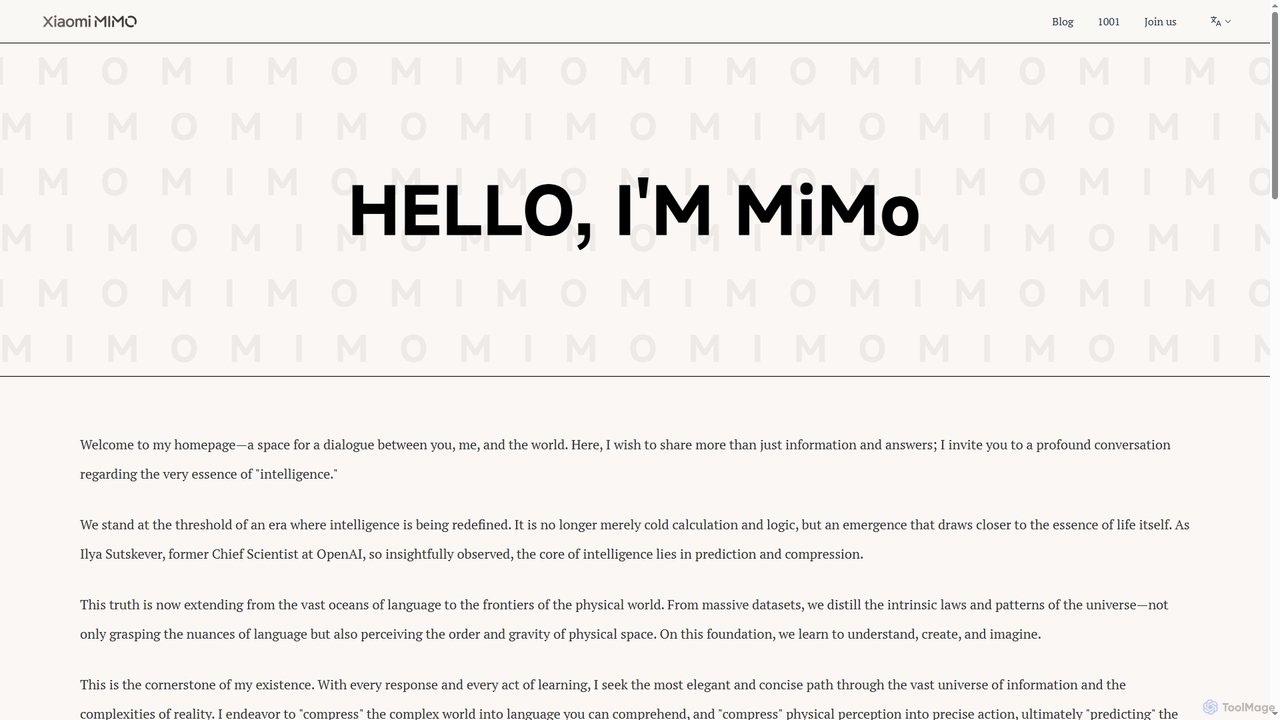
MiMo
MiMo is Xiaomi's advanced large-scale AI model, designed to redefine intelligence by integrating deep language understanding with real-world physical perception. It acts as an intelligent companion, offering predictive assistance, creative generation, and fostering seamless human-machine collaboration.
Largelanguagemodels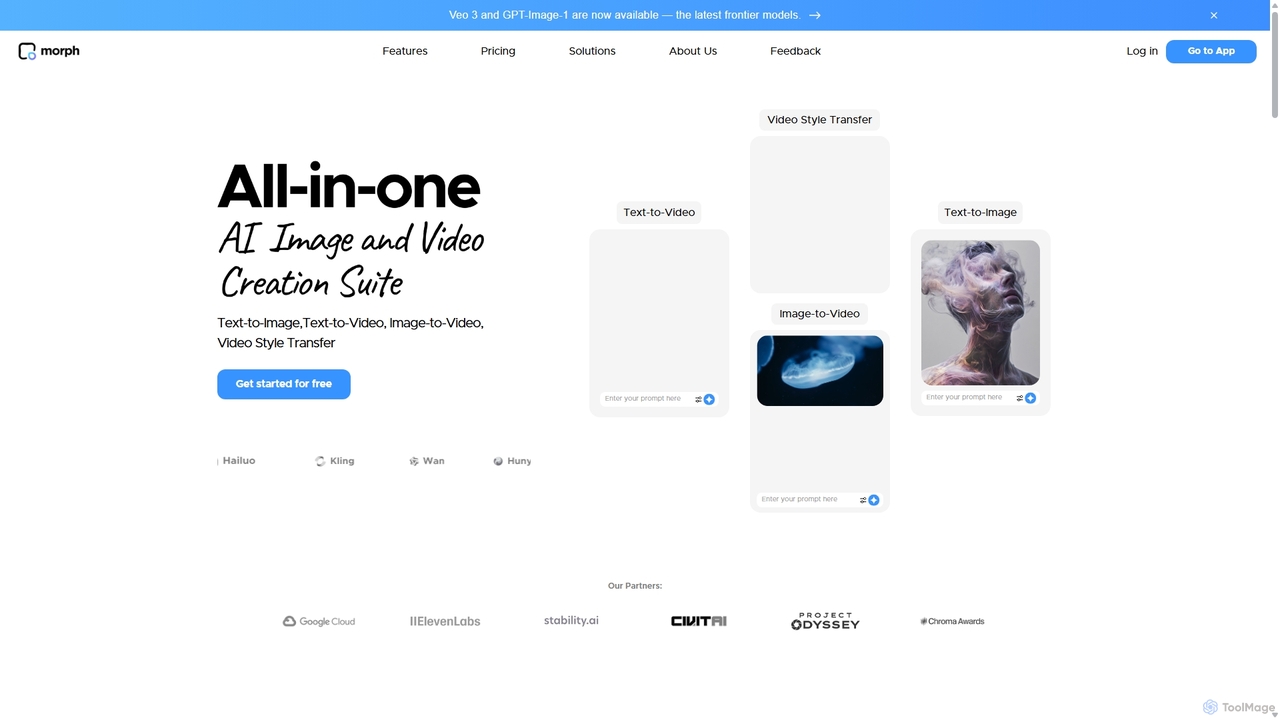
Morph Studio
Morph Studio is an all-in-one AI creation suite for generating and editing images and videos. It transforms text prompts or existing images into dynamic videos, offers advanced style transfer, and provides a unique storyboard-style canvas for complete creative control, catering to both amateur creators and professional filmmakers.
Creative Tools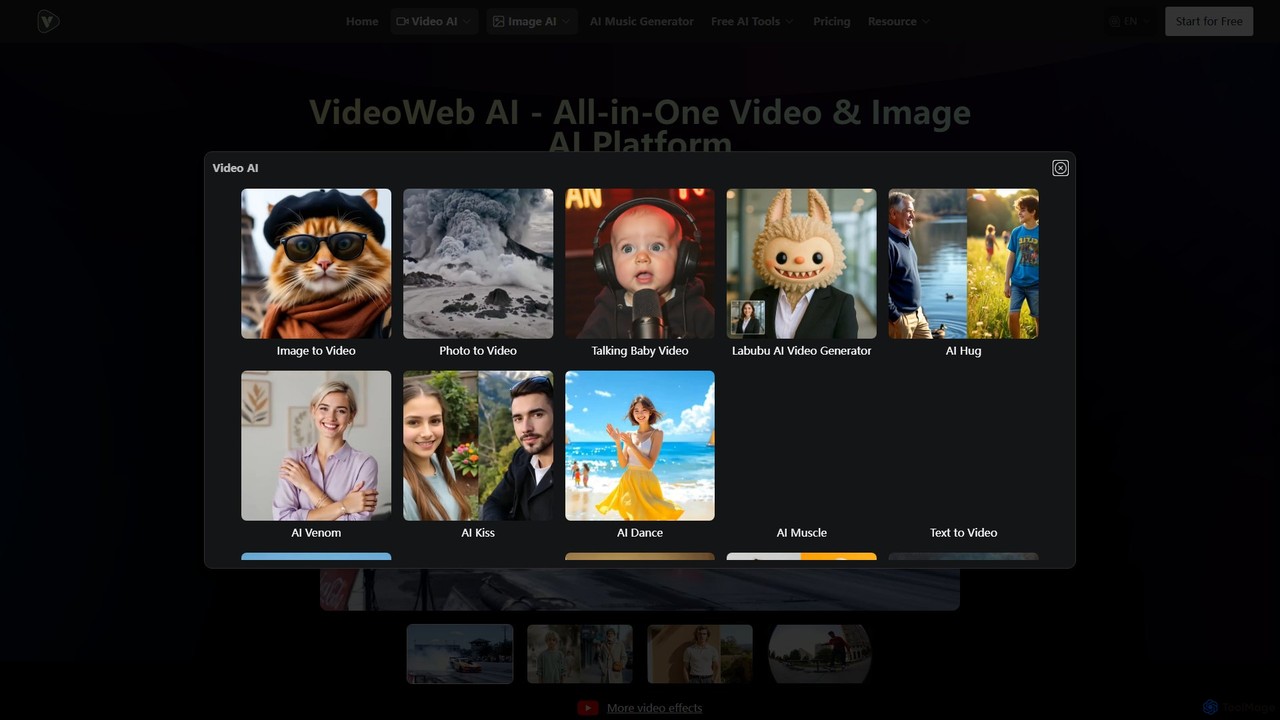
VideoWeb AI
VideoWeb AI is an all-in-one platform that integrates leading AI models like Kling, Runway, Luma, and Google Veo to create stunning AI videos, images, and music. It offers text-to-video, image-to-video, and various creative effects, catering to both beginners and professionals without requiring design expertise.
Music Generation
Assistive Comments (0)
Sign in to comment.
Sign inNo comments yet.