

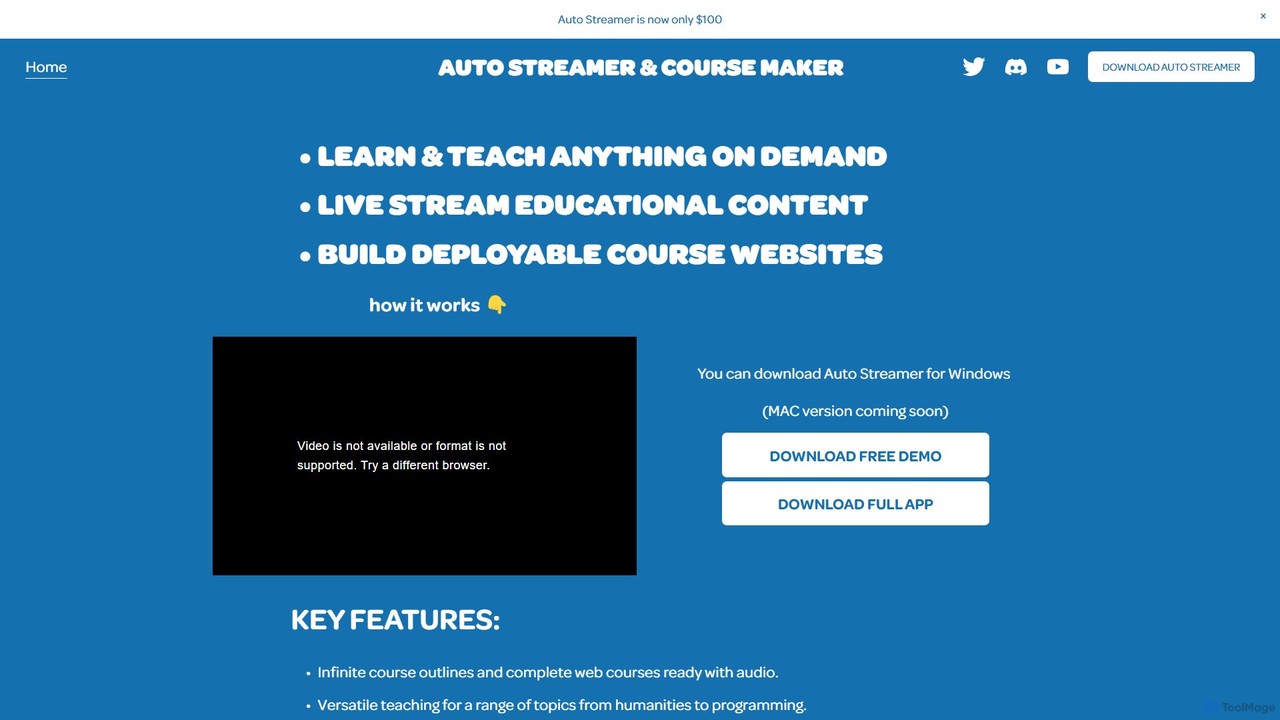
Auto Streamer Overview
Auto Streamer is a revolutionary AI tool designed to empower educators, content creators, and institutions by automating the entire process of creating and deploying educational content. This powerful desktop application (currently for Windows, with a Mac version in development) leverages the capabilities of OpenAI to transform a single topic into a comprehensive, multi-language online course, complete with a functional website and audio narration. It's the ultimate solution for anyone looking to produce high-quality e-learning materials or engaging live stream content with unprecedented speed and efficiency.
By simply providing a topic, users can generate infinite course outlines and detailed chapter content. The tool goes a step further by creating a ready-to-deploy website to host the course, featuring a clean design with both light and dark modes. This eliminates the technical hurdles of web development, allowing creators to focus purely on the educational substance. The platform's versatility means it can handle a vast range of subjects, from humanities and arts to complex technical fields like programming.
How to use Auto Streamer
Using Auto Streamer is a straightforward process designed for maximum efficiency:
- Download and Install: First, download the Auto Streamer application for Windows from the official source.
- API Key Integration: Upon launching the app, you will need to input your personal OpenAI API key. This is essential as the tool uses OpenAI's models to generate all the content.
- Define Your Course: Enter the main topic or subject you want to teach.
- Customize Parameters: Tailor the course to your specific needs. Choose from over 50 languages, select one of six distinct vocal tones for the audio narration, define the overall course length, and set a word limit for each chapter to control content depth.
- Personalize Your Website: Customize the appearance of your course website by adding custom headers, footers, and external web links to reinforce your brand or provide additional resources.
- Generate and Deploy: With a single click, Auto Streamer generates the entire course structure, written content, audio files, and a complete, deployable website.
- Launch or Stream: You can immediately upload the generated website files to your hosting provider to launch your online course. Alternatively, use the structured content as a script or guide for your live educational streams.
Core Features of Auto Streamer
- AI-Powered Course Generation: Automatically creates detailed course outlines and comprehensive chapter content on virtually any subject.
- Automated Website Builder: Generates a complete, visually appealing, and ready-to-deploy course website with both dark and light modes.
- Multilingual and Multi-Vocal Support: Supports content creation in over 50 languages and offers 6 different vocal tones for the AI-generated audio, making courses globally accessible.
- Deep Customization: Provides extensive control over course length, chapter word count, and website elements like headers, footers, and links.
- Versatile Subject Matter Expertise: Capable of generating accurate and engaging content for a wide array of topics, from creative arts to technical programming.
- Integrated Audio Narration: Each lesson is accompanied by high-quality, AI-generated audio, enhancing the learning experience.
- Live Stream Content Preparation: The structured output is perfect for live streamers who need well-organized, informative content for their sessions.
Use Cases for Auto Streamer
Auto Streamer is a versatile tool for a wide range of users:
- Educators and Teachers: Quickly create digital versions of their curriculum, supplementary materials, or entire online courses to engage students in a modern format.
- Content Creators: Turn their expertise into monetizable online courses or generate structured scripts for educational YouTube videos and podcasts.
- Educational Institutions: Expand their digital offerings and develop new online programs without a large investment in content creation teams.
- Corporate Training Professionals: Build custom internal training programs and onboarding materials to enhance employee skills efficiently.
- Language Instructors: Develop a wide variety of language courses with authentic-sounding audio for diverse learners.
- Live Streamers: Prepare engaging and informative live sessions in real-time, captivating audiences with well-structured educational content.
Advantages of Auto Streamer
The primary advantage of Auto Streamer is its incredible efficiency. It dramatically reduces the time and effort required to produce a professional-grade online course from months to mere minutes. Its multilingual capabilities break down language barriers, enabling creators to reach a global audience. The tool offers a high degree of personalization, allowing users to maintain their brand identity on the course website. This flexibility in adjusting course density and length caters to various learning styles and appetites, from quick tutorials to in-depth masterclasses, making it a scalable solution for content creation.
Pricing and Plans
Auto Streamer is offered as a one-time purchase. According to the website, it is available for a limited-time price of $100 through the creator's Patreon shop. A free demo version is also available for download, allowing potential users to explore its features before committing to a purchase. It is crucial to note that users must provide their own OpenAI API key. The costs associated with using the OpenAI API are separate and are billed directly by OpenAI based on usage.
Auto Streamer Alternatives
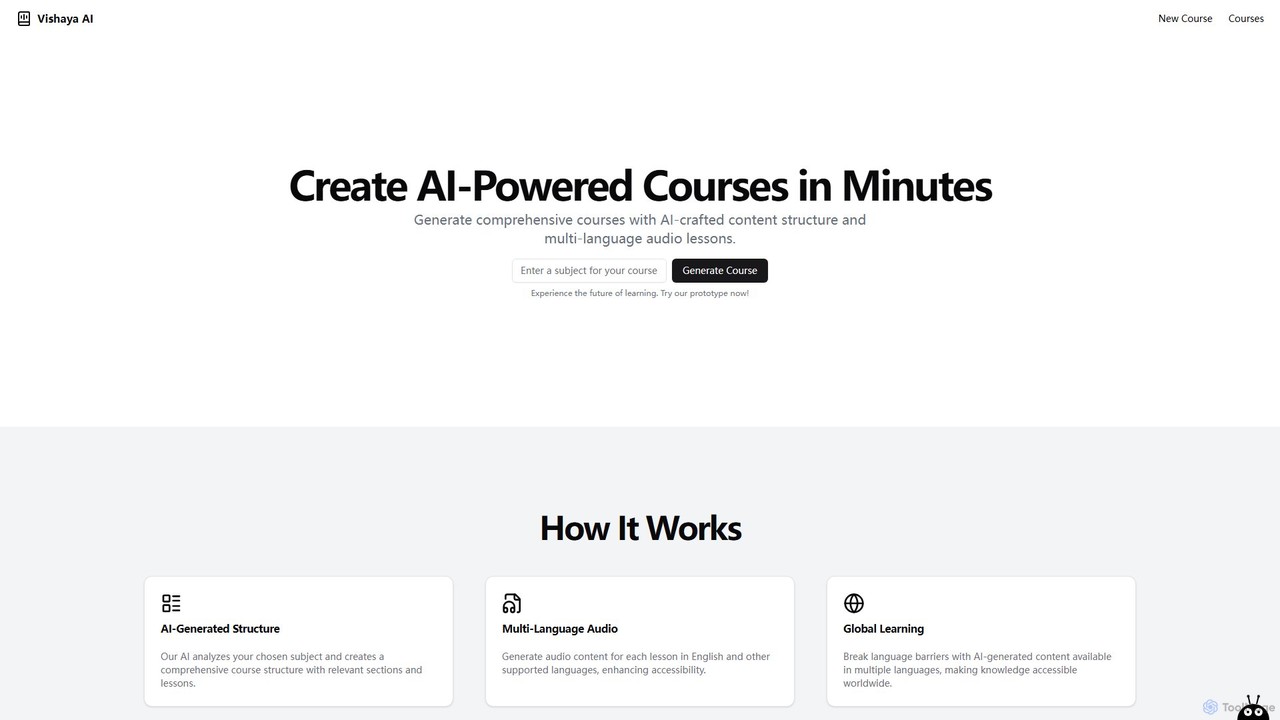
Vishaya AI
Vishaya AI is an innovative platform that empowers users to create comprehensive, AI-powered courses in minutes. It automatically generates detailed course structures and multi-language audio lessons, making education highly accessible. With a strong focus on Indian regional languages, it's designed for educators, trainers, and content creators worldwide.
Text To Speech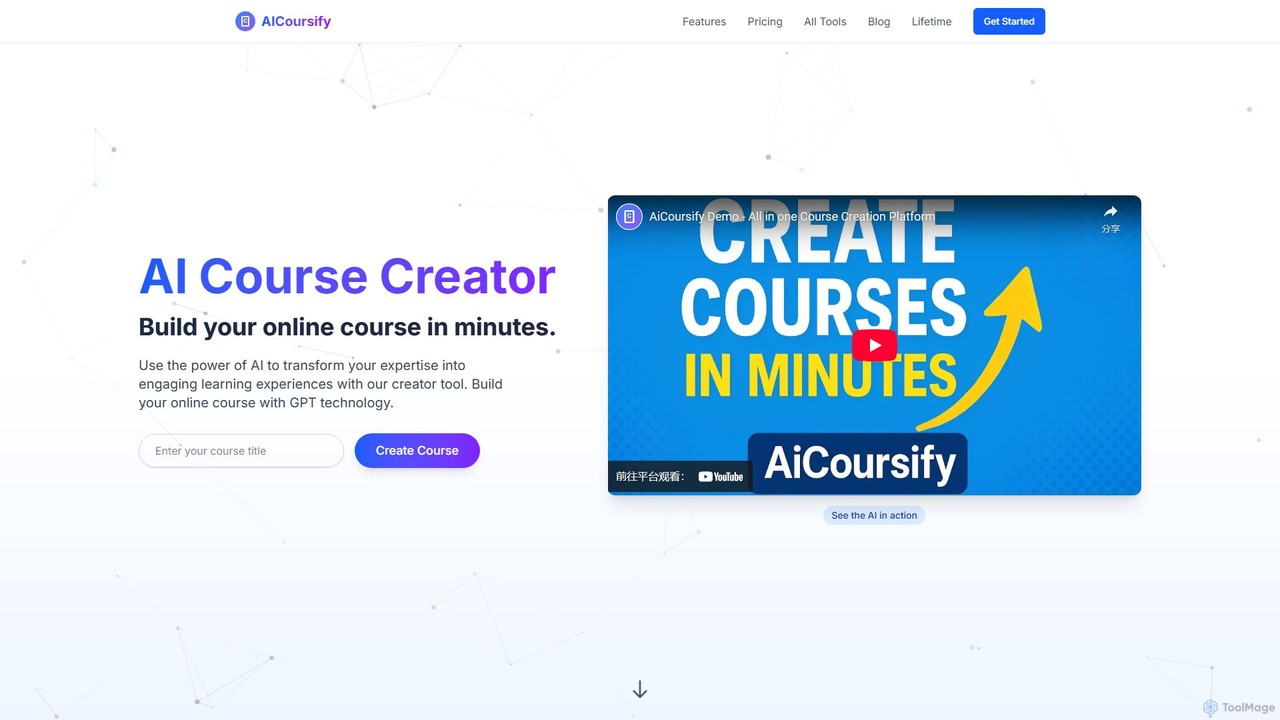
AiCoursify
AiCoursify is an AI-powered platform designed for educators and content creators to build comprehensive online courses in minutes. It leverages GPT technology to generate structured course outlines, engaging lessons, quizzes, and assignments. With unique features like AI voiceovers, voice cloning, and automatic PowerPoint creation, it streamlines the entire course development process, transforming expertise into high-quality, multi-format learning experiences.
Voice Synthesis
CourseMind
CourseMind is an AI-powered platform designed for educators, trainers, and content creators to generate complete online courses in minutes. It automates the entire course creation process, from building a structured outline and writing lesson content to creating engaging quizzes and assessments. Transform your ideas into professional-grade educational materials effortlessly.
Training
teachr
teachr is an AI-powered platform designed for educators and course creators to streamline the process of building engaging online courses. It automates curriculum design, content generation, and assessment creation, transforming a topic idea into a structured, ready-to-teach course in minutes.
Course Creation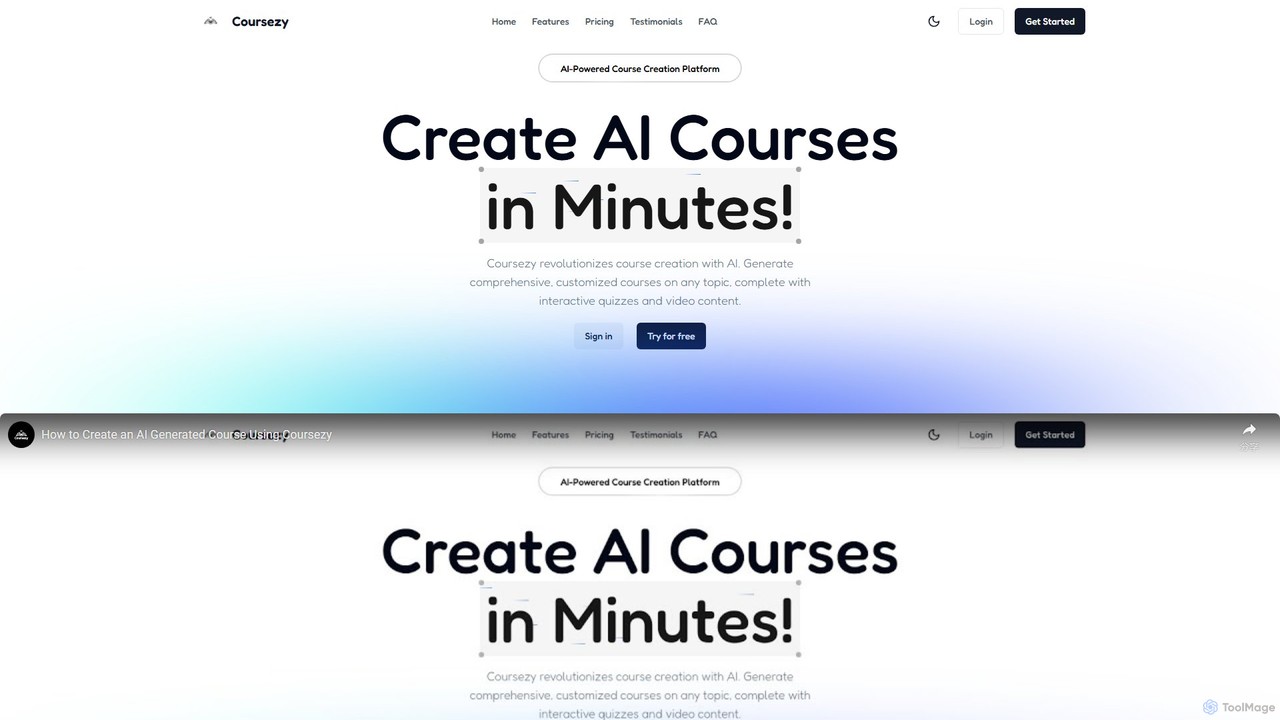
Coursezy
Coursezy is an AI-powered platform that revolutionizes course creation. It enables educators, trainers, and creators to generate comprehensive, customized courses on any topic in minutes. The platform automatically builds curricula, interactive quizzes, and supports video integration, streamlining the entire content development process for a more engaging learning experience.
Course CreationAuto Streamer Categories
Auto Streamer Embed Widget
Copy this embed code to place the badge on your blog, article, or product site and send readers directly to this ToolMage detail page.

Related AI tools
Vishaya AI
Vishaya AI is an innovative platform that empowers users to create comprehensive, AI-powered courses in minutes. It automatically generates detailed course structures and multi-language audio lessons, making education highly accessible. With a strong focus on Indian regional languages, it's designed for educators, trainers, and content creators worldwide.
Text To SpeechAiCoursify
AiCoursify is an AI-powered platform designed for educators and content creators to build comprehensive online courses in minutes. It leverages GPT technology to generate structured course outlines, engaging lessons, quizzes, and assignments. With unique features like AI voiceovers, voice cloning, and automatic PowerPoint creation, it streamlines the entire course development process, transforming expertise into high-quality, multi-format learning experiences.
Voice SynthesisCourseMind
CourseMind is an AI-powered platform designed for educators, trainers, and content creators to generate complete online courses in minutes. It automates the entire course creation process, from building a structured outline and writing lesson content to creating engaging quizzes and assessments. Transform your ideas into professional-grade educational materials effortlessly.
Trainingteachr
teachr is an AI-powered platform designed for educators and course creators to streamline the process of building engaging online courses. It automates curriculum design, content generation, and assessment creation, transforming a topic idea into a structured, ready-to-teach course in minutes.
Course CreationCoursezy
Coursezy is an AI-powered platform that revolutionizes course creation. It enables educators, trainers, and creators to generate comprehensive, customized courses on any topic in minutes. The platform automatically builds curricula, interactive quizzes, and supports video integration, streamlining the entire content development process for a more engaging learning experience.
Course Creation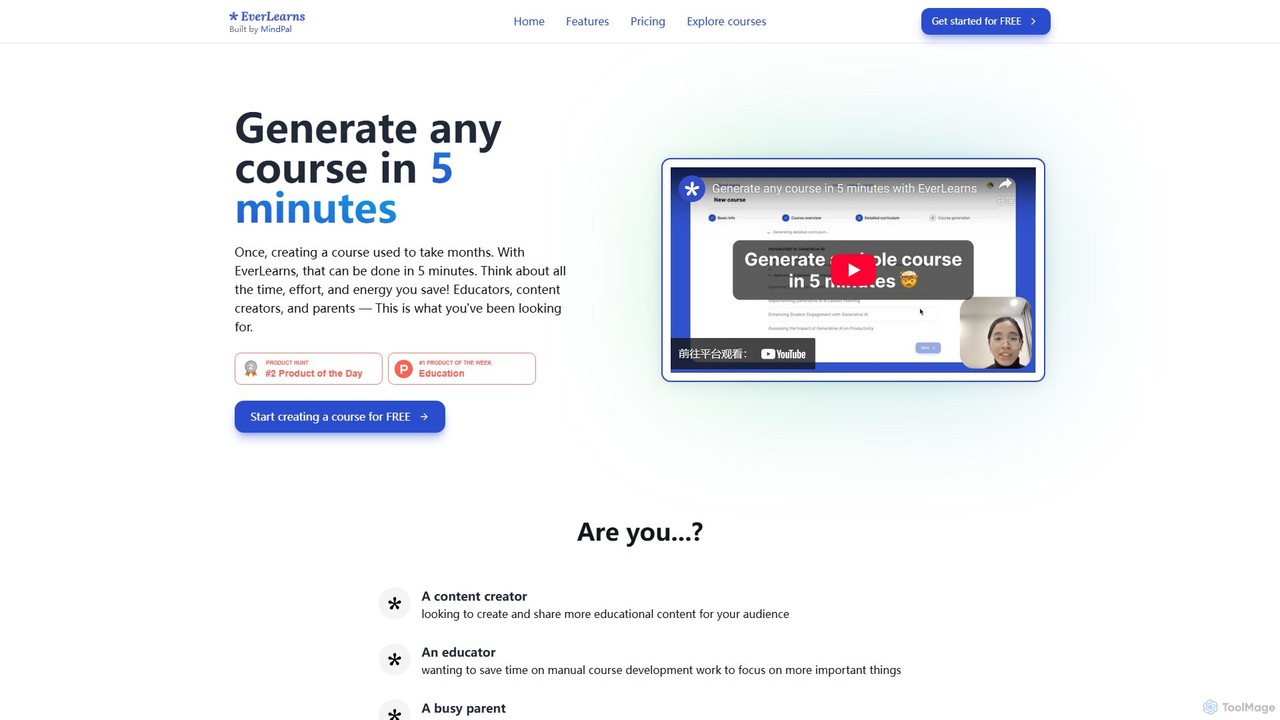
everlearns
EverLearns is an AI-powered platform that enables educators, content creators, and parents to create comprehensive online courses in minutes. Simply provide a topic or existing materials like YouTube videos, and the AI generates a full curriculum with lessons, quizzes, and interactive elements. The platform features a smart editor for easy customization and one-click sharing, drastically reducing course creation time and effort.
Course Creation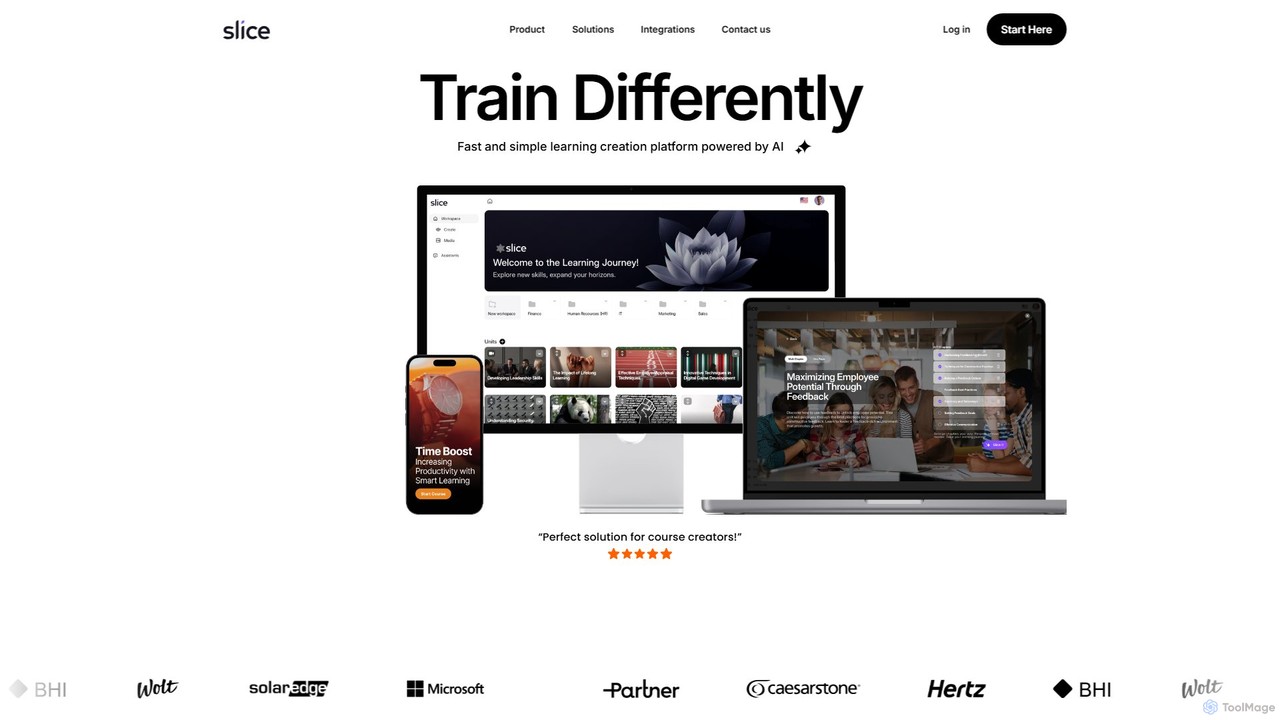
Slice Knowledge
Slice Knowledge is an AI-powered platform designed for rapid learning content creation. It enables HR, L&D teams, educators, and enterprises to quickly generate interactive, SCORM-compliant courses from documents, topics, or scratch. Features include AI assistants, multi-language support, and integrated media tools.
Course Creation
LearnexAI
LearnexAI is an AI-powered platform designed for educators, trainers, and content creators to build personalized and interactive learning experiences. Effortlessly generate entire courses, quizzes, and lesson plans from simple prompts or existing documents, saving time and enhancing learner engagement.
Course Creation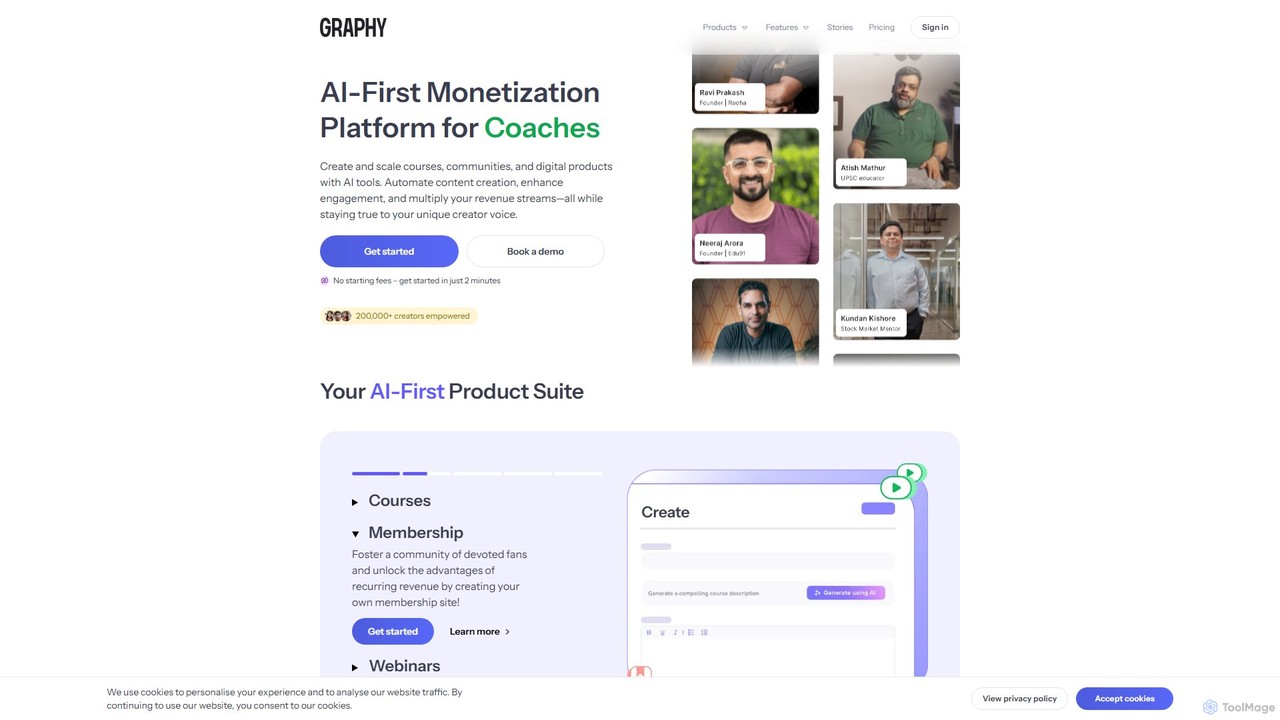
Graphy
Graphy is an AI-first monetization platform for creators to build and sell online courses, communities, and digital products. It uses AI to automate content creation, sales, and support, enabling creators to scale their business efficiently.
Creator Economy
Coursebox
Coursebox is an AI-powered e-learning platform that enables users to rapidly convert documents, videos, and websites into engaging online courses. It features an AI course creator, AI tutor, automated quiz generation, and white-labeling to streamline corporate training and educational content creation.
Training
Mini Course Generator
Mini Course Generator is an AI-powered platform that enables creators, coaches, and businesses to rapidly build and deliver interactive mini-courses. It's ideal for lead generation, customer onboarding, community engagement, and monetization. Turn your ideas into engaging, bite-sized learning experiences with a user-friendly drag-and-drop editor and powerful AI assistance.
Customer Support
Heights Platform
Heights Platform is an all-in-one, AI-powered platform for creators to build and sell online courses, communities, and digital products. It features an AI Course Generator and a unique AI Coach that provides personalized business guidance. With 0% transaction fees, full branding control, and robust engagement tools, it empowers creators to turn their knowledge into a thriving business on their own terms.
Entrepreneurship
BrainCert
BrainCert is an AI-powered, all-in-one Learning Management System (LMS) for creators, coaches, and businesses. It enables users to effortlessly create, market, and sell online courses, assessments, and digital products. Featuring an AI course creator, integrated virtual classroom, gamification, and robust marketing automation, BrainCert provides a comprehensive solution to turn expertise into a thriving online business, complete with secure content delivery and community-building tools.
E Commerce
CourseAI
CourseAI is an all-in-one AI-powered platform designed to democratize online course creation. It enables users to generate, host, and market high-quality courses with ease. From generating trending topics and detailed outlines to creating video scripts, AI-generated videos, and marketing emails, CourseAI streamlines the entire process. It's built for educators, creators, and entrepreneurs looking to achieve financial independence by sharing their knowledge, regardless of their technical expertise.
Course Creation
Aidemia
Aidemia is an AI-powered platform for teachers, generating unique lesson plans, activities, and teaching materials. It leverages over 30 AI engines through simple forms, eliminating the need for complex prompts. It personalizes content to local standards and teaching styles, saving educators time and boosting creativity.
Lesson Planning
Auto Streamer Comments (0)
Sign in to comment.
Sign inNo comments yet.