ToolMage
Sign in

Best 11 Website Builder AI tools for Developer Tools

Popular Website Builder AI tools in Developer Tools include Shuffle, Coframe, Weaverse, metrotechs, musho, MyZone.ai, Athenachat, Orango AI, Auto Streamer, and Pixable, helping you work more efficiently.

Athenachat
Freemium

Athenachat

Athenachat is an all-in-one AI assistant that transforms complex text prompts into visual outputs like diagrams, websites, and images. It streamlines workflows by handling multi-step tasks, conducting real-time research, and integrating with platforms like Google Meet and Shopify.

Diagram
Visits 6.4KFavorites 142Likes 162
MyZone.ai
Paid

MyZone.ai

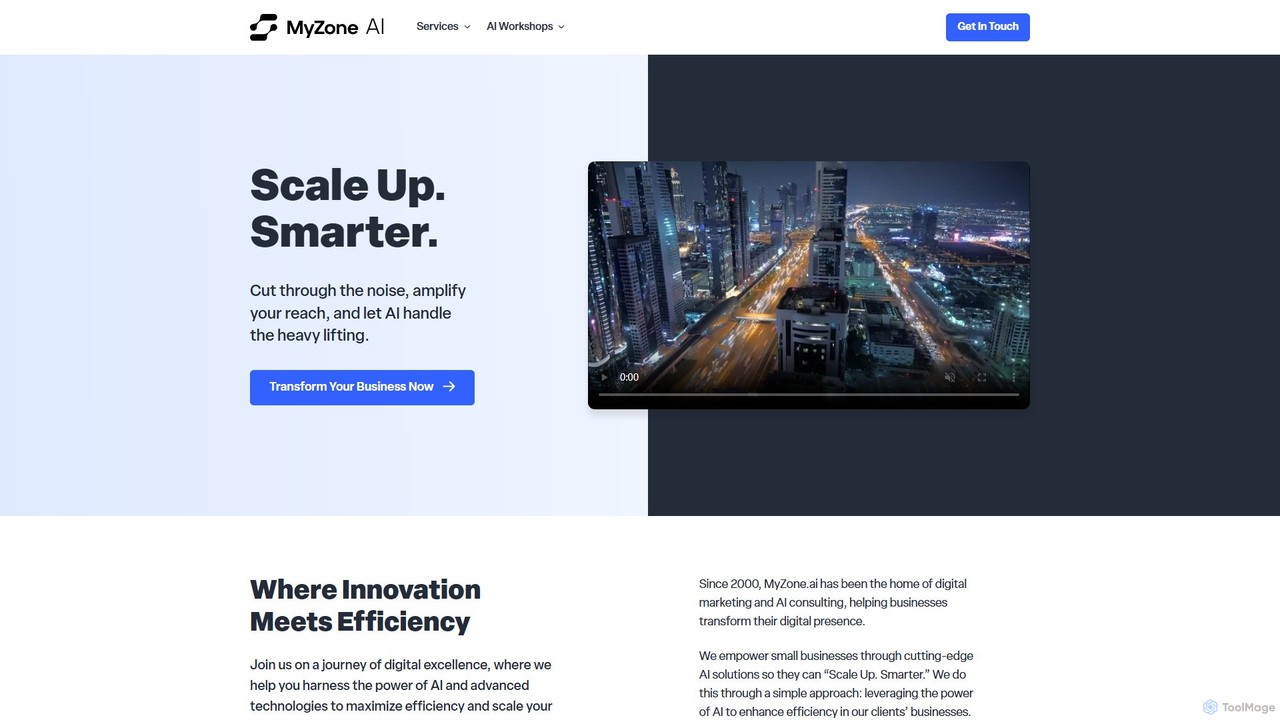
MyZone.ai is a digital transformation agency specializing in AI consulting, automation, and web development. It helps small businesses scale smarter by leveraging AI to enhance efficiency, streamline operations, and drive growth through custom solutions.

Consulting
Visits 6.8KFavorites 108Likes 109
Weaverse
Freemium

Weaverse

Weaverse is a visual page builder and headless CMS specifically designed for Shopify Hydrogen. It empowers developers to build reusable themes and components rapidly, while enabling merchants to customize their storefronts with a no-code, drag-and-drop editor. It features AI-powered text generation to accelerate content creation.

Website Builder
Visits 20.5KFavorites 148Likes 139
metrotechs
Paid

metrotechs

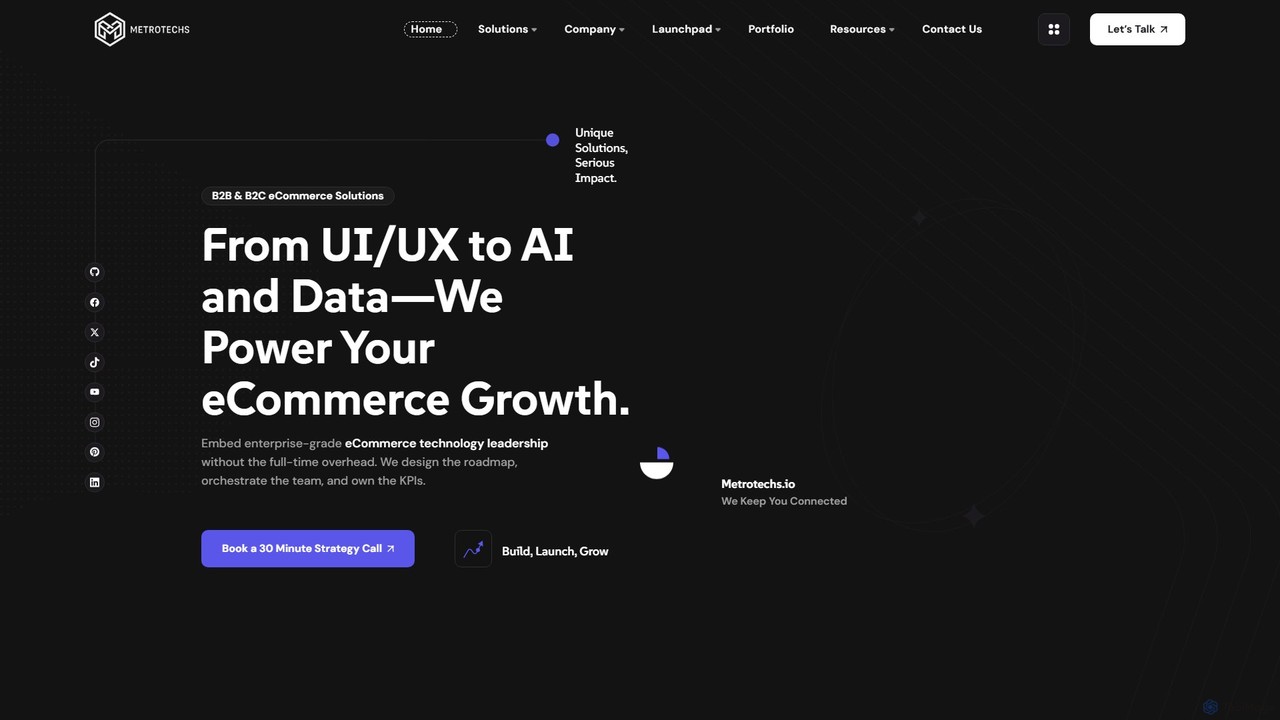
Metrotechs is a technology leadership partner for high-growth eCommerce brands. They provide a suite of services, including fractional CTO leadership, headless commerce development, and AI-powered solutions to optimize operations. By leveraging advanced tech stacks like AWS, Shopify Hydrogen, and data analytics pipelines, Metrotechs helps DTC brands scale revenue, improve conversion rates, and reduce operational costs. Their focus is on delivering measurable ROI through a strategically engineered technology blueprint.

Ecommerce
Visits 9KFavorites 150Likes 137
Orango AI
Freemium

Orango AI

Orango AI is an in-product AI agent designed to boost user activation and reduce churn. It provides real-time, interactive guidance by controlling a virtual cursor to show users how to complete tasks, navigate complex workflows, and discover features, effectively acting as an expert co-pilot within your web application.

User Behavior
Visits 6.4KFavorites 128Likes 122
Coframe
Freemium

Coframe

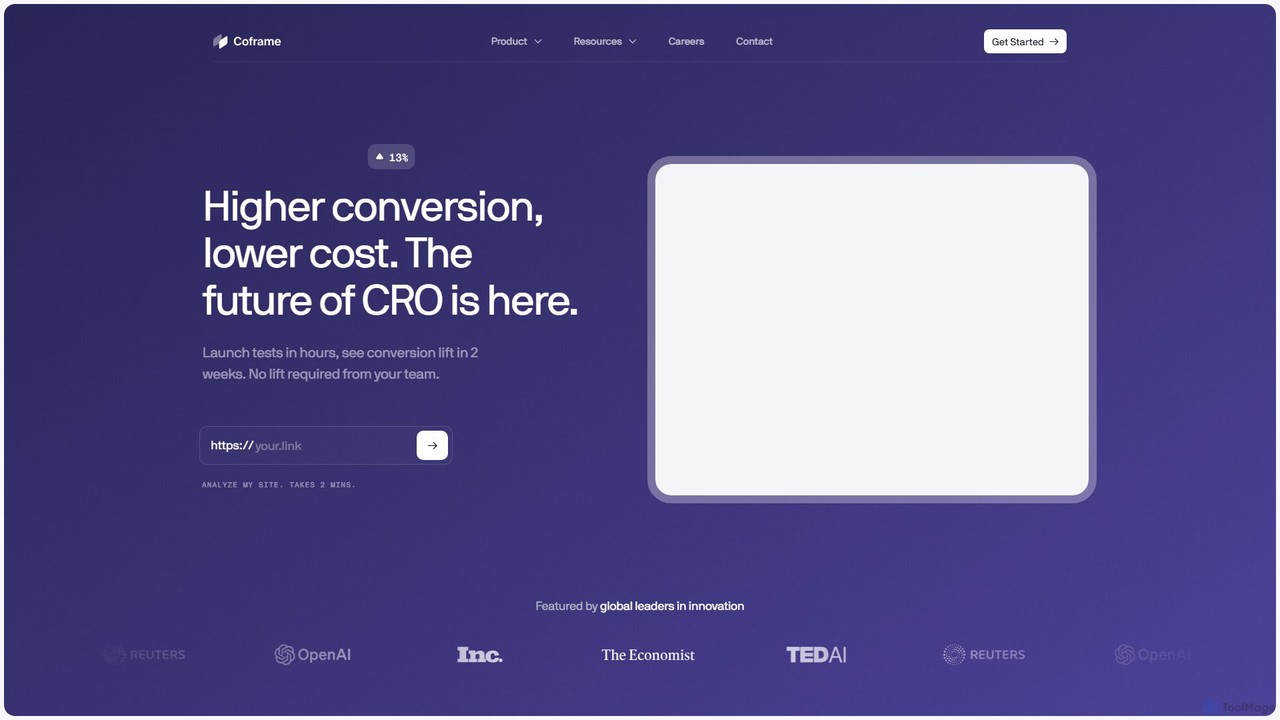
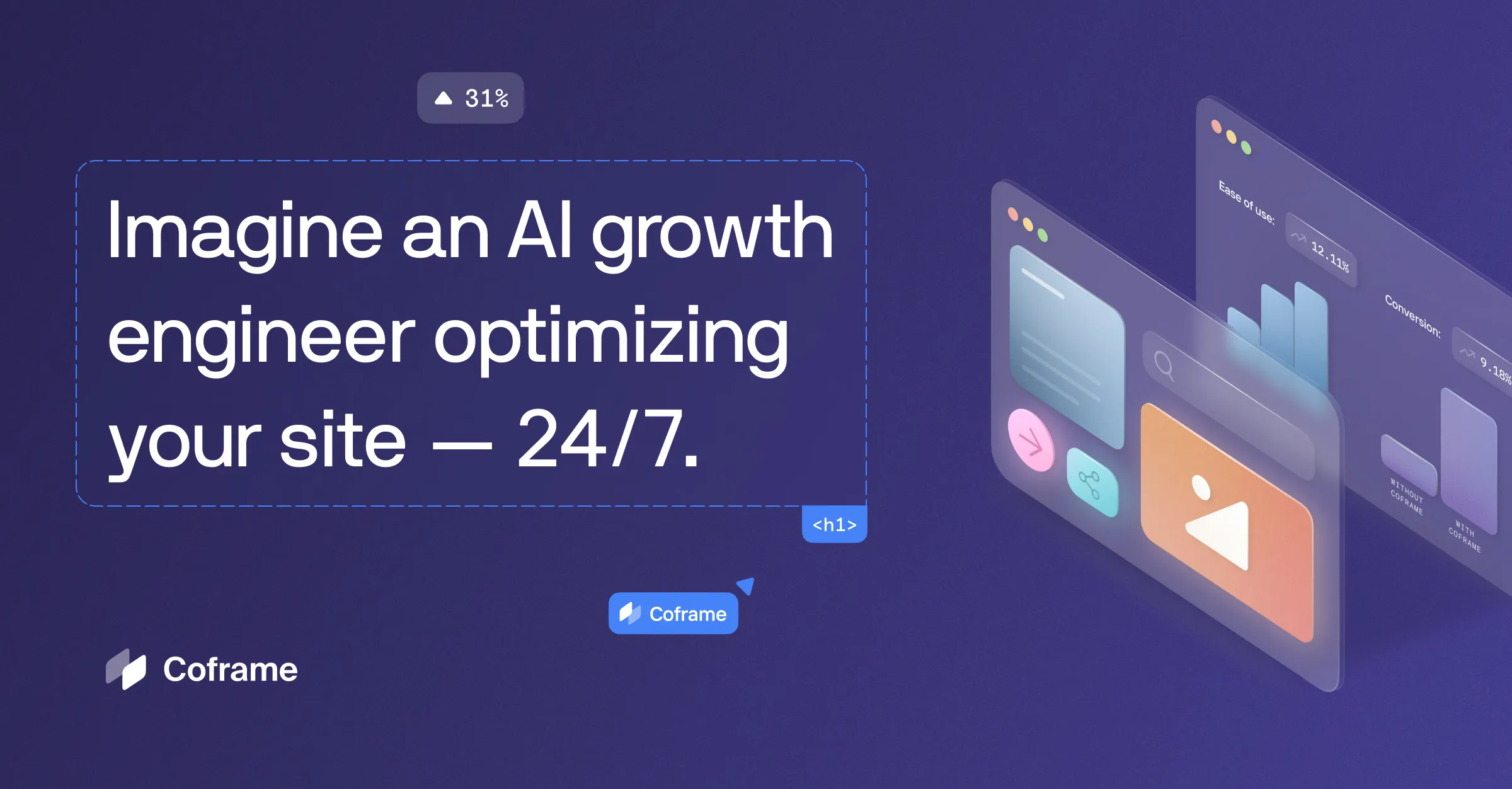
Coframe is an AI-powered platform that automates website growth 24/7. It generates and tests variations of your website's code, copy, and imagery to continuously improve conversion rates. It combines the power of a SaaS tool with the expertise of a CRO agency, delivering results without added effort from your team.

Website Builder
Visits 27.4KFavorites 156Likes 162
Auto Streamer
Paid

Auto Streamer

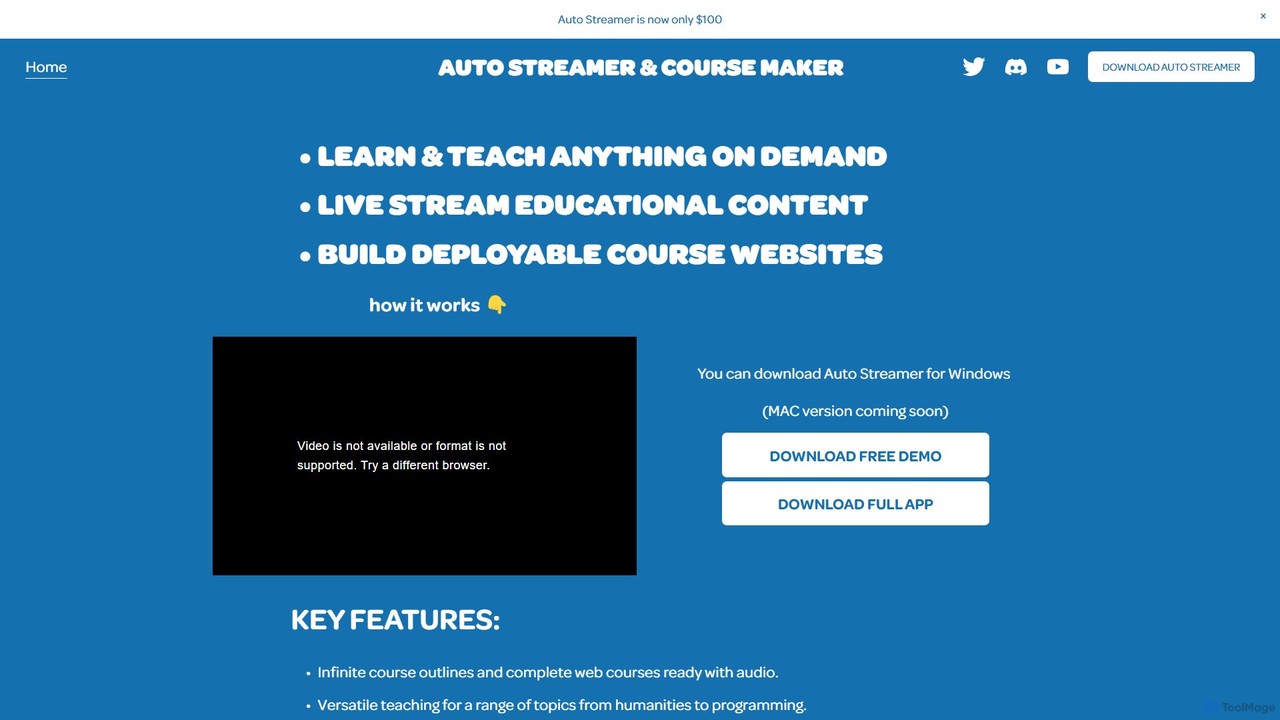
Auto Streamer is an AI-powered desktop application that automates the creation of educational content. It generates complete course outlines, audio-narrated lessons, and fully deployable websites on any topic in over 50 languages, making it ideal for educators, content creators, and live streamers.

Website Builder
Visits 6.4KFavorites 156Likes 161
Pixable
Paid

Pixable

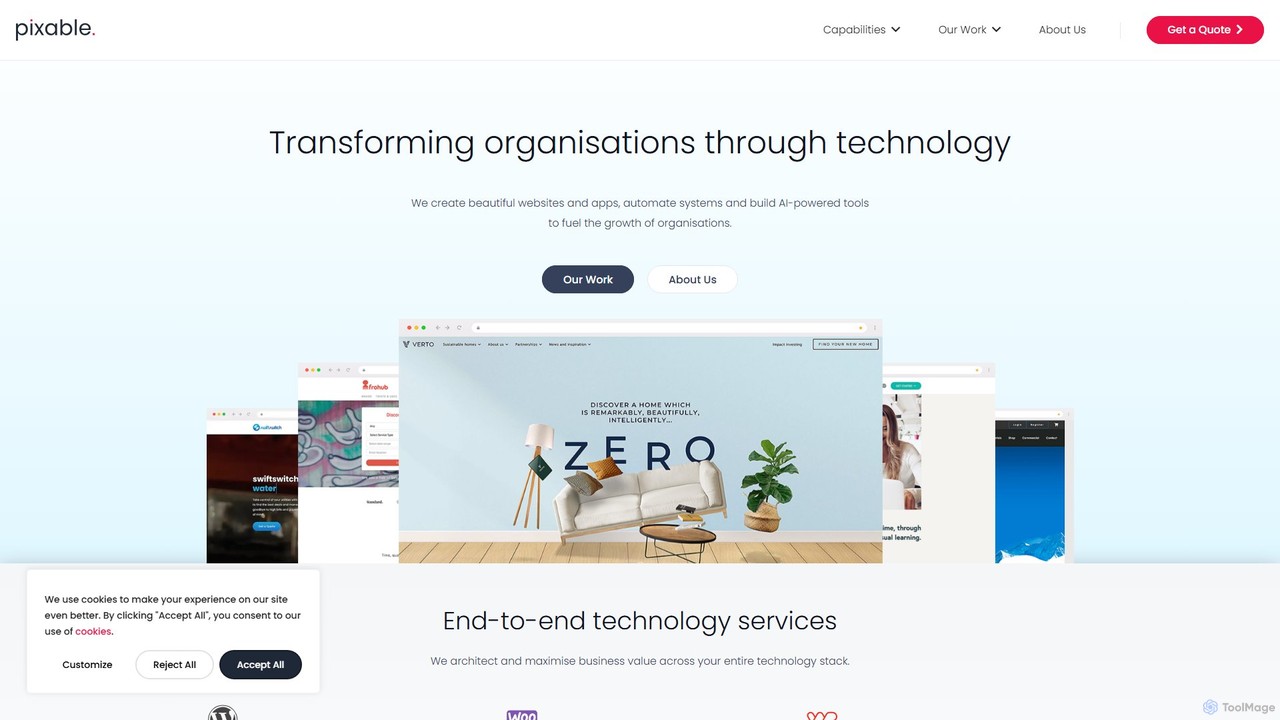
Pixable is a technology consultancy specializing in custom digital solutions, including AI-powered agents, to drive business growth. They offer end-to-end services from WordPress and WooCommerce development to Zoho integration and strategic tech guidance, helping organizations automate processes and personalize customer experiences.

Consulting
Visits 6.3KFavorites 147Likes 167
Shuffle
Freemium

Shuffle

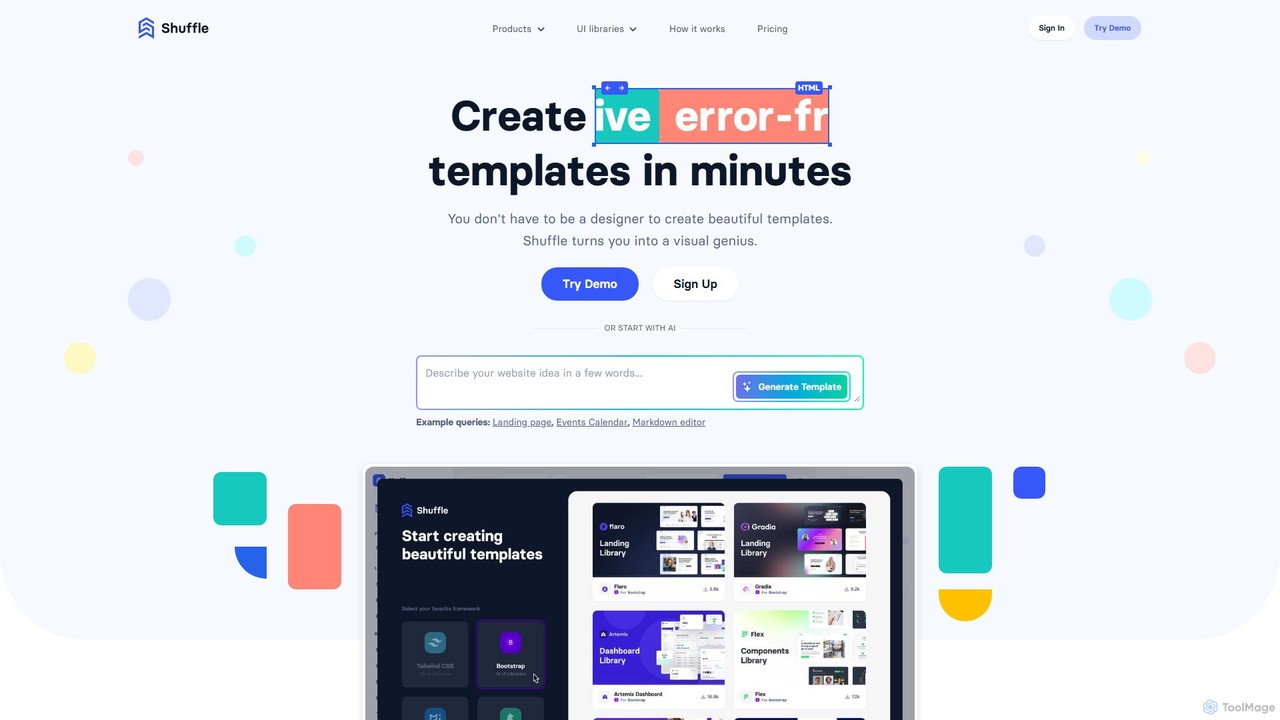
Shuffle is an AI-powered online editor for developers, designed to accelerate UI development. It features a visual drag-and-drop interface, extensive component libraries for Tailwind CSS, Bootstrap, Material-UI, and Bulma, and an AI Assistant that builds layouts from chat commands. Export clean, production-ready code, including React JSX, in seconds.

Ui Ux
Visits 157.5KFavorites 158Likes 153
Amarkdown
Freemium

Amarkdown

Amarkdown is a powerful, AI-enhanced online Markdown editor that doubles as a low-code website and application builder. It allows users to write content, define databases, create forms, and publish fully functional, SEO-optimized websites directly from Markdown. It uniquely combines a classic writing experience with modern development capabilities, including AI assistance and VIM mode.

Website Builder
Visits 6.2KFavorites 159Likes 150
musho
Freemium

musho

Musho is an AI-powered design and development assistant that transforms text prompts into fully-realized, editable websites and landing pages. It focuses on speed, creativity, and seamless integration with design tools like Figma, empowering users to go from idea to high-fidelity prototype in seconds.

Web Design
Visits 7.3KFavorites 137Likes 126

About Website Builder

Website Builders are intuitive platforms designed to enable users, including developers and non-technical individuals, to create and manage websites without extensive coding knowledge. These tools often leverage drag-and-drop interfaces, pre-designed templates, and sometimes AI-powered design assistance to streamline the site creation process. They empower users to quickly establish a professional online presence, from personal portfolios to complex e-commerce stores, making web development accessible to a broader audience within the developer tools ecosystem.

Core Features

  • Drag-and-Drop Editor: Visually arrange and customize website elements with ease.
  • Responsive Design: Automatically optimize site layout for various devices, including desktops, tablets, and smartphones.
  • Template Library: Access a wide range of professionally designed templates for different industries and purposes.
  • E-commerce Functionality: Integrate online stores with product listings, shopping carts, and payment gateways.
  • SEO Tools: Built-in features for optimizing website content and structure for search engines.

Use Cases

Website builders are ideal for small business owners launching their first online store, freelancers showcasing their portfolios, or event organizers needing a quick registration page. They provide a rapid deployment solution for individuals and teams looking to establish a digital footprint without the overhead of custom development.

How to Choose

When selecting a website builder, consider its ease of use versus customization flexibility, ensuring it meets your technical comfort level and design needs. Evaluate the scalability and feature set, such as e-commerce capabilities, blogging tools, and third-party integrations. Also, compare pricing models, hosting options, and the availability of SEO and marketing tools to support your site's growth.

Featured tool rankings

Website Builder use cases

1

Creating a Small Business Online Presence

A local bakery owner, without coding skills, uses a website builder to design an attractive site showcasing their menu, operating hours, and contact information. They can easily add a photo gallery of their products and integrate a simple contact form, establishing a professional digital storefront to attract new customers and provide essential information.

2

Launching an E-commerce Store

An entrepreneur wants to sell handmade crafts online. They utilize a website builder with integrated e-commerce features to quickly set up product pages, manage inventory, configure secure payment gateways, and handle shipping options. This allows them to launch their online shop rapidly and start generating sales without needing a dedicated web developer.

3

Building a Professional Portfolio

A graphic designer or photographer needs a visually appealing online portfolio to display their work to potential clients. Using a website builder, they can select a design-focused template, upload high-resolution images or project case studies, and customize the layout to reflect their personal brand, creating an impressive showcase without writing any code.

4

Developing an Event Registration Page

An event organizer needs to create a dedicated webpage for an upcoming conference or workshop. A website builder enables them to quickly design a page with event details, speaker bios, a schedule, and an integrated registration form. This streamlines the sign-up process for attendees and provides a central hub for all event-related information.

5

Setting Up a Personal Blog

An individual passionate about a specific hobby or topic wants to share their insights and experiences. They use a website builder with blogging capabilities to easily create and publish articles, manage comments, and categorize content. This provides a user-friendly platform for content creation and audience engagement without technical complexities.

6

Designing a Marketing Landing Page

A marketing team needs to quickly deploy a high-converting landing page for a new product launch or advertising campaign. A website builder allows them to design a focused page with compelling headlines, clear calls-to-action, and lead capture forms. They can rapidly A/B test different designs to optimize conversion rates without developer intervention.

Website Builder FAQ

What are Website Builders?

Website builders are online platforms or software that allow users to create websites without manual coding. They typically feature visual drag-and-drop editors, pre-designed templates, and integrated tools for content management, e-commerce, and SEO. Their primary purpose is to democratize web development, making it accessible to individuals and businesses regardless of their technical expertise, enabling rapid deployment of professional-looking sites.

How to choose the right Website Builder?

To choose the right website builder, consider your specific needs: ease of use for non-technical users, customization options for unique branding, and scalability for future growth. Evaluate the available features like e-commerce, blogging, and SEO tools. Also, compare pricing plans, hosting reliability, customer support, and the builder's ecosystem for third-party integrations to ensure it aligns with your budget and long-term goals.

What is the difference between a Website Builder and custom coding?

Website builders offer speed and simplicity, allowing non-developers to create sites quickly with pre-built components and templates, often at a lower initial cost. Custom coding provides maximum flexibility, unique design, and tailored functionality, but requires programming skills, more time, and higher development costs. Website builders are ideal for standard sites and rapid deployment, while custom coding suits highly complex or unique web applications.

What key features should I look for in a Website Builder?

Look for a user-friendly drag-and-drop interface for intuitive design. Essential features include responsive design for mobile compatibility, a diverse template library for quick starts, and robust SEO tools to improve search engine visibility. For businesses, e-commerce functionality, secure payment processing, and integration with marketing tools are crucial. Also, consider blogging capabilities, reliable hosting, and good customer support.

Who benefits most from using Website Builders?

Website builders primarily benefit small business owners, freelancers, artists, and entrepreneurs who need an online presence quickly and affordably without hiring a developer or learning to code. They are also valuable for marketers creating landing pages, event organizers managing registrations, and individuals wanting to start a personal blog or portfolio. Essentially, anyone seeking a straightforward, efficient, and cost-effective way to build and maintain a website.