

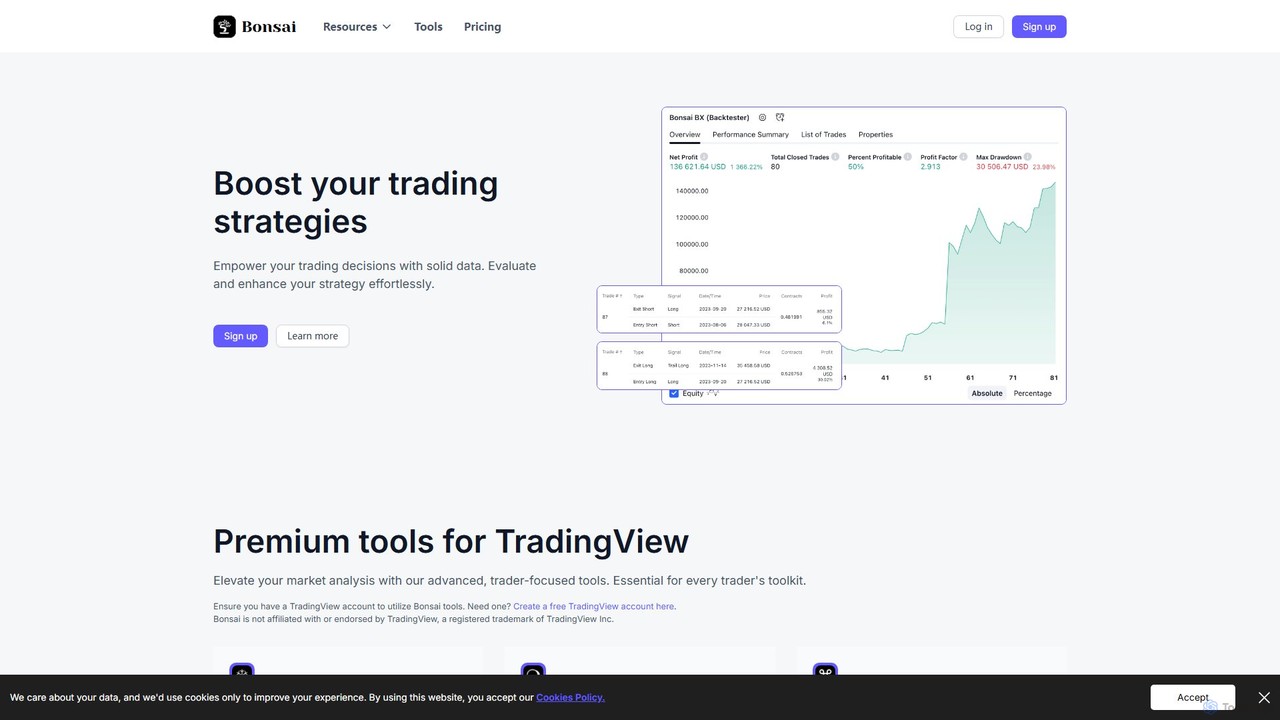
Bonsai Overview
Bonsai is a sophisticated suite of premium trading tools designed to integrate seamlessly with TradingView, the world's leading social network and charting platform for traders. It aims to elevate market analysis by providing traders of all levels—from novice to seasoned professional—with advanced, intuitive, and reliable instruments. Bonsai helps users cultivate winning strategies by identifying market trends, providing timely alerts, and validating custom trading approaches with robust backtesting capabilities.
The core philosophy of Bonsai is to bridge the gap between complex market data and actionable trading insights. By focusing on user-centric design and powerful algorithms, Bonsai makes sophisticated technical analysis accessible and manageable. The tools are meticulously developed and used by the Bonsai team themselves, ensuring they are constantly updated and refined to adapt to ever-changing market conditions.
How to use Bonsai
Getting started with Bonsai is a straightforward process designed for quick integration into your trading workflow:
- Have a TradingView Account: Bonsai's tools are indicators and strategies for TradingView. You must have a valid TradingView account, which can be a free or a paid plan.
- Sign Up on Bonsai: Visit the official Bonsai website (bonsai.trade) and choose a subscription plan that fits your trading needs.
- Complete Your Subscription: After selecting your plan (e.g., Basic or Pro) and confirming payment, your access is granted automatically.
- Access Invite-Only Scripts: On TradingView, open a chart, click on 'Indicators', and navigate to the 'Invite-only scripts' section. You will find the Bonsai tools waiting for you.
- Apply to Your Chart: Click on the desired Bonsai tool (e.g., Bonsai Indicator, Bonsai OS) to add it to your chart.
- Configure and Set Alerts: Customize the settings of the indicators to match your trading style and set up alerts to receive real-time notifications on any device, ensuring you never miss a trading opportunity.
Core Features of Bonsai
- Bonsai Indicator: A primary technical analysis tool that identifies market trends using dynamic thresholds. It provides intuitive visual cues and alerts for potential entry and exit points.
- Bonsai OS (Oscillator): A powerful, consolidated oscillator that merges four different oscillators into one. It excels at detecting divergences between price and momentum and provides valuable pivot point insights, often signaling potential market reversals.
- Bonsai BX (Backtester): A universal backtesting engine that allows traders to rigorously evaluate their personal trading strategies against historical data. This helps in refining strategies and understanding their potential performance before risking real capital.
- Non-Repainting Scripts: A crucial feature ensuring that all signals and indicator values are fixed once a price candle closes. This guarantees the reliability and consistency of the data, preventing misleading signals that change retroactively.
- Continuous Market Surveillance & Alerts: Set up customizable alerts for any condition, delivered anywhere, anytime. This allows you to monitor the market without being tied to your screen.
- Superhook & Bots (Beta): Available in the Pro plan, these advanced features are designed for automating trading workflows and strategies, connecting signals to brokers or exchanges via webhooks.
Use Cases for Bonsai
Bonsai is versatile and can be applied to various trading styles and markets, including stocks, forex, and cryptocurrencies.
- Trend Following: Use the main Bonsai Indicator to identify the direction and strength of a trend, allowing you to enter trades in alignment with market momentum.
- Reversal Trading: Leverage the Bonsai OS to spot bullish or bearish divergences, which are strong indicators of a potential trend reversal.
- Strategy Development: Create a unique trading strategy and use the Bonsai BX backtester to validate its historical profitability and robustness across different market conditions.
- Automated Trading: For advanced users, the Superhook and Bots features can be used to automate the execution of trades based on signals generated by the Bonsai indicators.
Advantages of Bonsai
Bonsai stands out from other trading tools with its unique blend of power and simplicity.
- Seamless Integration: Operates directly within the familiar and powerful TradingView platform.
- Reliability and Accuracy: The commitment to non-repainting scripts ensures that what you see is what you get, building trust in the signals.
- Comprehensive Toolkit: From trend identification and momentum analysis to strategy backtesting and automation, Bonsai provides an all-in-one solution.
- User-Centric: Designed to be intuitive for beginners while offering the depth required by expert traders.
- Dedicated Support: Responsive and helpful customer support, with priority access for Pro members.
Pricing and Plans
Bonsai offers transparent and scalable pricing plans with a 14-day money-back guarantee. Users can save 20% with annual billing.
- Basic Plan: Ideal for traders starting out. Includes the Bonsai Indicator, Bonsai OS, weekly trading ideas, and basic support. Priced at $34.95/month or $419.49/year.
- Pro Plan: The most popular choice for serious traders. Includes all features of the Basic plan plus the Bonsai BX (Backtester), Superhook (Beta), Bots (Beta), and priority chat/email support. Priced at $59.95/month or $719.49/year.
Bonsai occasionally offers free trials during special promotional periods.
Bonsai Alternatives
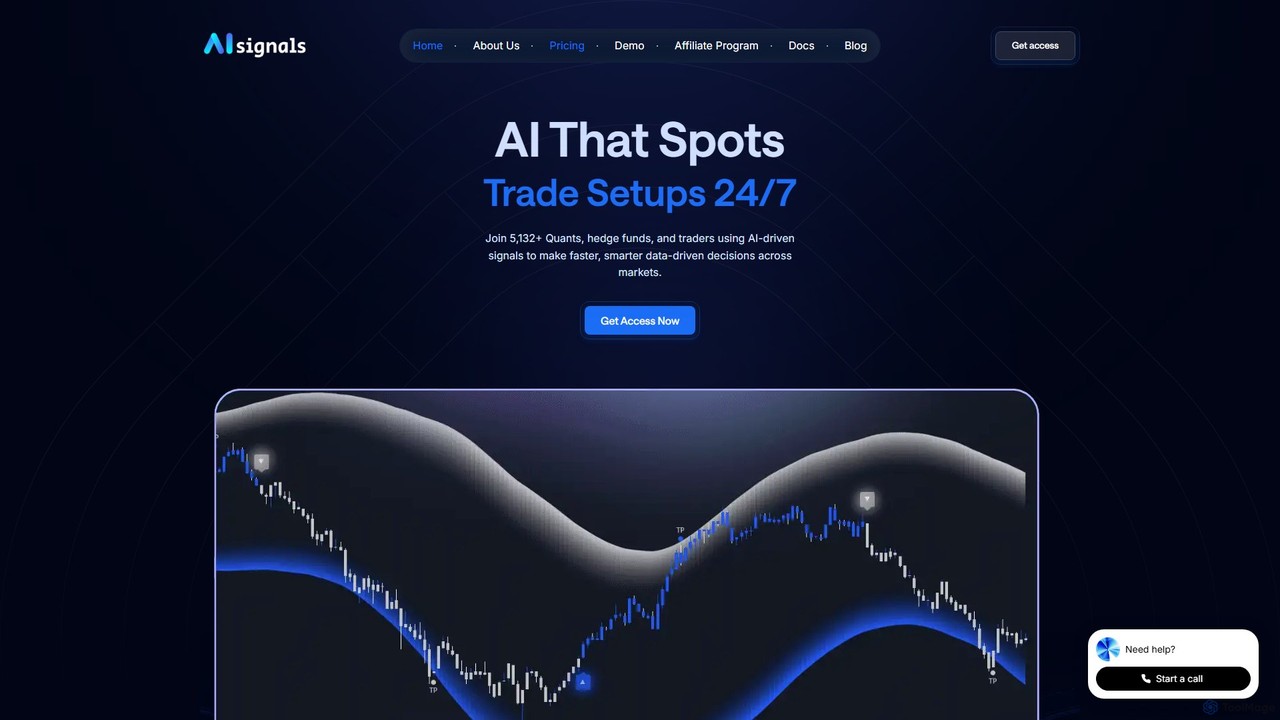
AI signals
AI signals provides AI-driven trading signals and advanced TradingView indicators for crypto, stocks, forex, and commodities. It helps traders make faster, data-driven decisions, reduce emotional mistakes, and identify high-probability setups 24/7. Suitable for beginners and experts.
Investment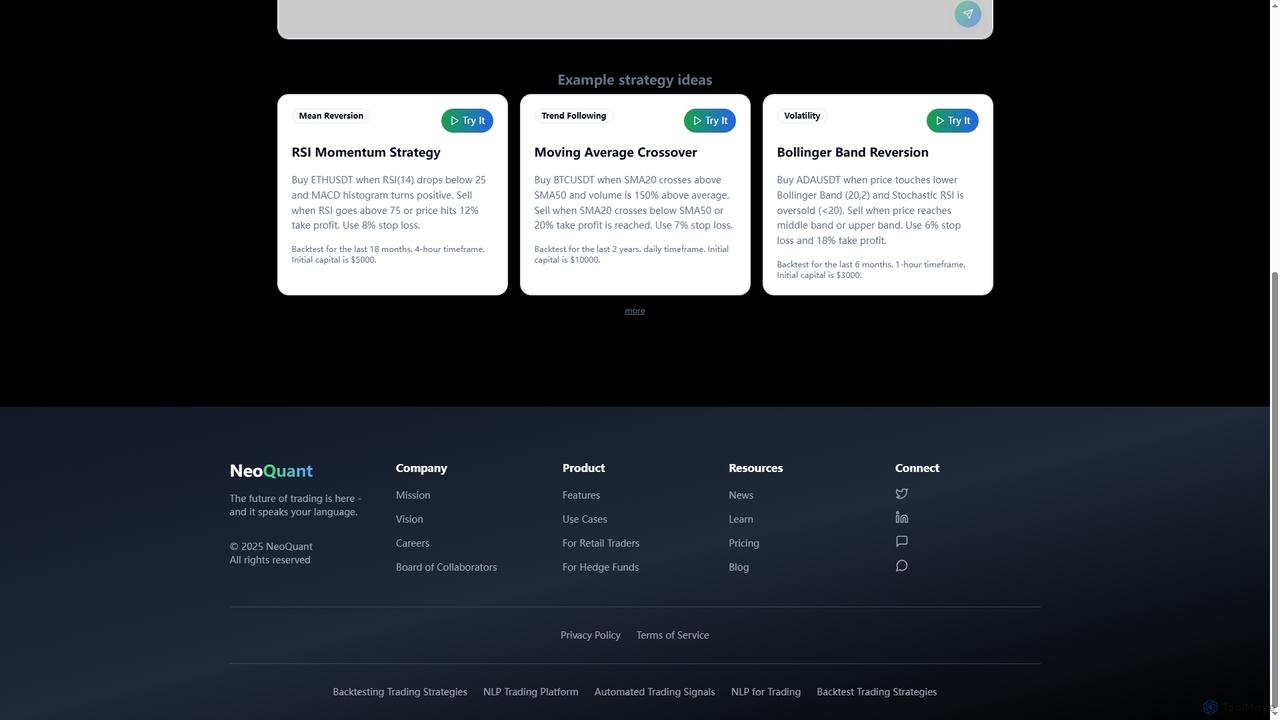
Neoquant
An AI-powered trading platform that enables users to create, backtest, and deploy sophisticated trading strategies using natural language, without writing any code. It provides advanced analytics, risk-free demo trading, and professional Python code output for both retail traders and quantitative professionals.
No Code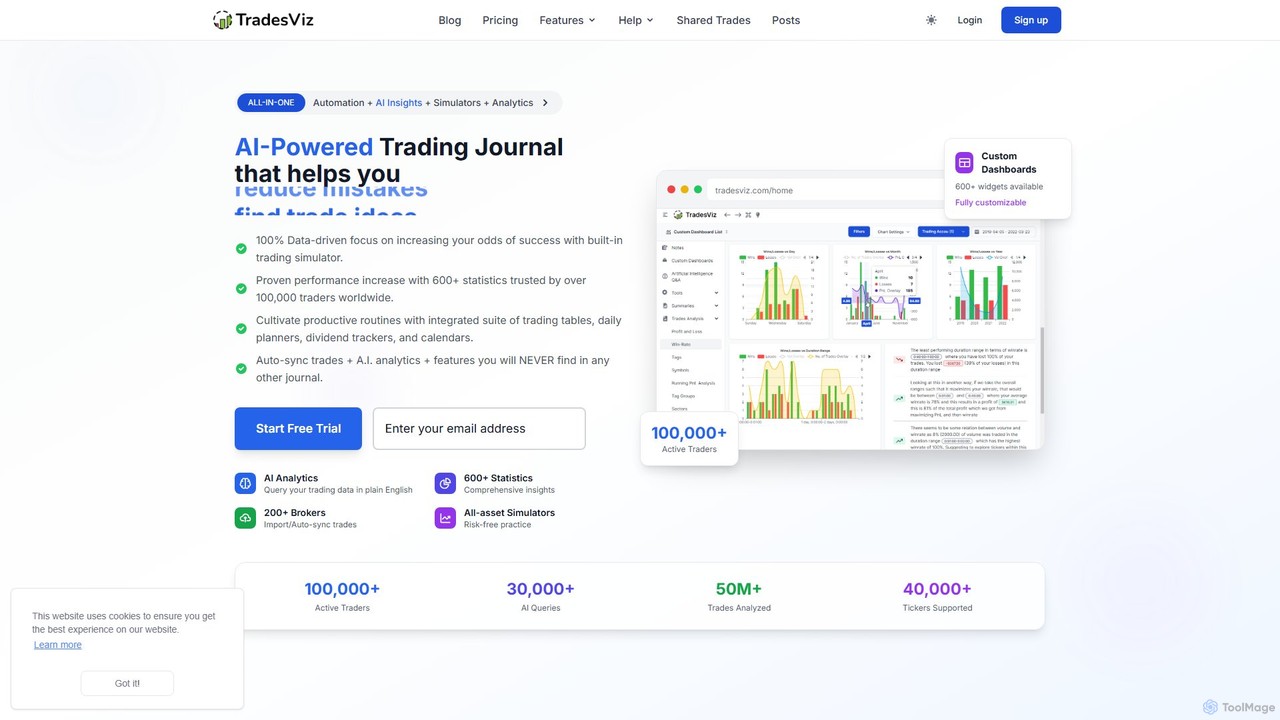
TradesViz
TradesViz is an all-in-one, AI-powered online trading journal for traders across all markets, including stocks, options, futures, forex, and crypto. It goes beyond simple journaling, offering advanced analytics, versatile trading simulators, a powerful backtesting engine, and detailed options flow analysis. It's designed to help traders of all levels improve their performance through data-driven insights and strategy refinement.
Simulation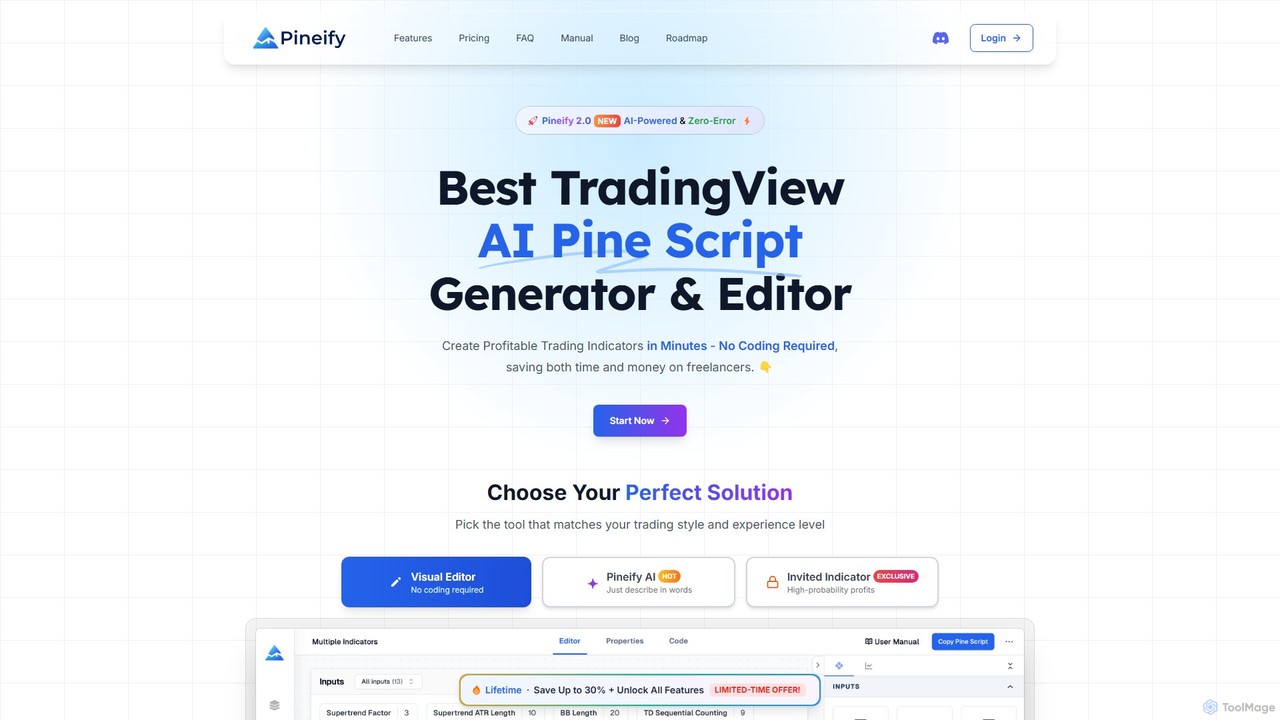
Pineify
Pineify is an AI-powered platform for creating TradingView indicators and strategies. It features a no-code visual editor and an advanced AI Pine Script generator that supports models like GPT-4o and Gemini. Users can build, backtest, and deploy complex trading tools in minutes, bypassing TradingView's limitations without any coding knowledge, saving significant time and money.
Code Generation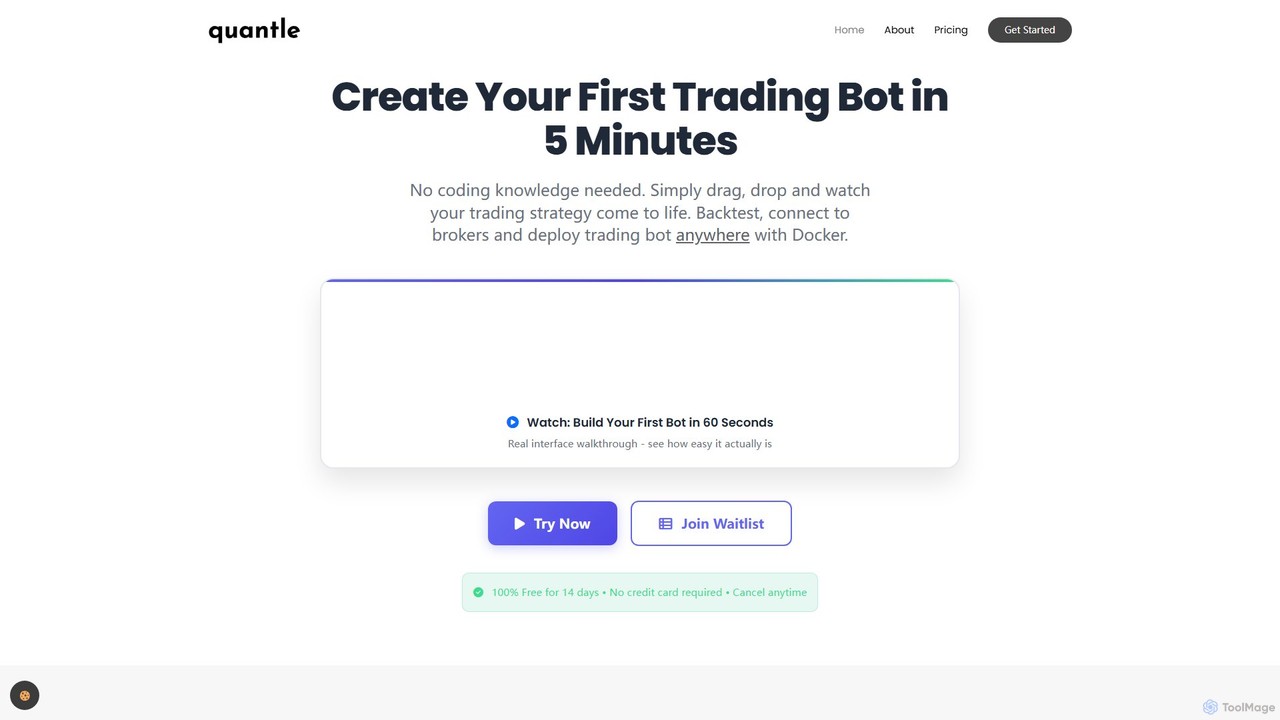
Quantle
Quantle is a no-code platform that empowers traders to create, backtest, and deploy automated trading bots. Using an intuitive drag-and-drop interface and AI-powered optimization, users can build and validate complex strategies against historical data in minutes and deploy them seamlessly to over 10 supported brokers. It's designed for both beginners and professionals seeking to automate their trading without writing a single line of code.
No CodeBonsai Categories
Bonsai Embed Widget
Copy this embed code to place the badge on your blog, article, or product site and send readers directly to this ToolMage detail page.

Related AI tools
AI signals
AI signals provides AI-driven trading signals and advanced TradingView indicators for crypto, stocks, forex, and commodities. It helps traders make faster, data-driven decisions, reduce emotional mistakes, and identify high-probability setups 24/7. Suitable for beginners and experts.
InvestmentNeoquant
An AI-powered trading platform that enables users to create, backtest, and deploy sophisticated trading strategies using natural language, without writing any code. It provides advanced analytics, risk-free demo trading, and professional Python code output for both retail traders and quantitative professionals.
No Code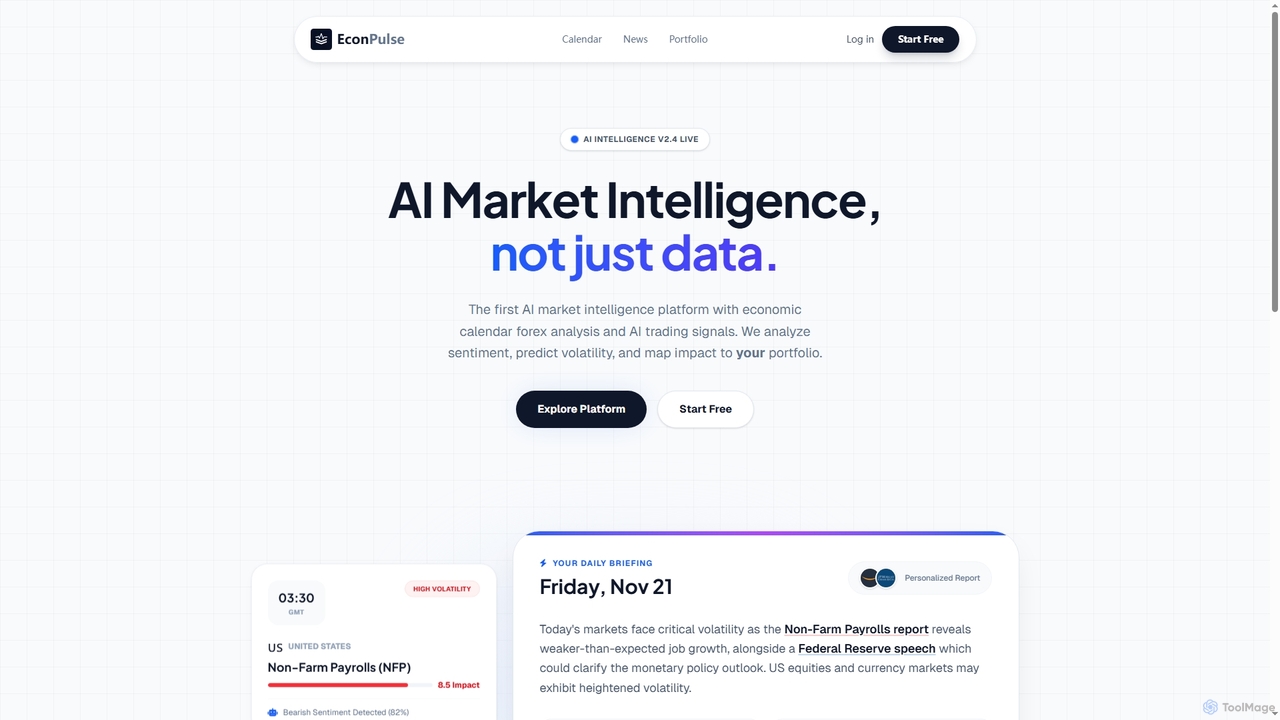
EconPulse
EconPulse is an AI market intelligence platform that provides real-time trading insights, economic calendar forex analysis, and personalized AI trading signals. It analyzes market sentiment, predicts volatility, and maps economic event impact directly to your investment portfolio, helping users make informed trading decisions.
Market AnalysisTradesViz
TradesViz is an all-in-one, AI-powered online trading journal for traders across all markets, including stocks, options, futures, forex, and crypto. It goes beyond simple journaling, offering advanced analytics, versatile trading simulators, a powerful backtesting engine, and detailed options flow analysis. It's designed to help traders of all levels improve their performance through data-driven insights and strategy refinement.
SimulationPineify
Pineify is an AI-powered platform for creating TradingView indicators and strategies. It features a no-code visual editor and an advanced AI Pine Script generator that supports models like GPT-4o and Gemini. Users can build, backtest, and deploy complex trading tools in minutes, bypassing TradingView's limitations without any coding knowledge, saving significant time and money.
Code GenerationQuantle
Quantle is a no-code platform that empowers traders to create, backtest, and deploy automated trading bots. Using an intuitive drag-and-drop interface and AI-powered optimization, users can build and validate complex strategies against historical data in minutes and deploy them seamlessly to over 10 supported brokers. It's designed for both beginners and professionals seeking to automate their trading without writing a single line of code.
No Code
Nucleum AI
Nucleum AI is a no-code, AI-powered platform that enables users to create, backtest, and deploy algorithmic trading strategies for cryptocurrency markets through a simple conversational interface. Monetize your strategies or subscribe to others in a community-driven marketplace.
Crypto
Jyek
Jyek is an AI agent platform that understands objectives, creates execution plans, uses tools, and delivers verifiable results for complex, multi-step tasks.
Automation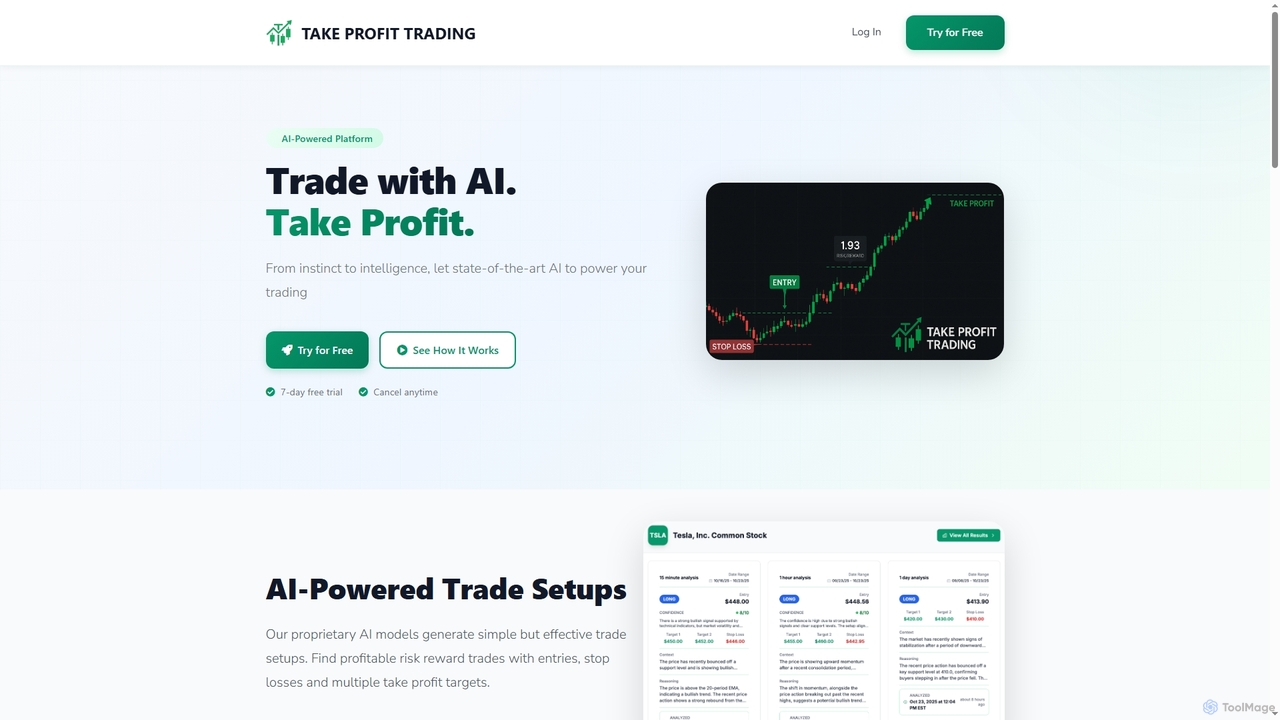
Take Profit Trading
An AI-powered trading assistant that generates actionable trade setups for popular stocks and ETFs. It provides clear entry points, stop losses, and take profit targets, along with detailed reasoning for each trade to help users trade with confidence.
Stock Market Analysis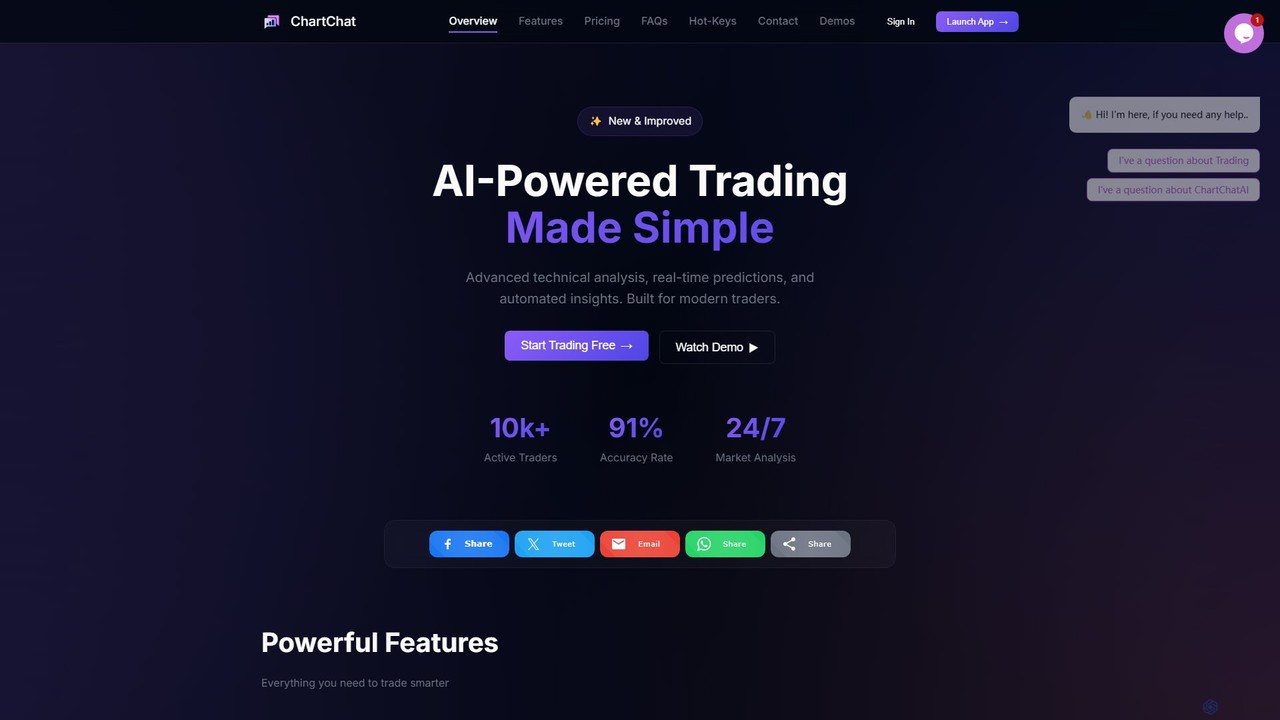
ChartChat AI
ChartChat AI is a specialized AI trading assistant that simplifies technical analysis. Paste any chart screenshot from platforms like TradingView or Binance to receive instant, in-depth analysis, real-time pattern recognition, and ML-based price predictions. It's designed for traders of all levels to make faster, smarter decisions in stock, crypto, and forex markets.
Cryptocurrency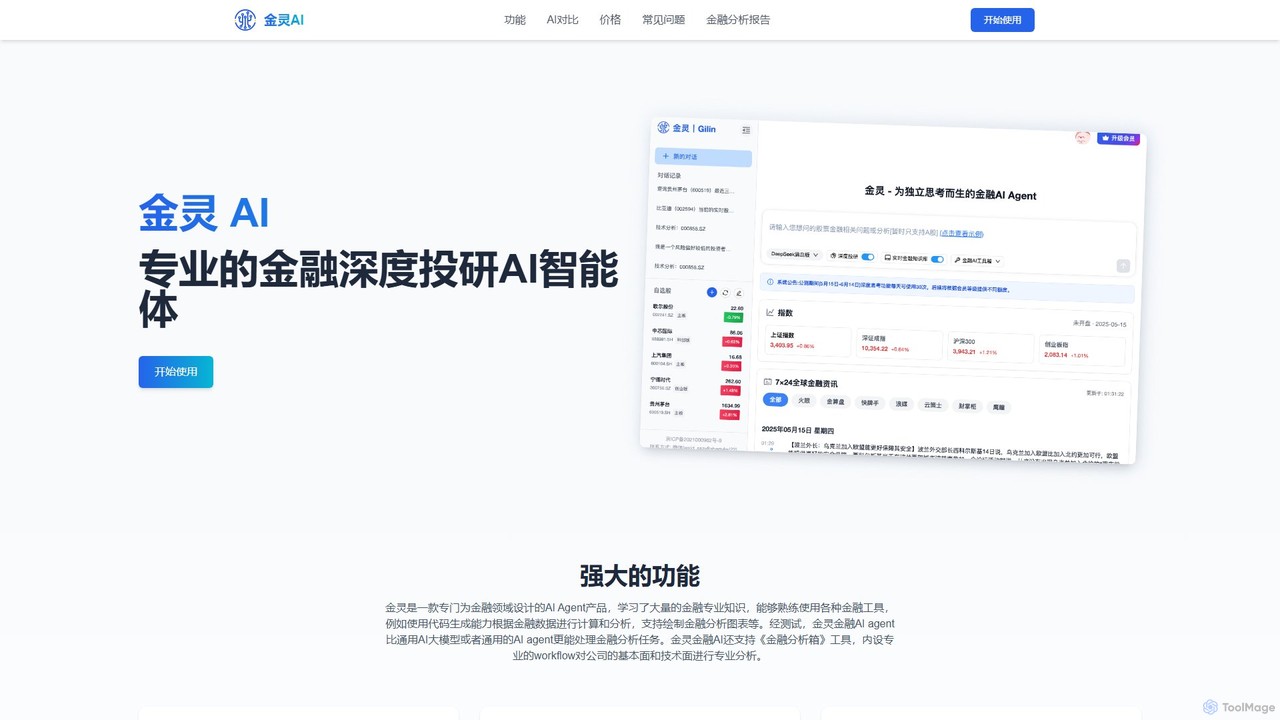
Gilin AI
Gilin AI is a professional AI agent for in-depth financial investment research. It leverages advanced models, exclusive real-time data, and custom workflows to provide superior analysis of stocks, market trends, and investment strategies, complete with data visualizations and comprehensive reports.
Investment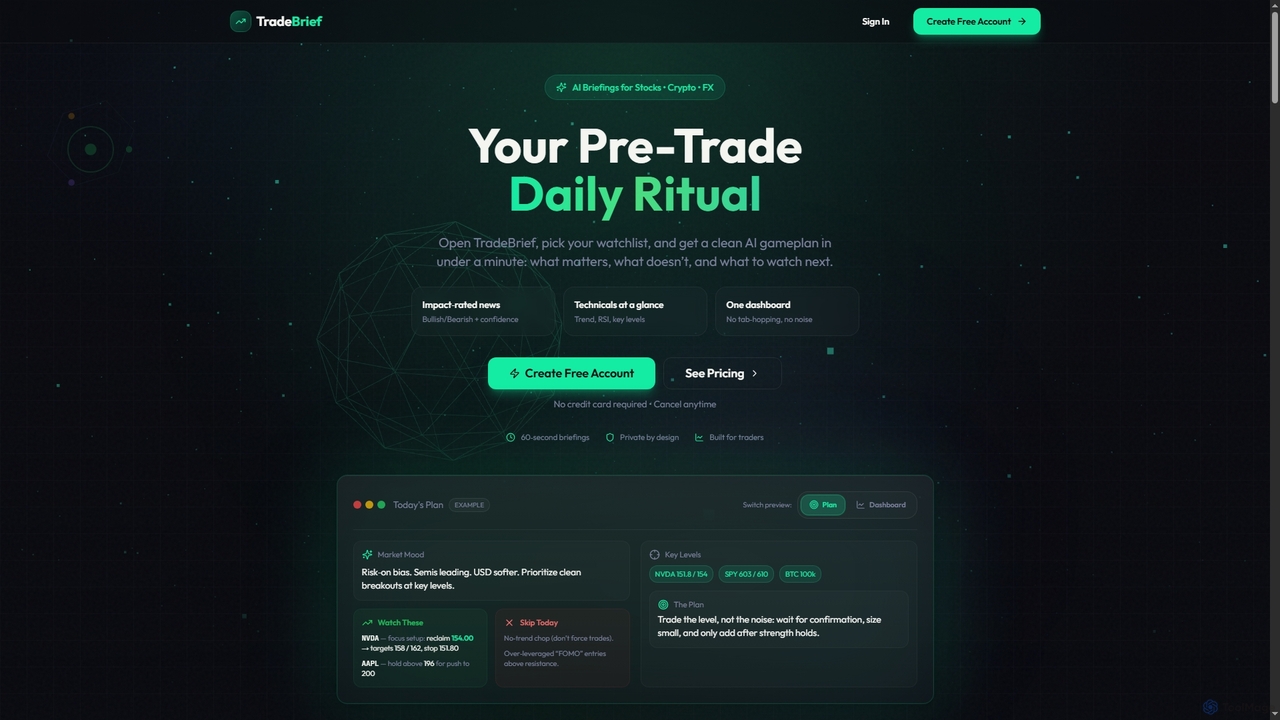
TradeBrief
TradeBrief is an AI-powered platform that provides daily pre-trade briefings for stocks, crypto, and forex. It summarizes impact-rated news, technical analysis, and market sentiment into a clear, actionable gameplan in under a minute, helping traders make informed decisions.
Investment Tools
Quantz
Quantz is an AI-powered platform designed for quantitative financial analysis and algorithmic trading. It empowers traders and analysts to build, backtest, and deploy complex trading strategies using natural language and advanced machine learning models, without requiring extensive coding knowledge. Access real-time market data, optimize portfolios, and automate your trading with institutional-grade tools.
Investing
TradeUI
TradeUI is an AI-powered trading intelligence platform offering real-time options flow data, stock market analysis, and a vibrant social trading community. It provides advanced tools, unusual activity alerts, and educational resources for traders of all levels.
Cryptocurrency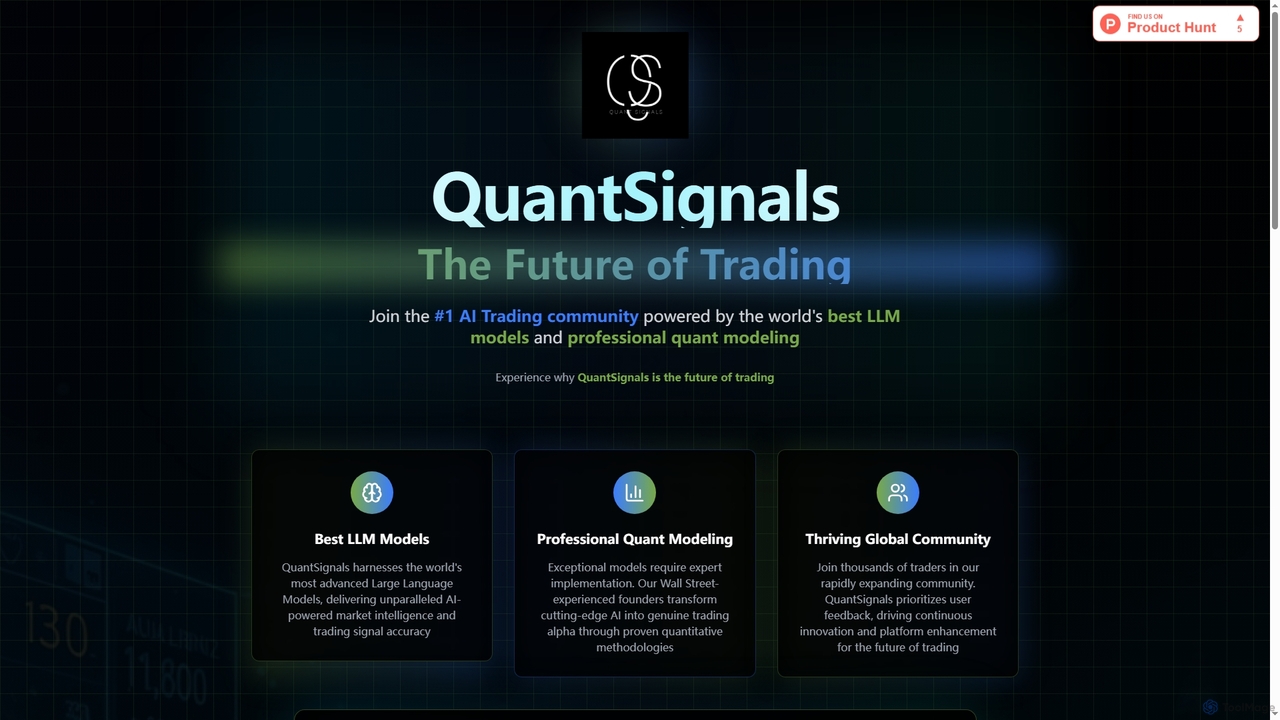
QuantSignals
QuantSignals is a leading AI trading community leveraging advanced Large Language Models and professional quantitative modeling to deliver real-time market intelligence and trading signals. It offers mobile apps for on-the-go access, portfolio tracking, and is building a revolutionary AI-native brokerage. Join thousands of traders experiencing the future of AI-powered investing.
Market Prediction
Bonsai Comments (0)
Sign in to comment.
Sign inNo comments yet.