


bottleneck_calculator Overview
Bottleneck Calculator is a professional-grade online tool designed to help PC users identify performance bottlenecks within their systems. Whether you are building a new PC, planning an upgrade, or diagnosing performance issues, this calculator provides an essential analysis of your hardware's collaborative efficiency. By evaluating the interplay between key components like the processor (CPU), graphics card (GPU), random access memory (RAM), and screen resolution, it pinpoints which component is limiting your system's overall performance. The tool leverages an extensive, real-time updated database of hardware to ensure its analysis is relevant for both legacy and cutting-edge components, making it an invaluable resource for gamers, content creators, and tech enthusiasts alike.
How to use bottleneck_calculator
Using the Bottleneck Calculator is a straightforward process designed for users of all technical levels:
- Select Your CPU: Start by choosing your processor model from the extensive dropdown list, which includes models from Intel, AMD, and Apple.
- Select Your GPU: Next, select your graphics card model. The list covers a wide range of GPUs from NVIDIA, AMD, and Intel.
- Select Display Resolution: Choose the primary display resolution you use for gaming or work, as this significantly impacts GPU and CPU load. Options range from 720p to 8K and various ultrawide resolutions.
- Select RAM Size: Enter your system's RAM capacity (e.g., 8GB, 16GB, 32GB).
- Calculate Bottleneck: Click the "CALCULATE PC BOTTLENECK" button to receive your analysis instantly.
- Interpret the Results: The tool will display a bottleneck percentage. A score below 10-15% generally indicates a well-balanced system. A higher percentage suggests a significant bottleneck, and the tool will specify whether it's CPU-bound or GPU-bound, offering tailored recommendations to resolve the issue.
Core Features of bottleneck_calculator
- Comprehensive Component Analysis: Evaluates the performance relationship between your CPU, GPU, RAM, and display resolution to provide a holistic view of your system's balance.
- Extensive Hardware Database: Features a constantly updated database with thousands of components, including the latest CPUs (Intel 13th Gen, AMD Ryzen 7000 series) and GPUs (NVIDIA RTX 40 series, AMD RX 7000 series).
- Personalized Upgrade Recommendations: Based on the analysis, the tool suggests specific component upgrades to alleviate the identified bottleneck and improve overall performance.
- Detailed Performance Interpretation: Provides clear explanations for different bottleneck percentages, helping users understand the severity of the issue and the suggested next steps.
- Scenario-Based Analysis: The calculation considers different workloads, making it useful for evaluating performance for high-resolution gaming, video editing, streaming, and other intensive tasks.
- Educational Resources: The site includes a blog with in-depth articles on understanding CPU/GPU bottlenecks, optimizing PC performance, and choosing the right components.
Use Cases for bottleneck_calculator
This tool is versatile and serves a wide range of users and scenarios:
- New PC Builders: Before purchasing parts, builders can test different CPU/GPU combinations to ensure they are creating a balanced system without wasting money on overpowered or underpowered components.
- Gamers Experiencing Issues: Gamers suffering from low frame rates (FPS), stuttering, or inconsistent performance can use the calculator to diagnose whether their CPU or GPU is the limiting factor.
- PC Upgraders: Users looking to upgrade a single component, like a graphics card, can check how it will pair with their existing CPU to avoid creating a new bottleneck.
- Workstation Optimization: Professionals in fields like video editing, 3D rendering, or data science can use the tool to ensure their workstation components are optimally matched for their specific software and workloads.
- Budget-Conscious Enthusiasts: Helps users find the most cost-effective upgrade path by identifying the single component that will provide the biggest performance boost for their money.
Advantages of bottleneck_calculator
The Bottleneck Calculator stands out for several key reasons:
- Trustworthy and Data-Driven: Relies on a comprehensive, real-time updated database and advanced algorithms, not just theoretical specs, to provide accurate analysis.
- Completely Free to Use: The service is offered at no cost, making professional-level hardware analysis accessible to everyone.
- User-Friendly and Intuitive: The simple, clean interface allows even novice PC users to get a detailed performance report in seconds.
- Actionable Insights: It doesn't just provide data; it offers clear, customized recommendations and practical advice for system optimization and future upgrades.
- Future-Proofing Guidance: Helps users make informed decisions that not only solve current issues but also prevent future performance limitations.
Pricing and Plans
Bottleneck Calculator is a completely free tool. There are no subscription fees, hidden charges, or premium versions. The service is supported by on-site advertising, allowing all users to access its full range of features without any cost.
bottleneck_calculator Alternatives
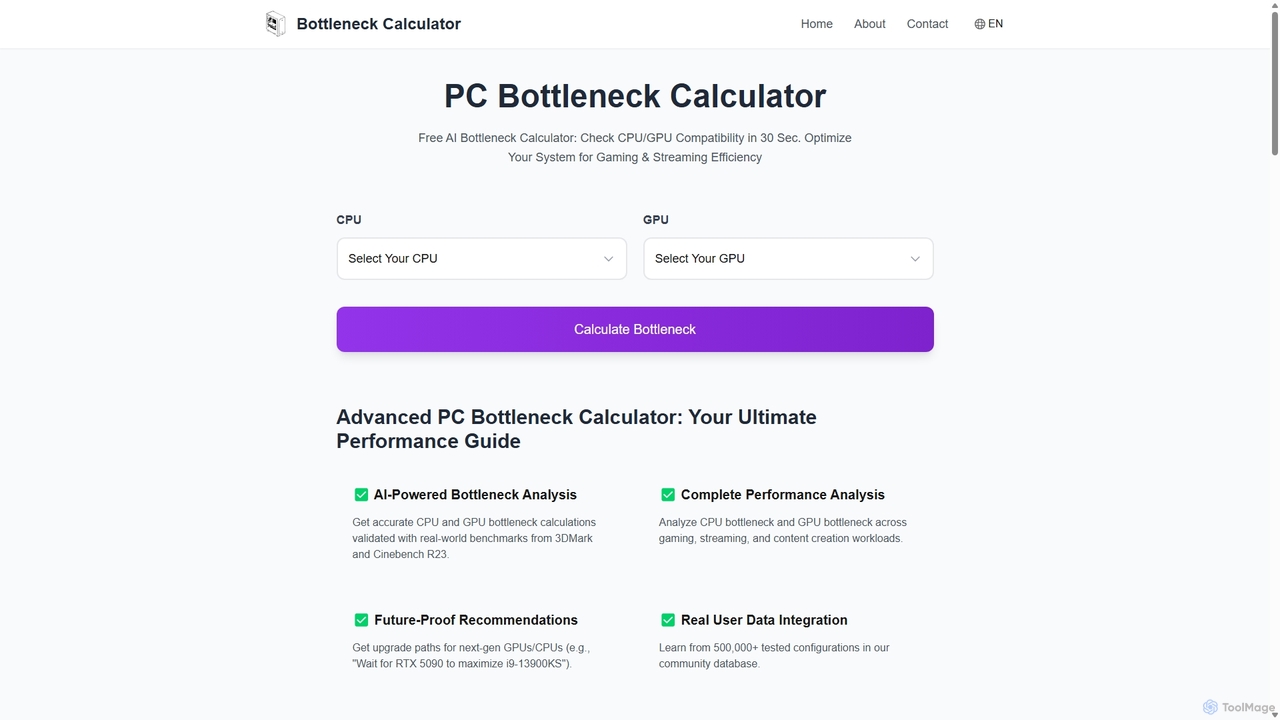
Bottleneck Calculator
An AI-powered tool that instantly analyzes your PC's CPU and GPU compatibility to identify performance bottlenecks. Get accurate calculations, future-proof upgrade recommendations, and optimization tips for gaming, streaming, and content creation, all validated by real-world benchmarks and a database of over 500,000 user configurations.
Hardware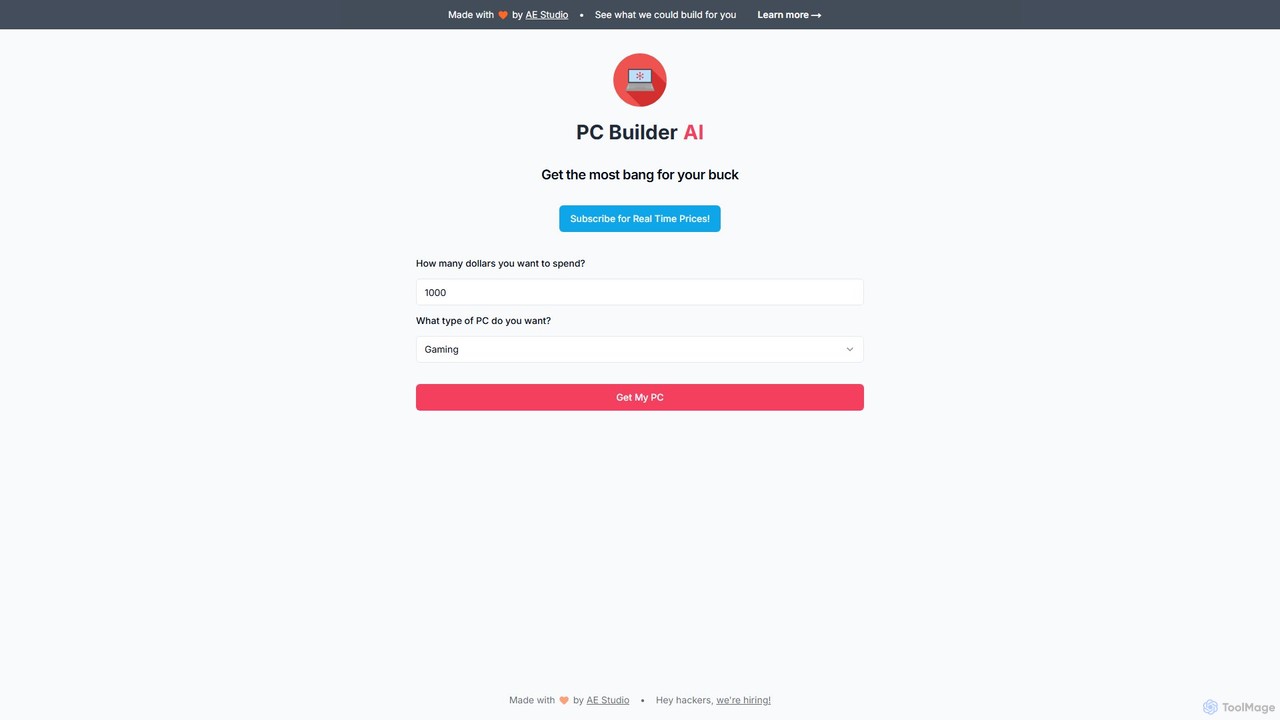
PC Builder AI
PC Builder AI is an intelligent tool that simplifies the process of building a custom PC. By leveraging AI, it provides optimized component recommendations based on your budget, performance needs, and use case, ensuring maximum value and compatibility.
Shopping Assistant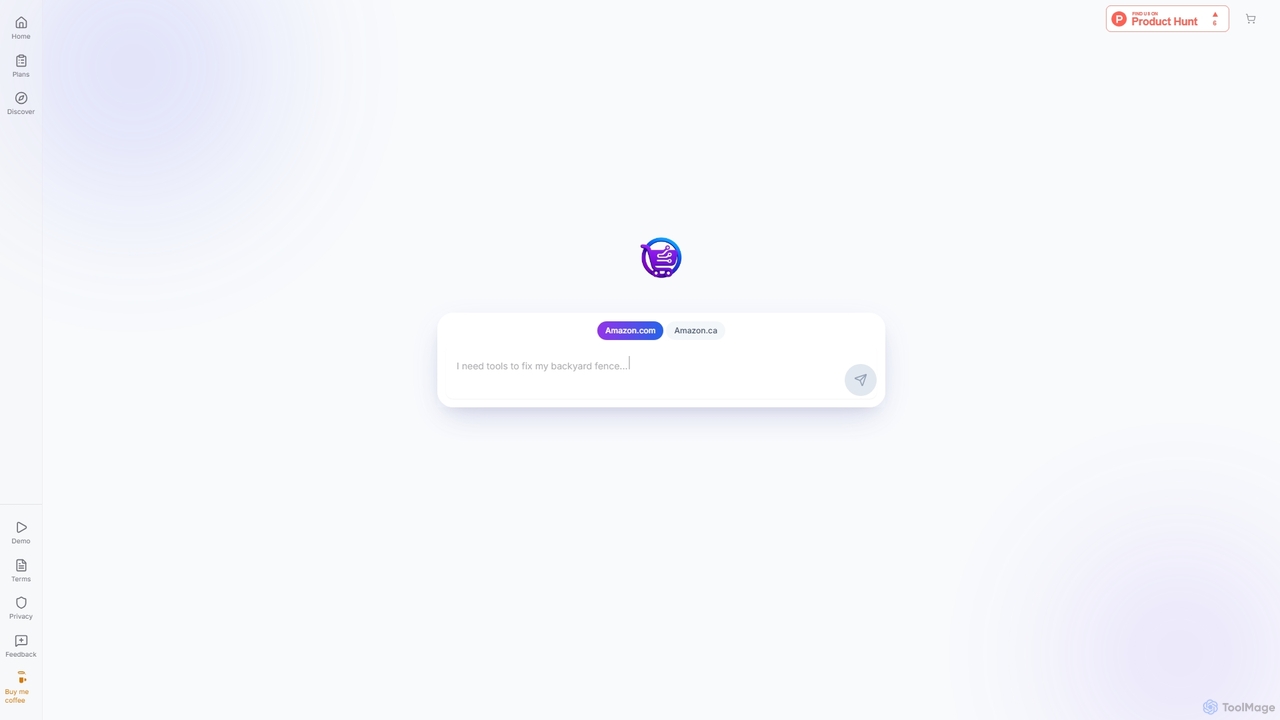
logiCart
logiCart is an AI-powered shopping assistant that transforms your natural language needs into a complete Amazon shopping plan. Describe what you're looking for, including budget and preferences, and logiCart intelligently curates product categories and suggests items from Amazon. It streamlines the shopping process, allowing you to build a cart in seconds and transfer it directly to Amazon for purchase, all without needing an account.
Recommendationbottleneck_calculator Categories
bottleneck_calculator Embed Widget
Copy this embed code to place the badge on your blog, article, or product site and send readers directly to this ToolMage detail page.

Related AI tools
Bottleneck Calculator
An AI-powered tool that instantly analyzes your PC's CPU and GPU compatibility to identify performance bottlenecks. Get accurate calculations, future-proof upgrade recommendations, and optimization tips for gaming, streaming, and content creation, all validated by real-world benchmarks and a database of over 500,000 user configurations.
HardwarePC Builder AI
PC Builder AI is an intelligent tool that simplifies the process of building a custom PC. By leveraging AI, it provides optimized component recommendations based on your budget, performance needs, and use case, ensuring maximum value and compatibility.
Shopping AssistantlogiCart
logiCart is an AI-powered shopping assistant that transforms your natural language needs into a complete Amazon shopping plan. Describe what you're looking for, including budget and preferences, and logiCart intelligently curates product categories and suggests items from Amazon. It streamlines the shopping process, allowing you to build a cart in seconds and transfer it directly to Amazon for purchase, all without needing an account.
Recommendation
Jyek
Jyek is an AI agent platform that understands objectives, creates execution plans, uses tools, and delivers verifiable results for complex, multi-step tasks.
Automation
bottleneck_calculator Comments (0)
Sign in to comment.
Sign inNo comments yet.