
ToolMage
Sign in

Best 2 Pc Building AI tools for Gaming

Popular Pc Building AI tools in Gaming include Bottleneck Calculator and bottleneck_calculator, helping you work more efficiently.

Bottleneck Calculator
Free

Bottleneck Calculator

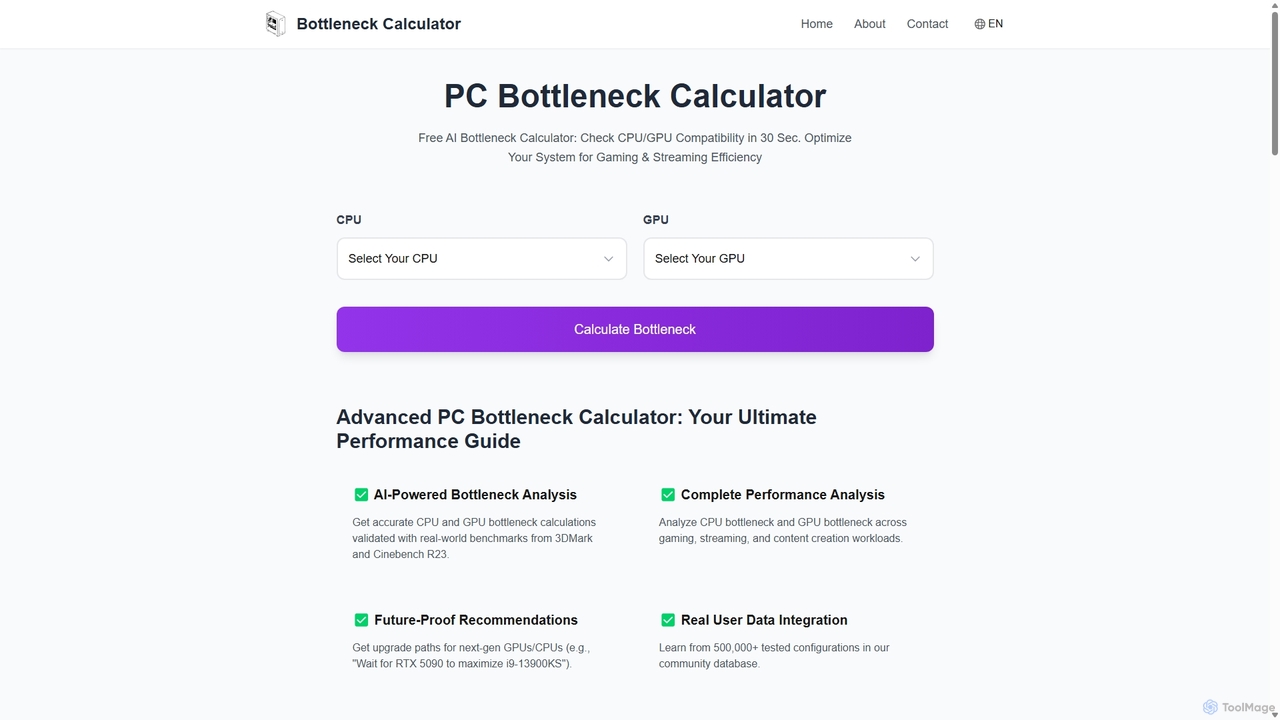
An AI-powered tool that instantly analyzes your PC's CPU and GPU compatibility to identify performance bottlenecks. Get accurate calculations, future-proof upgrade recommendations, and optimization tips for gaming, streaming, and content creation, all validated by real-world benchmarks and a database of over 500,000 user configurations.

Hardware
Visits 5KFavorites 136Likes 133
bottleneck_calculator
Free

bottleneck_calculator

A free online tool for PC builders, gamers, and professionals to diagnose performance bottlenecks. By selecting your CPU, GPU, RAM, and resolution, the calculator analyzes component compatibility and identifies performance limitations. It provides a detailed bottleneck percentage, personalized upgrade recommendations, and optimization advice to help you build a balanced system or upgrade your existing PC for maximum performance.

Pc Building
Visits 4.7KFavorites 105Likes 117

About Pc Building

AI PC Building tools are intelligent assistants designed to simplify the complex process of creating a custom computer, particularly for gaming. These tools leverage AI algorithms to analyze vast component databases, ensuring hardware compatibility and identifying potential performance bottlenecks. They empower both beginners and experts to design optimized, cost-effective PC builds tailored to specific needs, from high-framerate esports to 4K content creation. The AI-driven recommendations save hours of research and prevent costly purchasing mistakes.

Core Features

  • Intelligent Component Matching: Automatically suggests and verifies compatibility between CPU, motherboard, RAM, GPU, and other parts.
  • Performance Bottleneck Analysis: Identifies which component might limit the overall performance of the system for specific tasks like gaming or streaming.
  • Budget-Based Optimization: Recommends the best combination of parts to maximize performance within a user-defined budget.
  • Real-Time Price Comparison: Scans multiple online retailers to find the best current prices for your selected components.

Use Cases

These tools are ideal for first-time PC builders who feel overwhelmed by component choices, budget-conscious gamers aiming to get the most performance for their money, and enthusiasts planning complex, high-end builds who want to ensure perfect component synergy.

How to Choose

When selecting an AI PC Building tool, consider the recency and size of its component database, the accuracy of its performance predictions, the user-friendliness of its interface, and its ability to track prices from a wide range of retailers.

Pc Building use cases

1

Guided Build for First-Time Gamers

A novice gamer wants to build their first gaming PC with a strict budget of $1,200, aiming to play modern titles like 'Cyberpunk 2077' at 1080p. Using an AI PC Building tool, they input their budget and target game. The AI instantly generates a complete, balanced, and compatible parts list, prioritizing a GPU and CPU combination that offers the best value for 1080p gaming. It also provides an alternative list in case of stock issues and generates a step-by-step assembly guide with illustrations specific to their chosen case and motherboard.

2

Planning a Performance Upgrade

An experienced PC user wants to upgrade their two-year-old system to better handle 4K video editing and streaming. They input their current components (CPU, motherboard, RAM, PSU) into an AI tool. The AI analyzes the existing setup, identifies the GPU as the primary bottleneck, and suggests several compatible GPU upgrades. It ranks them by performance gain versus cost and confirms that their current Power Supply Unit (PSU) has enough wattage for the recommended upgrades, preventing them from buying an unnecessarily powerful and expensive new PSU.

3

Optimizing a Build for a Specific Game

A competitive esports player wants a new PC specifically optimized for 'Valorant' at 240Hz. They use an AI tool and select 'Valorant' as their priority. The AI understands that this game is more CPU-intensive than GPU-intensive at high refresh rates. It then recommends a CPU with strong single-core performance and pairs it with a mid-range GPU that is more than capable of handling the game's graphics. This targeted approach prevents the user from overspending on a high-end GPU that would provide minimal benefit for their specific use case, saving them hundreds of dollars.

4

Curating an Aesthetic-Focused 'Dream Build'

A content creator wants to build a visually stunning PC with a specific white theme and synchronized RGB lighting for their streaming setup. They use an AI tool's aesthetic filters, selecting 'White' as the primary color and 'RGB Sync' as a feature. The AI then filters its database to show only white-colored motherboards, RAM, GPUs, and cases that are known to be compatible. It also ensures all selected RGB components use the same control standard (e.g., Aura Sync), preventing compatibility headaches and helping the creator achieve a clean, cohesive look for their dream build without compromising performance.

5

Diagnosing Incompatibility Issues

A user purchased several components during a sale but finds their new PC won't boot. Instead of disassembling everything, they input their exact parts list into an AI diagnostic tool. The AI cross-references the motherboard's specification sheet with the RAM's speed and timings. It flags a potential incompatibility: the RAM's default XMP profile speed is higher than what the motherboard officially supports without a specific BIOS update. The tool provides a link to the required BIOS update and instructions, saving the user hours of frustrating trial-and-error troubleshooting.

6

Real-Time Price Hunting for Sales Events

A builder is planning their new PC around the Black Friday sales event. They finalize their ideal component list in an AI tool a week before the event. The tool then actively monitors the prices of these specific components across a dozen major online retailers. As Black Friday begins, the user receives real-time notifications on their phone as each component hits its lowest price at different stores. This allows them to purchase each part at the optimal moment, maximizing their savings and ensuring they don't miss out on flash deals that last only a few hours.

Pc Building FAQ

What are AI PC Building tools?

AI PC Building tools are intelligent software assistants that streamline the process of creating a custom computer. Unlike simple parts pickers, they use AI to analyze compatibility, predict performance for specific games, identify potential hardware bottlenecks, and recommend optimized component combinations based on your budget and goals. They essentially act as an expert consultant, making the complex task of PC building more accessible and data-driven.

How to choose the right AI PC Building tool?

When choosing an AI PC Building tool, consider these key factors:

  • Component Database: Ensure it has a large, up-to-date database that includes the latest CPUs, GPUs, and other hardware.
  • Accuracy of Predictions: Look for tools that provide performance estimates (like FPS in games) and check if their methodology is transparent or well-regarded.
  • User Interface: The tool should be intuitive and easy to use, whether you are a beginner or an expert.
  • Price Tracking: A good tool will compare prices from multiple reputable retailers to help you find the best deals.
What's the difference between an AI PC builder and a manual parts list site?

Manual parts list sites (like PCPartPicker) are excellent databases with basic compatibility filters. They check if a CPU fits a motherboard socket or if RAM is the right type. AI PC builders go a step further by adding a layer of intelligence. They don't just check for physical compatibility; they analyze performance, suggest optimizations to avoid bottlenecks (e.g., pairing a weak CPU with a powerful GPU), and can recommend entire builds based on performance targets for specific games or applications within a budget.

Can AI tools help me physically assemble the PC?

While AI tools cannot physically build the computer for you, many offer significant help in the assembly process. Advanced tools can generate custom, step-by-step assembly guides based on your exact component list. This is often more helpful than a generic YouTube tutorial because the instructions, diagrams, and connection points (like where to plug in case fans on your specific motherboard) are tailored precisely to your build, reducing confusion and potential mistakes for first-time builders.

Are AI PC building recommendations always accurate?

AI recommendations are highly reliable and based on vast amounts of data, making them far more accurate than guesswork. However, they are not infallible. Occasionally, new BIOS updates can change component compatibility, or performance data for a brand-new product might be preliminary. It's a best practice to use AI tools as a primary, powerful guide for your build, but for final confirmation, cross-referencing the AI's suggestion with recent user reviews or community forums is always a wise step.