

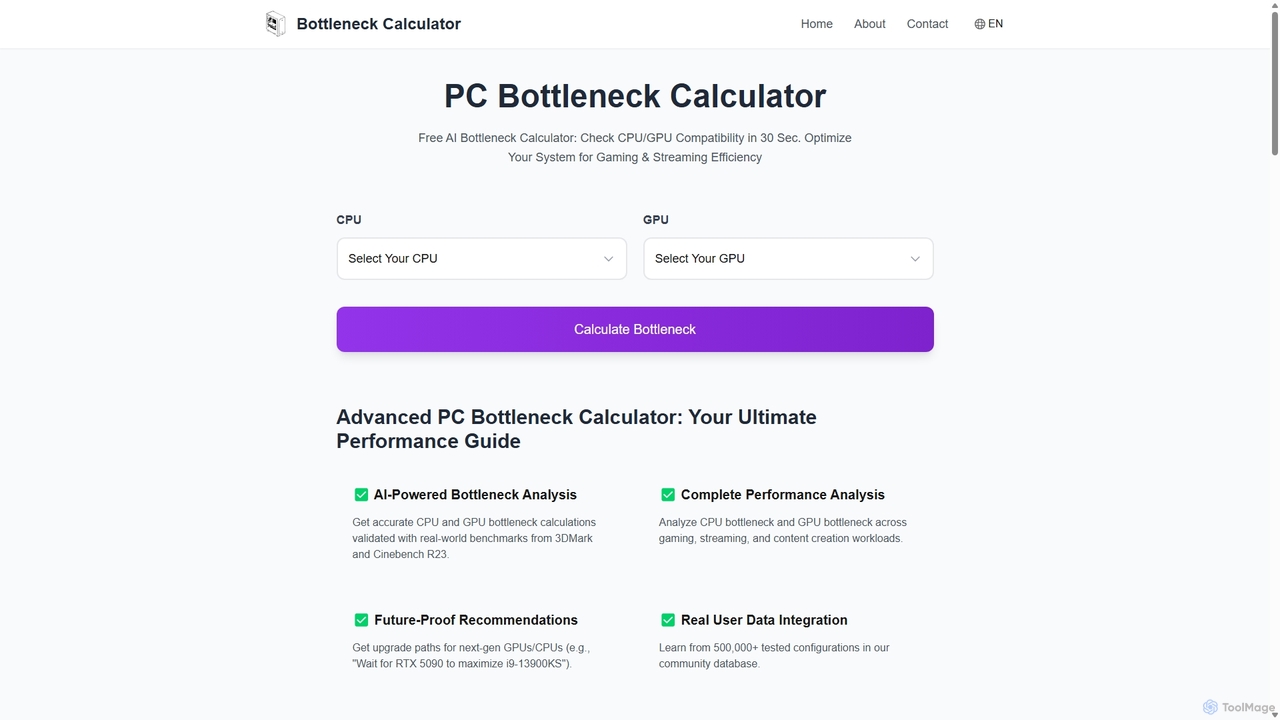
Bottleneck Calculator Overview
Bottleneck Calculator is an advanced, AI-powered analysis tool designed to help PC enthusiasts, gamers, and professionals identify and resolve performance bottlenecks within their systems. By analyzing the compatibility and balance between a CPU and GPU, this tool provides a clear understanding of which component is limiting the overall performance. It leverages a massive database of over 500,000 tested configurations and real-world benchmarks from industry standards like 3DMark and Cinebench R23 to deliver highly accurate and actionable insights in just 30 seconds.
The core problem this tool solves is the common issue of mismatched components. For instance, pairing a high-end graphics card like an RTX 4090 with an older, mid-range CPU can lead to a significant CPU bottleneck, where the processor cannot supply data fast enough to the GPU, wasting the graphics card's potential. Conversely, a powerful CPU can be held back by a weaker GPU. Bottleneck Calculator quantifies this mismatch, helping users make informed decisions before purchasing new hardware or upgrading their existing setup.
How to use Bottleneck Calculator
Using the tool is a straightforward, four-step process designed for both beginners and experienced builders:
- Select Your Hardware: Choose your specific CPU and GPU models from an extensive and constantly updated database.
- Define Your Use Case: Specify your primary activities to tailor the analysis. Options include various gaming resolutions (1080p, 1440p, 4K), 3D rendering (e.g., Blender, Maya), and video editing (e.g., Premiere Pro, DaVinci Resolve).
- Get AI Analysis: The AI engine processes your configuration against its database and performance metrics. It provides a detailed report, including a bottleneck severity score (often visualized as a heatmap), estimated FPS for over 50 popular games, and projected render times for creative applications.
- Receive an Optimization Guide: The tool provides concrete, personalized recommendations to alleviate the identified bottleneck. These can range from software tweaks like enabling Resizable BAR to hardware suggestions like upgrading to faster DDR5 RAM for improved gaming performance.
Core Features of Bottleneck Calculator
- AI-Powered Bottleneck Analysis: Utilizes advanced algorithms and machine learning, validated with real-world benchmarks from 3DMark and Cinebench R23 for maximum accuracy.
- Complete Performance Analysis: Simulates performance across more than 20 different workloads, covering gaming, streaming, and professional content creation scenarios.
- Future-Proof Recommendations: Offers forward-looking advice, such as suggesting users wait for an upcoming GPU generation (e.g., RTX 50 series) to fully leverage a high-end CPU.
- Real User Data Integration: Draws insights from a community database of over 500,000 user-tested PC configurations, providing results grounded in real-world experience.
- Dynamic System Adjustment: The calculation considers other critical system factors, including RAM speed, storage type (SSD vs. HDD), and cooling solutions, for a more holistic and personalized analysis.
- Detailed and Visual Reports: Presents findings in an easy-to-understand format, including bottleneck scores (Optimal: 0-10%, Moderate: 10-25%, Critical: >25%) and visual heatmaps.
Use Cases for Bottleneck Calculator
This tool is invaluable for a wide range of users:
- Gamers: Optimize gaming rigs to achieve maximum and stable FPS at their desired resolution, ensuring a smooth experience in both competitive esports and demanding AAA titles.
- Content Creators: Build or upgrade workstations for video editing, 3D rendering, and streaming by finding the perfect balance between CPU cores, GPU compute power, and RAM speed to minimize render times and eliminate lag.
- PC Builders: Plan new PC builds effectively by ensuring all components are well-balanced, preventing costly mistakes and maximizing performance for a given budget.
- Professionals: Configure systems for specialized software like CAD, data analysis, and scientific computing, ensuring hardware is tailored to the unique demands of their professional workloads.
Advantages of Bottleneck Calculator
The primary advantage is its ability to provide data-driven, objective advice. It helps users avoid wasting money on overpowered components that their system cannot fully utilize or underpowered parts that cripple performance. By offering clear, actionable recommendations, it empowers users to build smarter, more efficient, and cost-effective PCs. The reliance on a vast, real-world dataset makes its predictions more reliable than purely theoretical calculations.
Pricing and Plans
Bottleneck Calculator is a completely free tool. Users can access all its features, including the AI analysis, database, and personalized recommendations, without any cost or subscription.
Bottleneck Calculator Alternatives

bottleneck_calculator
A free online tool for PC builders, gamers, and professionals to diagnose performance bottlenecks. By selecting your CPU, GPU, RAM, and resolution, the calculator analyzes component compatibility and identifies performance limitations. It provides a detailed bottleneck percentage, personalized upgrade recommendations, and optimization advice to help you build a balanced system or upgrade your existing PC for maximum performance.
Pc Building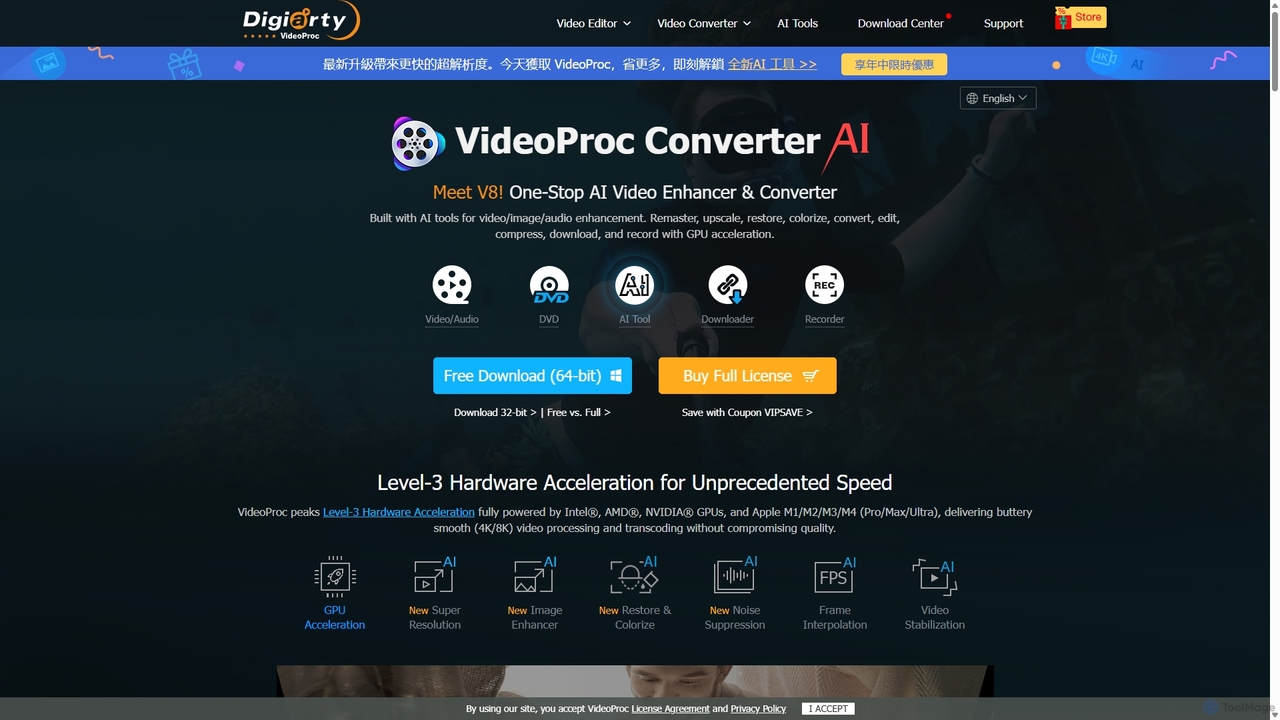
VideoProc
VideoProc is a one-stop, AI-powered media processing suite. It enhances, converts, edits, compresses, downloads, and records 4K/8K videos with full GPU acceleration. Its AI tools upscale video/images, stabilize shaky footage, interpolate frames for smooth motion, and remove background noise from audio.
Audio Editing
Voice.ai
Voice.ai is a versatile AI voice platform offering a free real-time voice changer, realistic text-to-speech, and precise voice cloning. Designed for gamers, streamers, content creators, and businesses, it features a vast library of user-generated voices, enabling seamless voice transformation across popular apps and games.
Text To Speech
WinXDVD
WinXDVD is a comprehensive software suite featuring the AI-powered Winxvideo AI for video/image enhancement, conversion, and editing, alongside the renowned WinX DVD Ripper for fast digital backups. It leverages GPU acceleration to upscale videos to 4K, stabilize shaky footage, and rip DVDs with exceptional speed and quality, making it an all-in-one solution for modern media management.
File Management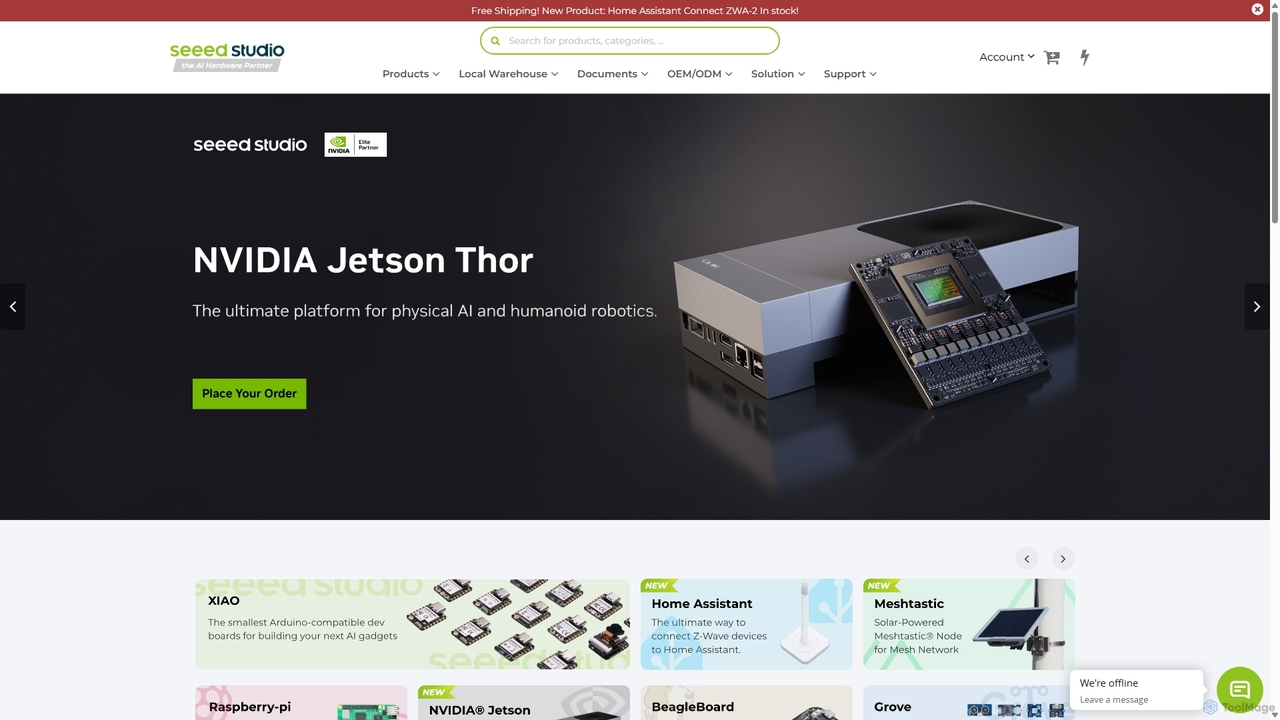
Seeed Studio
Seeed Studio is a leading IoT hardware platform for developers and businesses. It provides a vast range of open-source hardware, development kits, sensors, and AI-accelerated modules, specializing in edge computing. From prototyping with Raspberry Pi and NVIDIA Jetson to scalable manufacturing services (OEM/ODM), Seeed Studio empowers innovators to build and deploy real-world IoT and Edge AI solutions for smart agriculture, industry, and cities.
Edge ComputingBottleneck Calculator Categories
Bottleneck Calculator Jobs
Bottleneck Calculator Embed Widget
Copy this embed code to place the badge on your blog, article, or product site and send readers directly to this ToolMage detail page.

Related AI tools
bottleneck_calculator
A free online tool for PC builders, gamers, and professionals to diagnose performance bottlenecks. By selecting your CPU, GPU, RAM, and resolution, the calculator analyzes component compatibility and identifies performance limitations. It provides a detailed bottleneck percentage, personalized upgrade recommendations, and optimization advice to help you build a balanced system or upgrade your existing PC for maximum performance.
Pc BuildingVideoProc
VideoProc is a one-stop, AI-powered media processing suite. It enhances, converts, edits, compresses, downloads, and records 4K/8K videos with full GPU acceleration. Its AI tools upscale video/images, stabilize shaky footage, interpolate frames for smooth motion, and remove background noise from audio.
Audio EditingVoice.ai
Voice.ai is a versatile AI voice platform offering a free real-time voice changer, realistic text-to-speech, and precise voice cloning. Designed for gamers, streamers, content creators, and businesses, it features a vast library of user-generated voices, enabling seamless voice transformation across popular apps and games.
Text To SpeechWinXDVD
WinXDVD is a comprehensive software suite featuring the AI-powered Winxvideo AI for video/image enhancement, conversion, and editing, alongside the renowned WinX DVD Ripper for fast digital backups. It leverages GPU acceleration to upscale videos to 4K, stabilize shaky footage, and rip DVDs with exceptional speed and quality, making it an all-in-one solution for modern media management.
File Management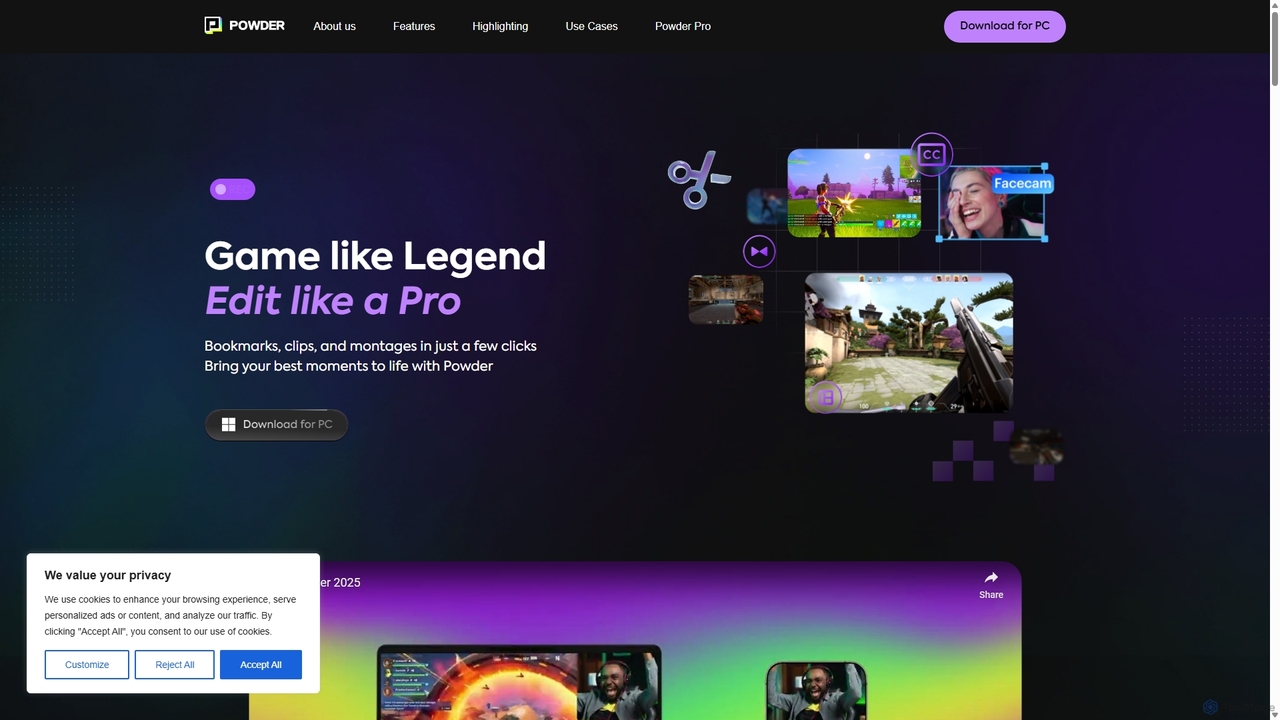
Powder
Powder is an AI-powered clipping software for gamers on Windows. It automatically records gameplay, identifies the best moments from hours of footage using AI, and helps create stunning, social-media-ready clips and montages. It's designed to save creators time and effort in content production.
Content Creation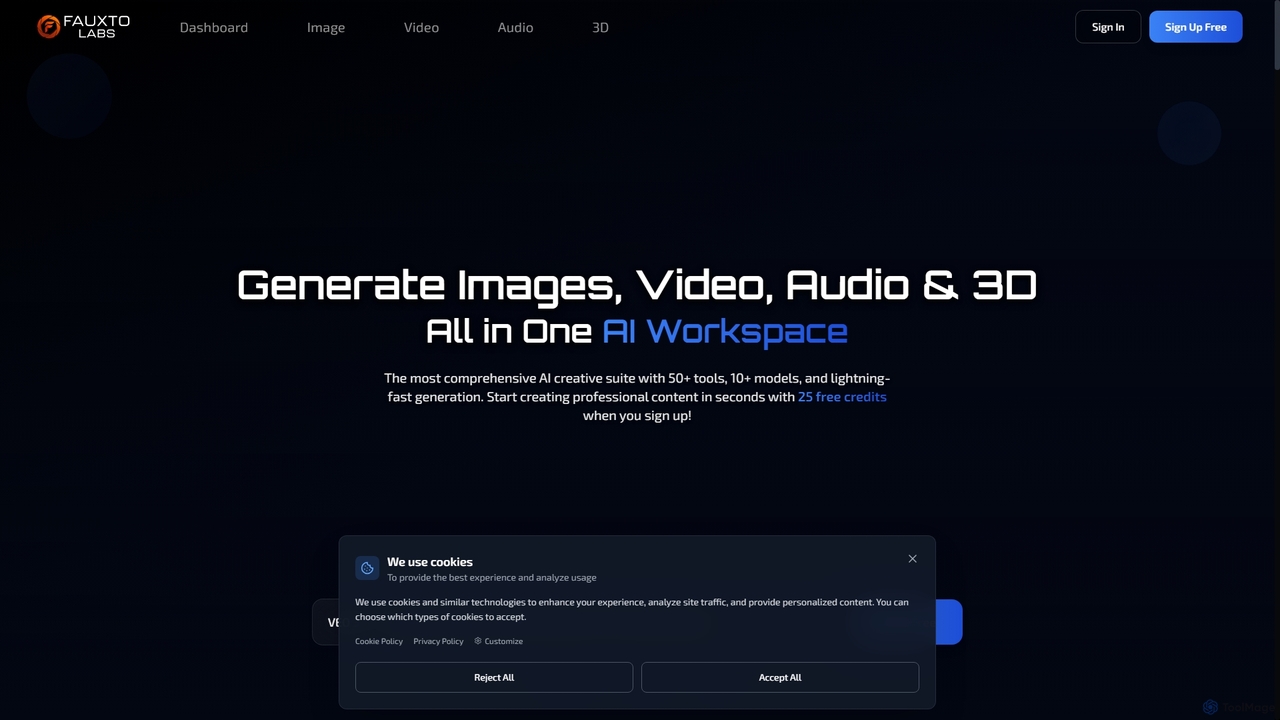
Fauxto Labs
Fauxto Labs is a comprehensive AI creative suite offering over 50 tools and 10+ models for generating images, videos, audio, and 3D content. It provides lightning-fast generation, advanced editing capabilities, and personalized AI models, empowering creators to transform ideas into professional content efficiently.
Creative Suite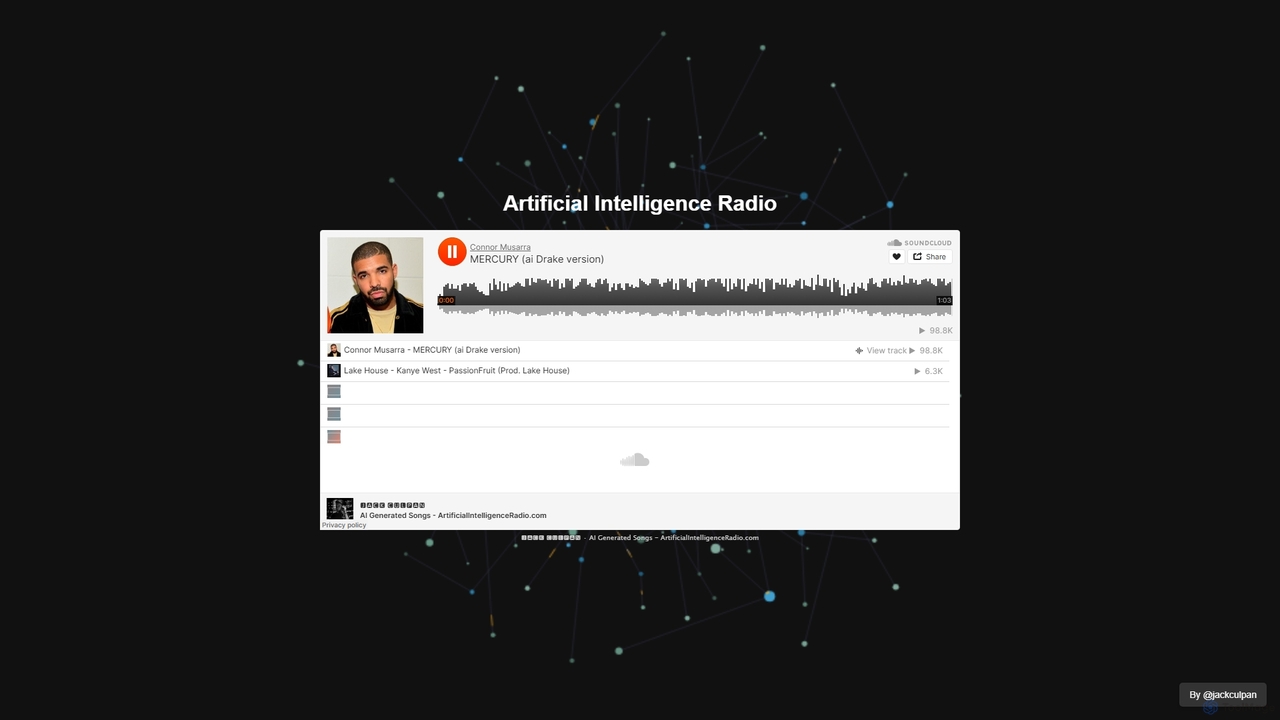
Artificial Intelligence Radio
A platform offering a continuous, 24/7 stream of AI-generated music. Ideal for focus, relaxation, or as royalty-free background audio for content creators. Simply visit the site and enjoy an endless, non-repetitive soundscape created entirely by artificial intelligence.
Music Generation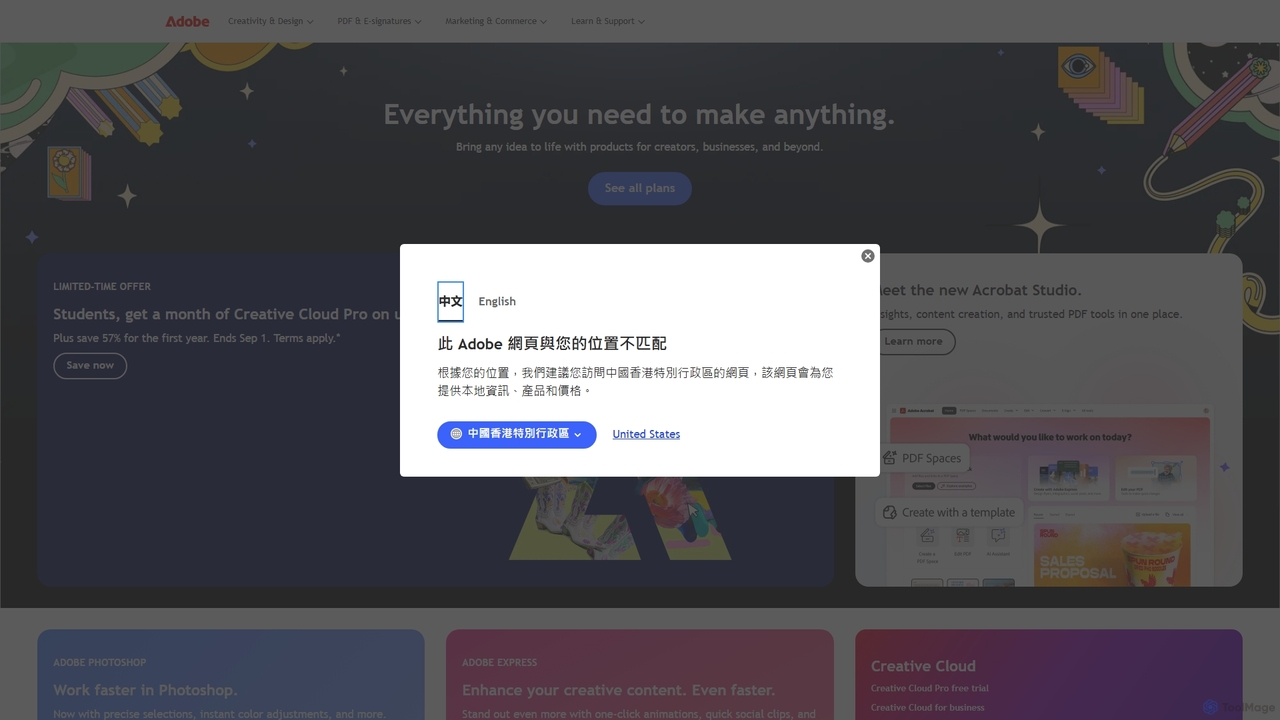
Adobe
Adobe is the industry-leading suite of creative, marketing, and document management software, supercharged with powerful generative AI. Featuring tools like Photoshop, Premiere Pro, and Acrobat, integrated with Adobe Firefly AI, it empowers creators, businesses, and individuals to bring any idea to life, from stunning visuals and cinematic videos to intelligent, interactive documents.
Graphic Design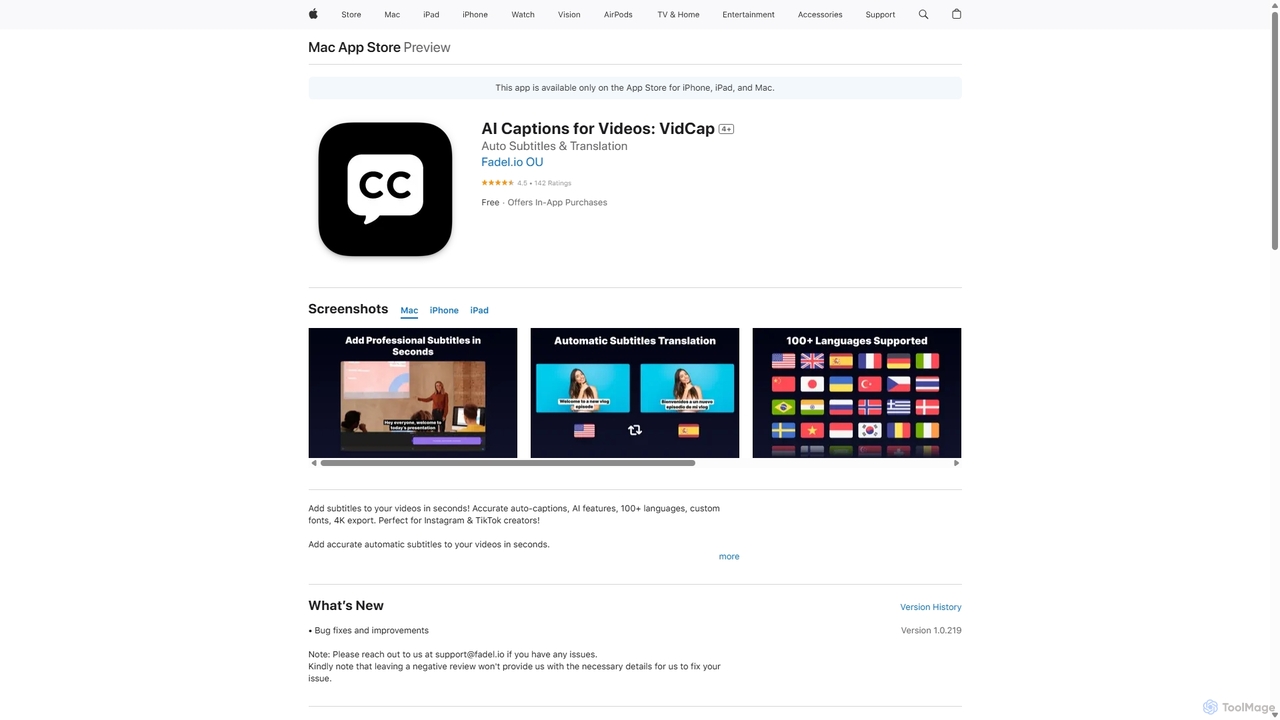
VidCap
VidCap is an AI-powered mobile application designed for content creators to effortlessly add accurate, automatic subtitles to videos. It supports over 100 languages, offers extensive customization options like fonts and animations, and includes advanced features such as AI Eye Contact, a video teleprompter, and background noise removal. Export videos in stunning 4K quality, perfect for boosting engagement on platforms like Instagram and TikTok.
Transcription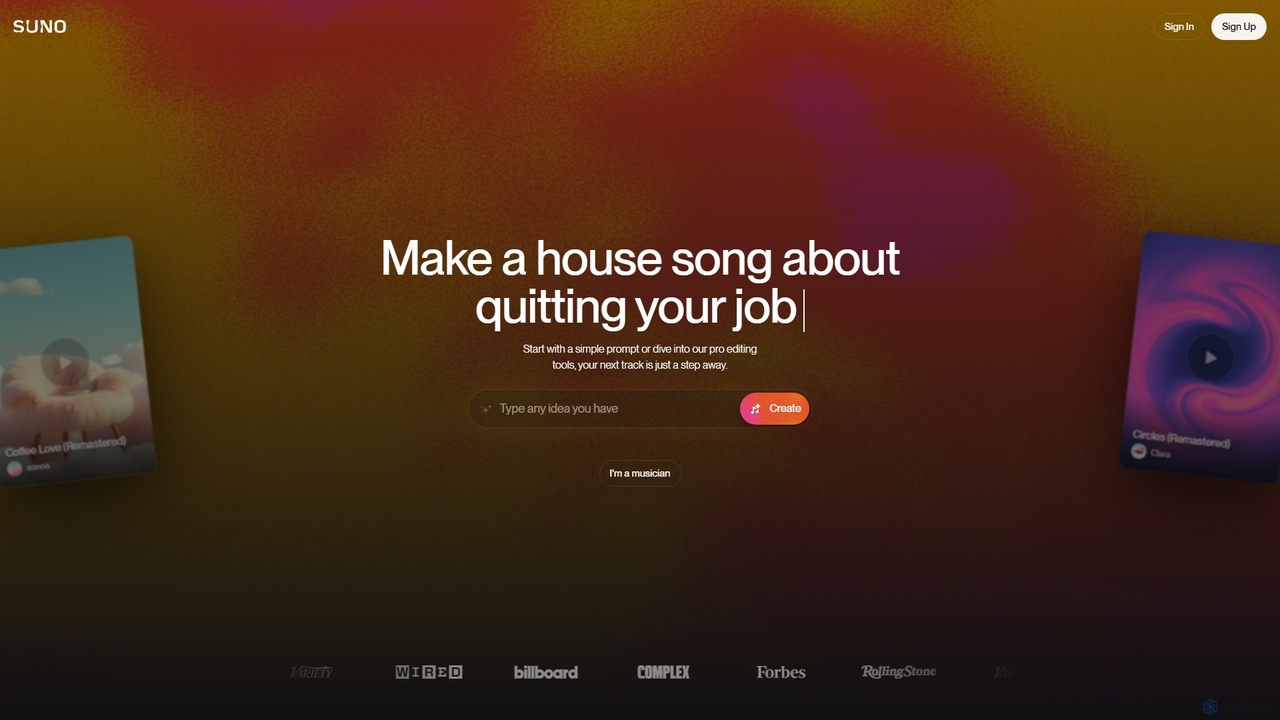
Suno
Suno is a revolutionary AI music generator that creates high-quality, full-length songs from simple text prompts. It empowers users, from beginners to professional musicians, to produce unique music with vocals, lyrics, and instruments across various genres in seconds.
Music Generation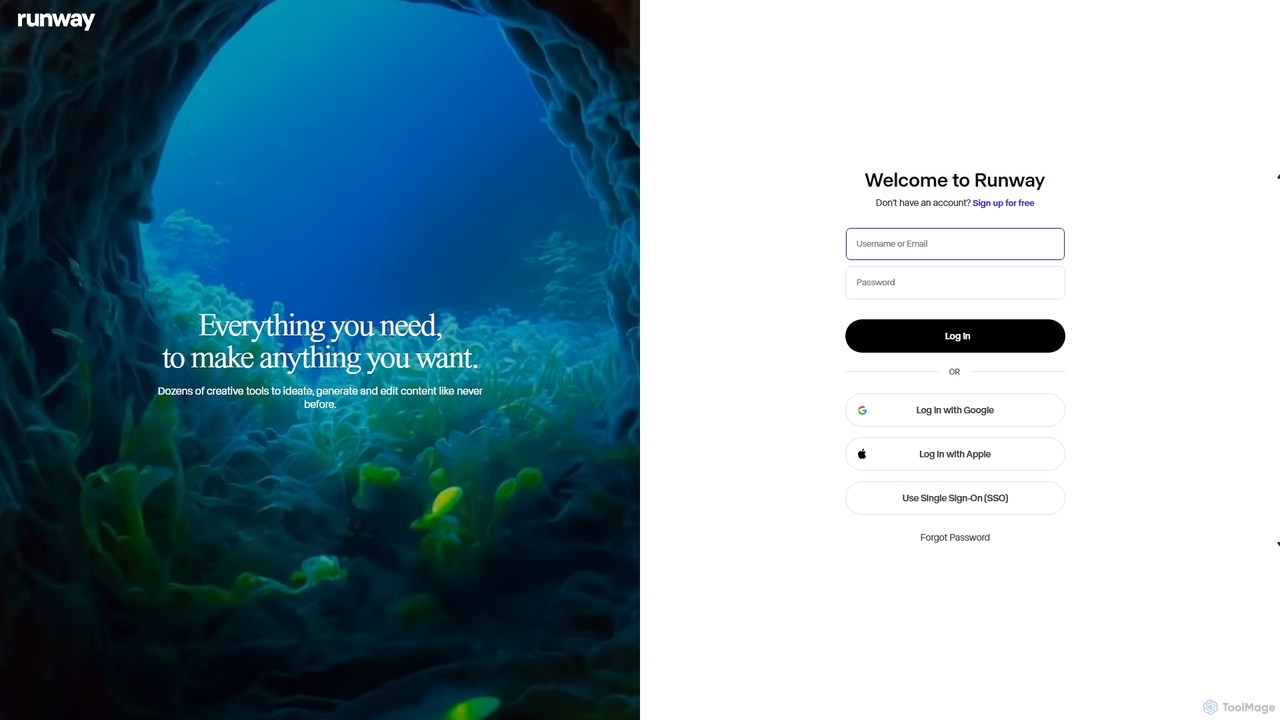
Runway
Runway is an advanced AI-powered creative suite for content creation. It offers a wide range of tools, including state-of-the-art text-to-video (Gen-2), video-to-video (Gen-1), image generation, AI-powered video editing, and more. It's designed for filmmakers, artists, and marketers to ideate, generate, and edit content like never before, streamlining complex creative workflows.
Image Generation
OpusClip
OpusClip is a generative AI video repurposing tool that turns long videos into viral short clips with one click. It automatically identifies the most compelling hooks, reframes the video, adds dynamic captions, and scores clips for virality, streamlining content creation for social media.
Video Marketing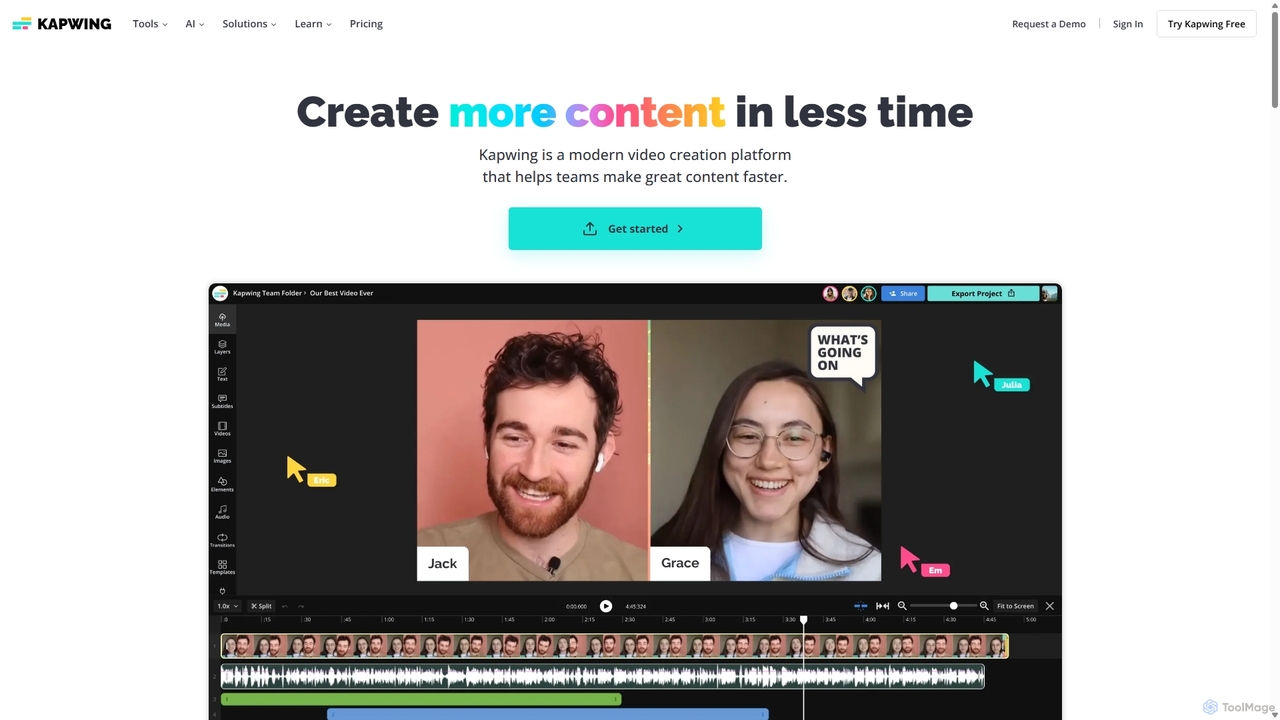
Kapwing
Kapwing is an AI-powered online video editor designed for teams and creators to produce high-quality content faster. It combines a full suite of editing tools with intelligent AI features like text-to-video, automatic subtitling, and background removal in a collaborative, browser-based platform, making video creation accessible to everyone.
Video Marketing
Jyek
Jyek is an AI agent platform that understands objectives, creates execution plans, uses tools, and delivers verifiable results for complex, multi-step tasks.
Automation
Hakko
Hakko is an advanced AI game companion leveraging Visual Language Models (VLMs) to provide real-time voice guidance, emotional companionship, and intelligent assistance across various games. It enhances your gaming experience with scene recognition, knowledge search, and personalized interactions, extending its support to daily life scenarios for a truly integrated AI partnership.
Coding Assistant
Bottleneck Calculator Comments (0)
Sign in to comment.
Sign inNo comments yet.