

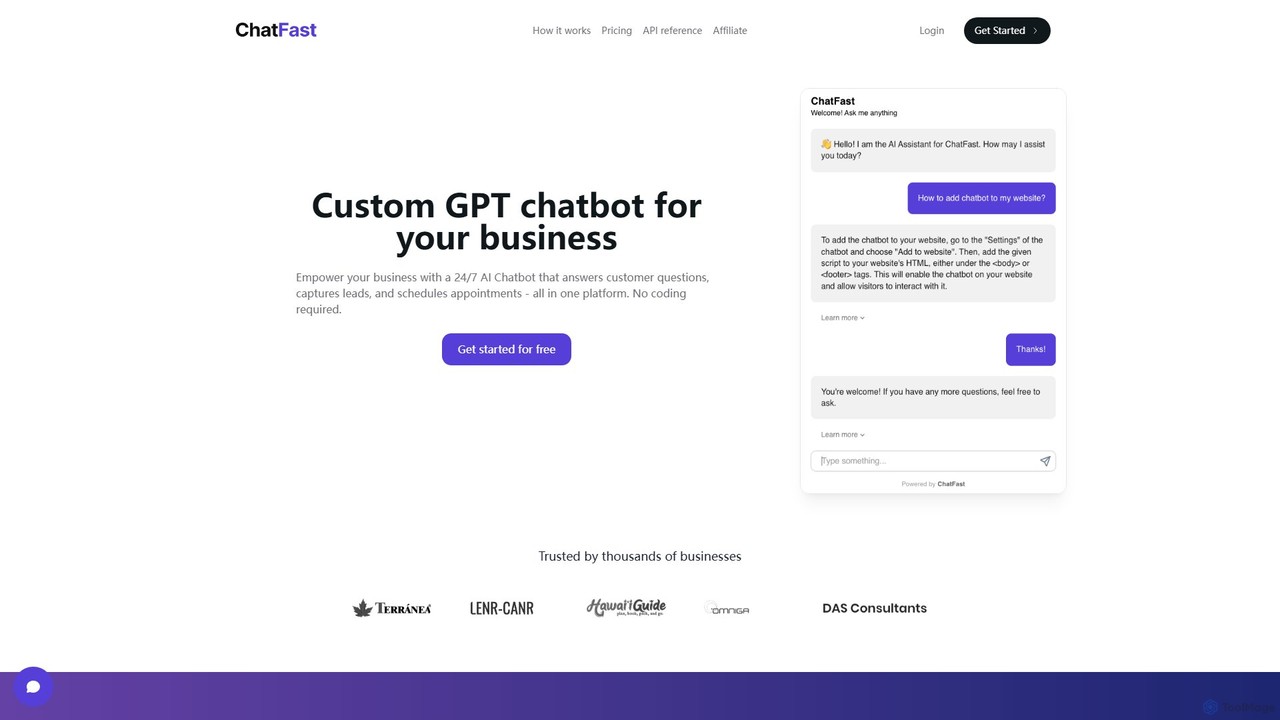
ChatFast Overview
ChatFast empowers businesses of all sizes to build and deploy intelligent, custom AI chatbots without writing a single line of code. This powerful platform allows you to create a GPT-powered virtual assistant trained specifically on your company's data. The result is a 24/7 automated support agent that can handle customer inquiries, generate leads, and even schedule meetings, all integrated seamlessly into your website.
By leveraging your existing knowledge base—such as PDFs, plain text files, or website content—ChatFast ensures that the chatbot's responses are accurate, relevant, and consistent with your brand's voice. It's designed to be an all-in-one solution for enhancing customer engagement and streamlining business operations.
How to use ChatFast
Getting started with ChatFast is a straightforward process designed for non-technical users:
- Sign Up: Create a free account on the ChatFast website to access the dashboard.
- Create a Chatbot: Start a new chatbot project and give it a name that reflects its purpose (e.g., 'Website Support Bot').
- Train Your Chatbot: Upload your data sources. You can provide content in various formats, including PDF files (like product manuals or FAQs), plain text documents, or simply by entering your website's URL to have ChatFast crawl and learn from its content. You can also add specific Question & Answer pairs to fine-tune its responses for common inquiries.
- Customize: Tailor the chatbot's appearance, welcome message, and behavior to match your brand identity. Configure lead capture forms to collect visitor information such as name, email, and phone number.
- Embed on Your Website: Once you're satisfied with the setup, ChatFast provides a simple code snippet. Copy and paste this snippet into your website's HTML to make the chatbot live.
- Analyze and Optimize: Use the built-in analytics dashboard to monitor visitor interactions, understand common questions, and gather valuable insights to improve both the chatbot's performance and your business offerings.
Core Features of ChatFast
- Custom Data Training: Train your chatbot using multiple data sources like PDFs, text files, and website URLs.
- No-Code Platform: An intuitive, user-friendly interface that requires no programming skills to build, customize, and deploy your chatbot.
- Lead Generation & Appointment Scheduling: Automatically capture visitor contact information and integrate with scheduling systems to book meetings or demos.
- Multilingual Support: The chatbot can understand and respond in over 95 languages, providing a global-ready customer experience.
- Website Embedding: Easily integrate the chatbot into any website with a simple copy-paste code snippet.
- Custom Q&A: Manually add specific questions and answers to guide the chatbot's responses and ensure accuracy on critical topics.
- Visitor Analytics: Gain insights into customer queries and behavior through a comprehensive analytics dashboard.
- API Access: Paid plans include API access for developers to create custom integrations and more advanced workflows.
Use Cases for ChatFast
ChatFast is versatile and can be applied across various business functions:
- 24/7 Customer Support: Automate responses to frequently asked questions about products, services, shipping, or policies, reducing the load on human agents.
- Sales & Lead Qualification: Engage website visitors proactively, answer their initial questions, qualify them as potential leads, and collect their contact details for the sales team.
- Internal Knowledge Management: Deploy an internal chatbot for employees to quickly find information from company handbooks, policy documents, and internal wikis.
- Real Estate: Help potential buyers by answering questions about properties, scheduling viewings, and capturing contact information.
- Education & E-learning: Provide students with an instant resource to ask questions about course materials, schedules, and administrative procedures.
Advantages of ChatFast
Implementing ChatFast offers significant benefits:
- Enhanced Customer Experience: Provide instant, accurate answers to customers around the clock.
- Increased Efficiency: Automate repetitive tasks, freeing up your team to focus on more complex issues.
- Cost Savings: Reduce the operational costs associated with a large customer support team.
- Improved Lead Conversion: Never miss a potential lead by engaging visitors the moment they show interest.
- Simple and Fast Implementation: Go from sign-up to a fully functional chatbot on your site in minutes.
Pricing and Plans
ChatFast operates on a freemium model, offering a range of plans to suit different needs. While specific pricing should be checked on the official website, the structure is typically as follows:
- Free Plan: A great starting point for individuals or small businesses to experience the core features. This plan usually has limitations on the number of chatbots, messages per month, and data upload size.
- Paid Plans (e.g., Starter, Pro, Business): These tiered plans offer progressively more features, higher message limits, more chatbots, larger data capacity, priority support, and access to advanced features like the API.
You can cancel your subscription at any time by contacting their support team.
Traffic
Latest traffic
Status
Monthly traffic trend
- 2025-9: 1.2K
- 2026-1: 1.5K
- 2026-2: 0
- 2026-3: 4.3K
- 2026-4: 1.3K
- 2026-5: 624
Geography
Top 5 countries / regions
- 🇺🇸United States100.0%
Top keywords
| Keyword | Cost per click |
|---|---|
| chatfast | $0.00 |
| chat.fastrflow | $0.00 |
| fast chat | $0.00 |
| fastr dot chat | $0.00 |
| زاشف | $0.36 |
ChatFast Alternatives
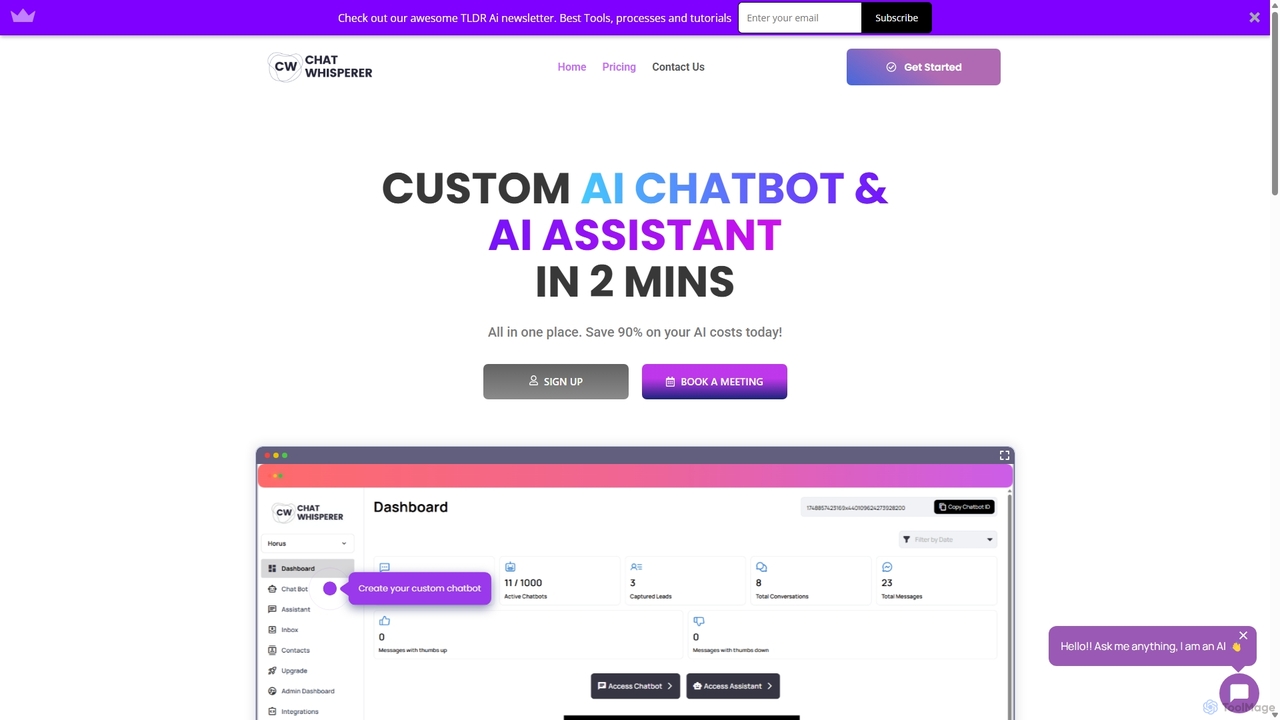
Chat Whisperer
Chat Whisperer is an all-in-one AI platform that enables businesses to create custom AI chatbots and assistants in minutes. It leverages powerful models like GPT and Claude to automate customer support, streamline workflows, and enhance team collaboration. By connecting data from websites, PDFs, and other documents, it provides instant, accurate answers to queries, saving up to 90% on AI costs with a flexible pay-per-use model. It's designed for scalability, security, and seamless integration with existing business tools.
Lead Generation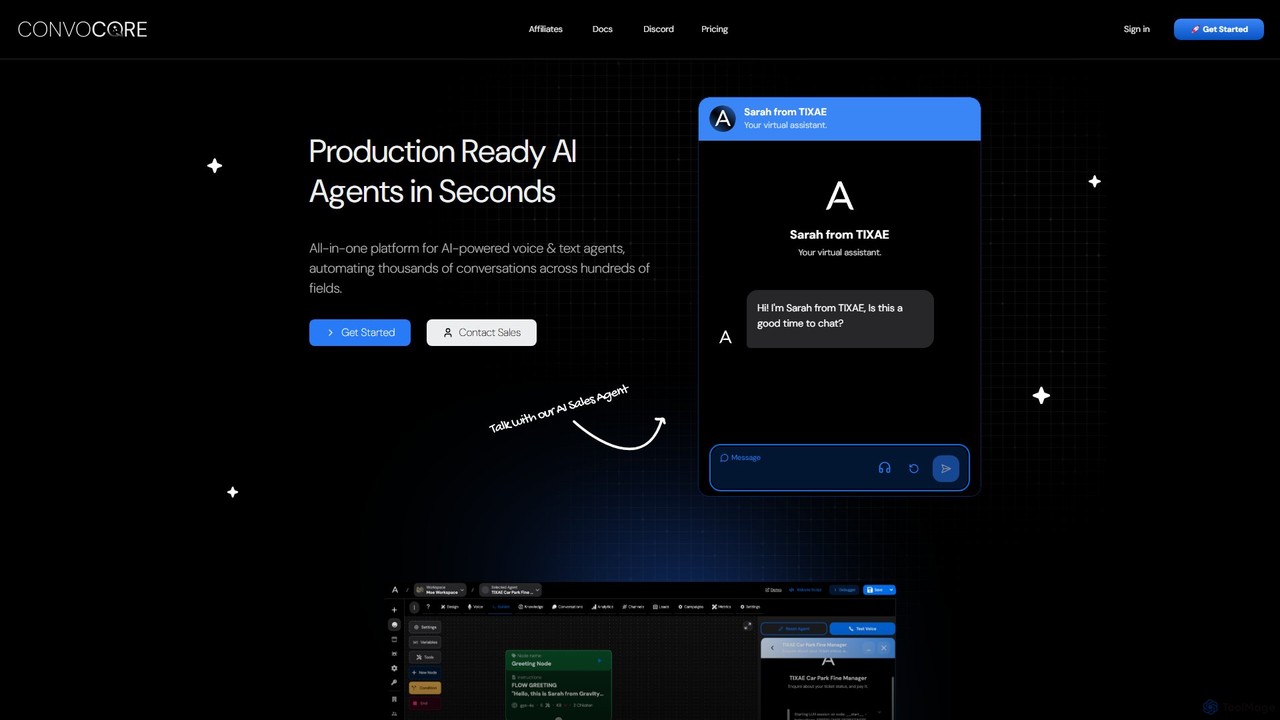
VoiceGlow
VoiceGlow is an all-in-one platform for building and deploying production-ready AI voice and text agents. It enables businesses to automate thousands of conversations across multiple channels, including web chat, WhatsApp, and phone calls, with advanced conversational logic and extensive integrations.
Chatbots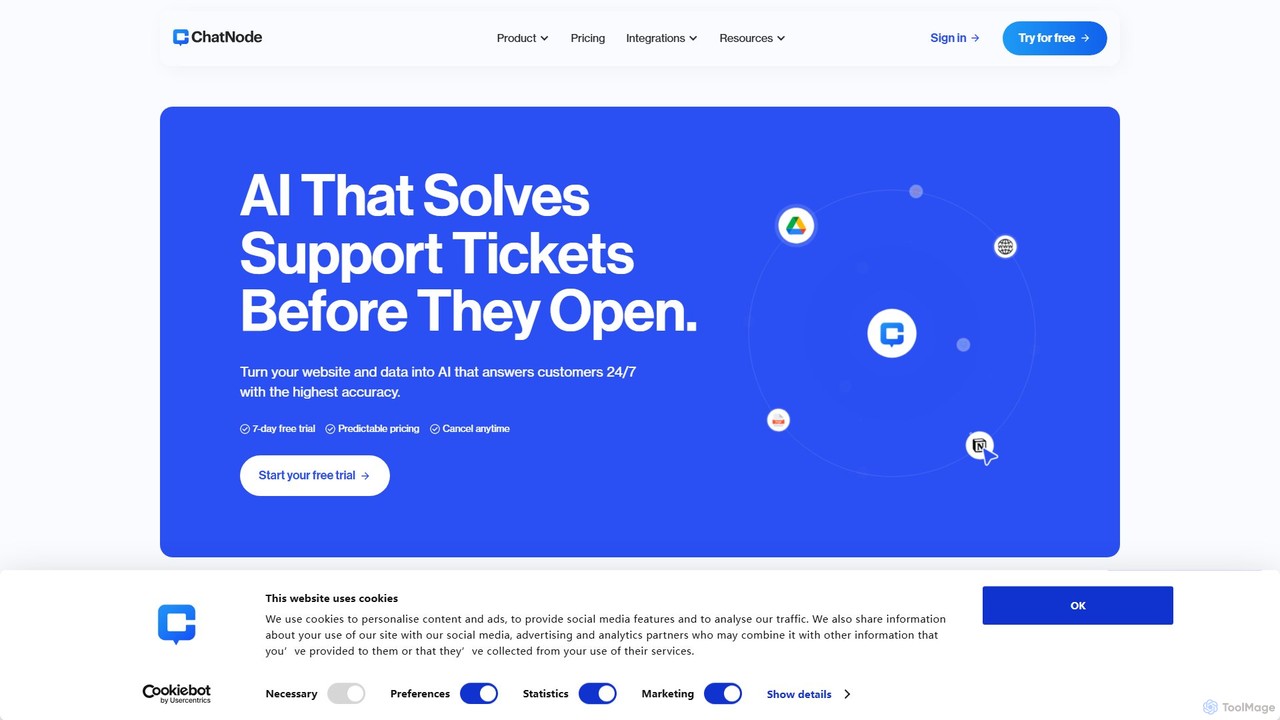
ChatNode
ChatNode is a no-code AI chatbot builder that allows you to create custom chatbots trained on your own data. Easily add a ChatGPT-like assistant to your website to automate customer support, answer questions 24/7, and generate leads, significantly reducing response times and improving user engagement.
Chatbot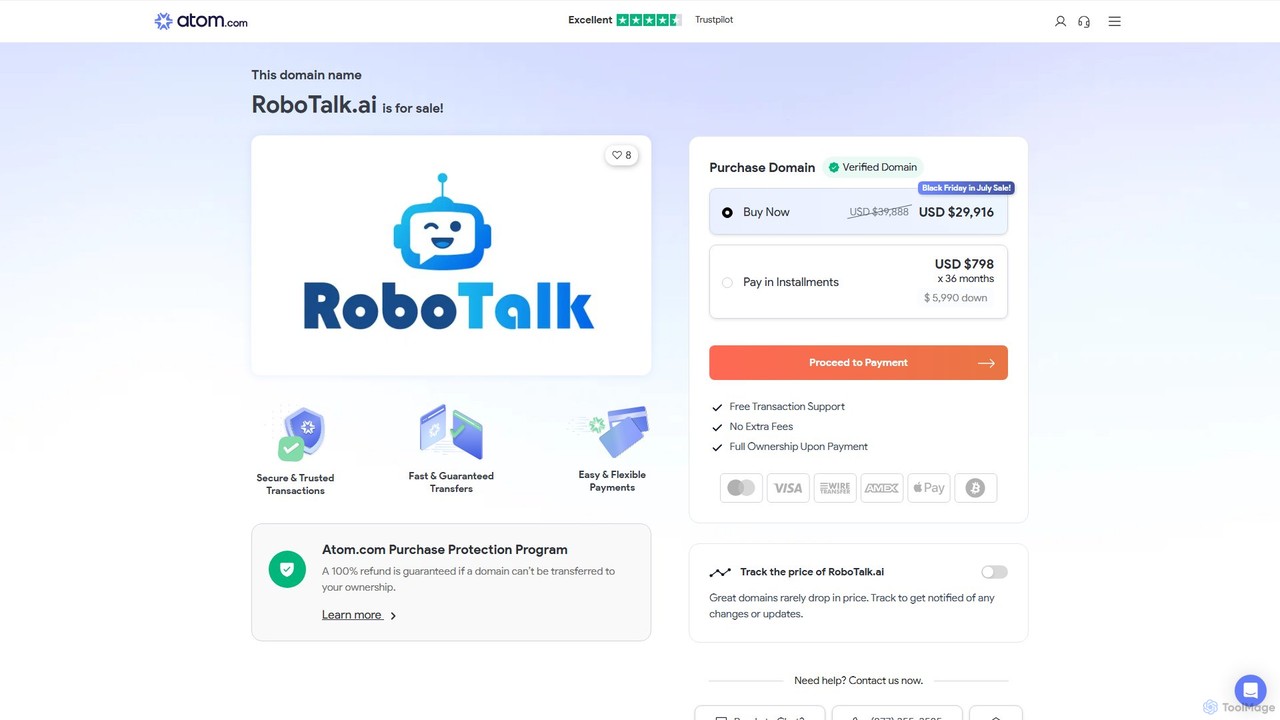
RoboTalk.ai
RoboTalk.ai is an advanced conversational AI platform for building intelligent, human-like chatbots and voice assistants. It empowers businesses to automate customer support, streamline sales processes, and enhance user engagement across multiple channels without needing to code.
Chatbot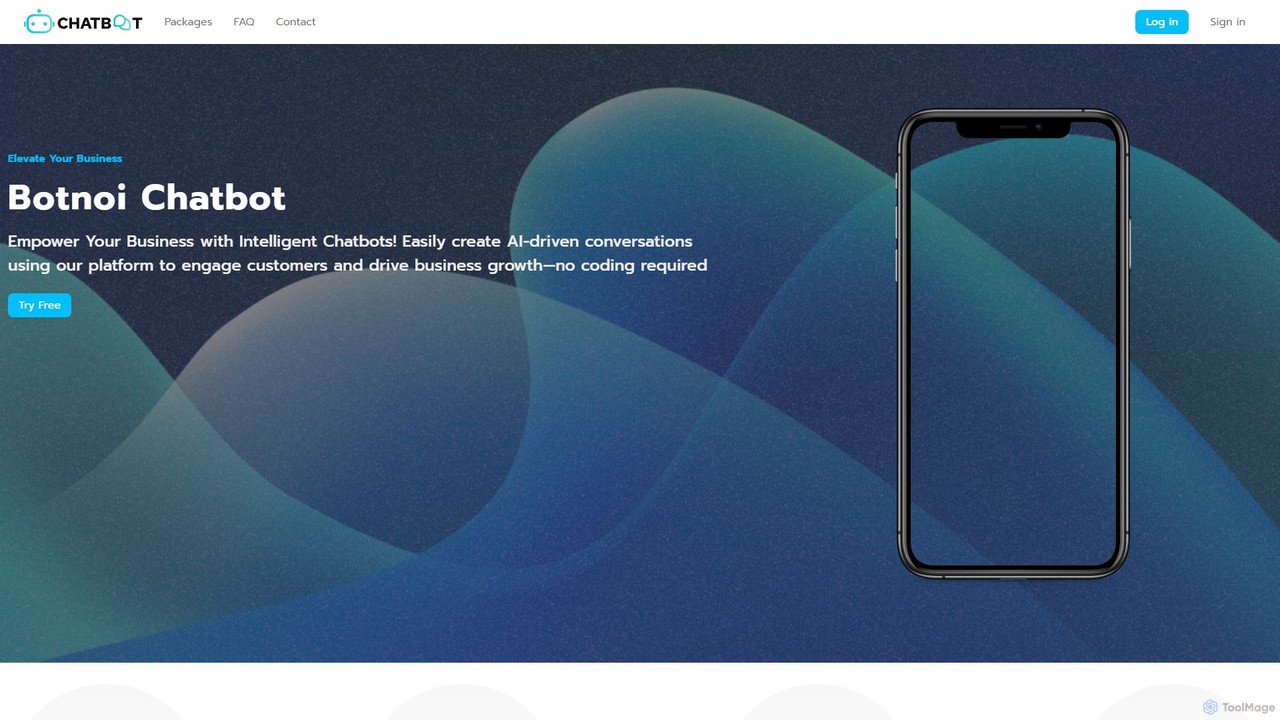
Botnoi
Botnoi is an AI chatbot platform designed for businesses to enhance customer support and automate conversations across multiple channels. It allows users to create intelligent, step-by-step dialogues without coding, integrate with platforms like Facebook and LINE, and manage interactions through a live chat and analytics dashboard.
ChatbotsChatFast Categories
ChatFast Embed Widget
Copy this embed code to place the badge on your blog, article, or product site and send readers directly to this ToolMage detail page.

Related AI tools
Chat Whisperer
Chat Whisperer is an all-in-one AI platform that enables businesses to create custom AI chatbots and assistants in minutes. It leverages powerful models like GPT and Claude to automate customer support, streamline workflows, and enhance team collaboration. By connecting data from websites, PDFs, and other documents, it provides instant, accurate answers to queries, saving up to 90% on AI costs with a flexible pay-per-use model. It's designed for scalability, security, and seamless integration with existing business tools.
Lead Generation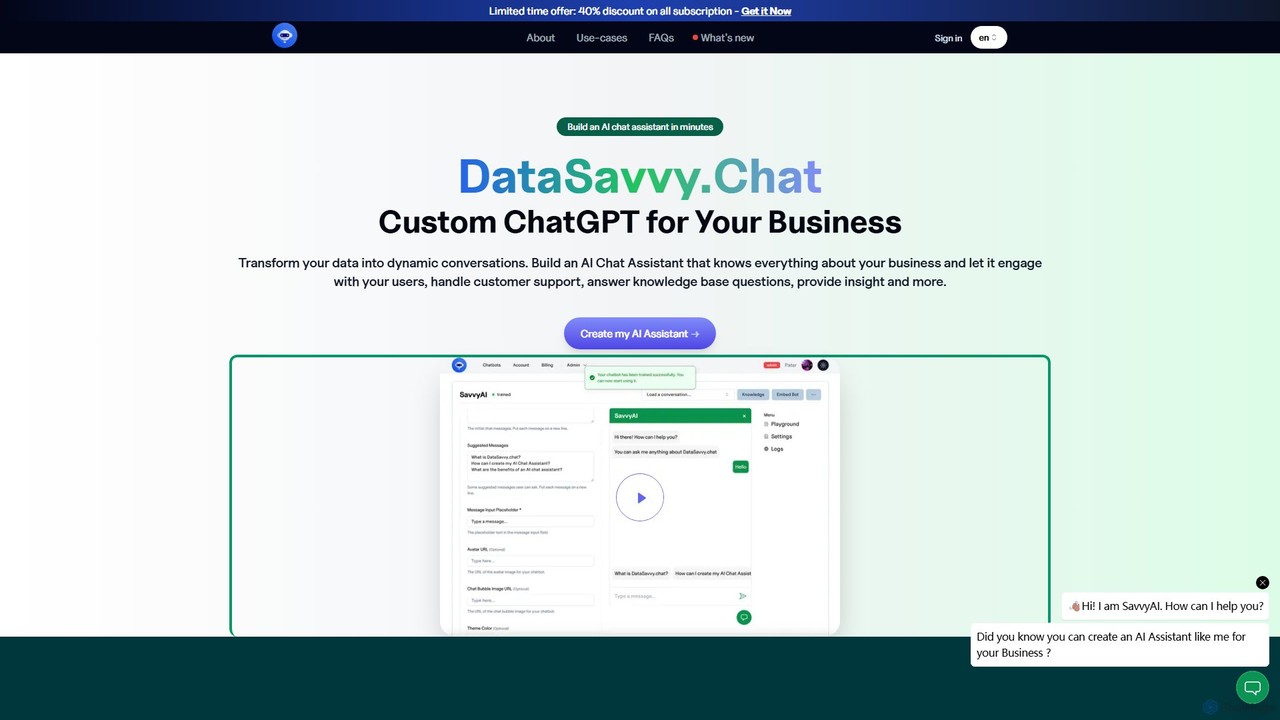
DataSavvy.chat
DataSavvy.chat is a no-code platform that allows businesses to create custom AI chat assistants in minutes. By training on your own data, such as documents, FAQs, and knowledge bases, you can build a chatbot that handles customer support, generates leads, provides data insights, and more. It offers multilingual support, 24/7 availability, and customizable appearances to seamlessly integrate with your website and enhance user engagement.
Chatbot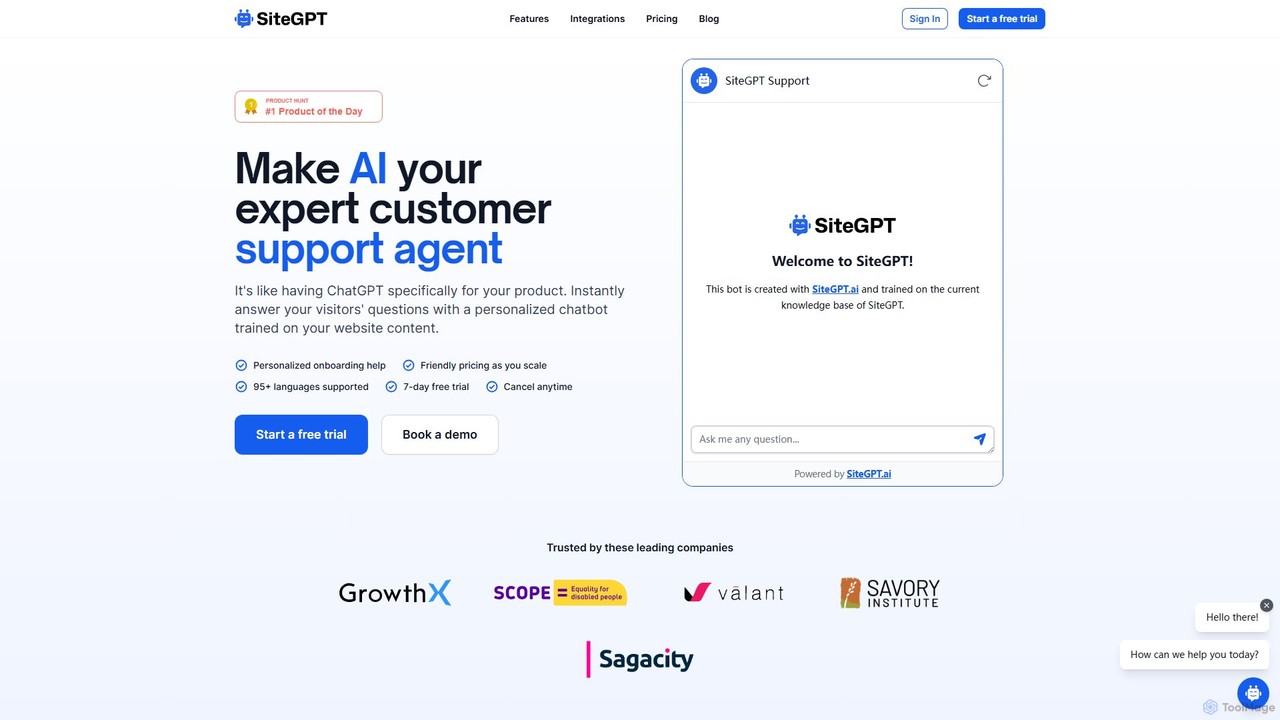
SiteGPT
SiteGPT is an AI-powered chatbot builder that creates a personalized customer support agent trained on your website content. It instantly answers visitor questions 24/7, automates support, generates leads, and integrates with your existing tools, supporting over 95 languages.
Chatbot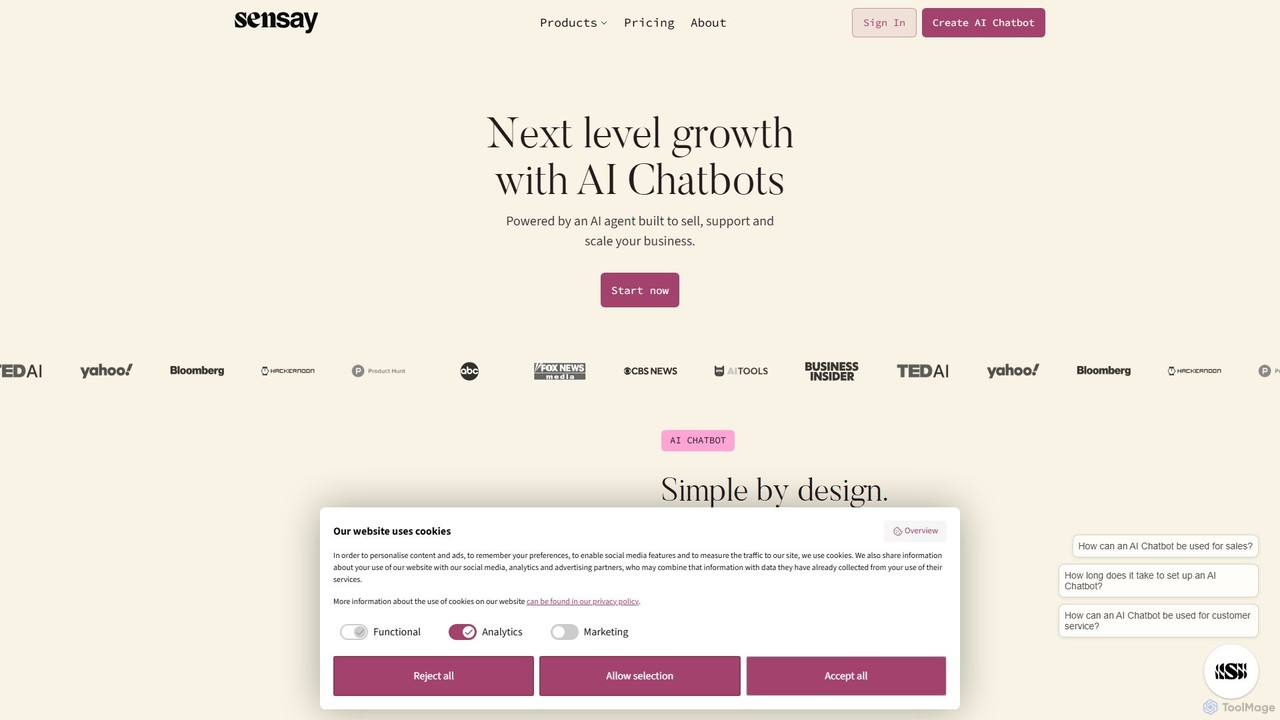
Sensay
Sensay is an AI platform that allows you to create powerful, lifelike AI chatbots and digital replicas in minutes. Train your AI with your knowledge from YouTube, files, and websites to scale your expertise, automate interactions, and engage your audience 24/7 across multiple platforms like websites, Discord, and Telegram.
No Code Builder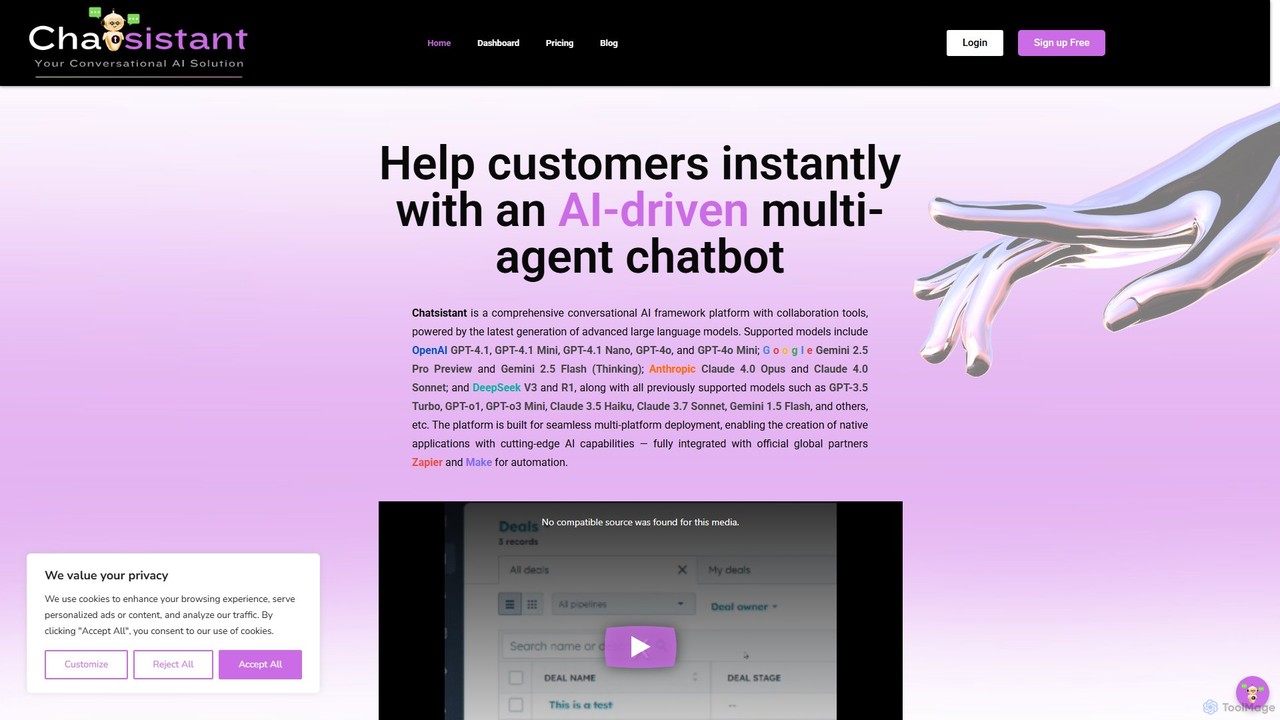
Chatsistant
Chatsistant is a no-code AI chatbot builder powered by Retrieval-Augmented Generation (RAG) technology. It allows businesses to create custom, data-driven conversational AI assistants that provide accurate answers from a specific knowledge base. Easily deploy chatbots on websites and other platforms to enhance customer support, generate leads, and automate communication without writing a single line of code.
Chatbot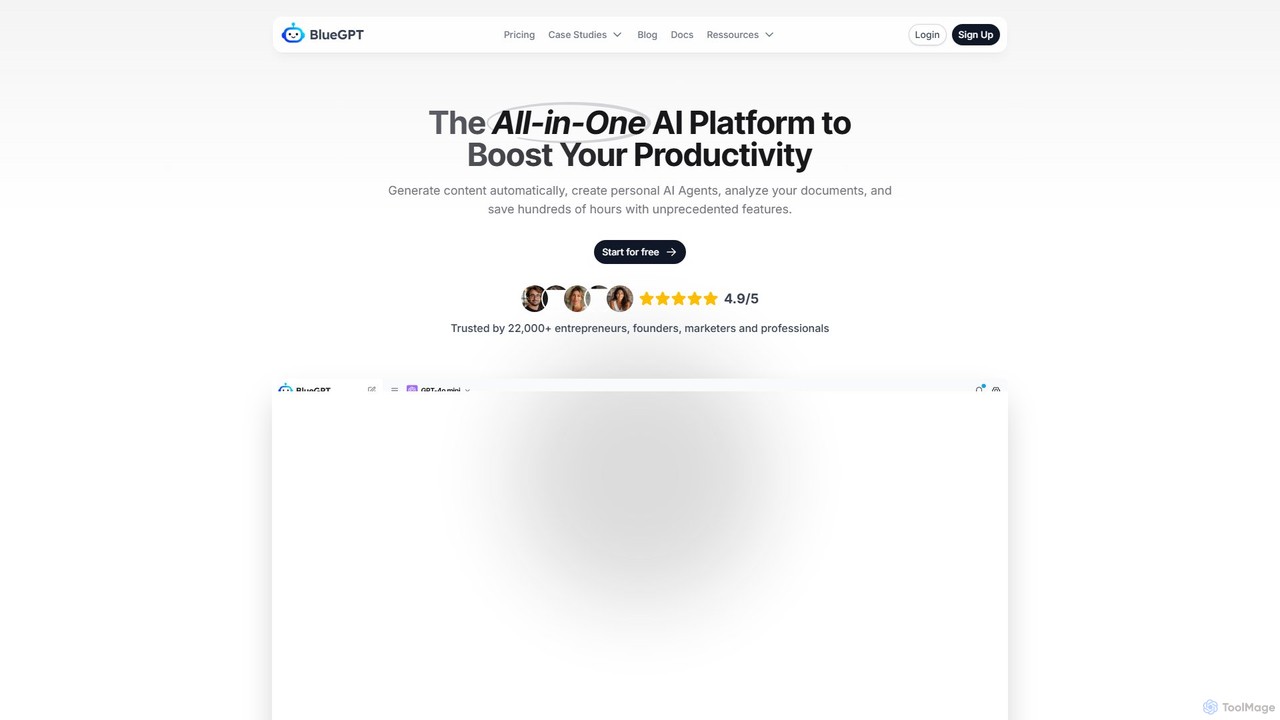
bluegpt
bluegpt is a no-code AI platform that allows you to build custom chatbots trained on your own data. Easily upload documents, scrape websites, and create a personalized AI assistant for customer support, lead generation, or internal knowledge management in minutes.
Automation
Quiksbot
Quiksbot is an all-in-one AI chatbot platform that enables you to create and train custom chatbots using PDFs, website content, and text data. Deploy them on your website or integrate with WhatsApp to automate sales, customer support, and appointment scheduling, enhancing user engagement and streamlining workflows.
Chatbot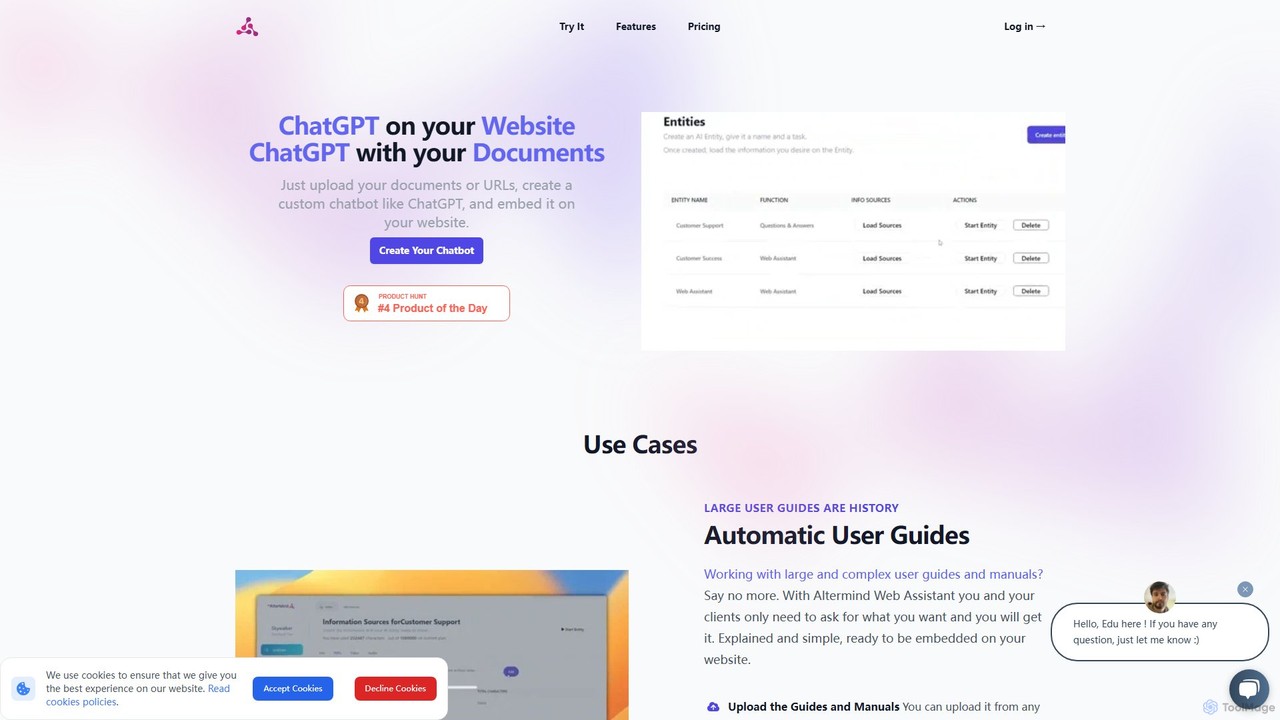
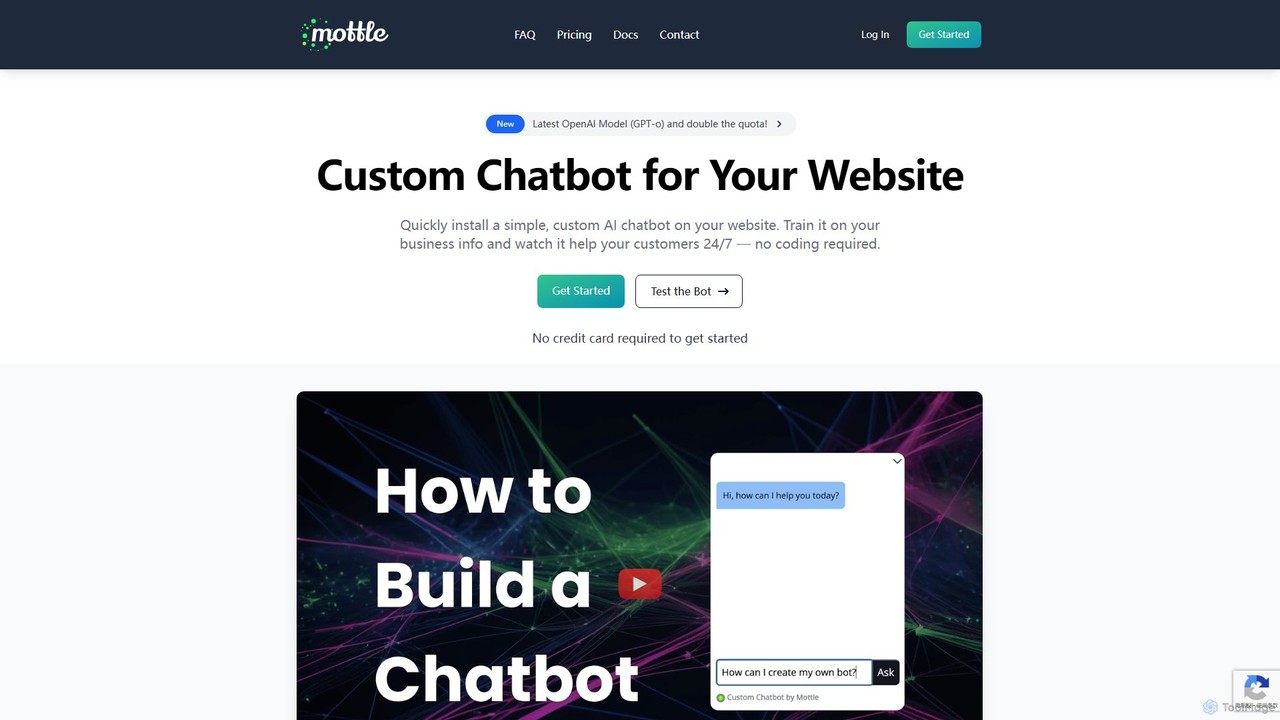
mottle
Mottle is a no-code platform that enables businesses to create and deploy custom AI chatbots on their websites. Powered by the latest OpenAI models like GPT-4o, it allows you to train a chatbot on your specific business information, documents, and FAQs. This provides instant, 24/7 customer support, answers user queries accurately, and enhances user engagement without any coding knowledge required. It's designed for quick setup, easy debugging, and seamless integration.
Chatbot
EmbedAI
EmbedAI is a no-code platform that allows you to create custom AI chatbots trained on your own data. Easily build and embed a ChatGPT-like assistant on your website to automate customer support, generate leads, and provide instant answers to user questions 24/7.
Chatbot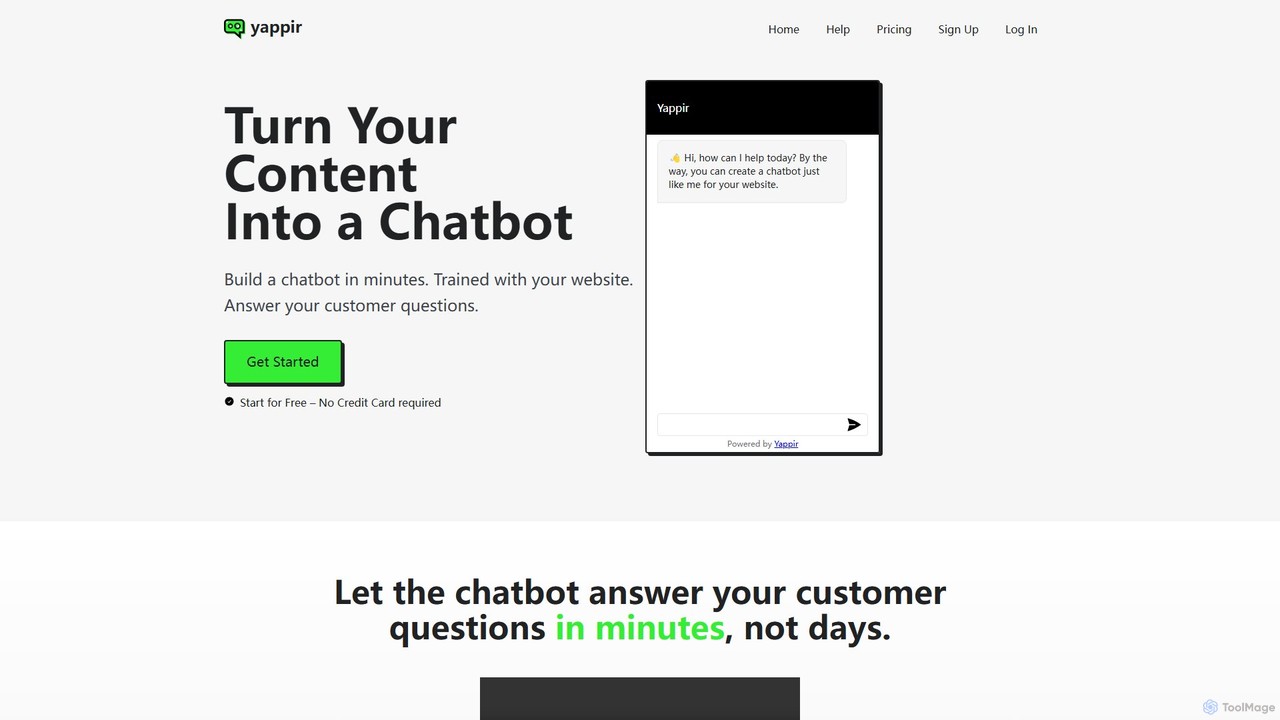
Yappir
Yappir is an AI-powered platform that allows you to build a custom chatbot in minutes using your existing website content. It automatically scans your site to create a knowledge base, enabling the chatbot to answer customer questions 24/7, improve user engagement, and reduce support workload. It supports 95 languages and offers extensive customization options.
Chatbot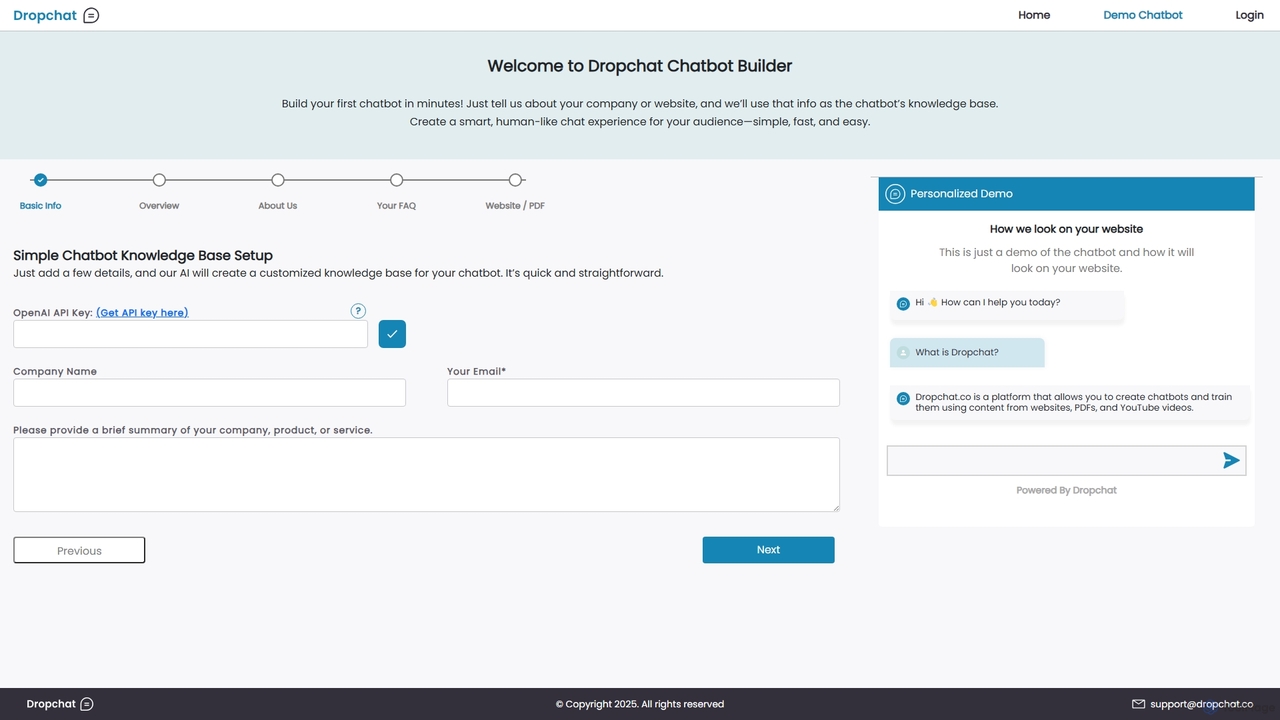
Dropchat
Dropchat is an AI-powered platform that allows you to build custom chatbots in minutes. Train your chatbot using your own data, such as websites, PDFs, and YouTube videos, to provide instant customer support, generate leads, and enhance user engagement without any coding knowledge.
ChatbotsChatNode
ChatNode is a no-code AI chatbot builder that allows you to create custom chatbots trained on your own data. Easily add a ChatGPT-like assistant to your website to automate customer support, answer questions 24/7, and generate leads, significantly reducing response times and improving user engagement.
Chatbot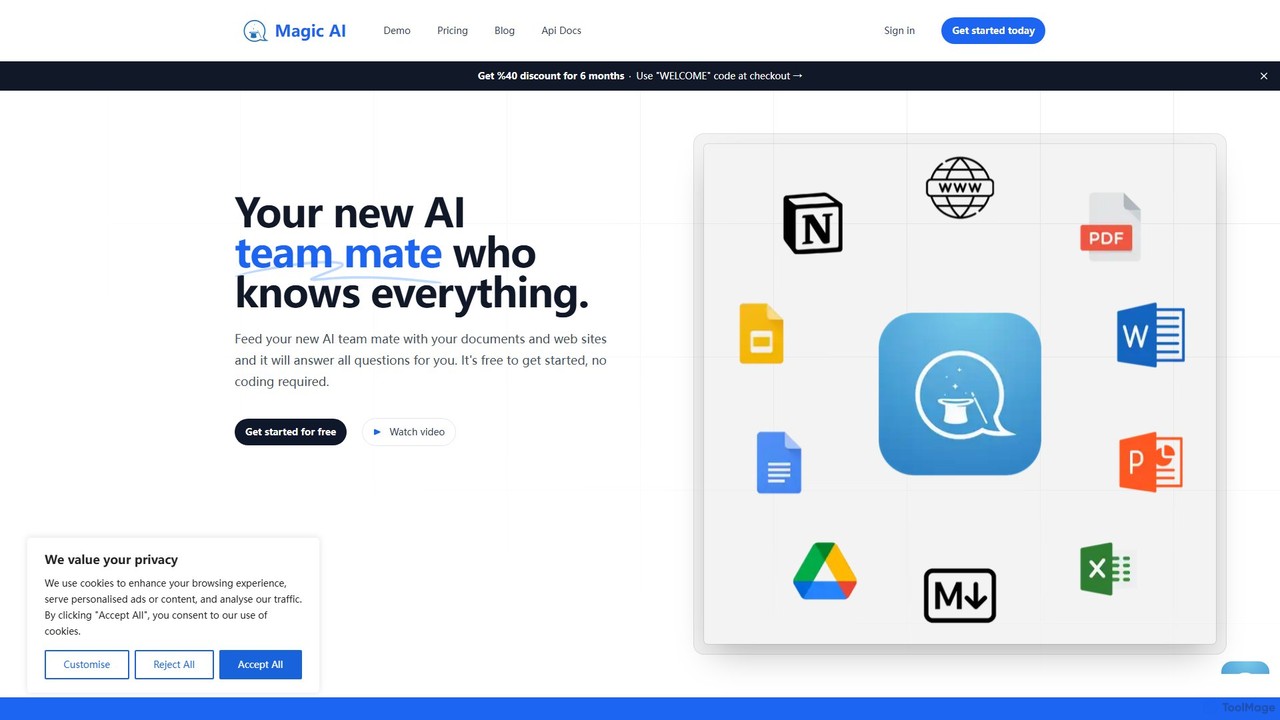
Magic AI
Magic AI is a no-code platform that transforms your documents and website content into intelligent AI chatbots. Create a knowledgeable AI teammate to enhance team productivity, automate customer support, and centralize your knowledge base. Get started for free and build your custom chatbot in minutes.
Chatbot
ChatFast Comments (0)
Sign in to comment.
Sign inNo comments yet.