
CherryPick Overview
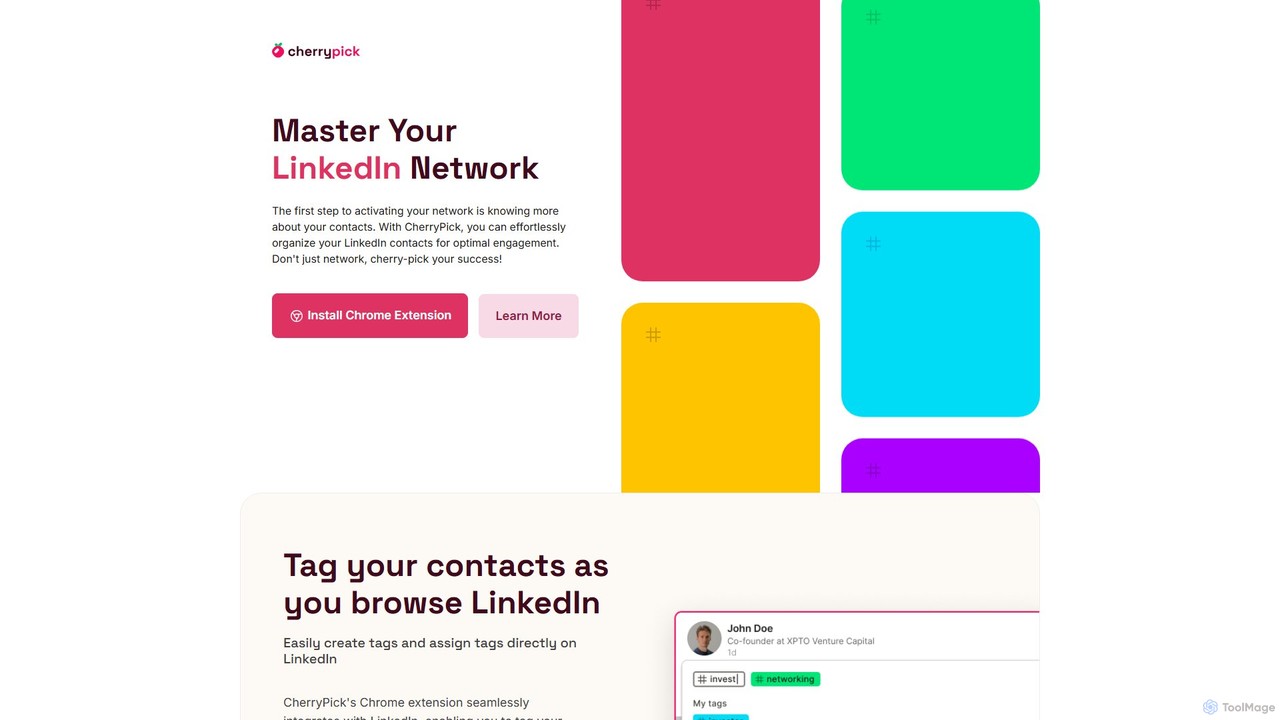
CherryPick is a powerful productivity tool, delivered as a Chrome extension, that revolutionizes how you manage your professional network on LinkedIn. It seamlessly integrates into the LinkedIn interface, allowing you to bring order and structure to your connections. Instead of a sprawling, unorganized list of contacts, CherryPick transforms your network into a dynamic, searchable, and actionable database tailored to your specific needs.
The core idea is simple yet effective: tagging. As you browse LinkedIn profiles, CherryPick enables you to assign custom tags to individuals. These tags can represent anything from skills and industry expertise to their stage in a sales funnel or their relationship to a specific project. This functionality makes it incredibly easy to categorize and later retrieve contacts, saving you countless hours of manual searching or relying on cumbersome spreadsheets.
How to use CherryPick
Getting started with CherryPick is a straightforward process designed for maximum efficiency:
- Install the Chrome Extension: The first step is to add the CherryPick extension to your Google Chrome browser from the Chrome Web Store. This is how the tool's features are embedded directly into your LinkedIn experience.
- Create Your Account: After installation, you'll be prompted to create a simple CherryPick account, typically requiring just an email and password. This account syncs your tags and contacts.
- Browse LinkedIn as Usual: Navigate LinkedIn as you normally would. When you visit a person's profile, you will see new CherryPick controls appear, allowing you to add or manage tags for that contact.
- Tag and Organize: Create descriptive tags (e.g., 'Potential-Client-Q4', 'Java-Developer-Senior', 'Investor-Fintech') and assign them to relevant contacts. You can add multiple tags to a single contact for detailed categorization.
- Manage and Export: Access your CherryPick dashboard at any time to see a comprehensive view of all your tagged contacts. You can filter by tags to create curated lists and use the flexible export feature to download this data, typically as a CSV file, for import into your CRM, email marketing platform, or any other system.
Core Features of CherryPick
- Seamless LinkedIn Integration: Functions as an overlay directly on LinkedIn profiles, providing an intuitive and non-disruptive user experience.
- Custom Tagging System: Create an unlimited number of personalized tags to categorize your contacts based on criteria that matter to you.
- Centralized Management Dashboard: A dedicated web dashboard to view, search, filter, and manage all your tagged contacts in one place.
- Flexible Data Export: Easily export your curated contact lists into universally compatible formats like CSV, enabling smooth integration with external tools like CRMs (e.g., Salesforce, HubSpot), spreadsheets, and marketing automation software.
- Lightweight and Secure: Designed to be a fast and secure browser extension that respects your data privacy. It requests necessary permissions only to function on LinkedIn pages.
Use Cases for CherryPick
CherryPick is a versatile tool that caters to a wide range of professionals:
- HR and Recruiters: Map out talent pools for current and future job openings. Tag candidates by skills, experience level, location, and interview stage to build a proactive sourcing pipeline.
- Sales Reps & Managers: Keep meticulous track of leads and prospects. Segment contacts by their position in the sales funnel, industry, or potential deal size for targeted follow-ups.
- Entrepreneurs & Founders: Organize connections with potential investors, strategic partners, mentors, and early customers. Ensure no valuable connection falls through the cracks.
- Marketers: Segment contacts by interests, industry, or engagement level to create highly targeted audiences for marketing campaigns and outreach.
- Freelancers & Consultants: Categorize potential clients, past clients, and industry partners to easily identify opportunities for future projects and collaborations.
- Students & Job Seekers: Keep track of alumni, industry professionals, and recruiters for career opportunities, informational interviews, and mentorship.
Advantages of CherryPick
The primary advantage of CherryPick is its ability to add a layer of powerful CRM-like functionality directly to LinkedIn. It streamlines workflows by eliminating the need for constant context-switching between LinkedIn and external note-taking or tracking systems. This leads to significantly improved productivity, better organization, and more effective networking. By making your network easily searchable and segmentable, CherryPick ensures you can leverage your connections to their fullest potential, whether for sales, recruitment, or building professional relationships.
Pricing and Plans
CherryPick operates on a freemium model. It offers a free plan that includes core features, allowing users to experience the benefits of tagging and organizing their contacts. For professionals and teams who require more advanced capabilities, such as unlimited tagging, bulk exporting, team collaboration features, and priority support, there are premium paid plans available. For the most up-to-date pricing information, it is recommended to visit the official CherryPick website or its page on the Chrome Web Store.
CherryPick Alternatives
LeadDelta
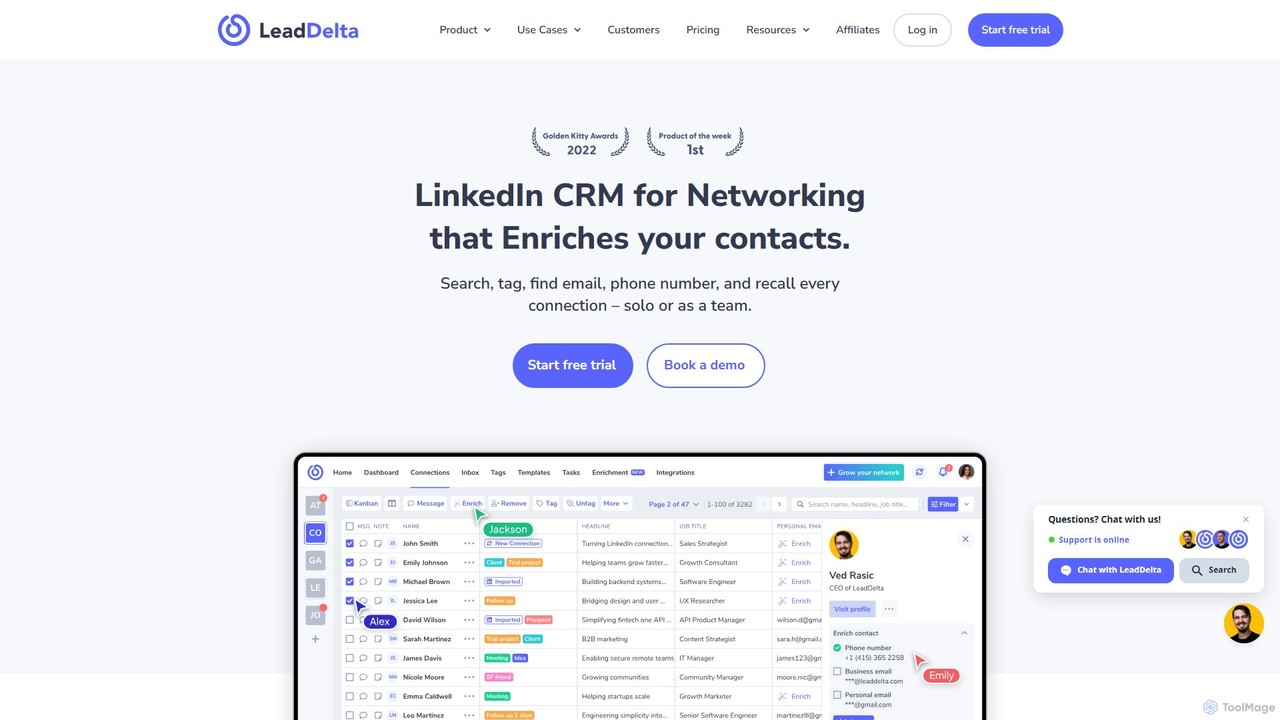
LeadDelta is a powerful LinkedIn CRM and social capital manager that transforms your network into an organized, searchable database. It helps you manage contacts with tags and notes, enrich data with contact information, and leverage a smart inbox with AI-powered templates for efficient outreach and team collaboration.
Social Media Management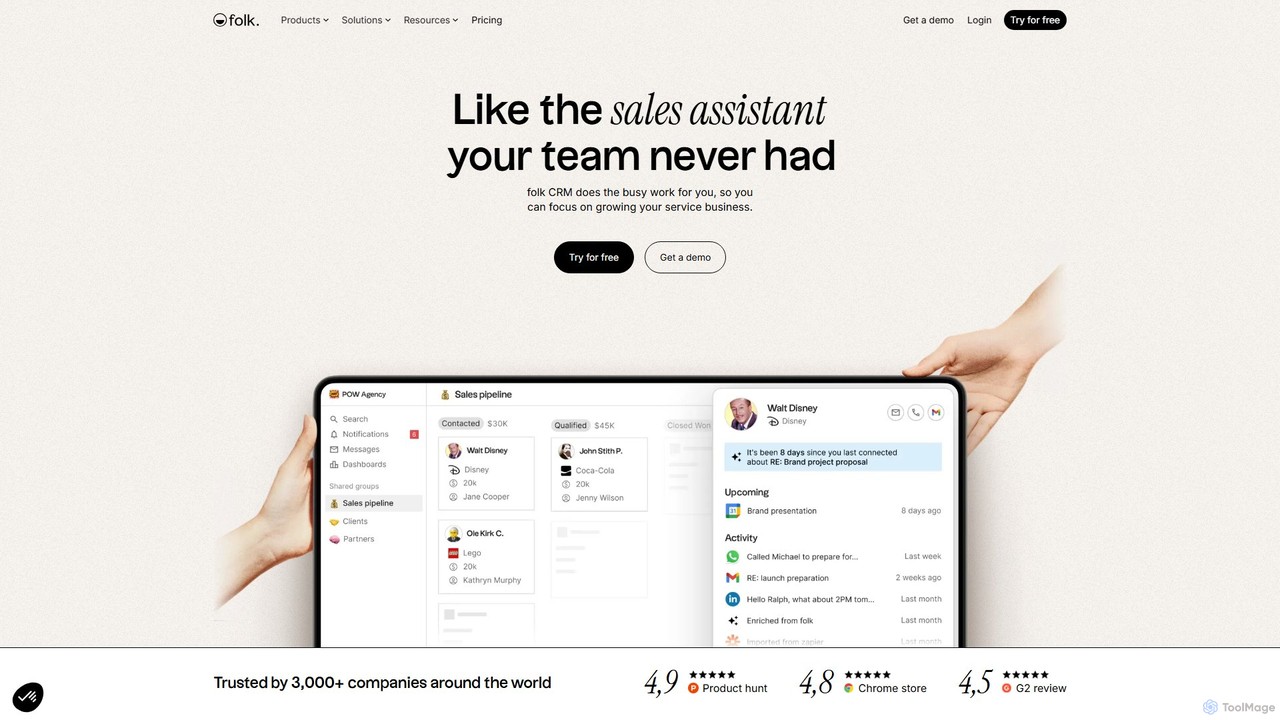
folk
folk is an AI-powered CRM that acts as a proactive sales assistant for your team. It streamlines contact management, automates data enrichment, and scales personalized outreach. With deep integrations into Gmail and LinkedIn, folk helps service businesses and sales teams focus on building relationships and closing deals, not on busy work.
Lead Generation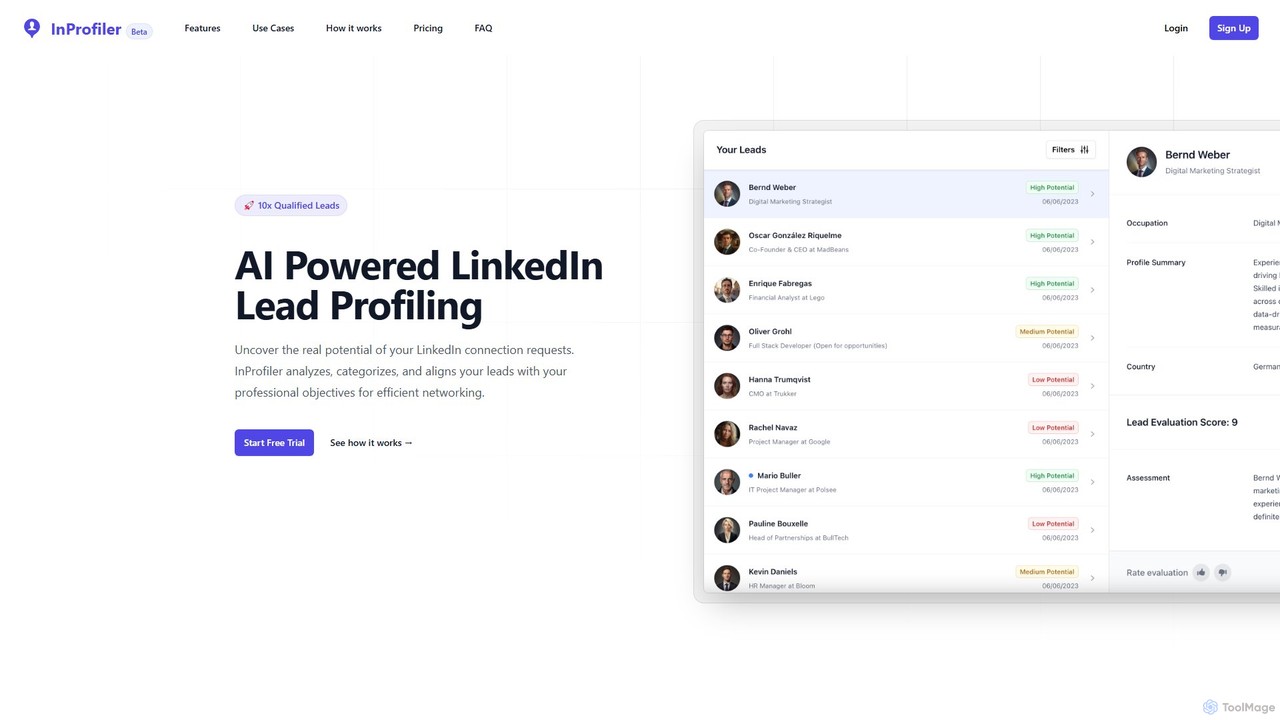
InProfiler
InProfiler is an AI-powered tool designed to streamline LinkedIn networking and lead management. It automatically analyzes, categorizes, and evaluates your LinkedIn connection requests based on your professional objectives. This helps professionals in sales, recruiting, and venture capital to save time, focus on high-potential leads, and collaborate effectively with their teams through features like lead sharing and CRM integration.
Automation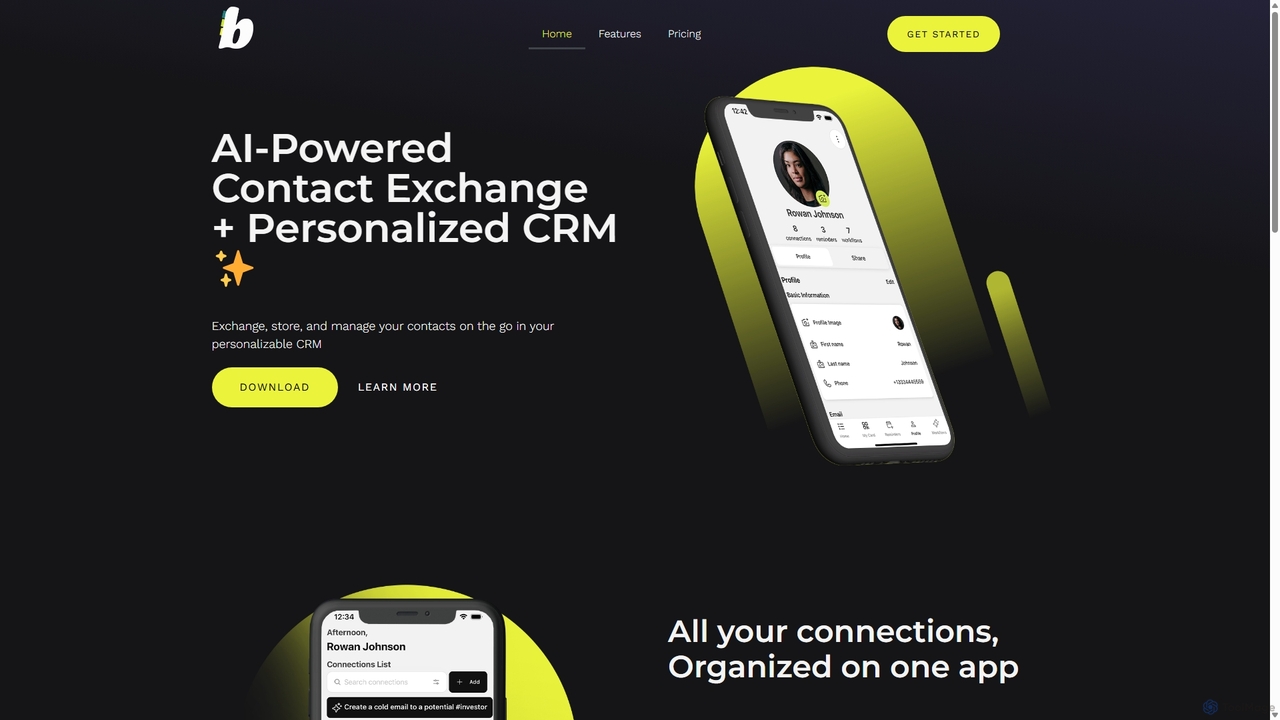
Buckets
Buckets is an AI-powered contact exchange and personalized CRM app designed to revolutionize networking. Ditch traditional business cards and effortlessly exchange, store, and manage contacts using QR codes, phone bumps, or even voice commands. The app features AI-generated email drafts and smart follow-up reminders to help you build stronger professional relationships with unparalleled efficiency.
Networking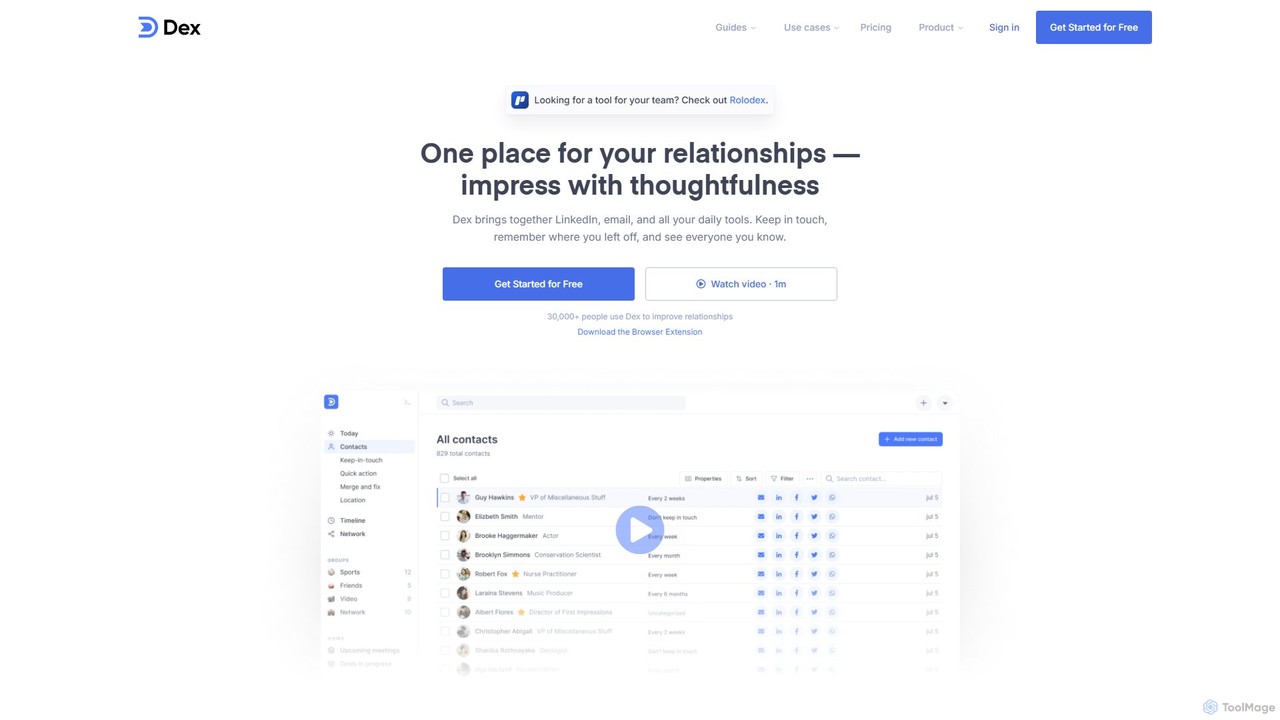
Dex
Dex is a personal CRM designed to help you build stronger relationships. It acts as a modern rolodex, consolidating contacts from LinkedIn, email, and other platforms into one central hub. Dex helps you remember important details, keep in touch, and manage your personal and professional network with ease and thoughtfulness, replacing complex spreadsheets and sales-focused CRMs.
Contact ManagementCherryPick Categories
CherryPick Embed Widget
Copy this embed code to place the badge on your blog, article, or product site and send readers directly to this ToolMage detail page.

Related AI tools
LeadDelta
LeadDelta is a powerful LinkedIn CRM and social capital manager that transforms your network into an organized, searchable database. It helps you manage contacts with tags and notes, enrich data with contact information, and leverage a smart inbox with AI-powered templates for efficient outreach and team collaboration.
Social Media Managementfolk
folk is an AI-powered CRM that acts as a proactive sales assistant for your team. It streamlines contact management, automates data enrichment, and scales personalized outreach. With deep integrations into Gmail and LinkedIn, folk helps service businesses and sales teams focus on building relationships and closing deals, not on busy work.
Lead GenerationInProfiler
InProfiler is an AI-powered tool designed to streamline LinkedIn networking and lead management. It automatically analyzes, categorizes, and evaluates your LinkedIn connection requests based on your professional objectives. This helps professionals in sales, recruiting, and venture capital to save time, focus on high-potential leads, and collaborate effectively with their teams through features like lead sharing and CRM integration.
AutomationBuckets
Buckets is an AI-powered contact exchange and personalized CRM app designed to revolutionize networking. Ditch traditional business cards and effortlessly exchange, store, and manage contacts using QR codes, phone bumps, or even voice commands. The app features AI-generated email drafts and smart follow-up reminders to help you build stronger professional relationships with unparalleled efficiency.
Networking
engage_ai
Engage AI is an AI-powered Chrome extension designed to help users write insightful and relevant comments on LinkedIn. It saves time, overcomes writer's block, and facilitates meaningful relationship-building by generating high-quality comments in various tones, boosting professional networking and lead generation.
Social Media Marketing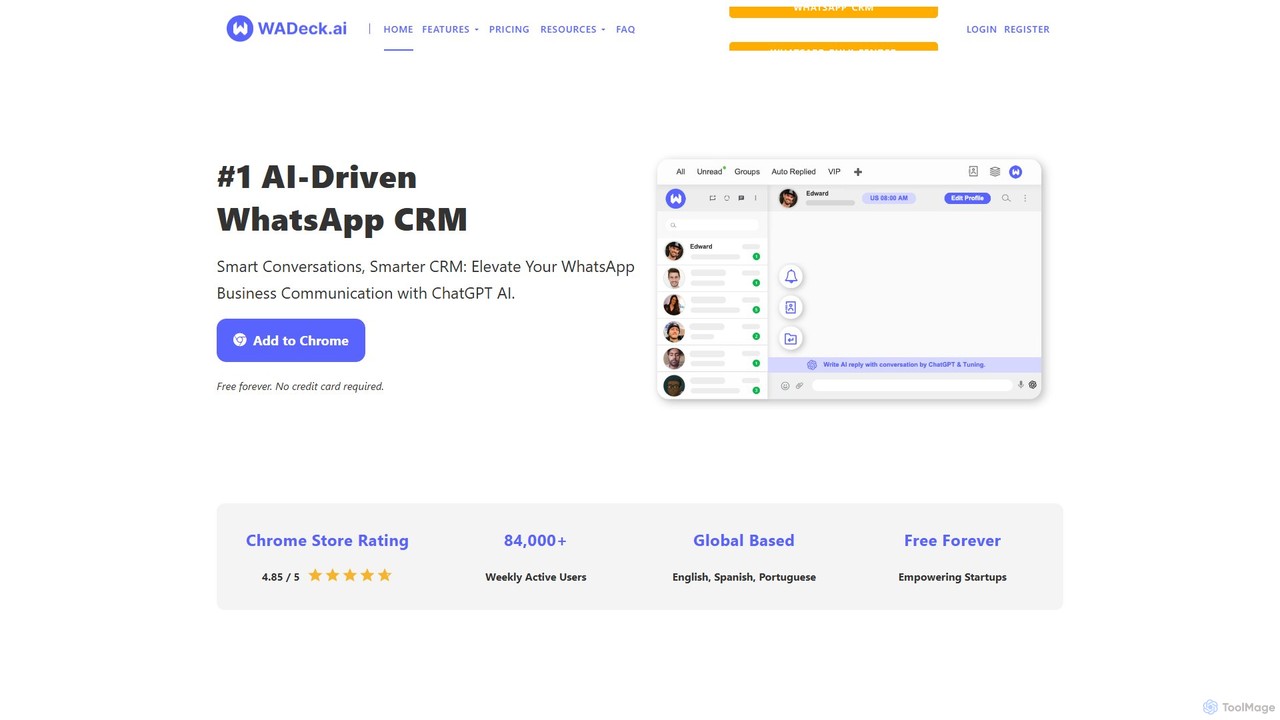
WADeck
WADeck is an AI-driven WhatsApp CRM designed as a Chrome extension. It leverages ChatGPT to enhance business communication by providing smart replies, chat summarization, and marketing message optimization. It helps users organize chats with custom tabs, send personalized broadcast messages, and automate conversations.
Chatbot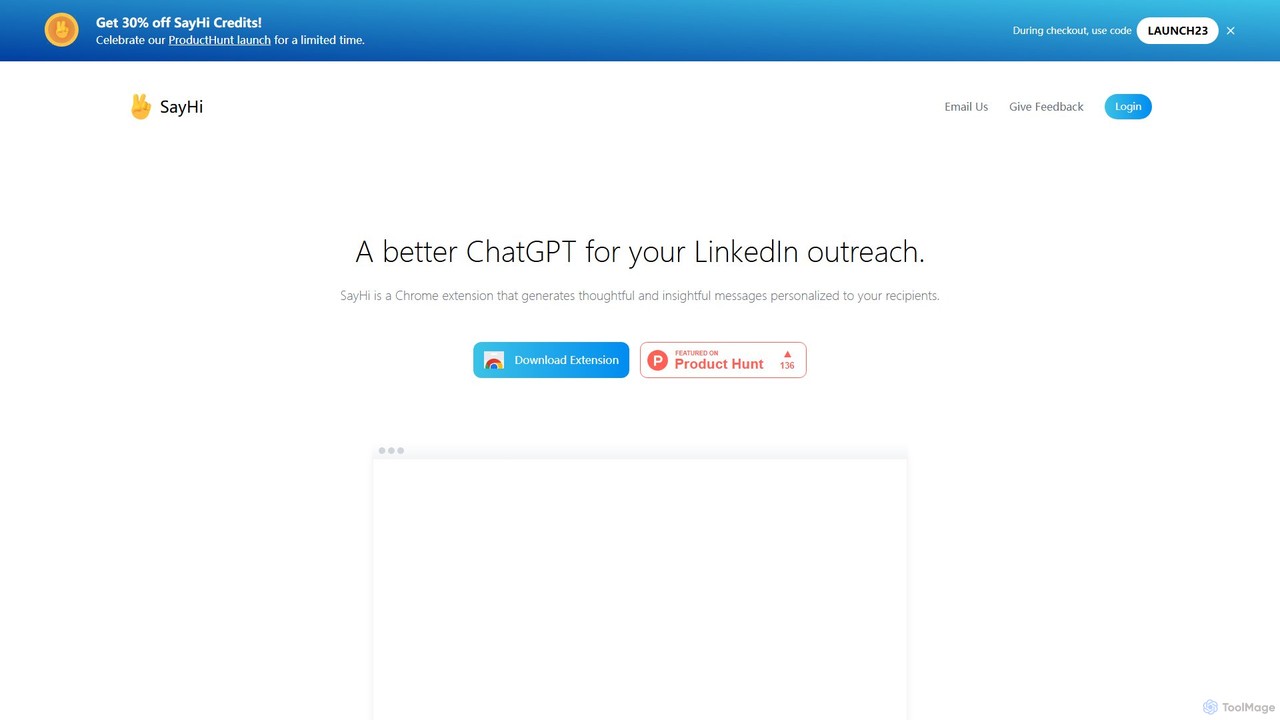
SayHi
SayHi is an AI-powered Chrome extension designed to generate highly personalized and persuasive messages for LinkedIn outreach. It analyzes recipient profiles to help sales professionals, recruiters, and networkers craft unique messages that boost engagement and response rates.
Recruiting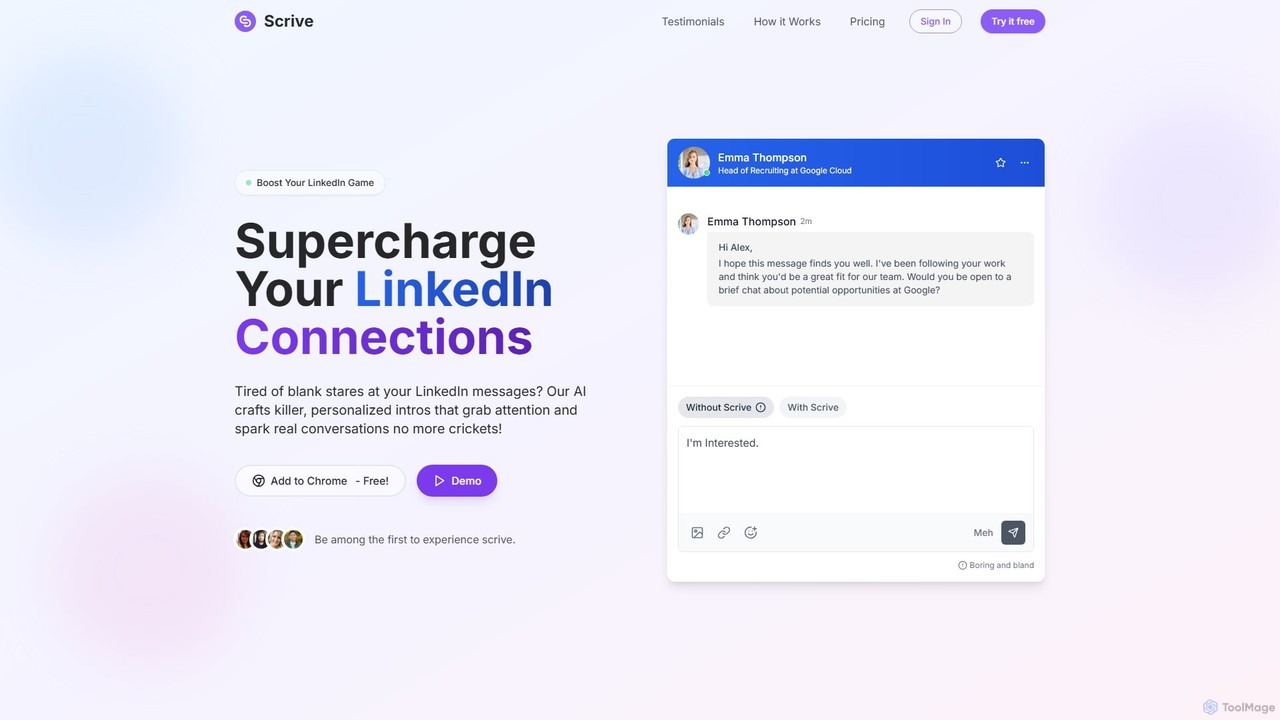
Scrive
Scrive is an AI-powered LinkedIn message assistant designed to boost your networking and outreach efforts. As a Chrome extension, it helps you craft highly personalized, compelling messages that grab attention and significantly increase response rates. Ideal for sales professionals, recruiters, and anyone looking to build meaningful connections, Scrive saves time and eliminates writer's block by generating and refining messages directly within the LinkedIn interface.
Writing Assistant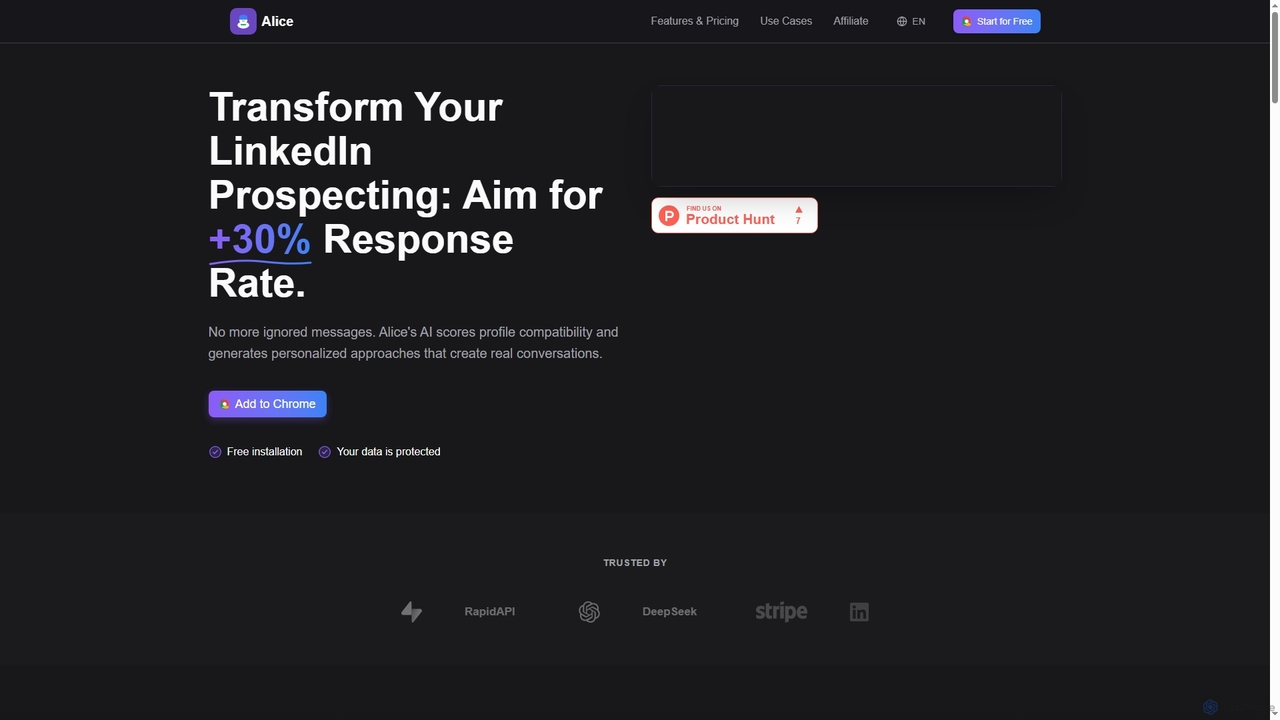
Alice
Alice is an AI-powered Chrome extension designed to revolutionize LinkedIn prospecting. It analyzes profile compatibility and generates highly personalized messages and icebreaker comments, aiming to boost your response rates by over 30% and streamline your lead generation efforts.
OutreachDex
Dex is a personal CRM designed to help you build stronger relationships. It acts as a modern rolodex, consolidating contacts from LinkedIn, email, and other platforms into one central hub. Dex helps you remember important details, keep in touch, and manage your personal and professional network with ease and thoughtfulness, replacing complex spreadsheets and sales-focused CRMs.
Contact Management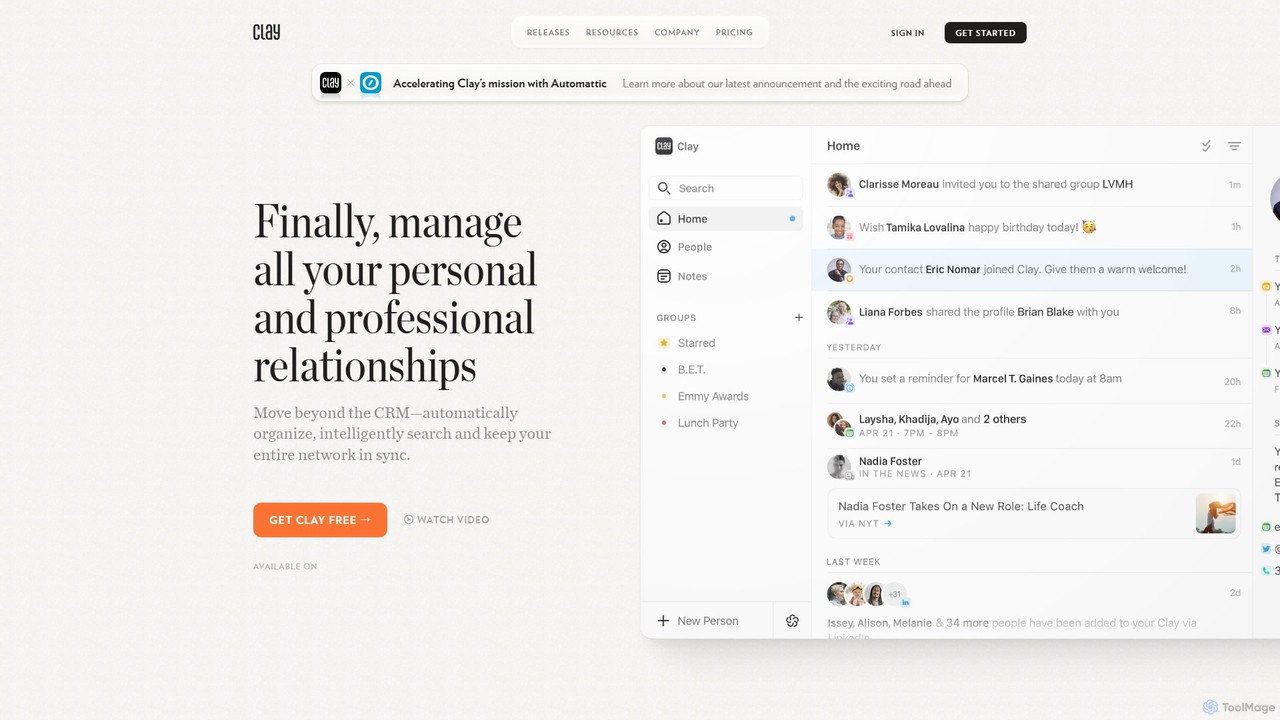
Clay
Clay is an intelligent, AI-powered personal CRM designed to help you be more thoughtful with your personal and professional relationships. It automatically organizes your network from various sources, provides timely reminders and updates, and helps you build stronger connections without the complexity of traditional CRMs.
Crm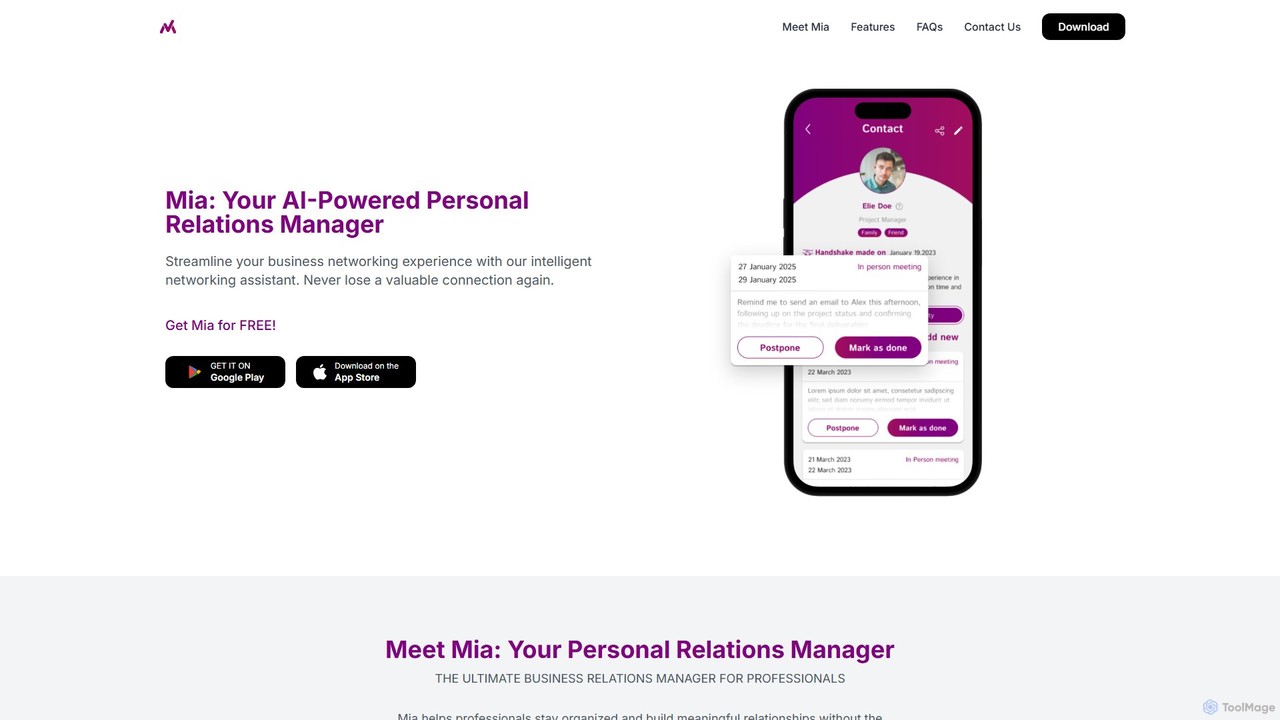
Mia PRM
Mia PRM is an AI-powered Personal Relations Manager designed for professionals to streamline business networking. This intelligent mobile app helps you manage contacts, scan business cards, and nurture relationships without complex CRM software. By providing smart reminders and a clear history of interactions, Mia ensures you never lose a valuable connection and can capitalize on every networking opportunity. It's available for both iOS and Android.
Networking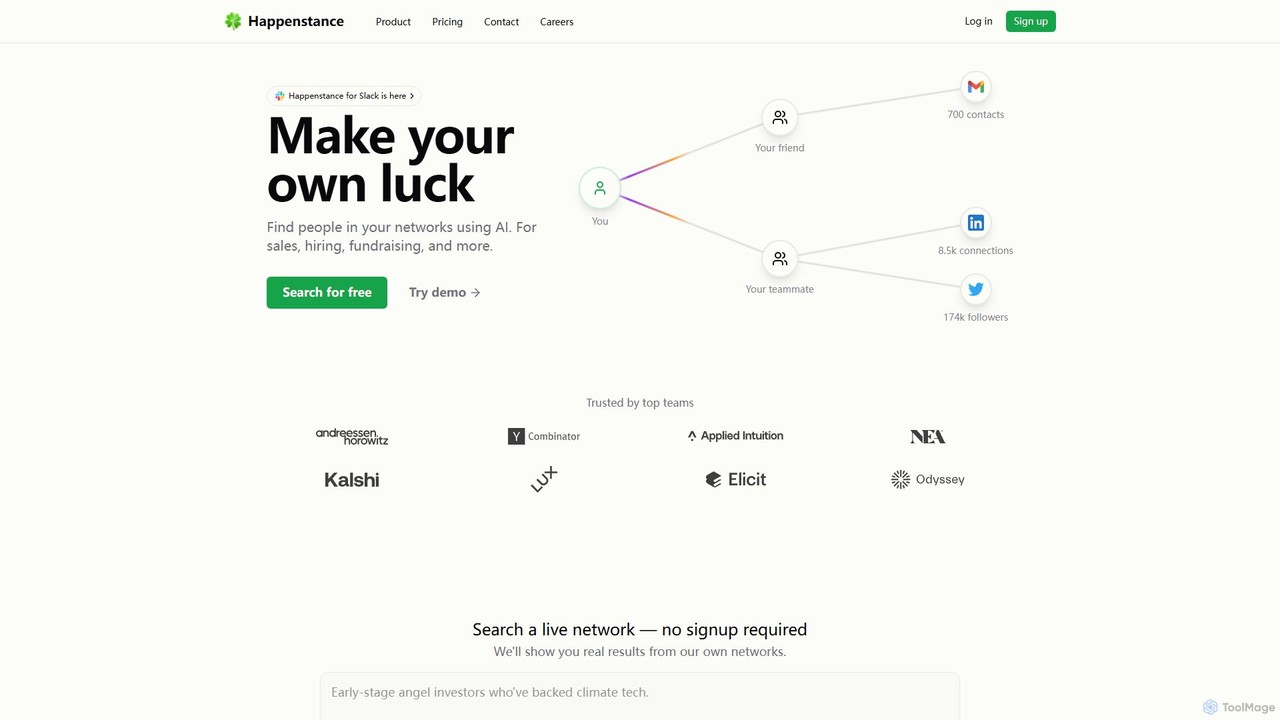
Happenstance
Happenstance is an AI-powered search engine that unlocks the full potential of your professional network. It allows you to use natural language to search across your and your team's connections on LinkedIn, Twitter, and Gmail, making it ideal for sales, hiring, and fundraising.
Recruiting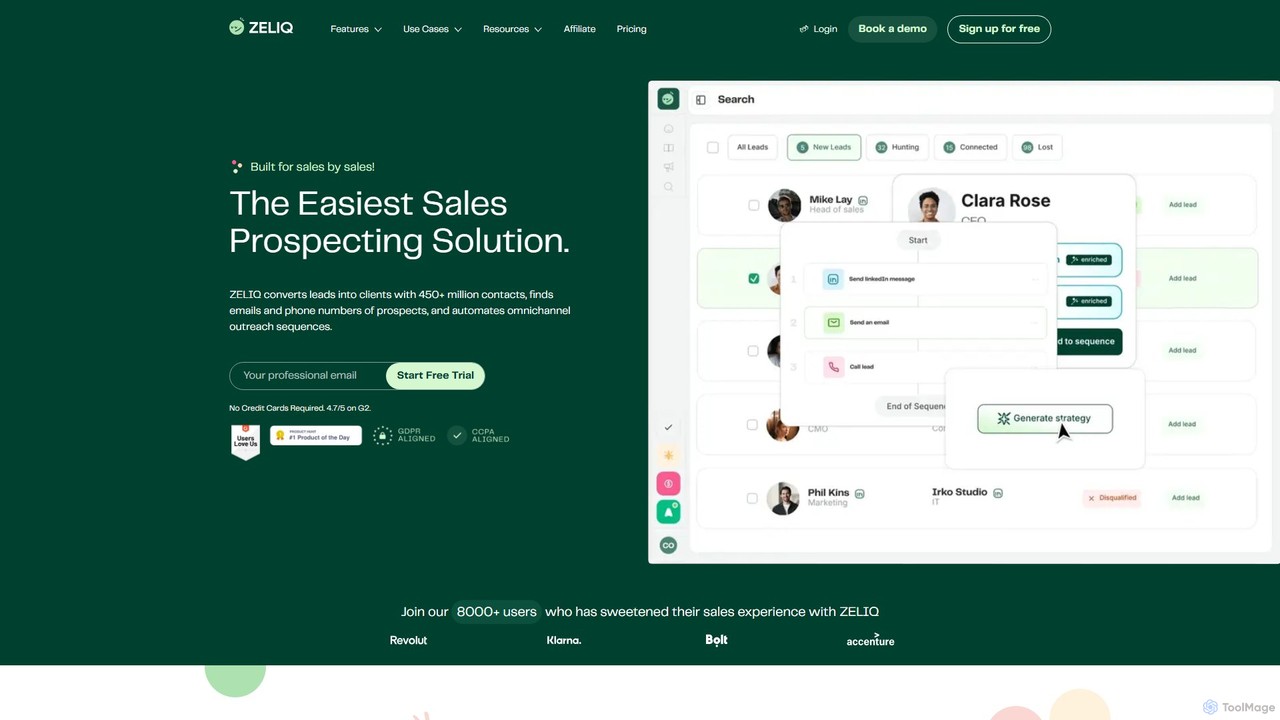
Zeliq
Zeliq is an all-in-one AI-powered sales prospecting platform designed to streamline the entire sales process. It helps users find leads from a database of over 450 million contacts, enrich them with verified emails and phone numbers, and automate omnichannel outreach sequences across email, LinkedIn, and VoIP.
Email Marketing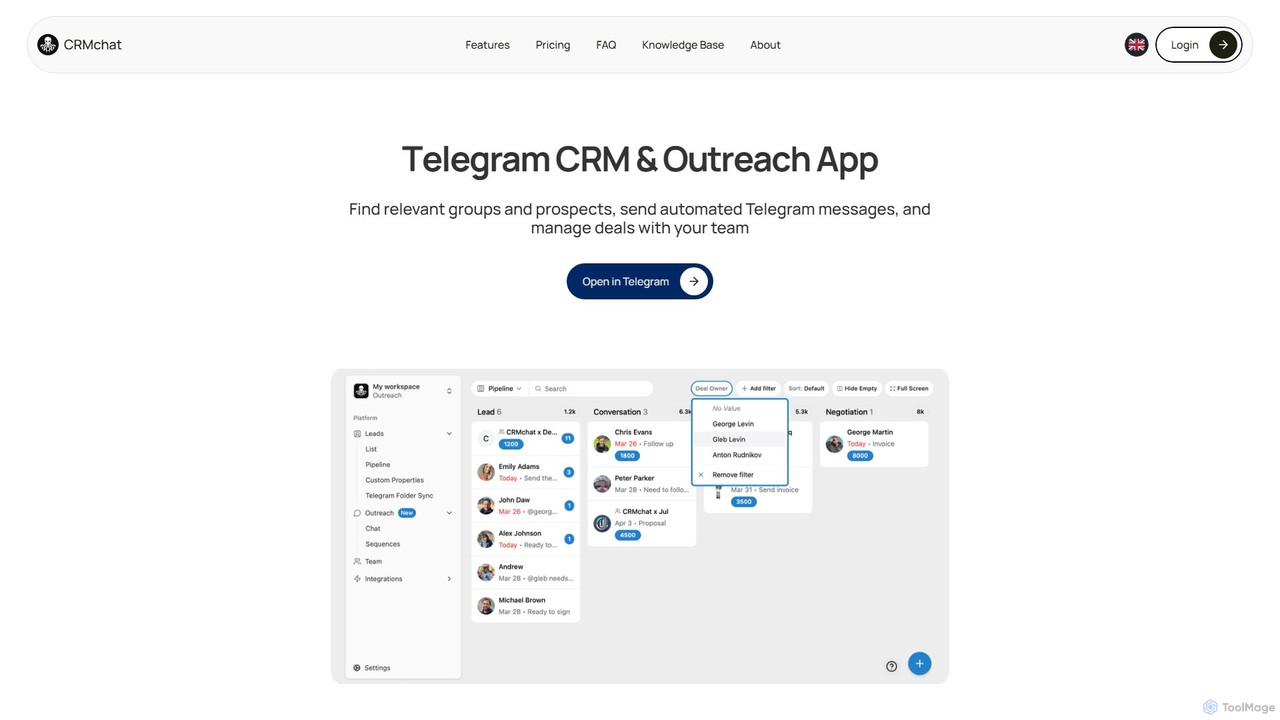
crmchat
crmchat is a specialized CRM and outreach application designed for Telegram. It helps users find relevant groups and prospects, automate personalized messaging campaigns, and manage customer relationships and deals directly within the Telegram ecosystem, boosting sales and marketing efficiency.
Messaging
CherryPick Comments (0)
Sign in to comment.
Sign inNo comments yet.