

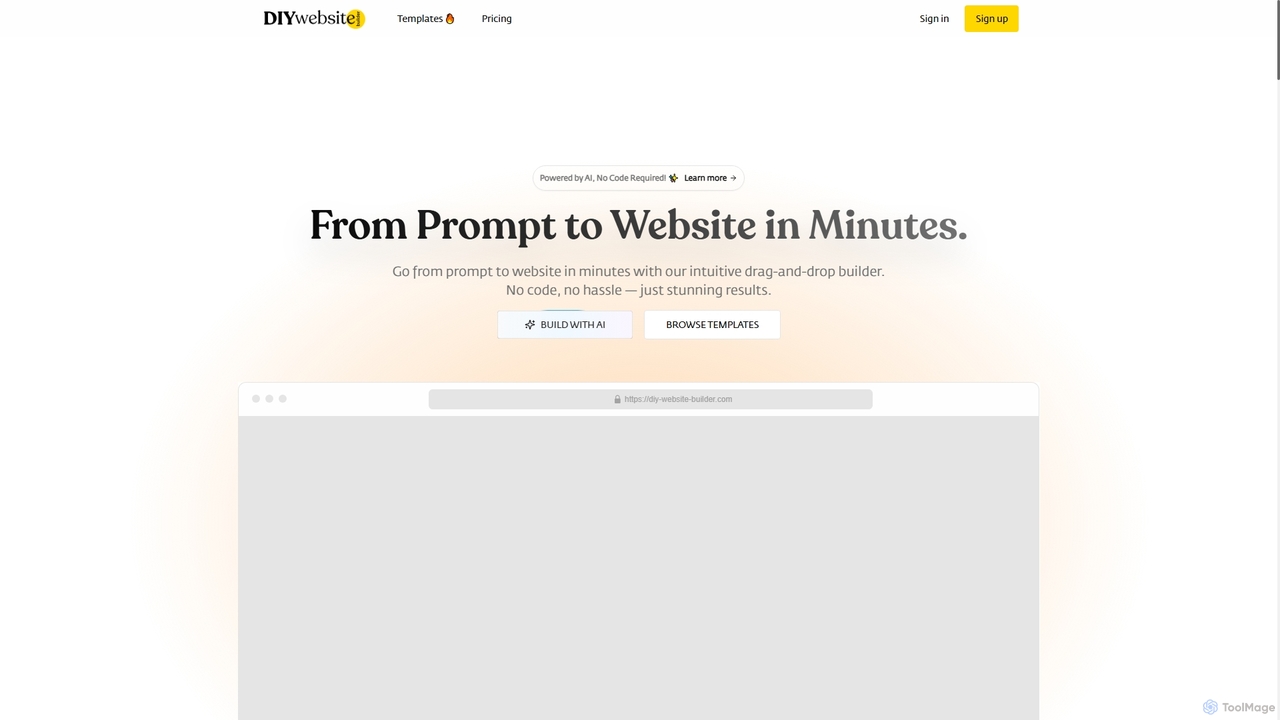
Diy Website Builder Overview
Diy Website Builder is an innovative platform designed for users of all skill levels to create stunning, professional websites without writing a single line of code. Powered by advanced AI, it can generate a complete, responsive website from a simple text description in minutes. The platform combines the speed of AI generation with the flexibility of an intuitive drag-and-drop editor, allowing for deep customization. It offers a wide range of professionally designed templates for various industries, ensuring every user can find a perfect starting point for their project. With features like built-in SEO tools, reliable hosting, and mobile-responsive design by default, Diy Website Builder provides a comprehensive solution for building and launching an online presence quickly and affordably.
How to use Diy Website Builder
Using the tool is a straightforward three-step process: 1. Describe your website idea in a text prompt, providing details about your business, style, and desired functionality. 2. The AI engine will instantly generate a complete website draft, including text, images, and a professional layout. 3. Customize the AI-generated site using the simple drag-and-drop editor to change colors, fonts, images, and content. Once satisfied, you can publish your website to go live.
Core Features of Diy Website Builder
- AI Website Generation: Creates a full website from a simple text prompt.
- Drag-and-Drop Editor: Easily customize every element of your site without any coding knowledge.
- Responsive Design: All websites are automatically optimized to look great on desktops, tablets, and smartphones.
- Customizable Templates: A wide selection of professionally designed templates for industries like business, photography, real estate, and more.
- Built-in SEO Tools: Features to customize metadata and optimize URLs to improve search engine rankings.
- Reliable Hosting: Secure and fast hosting with guaranteed uptime is included with all plans.
- Hire an Expert Service: Option to hire the platform's creators for custom design, development, and complex builds.
Use Cases for Diy Website Builder
Ideal for entrepreneurs, small business owners, artists, photographers, and consultants who need to establish an online presence quickly. It's perfect for creating portfolios, business landing pages, online stores, blogs, and personal websites. The 'Hire an Expert' service also makes it suitable for businesses needing more complex, custom-built websites with specific integrations.
Advantages of Diy Website Builder
The primary advantage is its speed and ease of use, allowing users to go from idea to a published website in minutes. It's a highly cost-effective alternative to hiring a web developer. The AI-driven design process ensures professional, aesthetically pleasing results without needing design skills. The platform is scalable, with plans that grow with your business needs, and includes essential features like SEO and hosting, providing an all-in-one solution.
Pricing and Plans
Diy Website Builder offers a freemium model with four distinct plans (prices shown are for annual billing, which includes a discount):
- Free Plan: $0/year. Includes 1 website, 2 AI-generated pages per day, 102MB storage, and 100 monthly visits.
- Basic Plan: $9.99/month. Includes 10 websites, 10 AI-generated pages per day, 1GB storage, and 10,000 monthly visits.
- Pro Plan: $17.99/month. Includes 20 websites, 20 AI-generated pages per day, 2GB storage, and 100,000 monthly visits.
- Gold Plan: $29.99/month. Includes 50 websites, 50 AI-generated pages per day, 5GB storage, and unlimited monthly visits.
All paid yearly plans come with a free .com domain, SEO tools, and the ability to transfer, share, and export the website.
Diy Website Builder FAQ
Diy Website Builder Alternatives
Pagecloud
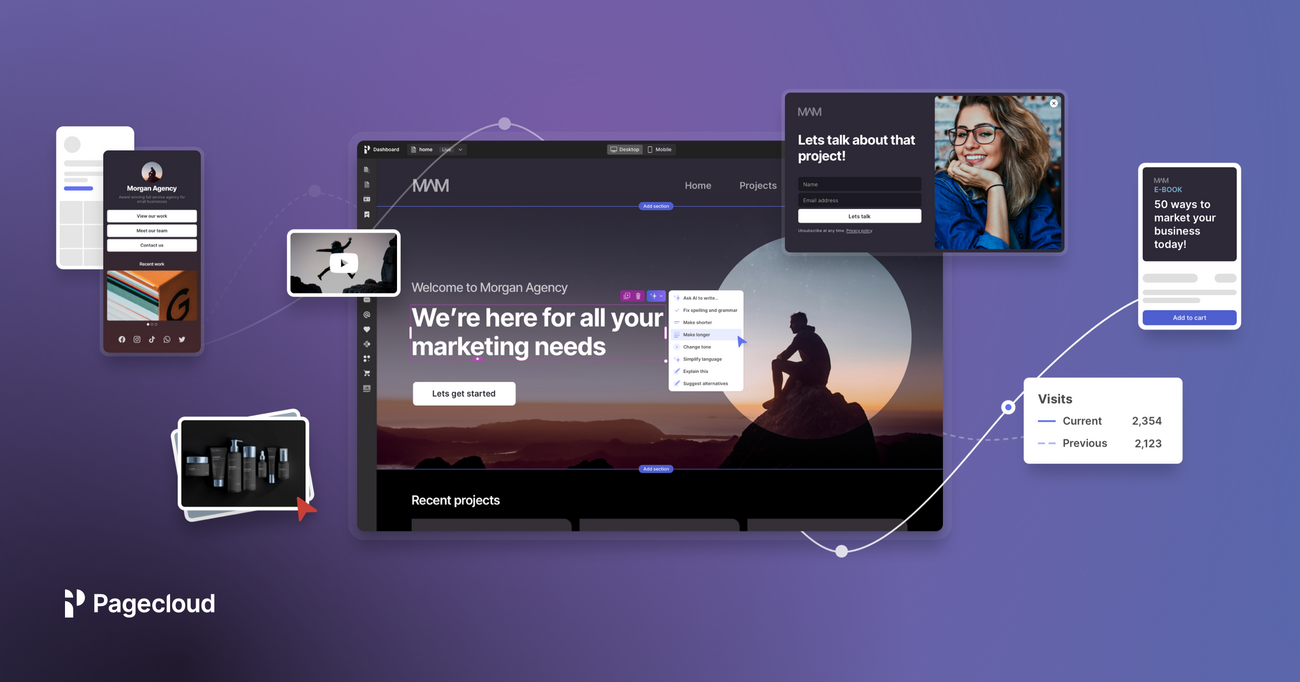
Pagecloud is an AI-powered, drag-and-drop website builder that empowers anyone to create professional, custom websites without coding. It combines a user-friendly interface with powerful design flexibility, e-commerce capabilities, and integrated AI tools for content generation and SEO. Ideal for small businesses, freelancers, and creators who want full creative control over their online presence.
Store Builders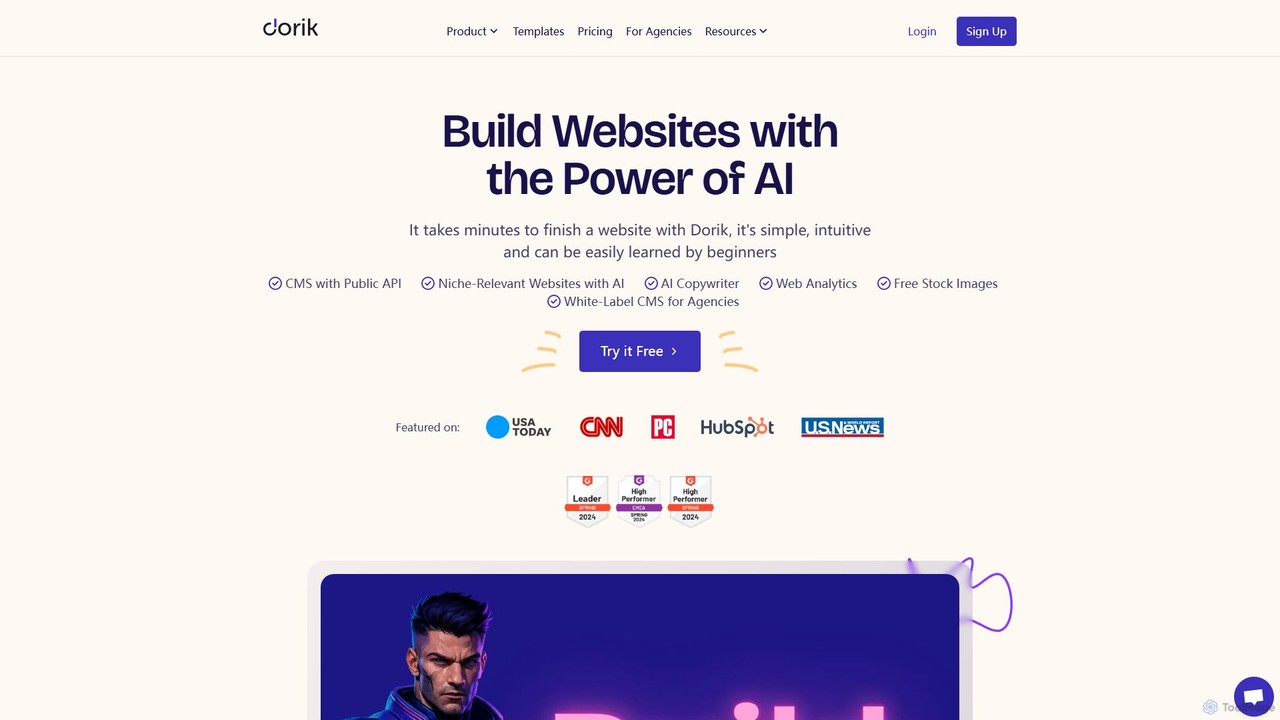
Dorik
Dorik is an AI-powered, no-code website builder that enables users to create stunning, professional websites in minutes. It features an intuitive drag-and-drop editor, AI content and image generation, a built-in CMS, and robust hosting. Designed for beginners, agencies, and businesses, Dorik offers an affordable and flexible solution for building everything from landing pages and blogs to complex, data-driven sites with Airtable integration.
Landing Page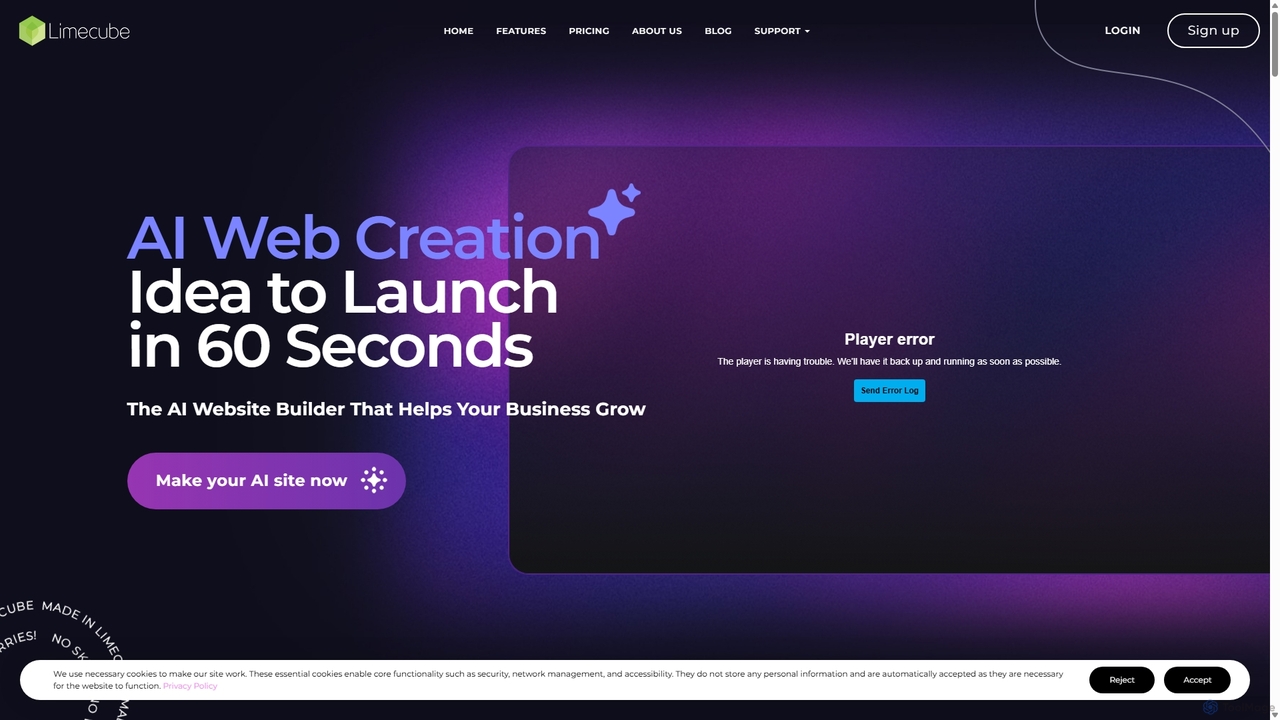
Limecube
Limecube is an AI-powered website builder designed for startups, entrepreneurs, and small businesses. It enables users to generate a complete, professional, and SEO-optimized website in just 60 seconds. Featuring an intuitive drag-and-drop editor, AI content writer, integrated e-commerce, and robust marketing tools, Limecube simplifies the entire web creation process, requiring no coding or design experience.
Content Generation
Netjet
Netjet is an AI-powered, no-code website builder that enables users to create stunning, professional websites and landing pages in seconds. It features a drag-and-drop editor, AI content generation, over 1,000 templates, integrated e-commerce, and fast, secure hosting. Ideal for businesses, entrepreneurs, and agencies looking to build a powerful online presence without any coding knowledge.
Store Builder
InstaWebAI
InstaWebAI is an AI-powered platform that instantly creates professional, multi-page websites from a simple business description. No coding or design skills are required. It offers a complete solution with AI-generated content and images, an intuitive drag-and-drop editor, built-in advanced SEO tools, reliable hosting, and e-commerce capabilities. This allows entrepreneurs, small businesses, and agencies to launch a fully functional, stunning website in just minutes.
Design AssistantDiy Website Builder Categories
Diy Website Builder Jobs
Diy Website Builder Embed Widget
Copy this embed code to place the badge on your blog, article, or product site and send readers directly to this ToolMage detail page.

Related AI tools
Pagecloud
Pagecloud is an AI-powered, drag-and-drop website builder that empowers anyone to create professional, custom websites without coding. It combines a user-friendly interface with powerful design flexibility, e-commerce capabilities, and integrated AI tools for content generation and SEO. Ideal for small businesses, freelancers, and creators who want full creative control over their online presence.
Store BuildersLimecube
Limecube is an AI-powered website builder designed for startups, entrepreneurs, and small businesses. It enables users to generate a complete, professional, and SEO-optimized website in just 60 seconds. Featuring an intuitive drag-and-drop editor, AI content writer, integrated e-commerce, and robust marketing tools, Limecube simplifies the entire web creation process, requiring no coding or design experience.
Content GenerationInstaWebAI
InstaWebAI is an AI-powered platform that instantly creates professional, multi-page websites from a simple business description. No coding or design skills are required. It offers a complete solution with AI-generated content and images, an intuitive drag-and-drop editor, built-in advanced SEO tools, reliable hosting, and e-commerce capabilities. This allows entrepreneurs, small businesses, and agencies to launch a fully functional, stunning website in just minutes.
Design Assistant
Jyek
Jyek is an AI agent platform that understands objectives, creates execution plans, uses tools, and delivers verifiable results for complex, multi-step tasks.
AutomationNetjet
Netjet is an AI-powered, no-code website builder that enables users to create stunning, professional websites and landing pages in seconds. It features a drag-and-drop editor, AI content generation, over 1,000 templates, integrated e-commerce, and fast, secure hosting. Ideal for businesses, entrepreneurs, and agencies looking to build a powerful online presence without any coding knowledge.
Store Builder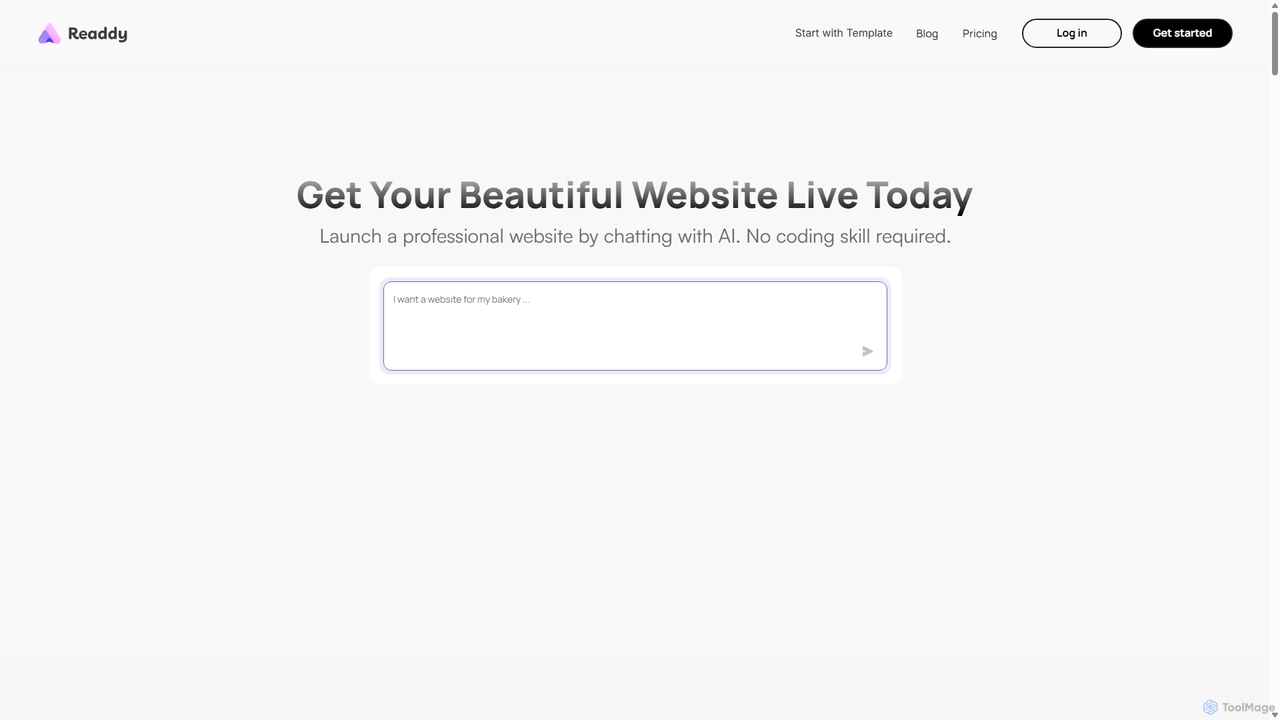
Readdy
Readdy is an AI-powered website builder that creates professional, mobile-friendly, and SEO-optimized websites in minutes from a simple text prompt. No coding skills are required. Simply describe your business or idea, and Readdy's AI will automatically generate a complete site with layout, content, and images, ready to launch or customize.
3D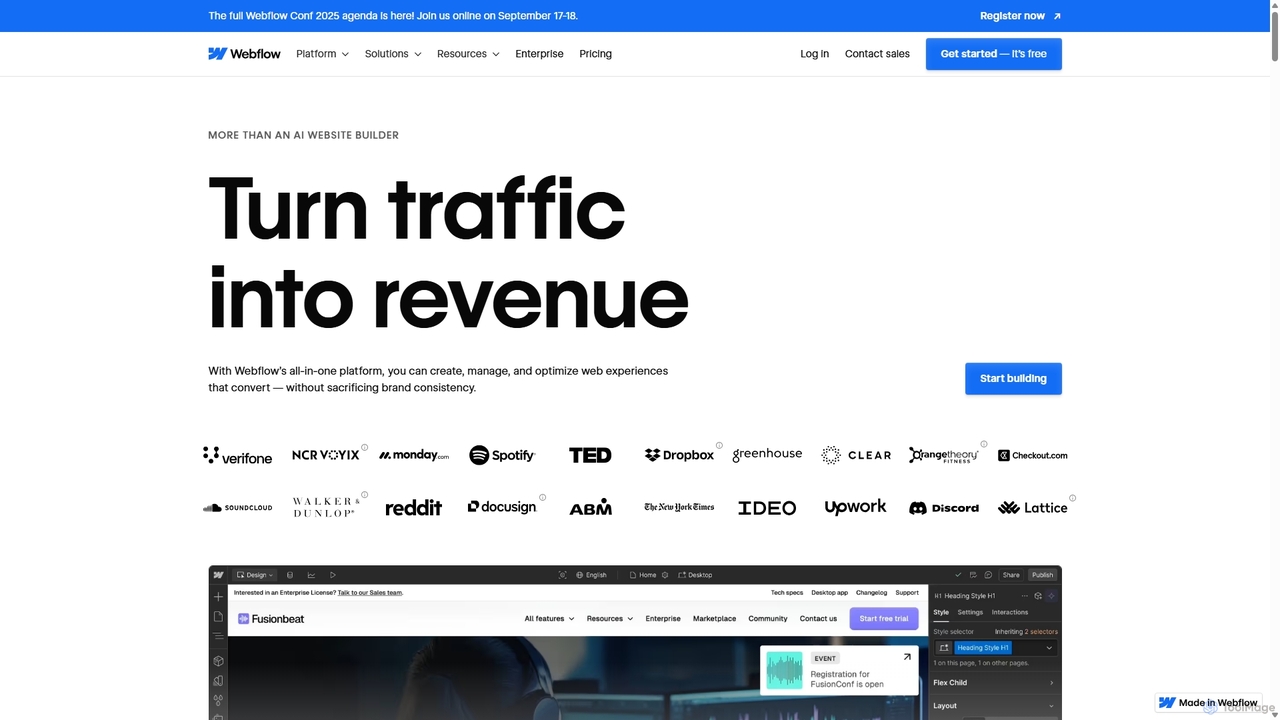
Webflow
Webflow is a visual development platform that empowers users to design, build, and launch professional, custom websites without writing code. It combines a powerful visual designer, a flexible CMS, and high-performance hosting into a single platform, enhanced with AI features for faster creation and optimization.
Web Design
Hocoos
Hocoos is an AI-powered website builder that enables users to create a professional website in just 5 minutes. By answering a few simple questions, the AI generates a complete, customized site with text and images. It's designed for small businesses, entrepreneurs, and individuals without technical skills, offering features like AI content generation, a booking system, e-commerce capabilities, and an AI blog builder.
Content Creation
Stunning
Stunning is an AI-powered website builder that allows you to create professional, fully-functional websites simply by chatting. Describe your ideal site in plain language, and the AI generates a complete design with text and images in minutes. It's perfect for entrepreneurs, freelancers, and businesses who need a beautiful online presence without any coding or design skills.
Generative Art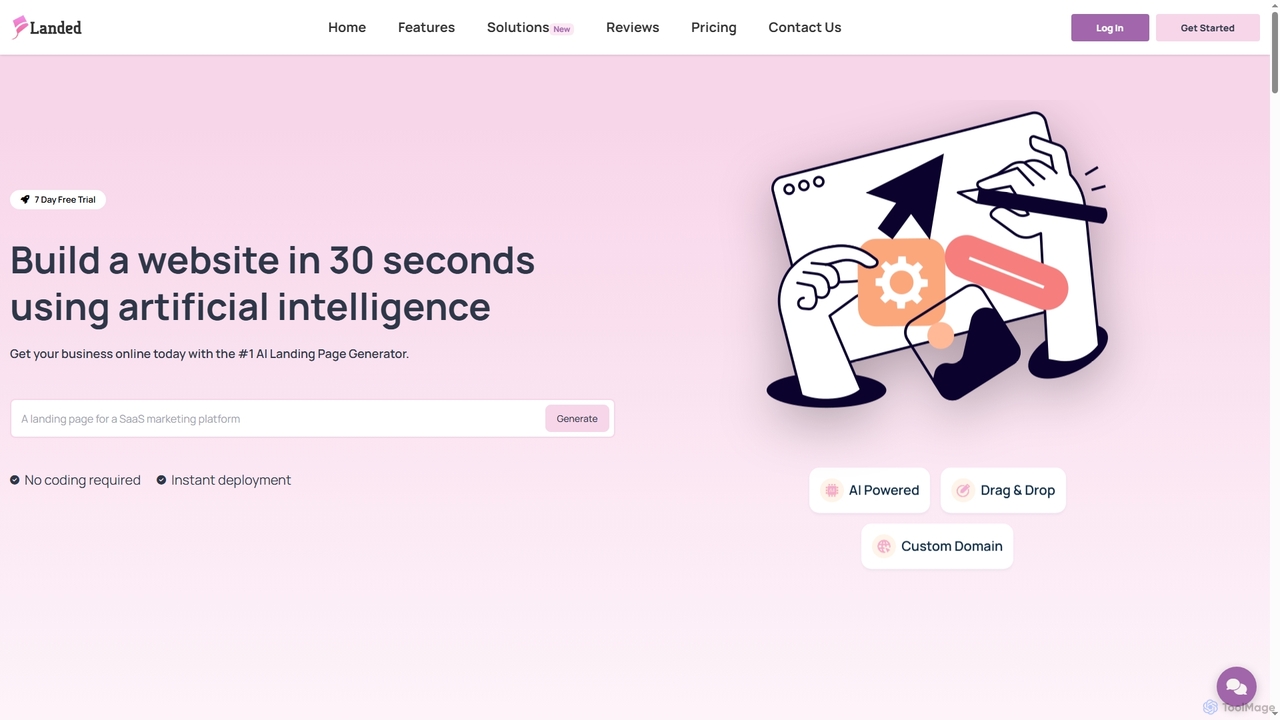
Landed
Landed is an AI-powered website builder that enables users to create professional landing pages and websites in seconds without coding. Describe your business, and its AI generates a unique, customizable site complete with a drag-and-drop editor, custom domain support, and SEO optimization.
Website Tools
PageGPT
PageGPT is an AI-powered landing page generator that instantly creates unique, high-converting websites. Users describe their product and desired style, and the AI generates complete designs, copy, and images. Customization is done effortlessly through natural language chat, eliminating the need for complex drag-and-drop editors.
Web Design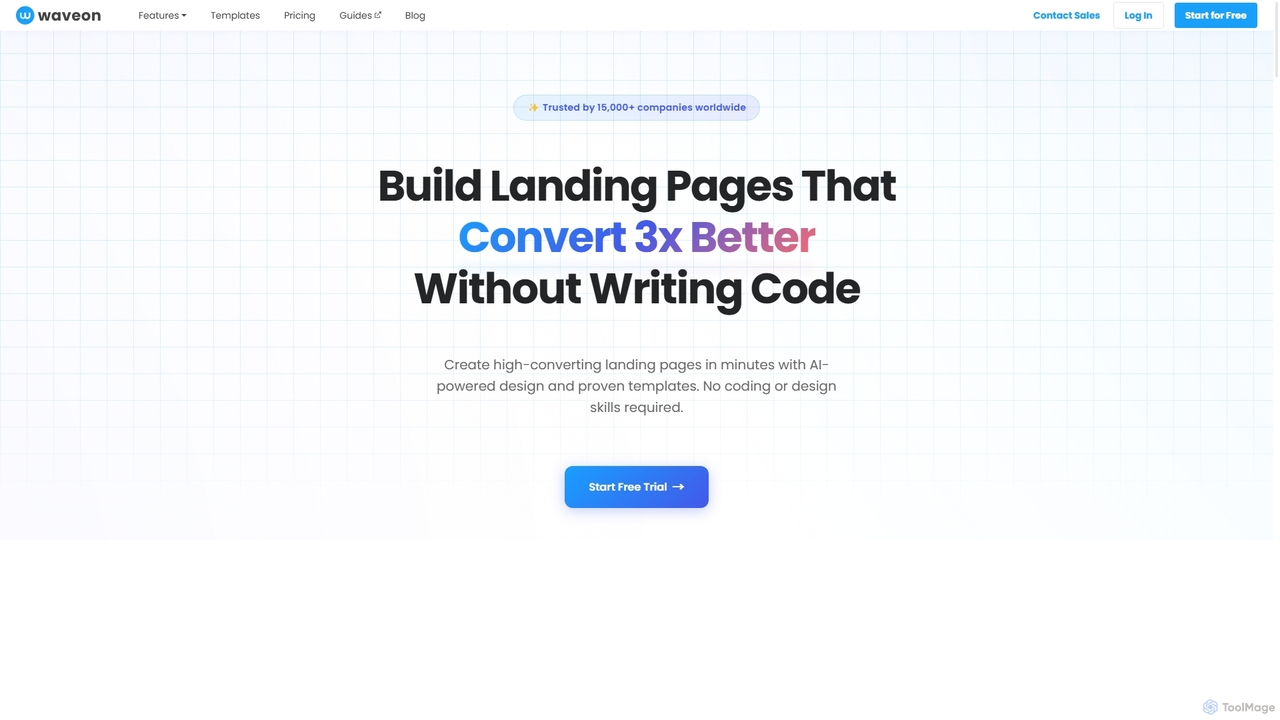
Waveon
Waveon is a no-code AI website and landing page builder designed for marketers and businesses. It allows users to create high-converting landing pages in minutes using AI-powered design, proven templates, and intuitive editing tools. No coding or design skills are required, making it ideal for rapid marketing experiments, lead generation, and promotional campaigns.
Landing Page Builder
Brizy AI Builder
An AI-powered website builder that generates complete, professional websites in seconds. Users simply provide basic business information or a text prompt, and the AI creates custom text, images, and a full multi-page layout. It's ideal for small businesses, freelancers, and individuals needing a fast, easy way to establish an online presence with full editing control after generation.
Web Design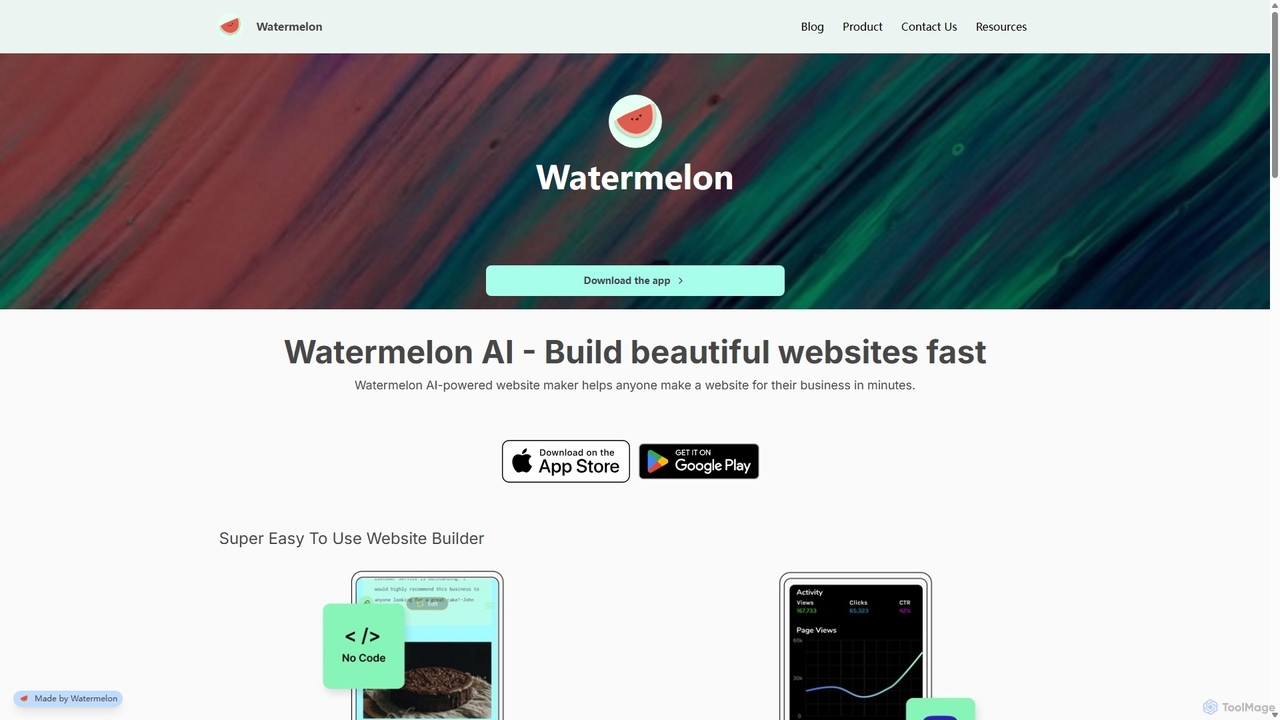
Watermelon
Watermelon is an AI-powered, no-code website builder designed for entrepreneurs and small businesses. It allows users to generate a complete, professional, and SEO-optimized website in minutes simply by typing a text prompt. With a mobile-first approach, you can build and manage your entire online presence directly from your phone or desktop, making it incredibly fast and convenient to launch and grow your business.
Ai Writer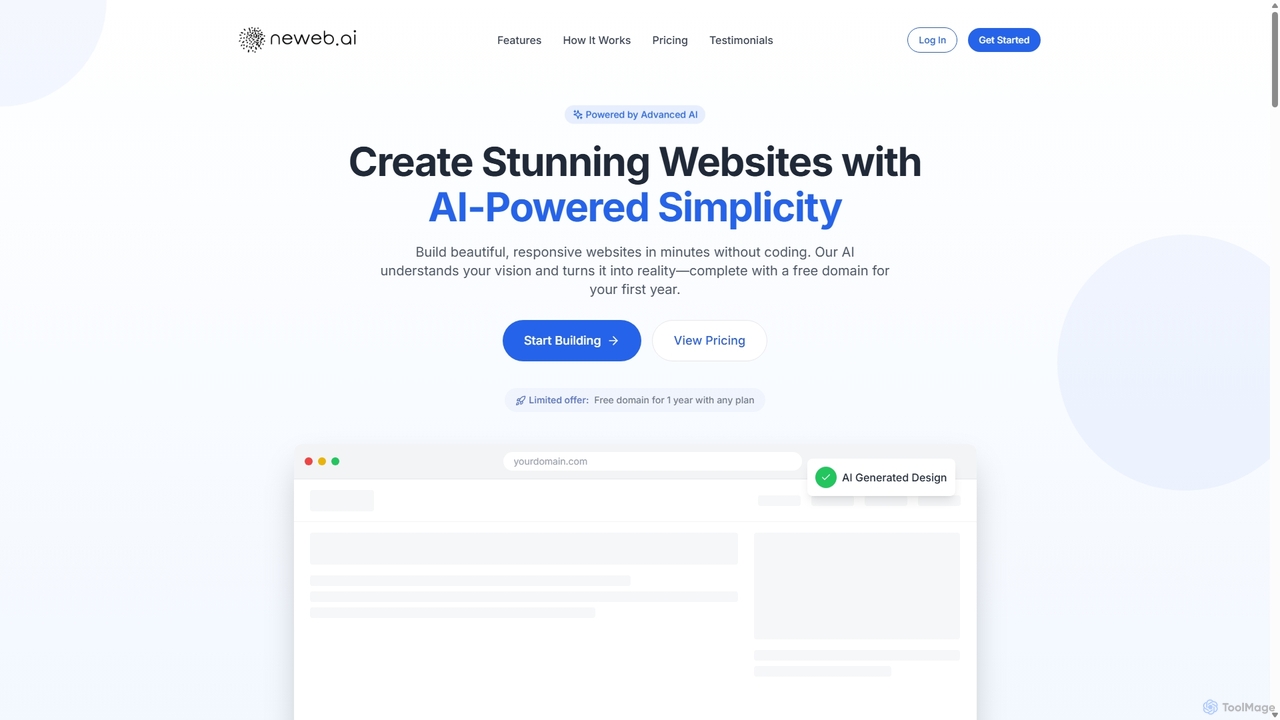
Neweb.ai
Neweb.ai is an advanced AI-powered website builder that enables users to create stunning, professional, and responsive websites in minutes without any coding. It leverages AI to generate designs, layouts, and content based on user descriptions, and includes a free domain for the first year.
Content Generation
Diy Website Builder Comments (0)
Sign in to comment.
Sign inNo comments yet.